|



Mike_da_Spike
-
Posts
3793 -
Joined
-
Last visited
-
Days Won
241
Content Type
Profiles
Forums
Events
Downloads
Store
Articles
Everything posted by Mike_da_Spike
-
The log is going mad about creating your backglass. I see you got videocards in it, I think that is causing the issue that it cant create the backglass. Cant you just have all via the 3060ti?
-

Disc-based games (Wii, GameCube, TG16, PS, etc.)
Mike_da_Spike replied to tabascoman77's topic in General
Your issue about the 'disappearance of the menu entries for a too-long list' was requested to be made scrollable. Check the following link https://forums.gameex.com/forums/topic/22259-pinballx-enhancementsfeatures-requests/?do=findComment&comment=206928 -
Disc-based games (Wii, GameCube, TG16, PS, etc.)
Mike_da_Spike replied to tabascoman77's topic in General
Or for testing, set it to cabinet (rotate 270 in settings) and check if it is there. That will confirm as well if it is the too many items to show in that menu problem. Best way for you is to use systems menu, instead of making seperate groups for system. The systems overvieuw can give a nice video and wheel as well -
Disc-based games (Wii, GameCube, TG16, PS, etc.)
Mike_da_Spike replied to tabascoman77's topic in General
Can you post your grouplist xml as well? -
Disc-based games (Wii, GameCube, TG16, PS, etc.)
Mike_da_Spike replied to tabascoman77's topic in General
I thought in settings to 60 systems, but could be manually extended to 100. -
Disc-based games (Wii, GameCube, TG16, PS, etc.)
Mike_da_Spike replied to tabascoman77's topic in General
To play TurboGrafx-16 (TG-16) emulator games from the command line, you can use an emulator like Mednafen, which is known for its accuracy and command-line interface. Same as above, first test from commandline if this is working : Navigate to Mednafen Directory: Use the cd command to change to the directory where you extracted Mednafen. For example: cd path/to/mednafen Run the Emulator with Your Game: Use the following command to start the emulator with your game: mednafen path/to/your/game.pce For CD games, you might need to specify the .cue file: mednafen path/to/your/game.cue If the games are launching fine from command line,you can add them to pinballx -
Disc-based games (Wii, GameCube, TG16, PS, etc.)
Mike_da_Spike replied to tabascoman77's topic in General
Whats the error you get ? Issue is not pinballx, but the way you launch it. Pinballx just launch what you put in the parameters. First try to get it to work outside pinballx 1. Open Command Prompt: - Press `Win + R`, type `cmd`, and press Enter. 2. Navigate to the Emulator Directory: - Use the `cd` command to navigate to the folder where `psxfin.exe` is located. For example: cd C:\path\to\psxfin psxfin.exe "path\to\your\game.iso" 3. Launch the Emulator with the CD Image: - Use the following command to launch the emulator with your CD image: psxfin.exe "path\to\your\game.iso" - Replace `"path\to\your\game.iso"` with the actual path to your CD image file. If this is functioning properly, you can add it to PinballX. If not, please rectify the issue in an appropriate manner. -
Disc-based games (Wii, GameCube, TG16, PS, etc.)
Mike_da_Spike replied to tabascoman77's topic in General
01:21:07.06 9/19/2024: C:\Flynns\Dolphin-x64\Dolphin.exe "C:\Flynns\roms\wii\GoldenEye 007 (USA) (En,Fr).nkit.nkit" I think log says enough. Remove the .nkit from your parameter line -
Why not ? PinbalLX is able to kill the emulators. So if it aint working for you, something is wrong. Are you running VP or any other game/emulator as administrator ?
-
Enjoy your monitor; it will greatly enhance your gaming experience with its 144hz/fps capability!
-
I have a ASUS ROG Swift PG38UQ 38" 4K Ultra HD 144Hz IPS and dont experience the issue. If you enable the OSD and shows the fps, is it constantly 144fps ? Or does it drop ? I need to check my other monitor settings, butvthought I had mostly on default values.
-
Furthermore, VLC requires an additional 270 megabytes of storage and download space.
-
Erasing systems within Game List Manager...
Mike_da_Spike replied to tabascoman77's topic in General
Not a DBM user? -
Erasing systems within Game List Manager...
Mike_da_Spike replied to tabascoman77's topic in General
Yes, the default systems remain in place unless you remove the database directories from the disk, I believe. -
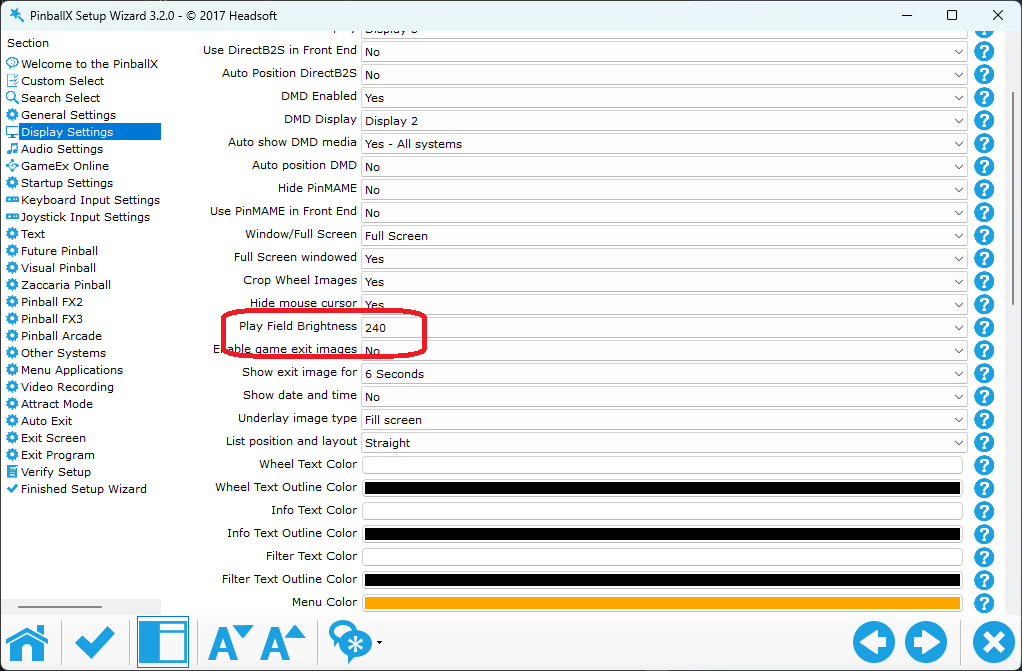
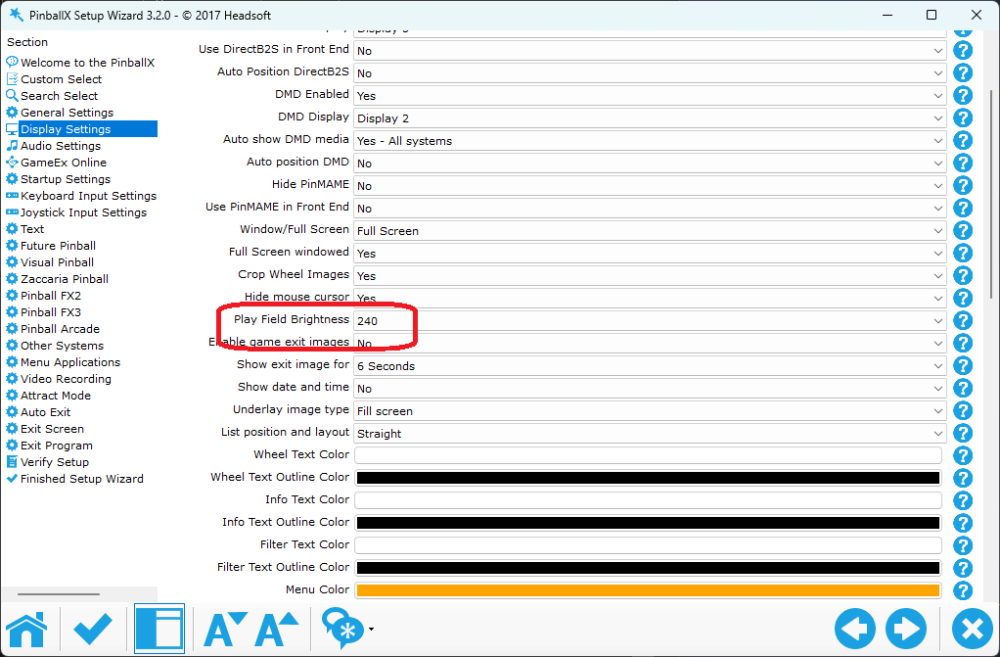
Do you have a monitor with HDR emabled within W11? Or how about the PF brightness setting ? (i have it to 240 as well) What are the Windows settings for your monitor (or Nvidia settings)?

-
Erasing systems within Game List Manager...
Mike_da_Spike replied to tabascoman77's topic in General
Remove unused systems from the pinballx.ini Dbm has an option to hide the disabled systems to avoid this as well -
You have set the "esc" key to quit the program. Please try to set exit emulator to same key. Your log shows it exists the emulator
-
First question: What will happen if you run the following command from the command line ? Does it launch, or does it give an error? Second, can you maybe post a video as well? As @Draco1962 mentioned, I don't understand what you mean by "error of not removing games." Your computer is operating on Windows 10 with a limited 4GB of memory, and you are attempting to launch VP 10.8 as well ? I suggest considering the PinballX Lite version as an alternative if your computer is outdated and lacks sufficient processing and memory power.
-
Plesse remove Databasemanager from previous post (orbignore dur8ngvreading ). Dbm will record the backglass during bulk videos if hide backglass is not checked and backglass recording is selected. Documentation will be updated.
-
To record Backglass I must check "Hide Backglass"
Mike_da_Spike replied to bushav's topic in General
You are utilizing the "hide backglass" function for an unintended purpose, which I also do . You are using it as a 'loading backglass' video/image that plays until another program takes over the screen. This is perfectly acceptable, but PinballX is not aware of this usage and assumes you wish to play the default PBX video. If you desire this feature to be officially supported (which I did not find in the PinballX enhancement/feature requests https://forums.gameex.com/forums/topic/22259-pinballx-enhancementsfeatures-requests/?do=findComment&comment=212499), you may want to request it, and perhaps Tom will consider implementing it. In the meantime, you have the option to use DBM's bulk video method or try the PBX recorder, although I haven't personally used the latter. -
To record Backglass I must check "Hide Backglass"
Mike_da_Spike replied to bushav's topic in General
Easy, so there's this option to hide the PinballX backglass video while you're playing a game. If you hide it, the game itself can show its own backglass. But if you don't hide it, PinballX will show its media or the default video if there's no media. It does not make sense to record PinballX's own media. Therefore, if the "Hide Backglass" option is not selected, PinballX will simply skip recording the backglass video. The latest programs like VPX and Zen Pinball FX take over the screen even if you choose not to hide the backglass. This creates a smooth transition between PinballX and the game, but PinballX won't record it. So, we trick the system by using DBM's bulk video to record the backglass. If you set it to not hide the DMD but record the backglass, it'll capture it If no media. Is present I hope this make sense and hope I explained it correctly -
If you only select the pf and bg recording, and uncheck the "overwrite older pf videos" and check "skip existing", it's safe to run. It'll only make videos through PinballX where it's missing the media for the selected screens/types. If you still unsure, make a copy of the media/system folder. Realy, I've been using it for years now and it's always worked for me. I can walk away because I set it to shut down the system when it's done.
-
Yes, that is strange. We use the same "api" as gamemanager to create videos. I can investigate further and conduct additional testing if something has changed in PinballX To clarify, unchecking the option in DBM and recording does not capture the video, but doing the same in gamemanager does? By the way, if you have all your videos neatly organized and you use bulk videos, it will only record the one video you want. It has some additional checks and other features in the code that make it slightly more powerful than the manual one.
-
Not following you 100% (must be my Dutch background). So, your setting is "hide backglass during game" is checked and when you do a bulk videos create with the "create backglass videos" it won't create it ? Or do you use the "create video" button per table?
-
Thanks for your message. Its caused by a new feature we implemented. We will fix it in a next release. Sorry for the red error ...