|



Mike_da_Spike
-
Posts
3790 -
Joined
-
Last visited
-
Days Won
241
Content Type
Profiles
Forums
Events
Downloads
Store
Articles
Everything posted by Mike_da_Spike
-
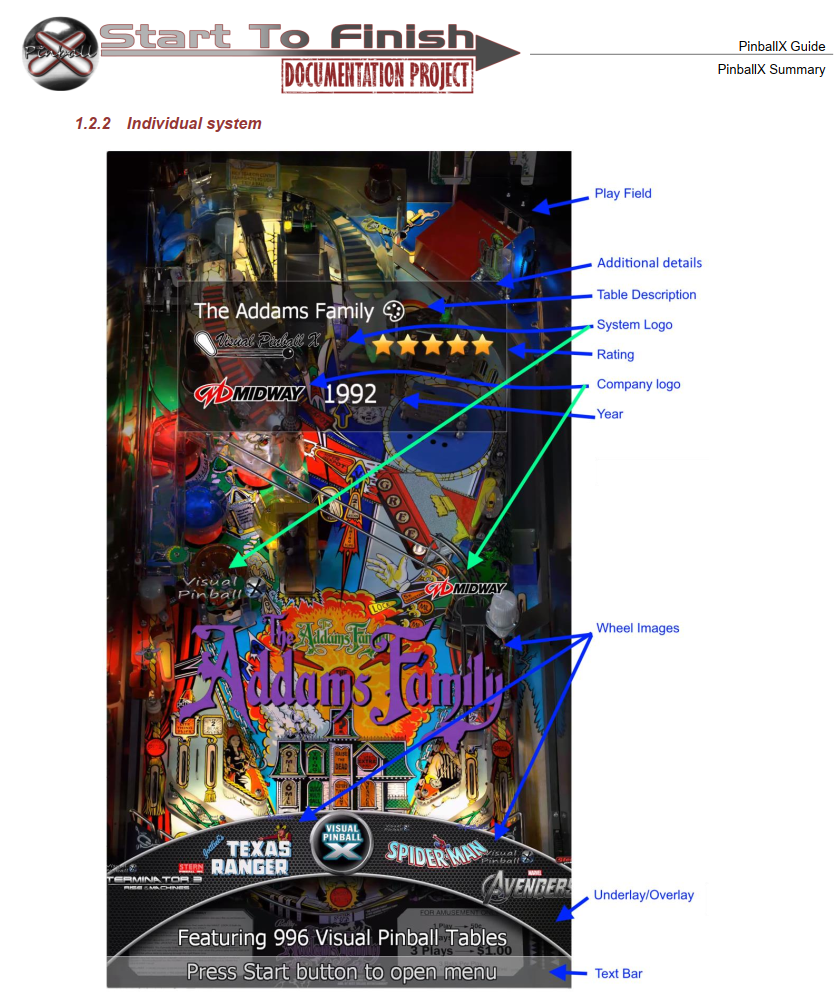
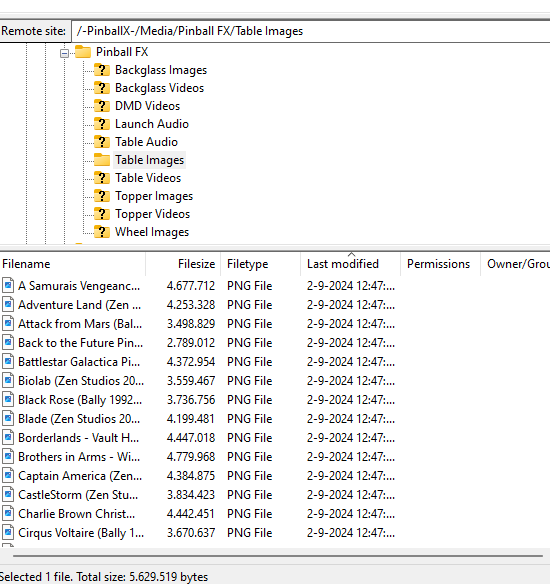
On the FTP server, I have uploaded all the Wheels, backglass images, and playfield images for all tables released until last Friday. These can be easily retrieved and placed into the correct directory with the proper names using Database Manager as well.
-
 Hello Everyone, On the FTP server (ftp.gameex.com), in the folder '/-PinballX-/Databases/Pinball FX', I have placed a file named 'Pinball FX.xml'. This file includes all the tables released up until last Friday. Furthermore, this file has also been included in the initial post under the name 'Pinball FX_128Tables.xml'. Additionally, on the FTP, I have uploaded all the Tarcisio wheels for Pinball X, along with backglass and playfield images. They are all organized by display names for easy identification. enjoy !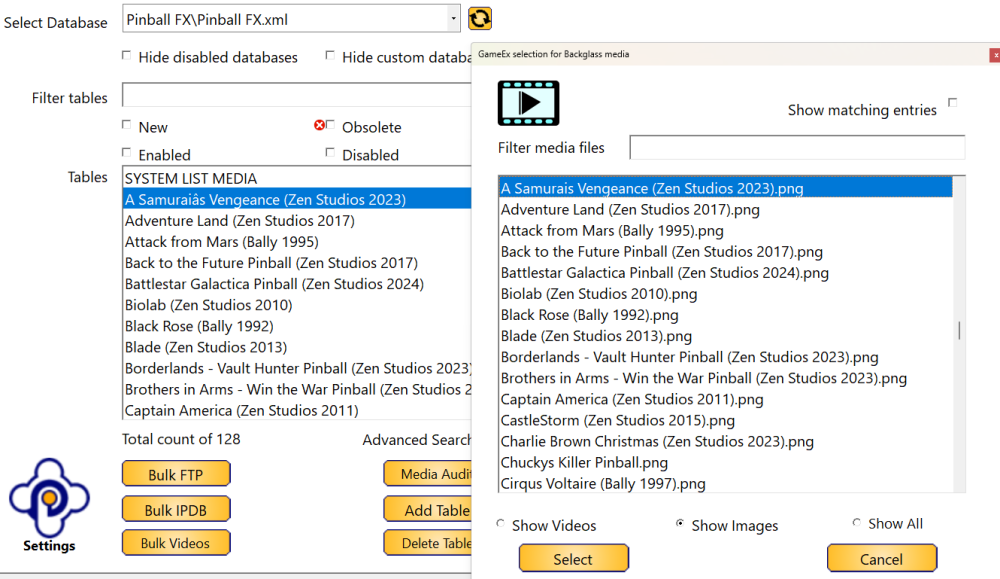
-
This one seems like the controller cannot be used with PinballX, even though Windows detects the controller. Log files and all other information should be helpful in identifying the problem.
-
Is the controller detected as a joystick controller within pinballx ? Reproduce your issue and send the log file and ini file.
-
Please use the following website to ask your question in your native language https://translate.google.com/?sl=es&tl=en and paste the result here. I know my DEnhlish is sometimes confused as well, maar als ik alles in het Nederlands alles type, dan snap je er ook niets van en moet je moeite doen om het te begrijpen
-
[RESOLVED] display playfield showing blue and yellow borders
Mike_da_Spike replied to duv67's topic in General
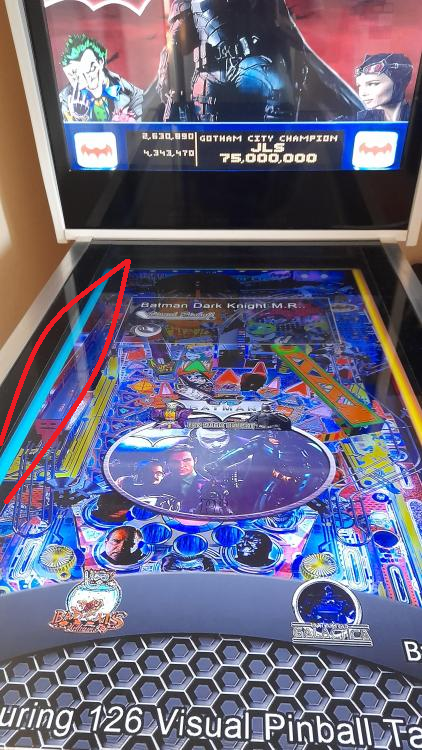
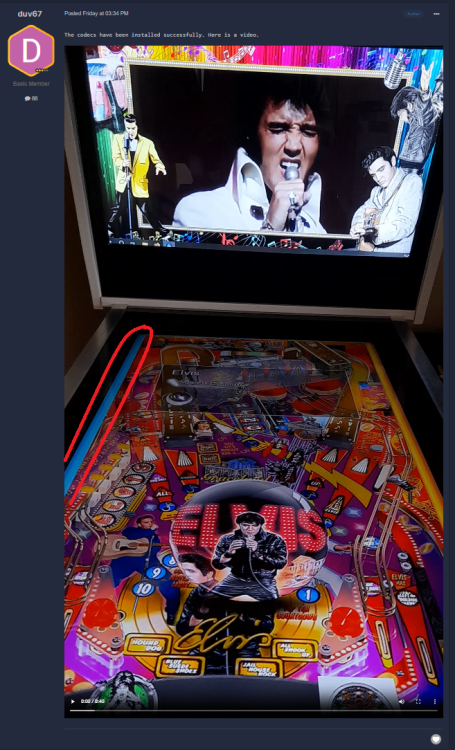
I still don't get what you mean by this Doesn't it look like this ? I see a blue 'frame' on your screenshot and video you made. and also on the video you posted earlier : Maybe it is from the source video or from the underlay ??? can you check both ?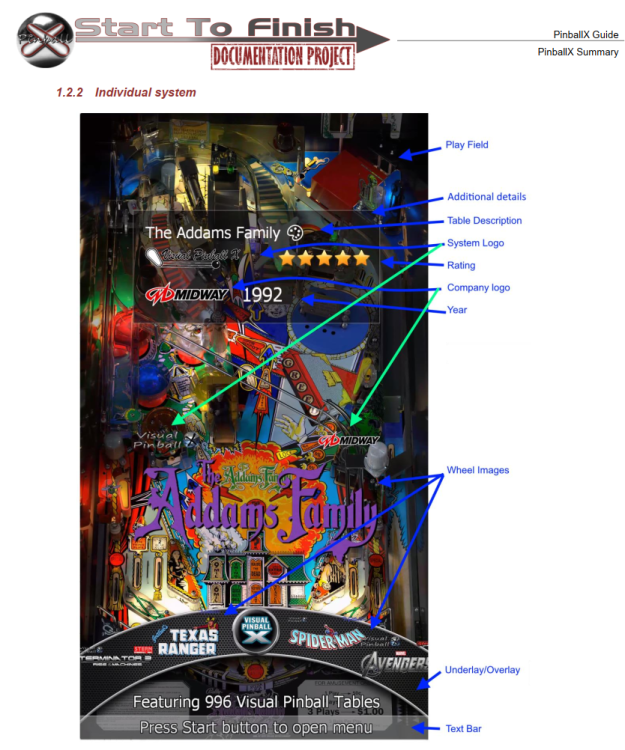
-
[RESOLVED] display playfield showing blue and yellow borders
Mike_da_Spike replied to duv67's topic in General
If I check this video, it looks the same as on the screenshot so, what's the exact issue now? -
[RESOLVED] display playfield showing blue and yellow borders
Mike_da_Spike replied to duv67's topic in General
Nice catch @Draco1962. So you think it could be his underlay? -
[RESOLVED] display playfield showing blue and yellow borders
Mike_da_Spike replied to duv67's topic in General
I notice a yellow bar on the right, but there's a blue one on the left. Are you running in windowed mode, and is the PBX not configured to full screen? Or could it be your underlay that's causing this? Just out of curiosity, what resolution are you using? I have more wheel previews than you do. -
[RESOLVED] display playfield showing blue and yellow borders
Mike_da_Spike replied to duv67's topic in General
Sorry, must be the translated text, but I realy don't have a clue what you mean ? Could you maybe post a screenshot with some things that you think that are not correct circled so we can see what you're talking about? Also, have you checked the documentation for colors and other stuff? There are some great screenshots in there that might help. -
As vpx stand alone doesnt have to do with a front end. So fullscreen exclusive mode won't be a differrence if you just click it from Windows
-
It must be a wrong setting in your vpx configuration.
-
So you changed something (new installation) and you repositioned your screens and now you have issues? How about setting your old settings back ?
-
If you press alt-tab , do you see the table ?
-
[PLUGIN DEVELOPMENT] VB.NET PinballX Snap-In Plugin Template
Mike_da_Spike replied to Adultery's topic in User Projects
🤣anytime ! -
Version 2024.08.13
1 download
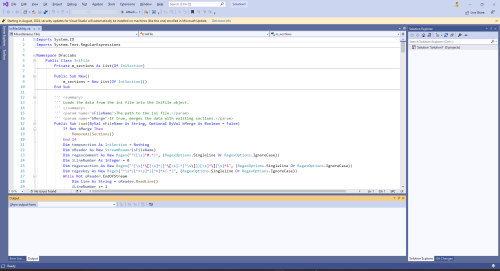
INI File Utility A VB.NET class for managing INI files, preserving the original order of sections and keys, with methods for loading, saving, adding, removing, and renaming entries. Features Load INI Files: Read and parse INI files into structured objects. Save INI Files: Write INI file data back to disk, preserving the original order. Manage Sections and Keys: Add, remove, and rename sections and keys. Preserve Order: Maintain the original order of sections and keys, appending new entries to the end. Also on Github https://github.com/MikedaSpike/IniFile.Utility but @Draco1962 wanted more copies ! This is a modified version of the one that is shipped with VB.NET PinballX Snap-In Plugin Template : -
[RESOLVED] Pinball FX not closing in background
Mike_da_Spike replied to Fiery Phoenix's topic in General
Good to hear ! -
Why do you want to use ftp anyway ? Do you use Gamemanager or Databasemanager for downloading your PinballX media?
-
@Tom Speirs. Can you look at this? I tried cx file explorer and can connect on ftp and ftps succesfully.
-
[PLUGIN DEVELOPMENT] VB.NET PinballX Snap-In Plugin Template
Mike_da_Spike replied to Adultery's topic in User Projects
It's an old post, but @scutters and I are using the INi utility in DBM and many other PinballX programs. As we did some modifications on it, I spoke to @Draco1962where we could store the modifoed code. And Draco said :Github So here it is : https://github.com/MikedaSpike/IniFile.Utility The code has been optimized and the ini file will retain its original order. I trust this adjustment will not cause any inconvenience and will assist other hobbyists in the straightforward creation of plugins and programs. -
Locked tables you can buy in Steam. Best is to wait for a sale. When unlocked, the direct launch will work as well. You just missed the steam summer sale : https://store.steampowered.com/news/app/2328760/view/4252042698958918628
-
I am not certain I understand your question. Are you referring to the activation key for cab support, similar to the one used in the FX3 model, or are you referring to the activation of tables when they are locked?
-
[RESOLVED] Pinball FX not closing in background
Mike_da_Spike replied to Fiery Phoenix's topic in General
Just for the notice : I verified my Zen Pinball FX version to ensure it was the latest one on Steam. As outlined in the tutorial, whether or not Joyrider's program is used, FX will successfully close through PinballX.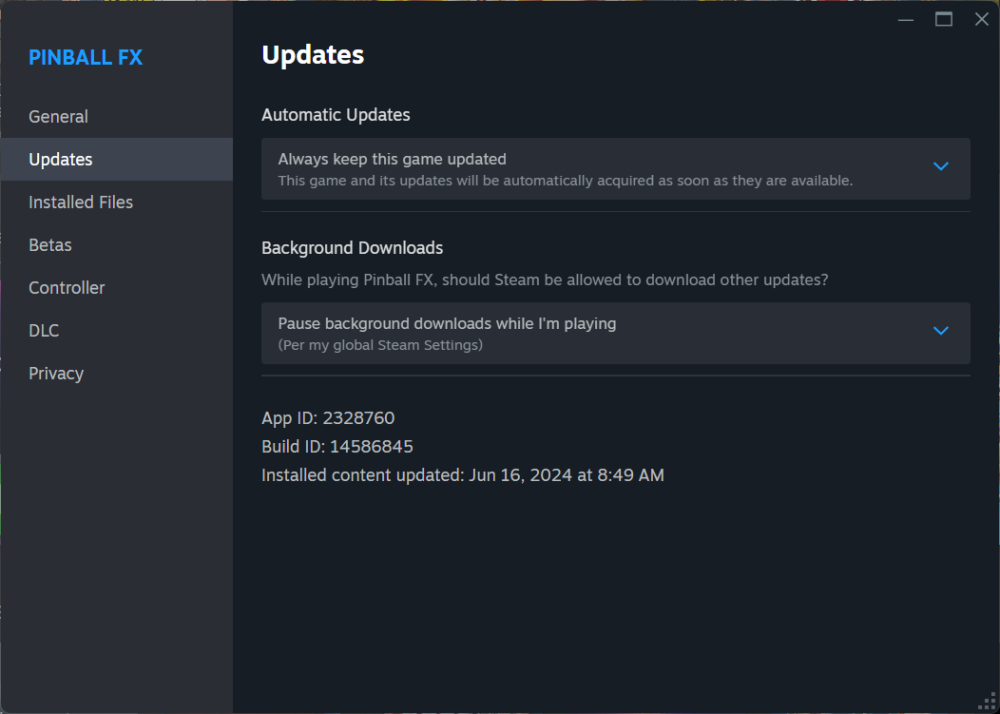
-
Just for the notice : I verified my Zen Pinball FX version to ensure it was the latest one on Steam.m As outlined in the tutorial, whether or not Joyrider's program is used, FX will successfully close through PinballX.
-
Iaccording to your log, you launch FX and not FX3(as in the header) You launch the direct table not via Steam.exe, but via pinballFX.exe, so you didn't follow the guidelines that where added via our site The part of your dmdext doesn't make sense. Please read Freezy's documentation on how dmdext is working. For FFx3a memory grab is done, this will not magical work for FX. Freezy made de Fx developers aware to use dmdext, so the dmd frames would be send in a correct way. Edit: here's the guide I made for fx and m https://forums.gameex.com/forums/topic/28881-guide-setup-zen-pinball-fx-and-pinball-m-in-pinballx-steam-version/ If you won't set it up like that (beside the path differences) I will not do any support of it