|



Mike_da_Spike
-
Posts
3794 -
Joined
-
Last visited
-
Days Won
242
Content Type
Profiles
Forums
Events
Downloads
Store
Articles
Everything posted by Mike_da_Spike
-
Solved ?
-

Database Pinball FX3.xml with the 100 tables
Mike_da_Spike replied to susoarkangel's topic in General
A quick search on the website give this results Another option is to use DBM. DBM will check where your steam path exists, and from the steam path it will search for your FX3 system. Tables will be added and checked for obsolete from that path. really good feature (see https://forums.gameex.com/forums/topic/23840-app-pinballx-database-manager-230812-supports-touch-play-as-well/?do=findComment&comment=195100) -
Did you install steam on your harddrive and download pinballhd as well from your steam library? Also post your pinballx.log
-
Here are the ftp settings : https://forums.gameex.com/forums/ftp/
-
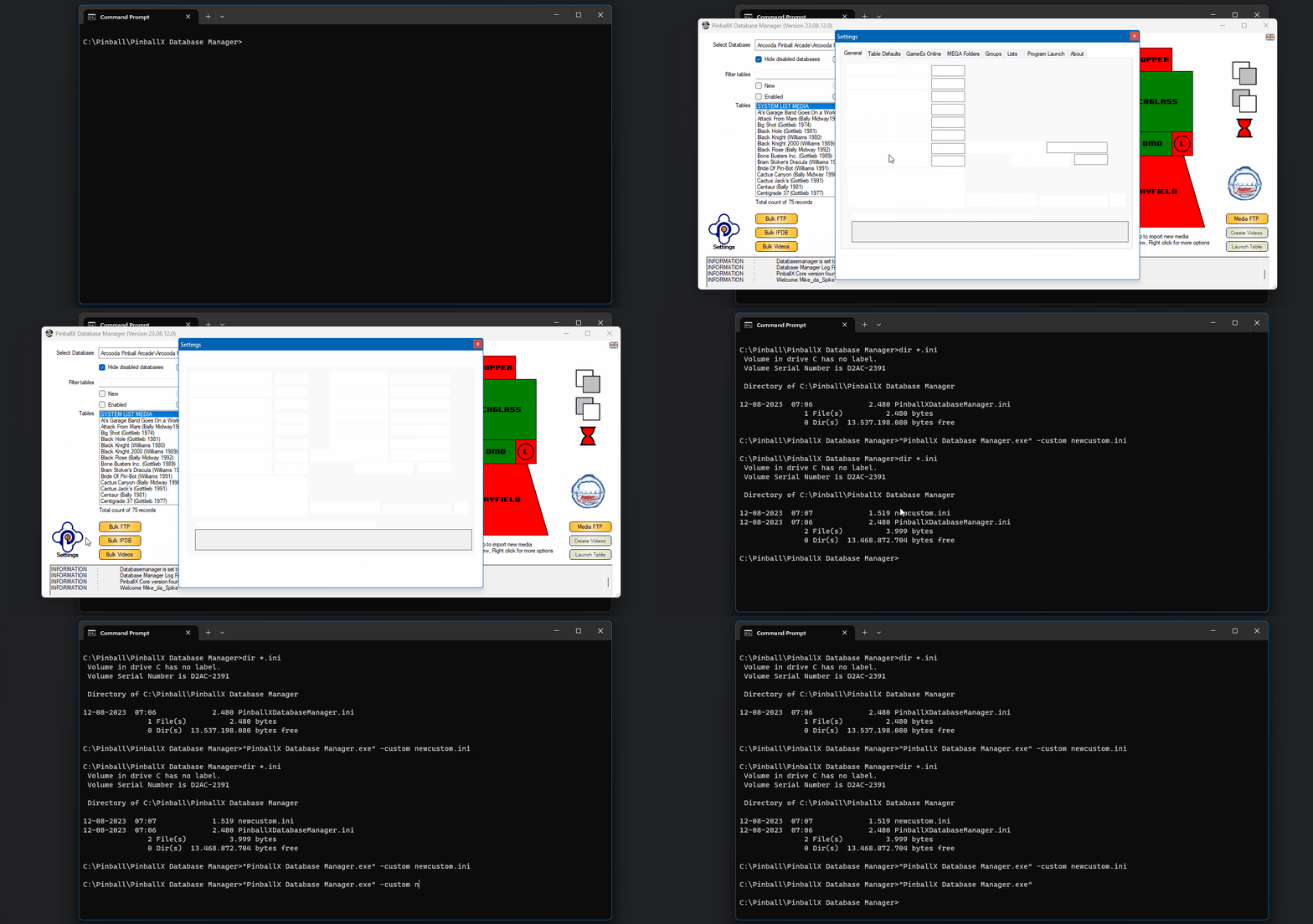
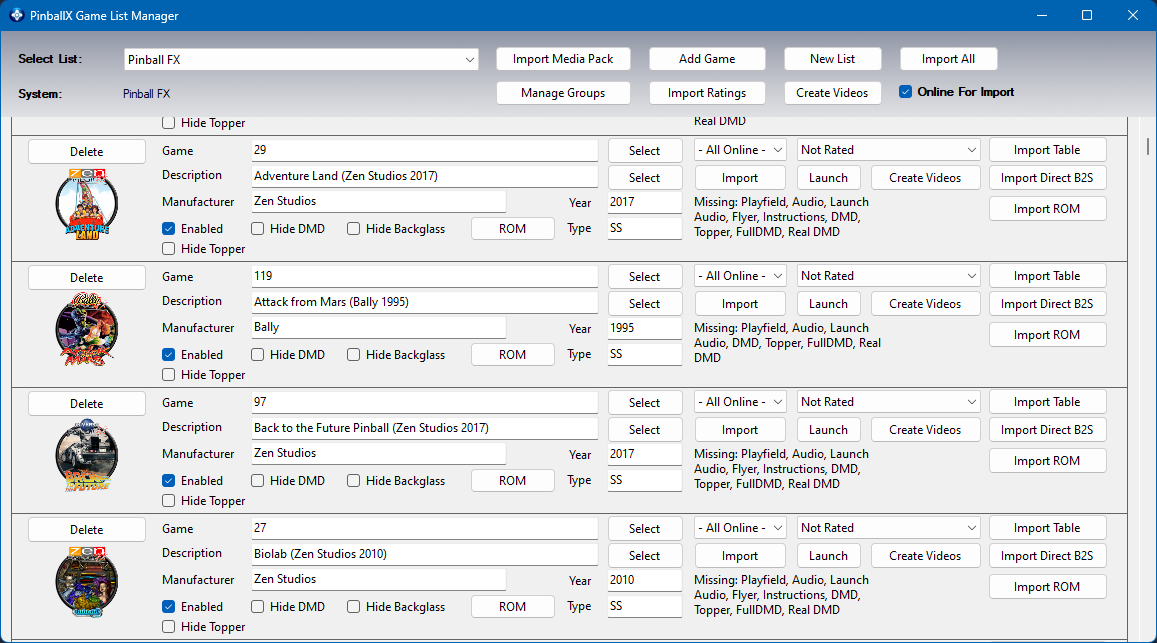
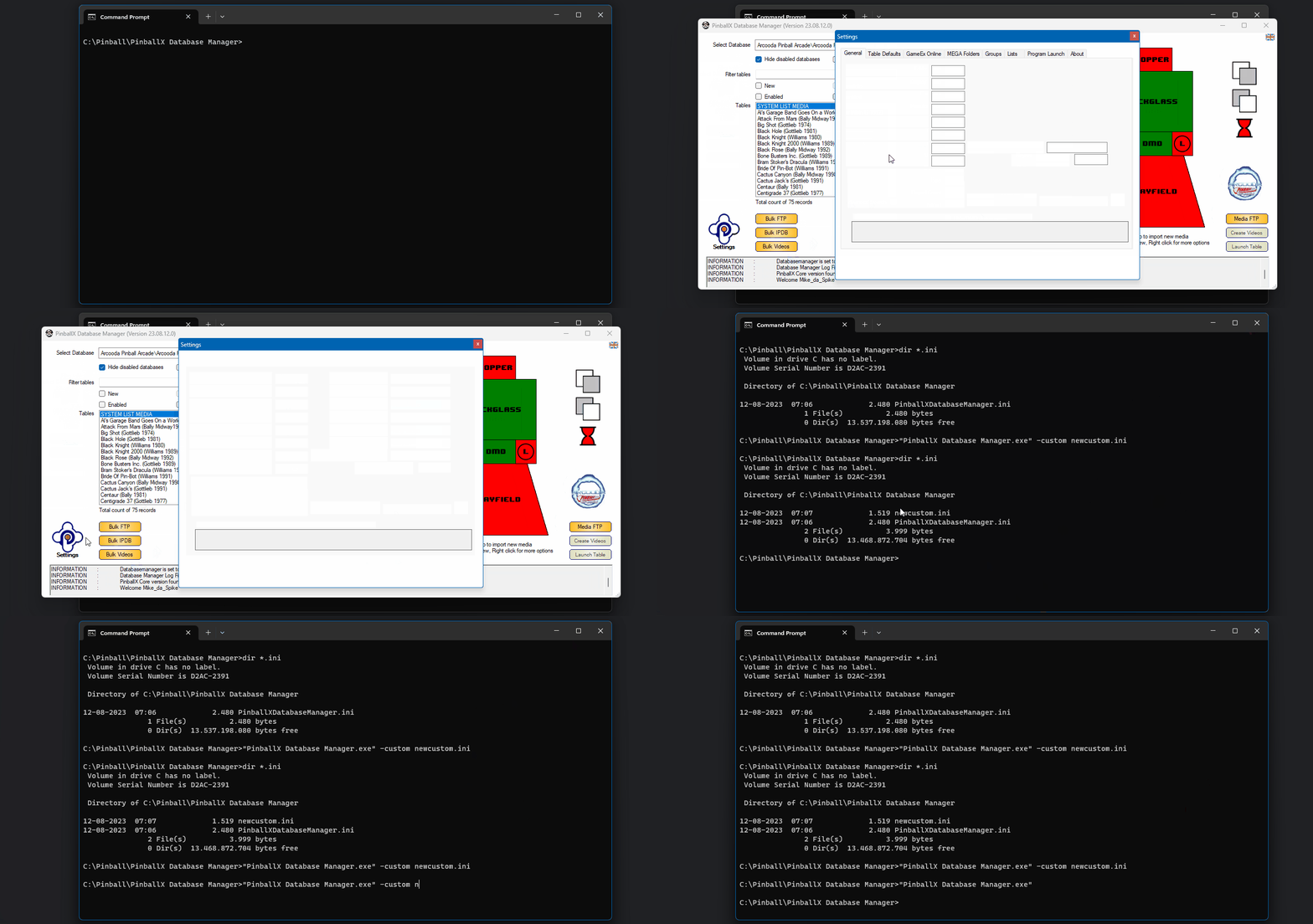
During holiday season, @scutters and I where not getting sunburned, but working on a new release of DBM. We had a long discussion about the new Zen Pinball FX and thanks to Fraesh (VPS-DB) we where able to add Pinball FX tables in an easy way to DBM. This is including the correct table names, description name etc. Here are some small animation that will show how easily it can be done (you need off course to setup the correct system. This can be found here : https://forums.gameex.com/forums/topic/28881-guide-setup-zen-pinball-fx-in-pinballx-steam-version/ ) Single table : Auto import missing tables : Adding new/missing entries and obsolete checking: IPDB entries : Enough about FX. Think you understand now that Pinball FX is handled the same way as VPX/FP and FX3 tables Another great improvement is the 'Table Version' start time. This is really improved if you have a large set of VP tables. To compare this is from the previous version with my data record set, heres my vp list with the previous version of dbm And this is from the latest version : Isn't that an improvement ??? We also added a command line option to use DBM with different settings : here's a small demo to create a new INI and set different settings These are the most important new features which @scutters and I brought to you. read the full release notes if you want to know all of the changes A big thanks to Scutters for getting this release done






- 418 replies
-
- 3
-

-
- mikedaspike
- scutters
- (and 1 more)
-
[RESOLVED] PinballX update just hangs upon reboot after install
Mike_da_Spike replied to MAYAman's topic in General
I should NEVER uninstall PinballX when performing an update. This could cause that files are overwritten. Just stick to the upgrade procedure. But first try to get back your last files/settings. A new install/upgrade wont fix it -
If you got a pc with medium resources, use pinballx lite. Everything can be properly be done by batch files in stead of a frontend, but why should we put effort i. if we have free software that can do it for us?
-
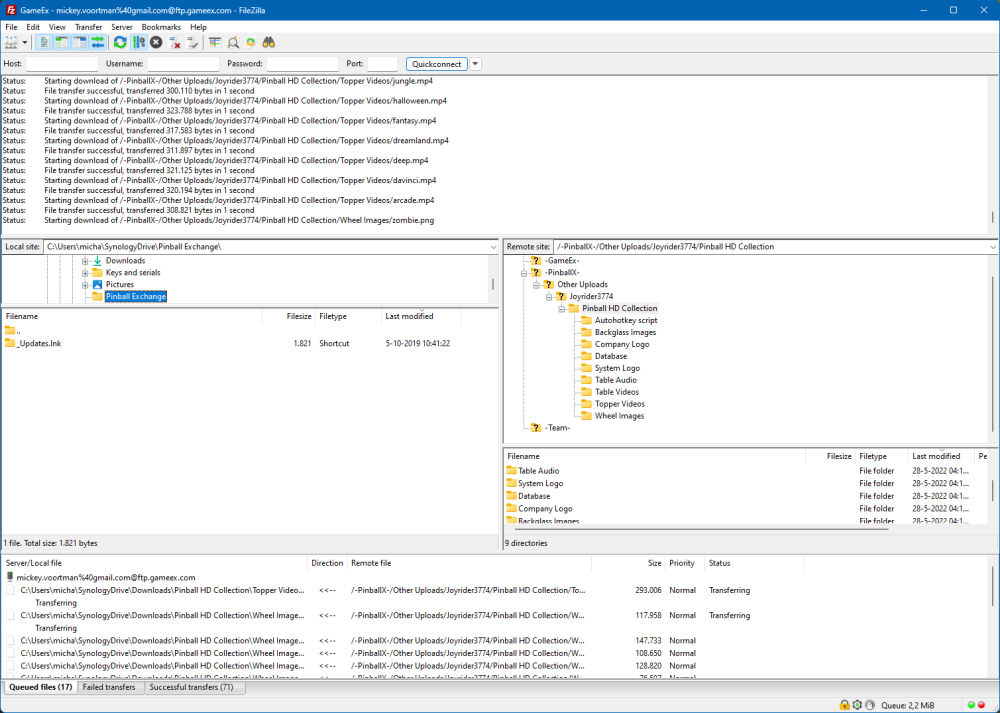
Download is working for me
-
Well, a long search for you, but a quick response from us with a correct answer 😁
-
Remove the 'start /min """dmdext" ' from parameters as you already run dmdext from the exe path (with the line parameter behind it) @Draco1962can you move this to the general thread ?
- 3 replies
-
- 2
-
-
- dmdext
- future pinaball
- (and 1 more)
-
[RESOLVED] PinballX update just hangs upon reboot after install
Mike_da_Spike replied to MAYAman's topic in General
@MAYAman dit you get anything restored or working again ? -
Its offline for a while Vpf is still a good spot for all your needs
-
Thanks buddy, I tried a lot of command line parameters to get the challenges workes, but no luck. I thought I tested pro succesfully. Guess i didn't. Btw. I created a feature request on github for your launcher. Not sure if you've seen it yet
-
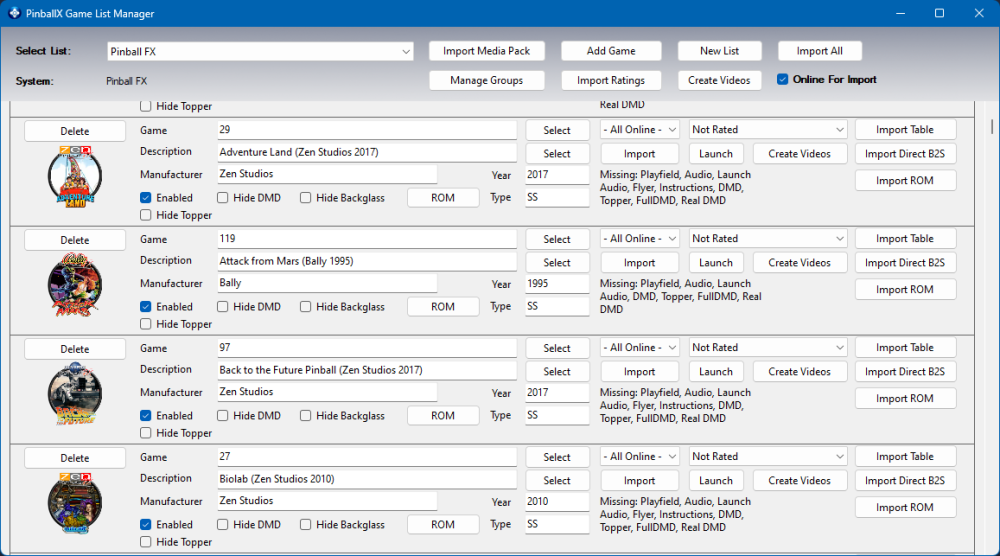
Updated the XML. 1 table was missing and now all tables has the correct values for description, manufacturer, year and type
-
Sorry for my late response. I checked your file, and loaded to my cab. I needed to change some settings, as my paths where differrent. But your settings file is fine. Nothing can be tweaked to get better cpu performance. As we already discussed, the pinballx lite version helped you a bit, but setting the cpu affinity with PinAffinity helps you more. As scutters says, use that program if that fixes your issue.
-
zaccaria pinball Launcher App it really works
Mike_da_Spike replied to susoarkangel's topic in General
Unpack that rar. Everuthing you need is in the file you posted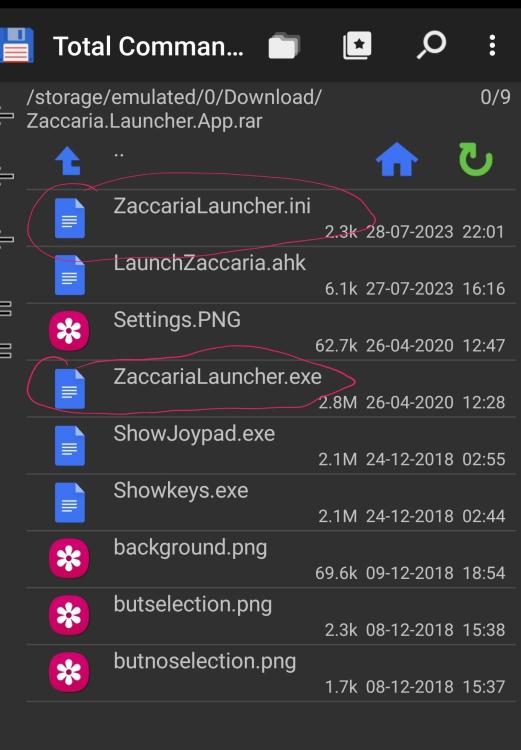
-
zaccaria pinball Launcher App it really works
Mike_da_Spike replied to susoarkangel's topic in General
Joyrider is the author. I posted the link in my previous reply (github) and also a link to the thread where he (joyrider) explain all. So, not sure what is unclear to you -
[RESOLVED] PinballX update just hangs upon reboot after install
Mike_da_Spike replied to MAYAman's topic in General
No, no auto-backups 😱. I've only seen this when upgrading from old pinballx (xp version) to .net core version. Installation sees it as a new version and if you put it on top, it overwrites the pinballx.ini and some default database files. If you use DBM, backup files of your database files are created and can be restored by dbm. But all your media, filters, groups etc should be on disk If you can't find any good copy of your pinballx,ini on disk, you need to setup your complete configuration again of pinballx -
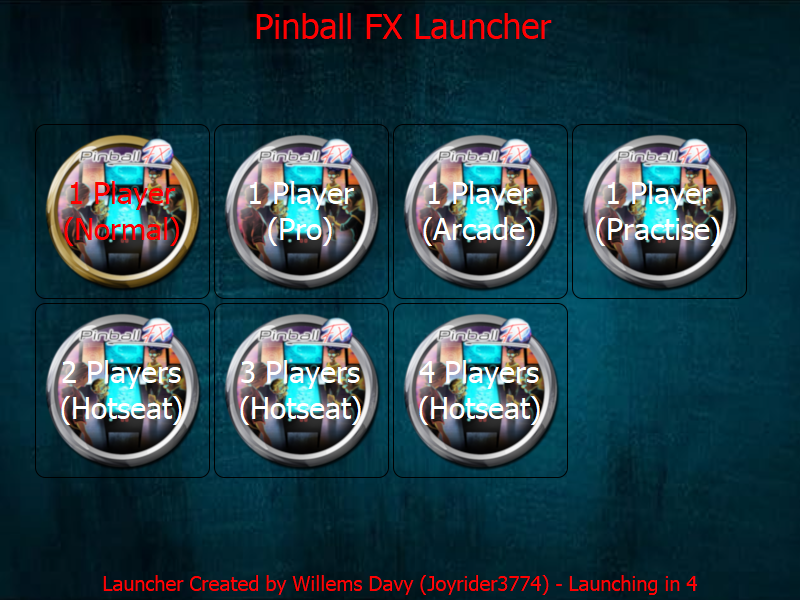
Thanks to @joyrider3774 his PinballX launcher, I added to the main post a modified launcher for FX I hope that Zen will come up in a next release to launch the challenges as well from the command line. Those could be extended to this file
-
[RESOLVED] PinballX update just hangs upon reboot after install
Mike_da_Spike replied to MAYAman's topic in General
If anything is destroyed as you said, its hard to help. Try to restore your pinballx.ini and your database files from the backup. Media would never overwrite or delete files. Edit : did you maybe install pinballx in another directory as previous version ? -
zaccaria pinball Launcher App it really works
Mike_da_Spike replied to susoarkangel's topic in General
Not sure what launcher you are using, but you don't need a ahk, butvthe exe from joyrider https://github.com/joyrider3774/PinballX_Launcher_app/tree/master/other_games/Zaccaria Pinball From this post -
Zaccaria Pinball does not go to the PinballX menu
Mike_da_Spike replied to susoarkangel's topic in General
By default, the quit key/joycodecshould quit the emulator directly. All my systems quits correctly by pressing them. Do not run any programs as administrator (uac) I see you run joytokey as well. Maybe this will break so,ething. Pinballx can run with any joy controller as far as I know -
zaccaria pinball Launcher App it really works
Mike_da_Spike replied to susoarkangel's topic in General
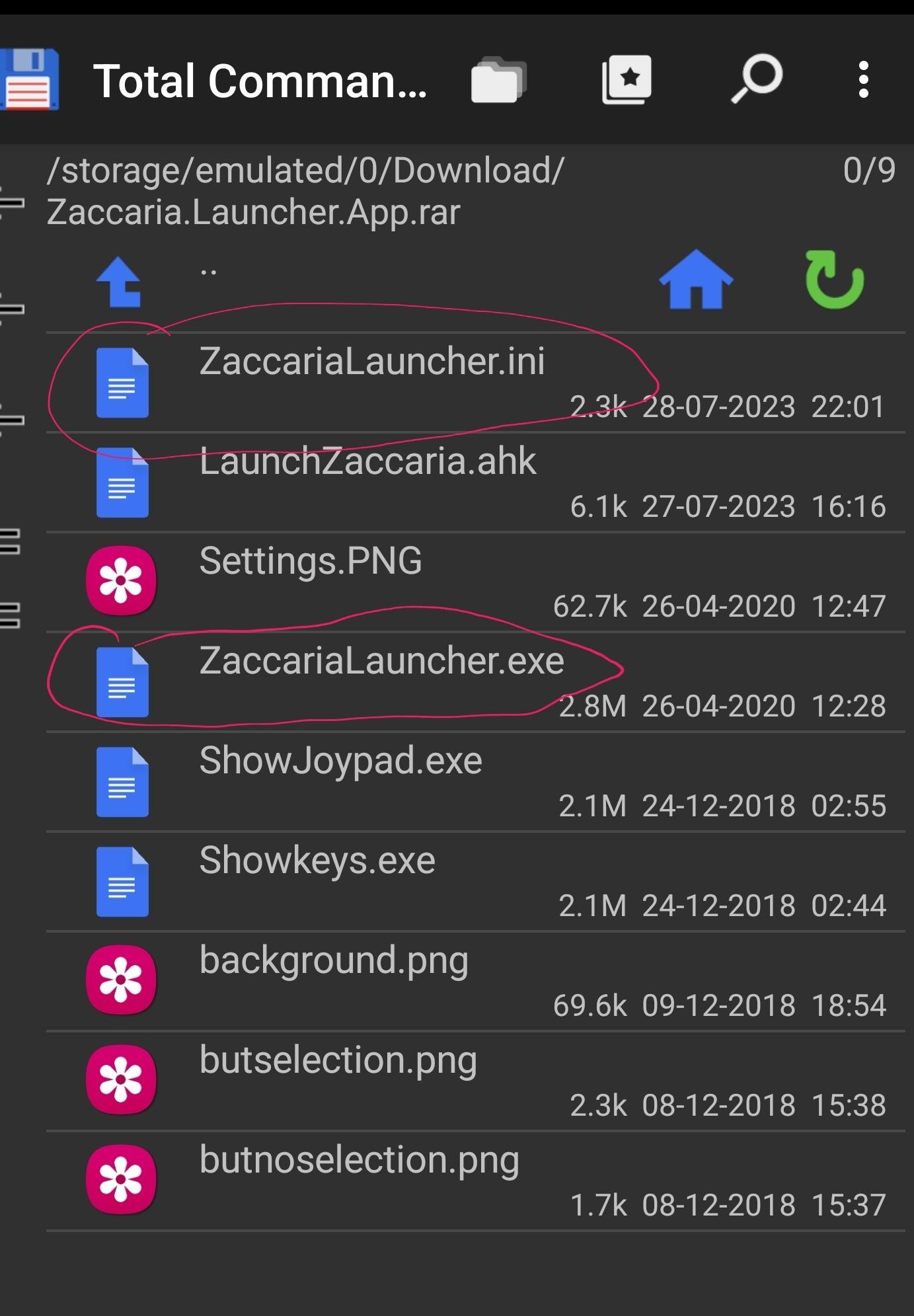
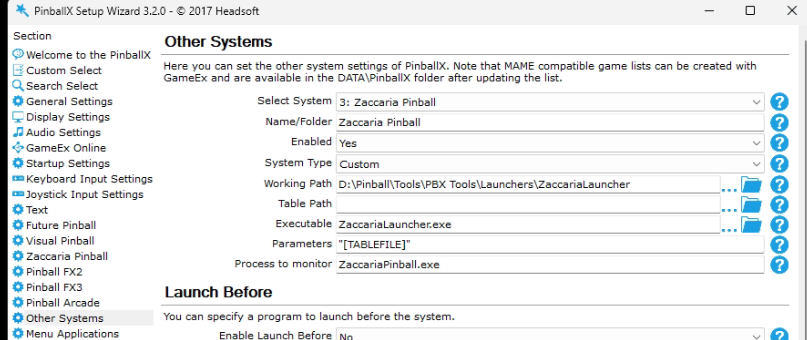
steam version should work. Must be your settings not corerct. I will share them and it's not private I only noticed some differences between you and me .... I don't use the build in Zaccaria system from PinballX, but setup in "Other systems" a zaccaria System: Your logfile also shows that you are running an older version of Pinballx (Version 5.12 x64), and 5.96 is latest (but this will not fix your issue, but you misses latest features) Attached the ZaccariaLauncher.ini. Only thing I changed from the original version is joystick codes and position I hope it helps you ZaccariaLauncher.ini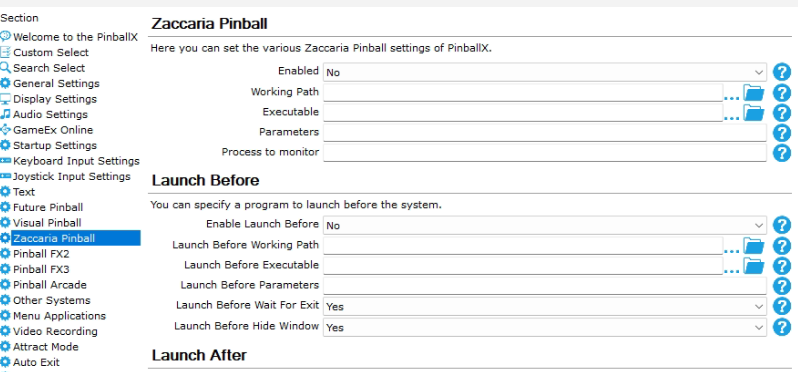
-
zaccaria pinball Launcher App it really works
Mike_da_Spike replied to susoarkangel's topic in General
I just checked my cabinet, and direct table launch and player selection works like a charm So, this is the layout that Joyrider created : All is defined in ZaccariaLauncher.ini And I'm sure all is based on Steam parameters. this is to launch the app through steam PATH=c:\pinball\steam\Steam.exe STARTPARAMS=-applaunch 444930 -rotate right -skipmenu and this is an example of a 'Tile' parameter (for running 1 player in classic mode): PARAM=-skipmenu_player 1 -skipmenu_gamemode classic_simulation from the settings.exe of PinballX you give the parameter "[TABLEFILE]" , which means that that table is selected. This you properly know. Now, According to your settings file, Steam isn't used. Not sure if you have a piracy version , but don't think this will be working with a non steam version. You can try by download steam and download zaccaria from steam (I think there will be a free table as well), to check if multiplayer etc is working. If you have bought a version, but not from Steam, contact the Vendor about it. Maybe they can move it to steam for you.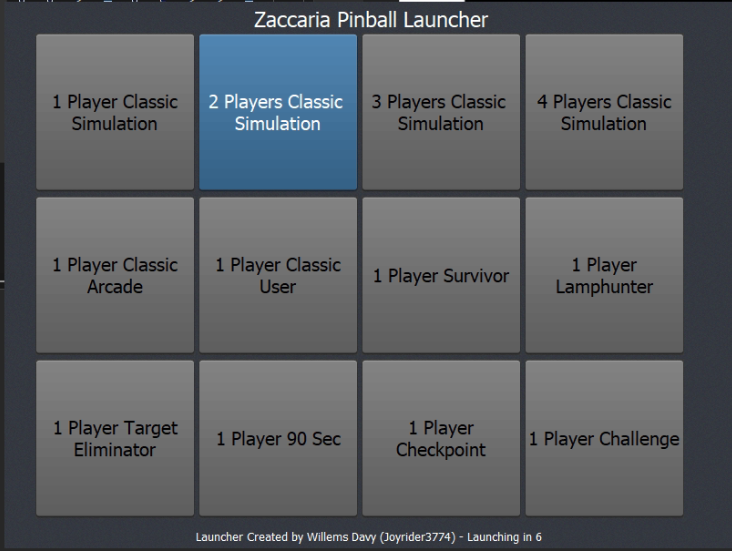
-
[RESOLVED] PinballX crashes one second after launch
Mike_da_Spike replied to Wimpie's topic in General
Rtfm ? 🤣