|



joyrider3774
-
Posts
811 -
Joined
-
Last visited
-
Days Won
63
Content Type
Profiles
Forums
Events
Downloads
Store
Articles
Everything posted by joyrider3774
-

Mega Docklets Style Zaccaria Pinball Wheel Images
joyrider3774 replied to Draco1962's topic in PinballX Media Projects
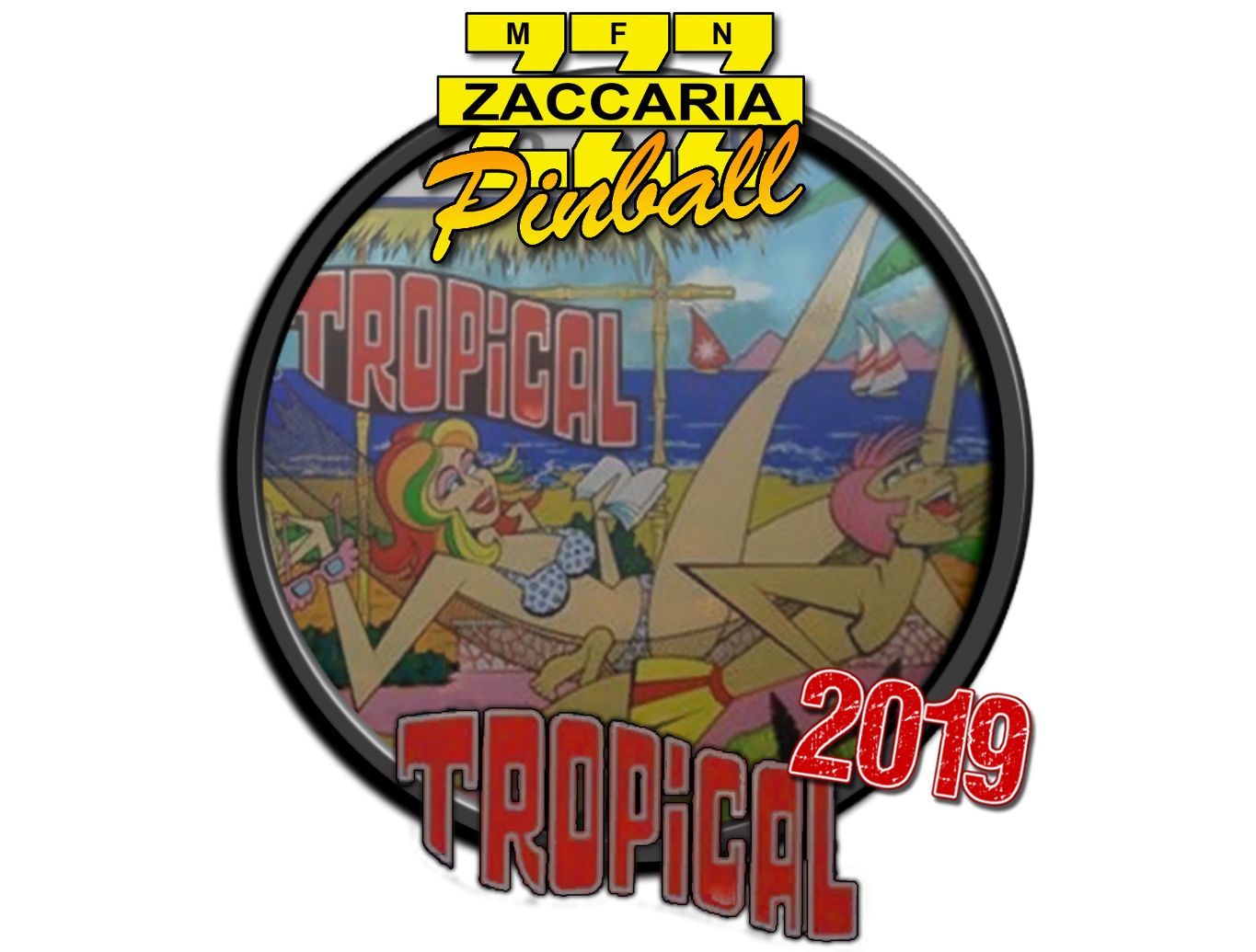
New wheel for the tropical 2019 remake table
-
UPDATE 18/05/2019 Tropical Remake 2019 Playfield video + 1600x1200 backglass image + 1920x1080 backglass image uploaded to ftp all named tropical2019.XXX
-
New Table Tropical 2019 https://store.steampowered.com/app/1083100/Zaccaria_Pinball__Tropical_2019_Table/ Backglass images, table video, wheel (remake folder) and database uploaded to ftp here /-PinballX-/Other Uploads/Joyrider3774/Zaccaria Pinball <game name="tropical2019"> <description>Tropical Remake</description> <rom></rom> <manufacturer>Magic Pixel</manufacturer> <year>2019</year> <type>RM</type> <hidedmd>True</hidedmd> <hidetopper>True</hidetopper> <hidebackglass>True</hidebackglass> <enabled>True</enabled> <rating>-2</rating> </game>
-
use imgur.com to upload pictures and then when it's uploaded get the url to picture itselve (you need to try sometimes two times to get real url) thats what i do usually.
-
not sure what you mean with double size dmd, you mean its too big & being cut off ? I don't have a pindmd i actually mirror the dmd on my backglass monitor so not sure about that. Also not sure why you have to press esc twice to get completely back to pinballx i only press my quit button once on my cabinet (mapped to esc) and it quits directly. Although i did not play it lately to see if something has changed. I do run my pinballx with administrator rights but i'm not sure that could have an influence with quiting things
-
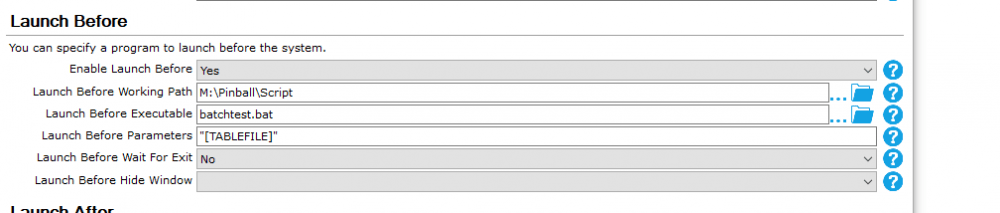
actually there is a way for per table launch script. You just pass the tablename to a batch file as parameter and inside the batch file you verify for a certain value that is being passed as that parameter if so do something specific and in all other cases you do the usual things. i just tried it with this simple batch file example named batchtest.bat if "%~1"=="Apache! (Taito 1978).vpx" ( mspaint.exe ) else ( if "%~1"=="JP's Ghostbusters Slimer v1.2.1.vpx" ( notepad.exe ) else ( rem for all other tables write.exe ) ) rem line below is always being run echo "blah" if i run the apache table mspaint.exe is ran, if i run ghostbusters table notepad.exe is ran for all other tables write.exe is started and echo blah is always run So what you need to do is make sure pinsound can have multiple installation for your different versions, is replace mspaint.exe notepad.exe and the tablename strings for the specific tables with the pinsound command line and parameters of the version you want to run. On the place where echo "blah" is you set common programs that should be launched for all tables (so all things not pinsound) if you need to add more tables just add if / else clause before the last else statement and don't forget to add extra closing bracket / ident the else statement (ideniting is not needed but it will show you where you might have forgotten a bracket). if "%~1"=="Apache! (Taito 1978).vpx" ( mspaint.exe ) else ( if "%~1"=="JP's Ghostbusters Slimer v1.2.1.vpx" ( notepad.exe ) else ( if "%~1"=="another table.vpx" ( echo "ran another table.vpx" ) else ( rem for all other tables write.exe ) ) ) rem line below is always being run echo "blah" also echo "XXX" statements won't do anything when being run from pinballx (only in cmd they print the text). Rem statements are just remarks and you can remove those. so given this system and given you have found a way to install multiple pinsound versions in different folders or using different exe's in same folder you can start different pinsound versions based on table parameter passed to launch before script. Also don't forget to use double quotes for the parameter as shown in first screenshot
-
Hey guys, I created a compare video with old vs new backglasses of zaccaria. you need to view the video full screen at 1080p on a pc or you won't see the changes. For each backglass it displays half a second the old backglass then half a second the new backglass. So you can easily see the quality changes. I'm not sure the video will be viewable for some reason it said video does not exist when i'm logged in with my account while it does play in icognito mode and on my phone (which makes no sense).
-
guys, a bit later as promised but i updated everything on ftp. New playfield video for fire mountain remake 2019. I also redid all screenshots of the backglasses in 1600x1200 and 1920x1080. I kept the original screenshots and placed the new ones in a new folder. The reason for doing this is that some backglass pictures have been replaced with a different one. Farfalla is one such example, it's now less explicit but the original white dress one was censored i think anyway. (nipples removed), or just for reference or in case someone prefers the old ones or for compairing the old ones vs new ones
-
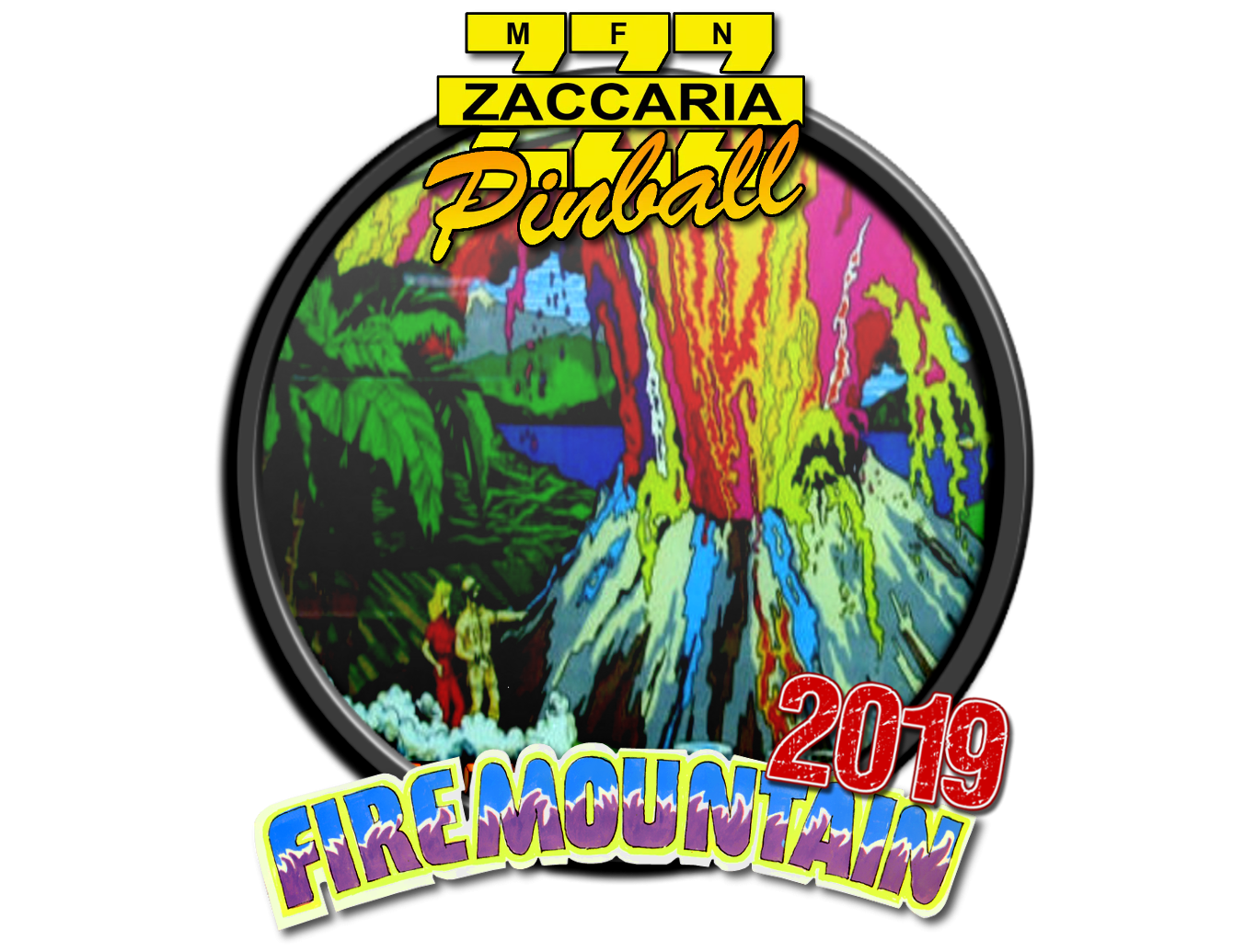
UPDATE 29/04/2019 Fire Mountain Remake 2019 playfield video + 1600x1200 backglass image + 1920x1080 backglass image uploaded to ftp all named fmountain2019.XXX (in the new directories see next item) Recreated all backglass screenshots in 1600x1200 and 1920x1080 resolution. Because the game had received an update with newer, higher resolution and sometimes replaced backglass images. These are located in seperate folders in "/-PinballX-/Other Uploads/Joyrider3774/Zaccaria Pinball/Backglass Images/New Version Res. 1600x1200 Aspect 4-3" and "/-PinballX-/Other Uploads/Joyrider3774/Zaccaria Pinball/Backglass Images/New Version Res. 1600x1200 Aspect 4-3". New backglass images for future tables will always be placed in these new locations i only kept the original ones in case someone prefers a previous version of the backglasses or just for reference. Farfalla is one example that has been replaced with a new backglass picture ingame and perhaps some others Database updated (on ftp)
-
No i just tested it with the circus table from what i see they don't fill the screen (higher resolution will not change that). The reason they do not fill is so it retains original aspect ratio i guess. The image displayed is just much sharper i tested quickly with circus table comparing the backglass picture with the backglass picture i have in pinballx which is 1600x1200 resolution. It's a lot sharper and cleaner no speckels but i did not test with other backglasses. this could mean i'll have to redo the backglass pictures for all tables. I'll try to do that tommow as well as i have to go now
-
yes i saw it but did not try yet and not sure it applies for me. There is also a new table out Fire Mountain Remake (2019) https://store.steampowered.com/app/1029680/Zaccaria_Pinball__Fire_Mountain_2019_Table/ this wheel is not originally made by me i only added the 2019 label. I think it was made by draco initially Database entry: <game name="fmountain2019"> <description>Fire Mountain Remake</description> <rom></rom> <manufacturer>Magic Pixel</manufacturer> <year>2019</year> <type>RM</type> <hidedmd>True</hidedmd> <hidetopper>True</hidetopper> <hidebackglass>True</hidebackglass> <enabled>True</enabled> <rating>0</rating> </game> I will create the playfield video and backglass screenshots tommorow as i don't have time this evening
-
Mega Docklets Style Zaccaria Pinball Wheel Images
joyrider3774 replied to Draco1962's topic in PinballX Media Projects
@hawkeyez88 which ones you feel are missing ? as i got a full set now with the locations givens. Or do you mean they don't all use same layout (like images in wheels of backglass or playfield). My set is currently mixed, although i only have a very small amount table image ones -
Mega Docklets Style Zaccaria Pinball Wheel Images
joyrider3774 replied to Draco1962's topic in PinballX Media Projects
I uploaded them to the ftp here /-PinballX-/Other Uploads/Joyrider3774/Zaccaria Pinball/Wheel Images/Remakes the base images are the ones from draco. I also uploaded the templates for 2019 & 2020 (based on your templates). However in my labeled docklet wheel images i did move the template layer up so the year value would sit abit above the original logo and not over it. If you want to have the year label exactly on same position as your labeled wheels you should use the template i created and don't move the layer. In the templates for 2019 / 2020 they sit at same position as your 2018 label template so you can reuse that -
Mega Docklets Style Zaccaria Pinball Wheel Images
joyrider3774 replied to Draco1962's topic in PinballX Media Projects
also this might help other people: Location for the wheel (docklet) images on ftp: /-PinballX-/Other Uploads/Draco1962/Zaccaria Pinball (by Draco no retro / year labels, original images this topic was about) /-PinballX-/Other Uploads/BrandonLaw/Zaccaria/Wheel Images (By brandonlaw plain and retro / year labels based on table image) /-PinballX-/Other Uploads/Joyrider3774/Zaccaria Pinball/Wheel Images (By joyrider3774 no retro / year labels, follows game name naming convention, based on backglass pictures) /-PinballX-/Other Uploads/Fulltilt/Zaccaria/Wheels (by Fulltilt only retro / year labels added to existing wheels). Using the docklet wheels in those locations along with perhaps a few posted on the forums (like in the topic with the launch script i think there was some there also). You should be able to get the complete set up until the releases for the current date (13/04/2019). Only devilriders and clown 2019 releases are missing with the 2019 year logo but it could be fulltilt still needs to add them -
Mega Docklets Style Zaccaria Pinball Wheel Images
joyrider3774 replied to Draco1962's topic in PinballX Media Projects
@Fulltilt thanks for adding the labels. I think i will use them also on my cabinet. When looking at my collection i noticed the following are still missing year labels for the 2019 releases the others have been done already by brandonlaw that i was missing : devilriders2019 clown2019 Are you still working on those it are the new releases from 2019 tables maybe you can use the images from draco on the ftp as a base for the 2019 version ? Thanks again edit: I created a version of these 2 myselve but did not upload as i'll see what fulltilt will do -
New take on "Animated Backglasses"...
joyrider3774 replied to ImagineVP's topic in PinballX Media Projects
did you copy paste the text from some other site ? As that usually happens when i do that. The trick to get around it is to paste the text into notepad first and copy from notepad again before pasting here on forums. For smaller sentences i just paste in address bar of chrome first and then copy again from there. I also noticed that once i have a text starting with the white background it's hard to get it removed unless cutting away the text. Try editing the post and copy the text to notepad then remove the text (completelty) and copy paste it back from notepad -
Mega Docklets Style Zaccaria Pinball Wheel Images
joyrider3774 replied to Draco1962's topic in PinballX Media Projects
Your welcome, hope you have a complete set now also -
Mega Docklets Style Zaccaria Pinball Wheel Images
joyrider3774 replied to Draco1962's topic in PinballX Media Projects
Last ones as my set is now complete.. well except for the treasure table but that table does not even have flippers and needs to be unlocked by completing the campaign mode Files also available on ftp as well as the xcf file which might be handy if you want to replace images or just want to export the logo's. All logo's come from the backglasses except the mystic star and stars phoenix one i extracted that one from an image i found on the internet. The xcf file contains a 2nd version for the mystic star logo with the white surroundings but i prefer it without it. The xcf file can be opened with gimp 2

-
Mega Docklets Style Zaccaria Pinball Wheel Images
joyrider3774 replied to Draco1962's topic in PinballX Media Projects
No problem, i need them as well so might as well share them for everyone. I think with duplicating the wheels for retro and remake tables i'm only missing about 10 unique wheels. -
Mega Docklets Style Zaccaria Pinball Wheel Images
joyrider3774 replied to Draco1962's topic in PinballX Media Projects
Okay did 3 more, I'm not too happy about how supersonic turned out with the double logo but i wanted to keep it all similar like have a logo on the bottom. The rest that i'm missing might not be so easy to create images for as i might have to extract logo's from somewhere if even available. The logos used are either the ones from carny priest or from the visual pînball media /wheels folder on ftp except for the sypersonic one i took it from the backglass picture itselve (same as in the wheel image also), wood's queen i added black border, universe i left intact but it's missing a small portion on the left of the star it was like this in the original logo i had gotten from ftp, but it's hardly noticeable in pinballx. Files also updated on ftp including the gimp XCF file containing all the images
-
Mega Docklets Style Zaccaria Pinball Wheel Images
joyrider3774 replied to Draco1962's topic in PinballX Media Projects
I just found the logos carny priest created in the past so i quickly created 4 new ones for wheels i was missing. I also do not create seperate wheels for retro or remake versions i just use the same wheel for all different versions (at the moment). All wheels based on backglass picture again. The only logo's i modified a bit are the redshow one, i tried to remove some of the blue aspects the logo still contained from cutting it out somewhere. And for the moon flight and lucky fruit logo i added / changed to a black border I also uploaded a XCF file for gimp to the ftp on "/-PinballX-/Other Uploads/Joyrider3774/Zaccaria Pinball/Wheel Images" its based on the psd draco provided in the topic here. It still contains the original ones created by him as well. And i uploaded the images (exported versions) of the ones i created up until now to the same folder on ftp
-
it comes down to this change as posted in the first thread: - IMPORTANT change the key used to exit the game to the same key that is assigned in pinballx / you use to exit normally.Default is mapped to ESC change it to your key if you are not using the ESC key; Exit Table; pinball wicked does not seem to react well on the quit game key from pinball x; so change the ESC key below to the key you have set in pinballx as quit game key; info about keys can be found here : https://autohotkey.com/docs/KeyList.htm; in my cab i use the esc key Esc:: ;<----- change HERE Gosub killApp Return you need to change Esc to the key you use for quiting back to pinballx so the same key you assigned in pinballx to quit a game. In the autohotkey script and then recompile it. I think that might be what your experiancing. If you also use the ESC key on your encoder / keyboard to quit tables it might be related to running things elevated or not. But normally you should do that change so that the script tries to quite / kill the game when you press that key
-
Mega Docklets Style Zaccaria Pinball Wheel Images
joyrider3774 replied to Draco1962's topic in PinballX Media Projects
Took some time and created 3 more. i'm still missing lots of them and it aint easy to recreate the logos. The hippie logo is from the backglass picture same with granada logo but i modified it "tried" adding the missing parts. It looks ok on in my pinball x version but then again they get downscaled with me.
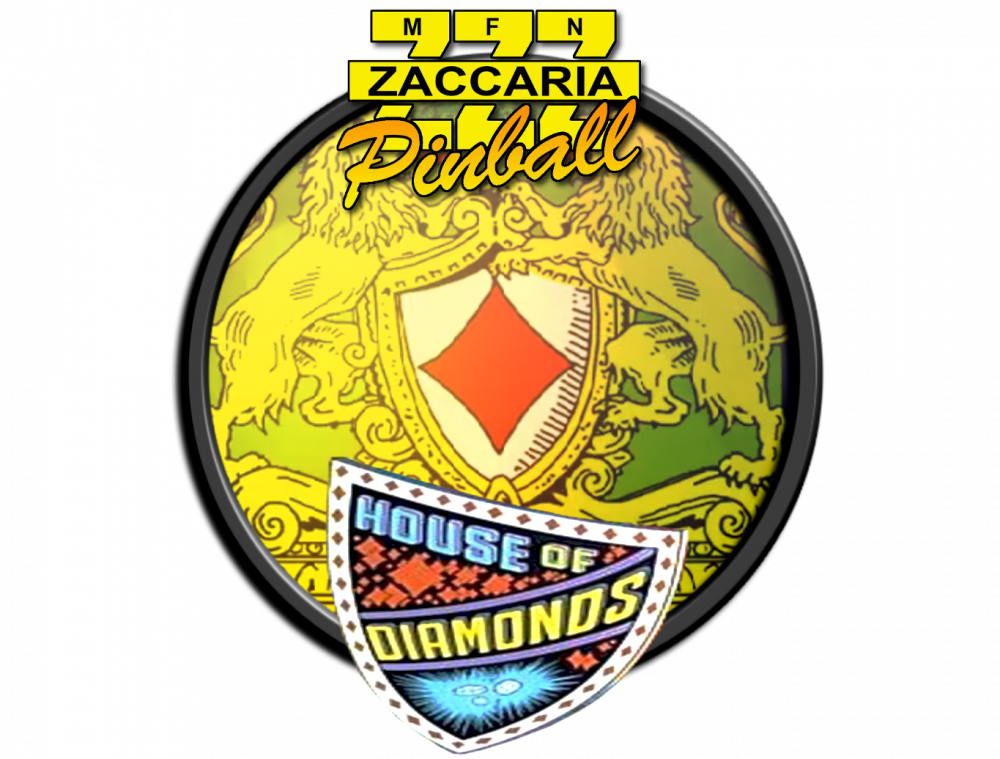
-
Differences between 32 and 64 of PinballX ?
joyrider3774 replied to Mike_da_Spike's topic in General
32 bit application can not load 64 bit dll's, and 64 bit can't load 32 bit dll's in windows (well not to execute code at least) so in case of plugins that pinballx loads your (pinballx) plugins needs to be same bitness as the host application (pinballx) My guess (but have not verified) b2sserver is 32 bit and you need 32 bit pinballx to make it work or something in general also : 32 bit application can only address a maxiumum of 4 gigabytes (2^32) of memory and thats only when it was compiled with largeaddress aware flag. If not done so it will only be able to address 2 gigabytes of memory max. a 64 bit application can address much more memory and does not have this limitation. If an application tries to allocate (in total) more memory than it can address you'll get an out of memory exception and the application will crash. Usually sticking to 32bit gives more compatiblity because most of plugins are 32 bit or don't always have 64 bit counterparts. I'm using 32 bit as well just to be safe. If you are using 32 bit on your cabinet and don't have any problems don't switch and especially not mingle versions or you'll cause problems (with plugins for example) -
UPDATE 03/04/2019: Devil riders remake 2019 Playfield video + 1600x1200 backglass image + 1920x1080 backglass image uploaded to ftp all named devilriders2019.XXX