|



Draco1962
-
Posts
19238 -
Joined
-
Last visited
-
Days Won
663
Content Type
Profiles
Forums
Events
Downloads
Store
Articles
Everything posted by Draco1962
-
I would be interested in learning more about HyperList. Is the application HyperSpin-specific or can it be used with GameEx or other frontends?
-
Yes they do. It may not be needed as it appears that the Disk Management utility handles quite a few of the same features as Partition Magic within Windows 7.
-
I have a 1.5 TB partitioned with the first partition containing the majority of my ROMs, snaps, etc. That is in addition to a 300GB primary drive which houses the emulators themselves Not even close to filling the first partition yet. Of course, I am not running as many emulated systems as you are.
-

Feature & Enhancement Requests
Draco1962 replied to Tom Speirs's topic in FAQs, Guides, & Other Useful Information
If I understand what Nullpointer is suggesting, by using a symbolic link, you can keep them in separate directories (I believe that Windows 7 calls these "Libraries" but I may be wrong). Not sure how that all works. -
Yup, from within Theme Editor. Open your theme of choice; Click on Edit>Scroller. Then click on the screen you wish to change, paste the RSS feed URL into the box, then click OK. Now save the theme,
-
Another option that is available for paid memberships is the FTP download. Since I use a "non-standard" setup for my ROMs and Snaps locations, I find this to be a better alternative for me. Occasionally have to use Skinny Match but small price to pay for the flexibility to download directly to where I need for these to go.
-
Seems that this should be reported as its own issue for better visibility as I do not believe it was targeted by this version change.
-
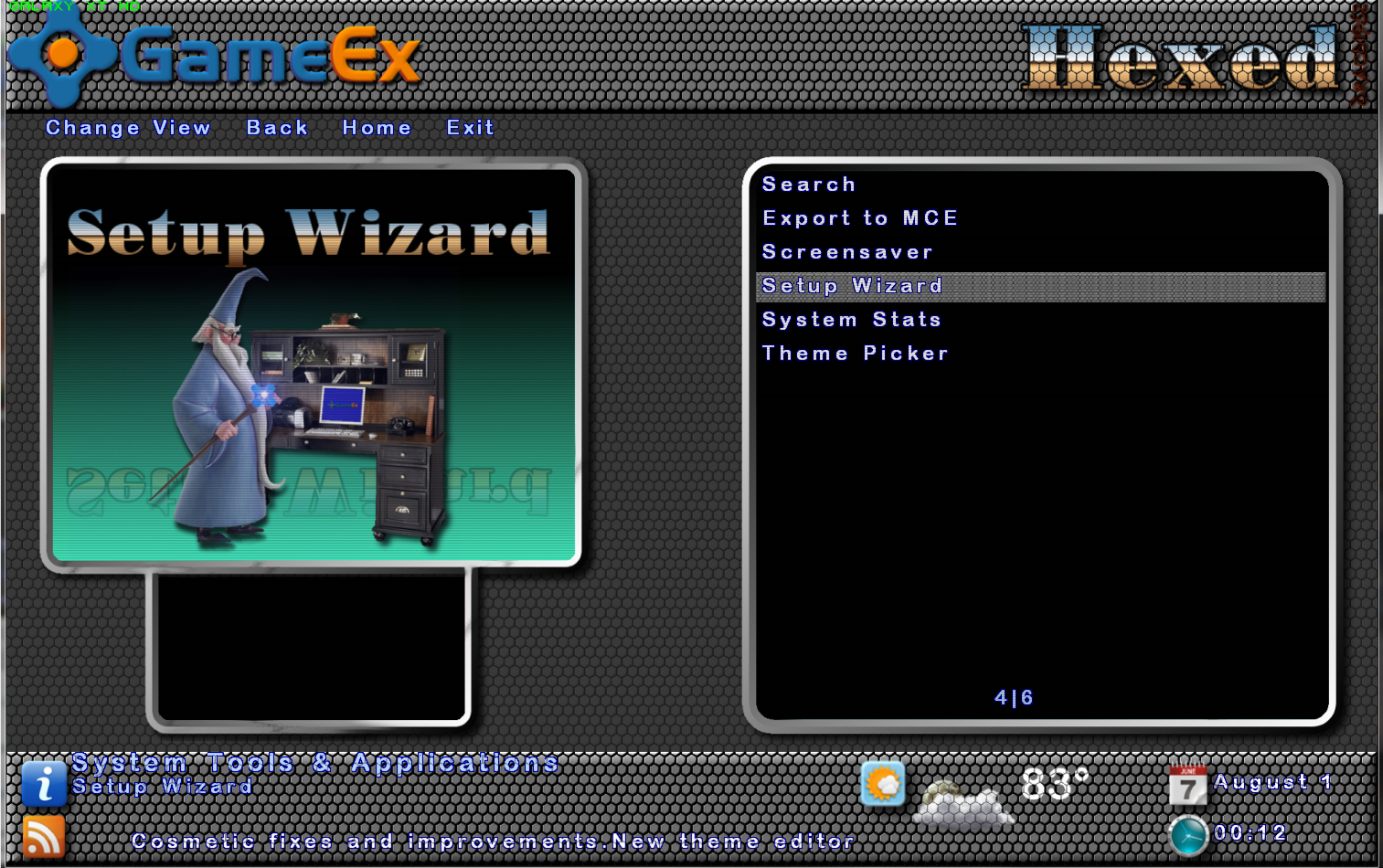
@ Han - The scan lines are optional and if the end user prefers, the PSD file can be used to create the foreground files they need without the scan line layer included. I have to agree with you about the hex pattern overlying the text in the footer and have modified it to remove this layer so that the text is not affected. Thanks for the feedback!
-
I did find some information regarding a program called GlovePie - you may need to dig further and I cannot guarantee a solution to your issue but it is possible someone has scripted this type of control issue.There may even be some solutions through xpadder but again , I am not aware of any specifics.
-
+1 on what Adultery said, all of it! Besides, evolution requires stress. Sometimes the stress is too much and a species fades into oblivion. Fortunately this front-end is not one of those!
-
Well, things are moving along at a deliberately slower pace with my Hexed theme. It will be a 16:10 V4 theme (1920x1200) geared towards HTPC and will be employing recent changes to the Theme Editor. Because of the layering limitations I have found my creativity challenged, but in a positive way. While not ideal, it is getting better and I hope to have some solid suggestions to provide for Ben and Tom as they continue towards the next generation GameEx Theme Editor and Skinning utilities! Here are a few snaps and, as always, your feedback (constructive criticism) is always welcome! As you can probably tell, I am taking advantage of the foreground top most setting in theme editor. This makes the selector bars appear below the foreground image which looks more polished. I am also using the scan lines effect over all image files. I will also have the header bar populated with system names and system images as they are available. The completed theme will include the core system displays and will have PSD/XCF files so that the end-user can create foreground images as needed for their specific emulated systems. I have replaced some of the logos entirely and added color where previously the gradient dissolved to transparency.
-
I assume you mean 720 Degrees ? I am not sure if there is anything for the digital or analog controllers that can truly emulate the special controller for this or similar games, but I am still relatively new. I have seen that there are some that built their own special controller and have archive sites for them. I am sure if any of the other users have an idea they will chime in.
-
Glad that fixed things for you, will mark this issue as resolved then!
-
Can you provide us with copies of your gameex.ini file and log.txt file (right after the minimize occurs - it may not catch anything but worth a shot). Since .ini files are not allowed to be uploaded to the forum, you may need to save as a text file to attach to your reply. Thanks!
-
It should reside in your GameEx root directory by the name of "Download Service Utility.exe." You will need to go over to EmuMovies to establish a free account so that you will have the username/password needed to access the media available at the free level and, if a paid subscription, the better videos.
-
Sorry, Han - had to move this over to the Social Club since it is not really GameEx related. Anyhow, was this something you had digitally purchased/downloaded from Steam?
-
Before you make a firm decision one way or another, you should see regarding using the original aspect ratio from older games on newer displays and the impact of forcing the ratio smaller than the display's native ratio.
-
You should be able to use command line options with MESS64UI the same as MAMEUI64. Have you rebooted your PC after that occurs? You may want to post a copy of your configs/ini's from MESS and GameEx so that one of the guys can assist. Mesk is a MESSaholic so he may be able to help!
-
11.99 has been released - you should be able to perform either an update or full install. I have installed it via update and this release fixed the problem with the font display boxes on my system.
-
I can work with it - if you can extract anymore, please feel free to send them my way!
-
No Windows Error console. Nothing of import in Event Viewer.
-
DJoneK has Vista 32-bit. All others except for Ian (he has Win 7 x86) are Win 7 x64. I do not believe it is a rights access issue or a Win 7 x64 issue specifically. Will need to see if any XP users are experiencing the issue or other 32-bit Vista/7 users impacted.
-
Since it is occurring prior to load, the log only shows information post load as far as I can see. Here is my log:
-
Got the same thing after updating to 11.98 - Windows 7 x64 here.