



|

Leaderboard




Popular Content
Showing content with the highest reputation since 07/17/26 in all areas
-
Wow, how cool is this!!!2 points
-
Hi guys I have recently upgraded my vpx cabinet to all the latest stuff (b2s server, VPinMame etc.etc). PinballX included. Using vpx 10.8.0 gl @ 64 bit. PinballX is working great 99% of all my tables are playing great. (5800X3D with an RTX 5700) But Bonebusters v1.6 from VPinballuniverse is very stuttery. And it only does it when launched through PinballX. If I launch this table directly through vpx it plays great, on allversions 10.7.2 etc. For some reason PinballX causes issues with this single table. Now I'm not too fussed about this table. It's not the greatest. But if only to understand my system better I want to know what is causing this. I enclose my PinballX log file. EDIT: log file states it found Windows 11, but it is deffo Windows 10. Dunno why it is saying that. DOUBLE EDIT: /facepalm. Wish I could delete this post. I just seen in the log that I was launching through VPX 10.6. 🙄 It does run like crap in that. All good now. Sorry. log.txt1 point
-
I keep all my .exe files together, and only call them with an /alternateexe command in the xml file. Why this was set for 10.6 I can't remember. It's obvious I put that in there for some reason. I use 10.8.0_gl_64bit now as default. Only falling back to 10.7.2 if needed.1 point
-
https://www.kickstarter.com/projects/amat/swap-arcade-full-arcade-that-turns-into-a-furniture-cabinet if it wasn’t so damn expensive, I would be all over this. This would definitely change how my living room looks.1 point
-
I have been upgrading kit to WiFi 6 PCI-E cards and very pleased with the results.1 point
-
I'm not a visual artist, but I made the following out of your images (adjust the background a bit) And one with round tiles : Added both to the first post as well
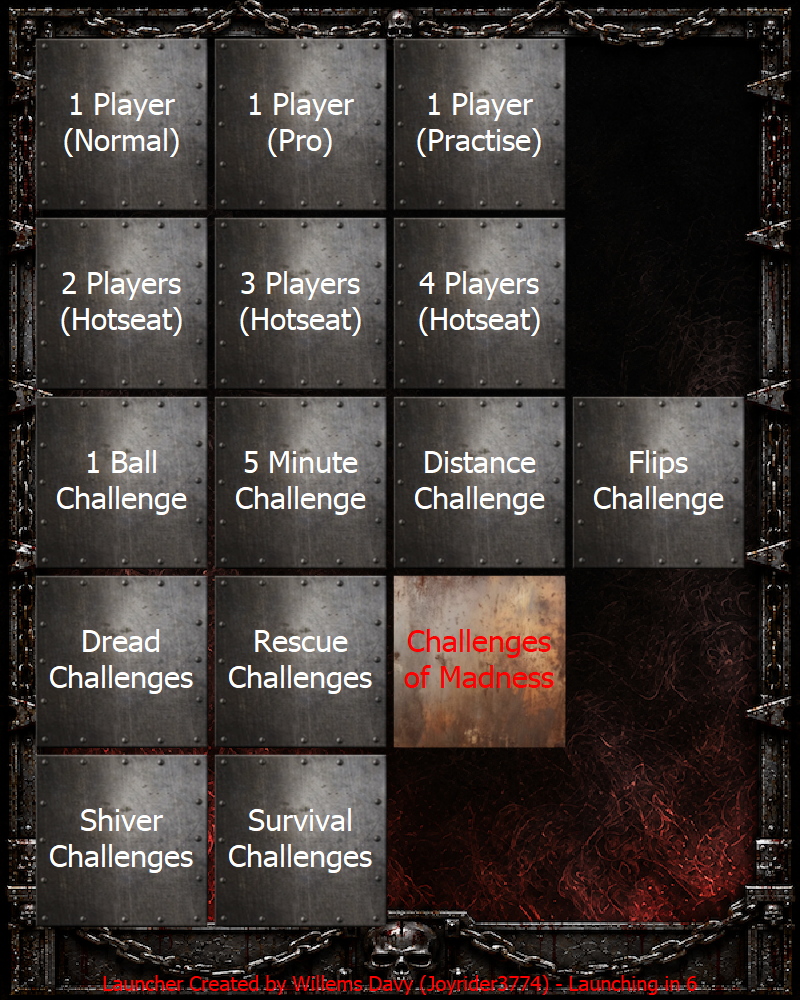
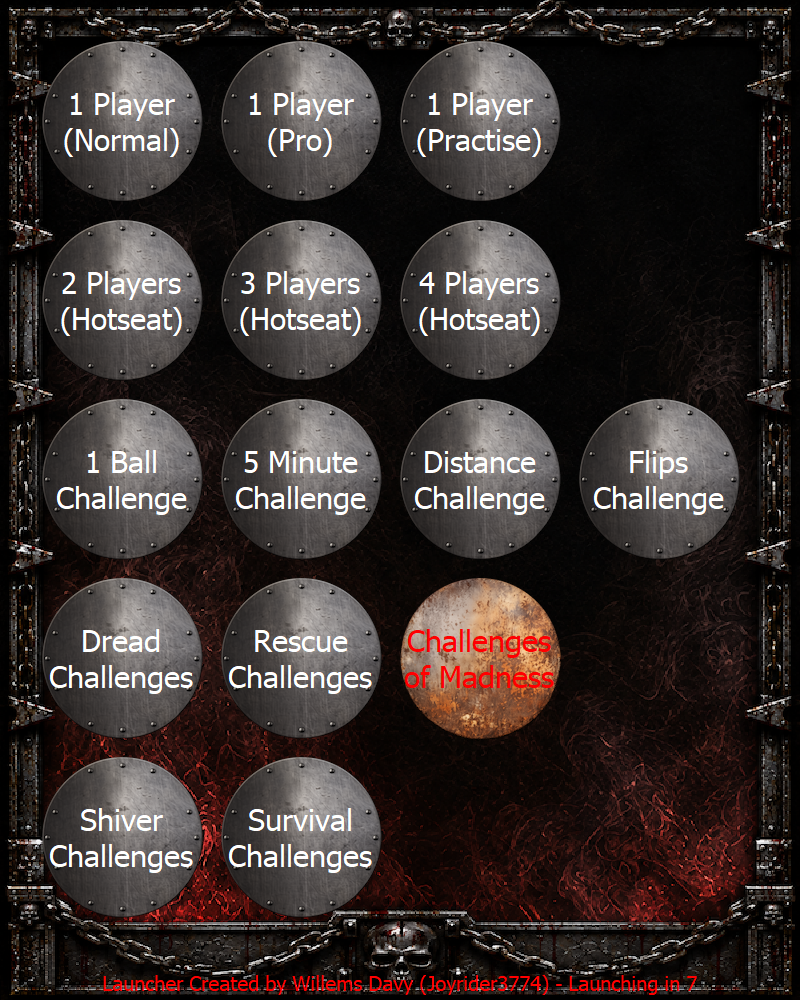 1 point
 -
I haven't played Pinball FX yet, so I can't tell you much about it, but here's what I have: Turn-Based Gameplay 2 Players - gamemode hotseat_2 3 Players - gamemode hotseat_3 4 Players - gamemode hotseat_4 Game Modes Classic - gamemode classic Arcade - gamemode pro Practice - gamemode practice Classic Challenges Flip Challenges - gamemode Challenge_FlipLimited Distance Challenges - gamemode Challenge_DistanceLimited Ball Challenges - gamemode Challenge_BallLimited Time Challenges - gamemode Challenge_TimeLimited MIDNIGHT Challenges Dread Challenges - gamemode Challenge_Dread Rescue Challenges - gamemode Challenge_Rescue Survival Challenges - gamemode Challenge_Survival Challenges of Madness - gamemode Challenge_Madness Shiver Challenges - gamemode Challenge_Shiver ---------------------- I'm including a screenshot of the menu because, according to what I read on page 1, Joyrider3774 modified the selection boxes at your request, and if I'm not mistaken, it said it could be 4x3, 4x5, or 5x4 (the last one is what I need for the menu, since my image is 800 x 1000 pixels, but it doesn't appear to be larger than 800 x 600).
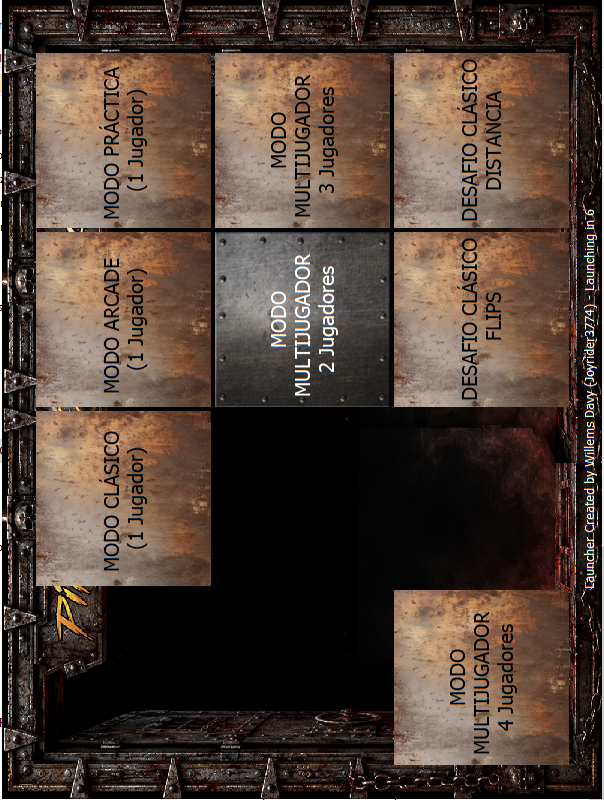

 1 point
 -
Thanks, I've located them all.1 point

