|



Adultery
-
Posts
10152 -
Joined
-
Last visited
-
Days Won
159
Content Type
Profiles
Forums
Events
Downloads
Store
Articles
Everything posted by Adultery
-
For me its so I get a nicer check later.
-
Unfortunately our $10k return is going to a basement remodel.
-
You can also use Headkaze's plugin to launch multple programs at once (although I use a batch file for this). PlugInLaunch.dll
-
 Nice one! Thanks for the contribution! You could do a System.IO.Directory.Create(C:/Your_App/Output) and put your newly named files into it if you're worried about user error. /end suggestion
 -
I think I follow you. Well, for starters, you should go into Setup Wizard and look under the MAME section. If this is a brand new setup, you can just do a basic setup by selecting "basic" and go from there. Here is a good place to get started for sure.
-
Depends on your setup. You can set it up in MAME and not worry about it or set it up as an emulator and use a map file. In other words we need more info from you.
-
You suck! I still heart Android. You can create one pretty easy actually, and all you need to do is hop onto the GameEx API: If you intend to develop client code with GameExtender please read this. GameExtender responds to standard HTTP get requests. The following are additonal special pages. accessed like http://server:port/page getsnap Downloads the current snap image or video. getinfo Displays info about the current gameex state. If a game is running will show additional information about the rom and emulator. If you want to display particular client content based on a running emulator or running game you should poll this page. You can set custom constants on a per emulator basis using the advanced configuration utility. gameexcmd Access like http://server:port/gameexcmd?arg1=value&arg2=value Supported command are: control Control the GameEx interface. Like pressing keystrokes. LEFT,UP,DOWN,RIGHT,PAGEUP,PAGEDOWN,ENTER,NEXTTRACK,PREVTRRACK, HOME,BACK,VOLUP,VOLDOWN setlist Set the current list/screen in GameEx. This should be accompanied by the correct filter using "filter=" as an argument. Use getinfo to see what these should be. sendkeys Send keys to windows in the usual sendkeys format. example: http://server:port/gameexcmd?sendkeys=5 sendkeyslookup Send keys via a lookup table to windows in the usual sendkeys format. Should be accompanied by lookupfile= which specifies an ini file which maps the setting specified to keys to send example: http://server:port/gameexcmd?sendkeyslookup=reset&lookupfile=stella/stella In this example the ini file would be named stella.ini in a folder off this one called stella and look like this. [general] reset=r The ket sent would be "r" Any other get request will download the file within these folders as a standard get request. ie like a standard web server. MIME types are taken from the registry. Playing with this API is next on my list or maybe even a secret side project (but I'll be using the Android SDK for my app and it'll be available free on the Market).
-
That's how I programmed it actually. Let me explain... I have a few compilation CD's on the cab. I thought it would be cool if I could do a track lookup and pull a greatest hits CD to show instead of the artist picture (which is how the system currently works). Here's an example: Peter Frampton - Feel Like We Do was on a compilation. So, iMagic found this instead and downloaded it, then named it to match the compilation so GameEx will display the new cover instead of the artist: FileName: Peter Frampton_Ultimate 70's - 1977.png There's ways to dig deeper into the XML, it just didn't fit the purpose I was working with right then. That doesn't mean it can't be done, mind you... (in most cases my mp3s are tagged properly with the correct album). I can probably do something though.
-
Wait... You did go get your gamertag right? I may be wrong but I think you need the registry key to publish. http://www.gameex.com/Community/GetaGametag.aspx
-
Aww shucks Drac! You're just saying that!
-
Well I was hoping people would test my queries for me It's not as useful as it could be. Just an experiment really, and maybe usable for AHK scriptors. I may also add command-line arguments if it helps...
-
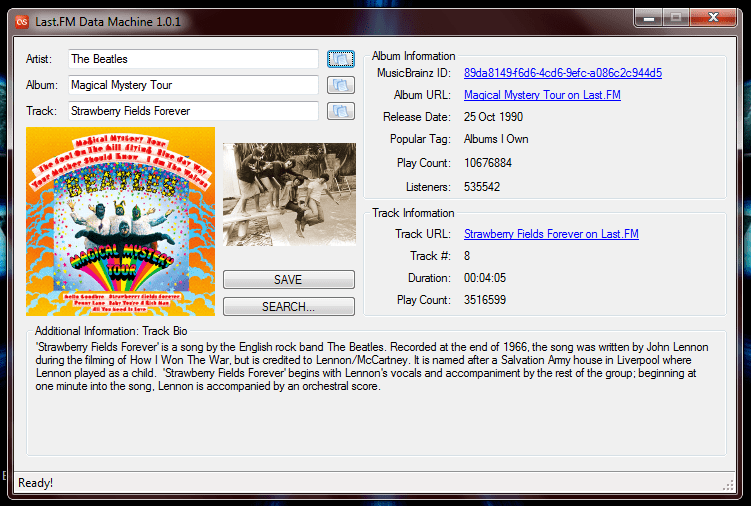
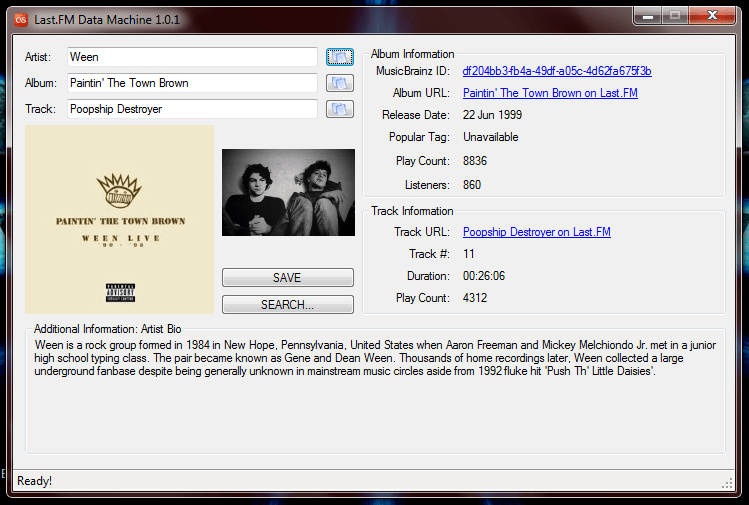
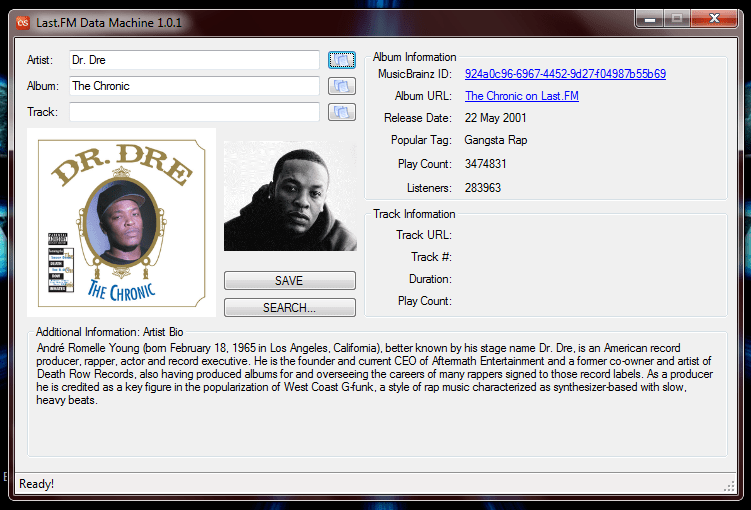
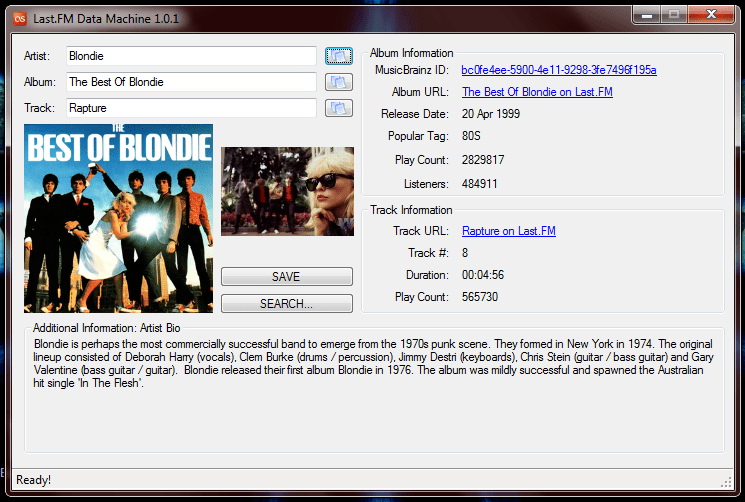
Last.FM Data Machine v1.1.2 Working on session authentication now, so you can hook your account into the Data Machine (if you have one that is). There's some cool stuff you can do if you have a Last.FM account for sure. Download the latest version here: draclabs.hfc-essentials.net - zip file - rar file





-
Glad you got it working.
-
You know the drill Krak. *log please*
-
Cabinets and HTPC Setups Running GameEx
Adultery replied to David R Hilgendorf's topic in Gamer Rigs
Watchutalkinbout Willis? Part of repairing is upgrades! -
Something must be stealing focus from GameEx... You're not using an nlited or tinyxp build of XP are you?
-
Cabinets and HTPC Setups Running GameEx
Adultery replied to David R Hilgendorf's topic in Gamer Rigs
Completely understand bro. Looks fabulous! At least your wife allows you to keep it upstairs! You did a good job on that. Creative "coin door" too! PS: Get a haircut hippie! LMAO! (J/K of course!) -
Hey crew! Here's a zip with new visualizations for GameEx. They're completely free (public domain), so if Tom were so inclined to include these in his GameEx install he could do so. NEW_VISUALIZATIONS.rar There are six in the pack: Beano, ChaosWave, Factree, LightMagick, Marbles, and Spectralite. All six have been tested by me and work on my machine, and don't bleed my resources. Enjoy!
- 2 replies
-
- 1
-

-
- visualizations
- gameex
- (and 1 more)
-
Marking as [RESOLVED]! Nice work!
-
Glad you got this beast! Marking as [RESOLVED]!
-
I was looking at VGA cards in Tiger Direct's catalog. You'll have to let me know how that bad boy performs.
-
Does nba jam run for you outside of GameEx?
-
So explain to me exactly what's happening here (in addition to adding the files that Alpha asked you to post). You launch a game, the game doesn't load but the GameEx info box pops up? Or does it fall back to your gamelist?