|



Draco1962
-
Posts
19253 -
Joined
-
Last visited
-
Days Won
664
Content Type
Profiles
Forums
Events
Downloads
Store
Articles
Everything posted by Draco1962
-
At this point I will defer this to Tom and Ben. I am not sure if this can be done through GameEx, or, if so, at what cost to other aspects of the frontend.
-
Really a feature request - Add dual monitor support with options to cycle through related artwork (3D cabs, Titles, Bezels, etc.) on secondary monitor.
-
Moved posts from version release news post
-
This is a reminder that we should create a new post with any errors we encounter following an announcement of an upgrade version and not post any issues or bugs encountered in the [NEWS] posting announcing the new version release. This practice will allow for better bug tracking and ensure that errors you encounter will receive more immediate attention as opposed to getting lost in another post. Also, if you encounter an error, please provide a copy of your log.txt file and, if specific to an emulated system, a copy of your emulator config. Thanks!
-
Does that include when used in conjunction with the Catalyst Control Center? You may also want to check out this article on TweakGuides.com. ATI Tray Tools may have some additional options to allow for better scaling control and per game ratio selection. Keep in mind I am mainly googling this stuff as I am not real familiar with the ATI Radeon line of GPUs. (I work mostly with nVidia so am more familiar with the line and applications (ForceWare).
-
Depends on the UPS and software support for safe shutdown. Most connect via USB or serial connector to the PC and come with monitoring software that you can configure for your needs. You should consider wattage to a degree. You can minimize the demands on the UPS by plugging monitors, external speakers, etc. into the appropriate outlets on the UPS so that they are not receiving battery power during an outage, yet still benefitting from the power cleaning capabilities. You will spend some money to make this happen but you won't be disappointed.
-
What OS and GPU do you use?
-
@MAME-AL - I merged your last post/topic with the one you had opened previously. Have you changed the command line within GameEx for AAE as was suggested in conjunction with the AAE map file located here?
-
I had a similar issue - hit Change View multiple times until the view shows correctly.
-
That is awesome - glad you got it worked out! Will mark as resolved then!
-
Would you mind providing us a copy of your gameex.ini? Also, under Display Settings within the Setup Wizard, how do you have it set for "Don' switch resolution" and X Res / Y Res?
-
You are using the default paths for the demo and not the path to the video snaps. You have to locate this via the Setup Wizard and "browse" to the correct path within the MAME setup as well as each emulator you are setting up within GameEx.
-

Feature & Enhancement Requests
Draco1962 replied to Tom Speirs's topic in FAQs, Guides, & Other Useful Information
FEATURE REQUEST: VIEW PICKER Because there are now many more view combinations, I thougth it would be very helpful to have a View Picker (Similar to the Theme Picker option) that will present either still or video snaps selectible for the available view combos and allow the user to click on the combo that is desired within the specific menu. This would cut down on time and end-user frustration considerably. -
OK that worked, although I have to say that with so many view combinations, it would be great to simplify the selection. Another thing I noticed is that my left and right arrow keys no longer seem to work on my keyboard, while up and down arrows work just fine. Any thoughts as to why this might be happening? EDIT: Disregard - the issue is resolved. I must have "fat moused" and set the input to cab friendly. Set it to false and behavior back to normal.
-
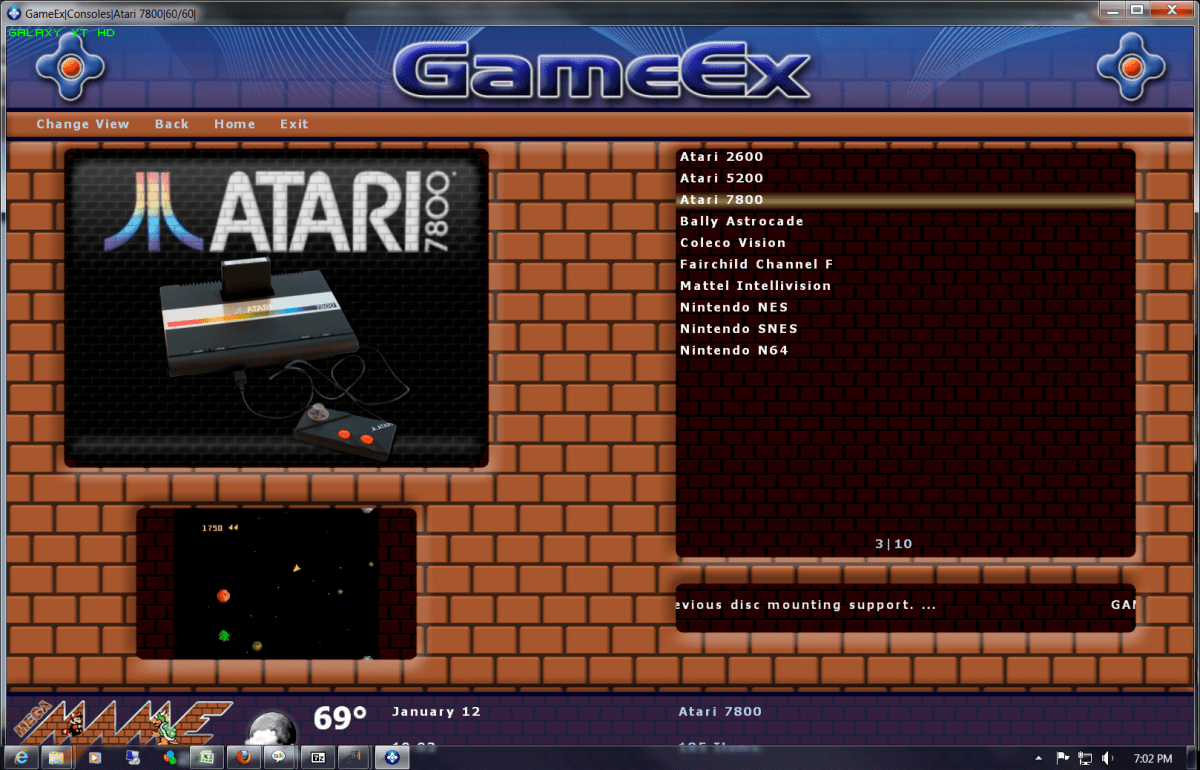
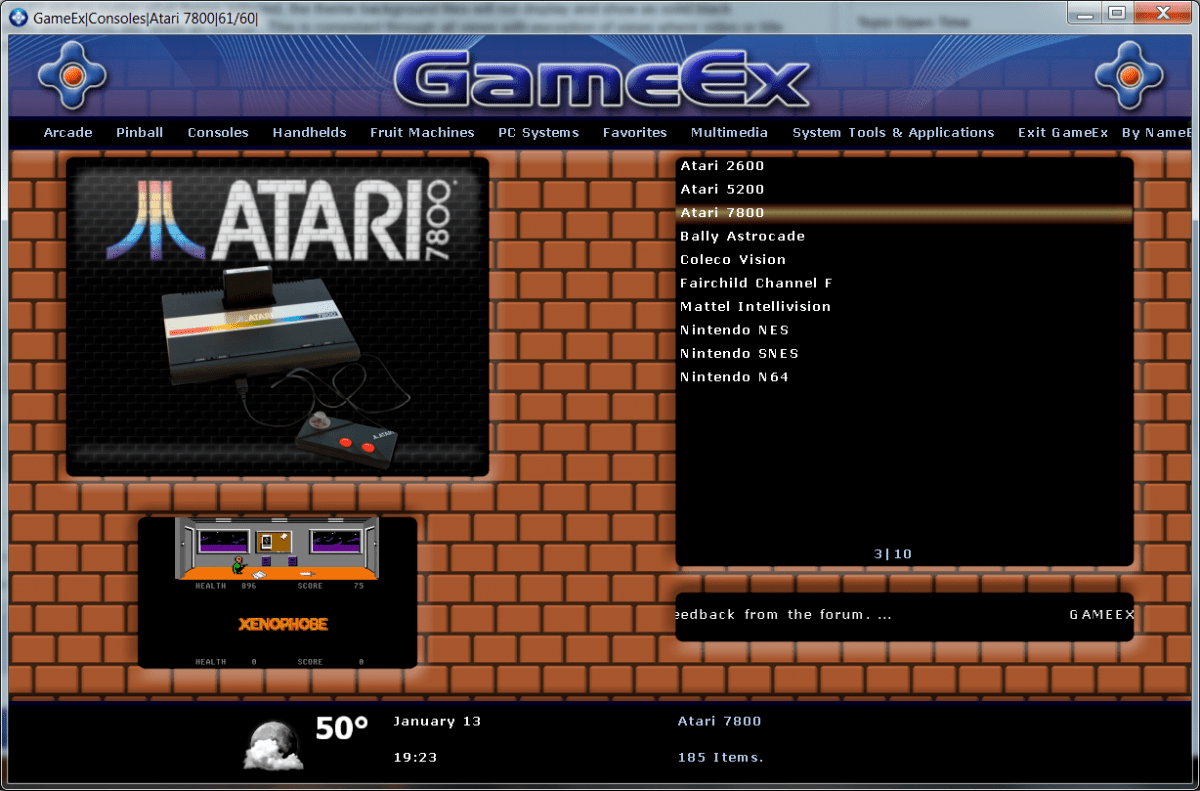
Tom - I have updated to 12.53 and no matter what theme selected, the theme background files will not display and show as solid black instead. Foreground images and menus, etc. show as normal. This is consistant through all views with exception of views where video or title snaps display in the background. Under 12.52 After 12.53 Upgrade
-
Thanks!
-
You don't need one for 75 minutes really. The main reason to get one is allow you enough time to safely shut down in a timely manner. The main thing is to smooth out the power going to your sensitive electronics. Just think of it as your condom against the contagions of dirty electricity, the drip of power browns, and the fever induced by power spikes & surges!
-
If you are updated to the latest version of GameEx, try running an Update List from within it and see if the number changes. If not, please submit a copy of your gameex.ini so we can take a peek.
-
peterson65 - what version of GameEx are you running? There were some changes in GameEx that allowed for display of more than 10000 MAME ROMS a few months ago.
-
Oh, get an UPS!
-
In Windows, it is all drives or nothing. The setting is in the Power Options via Control Panel. As for Write Caching, I would not change a thing for now. Give the new PSU a go and see if it resolves the issue.
-
Since the latest version of GameEx is now integrating support for Daemon Tools Lite instead of Clone Drive, I would have to say yes.
-
Happy Birthday, Greatflash! Wishing you many more!
-
Thanks for the share! This may help quite a few with related difficulties!
-
If it is rough you don't want to put anything akin to shelf or wallpaper on it as it will look like total crap (unless that is the theme you are going for, which I doubt!). Is it made out of wood or mdf? My guess is that you would be best to consider getting a good sander and start with a rough grade grit to get the paint off and finish it of with a fine grade to smooth it and ready for primer and paint.