|



Draco1962
-
Posts
19254 -
Joined
-
Last visited
-
Days Won
664
Content Type
Profiles
Forums
Events
Downloads
Store
Articles
Everything posted by Draco1962
-
See a demo about it here..
-
Split the post so this issue will be current.
-
Are you getting the same error when you run AAE outside of GameEx? If so, then it is not a GameEx issue. http://forum.arcadecontrols.com/index.php?topic=73009.120 http://forum.arcadecontrols.com/index.php?topic=100364.0#msg1067844 - users reporting some issues that may be related http://pages.suddenlink.net/aae/ - make sure you have the latest updates Things you can try are running in compatibility mode (XP is usually safe). From reading the authors site looks like there were some issues with joysticks and possibily video card compatibility issues.
-
I think a slightly darker, redder brick would look great as well. You can take the original file Adultery provided, load it in GIMP, and adjust the hue, saturation, and brightness (and possibly contrast) settings to get the effect you are after.
-
Sounds like a bug to me. I would suggest clearing temporary internet files to see if this resolves the issue temporarily. I am going to elevate this to Tom's attention as it should not retain the scroller feeds from the previous screens.
-
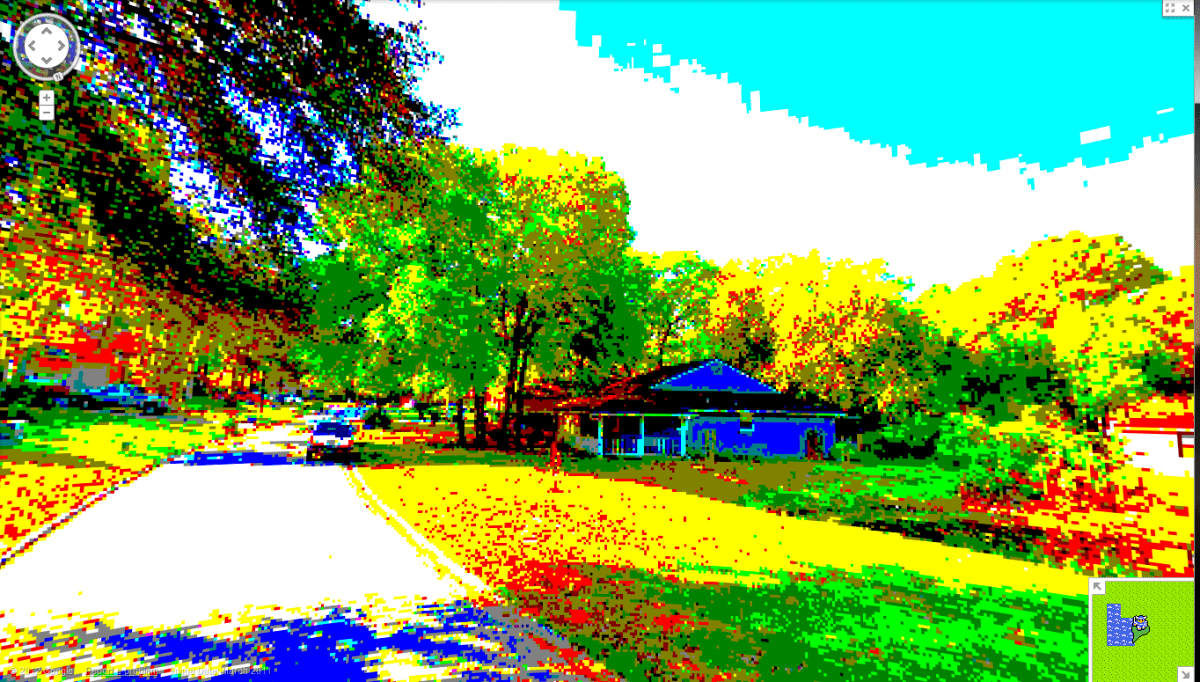
Our house in 8-bit Glory!

-
You're welcome. Have you had a chance to play with creating pattern files with GIMP? There are quite a few already created that you can modify and use to create brick and other textures. Let me know if you need any help or advice regarding!
-
Just to save you a few steps in the brick laying department... enjoy! Bricks.zip
-
The last view selected for each section should stick. If it is not, then let us know, it may be a bug,
-
You may have to hit Change View a few times to cycle through. If Change View does not show as an option, then you will need to enable it via Setup WIzard.
-
Thanks!
-
He means the Menu Bar (since no separate Task Bar, then meaning is synonymous).
-
Unless the blurring is taking place when playing a MAME game through GameEx, then this is not a GameEx issue, it is with your resolution settings on your set blurring the menus in MAME. You need to go through the MAME options as noted by hansolo777 and also your video resolution settings in Windows to properly configure the display on your set.
-
I extracted what I was looking for (your emulator setup for the DOS - Role Playing Games: Nothing seems out of sorts here that I can tell. How are your game files named? When looking at your db, the name is the same from the Name, GoodName, NoIntro, and TOSEC columns. Not sure if that could contribute to the latency and I will defer to Headkaze, Tom, GreatFlash, or someone else to answer as I am not too savvy of the GameEx inner workings. Have you tried clearing out your cache files (any file with cache in the filename and/or extension)?
-
Can you please attach a copy of your GameEx.ini file? Thanks!
-
My apologies as I miss-posted about the location. It is under Edit >Scroller in Theme Editor. That's what I get for posting during breaks while at work. So you did find it and were able to resolve your issue - very cool!
-
Yes - Load the theme in Theme Editor, click on Options and look for the News Feed option and deselect, click OK and save to apply the changes.
-
If you are running this on an LCD TV, 1024 x768 is likely not the native resolution and there may be refresh rate issues as well.. Have you tried one of the other themes that might allow for use on a higher resolution?
-
Did you ever get it to run outside of GameEx? Please refer to this link and answer the questions that are asked in your thread here. The key objective for you right now is to get this running on its own, then we can help address any issues you may run into when running through GameEx. You may also want to familiarize yourself with the Links to Emulators, Suggested Command Lines, and Map Files that many of our forum regulars have contributed and especially the section that is regularly updated by fRequEnCy.
-
As if there was ever a doubt!
-
Oh well, I wonder if another web weather option exists? Weather Underground has a free Weather API here... Until someone comes up with something similar to what we had, I have substituted the original URL with http://www.wunderground.com/auto/wxmap/ . This is their fullscreen map and it renders well in GameEx in place of the weather. You can input your location and set the map parameters fairly easily and, while it isn't as clean looking as the normal MCE-type weather display, you get a pretty decent weather map and summary of current conditions and the next few days forecast.
-
OK, that's a few questions answered. Can you upload a copy of your gameex.ini file (located in the gameex\config folder)?
-
You may need to give us more information, like the theme you are using, your screen resolution, your type of display - PC monitor, television, arcade monitor, etc.
-
@Tom - I tried your suggestion, deleted temp internet files, cookies, etc. and still no joy. If the problem is with the site, then the Weather app is broken for some of us. Apparently it is not supporting down to the level of my city any longer. While I don't use the feature, often, it is a shame to see GameEx impacted by a loss of functionality for some users.
-
It should get Jacksonville FL then. At least it was doing so before. I only use the functionality when testing a theme so it's not a deal breaker for me other than I just like things to work as intended!