|

scutters
-
Posts
2122 -
Joined
-
Last visited
-
Days Won
190
Content Type
Profiles
Forums
Events
Downloads
Store
Articles
Everything posted by scutters
-
Does it always error on that game exiting? If it's every time you could try deleting the .nv nvram file for the rom. You'd lose your game data though. If that doesn't help adding pinballx.ini and log.txt files as attachments might throw up some clues.
-
You'll need to attach copies of your pinballx.ini and log.txt files (after the issue). Thanks
-
Can you attach your pinballx.ini and log.txt files and give a bit more info on your setup and the issue... Do you have the taskbar disabled in windows on the BG screen and it gets enabled somehow, or is it enabled there but now appears on top of the BG video/image?. I just have the taskbar on playfield screen, might be worth trying that in windows if you have it enabled on all screens.
-
Might be worth disabling your largest system (vpx) in settings.exe first (before deleting tables), and seeing if issue recurs if you leave it running a while to help prove if a memory issue. Does task manager hint at any bottlenecks when the issue is present?
-
Is the black DMD screen you see a blank window, or is your windows desktop black (so it could either). Can you see anything for the DMD video if you press ALT+TAB?
-
Also make sure you have LAV filters installed, available here https://www.pinballx.com/
-
[RESOLVED] Visual Pinball X DMD showing when disabled in VPX
scutters replied to [email protected]'s topic in General
In Settings.exe go to Display settings, set Auto position DMD = No Or in pinballx.ini set this line = False; AutoPositionPinMAME=True -
Able to override DirectB2S on specific tables with video?
scutters replied to 40yearoldPinhead's topic in General
There is another option, for tables you don't have videos for yet you could add static backglass images. Pinballx looks for videos first then images. Depends if you'd be happy with static images i guess, should be plenty on the FTP (as well as stock backglass videos of course, but they might be harder to identify as not your recordings later) -
Different style, call it a pseudo progress bar(?). 1st frame is dark transparent so blends in pretty well from black screen flash. Won't be doing a gif version of this as it's all partial transparency. 48 frames (16*3 loops), works best for me around 10 or 15fps - so ~ 4.8 or 3.2sec loading video loop duration... but can be as fast or slow as you like! e.g. entry in the loading vdeo tool (https://www.gameex.info/forums/topic/23167-app-create-launch-videos-from-playfield-with-overlay/) [Overlay1] VideoLengthMs1 = 3200 ImageMask1 = "frame%%.png" BitRate1 = 5 Frames.zip
-
Attach your pinballx.ini and log.txt files (after trying to launch the table) Does the table load at all (can you see it if you alt+tab)?
-
Yep, it's not quick getting the 'source' 128*32 images sorted. But at least i've got the conversion to 1080*270 gifs pretty much nailed now!
-
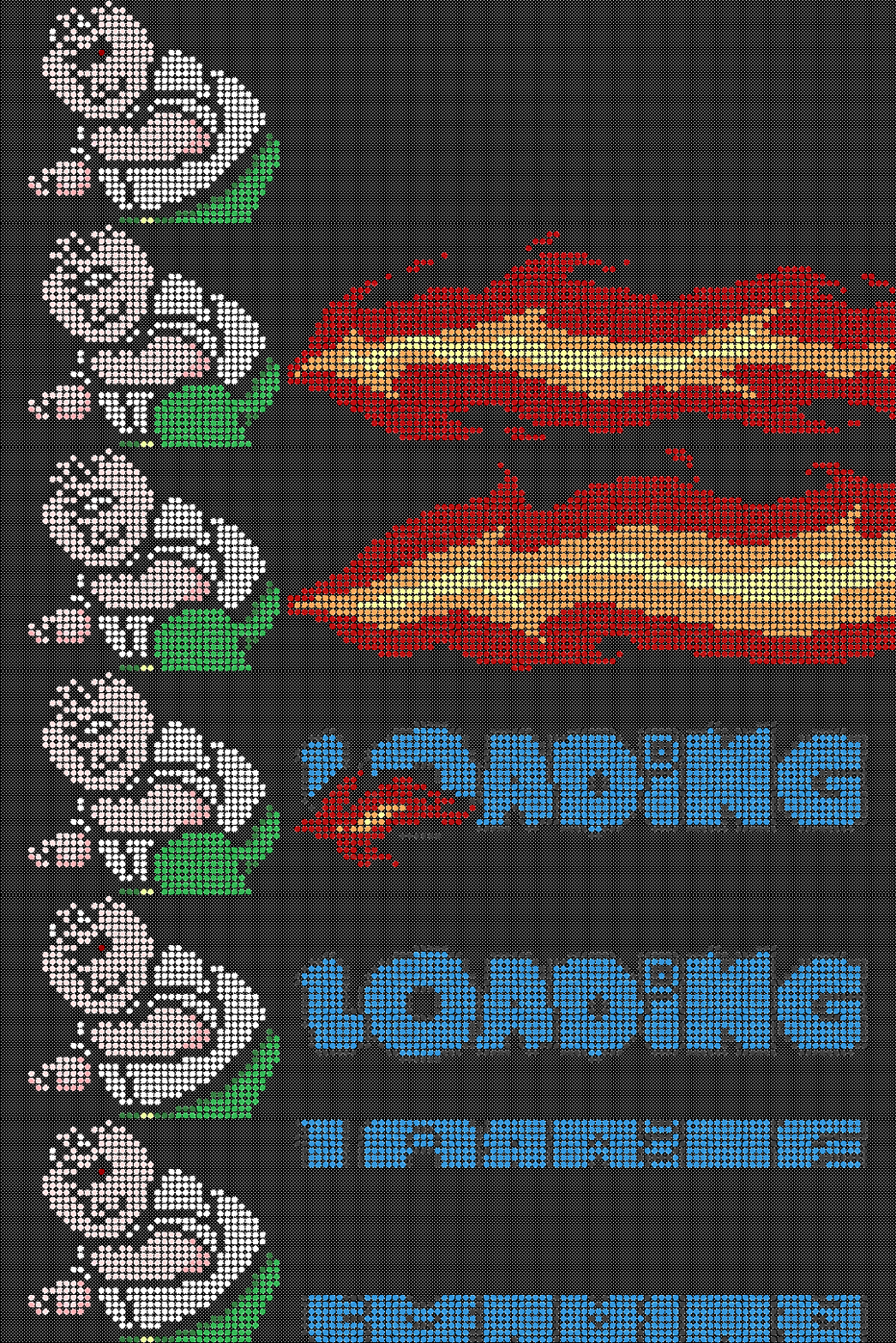
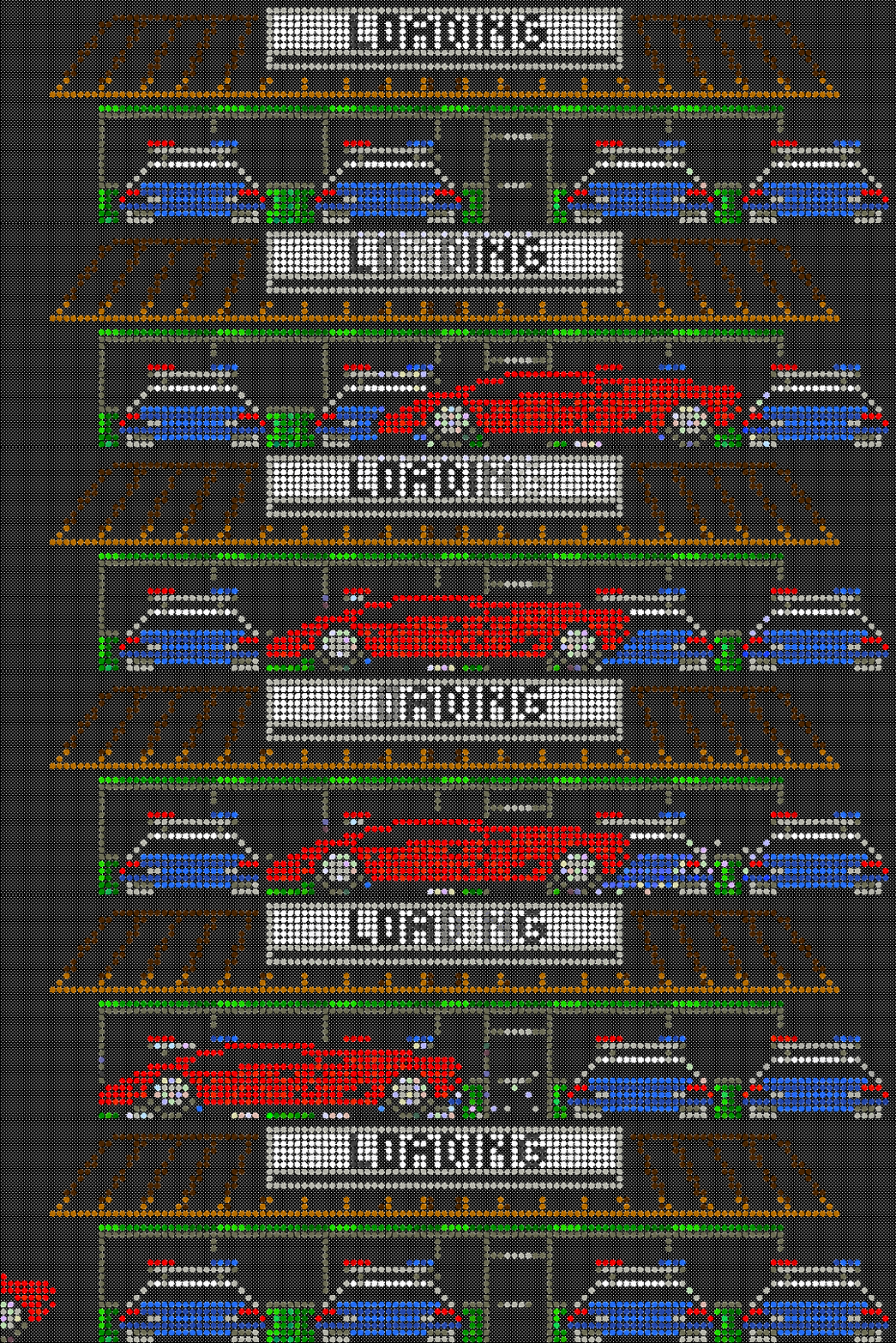
@Mike_da_Spike's DMD style loading video sequences as loading gifs; Thanks for these Mike! Bottom of screen versions on FTP /-PinballX-/Other Uploads/scutters/Loading Gifs/DMD. Zip has light and dark versions for centre of loading screen overlay. GIFs.zip



-
Working for me with filezilla
-
A minute's not long enough? Anyways, for anyone interested / still using pbx recorder here's an updated script / exe with a couple of extra options to output playfield @1920*1080 (for 4k users who either want to save space or gain a little performance [this also speeds up playfield image snapshots for table loading images if you're using that option]), and optional output as yuv420p which may also help with perf ( https://www.gameex.info/forums/topic/20809-266-here-hardware-accelerated-video-rendering/?do=findComment&comment=178204). @gtxjoe / @Carny_Priesthope you don't mind me posting here, will delete if you wish! PBXrecorder.zip
-
Able to override DirectB2S on specific tables with video?
scutters replied to 40yearoldPinhead's topic in General
Best bet is to just have a backglass video for every table in the media folders! -
Glad it's sorted. I don't have any tables without videos so never realised the missing BG video got updated as well during install, thanks for the info.
-
Cloning a drive to a different setup could cause a load of issues i guess. What happens if BG and DMD are unplugged, so playfield is only connected screen? and is it set as primary already in windows? Probably worth posting a screenshot of your screen set up in windows as well as the log and ini files. (last resort will be follow link in this post, but don't think you're there yet https://www.gameex.info/forums/topic/20798-please-help-pinball-x-back-glass-video-wont-show-up-resolved/?do=findComment&comment=177934)
-
Able to override DirectB2S on specific tables with video?
scutters replied to 40yearoldPinhead's topic in General
No way that i know of. Probably best to raise it as a feature request.. -
ToggleStartWithWindows.exe in pinballx folder?.. i'm guessing that's called by settings.exe when you change the start with windows setting in pinballx settings. @teezr2 It might be worth checking / posting your start up programs in windows for pinballx. Windows start -> settings -> apps -> startup
-
Try disabling the start with windows option in pinballx (in settings.exe under startup settings) first, then reboot. Let us know what happens, does pinballx still start on reboot, as a single instance, or not at all?
-
@greynurseI've posted this link before i think; https://mega.nz/#F!p3hREDgB!pEWMJvVQ7t3Sv_TmrxdU-w!52AzHIDR (it's not mine so i'm not uploading to ftp) Plenty of flyers & instruction cards on there, if you have space on your hard drive you can just download the whole lot and copy them to the respective pinballx media folders, then when you add a game this files are already 'pre-populated' - so long as you match the name. I like the sort / filters ideas for game manager!
-
Two shortcuts to launch at startup? If you exit out of everything and launch pinballx manually do you get the issue?
-
Note, if you don't want the loading gifs across the middle of your playfield screen then you can resize the canvas used by them. One way to reposition them to the bottom of the playfield screen is go on to https://www5.lunapic.com/editor/?action=quick-upload and upload the gif, Edit->Resize Canvas to 1080w*1920h, leave canvas colour as transparent, then change image position to lower center.. and Bob's your uncle. ... or you could just grab the DMD style gifs for bottom of playfield off the FTP , /-PinballX-/Other Uploads/scutters/Loading Gifs/DMD , i'm not posting them here as they're just the same except for position.
-
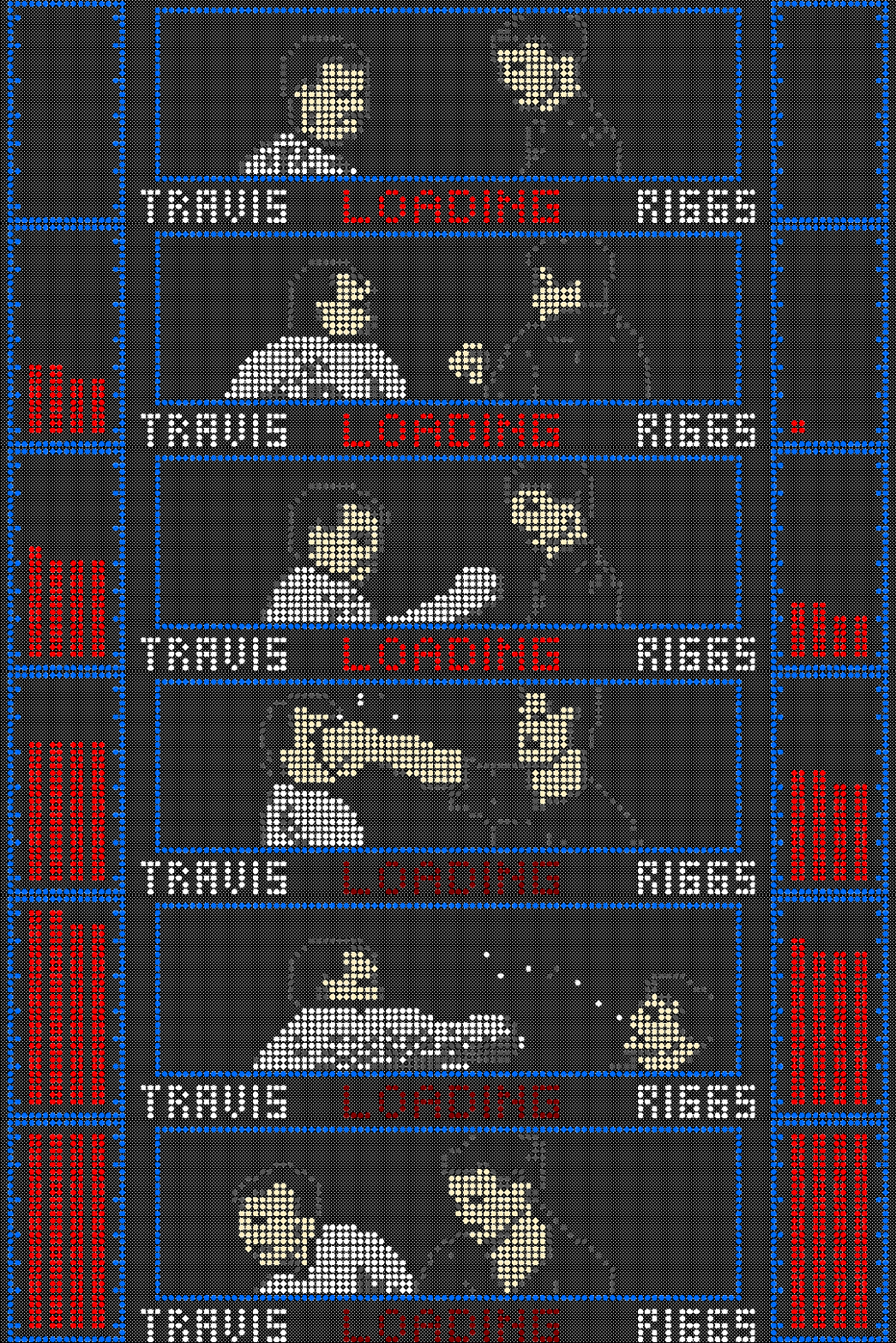
Another LW3 DMD style loading gif, based on colourisation http://vpuniverse.com/forums/topic/3287-lethal-weapon-3/ Light and dark version in the zip. Make your choice.. LW3__2.zip
-
@killa7977 Any good?