|



headkaze
-
Posts
5120 -
Joined
-
Last visited
-
Days Won
37
Content Type
Profiles
Forums
Events
Downloads
Store
Articles
Everything posted by headkaze
-
Yep, you have to go into your Mame folder and delete all the current zipped artwork files (which contain the bezel graphic in them). I had this same issue and it puzzled me for quite a while
-
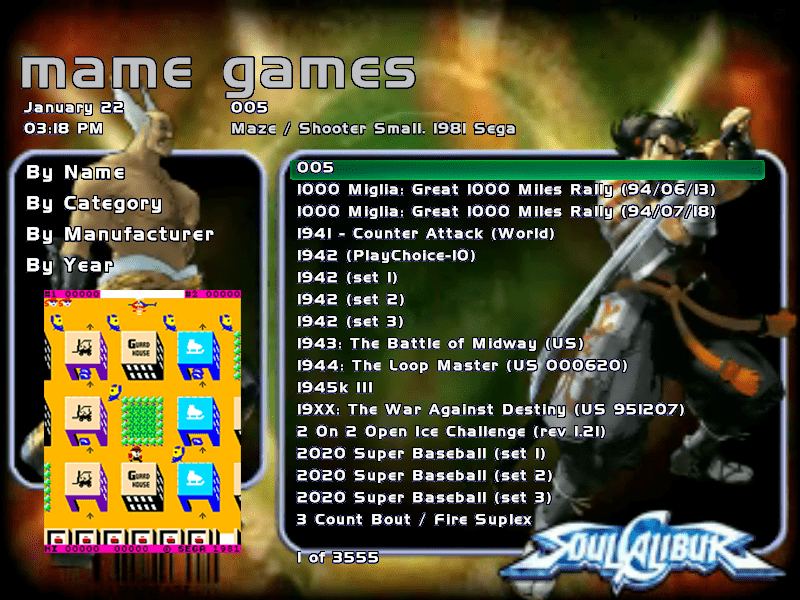
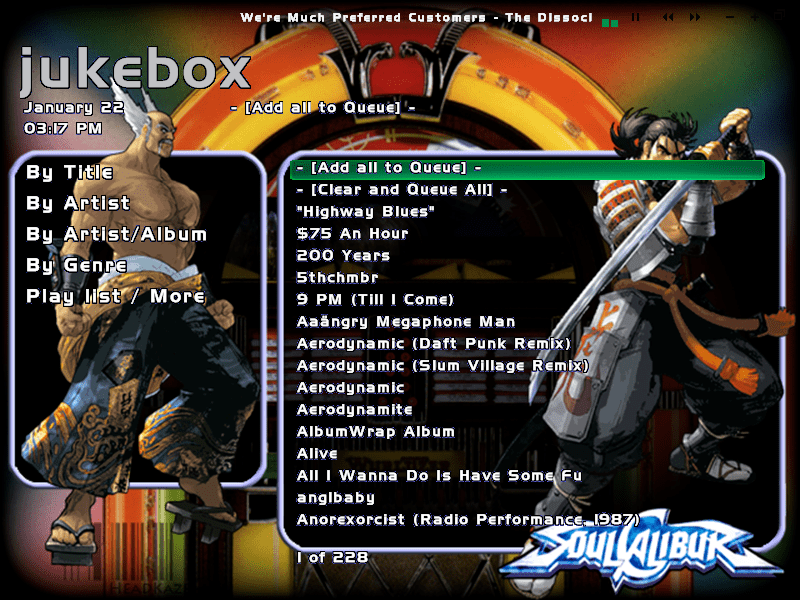
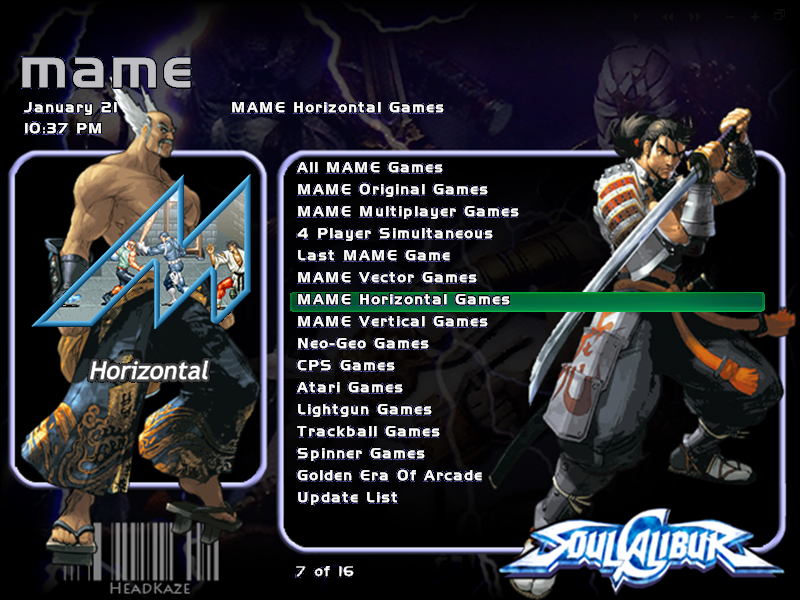
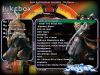
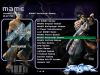
I've finally updated my old Soul Calibur theme, but I can't take credit for alot of the logo's and stuff which are from various themes. For example I now use Adultery's M logo series because they look great. The coolest feature of this theme is the new background video that plays when your viewing the Mame list. It's a 2 minute Soul Calibur video with overlayed graphics. It demonstrates what can be done in GameEx themes with video alone. I've sent this theme off to Tom, so it should be up on the theme site soon when Night gets it.
-
Yep, I'm on nightshift again
-
I'll have a look and add the code to VolumeControl.dll. It's actually a feature I wouldn't mind having too, since you don't want the mic on all the time.
-
Have you checked out the built in CP viewer in GameEx? When you view game info you can view the CP with button labels, you just can't modify it to the layout of your own CP (yet). Changing the menu order is not possible AFAIK, that is something that may change in the future though. The plugin system wouldn't allow you to add items in different menu's but Tom is thinking about adding a module type plugin where you can write your own jukebox or whatever.
-
There is a Control Panel editor in the Theme Editor, but Tom hasn't got around to adding support for it yet. Not sure when that will happen. As for having Johnny5 or CPV2 running as a plugin, it is certainly possible. I might see if Tom has the new CP Viewer on the adjenda or I may write a plugin if and when I get time. Might be worth a feature request?
-
Read post #3, you have to run the Sound Volume application (aka sndvol32.exe) and you can set your Recording inputs and your outputs (Options->Recording and Playback). Once you have mic selected as your recording input, and your Playback volume is okay, you should hear your mic as soon as you plug it in.
-
hehe popcorn I love your ideas, and believe it or not it's not a hard thing to do. But trust me when I say this, if you have RGB LED's and you see the attract modes, you wont give a shit about any of that. The attract modes (I'm hoping) should really make something pretty out of your LEDWiz hardware. The practical issues of your idea lay mainly with the layout of the buttons. There is no way of knowing that unless I make the plugin let you draw your layout (could be a feature for the future Can someone check out Plasma attract mode and tell me if it's as cool looking as I hope it is... Anyways, that's not to say I wont implement your idea!
-
LCD/LED Plugin 1.0 BETA Released - Added colors.ini support to light up your RGB LED's to match real CP control colors. So far there are colors defined for 1210 ROMs! ourgrace: Too late it's already done I know you don't have RGB LED's to test this feature which is a bit of shame. But the feature is now in there
-
I think that happened to me when I was updating to 0.111. When I tried a manual update from the Update List menu item it didn't work. But when I exited and came back in, it prompted for an update, I then said yes and it worked.
-
try cmd /c <filename> or start <filename>
-
GameEx already has a "shift" key function built in (no need to setup shift for your IPAC). Select Start->Programs->GameEx->Setup Wizard->Custom->Keyboard Input The Paging button (aka shift) is used to scroll through lists a page at a time. You can also use it with Up and Down to adjust the volume. As for adjusting the volume in mame, you can't do that with GameEx yet, but I've remember requesting the feature myself. If worse comes to worse I could knock up an app to do it. But it would be nice having it built into GameEx. GameEx has a small app running in the background of Mame already, so it wouldn't be a difficult feature to add. The only problem I could see arising is you may accidently adjust the volume while in Mame. Eg. Holding C while pressing Up or Down is an easy combo to do while in Mame.
-
I think you can, judging by the readme I've never used the program myself, so I'm not sure how to do it.
-
There are 3 programs. Mapping Keyboard to Joystick... PPJoyKey. Mapping Joystick to Keyboard... JoyToKey Mapping Key to Key... AutoHotkey There are issues launching PPJoyKey though, doing a search for "Virtua Tennis PPJoyKey" on here should render some help. Also AutoHotkey can do more than just key to key, but the above are what I recommend for each type of mapping.
-
The "roms in folder" option has not been implemented yet. Thankfully it's the only option that dosn't actually function.
-
What do you mean by "i can like the mouse there for hours and it wont go away"? Do you mean leave the mouse there for hours and the cursor in snes9x wont go away? Try and describe things in more detail if you can. Is the mouse unplugged or plugged in when this happens and have you tried both ways? What about playing snes9x outside GameEx? Does your mouse still cause the same problems? Also, why not just use zsnes, most people here do. In fact there is no snes9x default config for GameEx. Perhaps the reason for that is that too many people have had problems with it. Or that zsnes is a better emulator. If it dosn't have the special save feature you want in it, you may just have to bite the bullet and live without it. BTW There is no point in posting "help!". What you should try is experimenting yourself, trying a few different things. A full re-install dosn't mean your not doing the same wrong thing over again. It could mean you have a hardware issue, or it could be a faulty driver your installing. Update your BIOS, only install the drivers for your motherboard from the latest download on the manufaturers website (not from the CD's that come with your computer). How else do you problem solve hardware issues? Apart from making sure you have the latest drivers from the manufacturers website, you unplug things and see if that changes anything. You unplug devices and try them in different USB ports, or you try a different device altogether (checking Device Manager all the time to make sure there are no /!\ (exclamation icons) or device issues). You need to try a few things, problem solving is a process of elimination. Also, the more new information you provide, the better, and the more chance somone might recognise the issue and think of something that may help solve the problem.
-
Please don't start on it yet ourgrace! I still have to finish off the software for creating the color file. The specification has not yet been finalised and I'm hoping to follow the spec designed by Howard (who works on the ControlDat project). Some things have changed already, and I've updated the software for creating the color file (but will not be posting it until it's finished). It should be finished soon and I will either do it myself, or split it up so everyone can do a section each. Right now though, there is no point; for example were not using RGB values anymore but color names. Sorry, hope you havn't wasted too much time on it. I'll let you know when it's time for creating it, thanks for the offer to help out. iano: same to you, appreciate the offer and may take you up on it soon.
-
You set the colors for each button in the config. Or do you mean a setting for having different colors for each game? The latter is being worked on, once we have the colors for all the games in a file then this will be automatic. So you will select a game and the correct button colors for that game light up.
-
There has been talk about starting up a buttons.ini/colors.ini file that has all the real button colours for the CP's. The thing is, it's a big job, and I'm not sure if there is enough motivation to get it made. I even started writing software to help make the file. You can read more about it here. Certainly, if the file does get made, I will add support for it in the plugin. Yes that's how it currently works.
-
Link fixed, try again.
-
LCD/LED Plugin 0.97 Released - Added LEDWiz Plasma Attract Mode. I hope I havn't broken anything in this new release. I've added another LEDWiz attract mode called Plasma. It should look better with RGB LED's, I'm not sure if it will look any good on Single colors ones. The Plasma effect looks like waves of colour rolling around. EDIT: Oops just found and fixed a bug which would cause Plasma mode to not work. Also added 2 new colour palettes for Plasma Attract mode. If the Plasma mode didn't work for you then try downloading again.
-
This plugin is BETA so, the more response, the more requests, the more I will feel enclinded to change and update it. Right now, it's very BETA and test stage, but I will be around to update it. Hang around and help out, and it helps motivate me to make it better. Eg. I just added the ability to add your own lwa files for attract mode. That was a request from ourgrace and I did it because he's a beta tester. More to come!
-
Tom has assured me that there is an update to the plugin spec that will allow LED's dancing to music duing Jukebox and Karaoke mode Again, Tom is the man! As for every button lighting up the way you want iano, well I will try, but I'm writing this plugin for everyone so I'm trying to make it work on everyone's system and LEDWiz setup. Do some testing when you setup your machine, and then I can consider adding some of your requests. Just at the moment, they sound a little specific, lets try for something that everyone can use eh?
-
Thats cool loadman! I also think the LED's dancing to music is a good feature for a jukebox. With the basic FFT audio code already in there I could probably add a few more audio features. I wonder if there is a notification in the plugin spec to say when your in jukebox mode. I should have the audio attract mode run in there too. Might be good for Karaoke mode too. I'll ask Tom about that. Hmm I wish I had the time to build a jukebox or cocktail cab.
-
There are some things you can try, first that wait delay actually means "wait x seconds OR until a CD insert notification". Perhaps the latter is not working. When you mount a game using Alcohol do you get a popup asking what you want to do with it? chankast_launch is designed to suppress that notification and start when it detects the new CD. Try turning off AutoPlay on your virtual drive (right click drive->Properties) make it "Take no action". Without AutoPlay it will wait the full time indicated by the Delay.