|



Draco1962
-
Posts
19238 -
Joined
-
Last visited
-
Days Won
663
Content Type
Profiles
Forums
Events
Downloads
Store
Articles
Everything posted by Draco1962
-
I can't carry a tune in a bucket. You guys have fun! Not that there is anything wrong with it...
-
That would be awesome if it could. While I can continue on with developing the theme using near black, would be nice to not have to worry about pure black elements in my graphics having to be manipulated as a workaround - and it just looks nicer!
-
Awesome job, StickDog (and Tom, as always!)
-
After further testing, it appears that GameEx is treating anything pure black, even semi-transparent pure black objects, as 100% transparent. This is occuring not only in foreground .bak files, but also in logo files where there si a pure black element. This then causes the background image to show through. I am going to try using a "near" black to see if this remedies my immediate issue, however, I don't see why pure black cannot be used. EDIT: My assumptions have been confirmed. Near black works.

-
I think there are some programs that can do this for you, also saw a reference to steps for creating a WIndows 7 shortcut as follows: Create shortcut of app. Right click on shortcut. Properties. Target line:C:\Windows\System32\cmd.exe /C start /affinity 1 C:\(ProgramFolder)\(program).exe The affinity should be a single hexadecimal number, not a list of CPU numbers: 1 = use CPU 0 2 = use CPU 1 3 = use CPU 1 and 0 4 = use CPU 2 ... F = use CPU 3, 2, 1 and 0 You could also get away with creating a simple batch file to launch the target.
-
Could this be cache issue?
-
and then there is fReq's suggestion... a question, though. What would you recommend so that the user can "take control" in the event that there needs to be some sort of intervention, maintenance, etc.?
-
You can probably just have Karaoke load, but you will still have GameEx come up first, then select Karaoke. This would be best accomplished using Custom Menus to create your GameEx/Karaoke only menu setup. That way you can design your theme around the function and have the screens you need (Start - Karaoke - Exit). You may wish to consider having two user setups to GameEx on the machine where you can logon to GameEx with an admin setup and one for guests with less options.
-
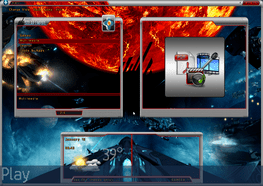
I have attached the original mockup SOASE) that shows how, if one file, the semi-transparency in the windows is preserved iif on the background level. If used as a foregraound file, in the second image (actual) you will see that the semi-transparent black areas are totally clear. Now I can simulate the black transparency by putting transparent "patches" in the areas on the background files and have the frames overlay the areas, but I find this to be counterintuitive and takes away from the flexibility in using multiple background files (not ot mention adding tons of time to the project). If for some reason I would like to have differing layouts I would have to "patch" each background individually, and then align the windows for each background.. The purpose of the semi-transparent layers to add a "mask" over the image. Can Theme Editor and GameEx be modified to preserve the semi-transparency instead of strip it when used on a foreground file? I see this as a serious bug when it comes to using the ability to create layered effects for some really creative, dynamic themes.


-
Windows (or most any OS for that matter) needs a file extension. in the format of filename.extension. Rename the file removng the second period and you should be fine.
-
You guys SUCK! I need a hug...
-
OK, hitting a stumbling block. I am attempting to use foreground elements that have portions with black set to about 80% opacity (so you can see through to the background. Unfortunately, GameEx strips anything that is see through, leaving only the frame. Needless to say, this kind of defeats the purpose for having foreground elements to overlay the background for some really neat effects.. I have tried pasting the same elements directly into Theme Editor and have the same results. Is there an .ini setting to correct for this? Is this a display bug and, if so, can it be fixed to allow for the display of them? Also "bumping" the first post in this thread. Thanks!
-
Well we are glad to have ya back. More members mean more guinea pigs for my themes, bezels, etc! I am sure that one of ya will take me in when my wife throws me out.. right? RIGHT?
-
I found I had quite a few more games available that were playable from the .138 to .141 jump.
-

User Submitted Themes & Media (Uploads)
Draco1962 replied to Tom Speirs's topic in GameEx Media Projects
I'll be sure to include the theme.ini file next time -
Nah - I don't quite fit those descriptions. I have to agree. I like seeing my opponent squirm, not hearing him mack on me when he is getting "pwned 10 states away." BTW, WTF is "pwned" anyways? I mean, talk about a moronic word. When I was growing up, "owned" meant that what was in your possession was not borrowed or stolen. There were just winners and losers. If my score was higher, you were the loser. Simple. If my score was lower, you were still the loser as I "owned" my console and you can just leave or get your own if you object. Same rules applied if I went to my friend's to play. His system, regardless of score, made him the winner. In the end, we were all winners because it really didn't matter and we were friends having a good time regardless.
-
One thing to consdered would be to verify what emus in the list still retain active links and to see what, if any, support they have received in the last 5 years if still active. Some may have moved to new servers and URLs while others may be orphaned or no longer exist. When I have some time to poke about I wouldn't mind checking through some to compile a list of emulators, URLs (website and download shortcut), and note last update and version. If we did a little divide & conquer it will move much quicker Is there an .mdb that was created for the purpose of tracking the download links, etc? Thanks - Mike
-
User Submitted Themes & Media (Uploads)
Draco1962 replied to Tom Speirs's topic in GameEx Media Projects
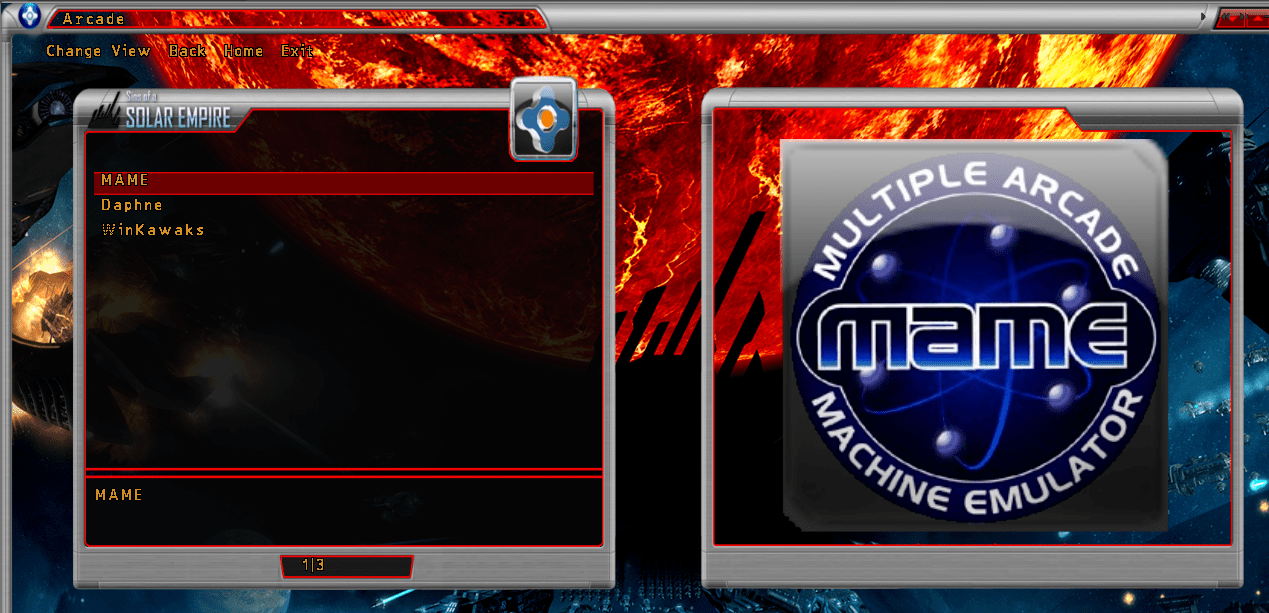
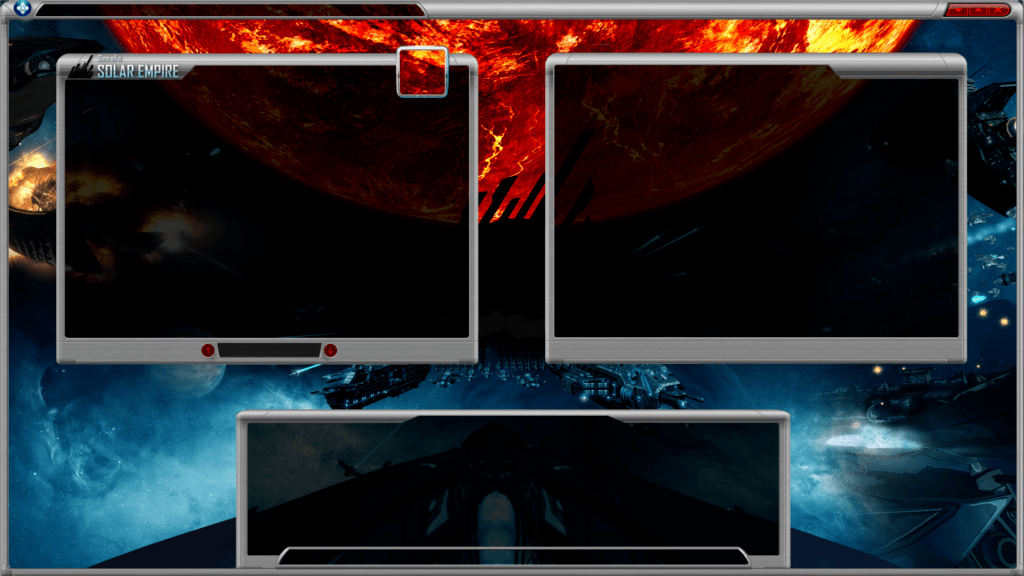
Alright - your opinions please. I have streamlined the frames a bit by removing the "control panel" and replacing it with the scroll window. I have added a third framed window that, when complete will actually be split between the weather, date and time on the left and marquee view on the right (there will be a "split" between the two with an accent border). The finished screen will tell the tale better than I can describe it.
-
I believe that OpenOffice is compatible as it is with most things MS Office. Since you likely won't be doing much super funky, there should be no compatibility issues. Before you begin down that path, you may just want to try setting up an emu that uses the dbs (MAME being a perfict start) and see how it functions with an existing mdb. Then, try opening/saving the file with the OpenOffice equivalent, then see if GameEx chokes on it. If not, then I would say you are good to procede with OpenOffice.
-
Since we have a seemingly renewed interest in compiling MAME builds I only see these types of queries increasing as others discover the benefits of compiling their own builds and updating via clrmame pro. <raising hand with my first successful .140u1 mame compile and clrmame pro update>
-
Anytime you are using a GUI you are demanding more from the GPU and potentially the CPU for drawing the additional graphics. The more layers, the greater potential. May not see as much of a performance hit on moderate to high-end systems with more GPU RAM and/or system RAM available. Machines at the lower end of GameEx recommended minimums will have a greater potential for this. Also, keep in mind that some emulators are themselves GUIs instead of direct command line systems. As far as I am aware, GameBase minimum requirements on their own are not that high. The combination, however, may be higher.
-
User Submitted Themes & Media (Uploads)
Draco1962 replied to Tom Speirs's topic in GameEx Media Projects
Ok - here is a new mock-up. I am going to try enabling the Title display in the Title Bar (imagine that!). I will have the scrolling text as part of the "control panel" down at the bottom. Box top left will be the list (with list numbers displaying in the smaller window on the bottom border). Box top right will be snap/video display. Bottom left (not framed yet) will contain date, time and weather icon display. Bottom right will display for marquees/cabs, etc. I may consider either shrinking the "control panel" at the bottom or removing it altogether. The scrolling text could take up the place where it is at now. My goal to initially was to have it appear more like an actual game view and it ties in with the frame of the box top left. I could just dispense with the CP and that mini panel and put in a panel similar to that in the title bar and scrolling text window. WIll have to play with the various LED fonts to see what will actually work best. My concern with the calculator-looking fonts is legibility when reading. I may decide to keep with the font (or one close) to the original game to keep the theme consistant with the game. It will be easier on the eyes. Would be nice if GameEx would allow for a separate font setting for the scrolling text from the rest of the theme.
-
I'll have you know that I buy my own Live - screw the kiddies AND PS3! That came off kinda Xbox fan boy, eh?
-
I have done both. If you disable the GameEx screensaver, even with HideOS enabled, the Windows screensaver should display when idle. Give it a try!