|



PcTeknic
-
Posts
589 -
Joined
-
Last visited
-
Days Won
40
Content Type
Profiles
Forums
Events
Downloads
Store
Articles
Everything posted by PcTeknic
-
I have upload Asterix Twelve Task to VPDB. How long does it take until they are approved? I have looked for a contact email to see if something strange happens with the file, but there is no contact email.
-
This is provisional, Pinball FX don´t have cabinet support and direct launch of tables or send DMD to other monitor isn´t allowed. You need rotate screen before launch the game. Attached Script FXBefore rotate screen with iRotate and send backglass image to monitor and FX logo to DMD. You need review and configure if is needed iRotate rute and number of screens. Attached Script FXAnter rotate screen again and close ImageMonitorView. I have ImageMonitorView and Scripts in C:\PinballX\Scripts. This is my settings for PinballX Name=Pinball FX Enabled=True SystemType=0 WorkingPath=C:\Program Files (x86)\Epic Games\Launcher\Engine\Binaries\Win64\ TablePath=C:\Program Files\Epic Games\PinballFX Executable=EpicGamesLauncher.exe Parameters=-com.epicgames.launcher://apps/c11f80fe3b674a2bbf60e4c46d588a54%3Adb2967c067614552a6245145fe42a9a8%3A56a31432931740cdb0112d237d7d65aa?action=launch&silent=true WaitForProcess=PinballFX-Win64-Shipping.exe LaunchBeforeEnabled=True LaunchBeforeWorkingPath=C:\PinballX\Scripts LaunchBeforeExecutable=BeforeFX.bat LaunchBeforeWaitForExit=False LaunchBeforeHideWindow=True LaunchBeforeParameters= LaunchAfterEnabled=True LaunchAfterWorkingPath=C:\PinballX\Scripts LaunchAfterExecutable=AfterFX.bat LaunchAfterWaitForExit=True LaunchAfterHideWindow=True Keep in mind that when launching a table from PinballX, no matter what you launch, it will only open the game and fix the Backglass image, but then you must select the table in the game. AfterFX.bat BeforeFX.bat
- 1 reply
-
- 1
-

-

Version 4.0.1
1307 downloads
Megaballs for 3 new Zen Tables (Noir, Sky Pirates and Mummy). Megaballs for 2 New SW Tables (Collectibles and Mandalorian). Megaballs for Pinball FX System.- 1 review
-
- 1
-
-
Megaballs Pinball FX New Tables View File Megaballs for 3 new Zen Tables (Noir, Sky Pirates and Mummy). Megaballs for 2 New SW Tables (Collectibles and Mandalorian). Megaballs for Pinball FX System. Submitter PcTeknic Submitted 04/01/22 Category Wheel Images
-
.thumb.png.3dd123f953514667a2b19ad44691a691.png) I do not know why it does not allow you to download, I suppose that when the administrator sees it, he will be able to tell you.
I do not know why it does not allow you to download, I suppose that when the administrator sees it, he will be able to tell you. -

MegaBalls Wheel Images for Pinball FX2 / FX3 / FX / M
PcTeknic commented on PcTeknic's file in Wheel Images
 Last FX3 Megaballs
 -
When you use 2 controllers (Pinscape or any other with the VPinball and Ipac buttons or any other with the arcade buttons and levers), you should avoid conflicts with PinballX since PinballX does not distinguish between Joystick 1, 2, etc and when you press on Button 4 to give you an example, it will give the same thing that is in the buttons of the pinball or arcade. Create a Joy2Key profile for PinballX defining in that profile the keys that you want to use in your pinball buttons. In Pinball X define only the keyboard controls and delete the Joystick controls.
-
That's great joyrider !!!! Thanks!!! Is it necessary to use the launcher? I suppose the -skipmenu parameter can be added directly in the PinballX configuration.
-
I do not understand this update. If the table is waiting for you to press "Play", it is exactly the same as before. When we used the Lannzador, the table was also opened by skipping the menus and you had to press Play. When it became an integrated system in PinballX and the Launcher was no longer needed, the table was also launched by skipping the menus and you had to press Play. Therefore, they have changed the names of the tables to leave it as it was ???? That database manager option is fantastic Mike, although as long as they do not generate conflicts, I have the averages named by the description and not by the name of the table, but I can rename the entire average at once is great. -------------------------------- No entiendo esta actualización. Si la mesa se queda esperando a que pulses "Play", está excatamente igual que antes. Cuando usábamos el Lannzador también se abria la mesa saltando los menús y había que pulsar Play. Cuando quedó como sistema integrado en PinballX y ya no se necesitaba el Lanzador, también se ejecutaba la mesa saltando los menús y había que pulsar Play. Por lo tanto, han cambiado los nombres de las mesas para dejarlo igual que estaba???? Esa opción de database manager es fantástica Mike, aunque siempre que no generen conflictos, tengo las medias nombradas por la descripción y no por el nombre de la mesa, pero podre renombrar toda la media de golpe es genial.
-
PinballX Enhancements/Features Requests
PcTeknic replied to Draco1962's topic in FAQs, Guides, & Other Useful Information
I recently tested manufacturer's .apng images made by Scutters as DMD images. In the selection of tables PinballX shows them with their animation and I love how they look. But when executing a table, the animation stops. It would be great if they were still excited after launching the table. I also saw that the DMD Images search (after finding no video), is limited to the name of the table. Would it be possible that when not finding an image with the name of the table, it was looking for the manufacturer, before showing the default? This would allow us that instead of having 50 Gottlieb logos, one for each Gottlieb table that does not have DMD, we would have one, two or three logos at most, for example Gottlieb (-1979), Gottlieb (1980-1991) and Gottlieb (1992-). This applied to all folders not only means less space occupied, the really important thing is that we don't worry about having to add DMD images of the tables that do not have DMDs. If they can be .apng great, if they should be jpg or png there is no problem, if you follow those search criteria we will win a lot. -------------------------------------------------- Hace poco probé las imágenes.apng de fabricantes hechas por Scutters como imágenes de DMD. En la selección de mesas PinballX las muestra con su animación y me encanta como quedan. Pero al ejecutar una mesa, la animación se detiene. Sería genial si siguieran animadas tras lanzar la mesa. También vi que la búsueda de DMD Images (después de no encontrar video), se limita al nombre de la mesa. ¿Sería posible que al no encontrar imagen con el nombre de la mesa, buscase por el fabricante, antes de mostrar el default? Esto nos permitiría que en lugar de tener 50 logos de Gottlieb, uno por cada mesa de Gottlieb que no tiene DMD, tuvieramos uno, dos o tres logos como mucho, por ejemplo Gottlieb (-1979), Gottlieb (1980-1991) y Gottlieb (1992-). Esto aplicado a todas las carpetas no solo supone menos espacio ocupado, lo realmente importante es que nos despreocupamos de tener que añadir imágenes de DMD de las mesas que no tienen DMD. Si pueden ser .apng genial, si deben ser jpg o png tampoco hay problema, con que siga esos criterios de busqueda ya ganamos mucho. -
Pinball HD Collection Megaballs View File Megaballs for Pinball HD Collection. Submitter PcTeknic Submitted 05/20/21 Category Wheel Images
-

Version 1.0.0
452 downloads
Megaballs for Pinball HD Collection. -
I have done several tests. You can put Pinball Hd Collection on PinballX. The only problem is that the tables do not open directly, the game will open for you and you must select the table in the game. You need a script for Launch Before. It is a very simple .ahk script that you then compile as .exe The script has the wait of 15000 in my case, you may have to adjust it to 17000 or 13000, they are the seconds that you must wait and then for you to press the R that rotates the game without having to rotate the screen. I also did tests with .bat scripts to rotate the screen and let ImageMonitorView show the backglass and DMD image, but I like it better that it doesn't rotate the screen.
-
Backglass Videos/B2S on the same screen in PBX Menu
PcTeknic replied to tabascoman77's topic in General
When I did the test using the B2S in the menu, the time it takes to show them is much longer than it takes to show the videos or images, so it is not a good option even if you save some disk space. Short videos of 15 seconds are not very heavy. Images is another good option and just by putting them as .jpg instead of .png, the weight goes down considerably, but I prefer videos. Currently I use a 500Gb SSD that fits FX2, FX3, TPA, Wicked, Pro-Pinball, Malzbies, Pinball HD Collection, Zaccaria, Future Pinball with more than 130 tables and Visual Pinball with more than 850 tables. add the PinballX media, where all the table videos are in 4K and more than 100 PupPacks and there are still more than 100Gb left. A 500Gb SSD fits a lot, as long as you have it optimized, if you put 1 minute videos and complete audios (2,3 5 Min), you run out of space only with the media and the Puppacks. Even so, I will surely go to a 1Tb SSD because PupPacks are constantly coming out and some of them weigh up to 3Gb. You can always clone your SSD to a larger SSD and lose absolutely nothing. -
I will have to try again, a few years ago it could not be run vertically. If this has not changed, it cannot be put into cabinet. Worms Pinball also cannot be run vertically. Old Pro-Pinballs on CD-Rom cannot run vertically either. Everything is a matter of being able to run vertically, if you have to rotate the screen, it is rotated with iRotate, the backglass if not managed by the game, it can be managed with ImageMonitorView and the DMD if it cannot be taken to the third monitor, it stays in the first one, but if it does not allow its execution vertically, there is nothing to do.
-
PinballX Enhancements/Features Requests
PcTeknic replied to Draco1962's topic in FAQs, Guides, & Other Useful Information
Microsoft has removed Flash from Windows completely for two or three months now. -
Like Mike, in Future Pinball I haven't even looked at it. It all depends on the manufacturer, Stern's operator menu is not the same as Williams's, but in Visual Pinball, by pressing F2 you will see the VPinMAME Keys that that table uses and there it shows you the ones you will need. In any case, it is an issue that does not have much importance as long as you do not want to charge for playing. You are supposed to use Visual Pinball in your home, domestic use, the same is having to press the credits button once or twice. And if you want to charge to play, you are misusing Visual Pinball and surely all other software. As far as I know, no emulator, game or frontend for Virtual Pinball has a commercial exploitation license.
-
The frontend shows, opens and closes the tables. The adjustments of each game must be made in the games, never in the frontend. In addition, in the case of emulators such as Visual Pinball or Future Pinball, each table has independent settings like this, for example, since you must access the operator menu and adjust the prices in the ROM of each table that requires it.
-
Malzbie's Pinball Collection - On my cabinet
PcTeknic replied to joyrider3774's topic in User Projects
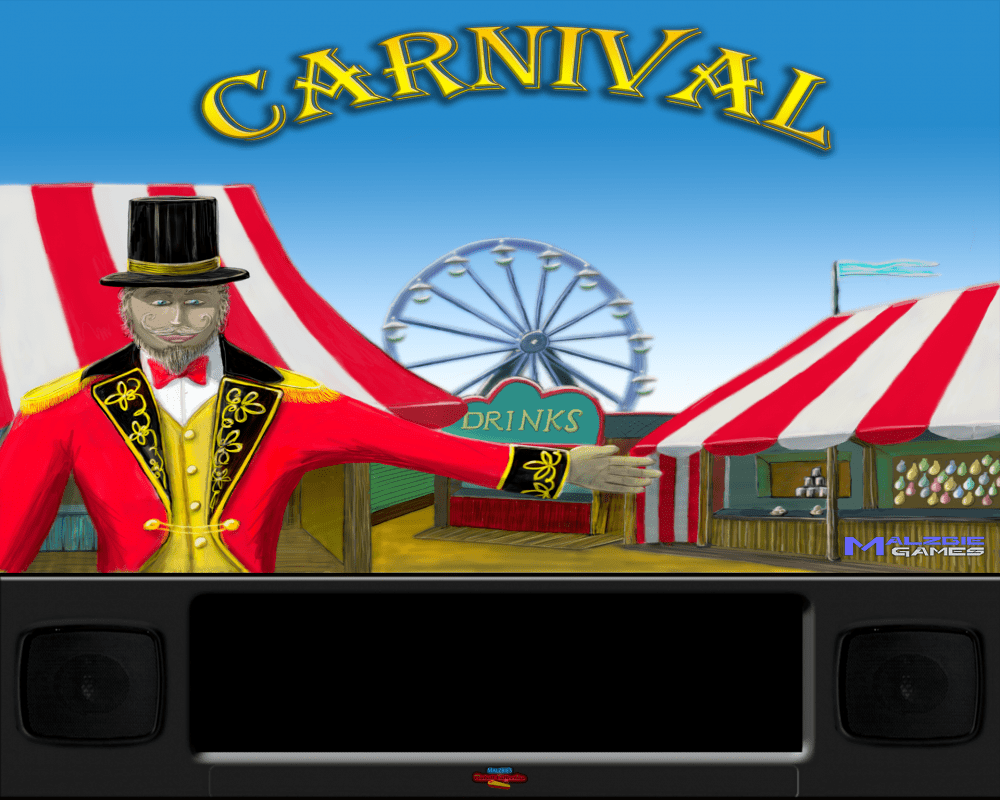
Here is a backglass set for 2 monitors users, for 3 monitors are available in FTP long time ago.

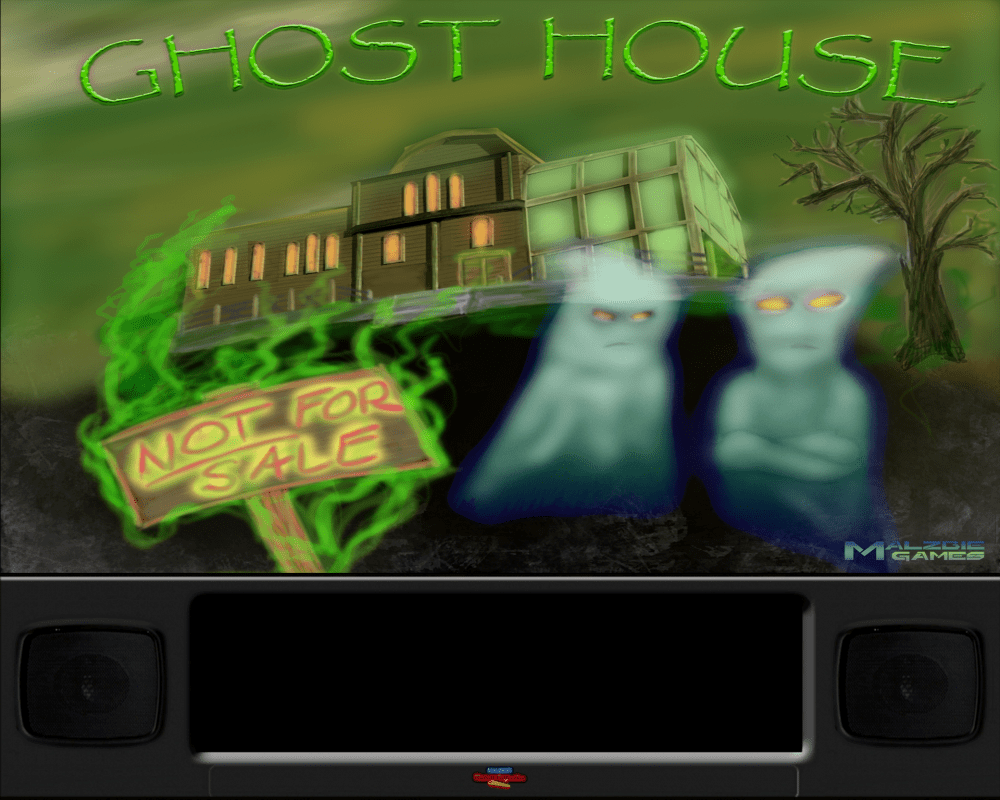
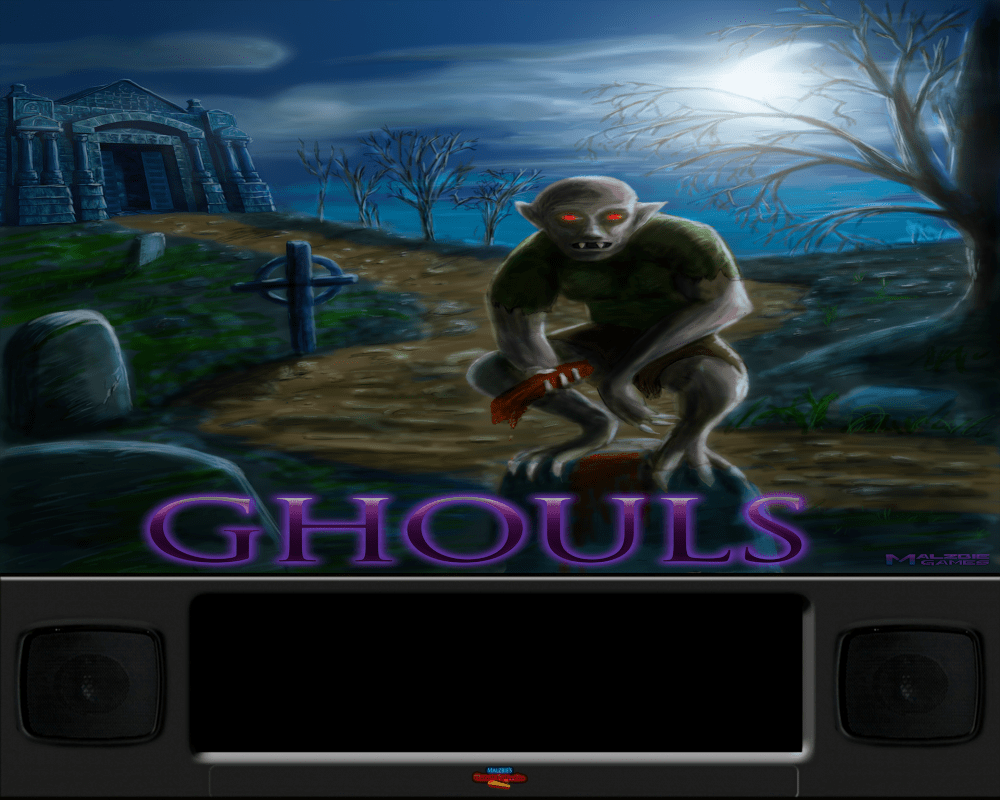
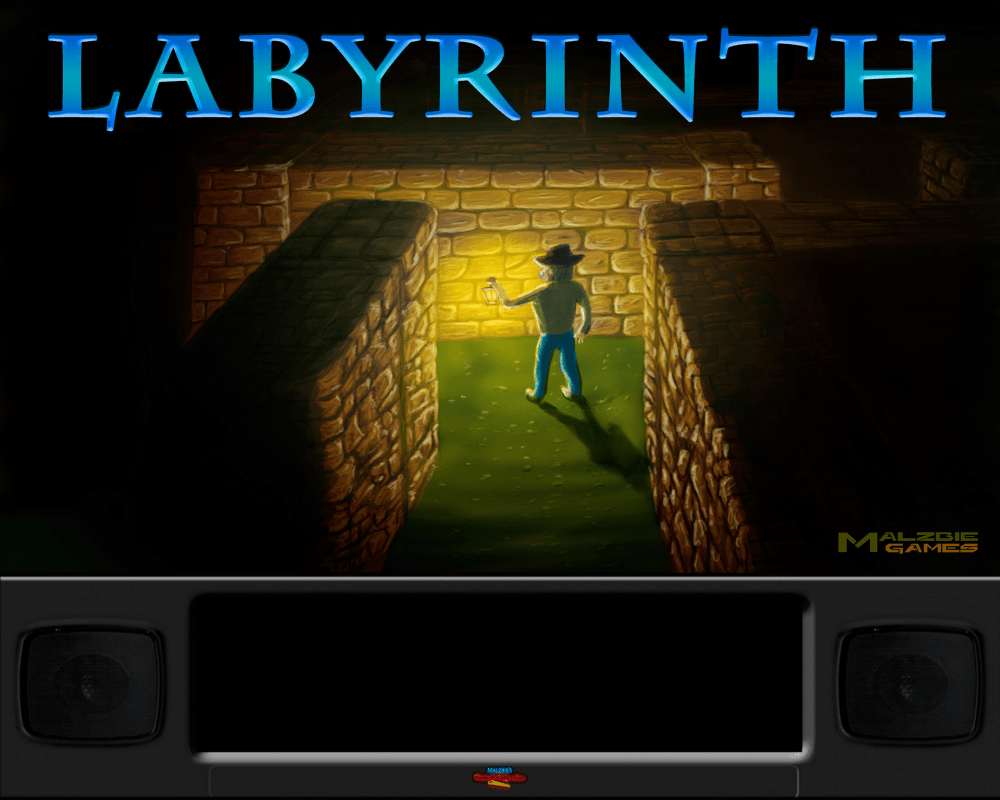




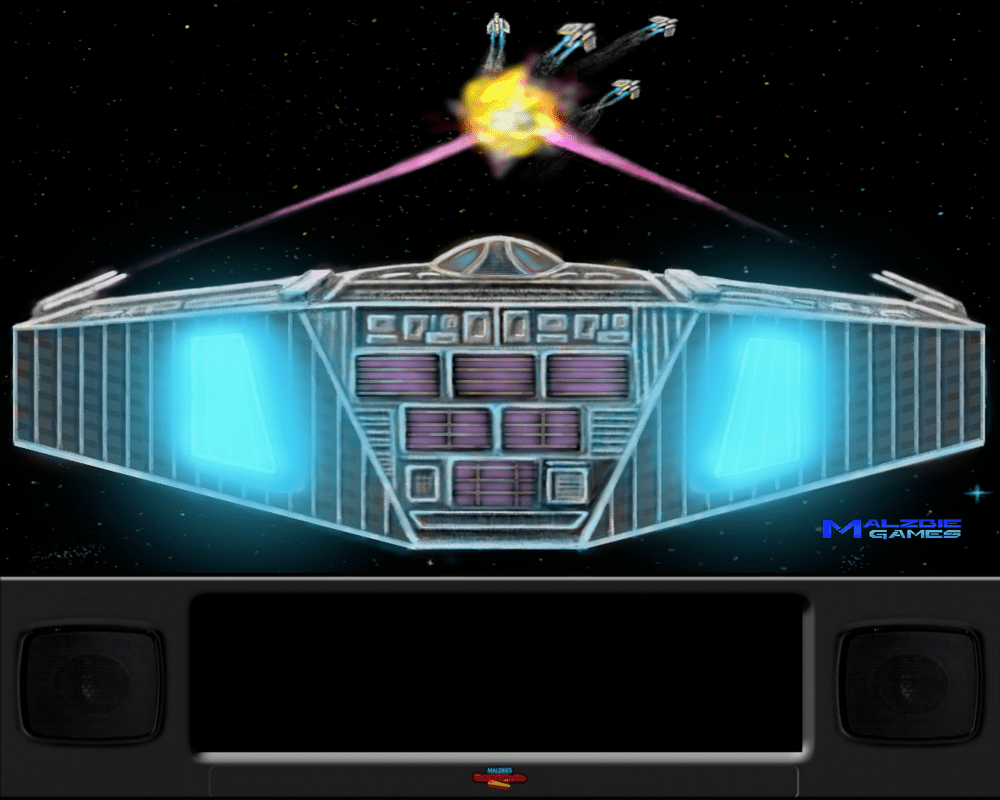
-
There is currently not a single reason in favor of using Windows 7 instead of Windows 10. However, I can cite you lots of disadvantages of using Windows 7 that you will not have with Windows 10. I do not understand the reason for installing an operating system that was declared obsolete for a long time, when an operating system is declared obsolete, no program has the obligation to check its operation under that operating system and although you can solve this problem, do not have the least doubt that you will have more problems in the future since necessary components such as NetFramework will not be updated, you can stop having updates to your graph, etc. As your colleagues advise, you better start from scratch with Windows 10, install all the Windows updates and then the VPinball software that you want to use, from the outset you will no longer have to give administrator permissions to anything, except PinballX in the case you use Future Pinball.
-
I've already tried them, they look great, thanks a million.
- 29 replies
-
- 1
-

-
- company logos
- gif
- (and 4 more)
-
PinballX Enhancements/Features Requests
PcTeknic replied to Draco1962's topic in FAQs, Guides, & Other Useful Information
With custom databases, there is no problem, in fact I always give people 3 options: 1- Install Visual Pinball (shows all tables) and also the rest of the systems that come out of Visual Pinball (Basics, Classics, Spanish ...) 2- Install only the systems and do not see Visual Pinball with all the tables (nobody chooses this option) 3- Install only Visual Pinball, in this case, I put the databases of the rest of Visual systems in Visual Pinball and they can be accessed from LISTINGS. (Although the averages of those systems are not seen). In the same way, there are those who prefer to have a single MAME system in HyperSpin or those who prefer to have MAME with all games and also have systems like Capcom, Data East, etc. When you have 100 or 200 Visual Pinball tables, you only want to have a single system, but when you have 700, 800 or 1000 tables, it is appreciated to have separate systems and go directly to Spanish, PinUp, Classics, etc, depending on what you are looking for . As lists can be filtered perfectly, but the grace for many is in having them as systems, everything is a matter of taste and it is always good to have both options. In HyperSpin it only allows us to modify the directory of the videos, while in other frontends, we are allowed to modify the directory for the media and this is great, just add the "Media Folder" field to the system configuration. But for this to be possible, it would be necessary to have the media of the systems in its own folder, Media / Systems or Media / Main Menu and in that folder the rest of the subfolders for the systems (BG IMG, BG VID, Table IMG, Table VID, Table AUDIO, System Overlay Logos, System Underlays, Wheel Images ...) Something that I already mentioned is that PinballX when choosing to show the system in the details area, shows the image of the System Logos folder, which is the same as the system wheel. For the systems wheel, generally, people use large images in a rough way, be it MegaBalls, MegaDocklets or SilverRing (tarcissus). These types of images do not look good in the deteal area, there are better small rectangular images, like the ones we have in System Overlays or that could have their own subfolder (System Logos - System Overlays - Wheel Images). ------------------------------ Con bases de datos personalizadas, no hay ningún problema, de hecho siempre doy 3 opciones a la gente: 1- Instalar Visual Pinball (muestra todas las mesas) y también el resto de sistemas que salen de Visual Pinball (Basics, Classics, Spanish...) 2- Instalar solo los sistemas y no ver Visual Pinball con todas las mesas (nadie elige esta opción) 3- Instalar solo Visual Pinball, en este caso, meto las databases del resto de sistemas de Visual en Visual Pinball y se puede acceder a ellas desde LISTADOS. (aunque no se ven las medias esos de sistemas). Del mismo modo que hay quien prefiere tener un único sistema MAME en HyperSpin o quien prefiere tener MAME con todos los juegos y también tener sistemas como Capcom, Data East, etc. Cuando tienes 100 o 200 mesas de Visual Pinball, solo quieres tener un único sistema, pero cuando tienes 700, 800 o 1000 mesas, se agradece tener sistemas separados y entrar directamente a Spanish, PinUp, Classics, etc, en función de lo que busques. Como listados se puede filtrar perfectamente, pero la gracia para muchos está en tenerlos como sistemas, todo es cuestión de gustos y siempre es bueno tener ambas opciones. En HyperSpin solamente nos permite modificar el directorio de los videos, mientras en otros frontends, se nos permite modificar el directorio para la media y esto es genial, basta con añadir el campo "Media Folder" a la configuración del sistema. Pero para que esto sea posible, habria que tener la media de los sistemas en su propia carpeta, Media/Systems o Media/Main Menu y en esa carpeta el resto de subcarpetas para los sistemas (BG IMG, BG VID, Table IMG, Table VID, Table AUDIO, System Overlay Logos, System Underlays, Wheel Images...) Algo que ya comenté es que PinballX cuando se elige mostrar el sistema en el area de detalles, muestra la imagen de la carpeta System Logos, que es el mismo que muestra la rueda de sistemas. Para la rueda de sistemas, por lo general, la gente usa imágenes grandes de forma ciercular, ya sean MegaBalls, MegaDocklets o SilverRing (tarciso). Este tipo de imágenes no quedan bien en el area de detealles, allí quedan mejor imágenes pequeñas rectangulares, como las que tenemos en System Overlays o que podrían tener su propia subcarpeta (System Logos - System Overlays - Wheel Images). -
Mega Docklets Style Zaccaria Pinball Wheel Images
PcTeknic replied to Draco1962's topic in PinballX Media Projects
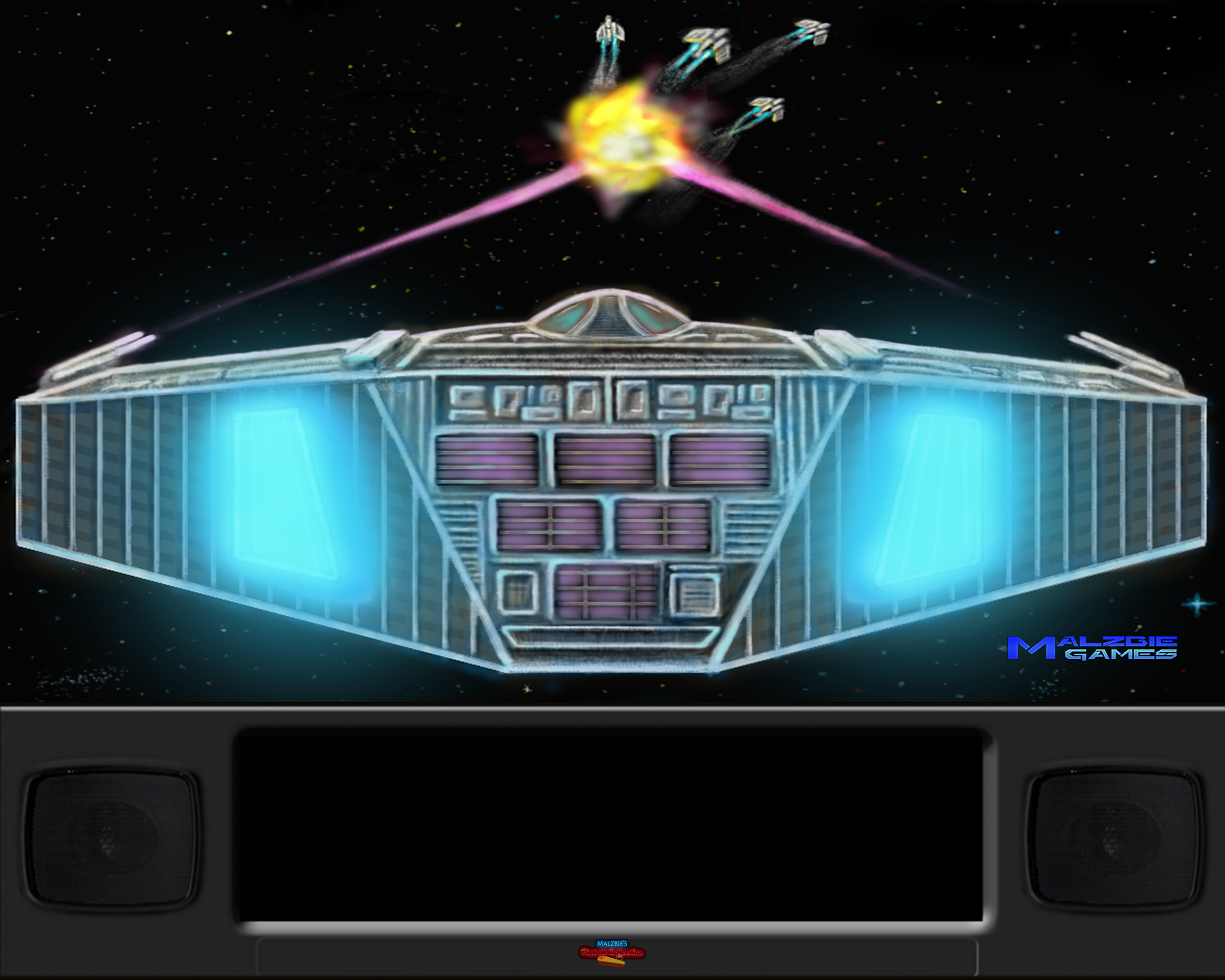
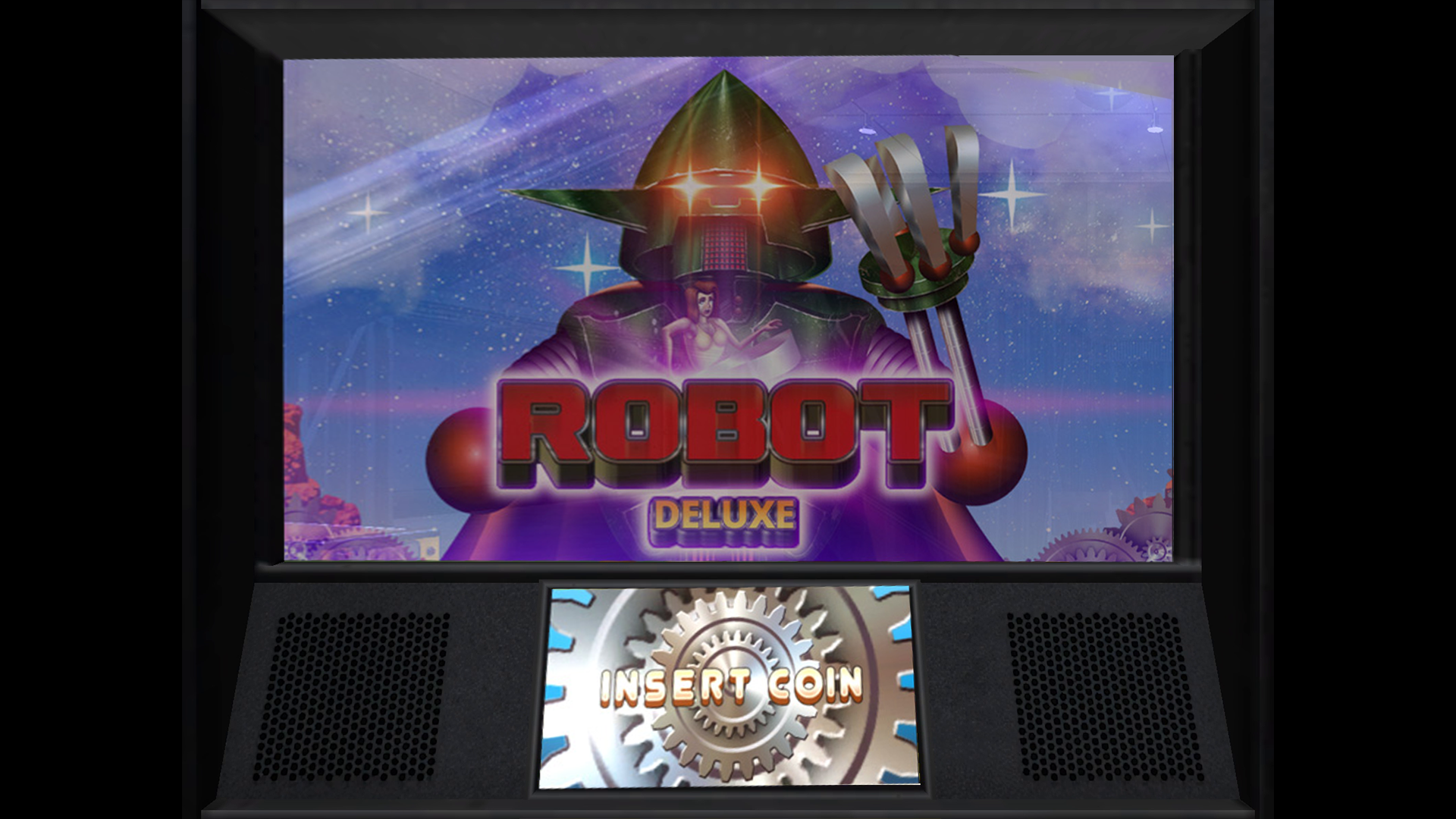
Provisional Backglass Image and table video FHD for Robot Deluxe robotdeluxe.mp4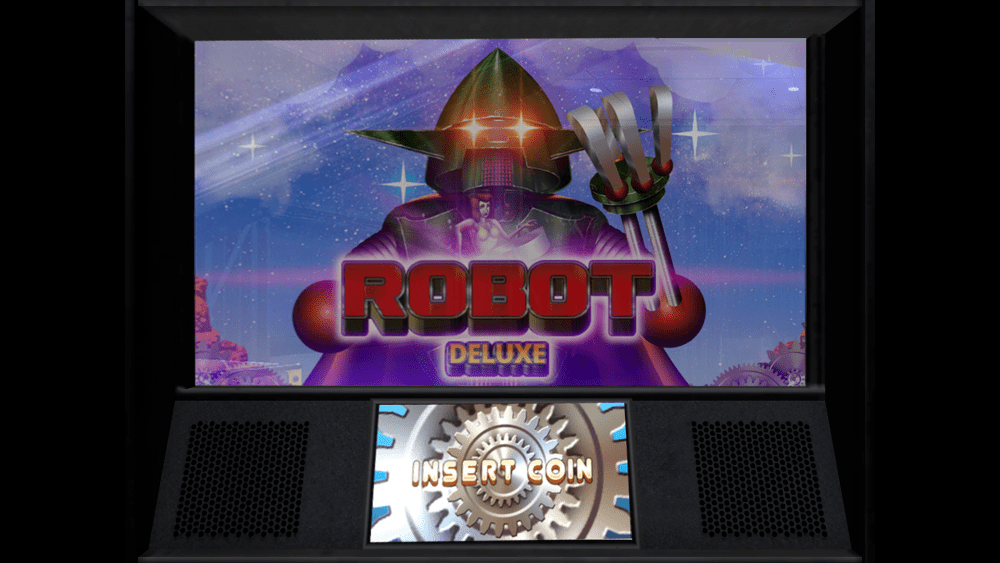
-
After disable Remote Play in Steam options, can be install in 2 PC´s. I delete steamapp game folder and windows documents game folder and install again without any old file. The game open the first time, but when activate cabinet mode, the game crash again. I attempt to set default resolution, real resolution 4K at 60Hz, 50Hz...., set fullscreen and windowed.... the game always crash
-
The game only allows you to have it installed on a computer. After trying the things they said on the support page, the game still did not work, so I uninstalled it in VPinball with the intention of reinstalling it next. But to my surprise, after uninstalling it, it no longer allowed me to install, I only had the option to broadcast from my desktop computer. I have uninstalled it on my desktop computer and now it allows me to reinstall it on my VPinball, which I suppose will solve the problem. It seems to me a great shit from Magic Pixel, on top of which compared to other games of much higher quality, their tables are much more expensive, that they only allow you to install it on a computer when this does not happen with any other game, it seems brutal to me.