|



Itchigo
-
Posts
242 -
Joined
-
Last visited
-
Days Won
5
Content Type
Profiles
Forums
Events
Downloads
Store
Articles
Everything posted by Itchigo
-
So, weird.... I tried disabling other systems and using the Visual Pinball system exclusively. It seemed to break everything, and I only had the default 2 entries in the menu, despite my xml. So, I put things back the way they were and got everything working again. And, since I put everything back the same way it was before, the extra Big Game in all tables is gone now. 🙃 I have no idea what fixed it, but needless to say I backed up all my settings.
-
Will do Scutters, I won't be able to get it until this afternoon. I know I have it in my VPX.xml (all tables) once, and once in my Solid State.xml. I'm old school. I've been doing my xmls manually via notepad for years. Thanks Mike, I'll try that later today.
-
I know I have it in all tables, and once in a separate xml (Solid State.xml). Question: I have Visual Pinball enabled (vp9), and VPX in other systems. I'm using the alternative exe line for vp9 tables, and vpx is the default exe. Should I just be using Visual Pinball for VPX, disable other systems, and the alternative exe line will handle vp9 without having another system enabled?
-
Yes, this is under all tables. My all tables xml is the VPX.xml. I have Big Game once in my VPX.xml. Everything else I have are individual categories. Isn't there an option in the wizard that installs demo media? That's what I was thinking this was. It's not a huge deal, I'm just ocd with my cab. If I have 1,716 tables, I should have 1,716 screenshots, etc lol.
-
Ahh, gotcha. If I ever decide to pull the trigger and add a 3rd screen, that's the route I'm going to go. I just had a weird thought lol. I have an extra touchscreen car stereo I may be able to use as a screen... The squareish screen may be good for displaying a wheel logo. I know it has external source RCA inputs. That would be a first- 2 car stereos in one cab. I already have my old Kraco as my cab's amplifier. On a separate note I have an extra listing for a table, I think Pinball X added a game listing as demo media. I forgot how I fixed this a long time ago. I know I fixed it in the wizard, but I can't find where. When I have Pinball X open I see 2 Big Game (Stern 1980) titles, but my xml only has one Big Game in there. Edit: I just installed 6.99. This game is in the menu twice, but only only the xml once. <game name="Big Game"> <description>Big Game</description> <manufacturer>Stern</manufacturer> <year>1980</year> <type>SS</type> </game> PinballX.ini log.txt
-
I've been mulling adding a 3rd screen to my cab. I'm not sure if I want to add a dmd screen or not. I'd have 360 some tables to reconfigure (just dmd tables). But I was thinking, maybe I could have the wheel image (adjusted to fit) on the 3rd screen instead? But I'm not sure if Pinball X even supports this?
-
I got this fixed. I had also installed GameEx (when I was having exit key problems I tried GameEx, but never set it up. I deleted it for the sake of not having something else conflicting with PinballX. I reinstalled 6.95 (it's what I had on the desktop) and that did it. I think it was the reinstall that did it, not Game Ex. But, I wanted to make sure I didn't have 2 things fighting each other to read an xml- stranger things have happened... Thanks guys. 😀
-
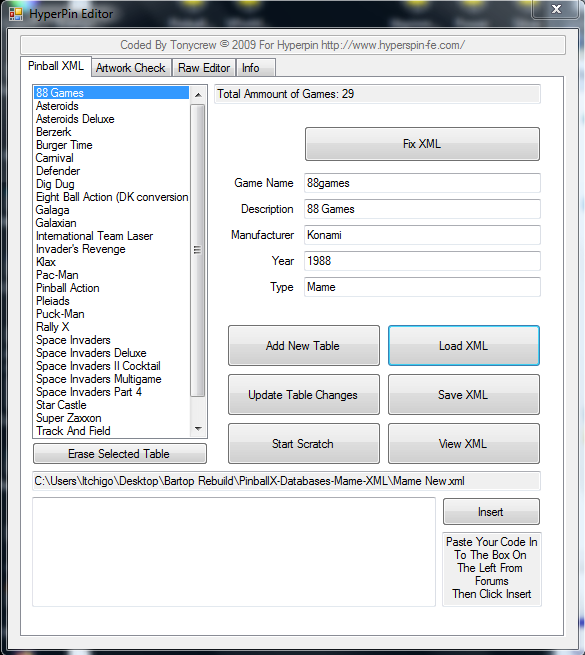
I normally use another xml as a base. I copy <?xml version="1.0" standalone="yes"?> <menu> Then I add this block for each game and change the gamename/mfg, etc <game name="beertruck"> <description>BeerTruck</description> <manufacturer>Custom</manufacturer> <alternateexe>beertruck.exe</alternateexe> <year>2002</year> <type>Other</type> </game> Then I paste the closing tags </menu> I do have the old Hyperpin editor, but I use that to check my lists and I don't create xmls with them. But if there's an error such as a missing tage, the Hyperpin editor will not open the xml, and that's not the case here.
-
So I checked my xml's and can't find anything wrong. I found 1 game that had a tittle of ' 88 Games, and I took the ' out with no success. I also tried moving the xmls (so it couldn't find the potentially bad xml) with no success. I also tried updating/reinstalling .net 4.8 and I still have the unhandled exception error in the settings wizard when I verify the setup. I don't have any Pinballx errors when verifying the setup, just a windows error about visual styles. Mame New.xml
-
I'll have to check my mame.xml then. It was the latest one I created, so it's entirely possible. I do them manually in notepad, maybe I missed a tag or something. You're right that only 1 system (Mame) is enabled as I don't think this rig could even handle vp8 lol. I was thinking that I may have a bad xml, but I loaded it in my Hyperpin Editor x64 and usually it won't load if I'm missing a tag or something. But I saw "Index was outside the bounds of the array" and didn't know what that meant. Thanks Scutters.
-
I had everything working, but now I'm getting this error. PinballX opens up and shows 0 tables, I hit select and it exits entirely. Do I have a bad xml or something? SetupWizard.log PinballX.ini log.txt
-
Actually, I have higher than that on my pincab. I think I have like 7 or 8 on the pincab running 7. But, the pincab is designed for 10, but I made it run 7 because I hate windows10. I had to use a ps/2 mouse to get 7 installed. (AMD X470 mb, Ryzen5 2600). But the pincab is much more stout, even if the build is 10 years old.
-
Thanks everyone. It works, so I'm going to roll with it. I'll check out the .net version, but the pc I made it from is very old. I don't know what it will support. I'm kind of amazed it works now because it's an old HP Pavillion with 1gb ram and no graphics card. Then again, how much pc do you need to run old 8 bit games lol. LOL! I saw he uploaded 6.96 right after I downloaded 6.95!
-
Ok, I'm not sure what happened, but it's working now. I have it to Esc quits, left/right moves the menu, and then start/select exits PinballX. I would have thought exit emulator would be the shutdown, but whatever lol. Mark that as fixed, but I can't tell you the solution other than using the start/select instead of exit emulator. FYI, PinballX will see 2 keyboards as it's working correctly with both plugged in. (I like to keep a keyboard plugged in in case I have to fix something). I still get an unhandled exception error when I'm in the setup wizard and verify, but I don't see any errors in the log or anything. The paths are correct, because Mame works correctly without errors. This doesn't affect anything during normal use. Unhandled exception.txt log.txt PinballX.ini
-
Just to add to this: I can quit the game and get to the exit menu, but not exit PinballX. I see on my cab I am using XPadder for an extra key to quit PinballX. I'm not sure why, but that's the way I had the cab working, and I looked at the cab to see how I did it there. (The cab used to be Mame and Pinball, now it's just pinball, and the bartop is all Mame). I have XPadder on the bartop, but XPadder won't see the Keywiz USB to program a key. PinballX also won't see the KeywizUSB in the Joystick settings, but it will see it in the Keyboard settings. Windows sees the Keywiz USB as another keyboard. Does PinballX recognize multiple keyboards? I don't know why I have a path error. The working path and table path are correct. It's pulling a different xml by default. I'll have to look at that further.
-
That's exactly correct. I'll check out the errors later this afternoon.
-
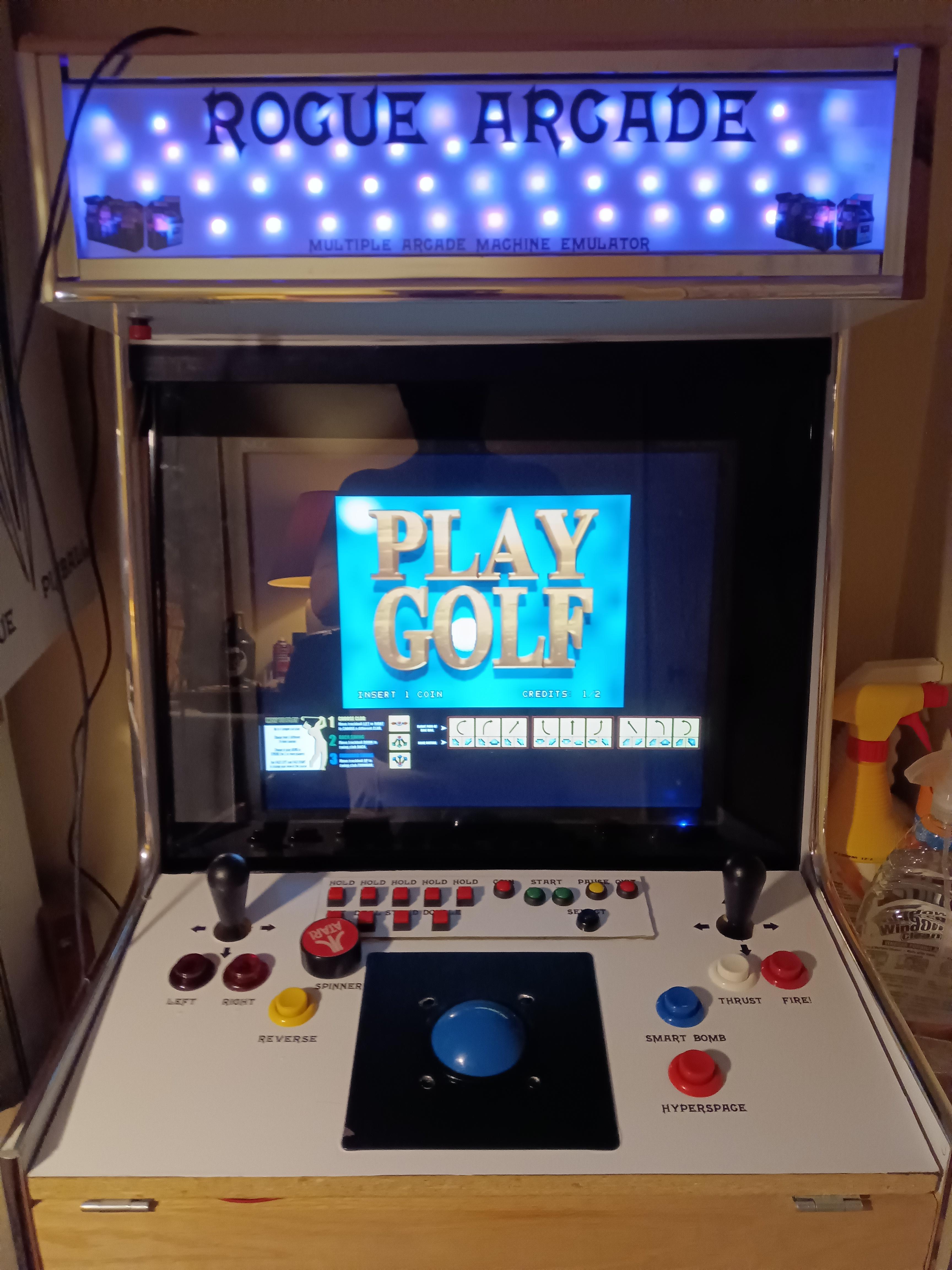
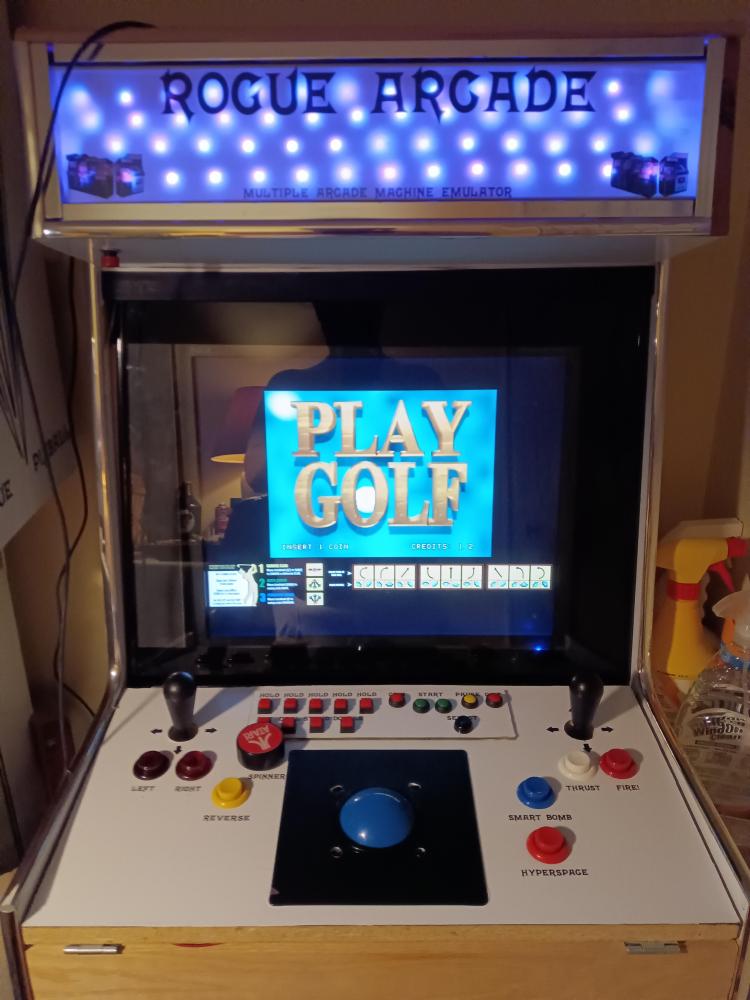
I'm reconfiguring my bartop that I made several years ago. I made a new control panel and have a new I/O board (Keywiz USB Max). The Keywiz is working fine, mame sees it and uses it. It's also listed in my devices and printers. I'm trying to setup exiting Pinball X. I have ESC working to exit the game, then I get the menu exit/shutdown etc. I can't exit Pinball X entirely, I can't get past the exit/shutdown screen. Both quit and exit emulator are mapped to ESC. For some reason I can't map anything in joystick input settings (even an external keyboard). (When I press hit a key nothing happens). But, keyboard input settings will accept settings. I upgraded to 6.95 hoping it would fix this. I have to use CNT/ALT/DEL log off to exit PinballX. What am I missing?? BTW Happy Thanksgiving all!! log.txt PinballX.ini
-
It's 64 bit Ultimate. It didn't have the F word on it, only the initials. And I was there over a month before it was even brought up. I was well within my free speech rights to have it, however I removed it at their request. They requested it to be removed and I complied. It should be a non issue at that point but then after that they tried to find other things. That's not the only thing they tried. But my boss can come in with Black history stuff (he's not Black) and it's not an issue lol. I was considering peeling it off anyway. It was cracking and Brandon was out of office anyway. But I didn't tell them that.
-
Thanks Tom. I am using Windows7 on everything I have here. Mind you, that lag when I stop scrolling doesn't affect anything. Even if I select a table while it's catching up, it still works. The lag is on my end I'm positive. I have minor lag in vp, so I think my system is being all it can be. Yeah, I'm disappointed on the job, but not surprised. I knew it was a crazy liberal company (DHL), just by the way they wrote the ad. Plus I literally had SEVERAL HOURS of climate change training, to the point I had to ask- do we actually deliver anything?? But I was off work for 6 months before I got it, so I tried to make it work. I was actually called into the office because my car had a LGB-FJB sticker on it... I probably have grounds for something, but against a multibillion dollar company, it's not likely to bear fruit. I have bare windows with updates (I installed, updated, and then shut off updates), and only the minimal software I need (like DirectX, etc). I don't have any A/V installed. It's connected to the internet, but I don't use it for surfing. I have it connected so I can backup from my desktop without a flash drive. Per Draco's earlier reply that I didn't see, I added a feature request in the topic. Feature request: An adjustment to control the scroll speed when scrolling through the menu (in ms or a slider).
-

PinballX Enhancements/Features Requests
Itchigo replied to Draco1962's topic in FAQs, Guides, & Other Useful Information
Feature request: An adjustment to control the scroll speed when scrolling through the menu (in ms or a slider). -
I haven't really touched the game since then. I got tied up with my new job, then lost the job so now I have more time lol. I don't have any double key mappings. It just seemed hard to tap the joystick very quickly to only move 1 selection on my bartop. On my cab you also need a very quick tap to only move one selection. I also noticed if I hold the flipper button down a while, the cab computer bogs down a little to catch up. I have like 150 S titles on the cab. If I want something in the middle, I hold the button down the flipper button for like 2 seconds, and when I release it, the backglass image needs 2 or 3 seconds to catch up. I think that catching up is just an old cab computer as the cab pc is like 10 years old.
-
Thanks Tom. I didn't think there was anything, but you never know until you ask. I know I don't have the latest version, so I wasn't aware if an updated version addressed this or not. I think it's been this way since the beginning, but as you said, we are all older now. My pincab is the same interval speed, but it must be easier to slap a flipper button quickly then tap a joystick. I will finally have more time to look at it tonight. I know I'm not getting double keypresses. Funny about getting older lol. The car I drive to work in every day is older than most of my team at work (30) lol. The computer I'm on now is 14, the bartop computer is 17. Pretty soon they'll all be old enough to drink. 🤣
-
I think my cab may have XPadder for a few keys, but my bartop doesn't have any keypress programs on it. I'm not getting double keypresses if that's what you're driving at. It's nothing new, it's been this way since I installed PinballX several years ago. It just seems to scroll through the wheels very quickly to me. It's always been this way since I started with V1. But maybe since I got older I got slower lol. Everything is working fine, I was just wondering if there was a speed/interval adjustment. I'm guessing not because I would have found it, but I figured I'd ask anyway.
-
Is there any way to control the speed that you can scroll through the game menu when holding the key down in Pinball X? I have to tap the key very quickly to make sure I don't go more than one game at once in the menu.
-
I have 1598 tables. When I open Pinball X, it shows "Featuring 1600 tables". Where is it pulling that 1600 number from? My xml files have 1598, all my sub categories total 1598. I'm not sure where it's pulling the extra 2 tables from. output.html