|



ClassicGMR
-
Posts
676 -
Joined
-
Days Won
47
Content Type
Profiles
Forums
Events
Downloads
Store
Articles
Everything posted by ClassicGMR
-

Retro Gamer Builds Epic Working Lego PS1 Console
ClassicGMR replied to tthurman's topic in Social Club
Now that's a nice build! Is it PSIO compatible??? -
Just to add my $0.02 - I updated GameEx on the Qosmio laptop tonight and it is displaying the HD theme just fine. Thank you!
-
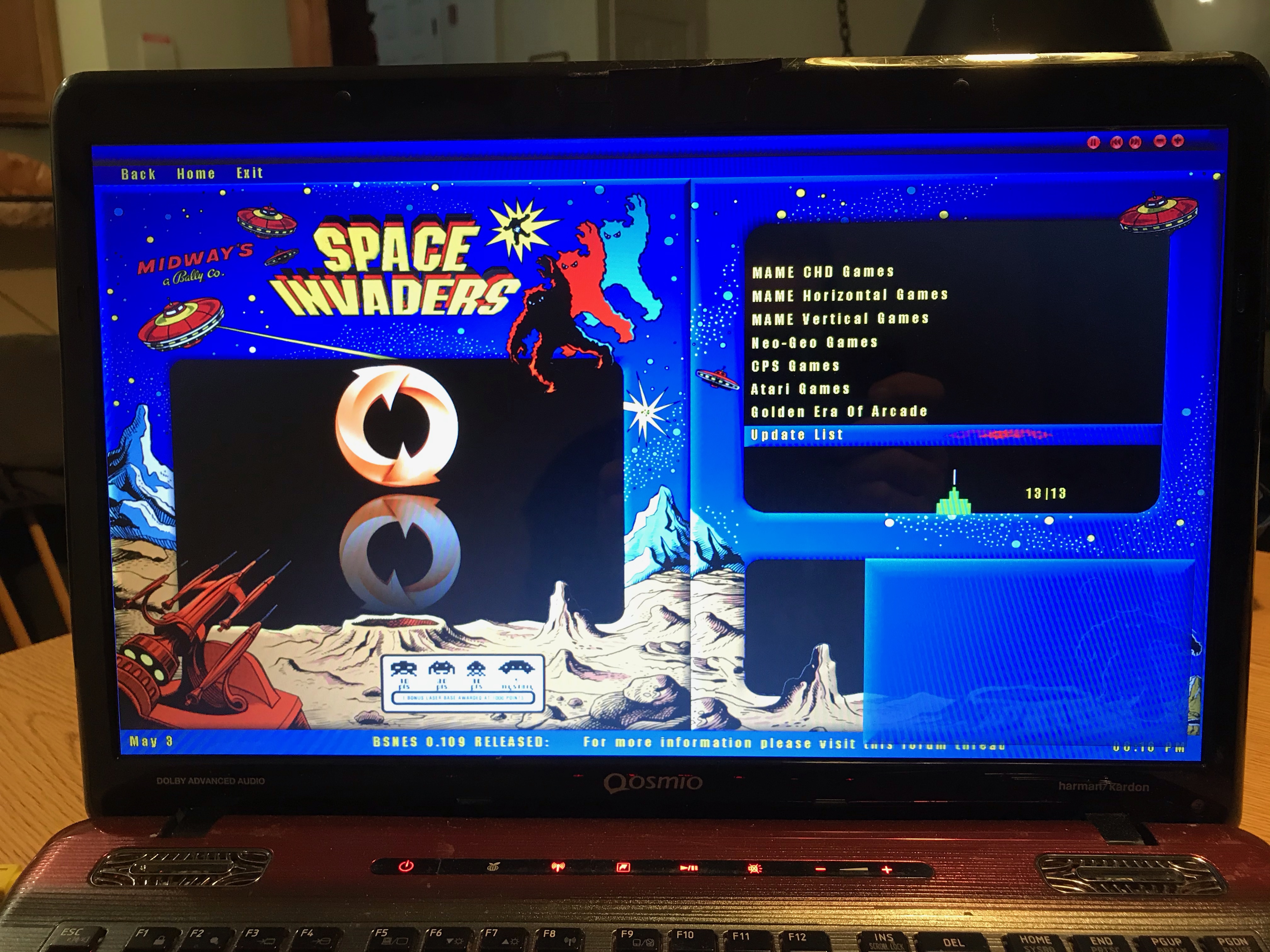
Just to wrap up the major issue - I downloaded the latest file which looks like 16.89 and updated GameEx. The text box in the Space Invaders theme displays correctly again. As an aside the Space Invaders HD theme still displays the same black screen. Now keep in mind I don't use the HD version so it's NOT a complaint more like an FYI if you wanted to look at it.
-
Just... wow. I wish I had the throw-away money these companies think we do.
-
One of my favorite flyers - STAR WARS™: X-Wing Special Edition. Nice.
-
Didn't mean to turn this into a support thing I just didn't know if you knew. Sorry about that. :) Having said that these are my favorite themes so thanks for taking a peek. :) log.txt GameEx.ini
-
Dreamcast Castlevania game 20+ years after it was canceled
ClassicGMR replied to tthurman's topic in Social Club
Too bad this game didn't get more production but I agree - a 3D adaptation of a 2D game rarely works out especially with a low budget. -
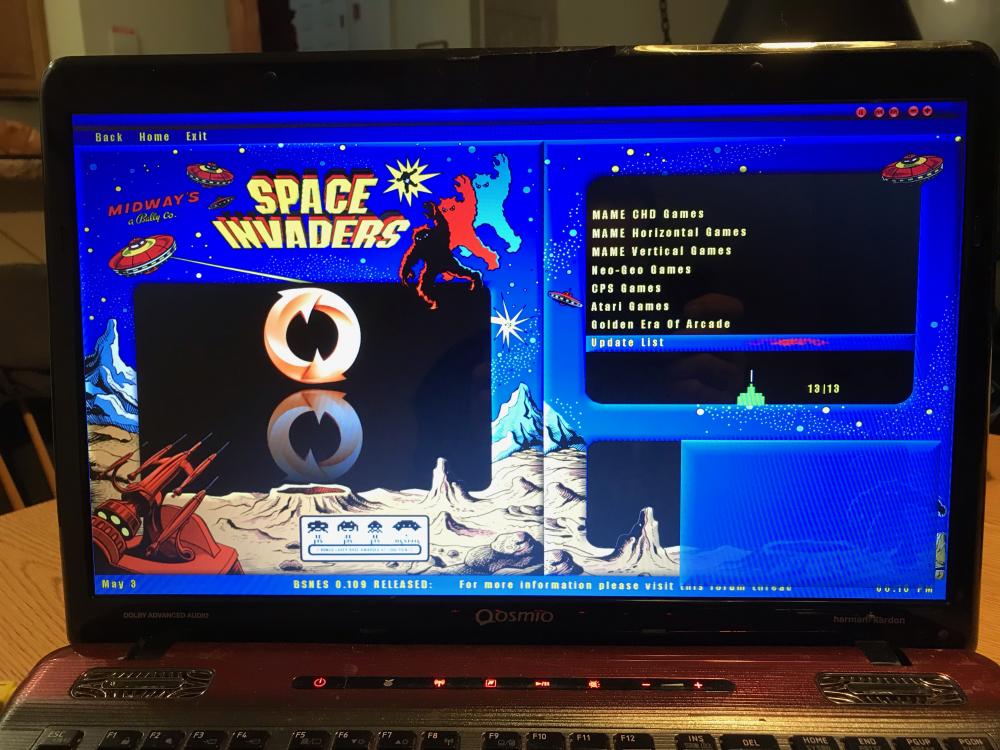
@Draco1962 I had something pop up yesterday that I almost didn't notice. I'm using your Space Invaders theme (NOT the HD one - I'll get to that in a second) and I got the usual pop-up box for confirmation and noticed it's blank. It works as normal (select for yes back for no) but there's no text. So I went and checked my arcade cabinet and it seems this is the same there as well. Now I know it's an 11-12 year old theme and things change it just caught my eye this time. I did delete and re-install both and the behavior is the same. Also of note: I tried out the HD version and GameEx loads but none of the graphics work. I basically get a black screen that is segregated correctly based on the theme but there's no Space Invaders graphics. Sounds are all on point.
-
Sorry I see Stacy Keach I think Mike Hammer!
-
Wow... didn't know this was a thing. I'm a tech-ish person but I never understood how people just find these zeroes and ones on the internet and they're suddenly currency.
-
[Resolved] Unable To Reduce CPU Usage While Gaming
ClassicGMR replied to Andrewminor's topic in Social Club
Yeah I didn't see that at all. BOT maybe? -
[Resolved] Unable To Reduce CPU Usage While Gaming
ClassicGMR replied to Andrewminor's topic in Social Club
Wow if anything the GPU should be the bottleneck in that system. However I have a couple of questions: 1) Define "gaming". Emulation is CPU intensive for most emulators that are not named PCSX2 but Call of Duty, for example, is GPU intensive. 2) Do you have an active onboard GPU as well (ie - Intel UHD 630)? If so are your PC programs pointed to that GPU vs the 1050ti? Check your nVidia console and see where the programs are being forced to run. 2a) Tech support question here so no offense intended - is your HDMI/DP cable connected to the 1050ti or the onboard connection? 3) What's running in the background? When was your last spyware check? Is it a store bought system running tons of bloatware (like the HP Support Assistant for example)? MSI Afterburner is a great on-screen resource I use quite a bit. Here's a recent 1050ti benchmark with a similar CPU. You should be seeing about the same FPS and usage: -
This made me very sad to see it. I did a search after I saw it was down and people are discussing it everywhere. No joke as far as I saw.
-
I SO want one of these. And a GPD Win Max. And an 11th Gen i9... better sell some kidneys!
-
*mumbles incoherently in the corner for a while....* Yes. *rocks back and forth drooling*
-
Can I be fired now?
-
(New problem so new thread) *sigh* I feel stupid again - I've been trying to figure out which setting is causing this since last night. MAME video snaps have sound but nothing else does. The video snaps (like Atari 2600 3D Tic-Tac-Toe for example) do have sound and play fine through Windows and VLC. Files are almost all sourced from EmuMovies from a few years ago. Did I miss a setting? I have double/triple/octo checked and have "Audio in snap/preview videos" set to YES. Running Windows 10 Home also. Should have just kept the HP ... GameEx.ini log.txt
-
Well it's definitely 0.78. I copied over 0.181 and it fires right up in GameEx. I've been using it consistently but since I "upgraded" from an HP 2760p to the Qosmio X775 for my portable emulation I had to actually go through a setup again. Everything's good! Sorry for the trouble.
-
* Begins to copy 135,677 files * Whew! We'll see how 0.181 runs on the laptop. (Was 0.181 I have as most current not 0.178 ... either way) We'll see how it goes! Thanks. Just glad it wasn't anything stupid(er?) that I did.
-
I have 0.178 on my arcade cabinet. I thought 0.78 might be less intensive for an i5 2nd Generation Intel with a GTX 560M. This shouldn't affect whether or not GameEx runs it though correct? If so I'll do an overnight swap of the files. As stated in my original post I have a mame.exe and a mame32.exe both version 0.78 so I'm covered there. Also my paths are correct if not a little weird ("C:\Emulation\ROMs\MAME\roms"). The MAME roms are in the sub directory for MAME. I just dumped the mame folder in my ROM directory so they were in the tree. Huh... I just noticed I ran the runitgame.bat as part of my troubleshooting post and it does NOT run through the command line in that file with those parameters (with mame or mame32). Mame32 WILL run standalone however.
-
OK I am not new to this in any way and MAME should be the easiest thing GameEx does. All my other setups work fine - SNES, NES, PSX, Atari 2600... all run fine. When a game is run through GameEx MAME goes to a blank screen then comes back to GameEx. I have no idea what the trouble is. MAME32.exe runs fine outside of GameEx. I'm stumped as to what is causing this and it is probably something so simple that I am too close to it to see. Someone want to take a peek? FYI - I have MAME32 and mame.exe for 0.78 and have tried both. The log reflects my latest attempt with mame.exe. runitgame.bat: log.txt GameEx.ini
-
Holy Hell Batman! That is awesome!
-
THIS
-
Metro: Last Light Redux free on GoG until 1/1/21 9:00 am EST https://www.gog.com/game/metro_last_light_redux
-
- 1
-

-
The Epic Games Store Holiday Sale is back on December 17
ClassicGMR replied to tthurman's topic in Social Club
Apparently the list was leaked and yesterday and today were correct so in case anyone wants to see it: