|



Adultery
-
Posts
10152 -
Joined
-
Last visited
-
Days Won
159
Content Type
Profiles
Forums
Events
Downloads
Store
Articles
Everything posted by Adultery
-
The beginning? LOL! It's hard to say where to start. Give yourself a project, hit your goal. Then give yourself a harder project and hit your goal. Ask lots of questions, google stuff, hang out on MS Social. Eventually you'll be doing something and be like "Oh, I know what I need to do here! I did that earlier!" Then before you know it you have 50 plugins and a few apps out. LOL!
-
It's because they're not... LOL! Should be like this based on your earlier log: 22:46:01.2 7/9/2012: MAME Path is: C:\Emulators\MAME 22:46:01.2 7/9/2012: MAME EXE file is: MameUI32.exe
-
Can you post the whole log? Also copy your GameEx directory somewhere else, reinstall Gameex and copy the folder back (overwrite any matching files).
-
Game specific settings?
-
What's the last emulator on your list say in the combobox? Its probably some dumb syntax error. Can you reproduce the crash and post the log from the PLUGINS/Xpadder folder? You say it loads fine but crashes when you save it? Sounds like maybe an illegal entry in the XML writer and that emulator just happens to be last alphabetically. Either way Ill fix it.
-

[THEME] >>> Gameroom Theme Released!!!<<<
Adultery replied to Krakerman's topic in GameEx Media Projects
Nice work as usual Krak! -
iMagic has been on the back burner sorry... Never got around to trying to get it where I want it. I'll pick it back up after my well of ideas runs dry.
-
[DISCONTINUED] ULTIMA THEME WIP [OVERWRITTEN BY ONE1 THEME]
Adultery replied to KRC's topic in GameEx Media Projects
Damn! It's a creative spark around the forums lately! Keep it up KRC! -
Could be a cart dumper/scener...
-
@Drac: Wish in one hand and shit in the other. Let me know which one fills up first. LOL!
-
I'd do it anyway TBH. But me, I just love GameEx that much.
-
Id rather there was a 'send money' button! Lol!
-
Grab Beta 2, out now. New snaps added also.
-
Feature & Enhancement Requests
Adultery replied to Tom Speirs's topic in FAQs, Guides, & Other Useful Information
Would be nice to get any kind of transition really... Currently there's none. -
Object reference not set to an instance of an object. It means what it says. You don't have something set up right so it can't launch. Either your ROMs are in the wrong place, your MAME.EXE is named incorrectly, or your command line is fubared. Is MAMEUI32.exe what they call MAME32 nowadays?
-
EDIT: So far they've been pretty simple ones, it's thanks to Tom (but mostly Ben) for a great plugin interface to play with. Lol!
-
So far they've been pretty simple ones, it's thanks to Tom for a great plugin interface to play with.
-
GAME INFO THEMES You can also get themes for Game Info from the DracLabs web site. MegaMAME Theme A theme created to match the MegaMAME GameEx theme. This is now included in the Game Info plugin. Download it here! GameEx Default Theme This theme was created to make GameEx match the default "Media Center" theme. Download it here! Pink Floyd - The Wall Theme Created by Draco1962 A skin for the plugin which was created to accompany the Pink Floyd - The Wall theme. Download it here! Super Mario's World A skin tribute to Super Mario's world of awesomeness! Download it here! Sonic The Hedgehog A Game Info skin tribute to Sonic The Hedgehog. Download it here! Tetris A Game Info skin tribute to Tetris Download it here! Contra A Game Info skin tribute to Contra Download it here! Blue Neon LCD Created by Draco1962 A skin for the plugin which was created to accompany the Blue Neon LCD theme. Download it here! Duck Hunt A skin tribute to Duck Hunt for the Nintendo Entertainment System. Download it here! Castlevania A skin tribute to Castlevania. Download it here! DD For GameEx Created by KRCA skin to accompany KRC's DD theme. Download it here! Space Invaders Created by Draco1962A skin to accompany Draco's Space Invaders theme. Download it here!










-
Does Nintendo NES have series info in it? I think that's a MAME thing unfortunately, and that's a feature request to add it to the DB (great idea though for sure)! Tom listens, and lurks. That request isn't unreasonable at all! PS: Ditch the flame jacket. We're not gonna torch ya. We run a much looser forum over here.
-
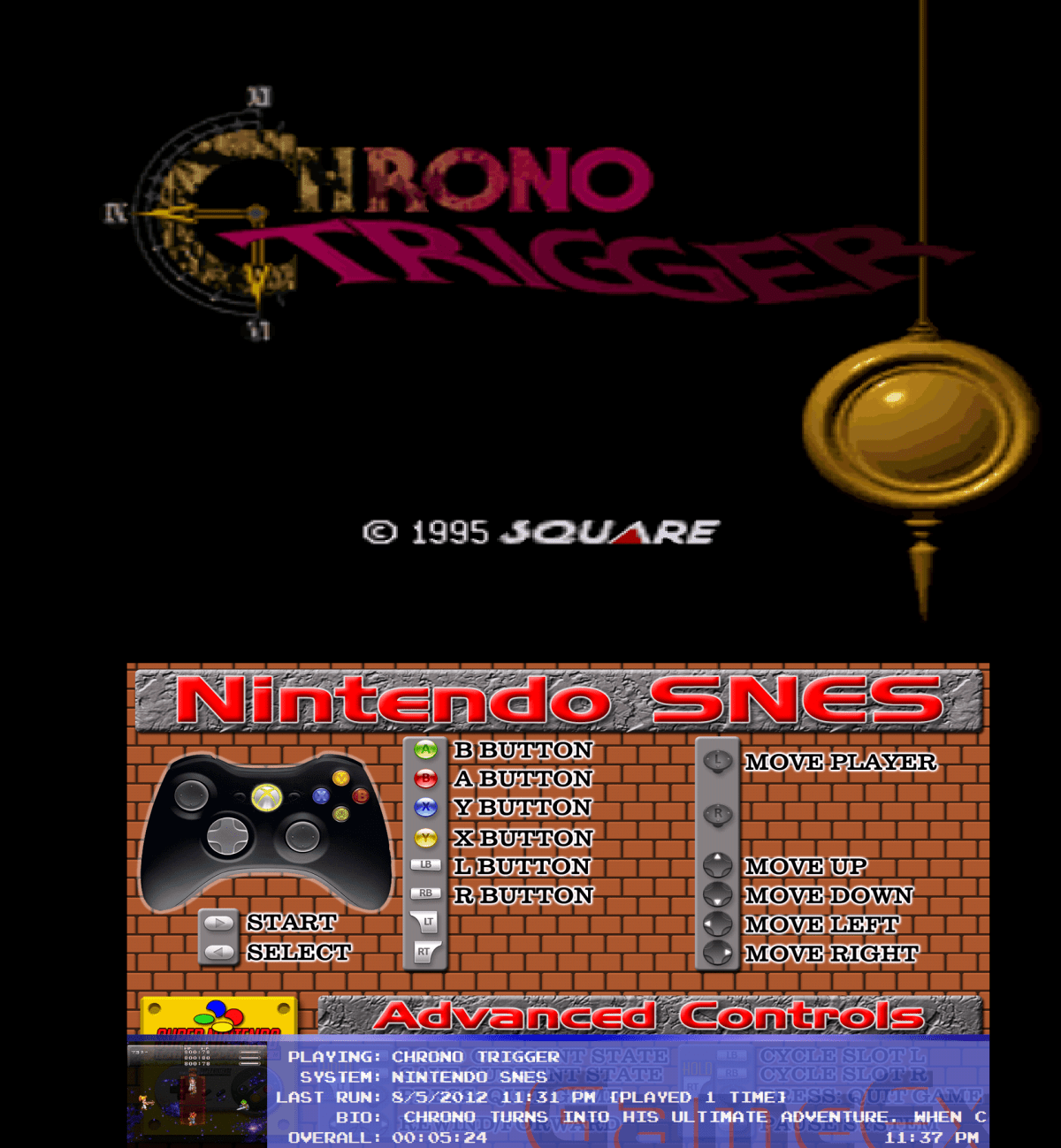
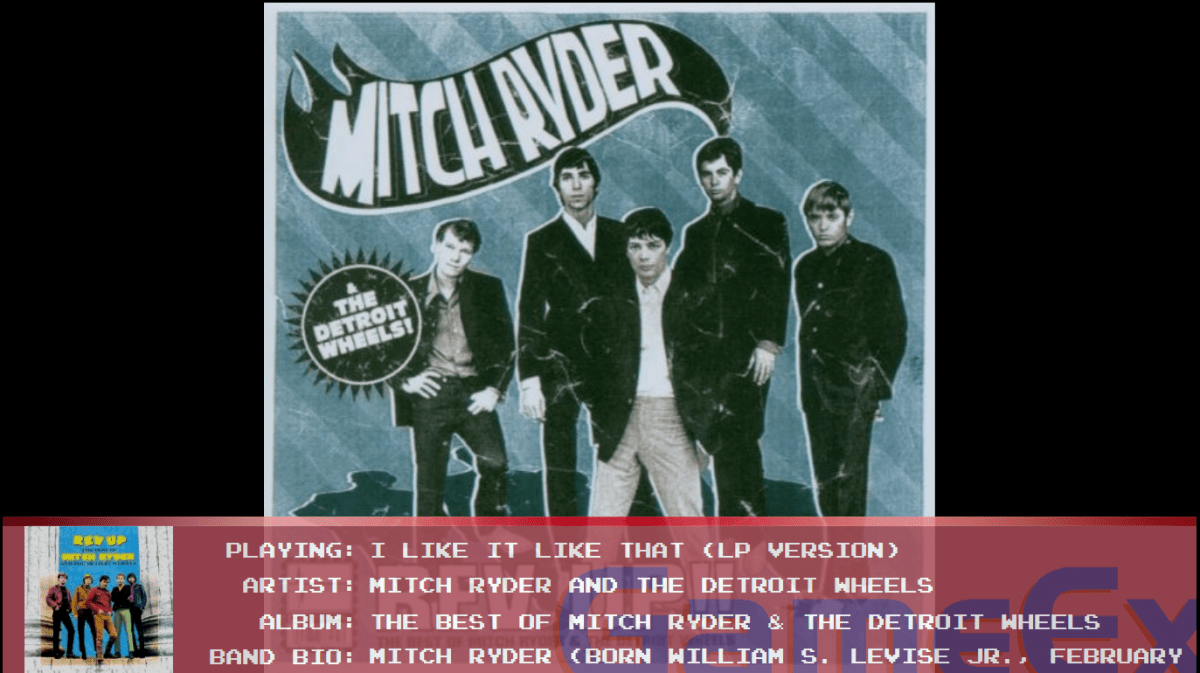
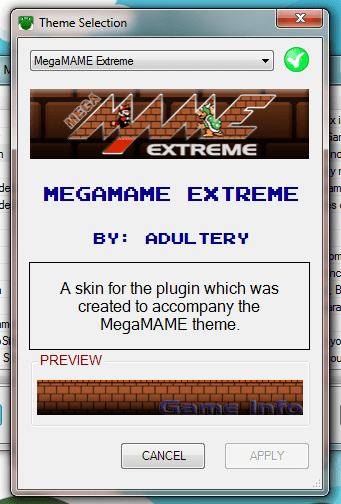
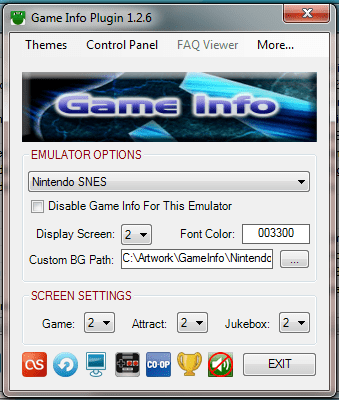
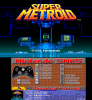
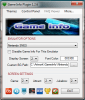
Game Info Plugin - 1.3.5 - Game Info (In-Game) Jukebox Info (Last.FM patch enabled) Demo Videos WHAT IS IT? Have a secondary monitor? This plugin displays some game info on a banner on the bottom of the screen. If you use GameExtender, there's a light transparency on the form so you can see the image below it as well. HOW DO I USE IT? Simply set (or don't set) your extra options via the Plugin Manager's configuration, or use the command lines outlined below. You can also skin the Game Info interface to suit your tastes since the 1.0.7 update. It's simple really... Themes go in the Game Info/Themes folder. A green "check" next to the list indicates the theme is the one applied for GameEx, and a red "X" indicates that it isn't. Press "APPLY" on any theme to start using it. Click on the "PREVIEW" image to get an idea of what it will look like in GameEx: WHAT DOES IT DO? Here's a list of features so far: The plugin keeps track of total time played for that game, and session time played. The timer view alternates every 60 seconds. There are two main views which rotate every 5 minutes. The first displays the following Game Title Snap Game Name (or ROM name if you don't use a database for said system or no entry is found) System Name (your emulator's Title Text setting) Developer and [YEAR] Category If either of the previous two is unavailable, Number of Players is displayed The second display includes Game Name and System Name in addition to the following: In Game Snap Last Played Data (This is the last time you played the game with the plugin enabled) and [Overall Play Count] Game Description if available The current time is displayed in the lower right corner Text now is measured against screen length and scrolls to accommodate long info (No more auto ellipse!) Custom user-defined images for Game Mode and Attract Mode Screensaver mode that prevents screen burn-in while Game Extender is running Attract Mode popup shows game info when the game changes Dialog forms that display on certain functions Update notification if a newer version of Game Info is available (disabled by default) Jukebox Mode that displays "Now Playing" data (REGISTERED USER FEATURE ONLY!) Jukebox integration for the screen saver (album art displayed in the logo field) (REGISTERED USER FEATURE ONLY!) Dialog form shows brief info about the game you select before you even start it up! Plugin update notification lets you know if a new version of the plugin is available when you launch GameEx Custom themeing/skinnig If you wanted to disable it for a certain emulator, just add [NOGAMEINFO] or [NOINFO] to the emulator's command line. To hide/show the Game Info while in a game or hide/show the jukebox info, press SHIFT+TAB To refresh or force update the jukebox info, press SHIFT+SPACE Integrated support for GameEx *.db3 and *.mdb files to keep better track of play times NEW! Supports GameEx's Hi-Score competition directly *Online only feature! Custom text for labels via the Plugin configuration NEW! Replaces GameExtender Viewer in some situations with a more customized image viewer NEW! Add sound effects to specific actions in the plugin's theme WHAT IF I FIND A BUG? Report it here! Any questions? Ask away. Feel free to offer suggestions on how I can make it better. DOWNLOAD LOCATIONS: This plugin can now be downloaded using GameEx's Repository Manager or via the plugin administration menu in the Setup Wizard. Alternately you can Download @ Community Download Portal, or using the DracLabs Plugin Downloader software. NOTES: The font included doesn't have special language chars, so I'm not entirely sure how it'll work for you if you don't use English. I'm interested in seeing snapshots in the case of foreign languages though. If you wanted the Last.FM features, you can download the patch here. This will modify the way the plugin behaves with the jukebox, and is a huge addition to the cool factor. Check it out! CHANGELOG



-
Have you tried howardc's wrapper at all? It really helped me out a lot... Before VP9 wasn't loading the tables, now it works awesome. VP9 is such a PITA.
-
I don't think GameEx supports .rar anyhow?
-
1.0.2 Beta 2 is out: More colors added for the font and a box showing the selected color. Added a preview form so you can see what it's gonna look like and tweak it as needed.. Better support for visual pinball wrappers. Added custom loading text.
-
Updated to 1.0.4: Added command line logging