|



Mike_da_Spike
-
Posts
3789 -
Joined
-
Last visited
-
Days Won
241
Content Type
Profiles
Forums
Events
Downloads
Store
Articles
Everything posted by Mike_da_Spike
-

[APP] Recently Added/Update tables creator
Mike_da_Spike replied to Mike_da_Spike's topic in User Projects
The 1/1/1999 is the initial run, and set the dateadd. The datemodified, i must get from the file itself. If on 2nd run a new file is found, it should put the current date in it. But ... i see that the program cannot find the tablepath from pinballx.ini and leave it blank (so initial date) Did you put the pinballx names in my ini file ? (So the names of the sections ?) [Visual pinball x sound] is set in the ini file, but think it is under [system_1] or something Post both ini's so I am sure -
[APP] Recently Added/Update tables creator
Mike_da_Spike replied to Mike_da_Spike's topic in User Projects
Hmmm.. was afraid of that. Not at home, but will check it. Thanks for the xml. I will test it tonight I was home earlier, so I could test a bit. Thanks for posting the XML file. I do use UNICODE myself, but good thing ! I tested it (found another bug too), and I uploaded version 0.6b. Can you test this one @scutters ? And thanks mate ! I really appreciate that someone is able to test -
[APP] Recently Added/Update tables creator
Mike_da_Spike replied to Mike_da_Spike's topic in User Projects
First do an initial run to capture all before you update/add/remove a table I must also work for programs like fx3 when they add new tabbles. We will see and of the month Thanks for checking ! -
[APP] Recently Added/Update tables creator
Mike_da_Spike replied to Mike_da_Spike's topic in User Projects
This must run outside pinballx, because it generates xml files and those are readed by pbx at startup. For my cab the program takes arround 30 second to complete. I added it myself in a batchfile that I use for gamemanager to launch. So always when I use gamemanger. It will run this program after closing gamemanager. Basically how it works:, it checks the databe xml files. I put the metadat in the registry. When adding for the first time. The date is set to 1/1/1999. New tables will get the recent date. and put it If I find a table path in pinballx.ini than I check the files itself for datemodified. The newest of the 2 (dateadded or datemodified) will win. With this info, I take the newest x (showtotalnewcount) and create new xmls for it. Pbx will combine those xml's because it has the same name. Please let me know @scutters if it is working for you. I really don't know if the data/time conversion will work on other pc's -
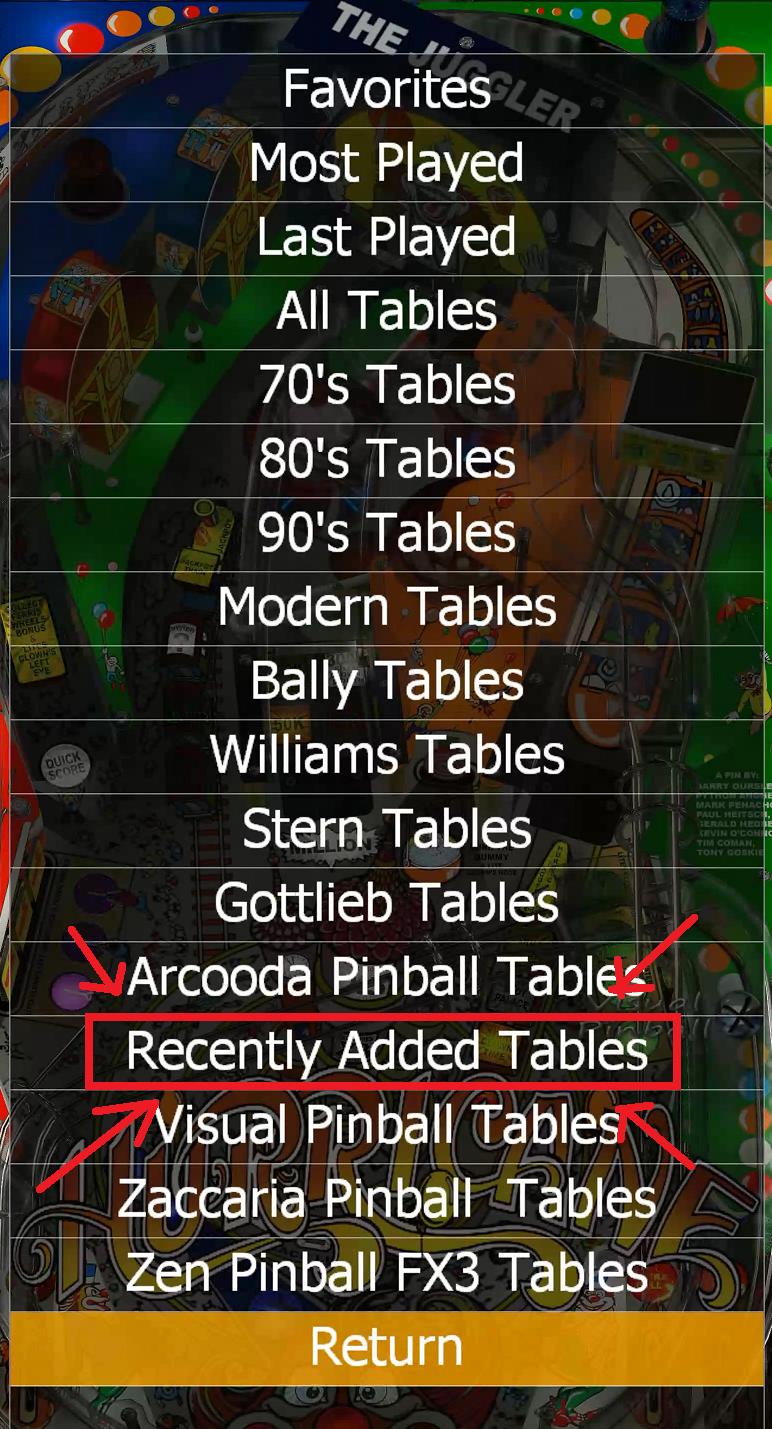
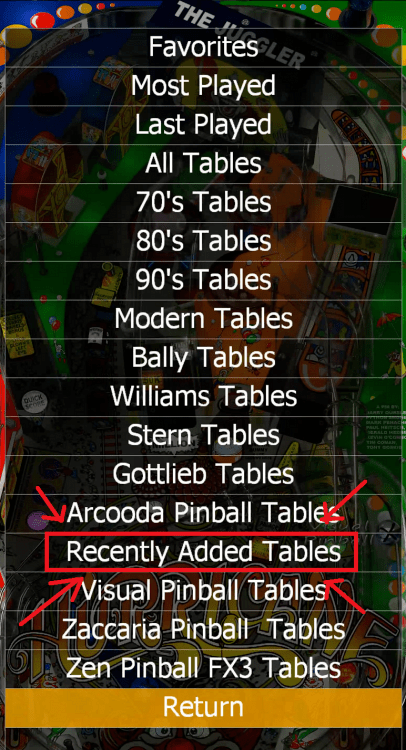
Hi All I created a small program that wil generate XML files that will be shown as "Recently Updated" in the game list. It will check all XML files from the INI file and wil create a top list (as many as you want) This is handy if yo have a lot of tables, and added (or modified) some recently How does it works ? Simple copy the attached EXE and INI file and put it into a directory. Edit the INI file with your favorite editor (Notepad.exe for me ) [Global] LogPathLocal = "log" LogFileName = "GenerateUpdateTables.log" LogSize = 0 LogLevel = "LOGLVL_INFO [Paths] PinballX_Path = "c:\Pinball\PinballX" [PINBALLX] ShowTotalNewCount = 25 GenerateXMLSection1 = "VisualPinball" GenerateXMLSection2 = "System_1" GenerateXMLSection3 = "PinballFX3" [Options] CreateSeparateFile = True CleanupDebug = True CleanupOldFiles = True Setup the next sections one time : [Global] section : LogPathLocal - path for logfile. Can be only put a subdirectory or file pathname LogFileName - File name of the logfile LogSize - 0 will overwrite everytime the log file other value will be overwrite the logfile is fize is reached (kb) LogLevel - Type of logging : LOGLVL_INFO - Shows the least ammount of logging. Enough if all is working LOGLVL_VERBOSE - If you encounter errors, this mode will shows the most issues LOGLVL_VERY_VERBOSE - Nightmare logging mode ! Shows too much info, but handy if it is really not working [Paths] section : PinballX_Path - Set the correct to your PinballX root folder [PINBALLX] section : ShowTotalNewCount - Set a number. This will show the totally new or modified tables GenerateXMLSection - Start the GenerateXMLSection from 1 and up. add/remove the sections that has the names in the original Pinballx.INI in the CONFIG folder of PinballX for the emulators which you want t create the new tables for In the example, I want only for the 3 entries that are defined in PinballX.ini to be processed for this script. Modify this to your own needs, but make sure the numbering is starting from 1 to ... [Options] section : CreateSeparateFile - Set to True is you want to have Recently Added and Recently Modified in your list. Set to False creates 1 list of Recently Added (including recently modified) CleanupOldFiles - Set to True if you want to cleanup the next folders for unused files : "Backglass Images","Table Images","Table Images Desktop","Table Videos Desktop","Table Videos","Backglass Videos" Set to False to SKIP deletion (CleanupDebug will be ignored) CleanupDebug - True will only show files to delete, False will delete the files And just run the executable file every time you add or modify tables (I run it after i finished GameManager.exe) A log file will be generated to check anything (See global section), but also on the command line you see the results If you encounter any issues, please change the LogLevel = "LOGLVL_INFO" to LogLevel = "LOGLVL_VERBOSE" and post the logfile as attachment here The EXE file uses the icon of pinballX. Not sure if that is aloud. If not, I will remove the icon latest version : 1.3 GenerateUpdatedTables.exe GenerateUpdatedTables.ini (English is not my native language, so it could be that in the program/logs there are typos. I'm open to change that too ) Thanks to @scutters for testing this in Beta phase and reported issue (and extra feature) back and @simbamame for testing without finding issues

-
I think the name matches the file, because thats a unique name. The description names can be the same, so causes different tables has the same video. But this is just an assumption.
-
You can create an extra xml under your vpx menu named servicing.xml and put those tables in there. If you don't want to see them, set all those tables to not enabled. In gamemanager, you are able to select that list and fix or service these tables. You should manually move over the tables to the correct xml if they are ready for production.
-
[RESOLVED] Pinball Arcade backglass turns black on table launch
Mike_da_Spike replied to MostlyDecaf's topic in General
It will hide the front end option. Same as the dmd part If you want to leave your backglass from frontend in simulator, just uncheck the option "Hide backglass" in gamemanager. Not understand your last post. Is the backglass present, but not foccussed when you laun the program ? Is Pbx running as admin as well ? -
[RESOLVED] Pinball Arcade backglass turns black on table launch
Mike_da_Spike replied to MostlyDecaf's topic in General
Althought you mentioned in the 1st post it does'nt matter how you set the backglass, in the xml file it is set to true This must be set to false <hidebackglass>false</hidebackglass> -
Uncheck the checkbox enabled in gamemanager. That will not display the table at all
-
Google Assistant compatibility...take my money
Mike_da_Spike replied to Flpennstater21's topic in General
Hey Tom. I could not find anything on GameEx online to control pinballx. Only saw my tables. Can I completly control pinballx there??? -
[PINCAB] My Virtual Pinball Cabinet build
Mike_da_Spike replied to Mike_da_Spike's topic in Gamer Rigs
To be honest @scutters, I turned off the digital nudging. I don't like the rough side of it. Giving the machine a big push in some kind of way... there is still a pc in it and lot of customization. I setup the magna flippers as nudging. (I know its not the real feel, but the dmd and backglass monitor didn't like the nudging too) -
lastselected entry cleared after creating Videos
Mike_da_Spike replied to Mike_da_Spike's topic in General
No problem Tom. I made a workaround and thats working fine. I enjoy everyday fron your front end. You make people happy with your programs -
Does the backglass load when you launch it via the prompt ? Like : C:\vp10\VPinballX.exe /play -"C:\vp10\tables\Austin Powers (Stern 2001) 1.01.vpx" Or If you press alt-tab, doe you see the backglass ? (maybe it is not foccused ?)
-
[PINCAB] My Virtual Pinball Cabinet build
Mike_da_Spike replied to Mike_da_Spike's topic in Gamer Rigs
Extra -
I have a space too and works fine. Not sure what happends to you. But glad it is solved
-
[PINCAB] My Virtual Pinball Cabinet build
Mike_da_Spike replied to Mike_da_Spike's topic in Gamer Rigs
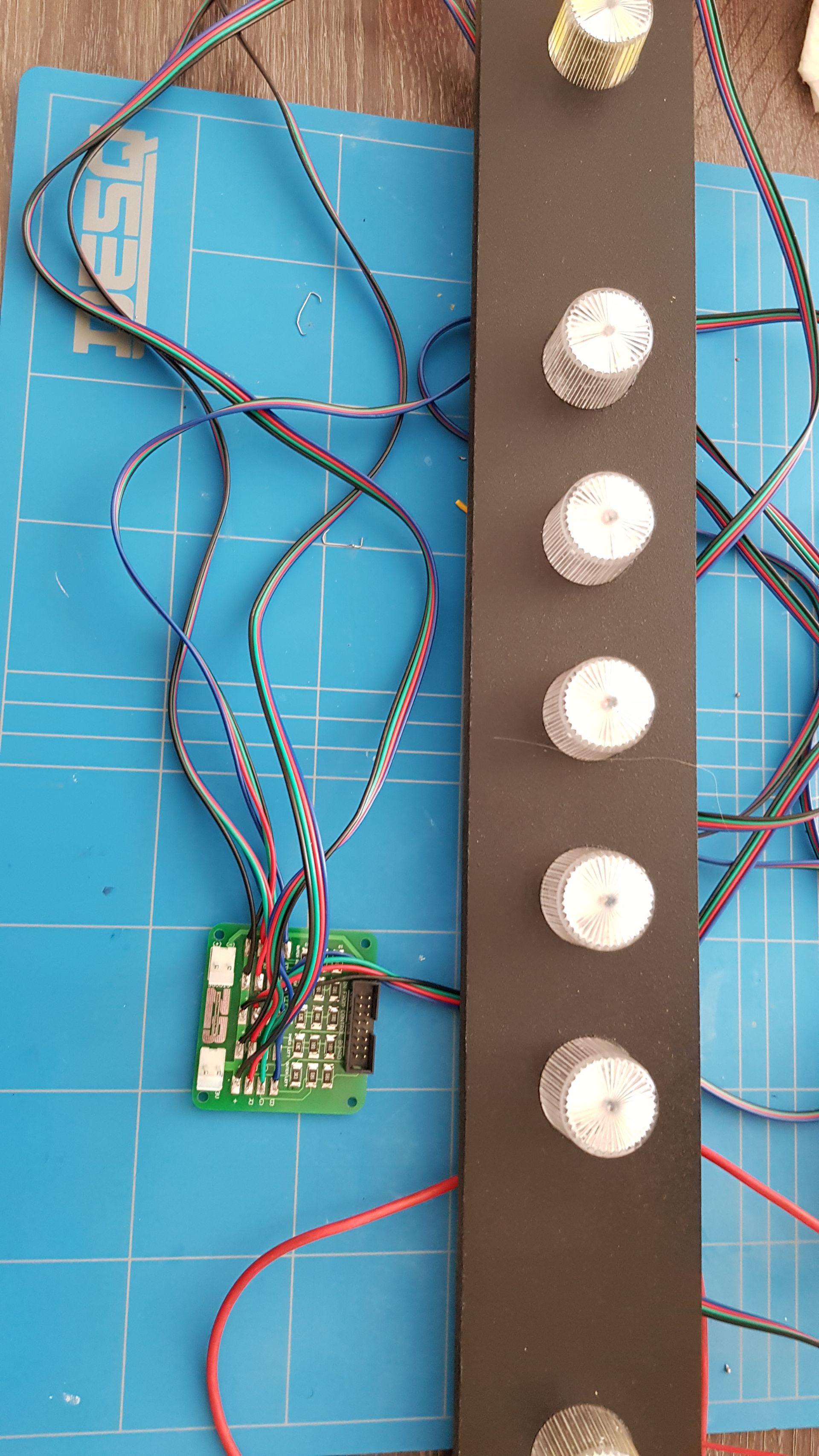
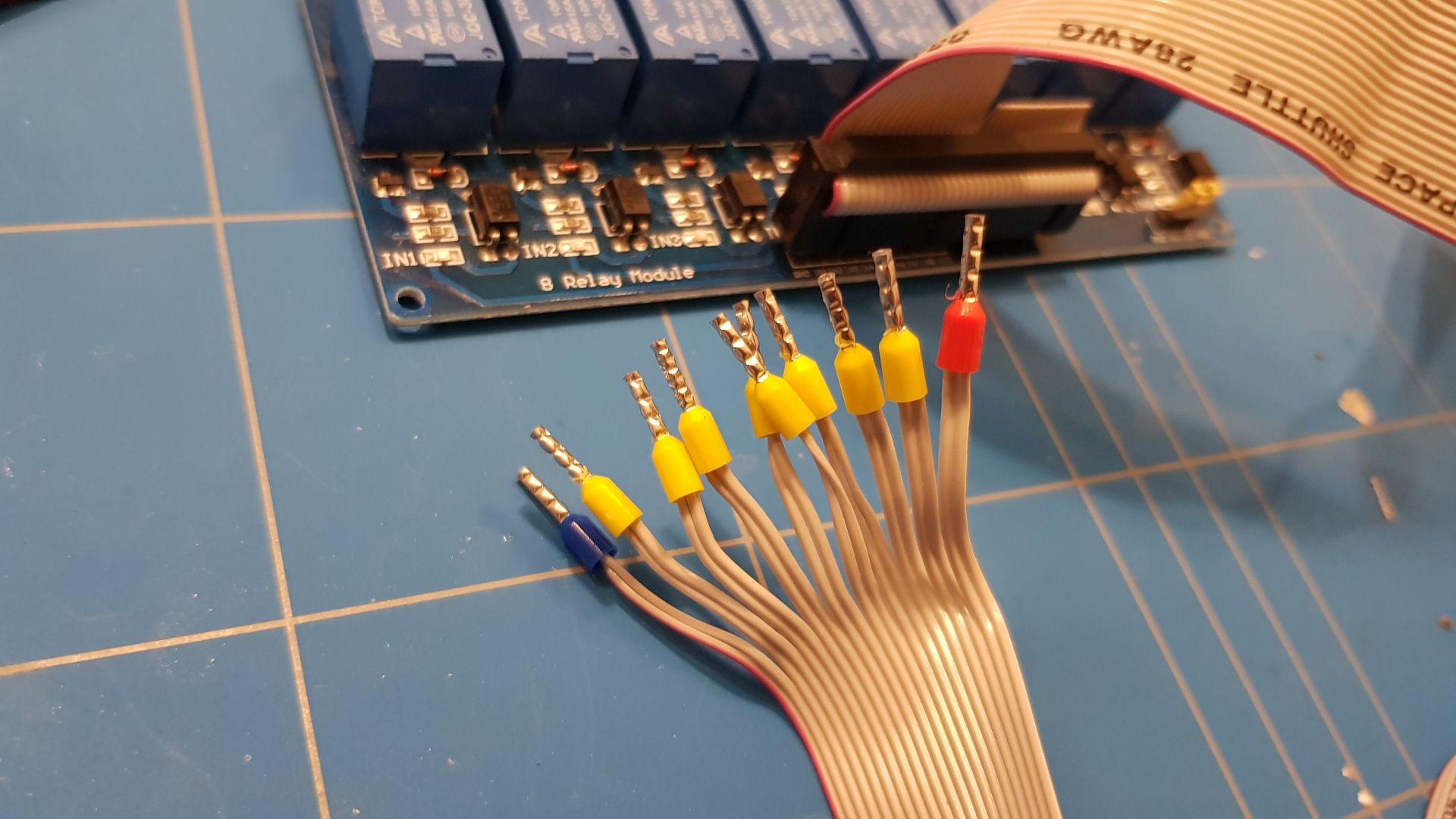
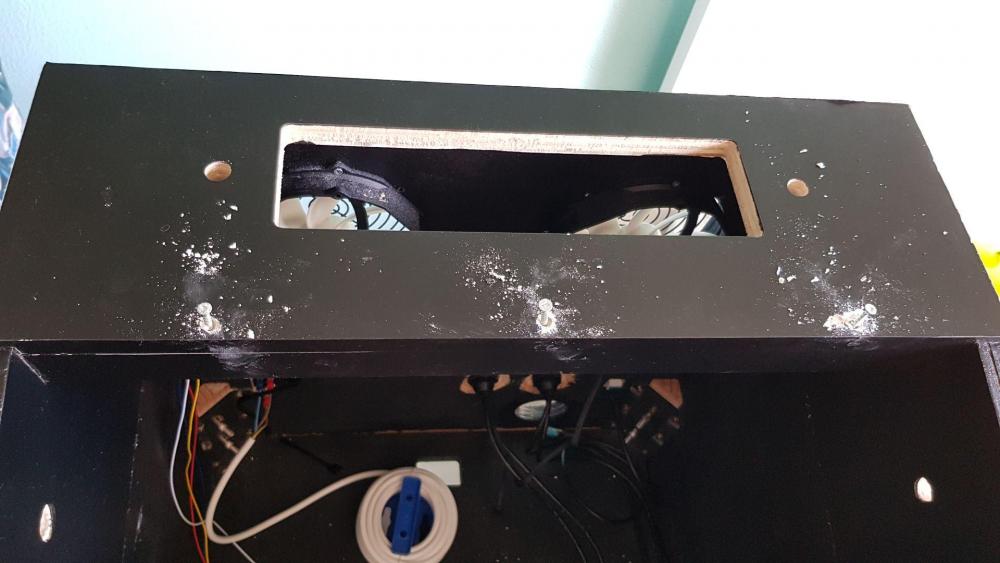
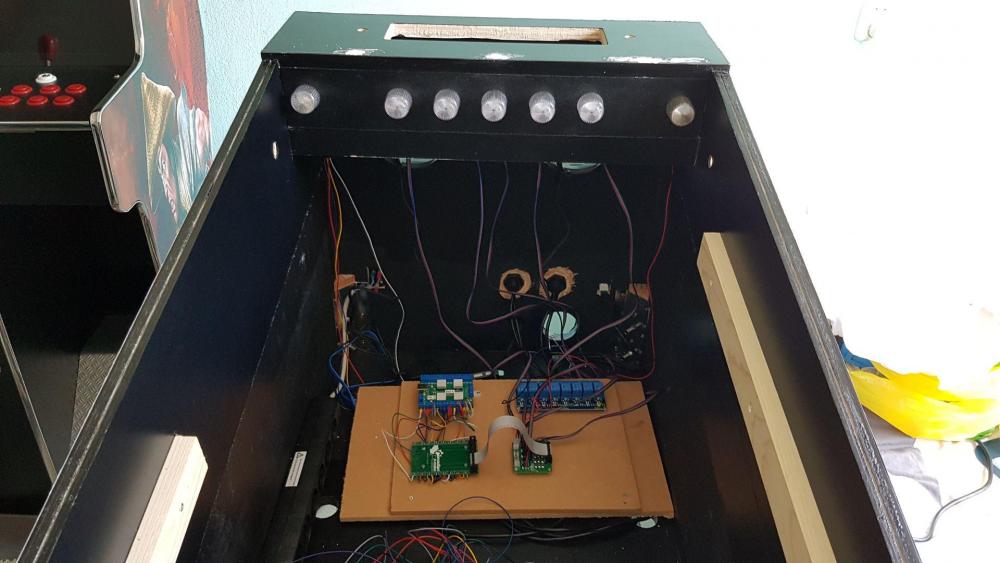
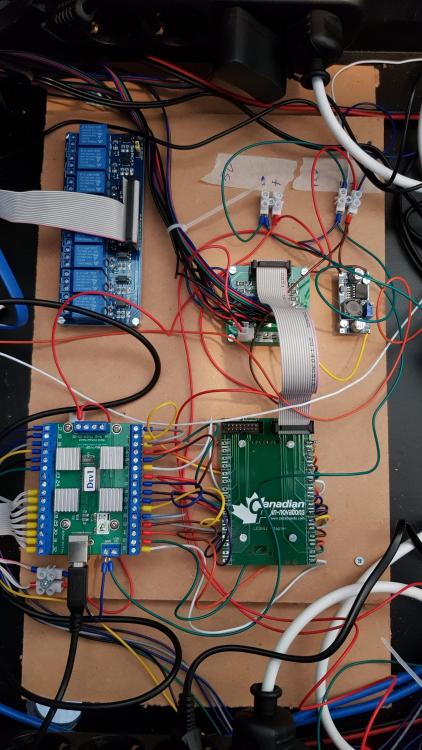
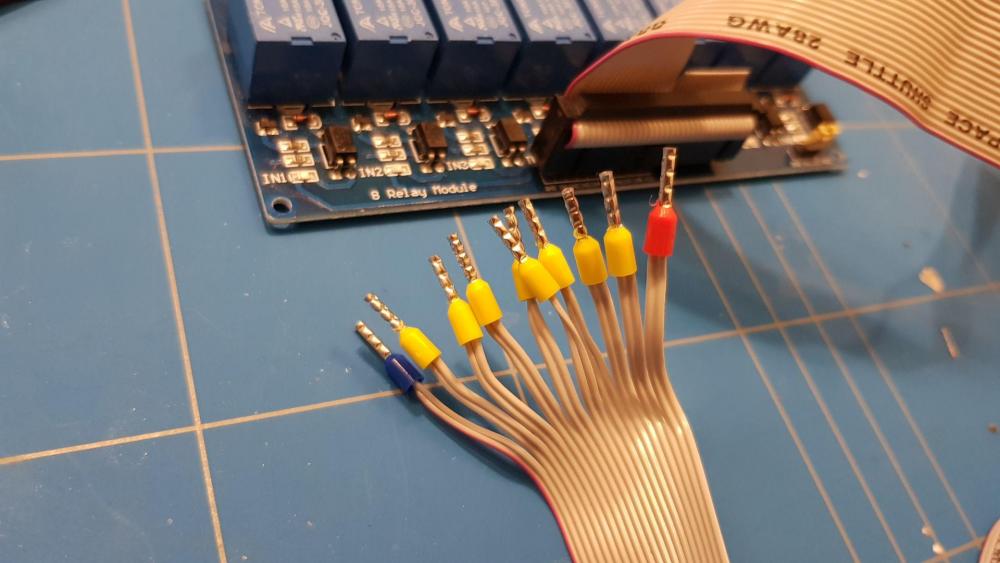
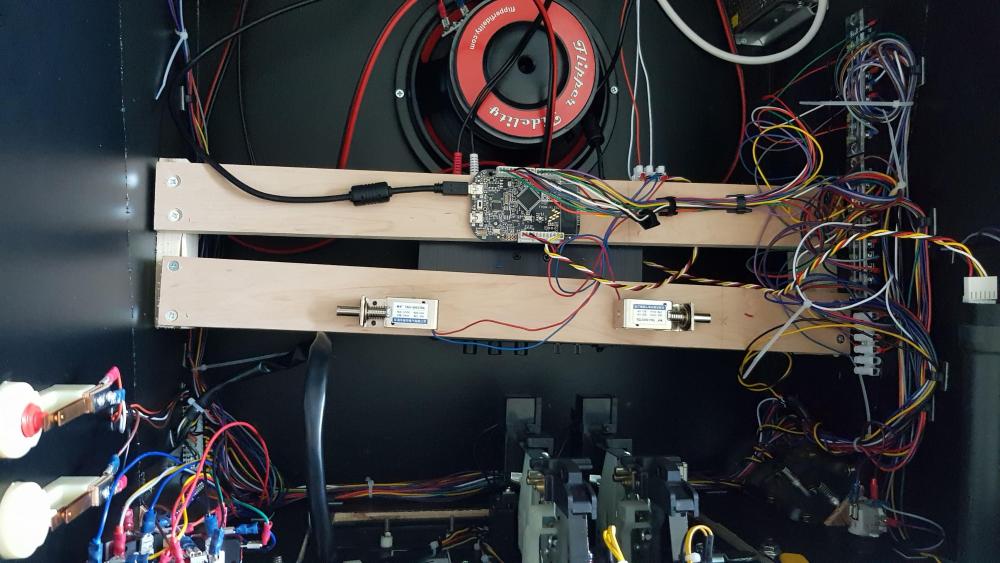
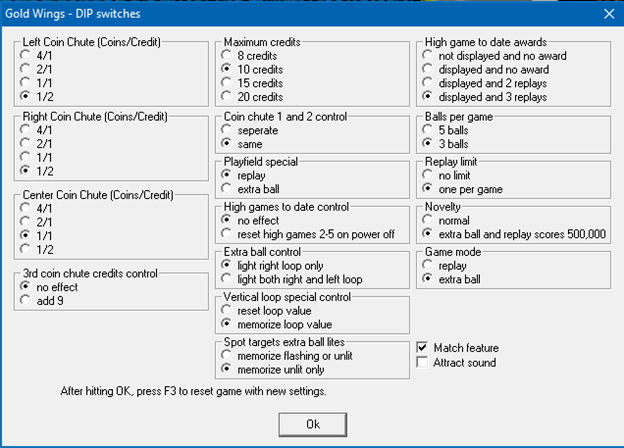
When building the cabinet, I found that I also needed a controller board that could control the lights on the front. I ordered a ledwizz controller, for this. Checking the DOF configuration, I found that I could also attach flashers and RGB lights. Created a complete board to get an overview Old IDE cable used to attach from ledwiz to relais these relais can be used to add external toys (like knocker and coilers) But need to remove a backboard to put the flashers/rgb leds in place Added 2 magnetic switches to simulate the flipper sounds Putting the PC in it, adding everything together, end up like this : I need to say, that my power supply blew up december 2018. I changed it for a 750W I also added a RTX 2070 video card, because I use native 4k in VPX and fx3 VPX was having trouble when using 4k with my GTX 1060. Also changed my ssd to a 1gb ssd, because running out of disk space. I’m very happy with the end result. It needs some finishing touch, but I’m proud that I build this completly. All the VP9/VPX tables are adjusted to use coins. 1 game for 50 eurocent and 1 euro for 2 games I had some issues with Gottlieb system80b tables that I could not adjust, but I changed in those tables something in the VPX code and added an extra menu for doing this '********************************************************************************************************** 'Gottlieb System 80B 'added by Inkochnito 'Added Coins chute by Mike da Spike Sub editDips Dim vpmDips : Set vpmDips = New cvpmDips With vpmDips .AddForm 700,400,"System 80B - DIP switches" .AddFrame 2,4,190,"Left Coin Chute (Coins/Credit)",&H0000001F,Array("4/1",&H0000000D,"2/1",&H0000000A,"1/1",&H00000000,"1/2",&H00000010) 'Dip 1-5 .AddFrame 2,80,190,"Right Coin Chute (Coins/Credit)",&H00001F00,Array("4/1",&H00000D00,"2/1",&H00000A00,"1/1",&H00000000,"1/2",&H00001000) 'Dip 9-13 .AddFrame 2,160,190,"Center Coin Chute (Coins/Credit)",&H001F0000,Array("4/1",&H000D0000,"2/1",&H000A0000,"1/1",&H00000000,"1/2",&H00010000) 'Dip 17-21 .AddFrame 2,240,190,"3rd coin chute credits control",&H20000000,Array("no effect",0,"add 9",&H20000000)'dip 30 .AddFrame 207,4,190,"Maximum credits",49152,Array("8 credits",0,"10 credits",32768,"15 credits",&H00004000,"20 credits",49152)'dip 15&16 .AddFrame 207,80,190,"Coin chute left and right control",&H00002000,Array("seperate",0,"same",&H00002000)'dip 14 .AddFrame 207,126,190,"Playfield special",&H00200000,Array("replay",0,"extra ball",&H00200000)'dip 22 .AddFrame 207,172,190,"High games to date control",&H00000020,Array("no effect",0,"reset high games 2-5 on power off",&H00000020)'dip 6 .AddFrame 207,218,190,"Game option dip 7",&H00000040,Array("off",0,"on",&H00000040)'dip 7 .AddFrame 207,264,190,"Game option dip 8",&H00000080,Array("off",0,"on",&H00000080)'dip 8 .AddFrame 412,4,190,"High game to date awards",&H00C00000,Array("not displayed and no award",0,"displayed and no award",&H00800000,"displayed and 2 replays",&H00400000,"displayed and 3 replays",&H00C00000)'dip 23&24 .AddFrame 412,80,190,"Balls per game",&H01000000,Array("5 balls",0,"3 balls",&H01000000)'dip 25 .AddFrame 412,126,190,"Replay limit",&H04000000,Array("no limit",0,"one per game",&H04000000)'dip 27 .AddFrame 412,172,190,"Novelty",&H08000000,Array("normal",0,"extra ball and replay scores 500K",&H08000000)'dip 28 .AddFrame 412,218,190,"Game mode",&H10000000,Array("replay",0,"extra ball",&H10000000)'dip 29 .AddFrame 412,264,190,"Game option dip 31",&H40000000,Array("off",0,"on",&H40000000)'dip 31 .AddFrame 412,310,190,"Game option dip 32",&H80000000,Array("off",0,"on",&H80000000)'dip 32 .AddChk 2,360,120,Array("Match feature",&H02000000)'dip 26 .AddLabel 50,380,300,20,"After hitting OK, press F3 to reset game with new settings." .ViewDips End With End Sub Set vpmShowDips = GetRef("editDips") this results in this popup when pressing F6 during the game (I added the coins/credit part)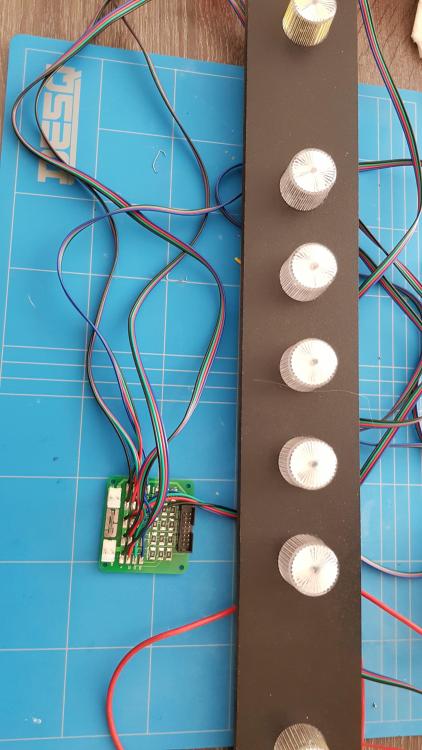
-
[PINCAB] My Virtual Pinball Cabinet build
Mike_da_Spike replied to Mike_da_Spike's topic in Gamer Rigs
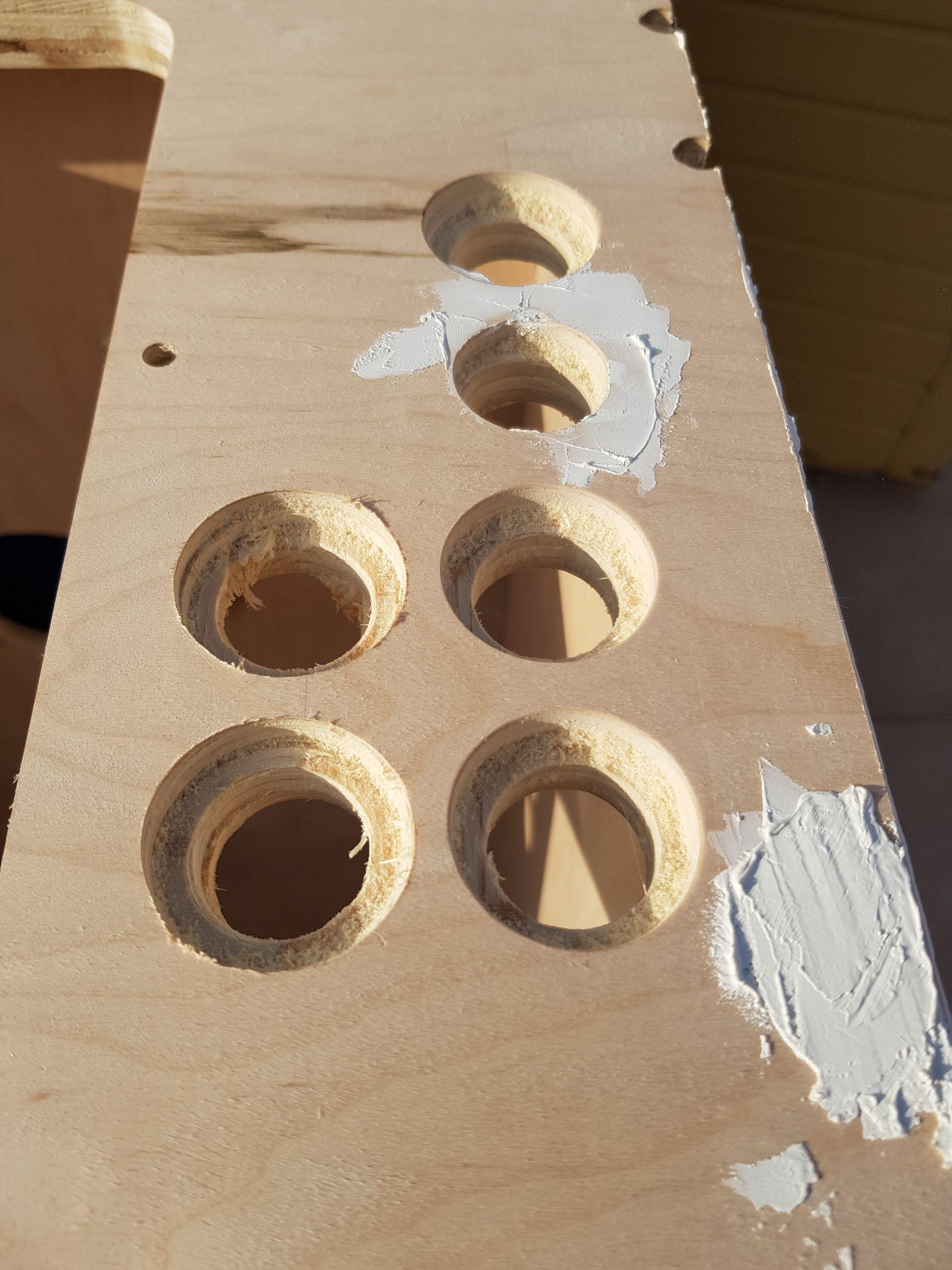
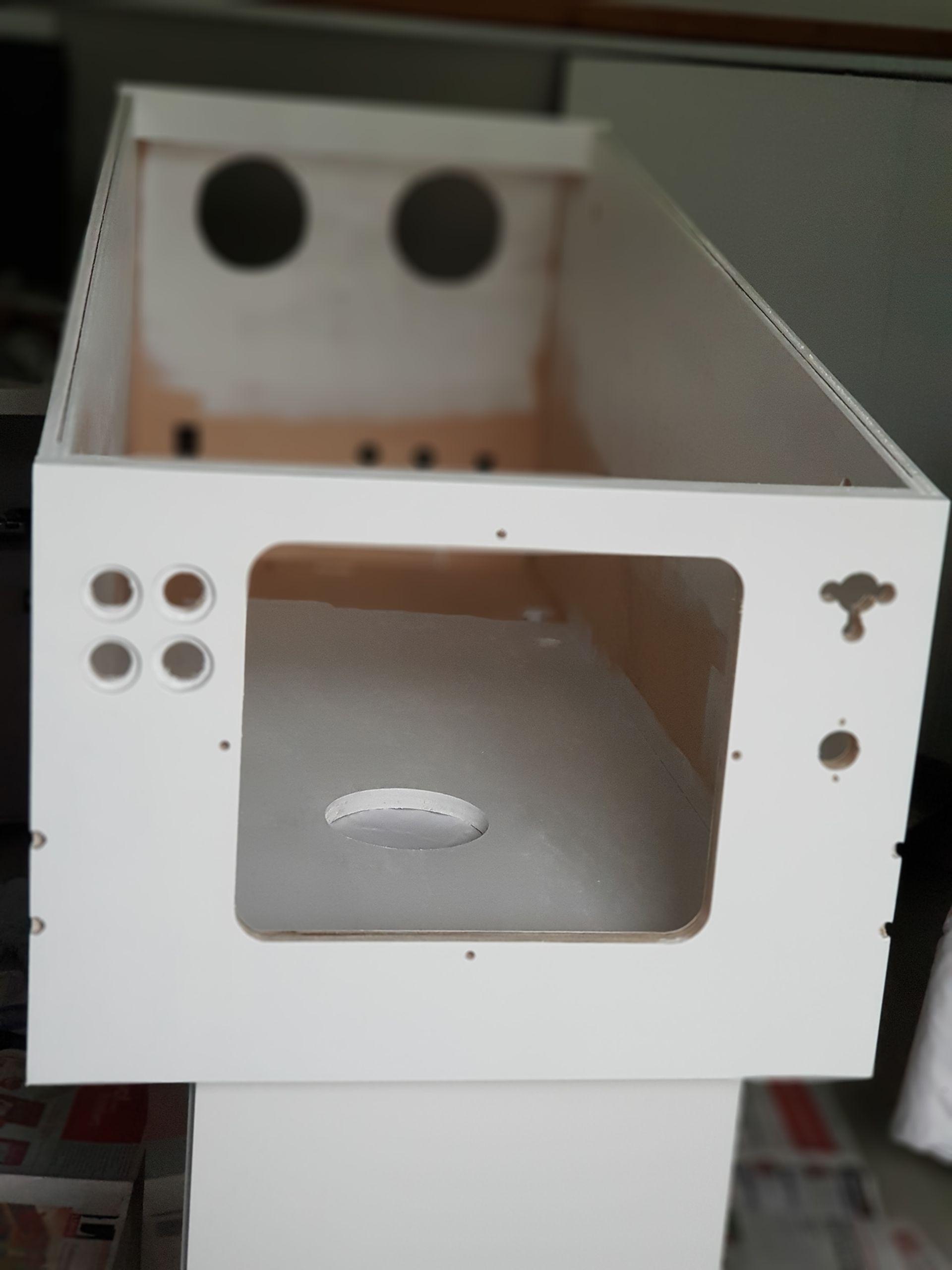
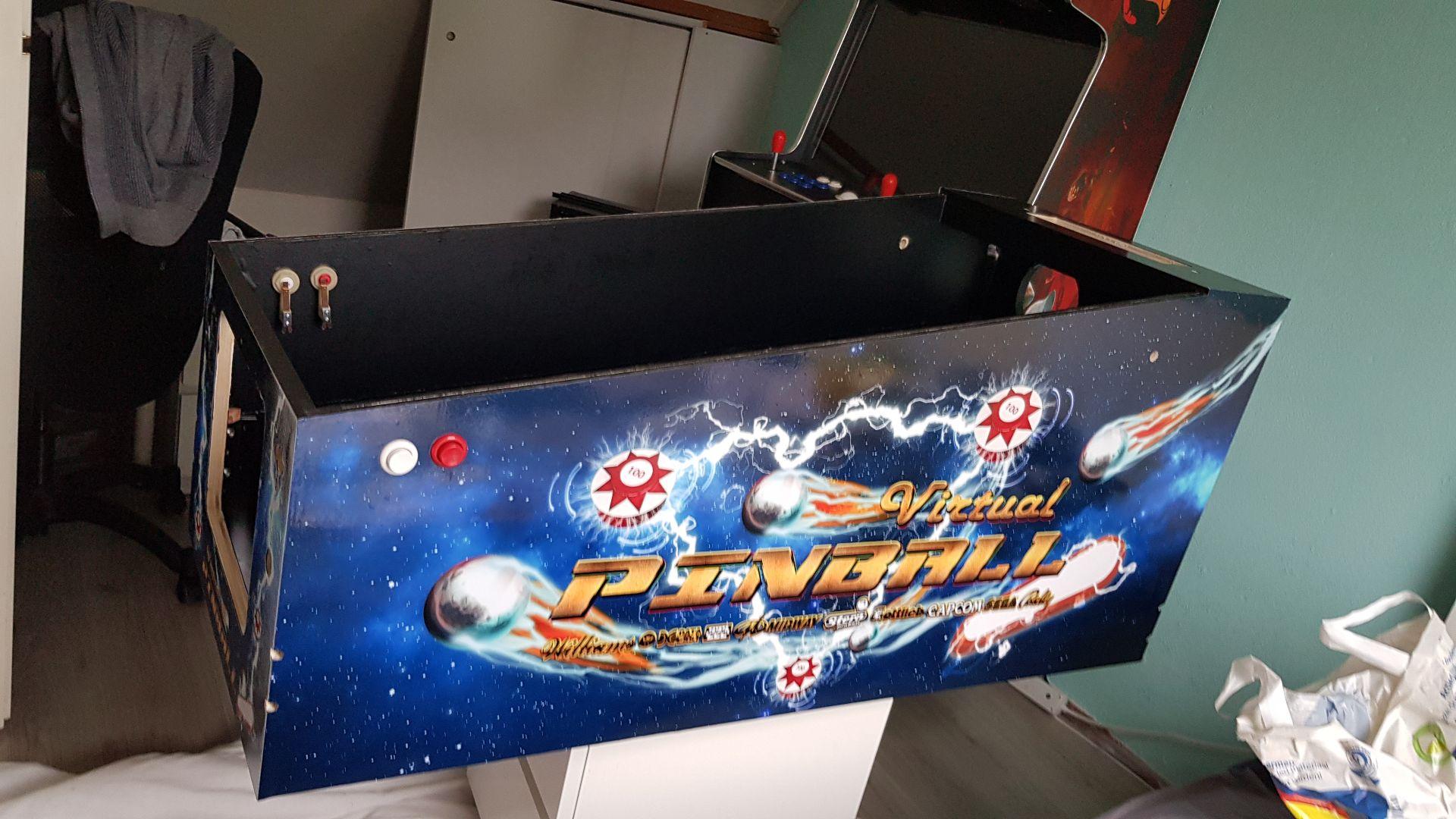
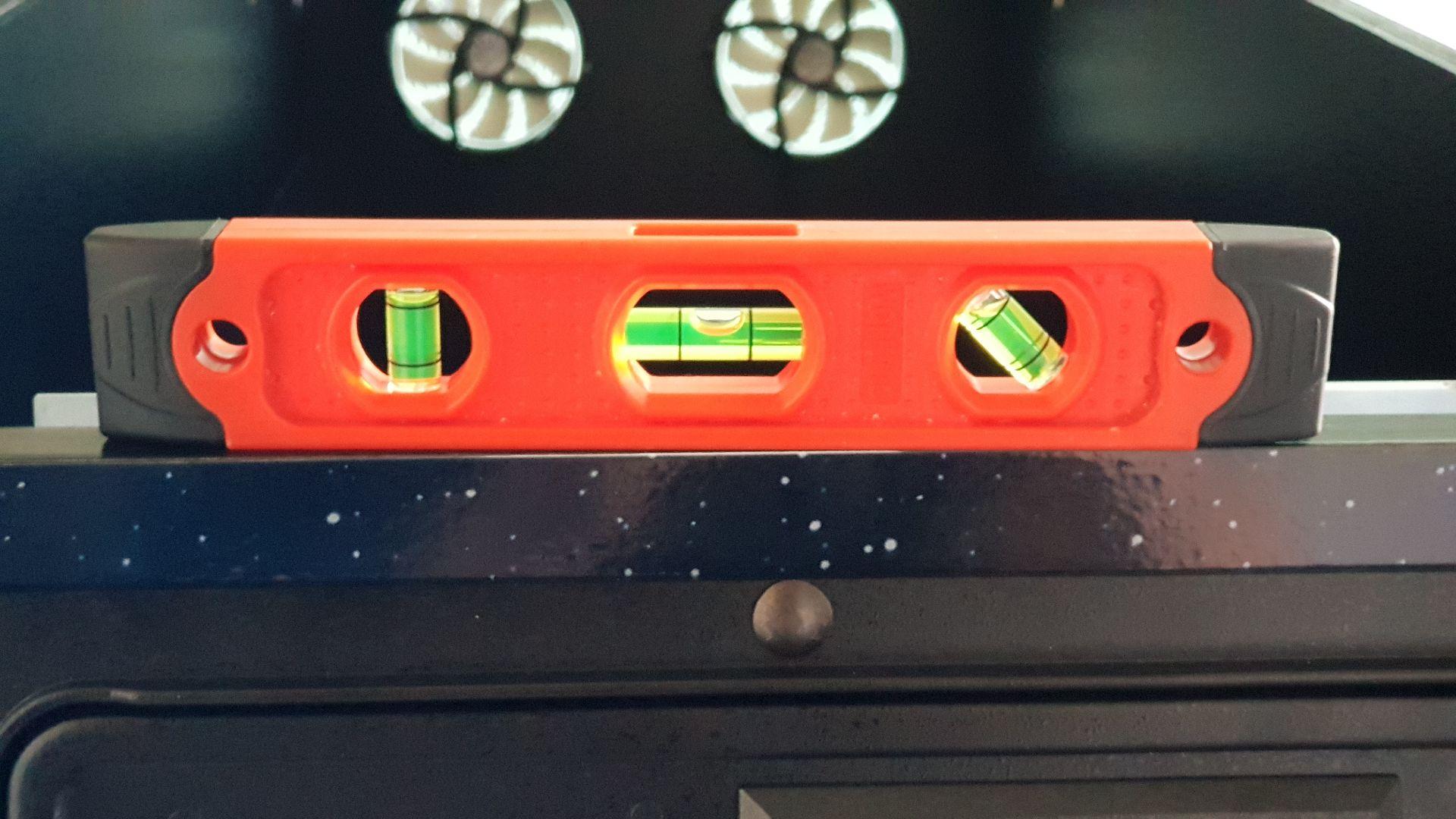
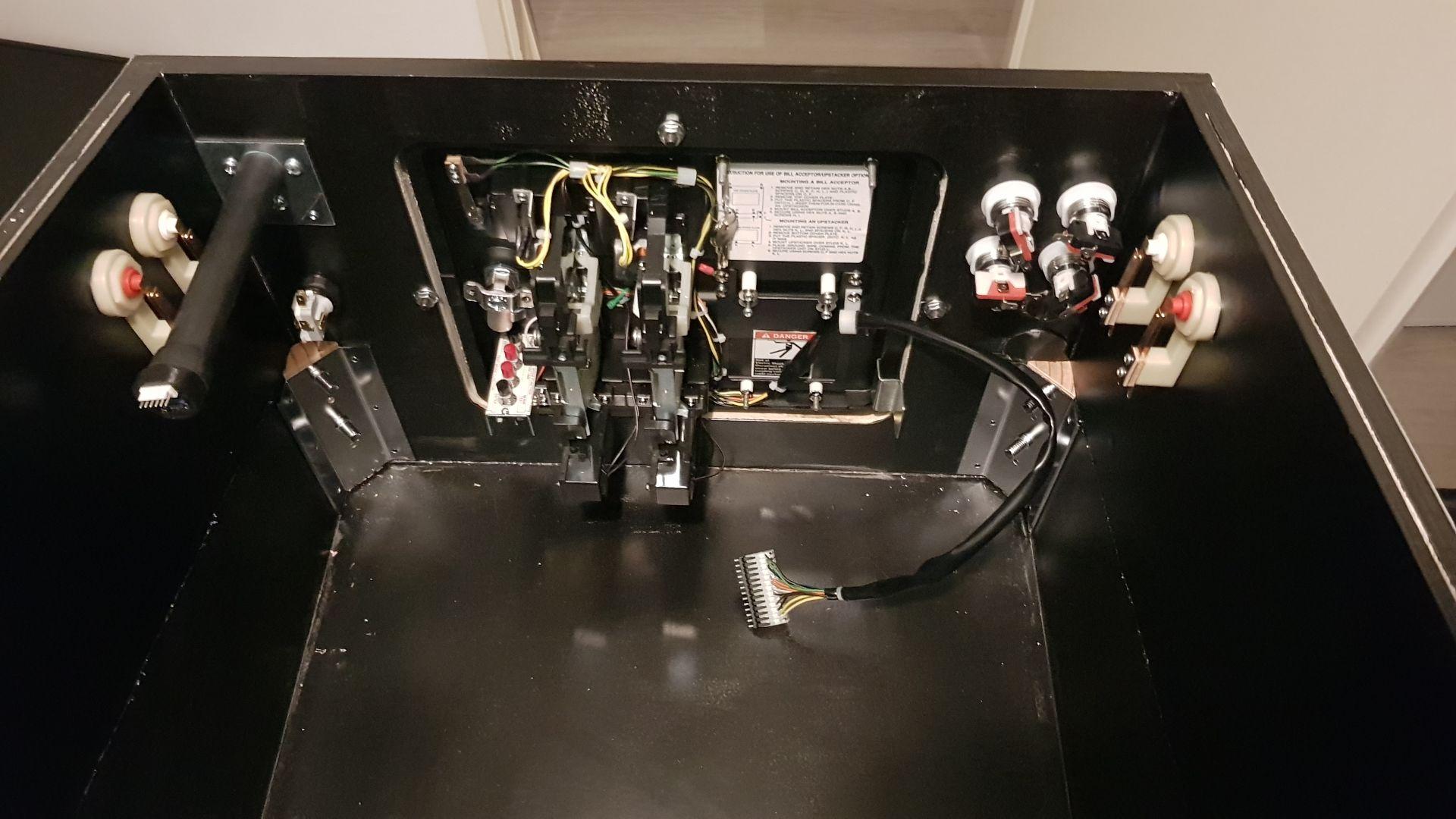
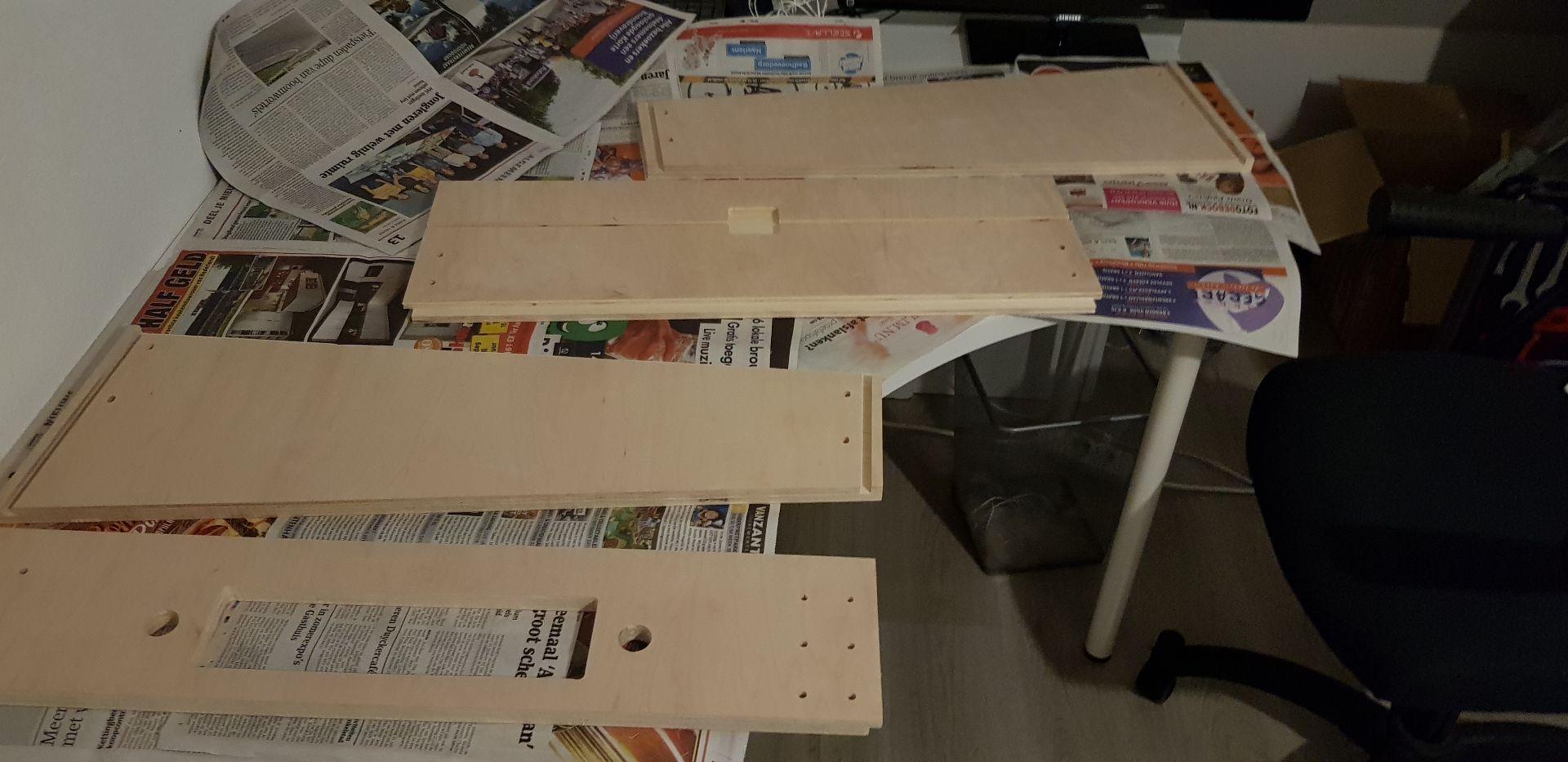
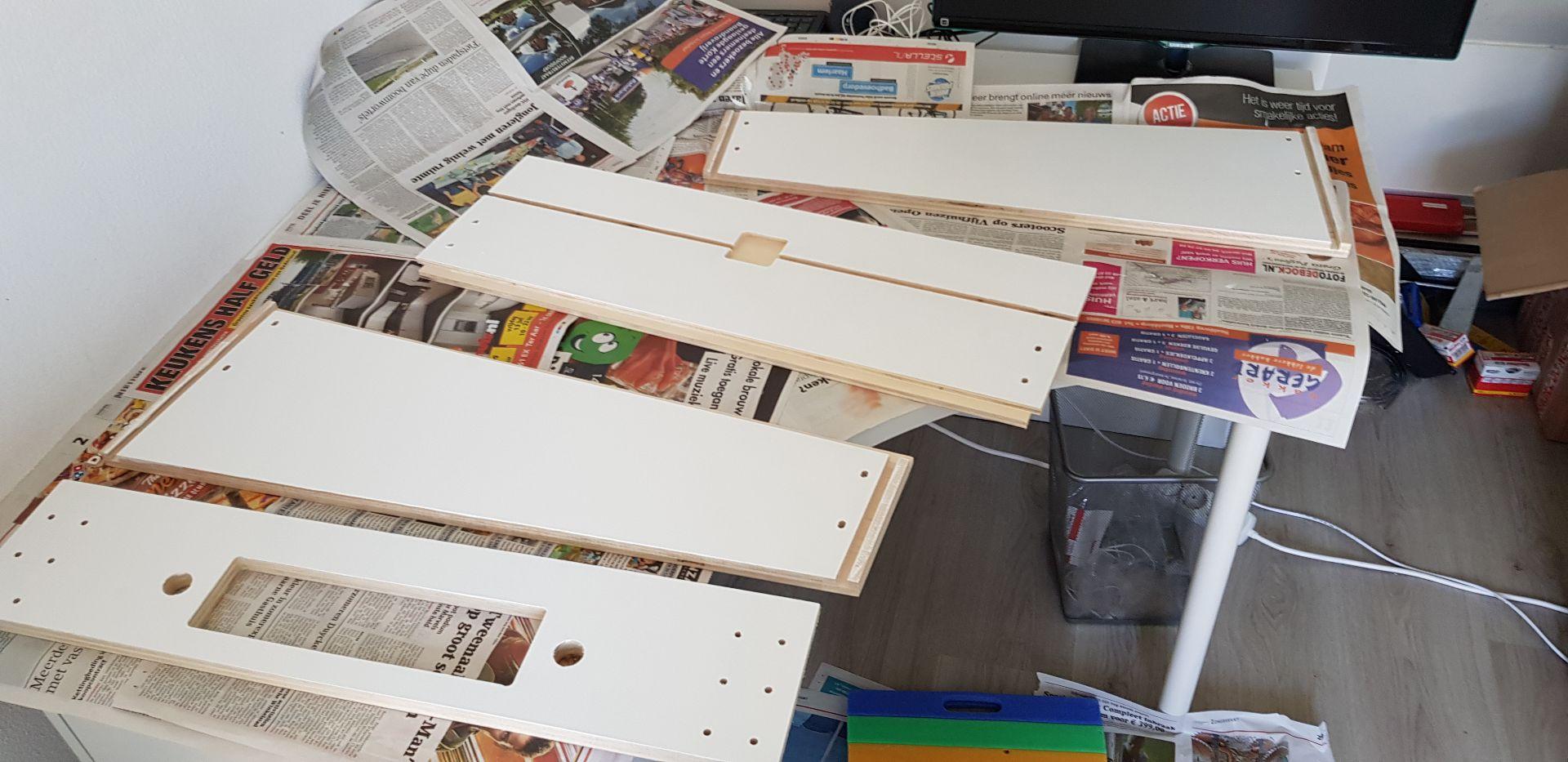
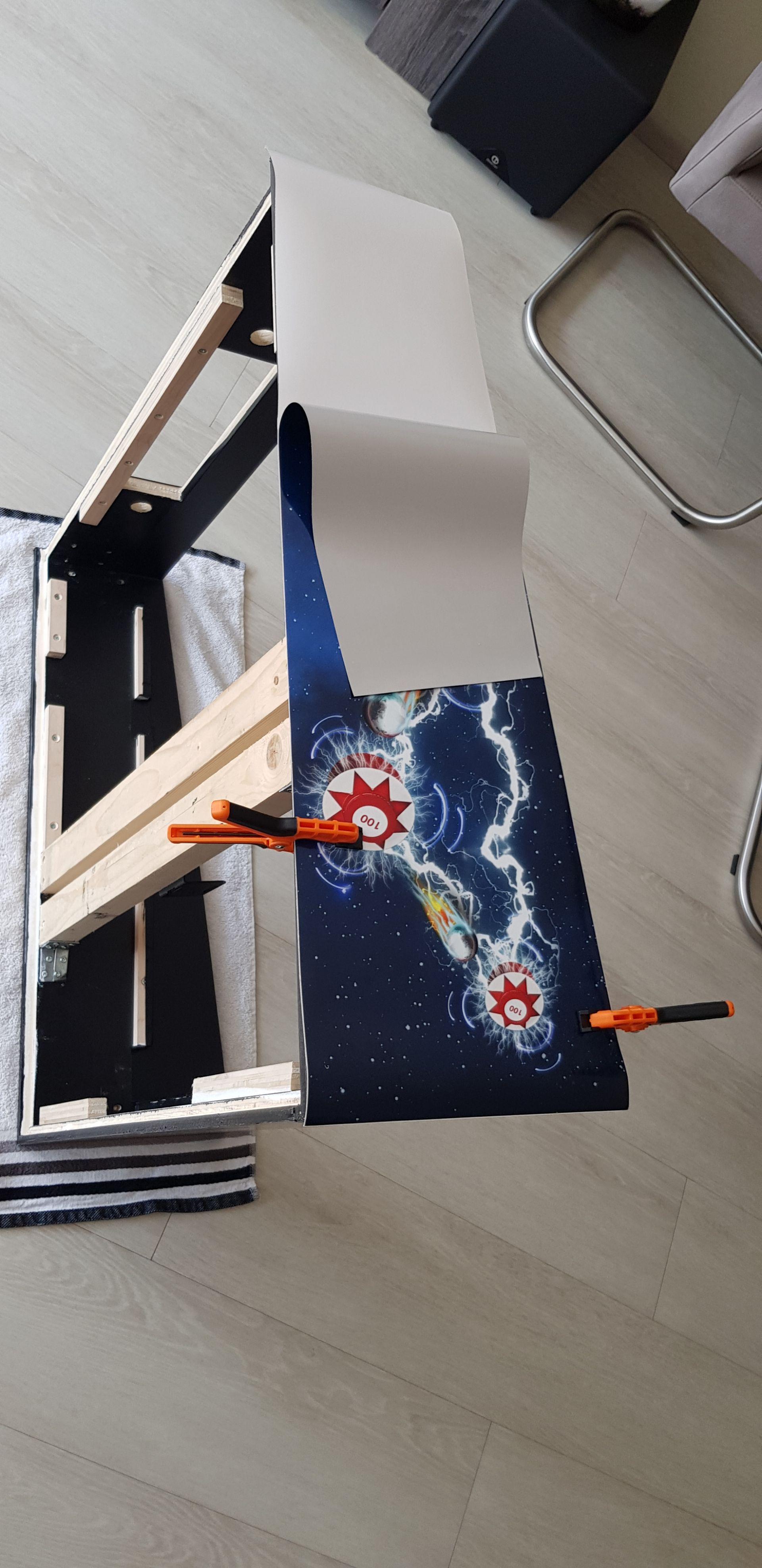
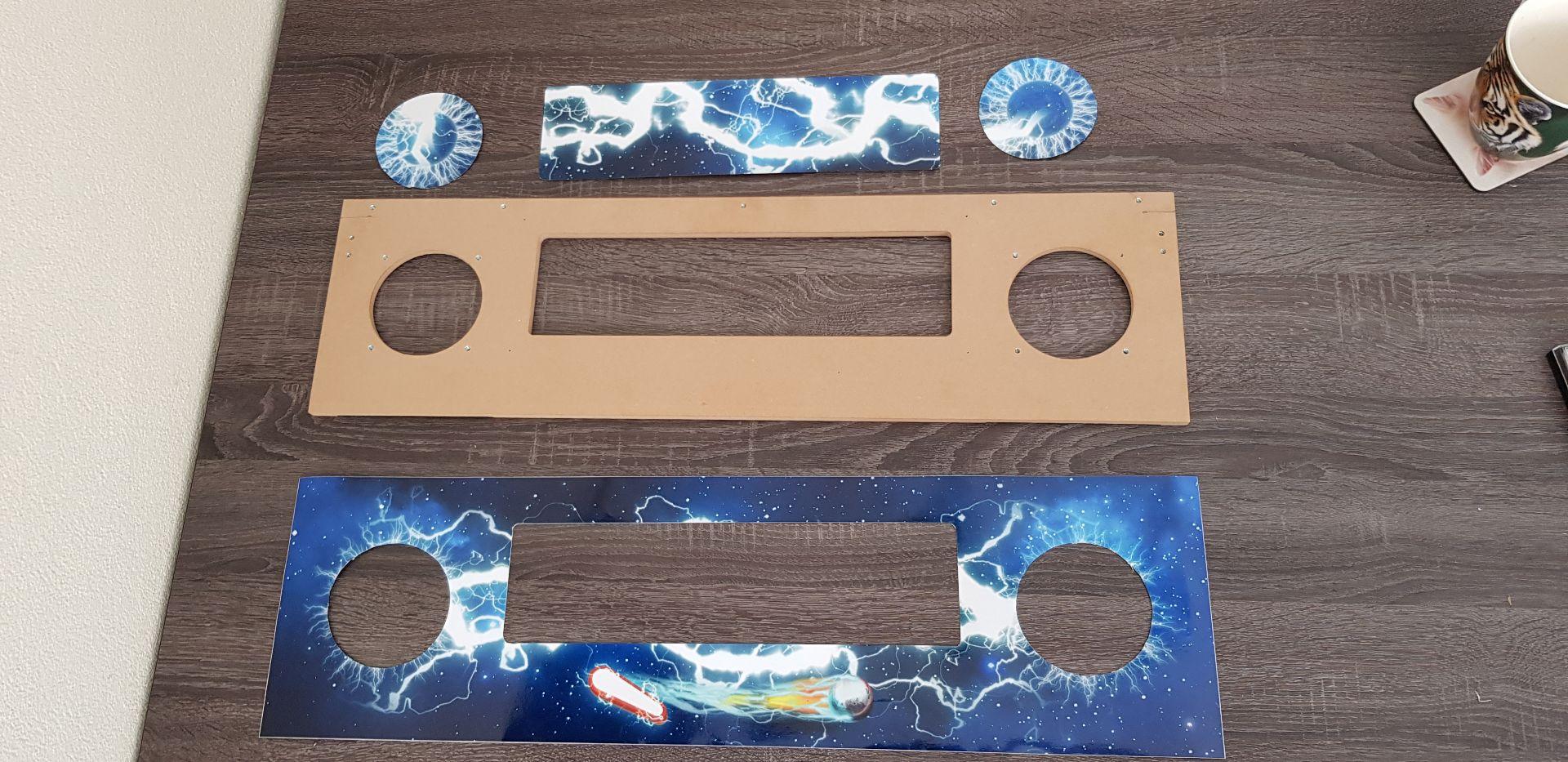
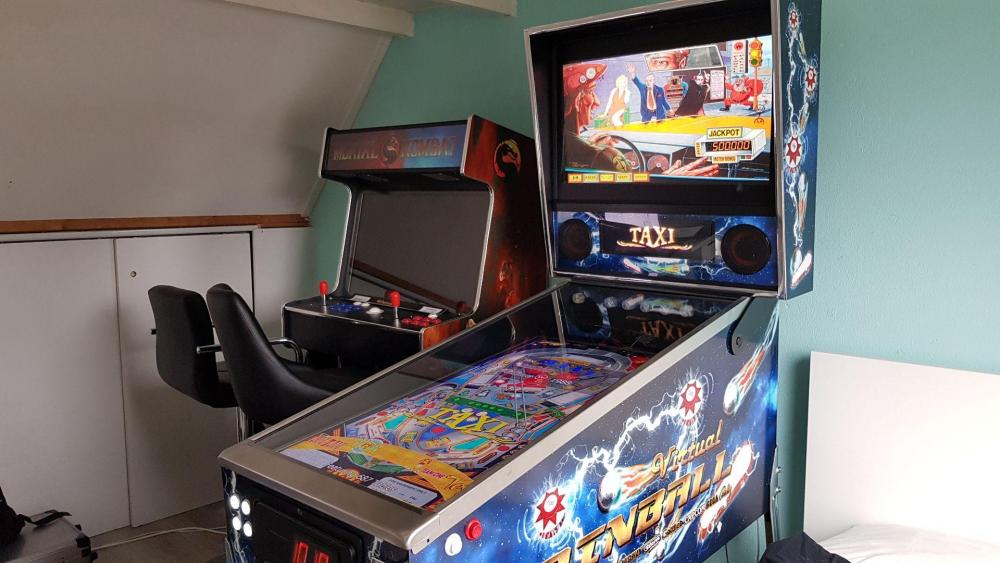
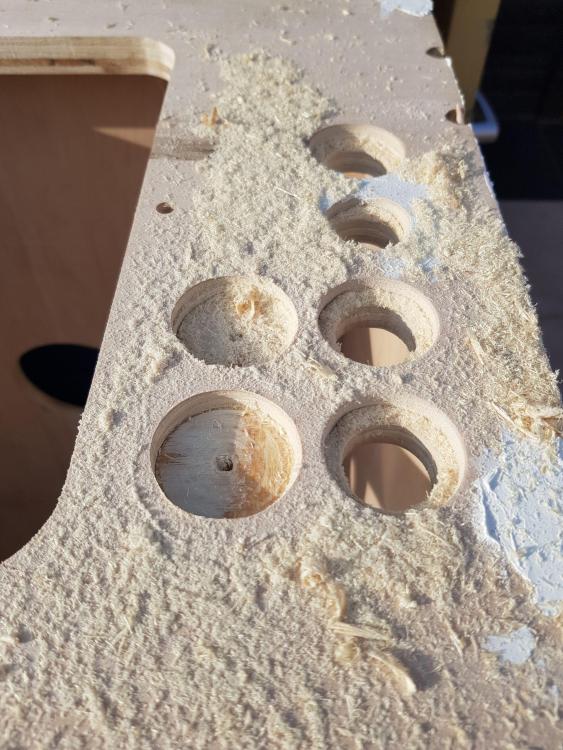
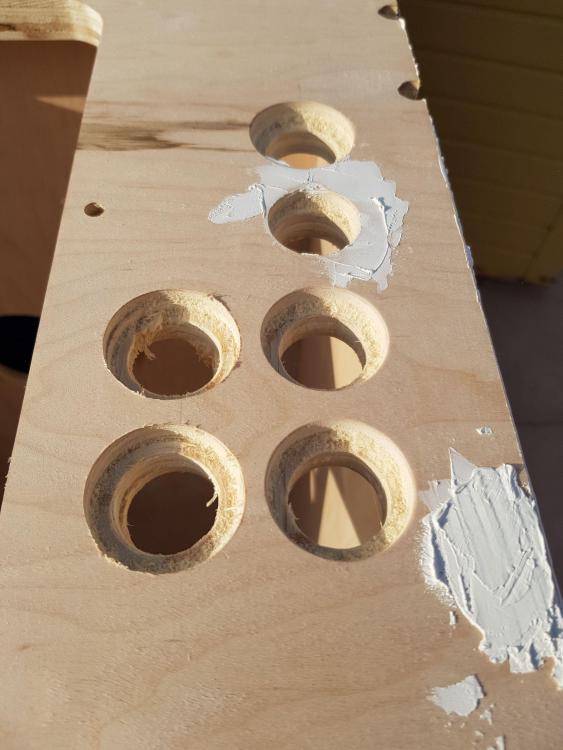
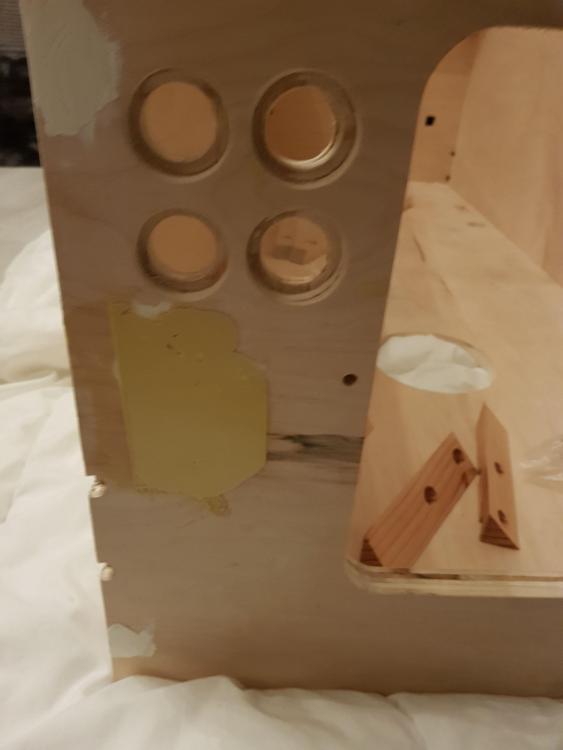
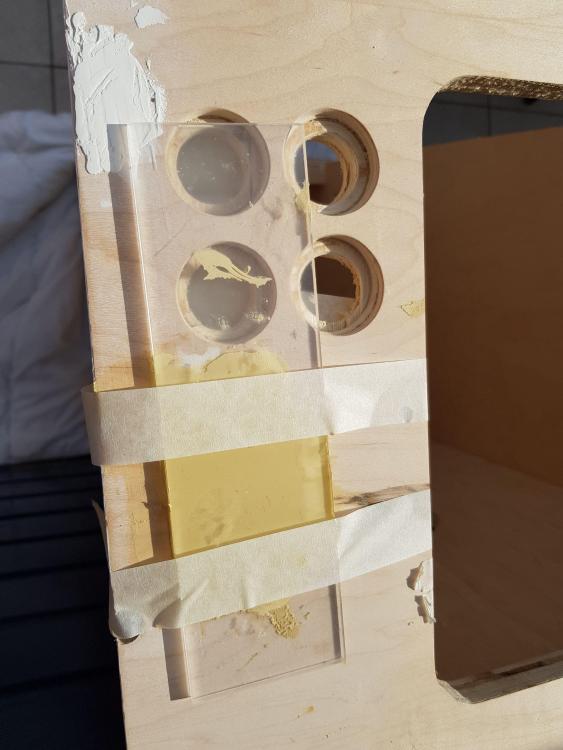
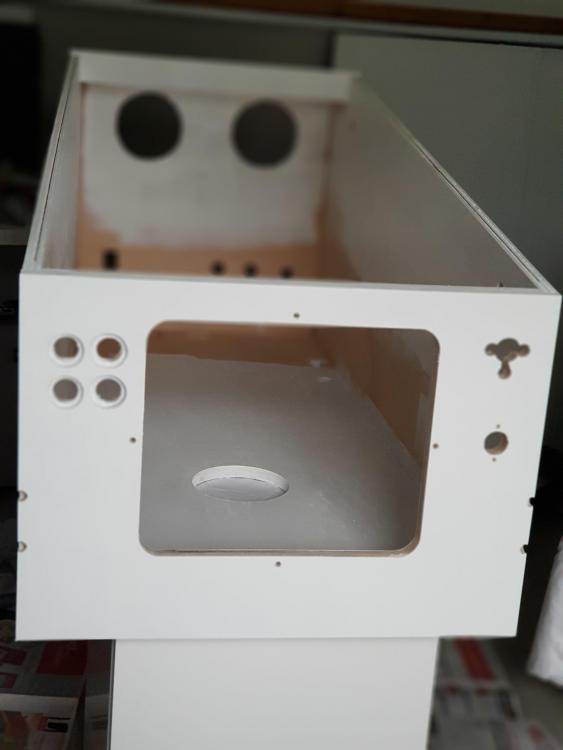
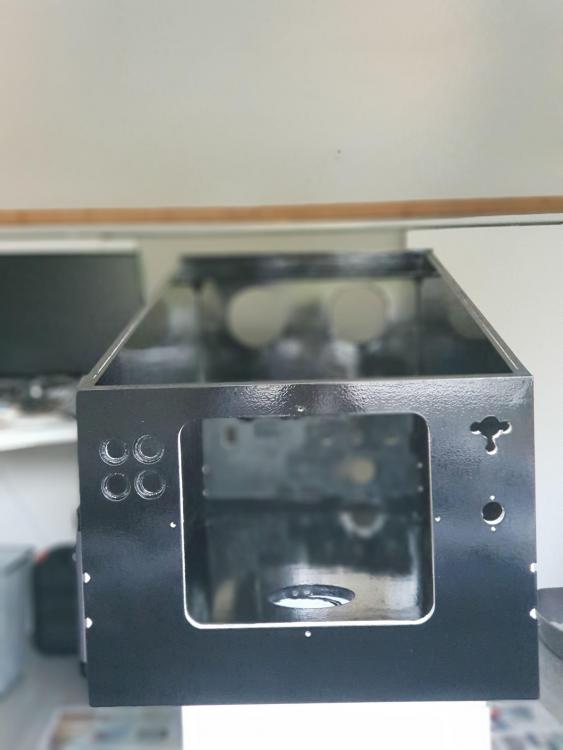
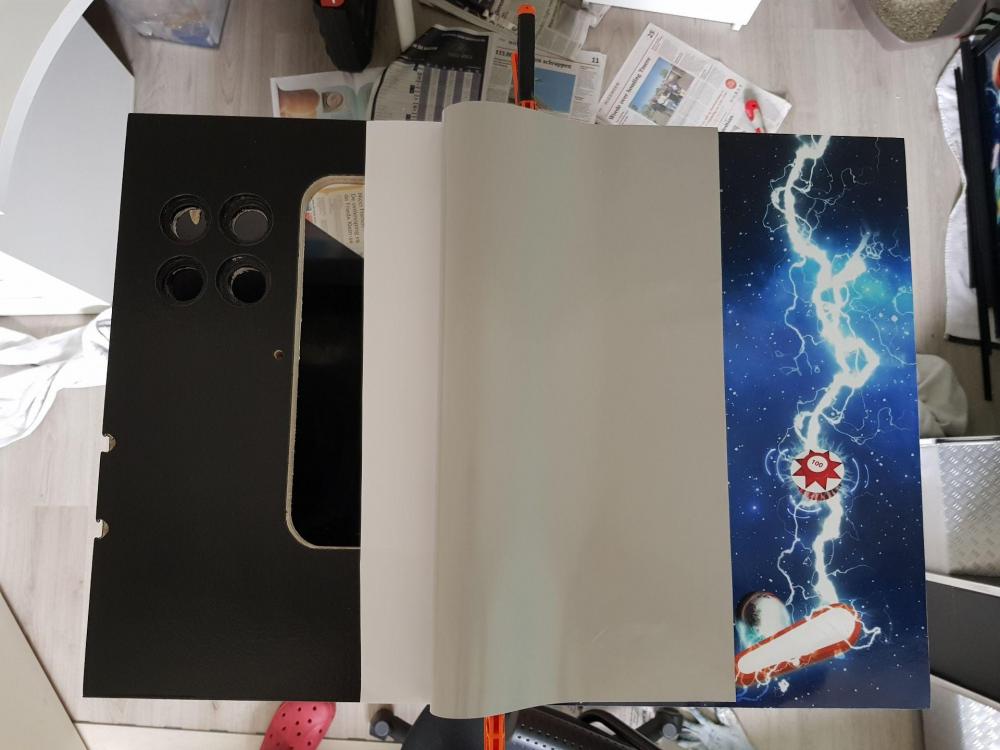
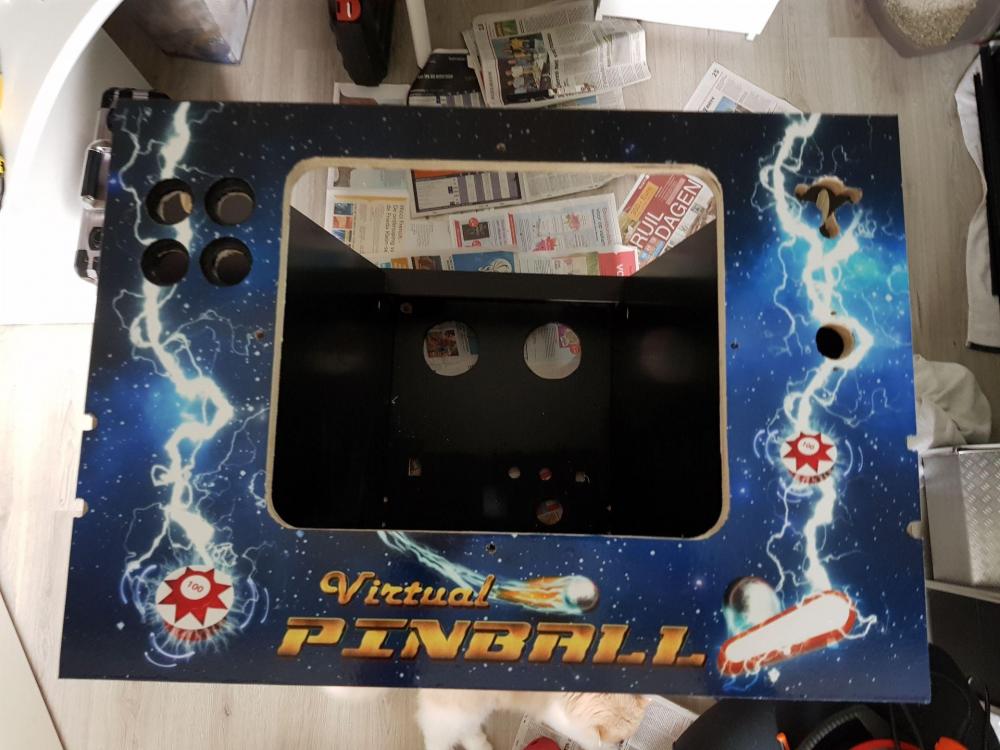
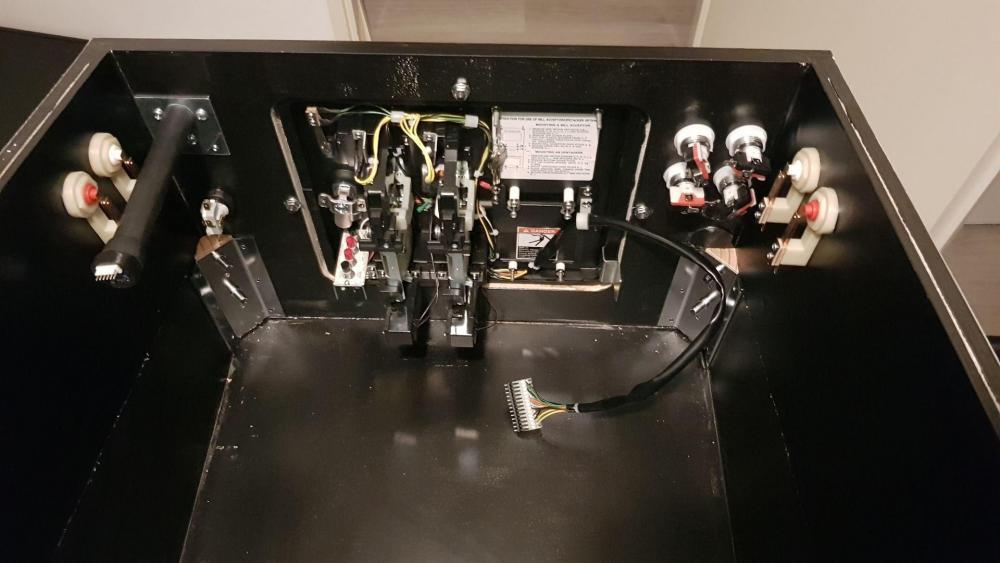
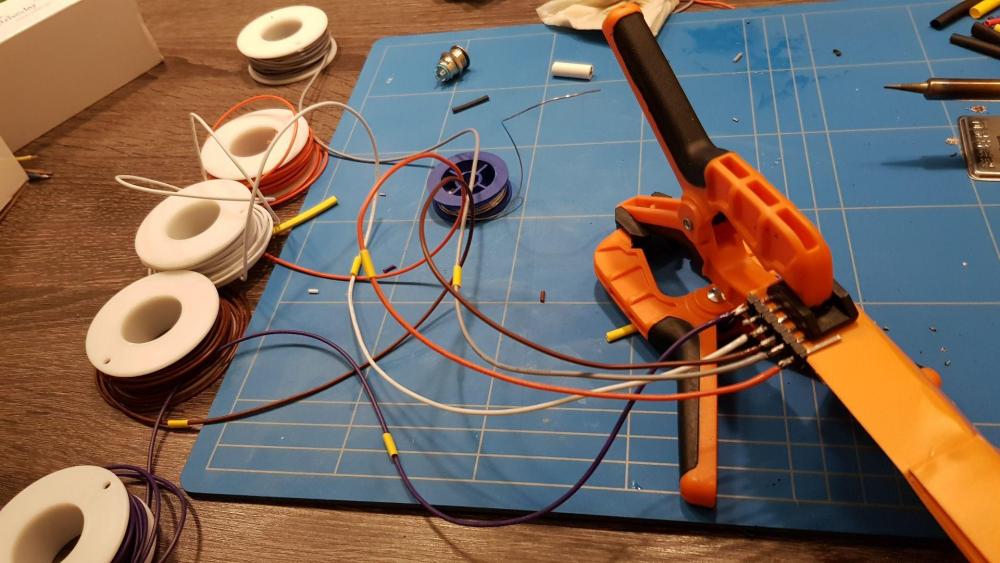
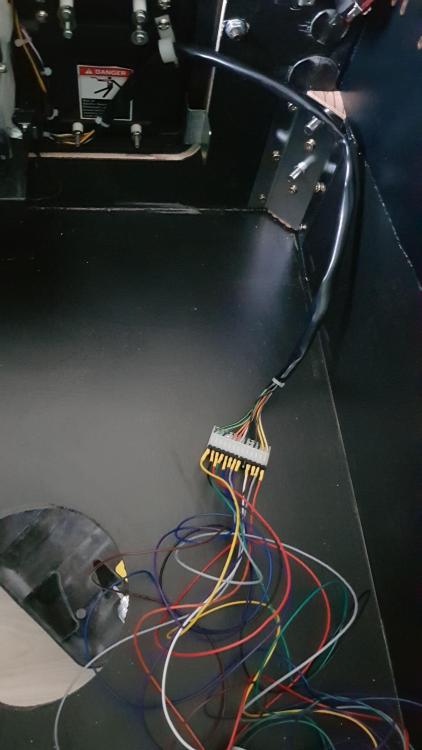
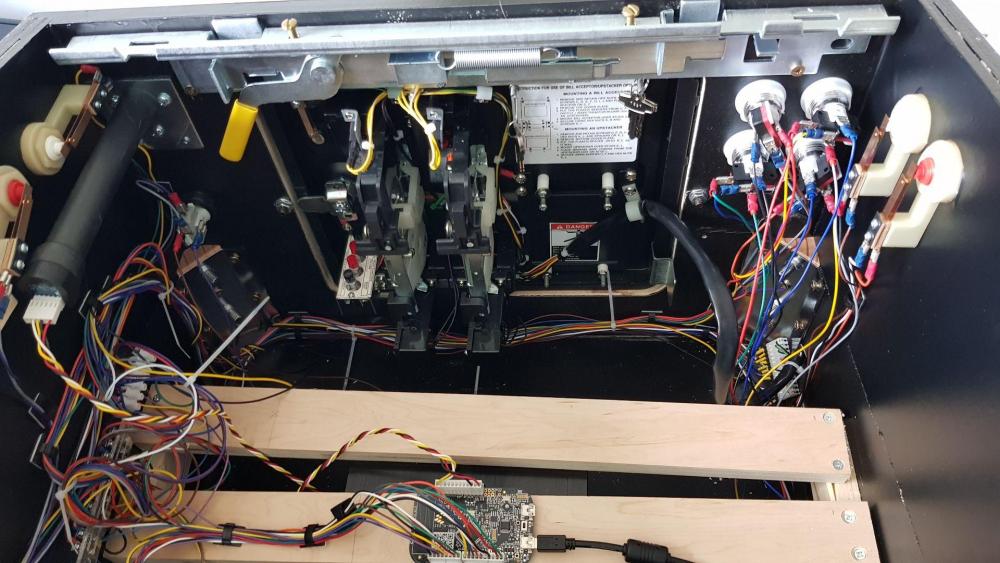
The cabinet itself is not difficult to build but to make it finished... thats it is a hell of a job ! Started to make the cabinet itself, drill the holes for the buttons. When I tried to fit everything to check if it fits, I found that 1 of the 4 holes in the front where jamming the mounting of the leg. So needed to adjust those buttons. "repairing" the 2 wholes and make 2 new ones Finally painted it all black again I said black ... Looks like there where never extra holes in it ! Put decals on the cab for the finishing touch And cut out the wholes and coindoor Also put the decals on the side's The cabinet is finished (well.. only the box) ! Adding the legs, coindoor,buttons and plunger ! and put it to spirit level Wow. The cabinet is finished. Only the computer must be added But the inside needs a lot of wires .... To connect the coindoor, I made my own connector I was glad I learned how to use a soldering iron on my school (a lot of years ago) ... Finally put all the wireless to the buttons and lights.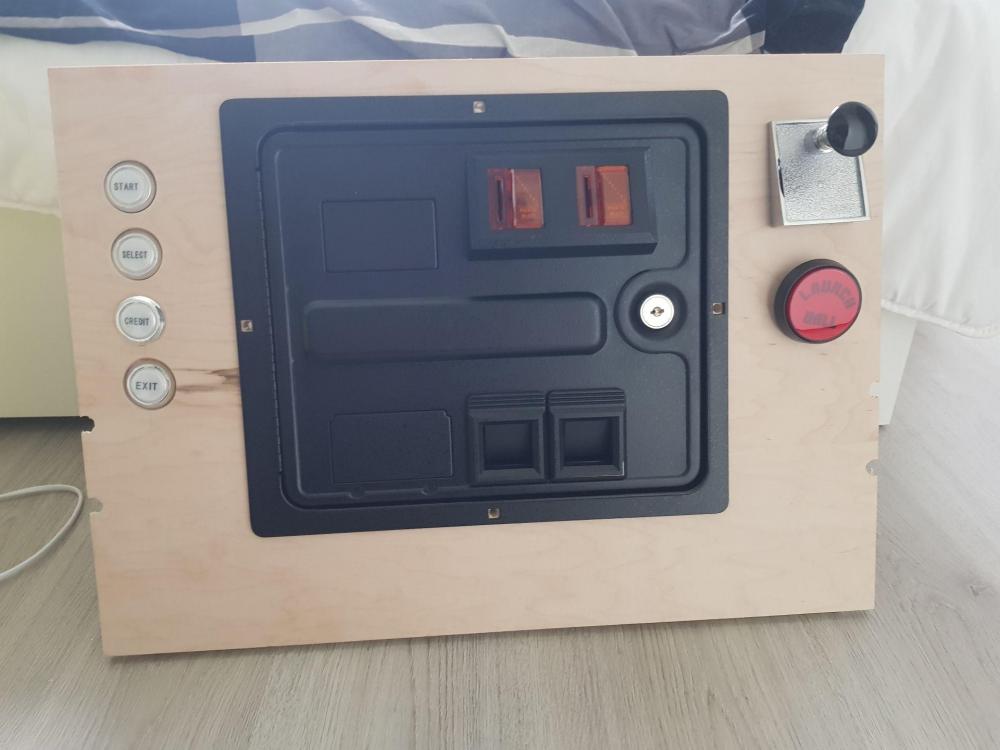
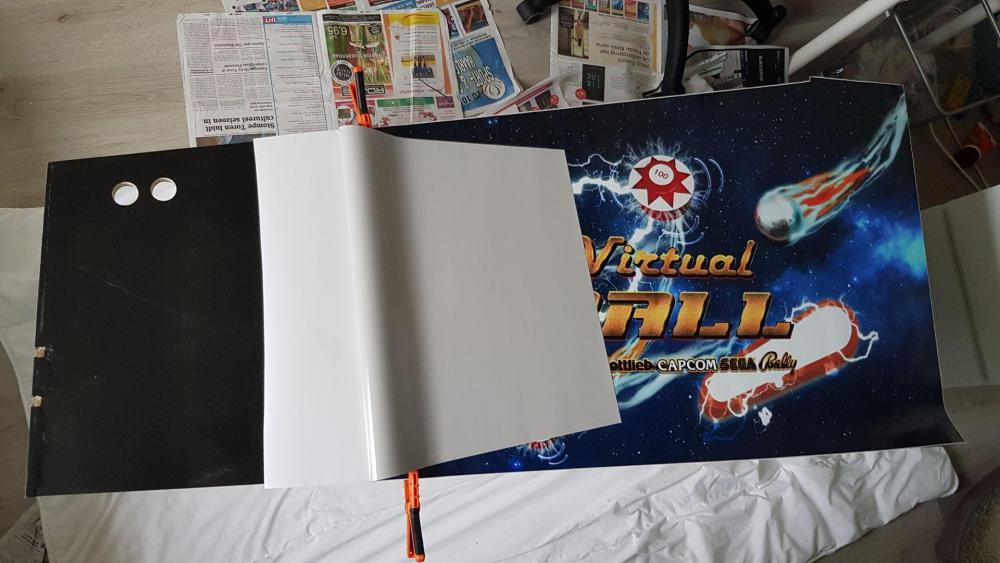
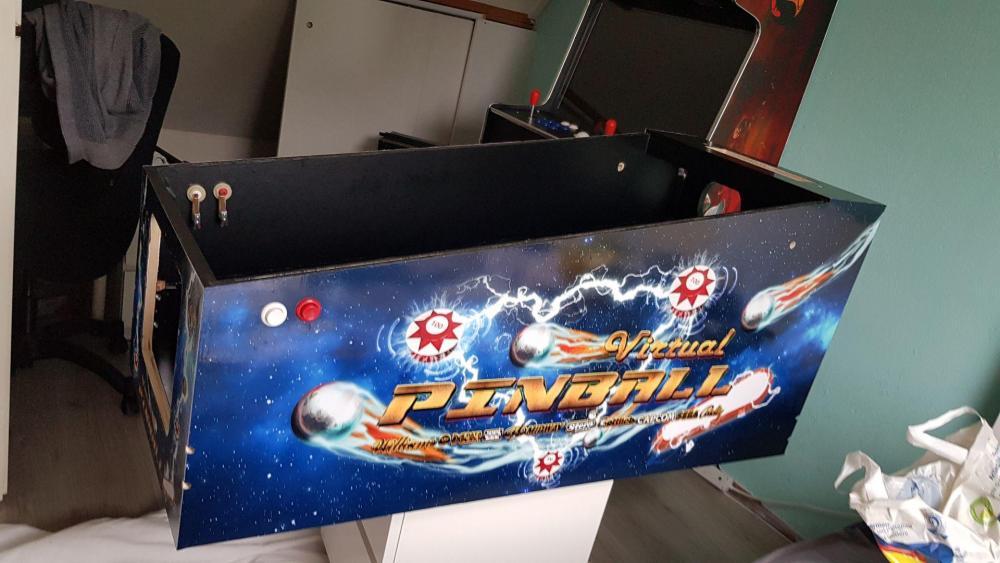
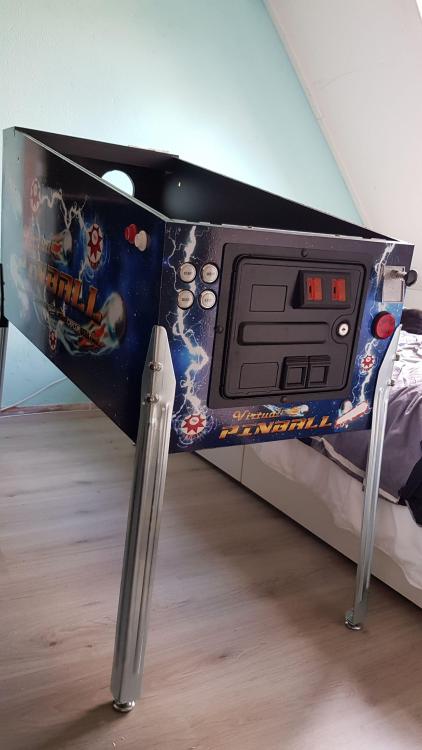
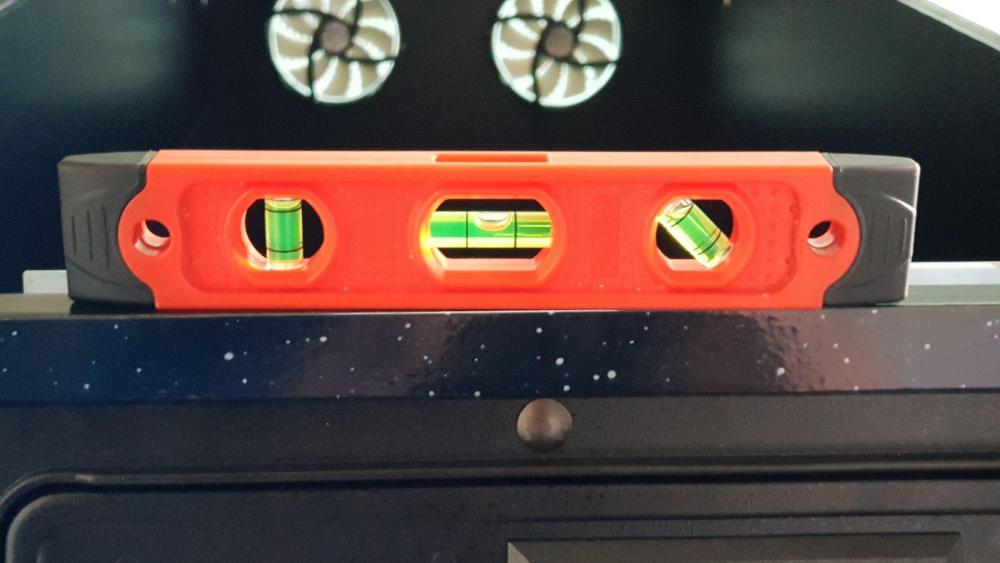
-
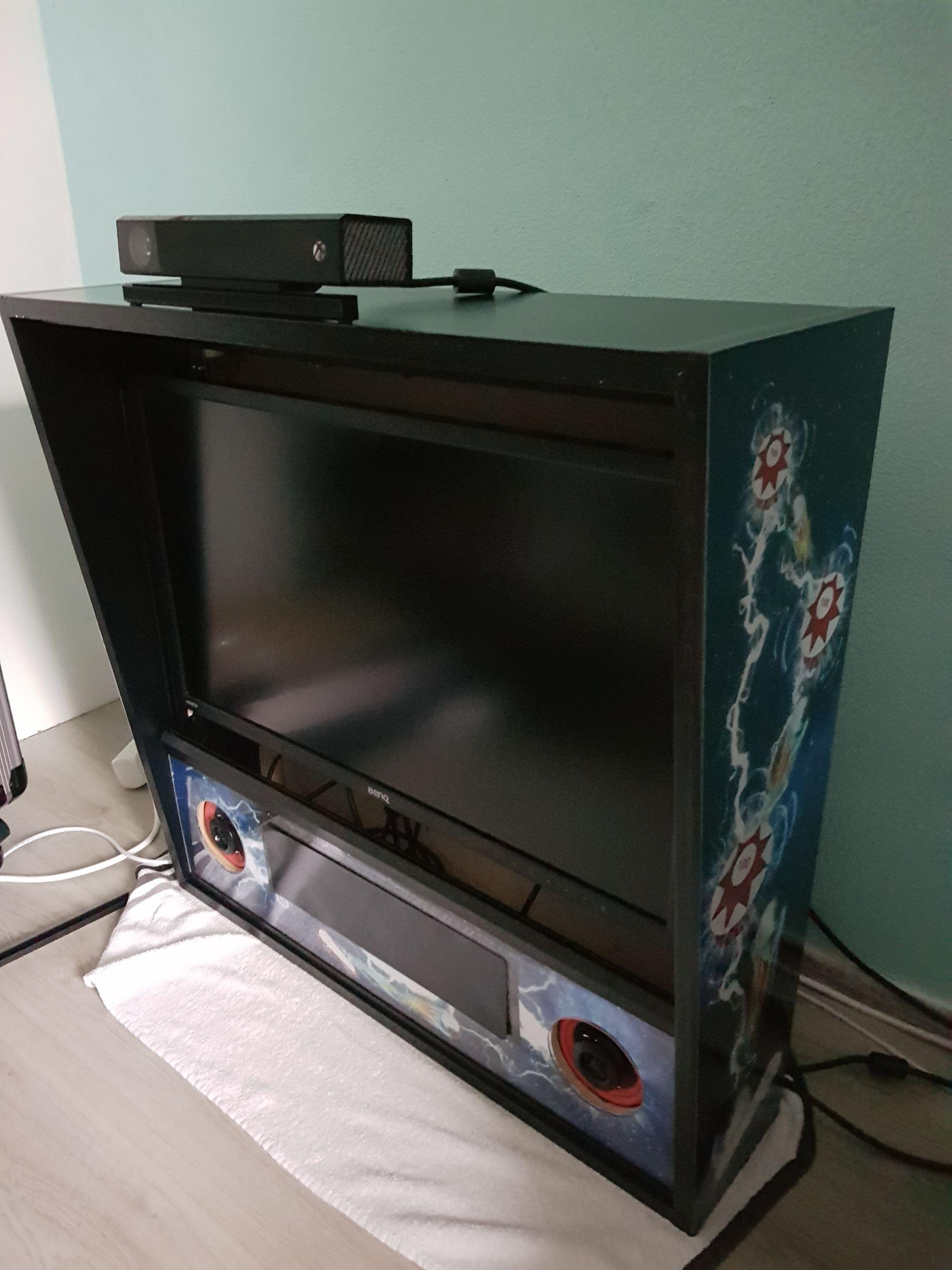
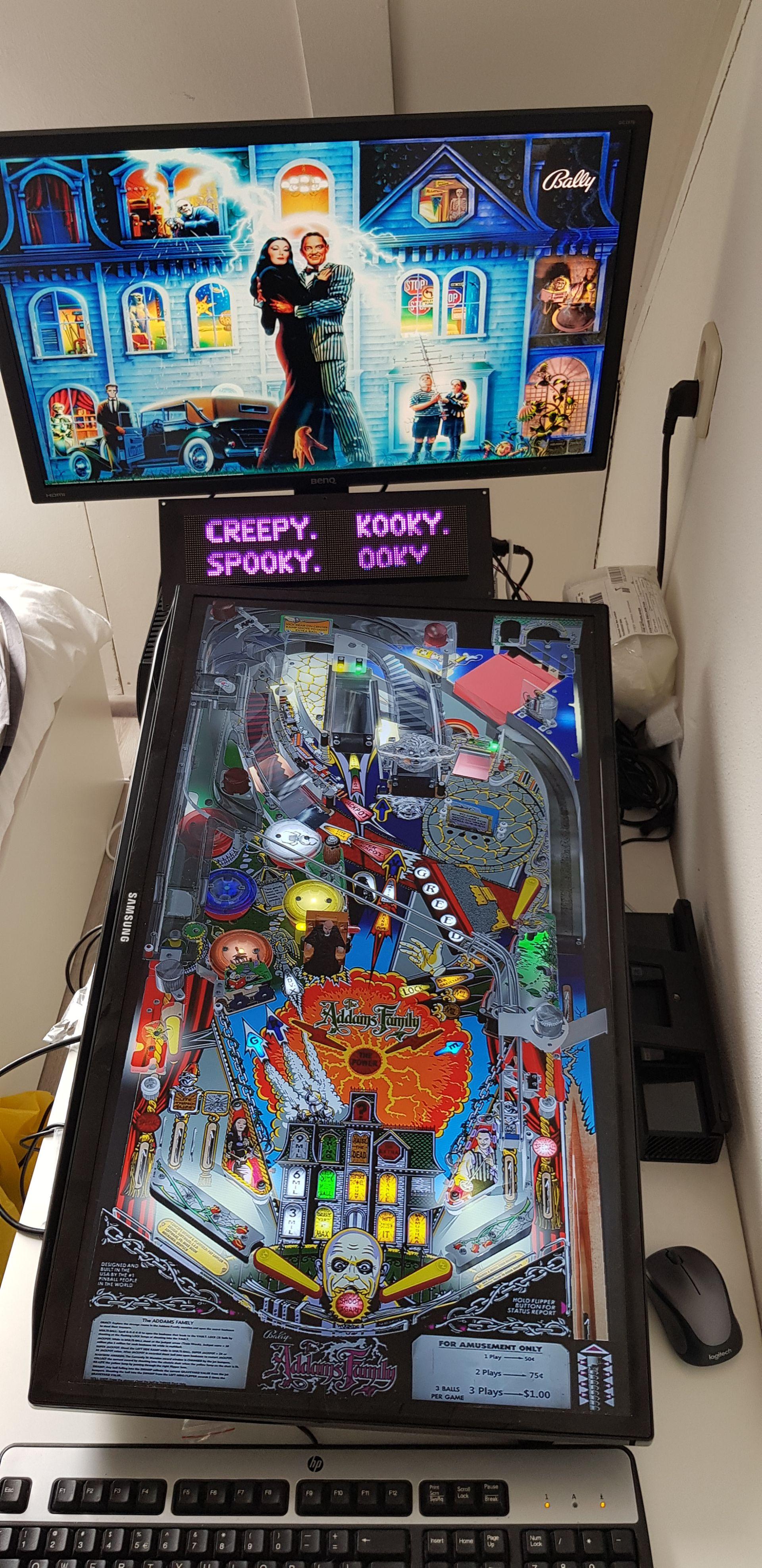
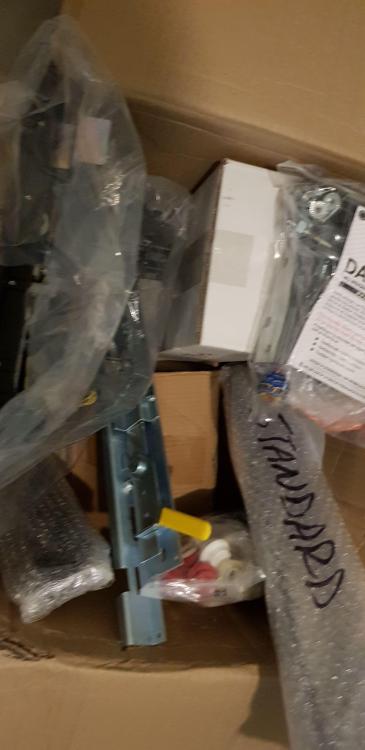
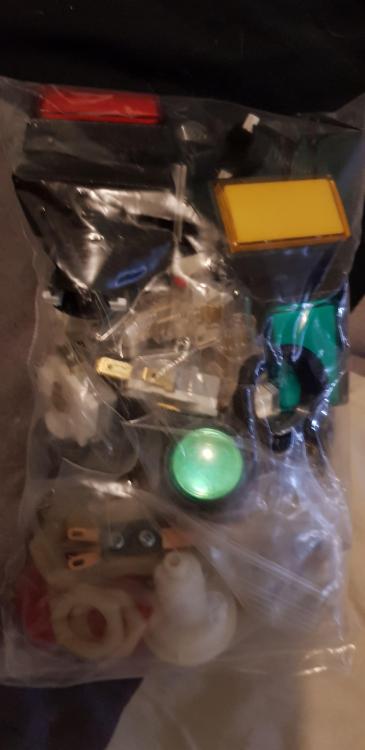
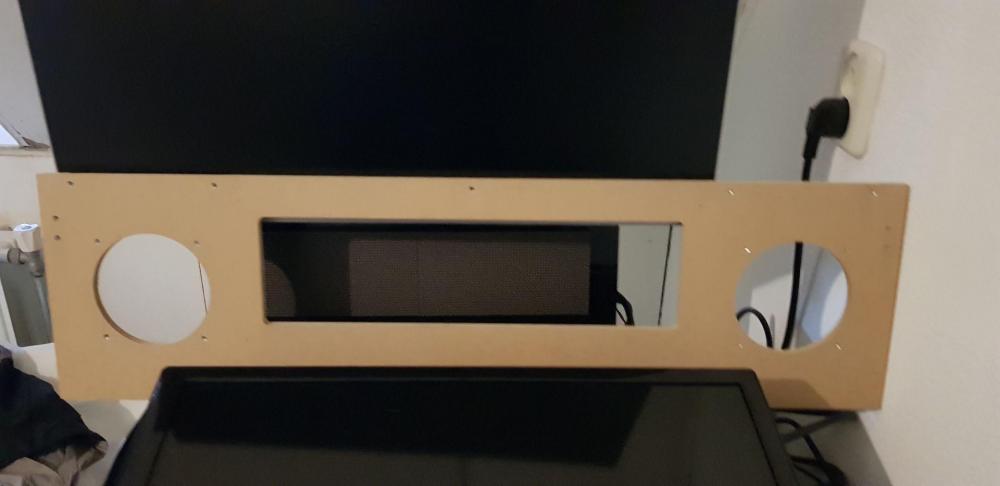
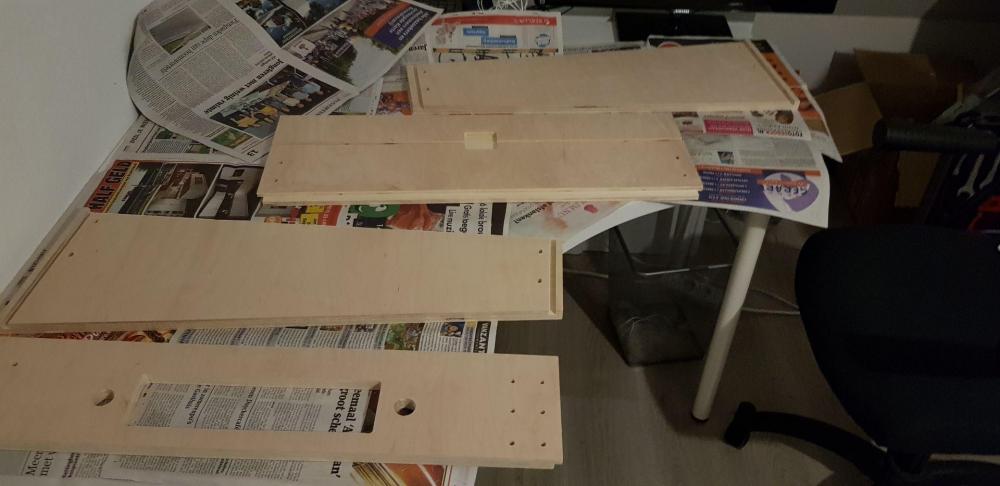
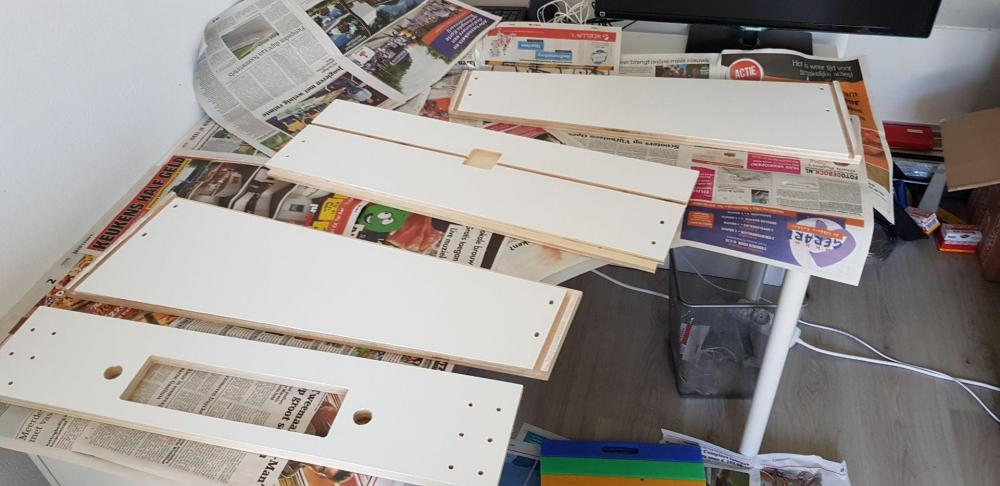
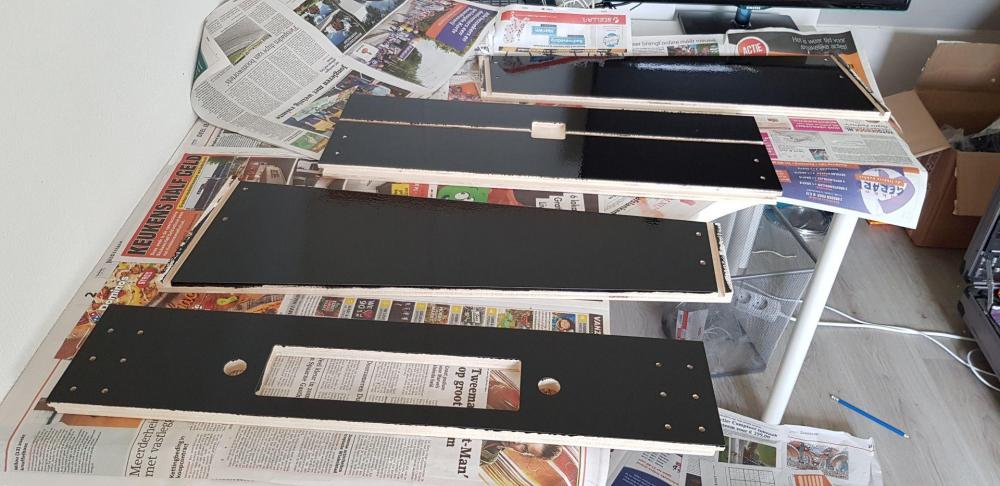
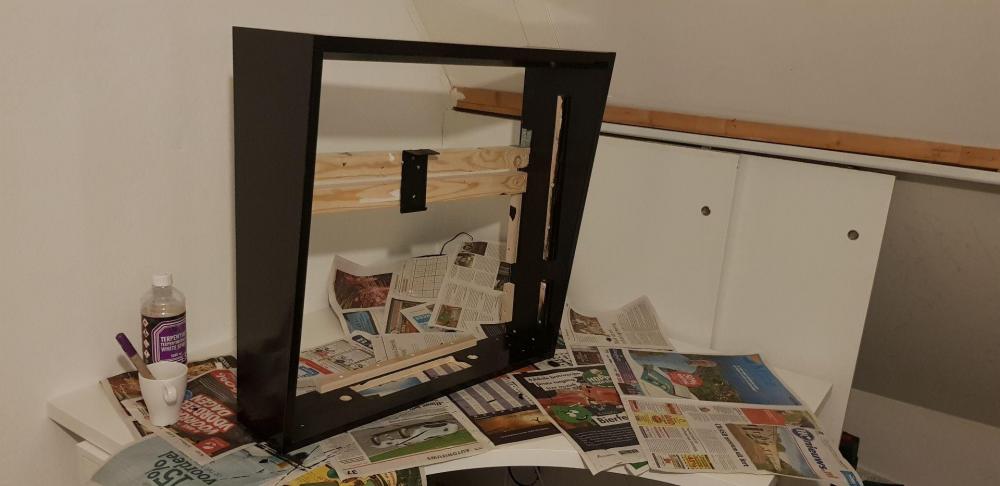
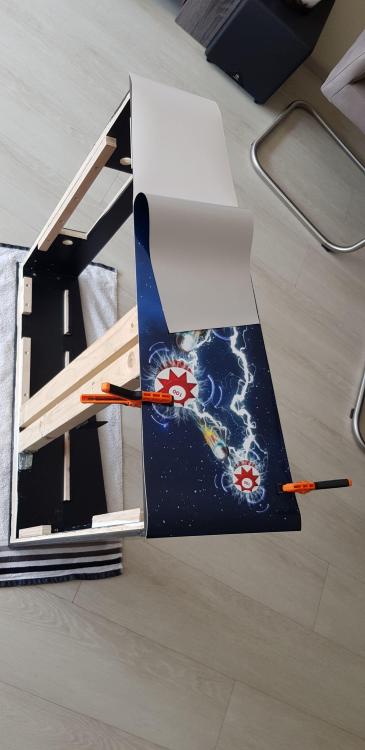
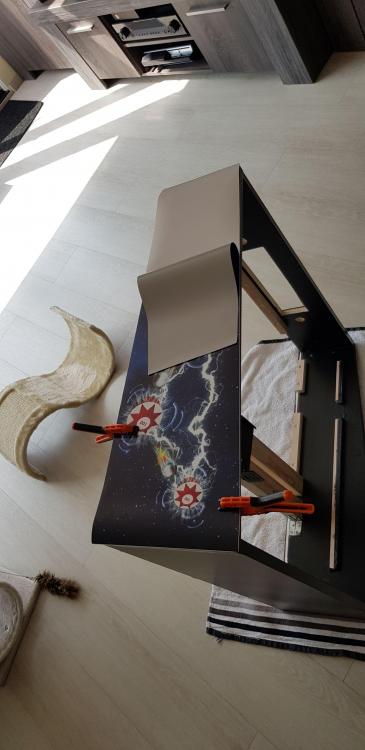
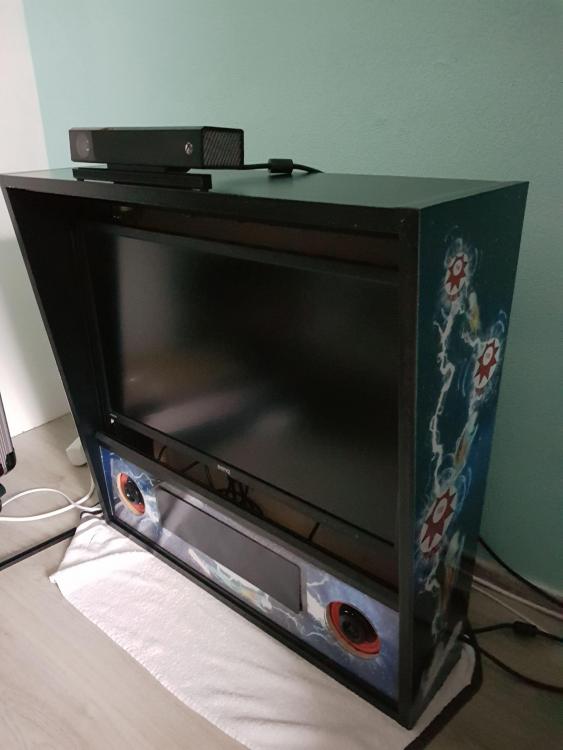
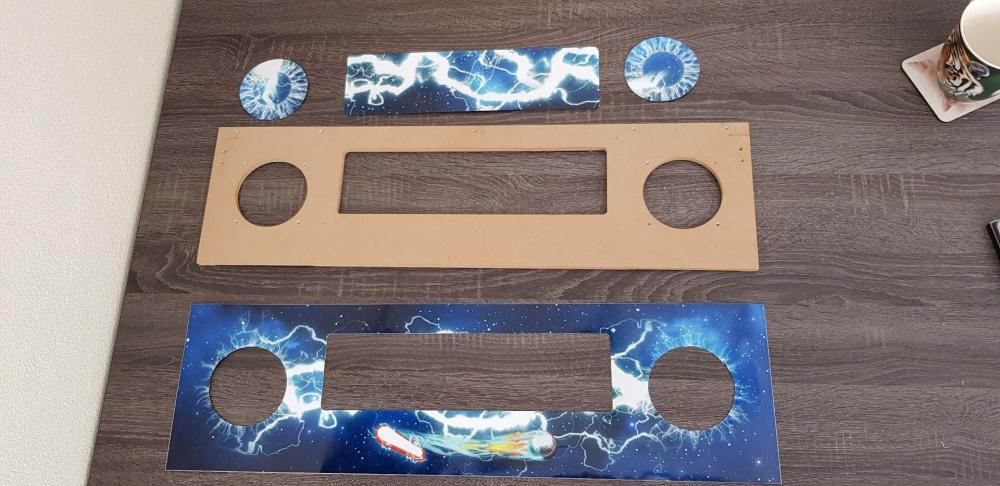
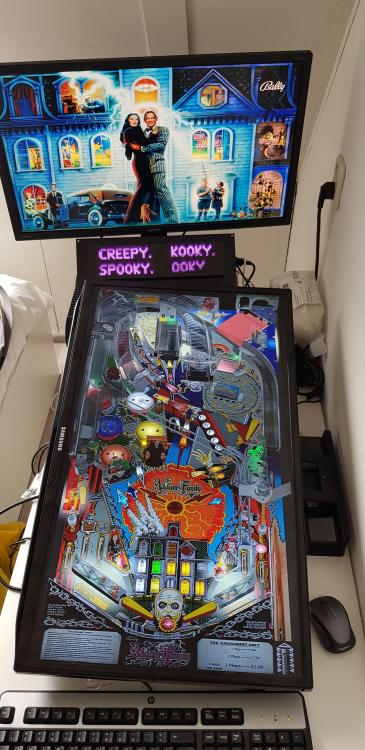
Hi All, I wanted to share my adventure of building my pinball cabinet. I am an IT professional, so knows something about computers, programs, issues etc. But I'm not very handy to build something. I always had on my mind to buy a pinball machine. The love from pinball came when I was young. Playing a lot in the 70's and 80's on pinball machines. But What table should I buy and how many maintenance should it have ? Already had Pinball Arcade on PS3,PS4 and PC. Also FX 3 on PC. ON the game console I played a lot with the family, and in march 2018 I thought, why not rotate the screen and play from it ? So doing research on the internet, I found a lot of info about cabinets and how to set it up. Because I only used laptops and tablets now adays, I bought a 2nd hand PC: Core I7 7600 16 GB mem 256 GB SSD & 2 TB harrddisk Nvidia GTX 1060 I also had an “old” TV (32”Samsung) and had even smaller monitors, which I use to work from home and attach to my tablet. The monitor I could use for the backglass (27") So made my test setup. Just the TV rotated on a shelf, PC on the end , and on top the monitor When all is dark, It looks very impressive. (Already used PBX at the beginning as a front-end, didn't like the other once) II didn’t like the DMD grills on the backglass (too squeezed), so I searched for a replacement for it. I could attach a 3rd screen, but the real DMD’s (and even colors) looks very nice, so I bought a PinDMD V3 This makes the backglass and table real nicer. Found freezy’s dll’s and I could use colorization roms and altcolors files. This was already an extra dimension for the pinball. But still no plans for the cabinet. In June Arcooda came out for pinball. So wanted to see how that works. I found out that you could connect a Kinect 2.0. You need to modify some things in Pinball Arcade to have it in Arcooda mode (now you can have it in cabinet modetoo) I bought a Kinect 2.0 and searched for the USB adapter (hard search, I found 1 on Amazon) When all came in and used pinball Arcade in Arcooda mode, it thought this was the end of all. The head movement gave a 3d effect on your pinball machine. 3D on a 2D TV. I never seen this before ! I read that future pinball already had this with BAM, but I didn’t like the tables in FP, so never set that up) Around 88 table sthat uses Kinect was nice, and finally NoEX Adjusted his freecam mode too, I could launch directly the tables ! Awesome But still no cabinet. In the meantime, I collected a lot of VPX tables and added that to the system. I had taken 4 weeks of holiday in September 2018. Wanted to do some nice thing with Wife and family. But in the end of June I knew it for sure. I’m going to build my own cabinet. I ordered a lot of stuff everywhere around the internet (and around the world): Flat Pack - WPC-style Standard Body Virtual Pinball Cabinet Ultimate Cab-Builder's Kit (Standard Body) VirtuaPin™ Digital Plunger Kit v3 Complete 4" Flipper Fidelity Sound System w/Amp Coindispanser (to have dutch coins to be validated) Extra USB cables (And USB hUb) Extra Buttons (Start/exit/credit and select) Speaker Grill Cables (lot off cables in different colors) PC reset button (to have that one externally) External Ethernet port TV (40”4k) Monitor (28” fullhd) I found Stuzza on the vpforum, who could design a cabinet decal. With my preferences, he designed my own decal. So the building of the cabinet was started. First I wanted to start with the backbox. That looks easy, but I wanted the same as a original pinball machines, where you can use a lock to unlock the frontglass, remove the DMD grill and get to all the part. Painting the backglass: DMD cut out Finishing touch Adding decals to the backglass Backbox is finished (well amost)! Difficult part still needs to be created..... the cabinet itself


-
lastselected entry cleared after creating Videos
Mike_da_Spike replied to Mike_da_Spike's topic in General
Thanks Tom. I hoped that 3.40 had the fix in it, but still there I must say, it looks like that 3.40 starts much faster that 3.38 I had. EDIT : Made a small batch file that I launch instead of "Game manager.exe" It first create a copy of the pinballx.ini and after closing Game manager.exe it will set this version back. Not sure if it is the correct way, but works for me @echo off copy C:\Pinball\PinballX\Config\PinballX.ini C:\Pinball\PinballX\Config\PinballX.bak /y "C:\Pinball\PinballX\Game Manager.exe" IF EXIST "C:\Pinball\PinballX\Config\PinballX.bak" ( del C:\Pinball\PinballX\Config\PinballX.ini /y copy C:\Pinball\PinballX\Config\PinballX.bak C:\Pinball\PinballX\Config\PinballX.ini /y ) ELSE ( Echo Nothing found. Error ! ) -
[RESOLVED] Extra table showing up that I have not added
Mike_da_Spike replied to xnemesisx's topic in General
Please post your logfiles, xml and ini files. Do not copy /paste them, but atrach them as a file -
Do you maybe have an extra space in the process to be monitored (in begin or end?) A log file where it happened will be appriciated
-
Not at the pc right now, but thought I uploaded mine on the ftp server. Otherupload/mikedaspike I think others uploaded too Hope this helps Here's my latest version NOTE : I renamed the file "Mars" to "Mars_", otherwise it starts "Attack from Mars" Pinball FX3.xml
-
Don't know if it is a bug or a feature ... When I create a video with "Game list manager", the entry in PinballX.ini that hold the last selected entry in PBX ( lastselected = under the [internal] section) is cleared. This happend after the last video is captured. If I create multiple videos, this entry is correct until the last video is captured and when it returned to "Gamelist manager" again Is this something that can be fixed ? log.txt PinballX.ini
-
Not sure if you want active backglass in fx3 or static. But for active backglass follow this : https://www.vpforums.org/index.php?showtopic=36184 for issues with your dmd, you need to be more specific. if you think any issue is caused by Pinballx, please post your logfiles and ini files as attachment (do not copy/paste the text )