|



rtkiii
-
Posts
1098 -
Joined
-
Last visited
-
Days Won
14
Content Type
Profiles
Forums
Events
Downloads
Store
Articles
Everything posted by rtkiii
-
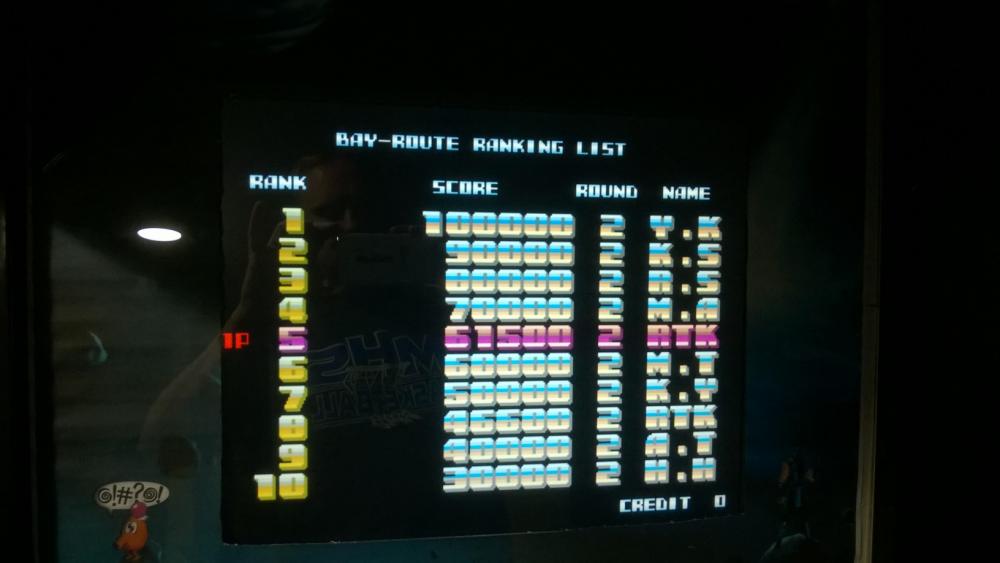
Made it a little further. 61,500
-
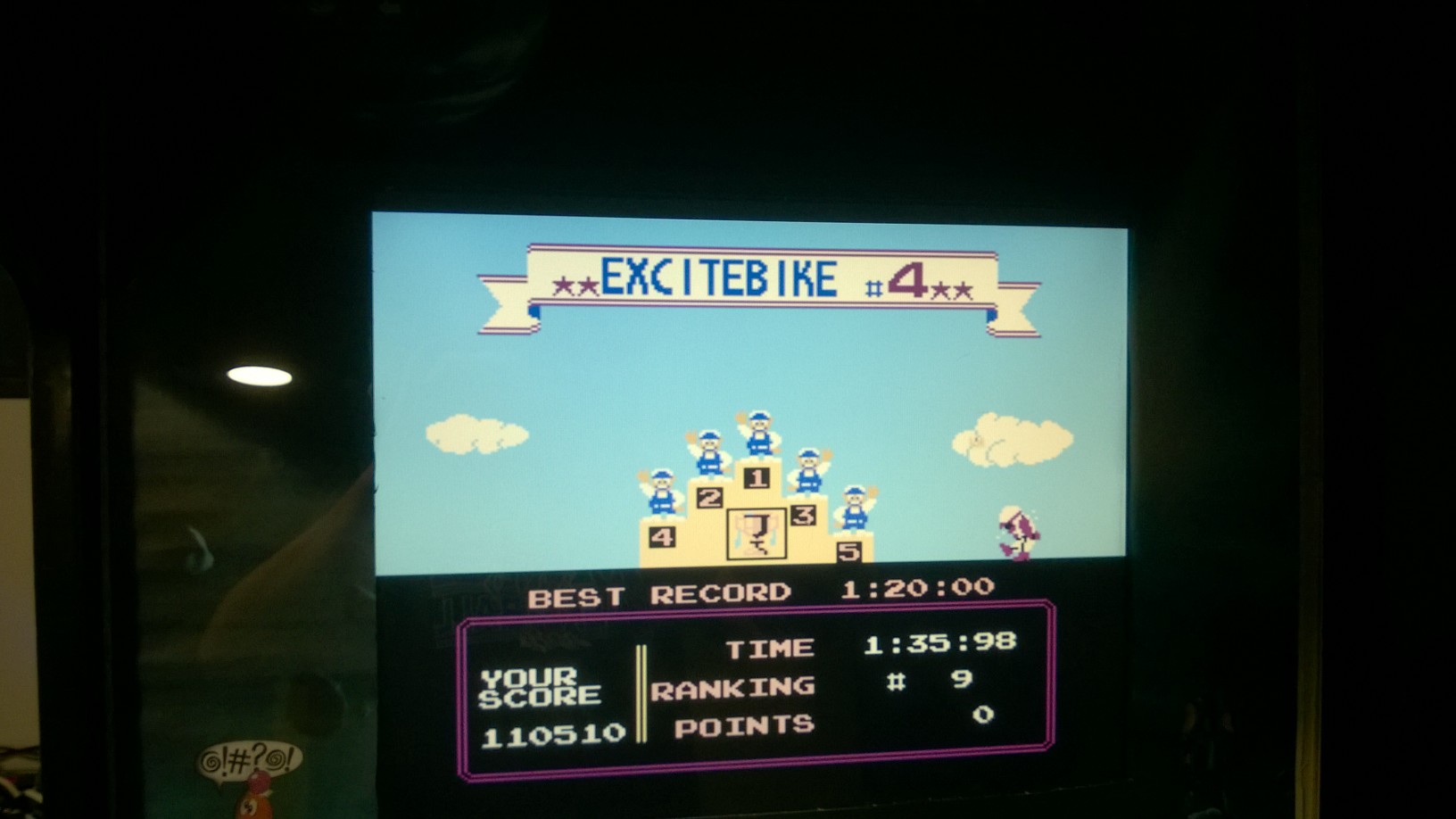
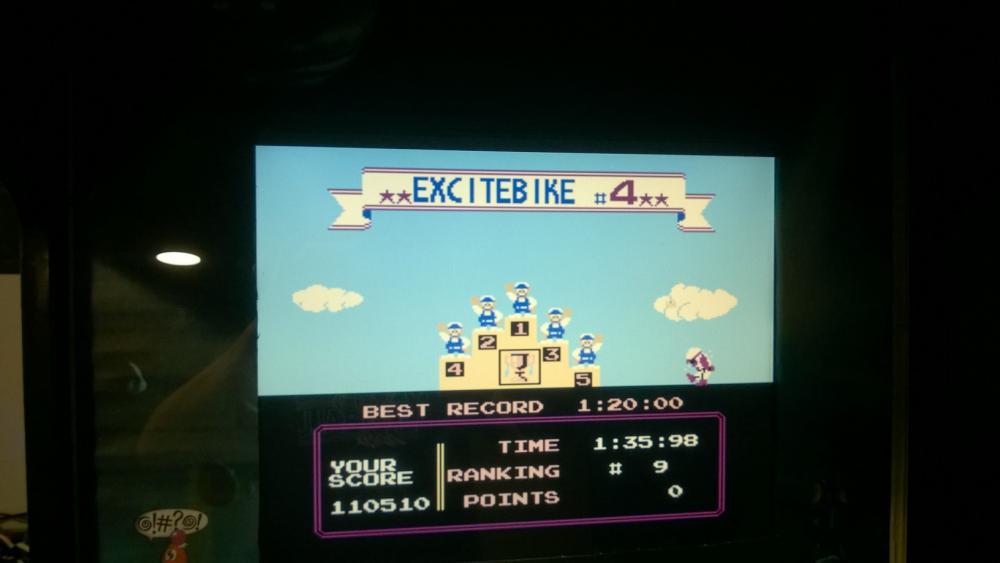
Not quite #1 but on your heels 110,510
-
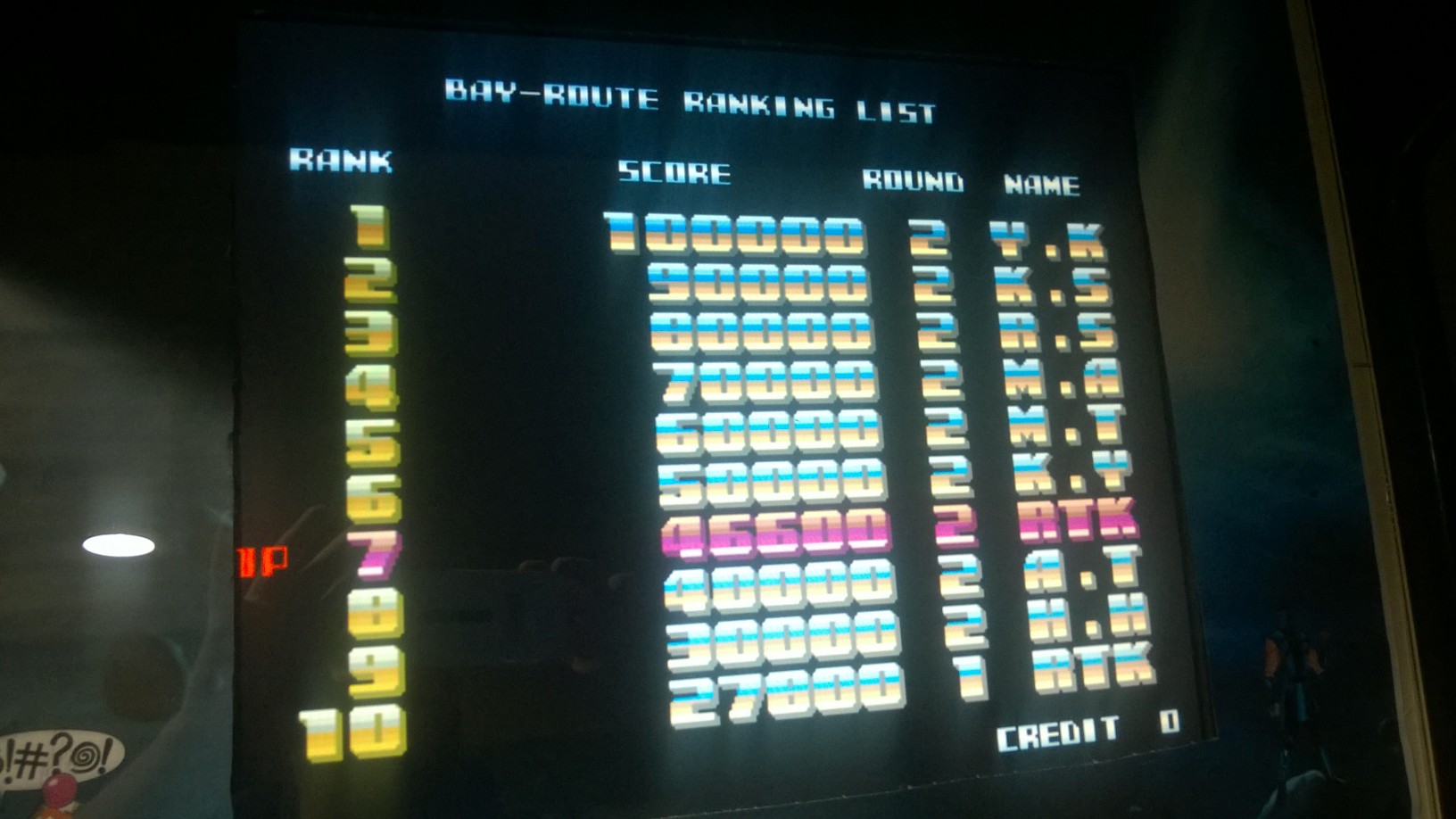
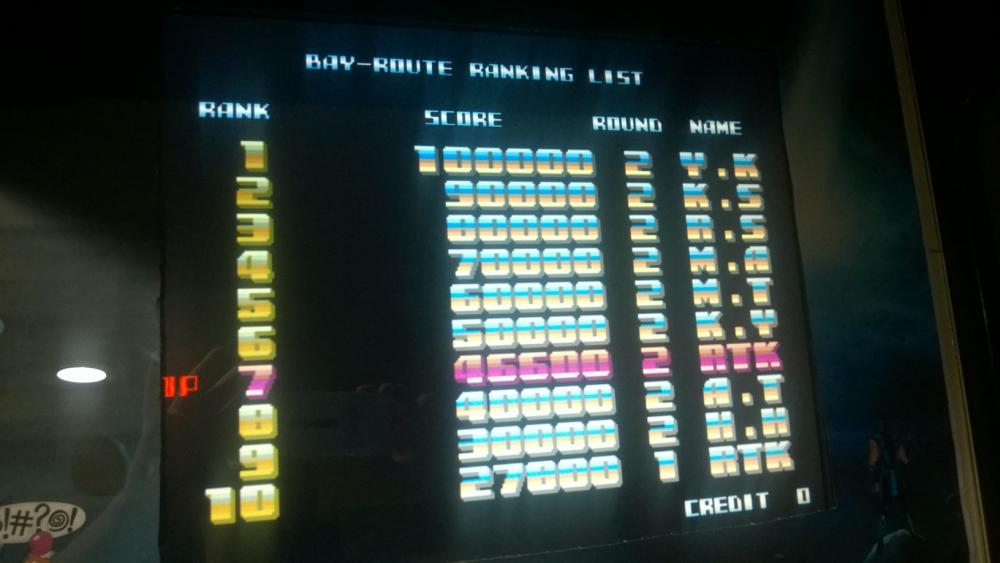
Game is tougher than I was expecting. Best I could do in 45 minutes. 46,600
-
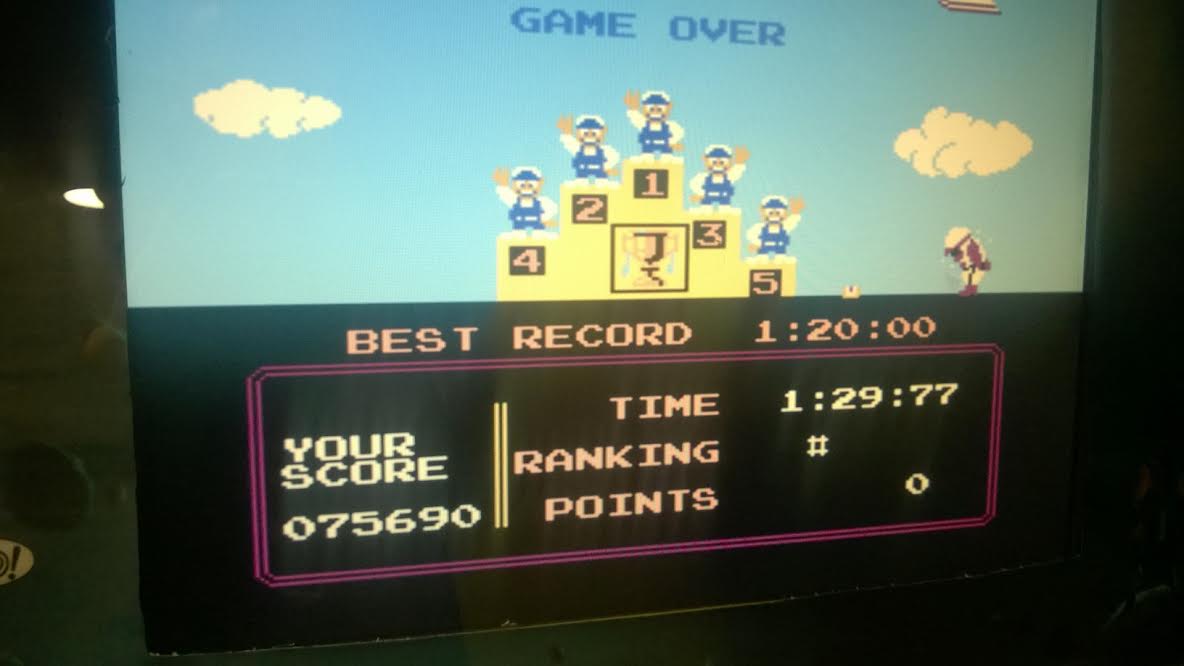
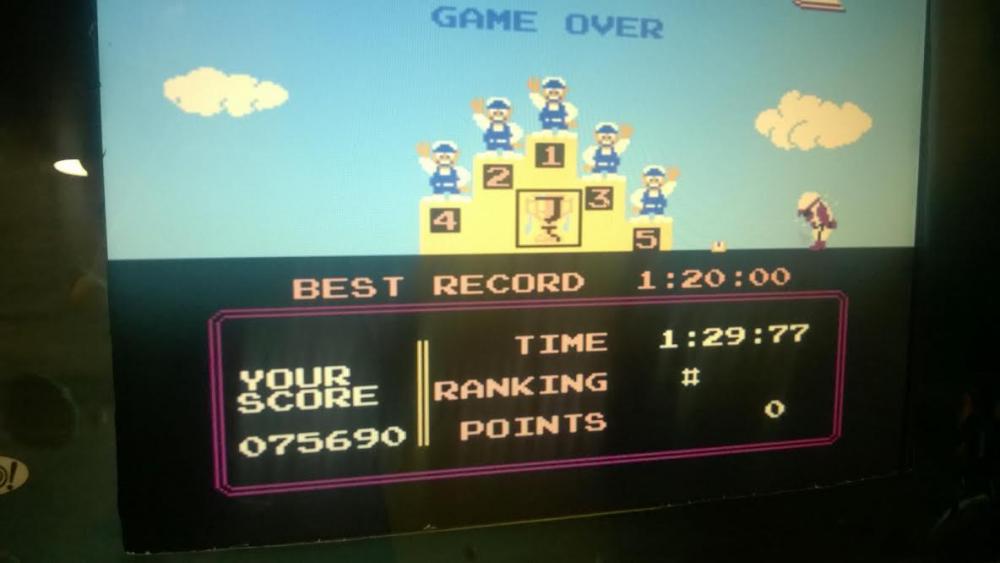
Weird thing i it works on older version og GUI mame. 75,690
-
Am I the only one having issues getting this to work? It works on v129 but not my v143 I use for most of my other games. Am I missing something?
-
Thought maybe some of you guys would be interested in this table, if you have daughters or grand daughters. Not sure if it is frowned upon to like to another site but I do not have the table hoste here. Moderator can delete if needed...no hard feelings. Table http://www.vpforums.org/index.php?app=downloads&showfile=12048 B2S http://www.vpforums.org/index.php?app=downloads&showfile=12049 Media Files http://www.vpforums.org/index.php?app=downloads&showfile=12047 I hope your daughters/granddaughters enjoy it. Rich
-
Cool! I do not have this on my cabinet and will toss it on.
-
Congrats! I tried playing but as soon as 3 players were on screen at the same time it lagged like crazy for me.
-
Last time I played this I thought it would get insanely laggy but I'll give it try some time this month
-
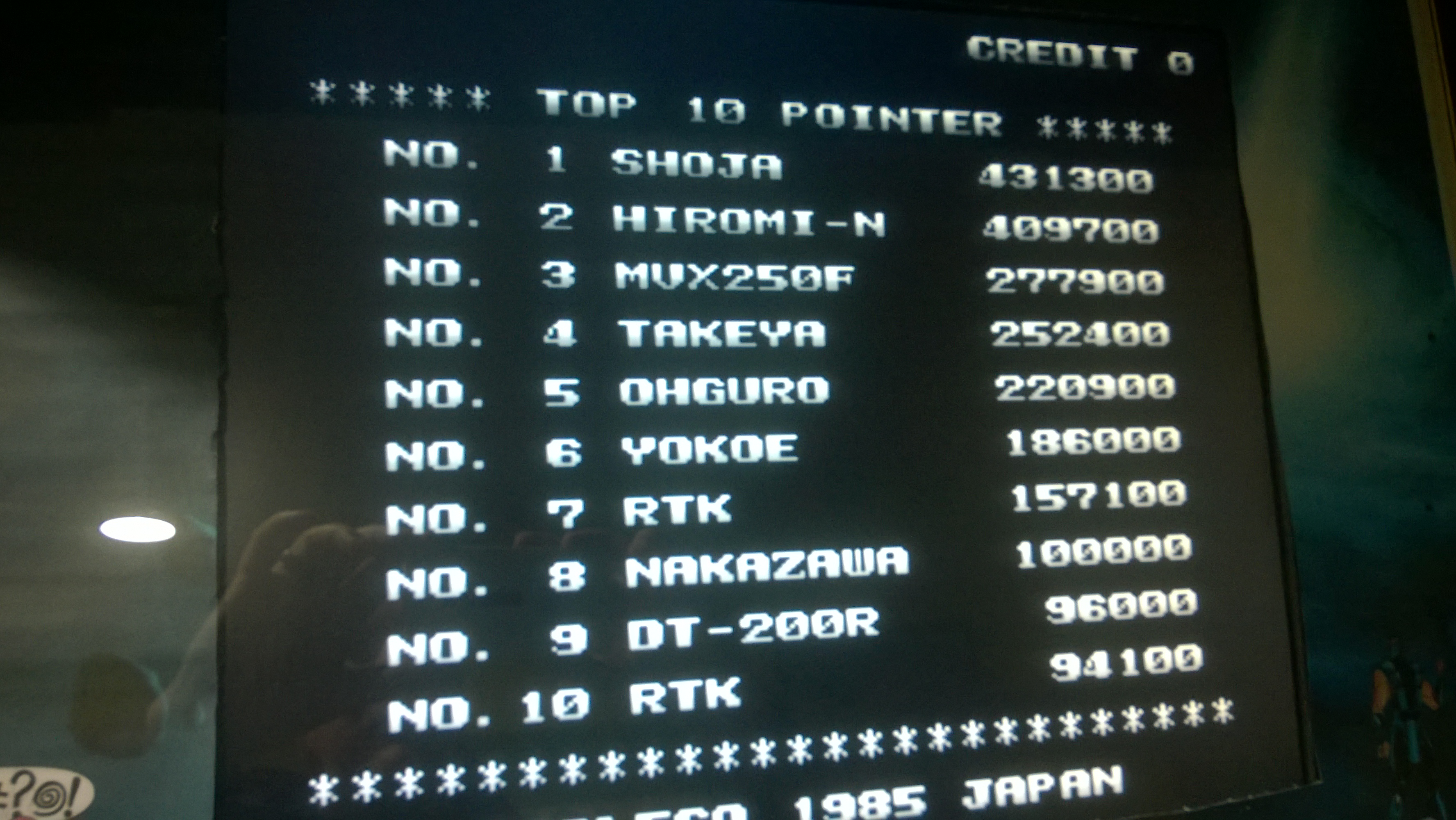
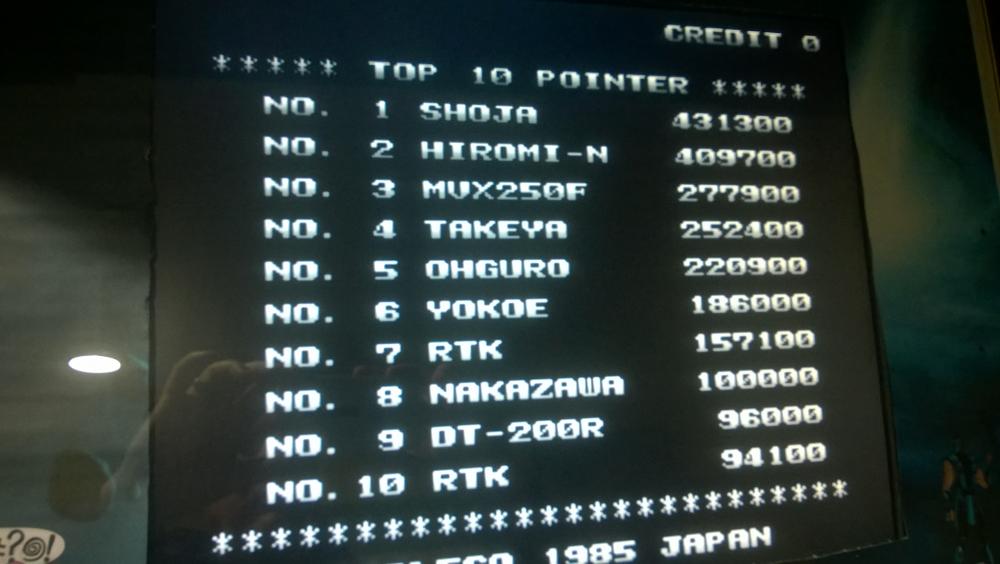
moved up a spot. 157,100
-
Kicked the crap out of my score...Nice job!
-
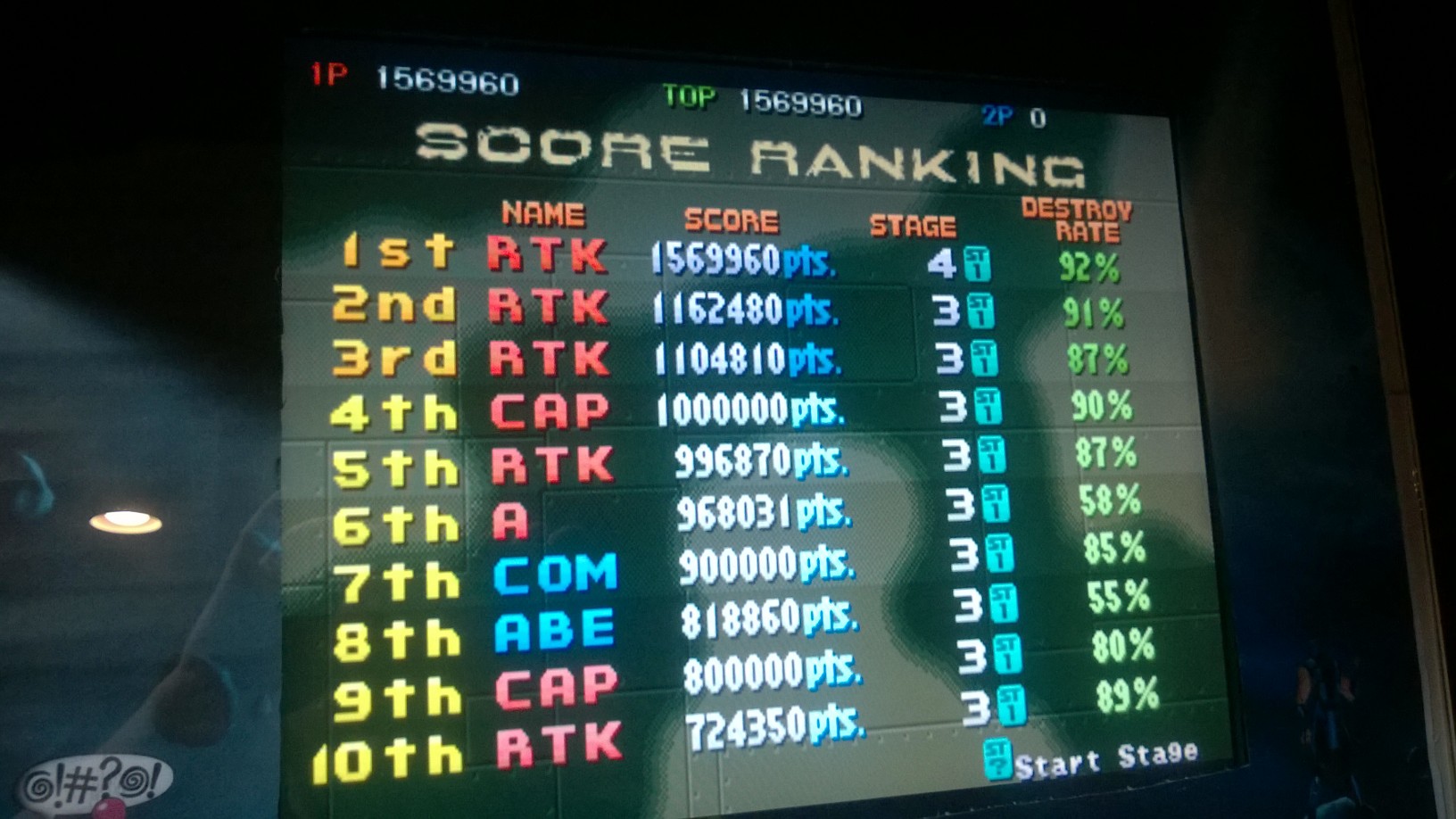
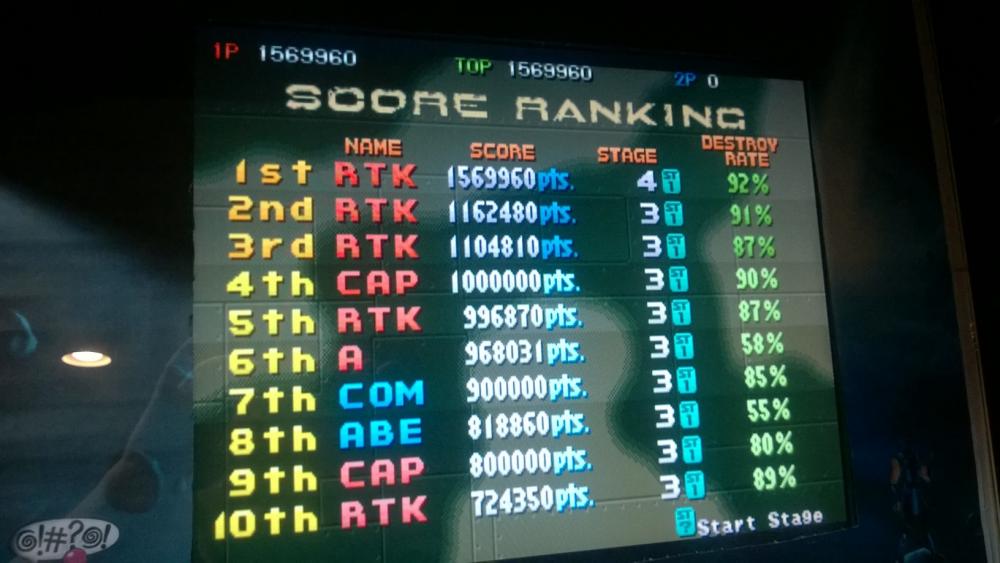
Improved - 1,569,960
-
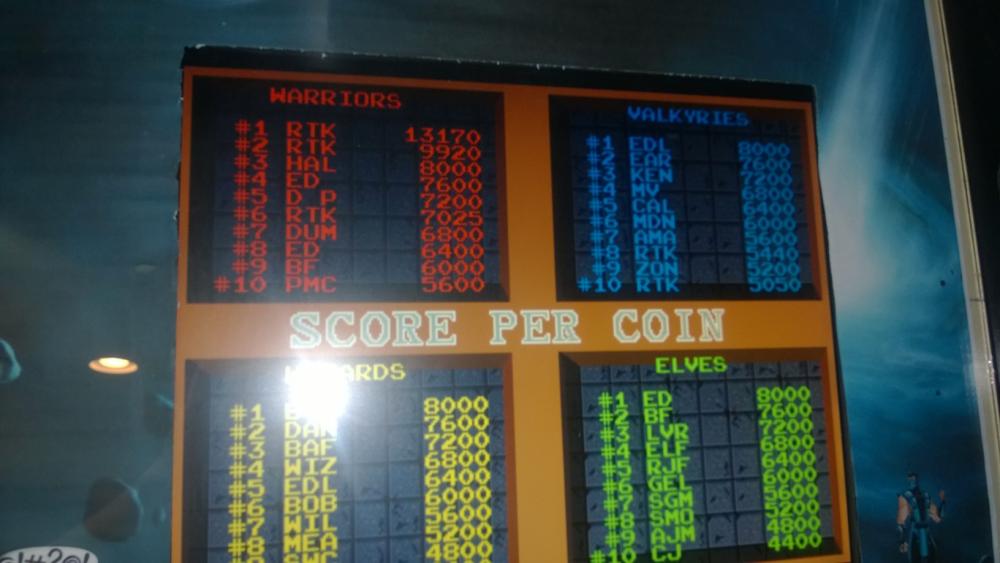
Improved -13,170
-
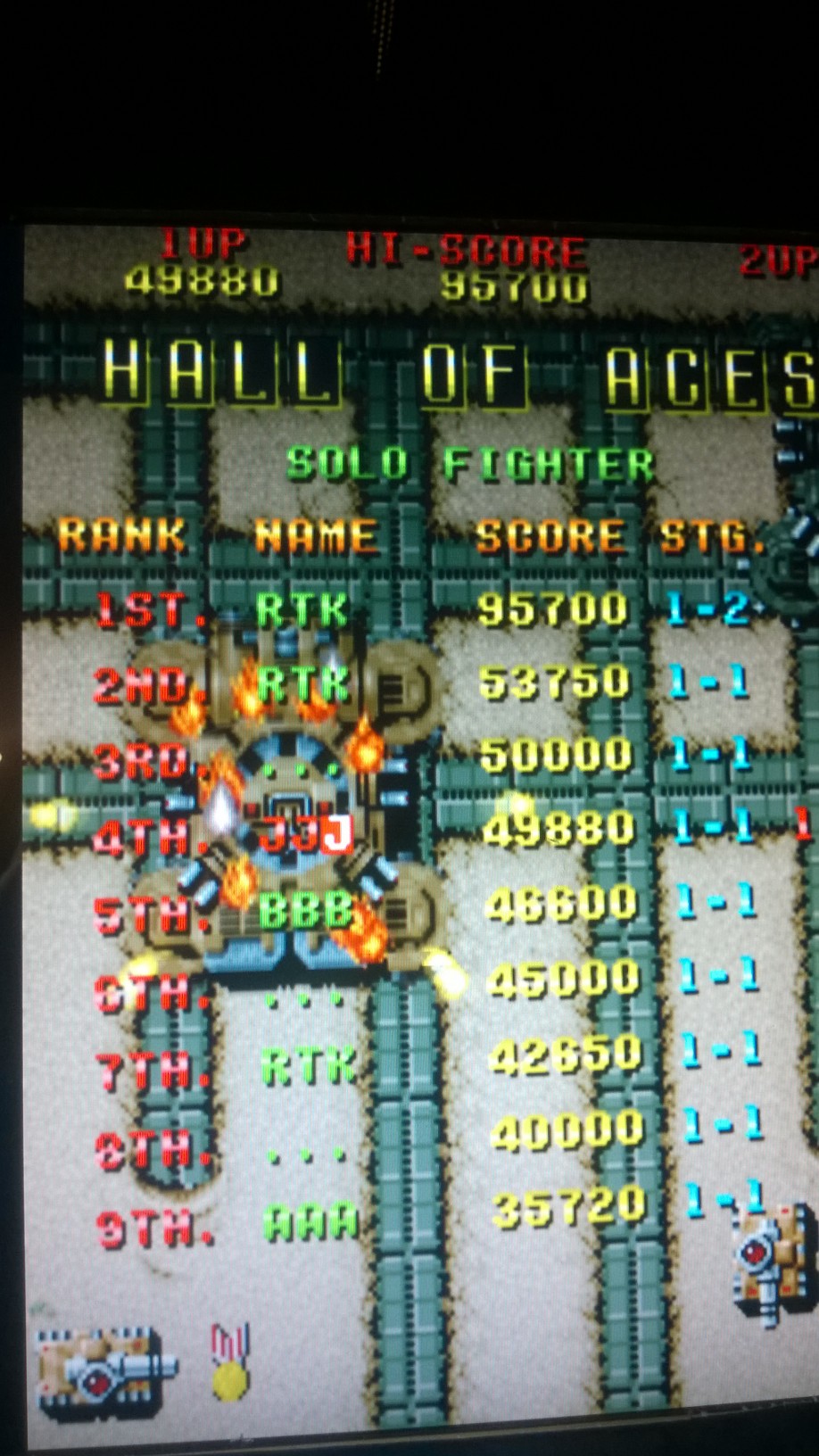
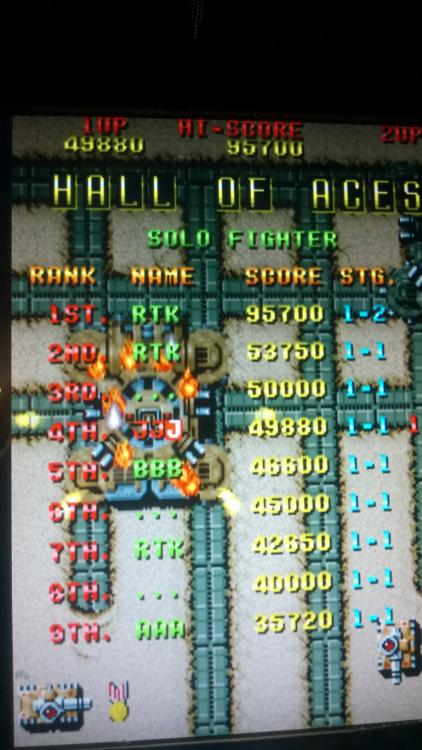
You guys are good. 95,700
-
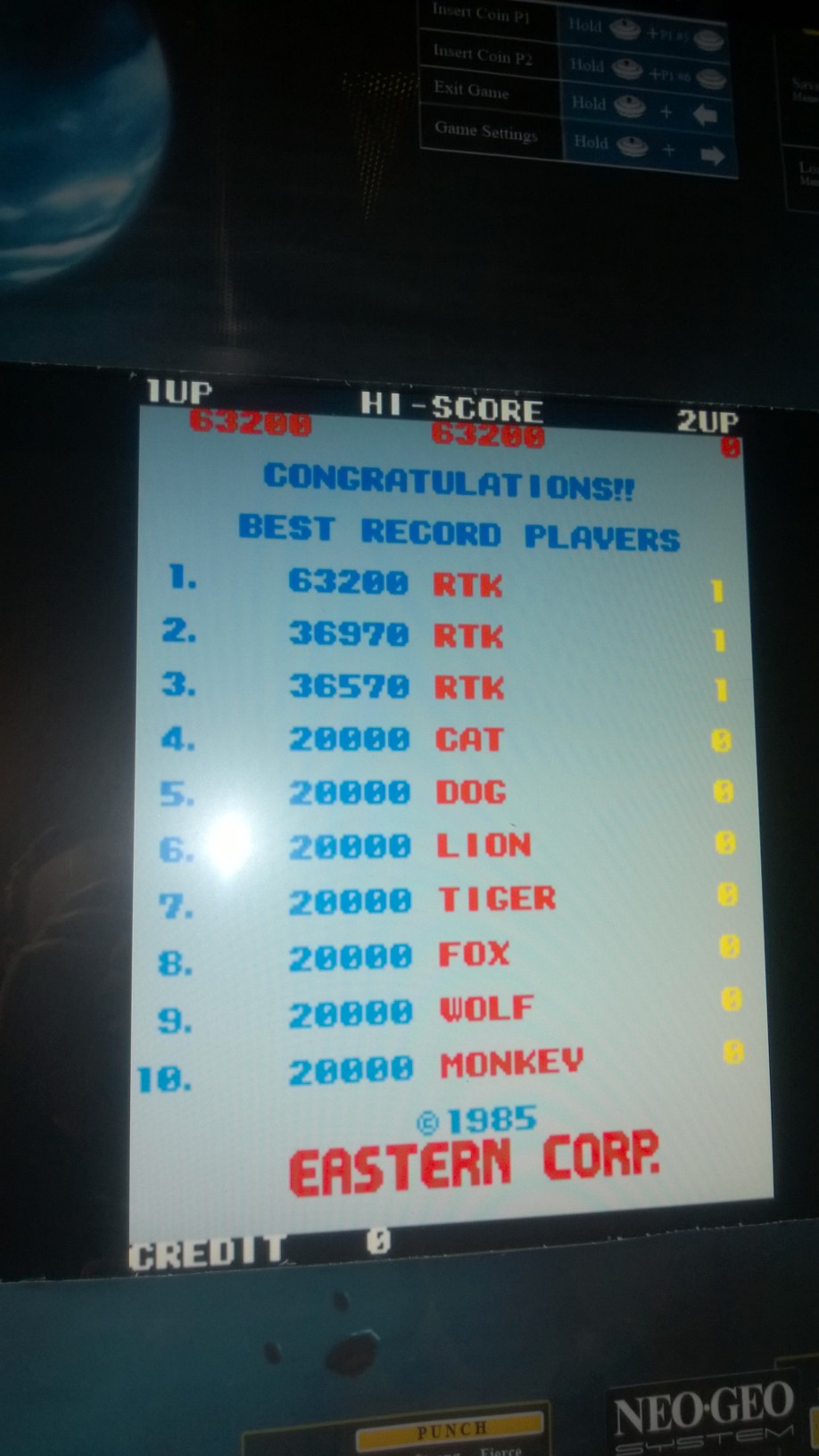
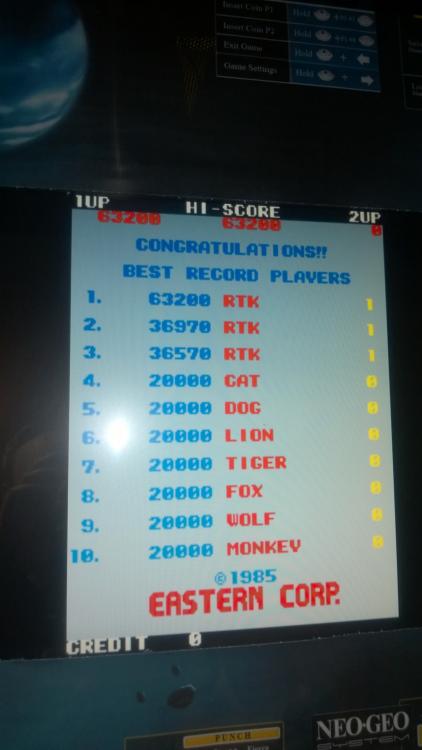
63,200
-
Congrats on the Win!
-
I did not even know you could view this outside of the tables...does it work for any table that has a hiscore chart or only certain tables?
-
Did you update your main Gamelist with the VPX tables? I had to add an extra VP option in PBX Settings(I forgot the exact name) and names in VPX. Then I had to load Game List a manager once so it would create a folder in c:\pinballx\databases called VPX. Then I took the .xml from the "Visual Pinball" database folder and pasted into VPX DB folder. I edited it and removed all the tables for vpt and added, manaully, my 5 vpx tables. I then loaded Game List manager and made sure they appeared. They did. Load PinballX and the tables were there.
-
This happened to me once when I accidentally powered off my PC while PinballX was running...I ended up having to do a system restore back a day and all was well. any chance maybe PBX service was running when you shutdown?
-
Dang this issues has creeped back up. Still running in Windows Compatibility mode...blah.
-
Dino and Caddies is on my cabinet and I do not remember any weird issues when setting it up...but that was 2 years ago
-
After reading this I was looking around at a couple things and got me thinking about Pinball X compatibility modes. I had run as administrator already checked but thought I'd try running in Windows 7" compatibility mode(even though this is a Windows 7 PC) and I tried three tables with no crashing when exiting out of the table. So mark this tentatively "Solved!' thanks for the info Carney but I think maybe I missed a step in Pinbal X setup.,...FYI there were no issues at all when closing out of these same tables when just ising VP - so i felt confident those settings were ok.
-
Aw crap....you're right. I'll try to do another run later once I get the correct ROM loaded on my Cabinet
-
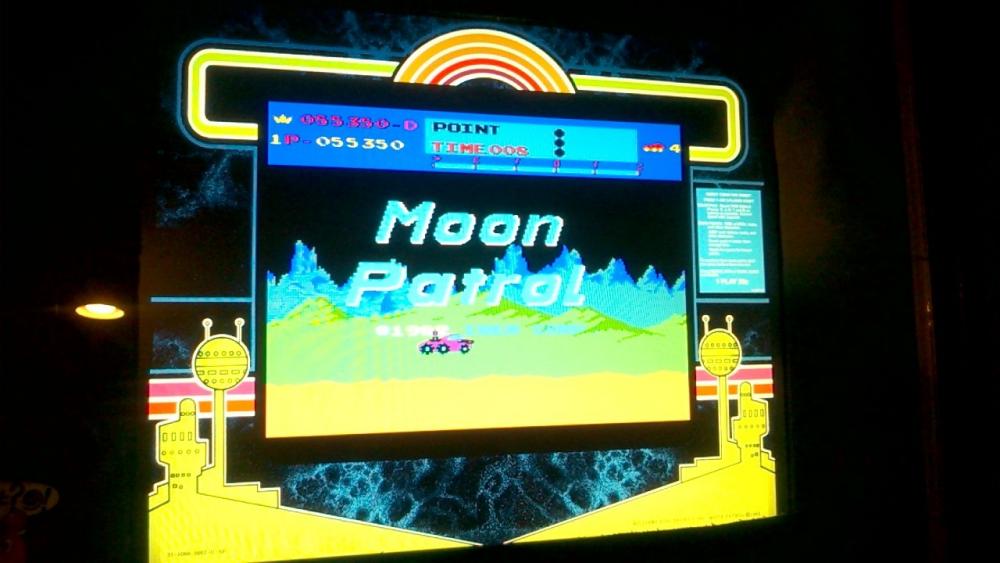
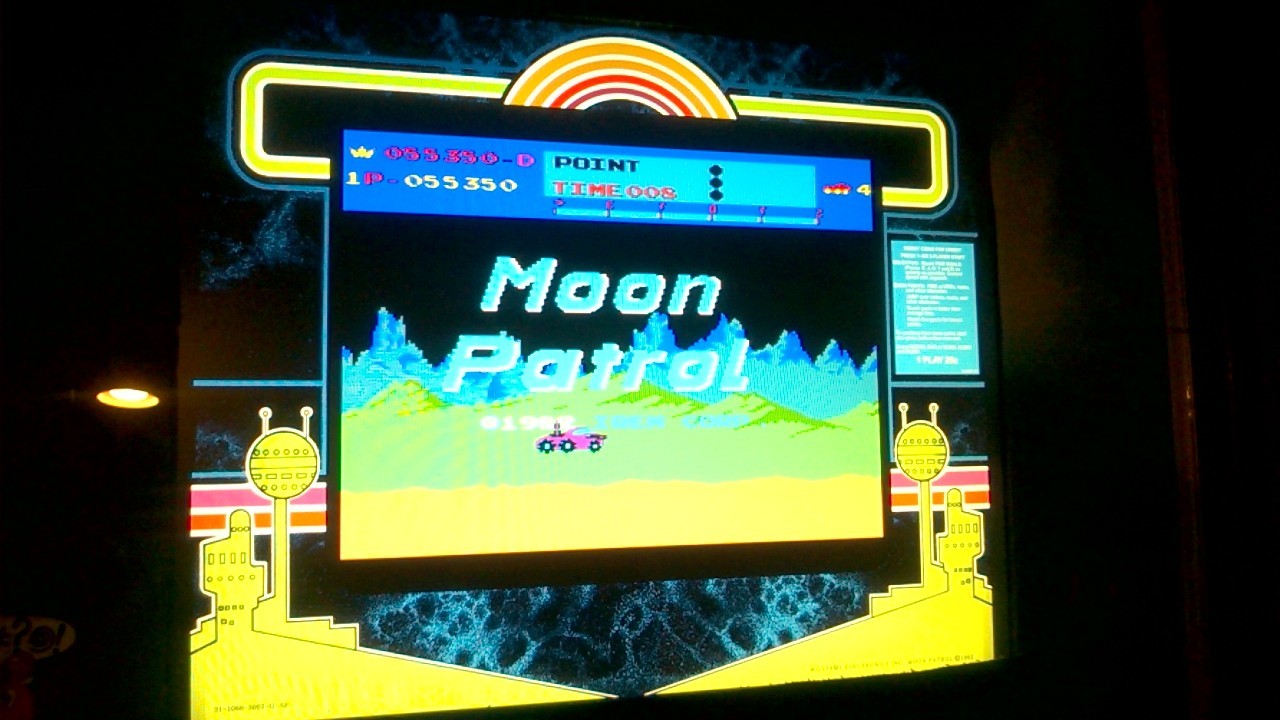
Made some progress and made it through first round...55,350