|

Leaderboard


Popular Content
Showing content with the highest reputation on 05/01/26 in all areas
-
Filtering with the first example seems, at least to me, the easiest way to create "across-app" genress that are program-agnostic, allowing for placement of tables from multiple collections. You could have tables that fall under the "Horror" genre from VPX, PinballFX, Future Pinball, etc. without duplicate media.1 point
-
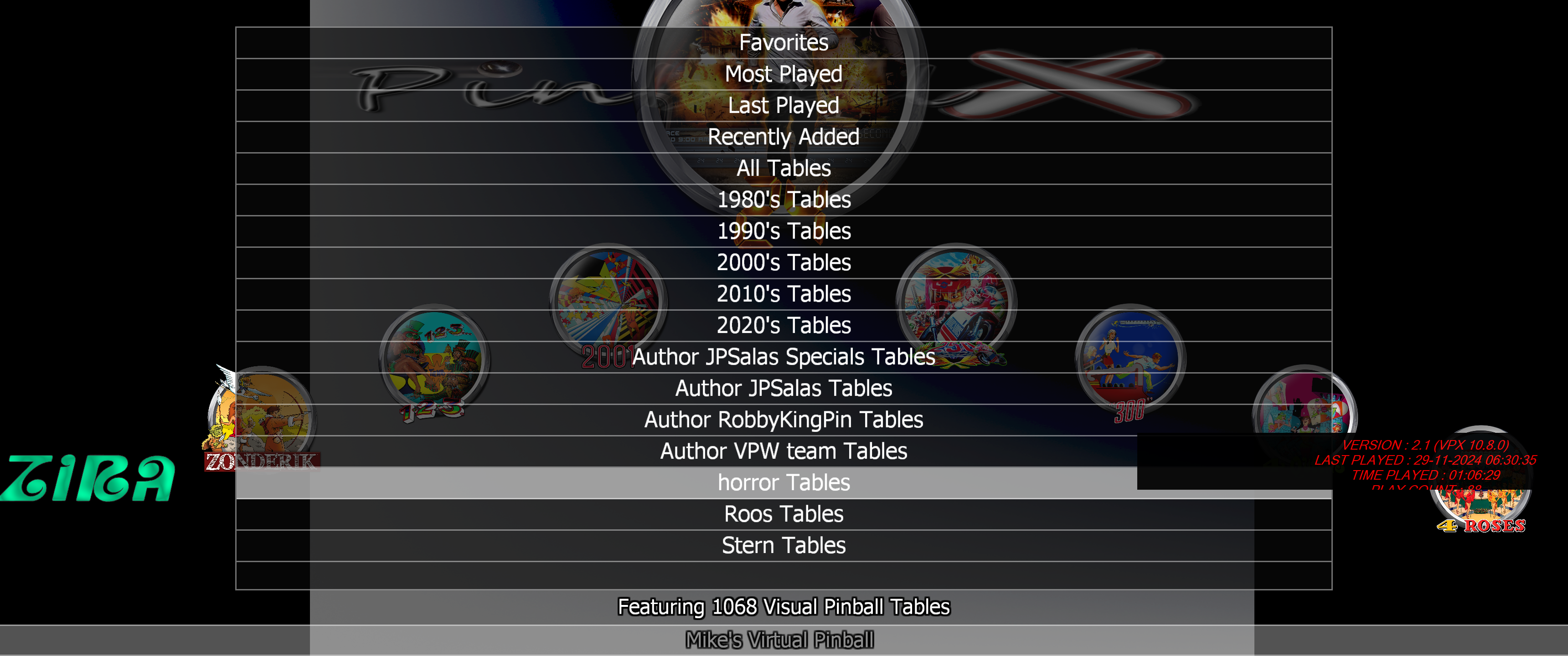
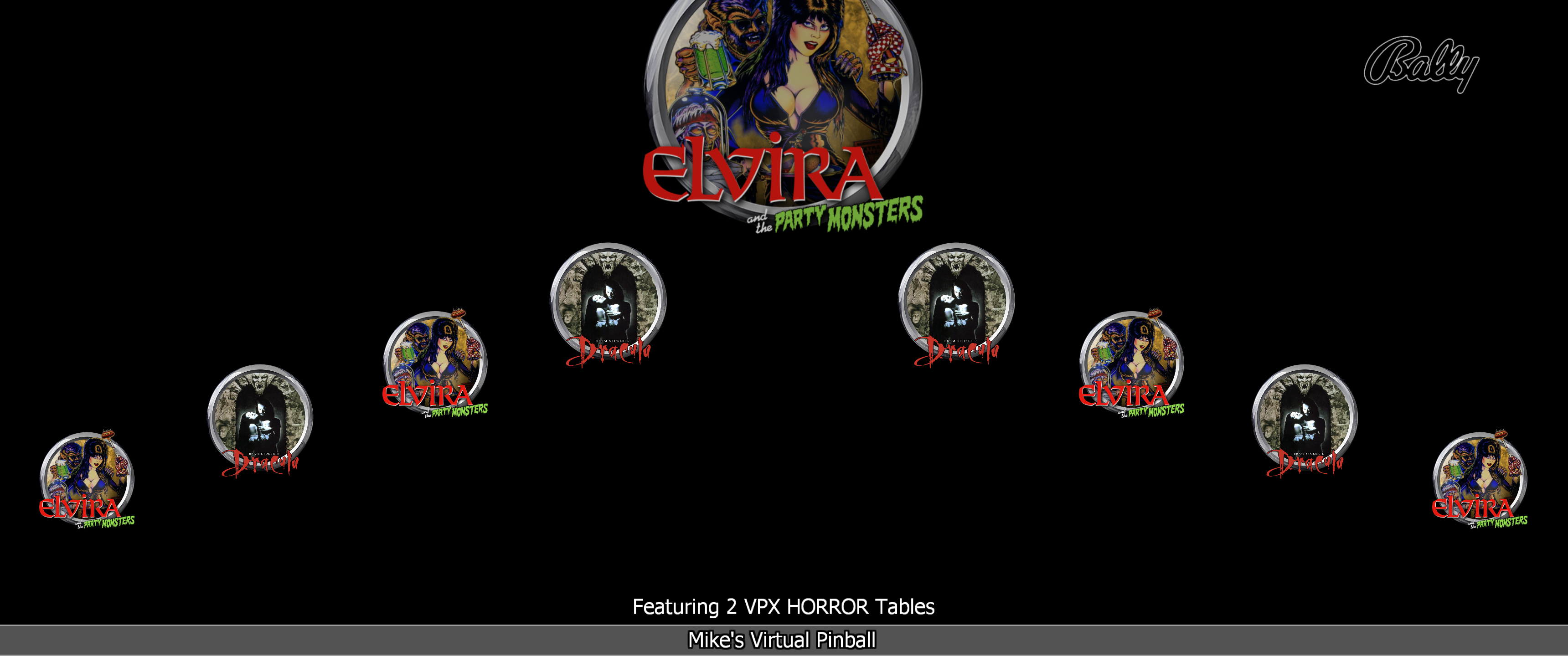
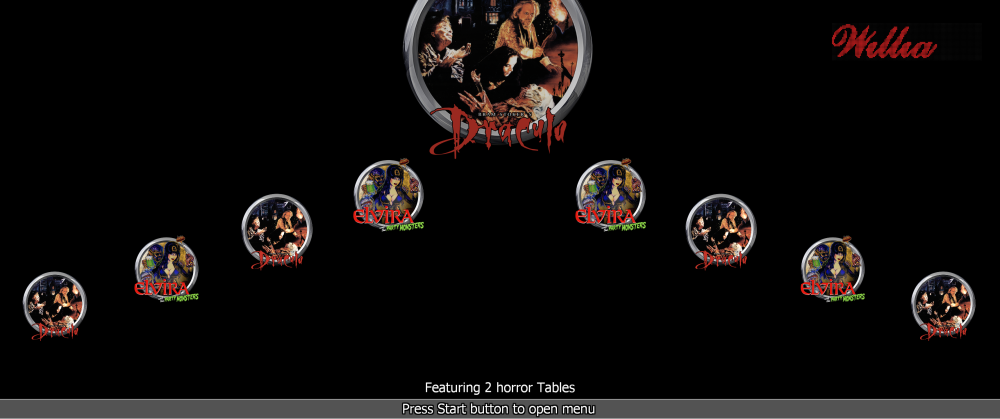
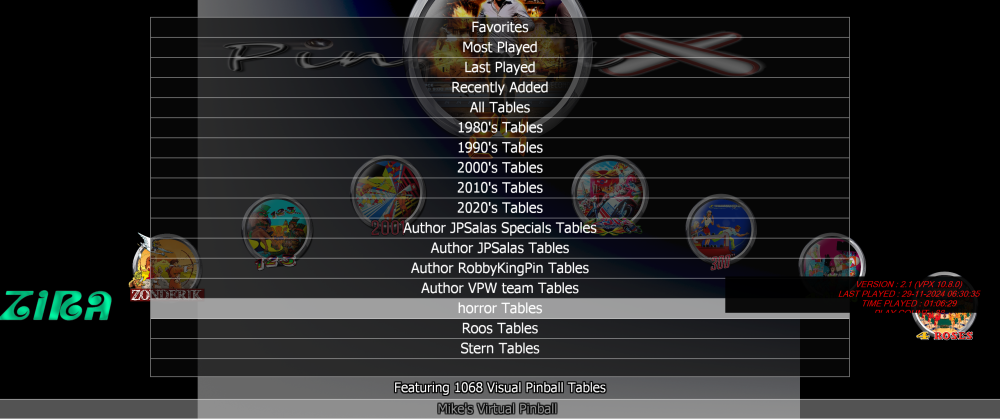
Since this is a pretty old topic, I’m not exactly sure what you’re looking for, but here are two parts that could meet your needs.: 1) Create a horror filter: Add text HORROR in the comment field. click save table check 'advanced search' check box In the newly open window, make a new filter by clicking the + button name it for example HORROR in the comment field of the advanced search, also type HORROR (this is actually the filter) click Save. when clicking search, it wil show all tables with comment is horror now 'tag' all your horror tables Within PinballX you can select the list, and see it is showing the filter with 2 tables of my test 2) if you want a horror system (so it could have it own Playfiel/backglass/topper etc, you must create a new SYSTEM called Horror from the settings.exe: Do for example, I create withing settings a VPX Horor where the tables resistse in the same folder as my normal VPX tables : You can copy or move the entries to the new system (NOTE, it's database entries, not the VPX tables itself !): now, you will have a system called horror : I'll hope this will make sense



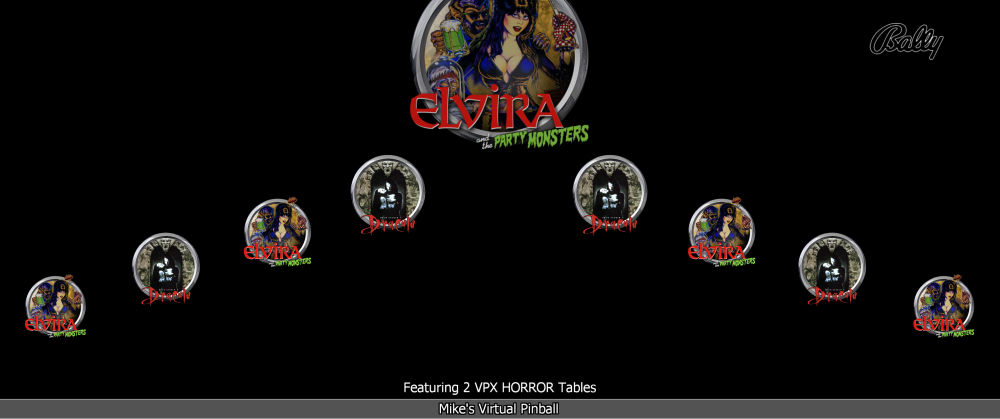
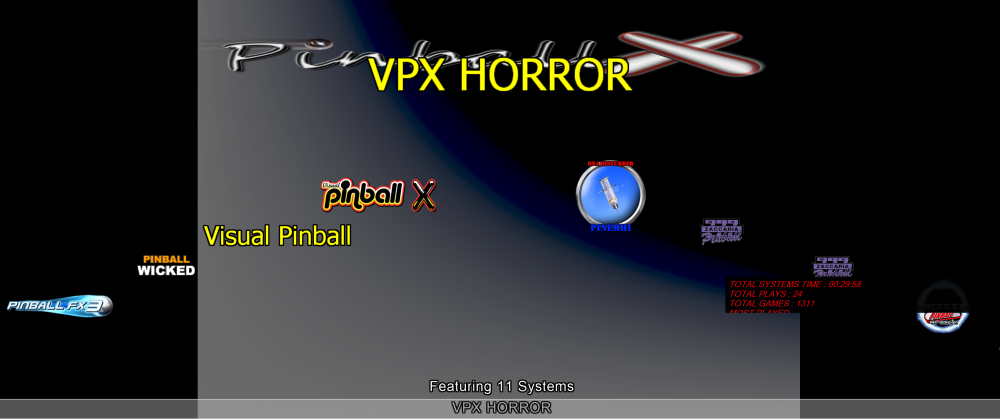 1 point
 -
not intentional. its probably the video changes. ill take a look but im without another display for now. Thanks1 point