



|

Leaderboard


Popular Content
Showing content with the highest reputation on 08/10/25 in all areas
-
Good evening all together from Germany. I was not at Home work the hole Week in other City. Now iam back and i try few thinks ou today. First of all i will say a big thank you to all who will helping me in my Situation. Many many thanks to all you out there. I find a Solution who working. I change the DMD and the Backglas to the 6670 GPU and the Playfield works with the 1080 GPU. Playfield and Backglass is now setting to Display 1 and the DMD is setting to Display 3 Next i setting the Backglas Position X to 1920 and after this the Backglas is in the Right Position in Backglas. Jaba daba do iam so happy that you all is working again. I wouldn,t have been able to do it without you and your Great Information. Its crazy because in Windows the Monitor numbers Identify Screens" like Playfield 1, Backglas 2 and the DMD are 3. But this Screen Numbers didn't work in PinballX. If i change the Numbers Backglas and Playfield to 1 and move the Bachglas with the x Option all works great. Crazy Without your Tips i will never finsihed this Settings I hope my Englisch is okay that you understand all what iam try to explane to you. Iam really happy and will say one more Time big big thank you to you all who helping me3 points
-
it's better than my DEnglish ! (Dutch-English)😋. Even if I speak Dutch , people won't understand me 🤔1 point
-
You caught me red-handed! The documentation on the website is, shall we say... a charming relic from September 2022. It even proudly states: Which, let's be honest, sounds like it was written by someone who had one eye on the coffee machine. It really should say: Now, if you're on a quest to find the elusive latest manual, fear not ,it's hiding in plain sight. Here are three ways to track it down: 1. Start Menu : Right next to the DBM application. Like a loyal sidekick. 2. Main Screen of DBM : Click the little question mark icon. It’s not just decorative. 3. File Explorer: Navigate to the folder where you installed DBM. Inside, there’s a folder called Documentation with the latest manual waiting patiently. Hope that clears things up and thanks again for the kind words and for actually reading the manual (even the vintage edition )!
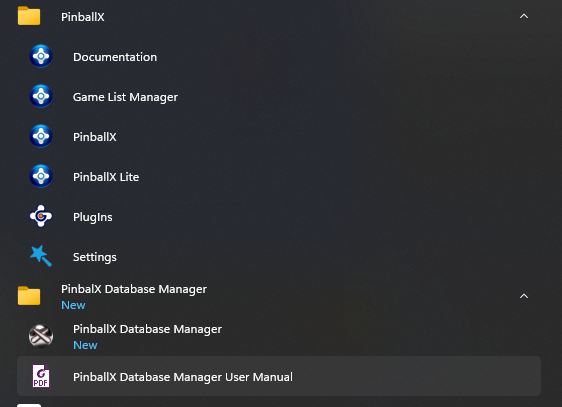
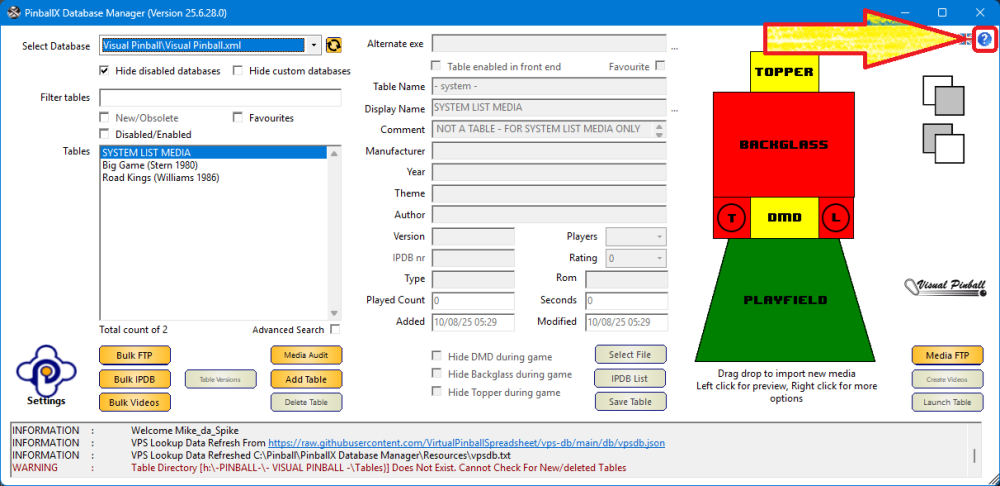
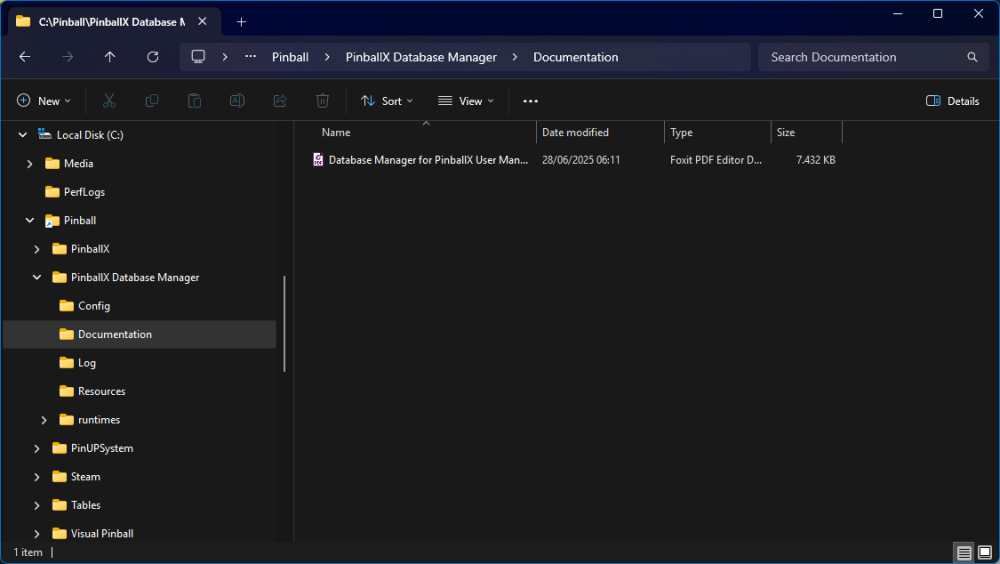 1 point
 -
1 point

