|



simbamame
-
Posts
1008 -
Joined
-
Last visited
-
Days Won
24
Content Type
Profiles
Forums
Events
Downloads
Store
Articles
Everything posted by simbamame
-
no...dont know why it wont create 1.
-
can we just arrange a suitable time tomorrow and you can remote log in and have a look be much easier as the system is getting messed about with keep swapping the file locations. Ian
-
nope that hasnt worked and if i now goto the backglass the plugin settings is greyed out..i cant select it.
-
done that still no go...im at a loss. Although i think its slight progress looks like im missing table configuration file ????
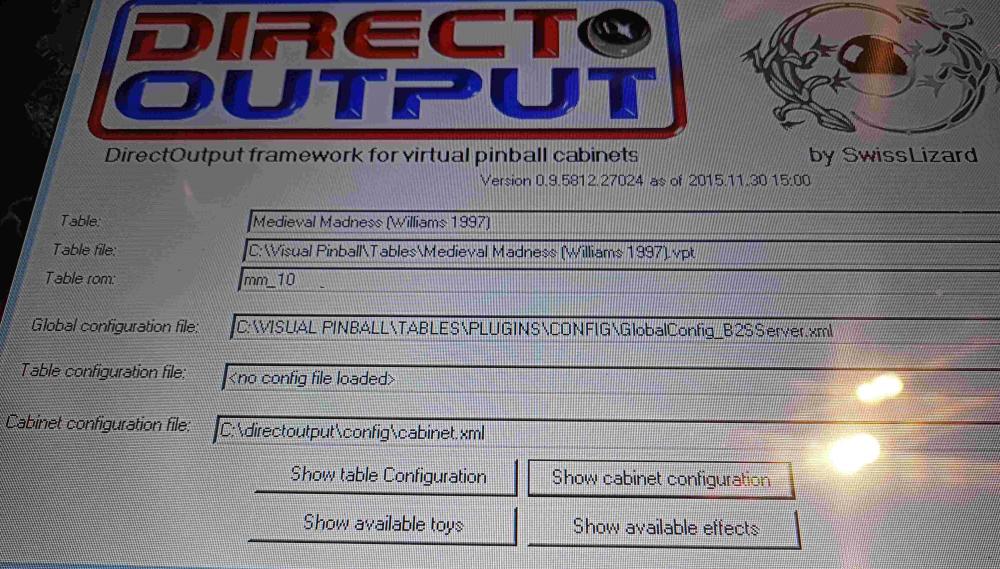
-
and the config
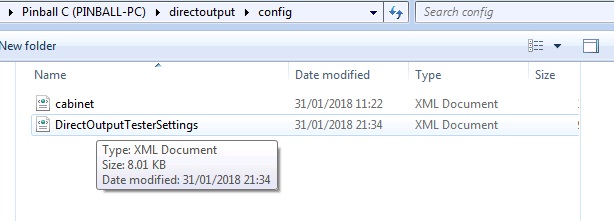
-
heres the contents of directoutput directory
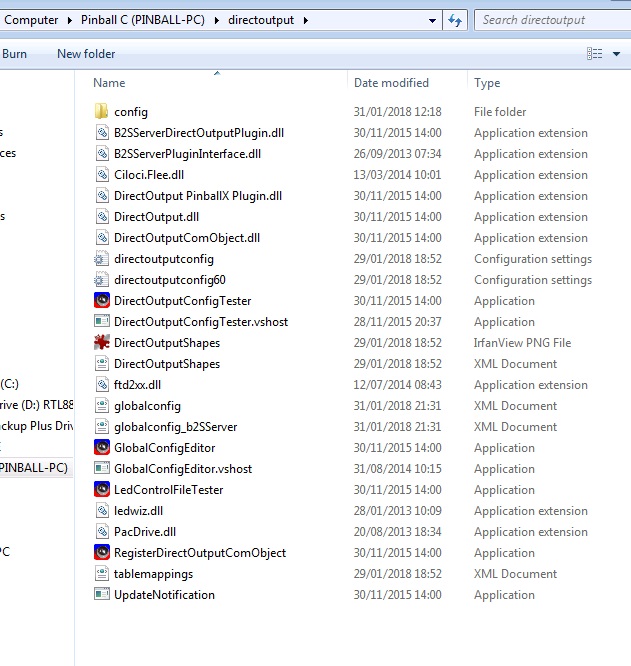
-
thats correct i have tried moving to just c:directoutput but still no go. I always use the globalconfigeditor to point to where the files are.
-
I don't have a directoutput.log
-
Yes I did all these as they were all blocked.
-
I don't have either of these.
-
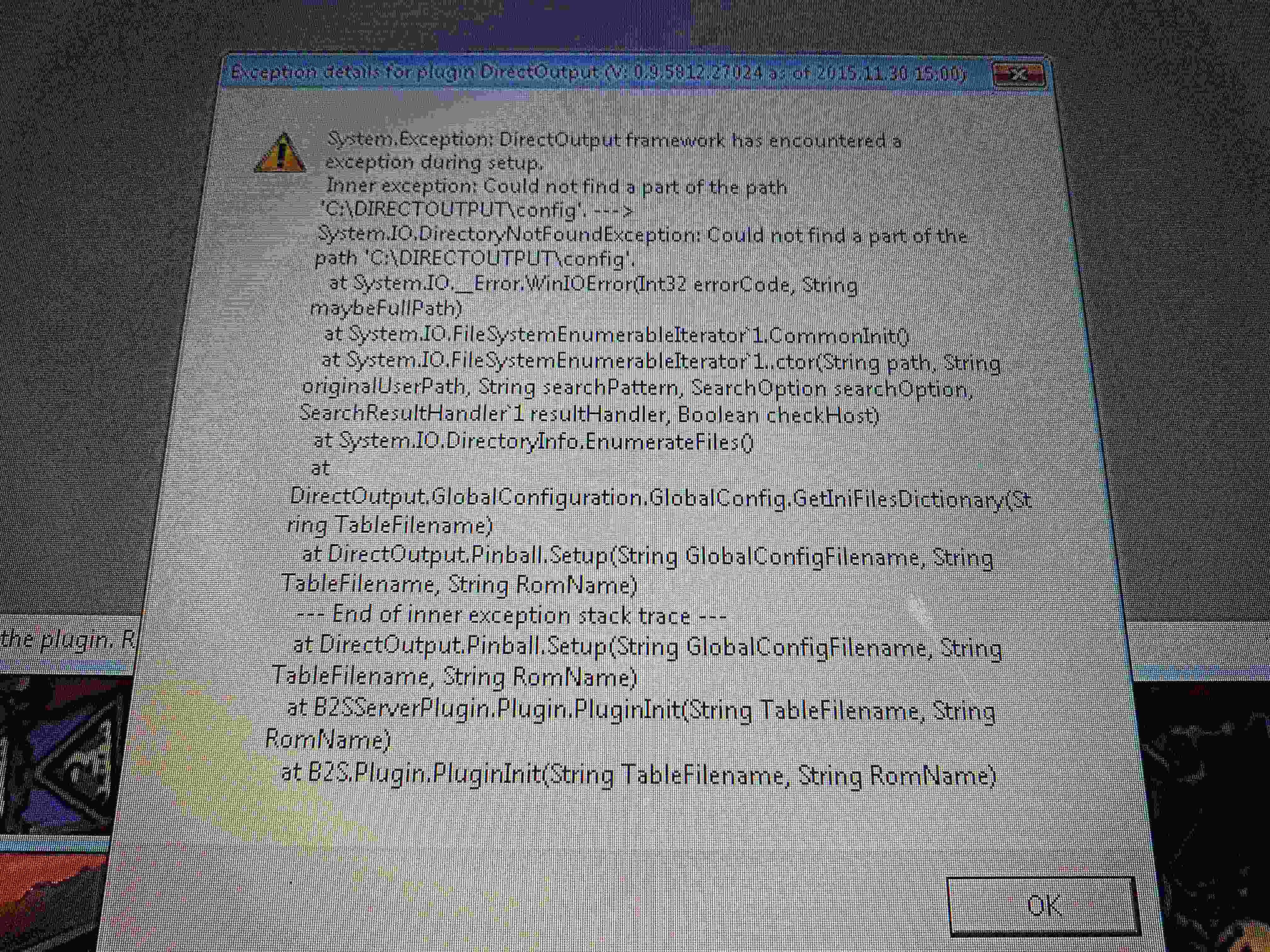
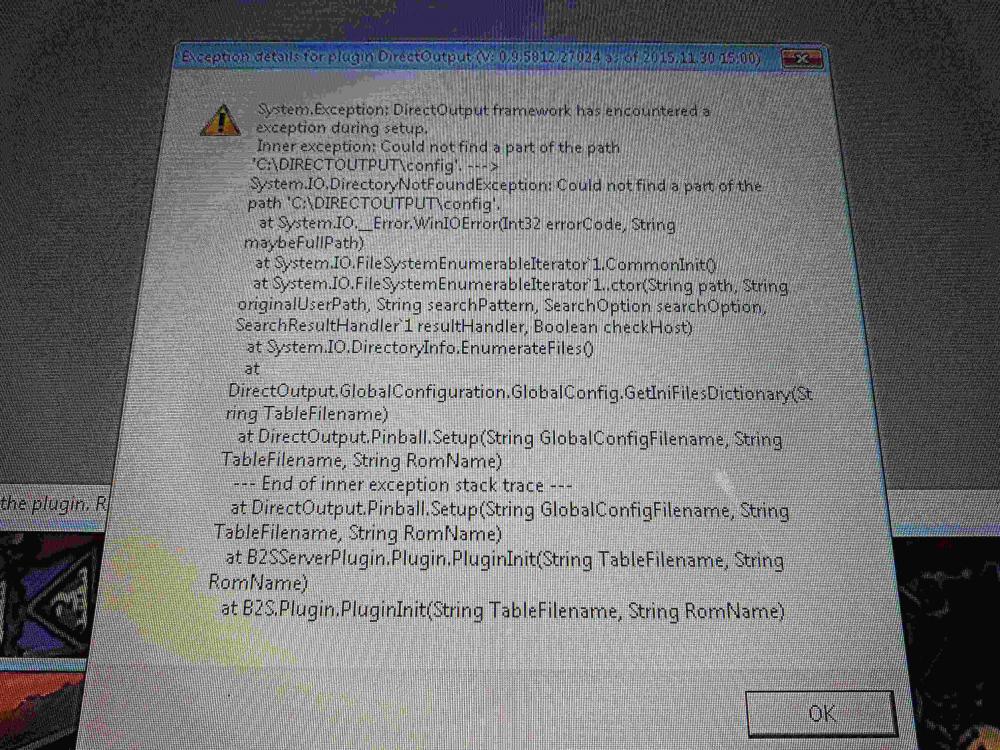
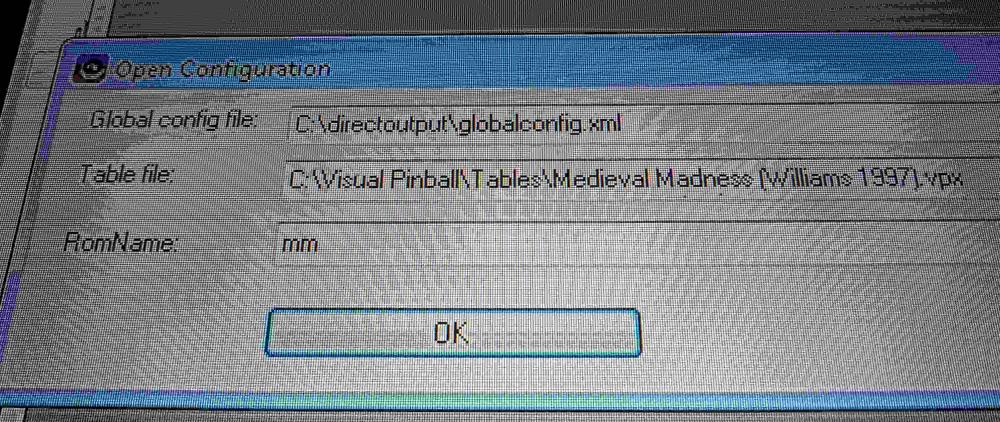
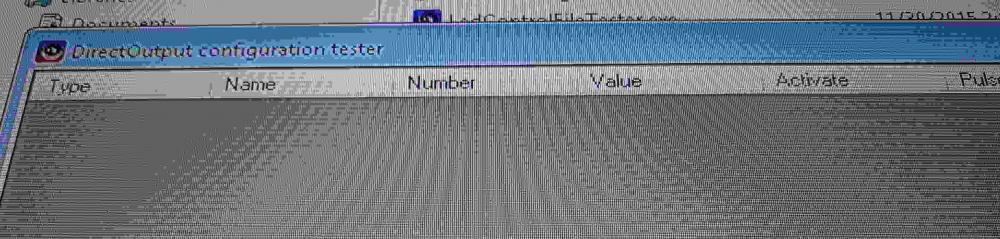
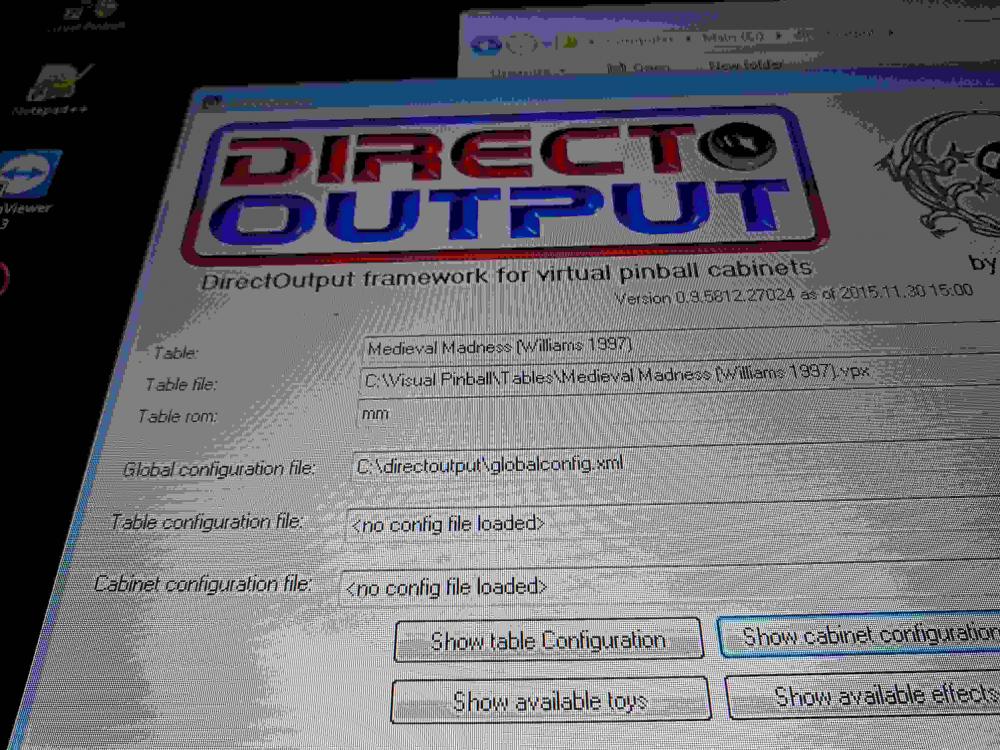
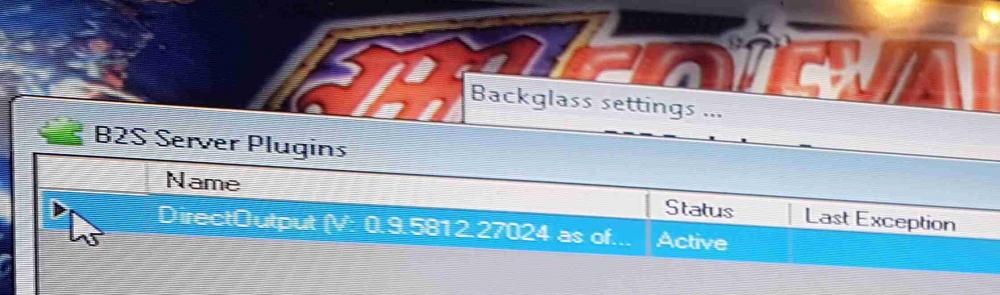
i have tried and altered the shaker to just the one port (2) i even downloaded your table.xml altered the serial number and tried that still no go...ive tried with ZEBs config and the 1 i produced at vpuniverse ( as per zebs insturctions to create your own ) still no go...i did an error once.... ( see attached pic ) ... i have altered a few things but dont seem to get the same error...im really starting to struggle with this. :-( i have enclosed my configs in case that help. Many Thanks for you help so far its really appreciated. Ian cabinet.xml DirectOutputShapes.xml DirectOutputTesterSettings.xml globalconfig.xml globalconfig_b2SServer.xml tablemappings.xml directoutputconfig.ini directoutputconfig60.ini
-
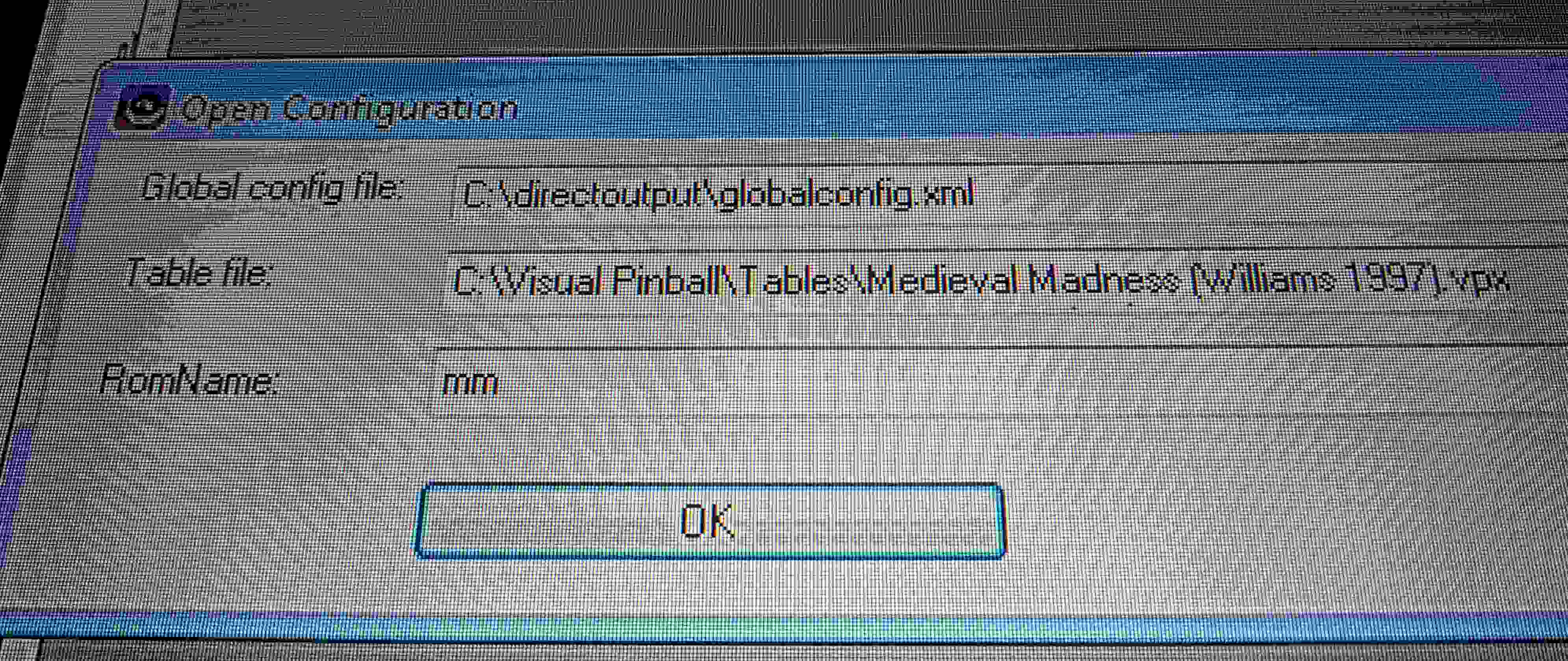
progressed slightly get this now...any ideas where i go from here as shaker still doesn't work.....
-
Hi I have the shaker just the 1 connected to output port 2 on the zebs plunger board which I believe is a sainsmart? clone. I think I selected 2 to be sure. Ok ive not installed dof...ive created in Visual pinball a directory called Direct output in there I've create a config file and in there I've put the files that were created by the config program from fpuniverse site ( ive alteted it so shaker is only on port 2 ) is that correct?. Many thanks.
-
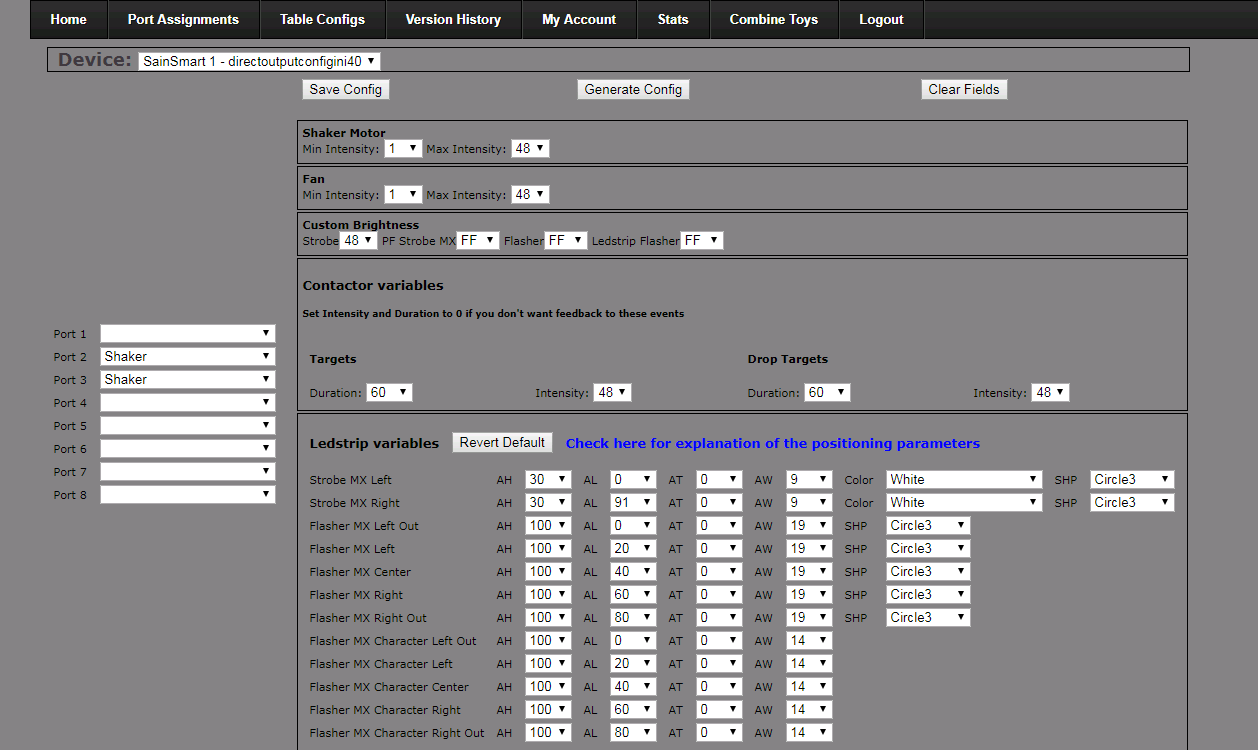
@rablabk97 as requested screenshots of what ive configured in config
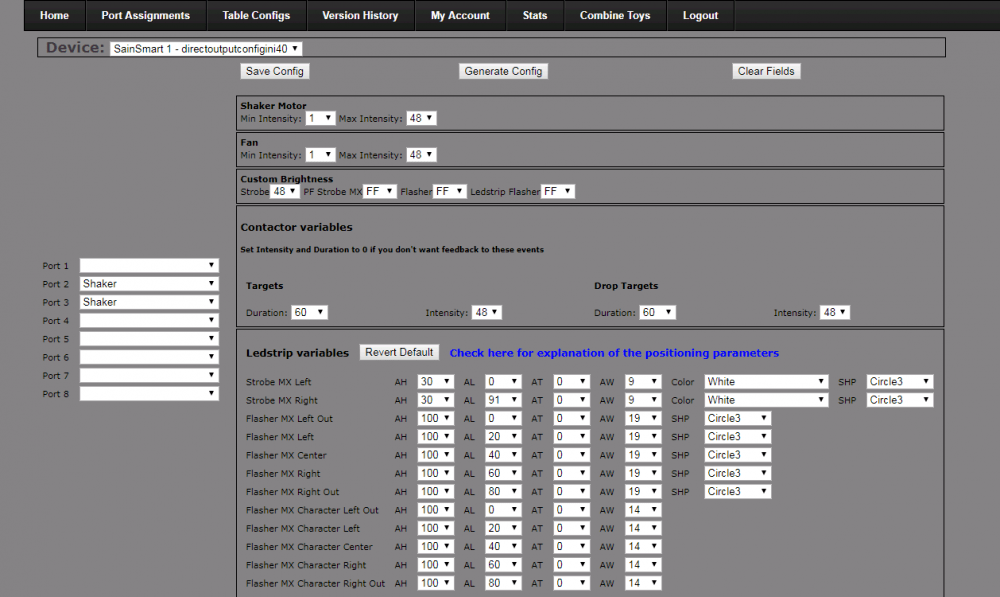
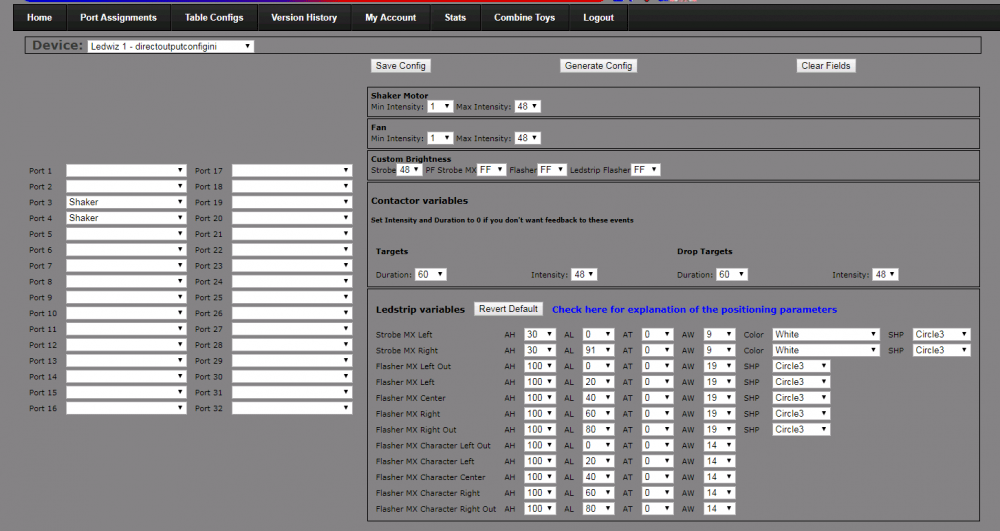
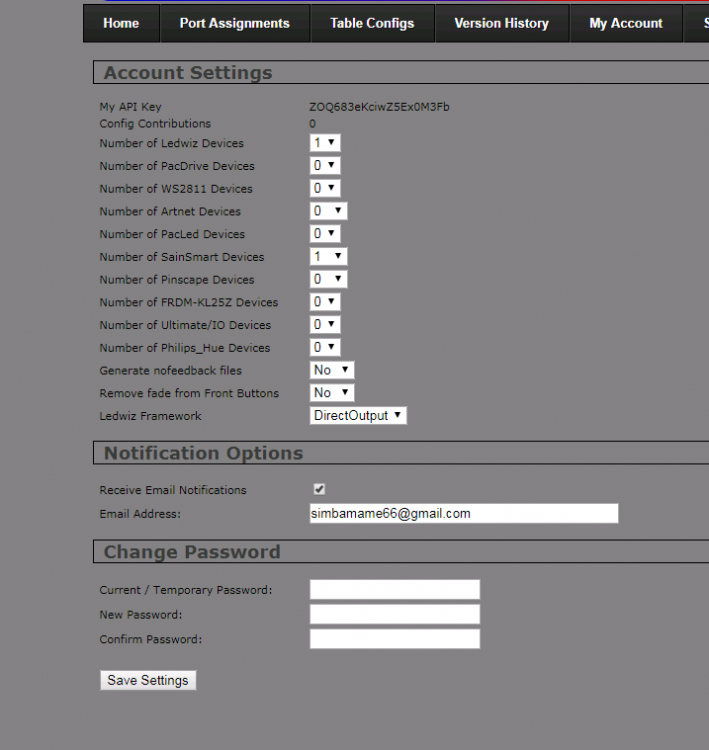
-
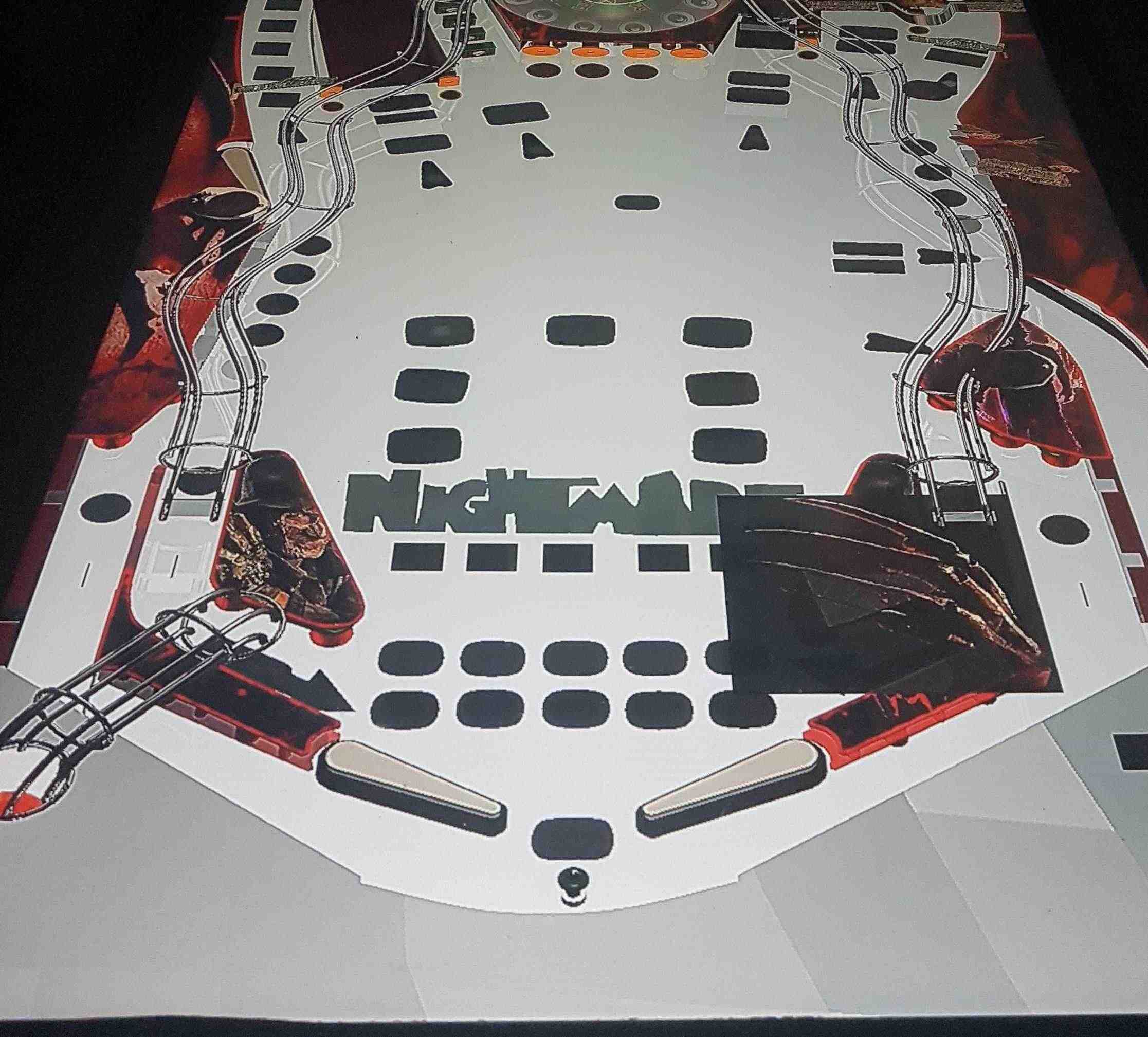
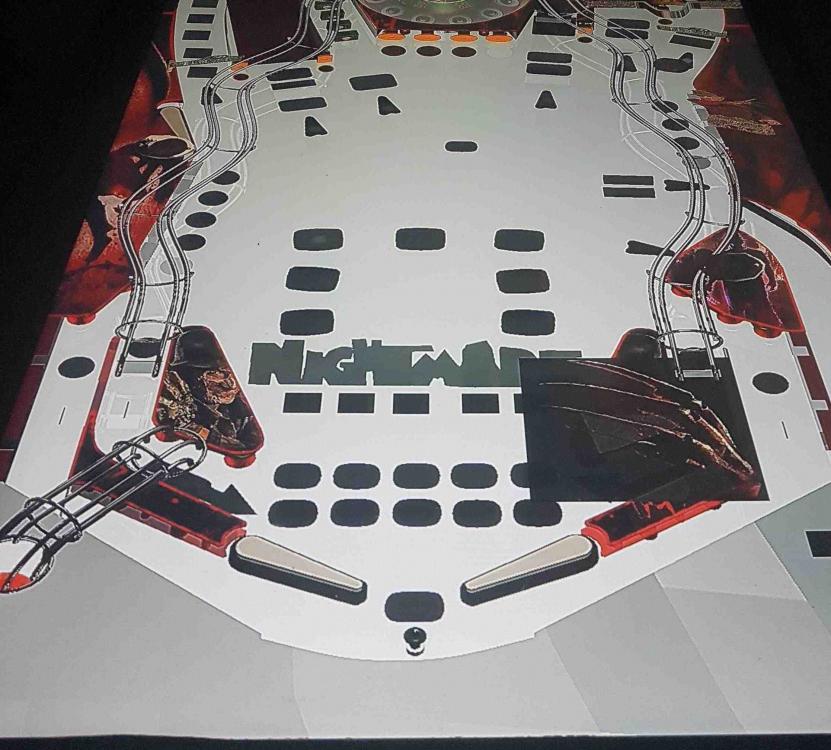
Hi guys, Not really a PBX problem but thought id give it a try after a "prompt" by an elite user ... im loosing some screens on Future Pinball ive not altered anything and have re-downloaded the table but keeps happening on only a few tables See image. Also anybody now how to remove the hand/claw covering the right ball lane. Thanks in advise
-
Ok Mike cheers will do later as not at pc at the moment. Ian
-
As it's not pinballx related I didn't. Ian.
-
Guys, ANy idea why all of a sudden im loosing the screen ? Not on all tables just some...ive altered nothing.... ian also how do i ged rid of the claw covering the right lane?
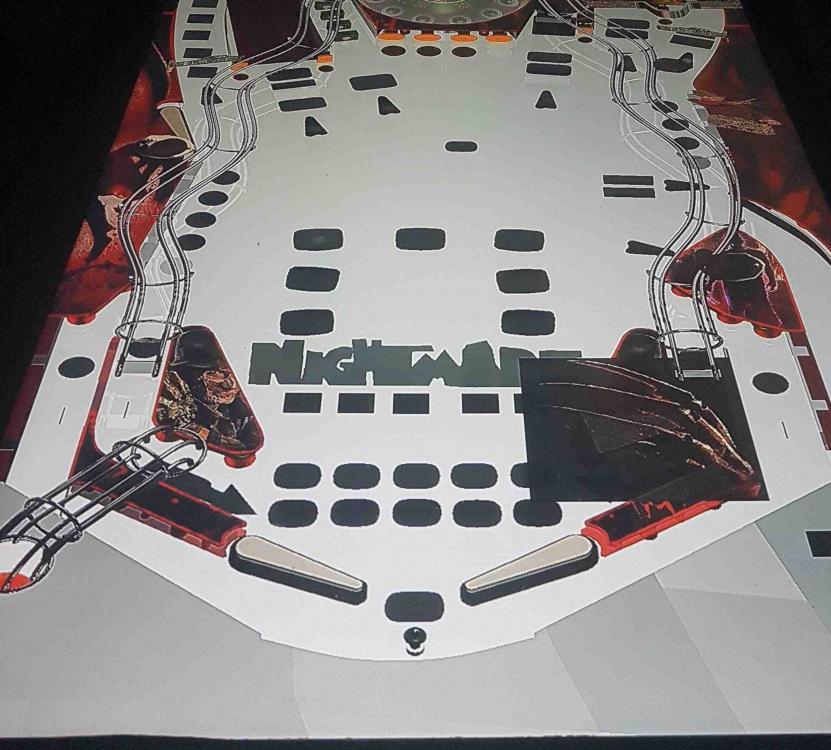
-
Hi rablack97 I Have some spare time tomorrow so im going to de-install all the dosflinx stuff ive done and put into visual pinball ...and start again from scratch if you could you walk me threw that would be brilliant as to be honest i have mostly visual pinball tables ,and if i could get those to work id be happy, and not really too bothered about the other set ups for now. i only have a shaker motor..no lights etc... plus a plunger and tilt ( they are working ), its just the shaker that i would like to work. Ill start tomorrow, i know the shaker works via zebs test program so i know its a config problem. I did use zebs config but think i screwed summit up, so i`ll start again. 1stly do i need to install doflinx V6.11 or not as im alien to this. Many thanks for the help so far. Ian
-
ive tried various vpx table and vpt tables, plus fx2 and future pinball...im sure medieval madness does on vpx . directoutputconfig (1).zip
-
Hi there....im using a ZEb Boards which is a clone of the sainsmart relay i believe and i use an ipac for my control...dont have lights just the shaker, i also have the plunger and tilt/nudge connected to the controller which works ive been to the .... site and configured the unit using the dofconfigtool and its produced 4 files that ive put in visual pinball\plugins\directoutput\config but still no go.any help appreciated. the shaker works with the test program and its connected to relay 3. Ian
-
Thanks for that ive been told visual pinball uses it via the b2s is that right?. and ive tried setting up dof but keep coming up stump im not sure if i have it running properly or at all as i knew to all this dof stuff...i think i need an ini file which im not sure how to get, nese the plee for help..plus i dont have triggers or solenoids just a shaker, tilt/plunger unit which works...ive contacted steve ( zeb ) who has helped but as he doesnt use doflinx cant help with that side... Plus ive no idea how to use it in Future pinball ive added the doflinx vbs script but its just double dutch to me, im hopeless when it comes to installing stuff... to be honest i thought i was just a case of connect plug in download a driver and away you go...how wrong i was.
-
Now ive got your attention.... If anybody want to earn some Euros, Dollars or Pounds or what ever currency you deal with and can remotely connect to my pinball cabinet and help fix my Zeb Board shaker via doflinx and can spare an hour or so to help set it up ( doflinx ) and get it running, im prepared to re-in burst your time via a pay-pal payment. If you can email me we can arrange a suitable time ( time differences etc... ) Many thanks. ps the shaker works via the test program. ive no idea how to set up doflinx correctly even after reading about it and trying it, visual pinball does not shake the motor !
-
Dont quote me but im sure somewhere on the net is acontrol.INI file that contains all the controls set for mame? that you just copy into the mame folder. The only 1 could find was for an older version but should work for most. http://www.ledblinky.net/downloads/controls.ini.0.141.1.zip
-
Please attach a copy of your pinballx.ini and log.txt files.