|



Adultery
-
Posts
10152 -
Joined
-
Last visited
-
Days Won
159
Content Type
Profiles
Forums
Events
Downloads
Store
Articles
Everything posted by Adultery
-
These are so PSN-esque! Nice one KRC! Do you ever sleep? Lol!
-
As a kid who got the "buckle end" on more than one occasion I still found ways to get in trouble, believe me.
-
Unfortunate that today's youth don't follow that pattern. Glad to hear you got your stuff back! You can probably go after the parents for the restitution too if you were so inclined.
-
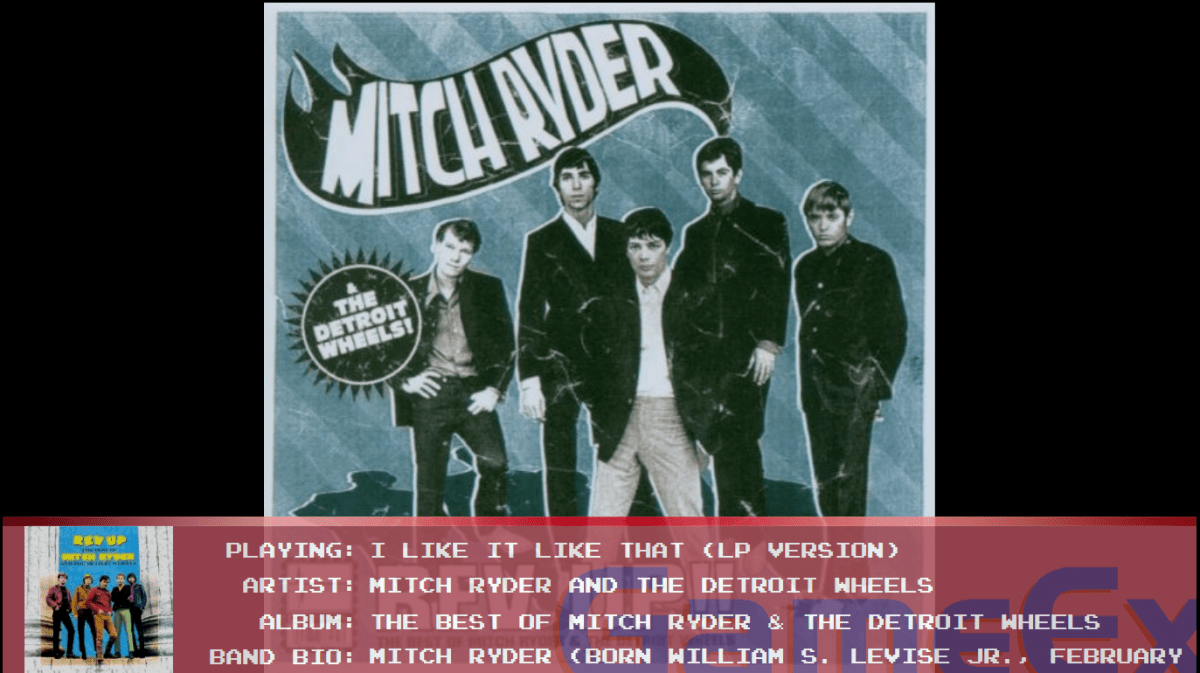
A small update on the progress for the jukebox info:


-
They're probably not part of the DB so you'll have to check the FTP specifically for user contributed stuff.
-
Its likely registered only if its on the FTP.
-
So judging by your other post, you need help from the very start? Well, I would start here: http://www.gameex.com/support/configurationguide.aspx
-
Wow... seriously? http://www.gameex.co...ationguide.aspx http://www.gameex.com/support/configurationguide.aspx#emulatorselection http://www.gameex.com/support/configurationguide.aspx#emulatorsetup http://www.gameex.com/support/configurationguide.aspx#advancedemulatorsetup
-
I still remember my first bite of sorrow playing Zelda on the CD-i. Trust me man, you did the right thing.
-
OK! Disable the automatic artwork downloader in GameEx Setup Wizard and remove the snaps from that folder again. Home free.
-
That right there is certainly a problem with how its packing it. Not that its an option for everyone but Acrobat Pro is the way to go. Maybe you have it at work or something? I have yet to make a PDF that didn't load but never that big.
-
I'm betting its a timeout due to the ginormous file size though.
-
http://www.ghostscript.com/Releases.html
-
Can you post your GameEx log?
-
Could you try and open it in GhostScript and see if it works? That's what GameEx uses for PDF support.
-
Advanced Configuration is no longer used or maintained. You need to use Setup Wizard instead. Having them in the same folder should be fine as long as you set it up like I told you earlier in Setup Wizard. If you do have issues try putting the vids in a different directory. Yes you can re-translate the settings to your language but you will have to PM Tom or Headkaze about that.
-
According to your INI you haven't set the Video path. Open Setup Wizard, select Custom, Emulator Settings. In the pulldown menu go to Emulator 4: Megadrive and set up the Video Snap Path.
-
That's the one. One sec.
-
Nope! C:\GameEx\DATA\GameEx.ini
-
The GameEx ini is located in GameEx's install folder under the DATA subfolder. That will do for now.
-
Another quality share! Thanks Stu!
-
Hmm, I'm not seeing a problem with any of my video snaps. Can you post your GameEx ini and the emulator ini?
-
Thanks for the share Stu!
-
Update coming soon! I finally got around to finishing up jukebox support. Its working great so far, just wanna do a tiny bit more testing before I release it. Stay tuned!
-
Much better!