|



Raitsa
-
Posts
120 -
Joined
-
Days Won
5
Content Type
Profiles
Forums
Events
Downloads
Store
Articles
Everything posted by Raitsa
-
Zorin 18 is the choice of many Windows refugees now.

-
You have a very good plan now. Either of those will be a good choice. A new fresh, useful video:
-
Its all Linux so there are no major differences. But some Linux distros like Nobara, Bazzite, CachyOS can be a bit easier to start gaming with because they have some gaming packages already installed. https://linuxbsdos.com/2025/02/15/linux-for-gaming-in-2025/
-
If you have not tried Linux yet, I would recommend trying out Zorin 18, it is quite close to Windows in user experience (but better in every way ) Check out this video if you want to know more:
-
Got some nice parts from Cleveland Software Design.
-
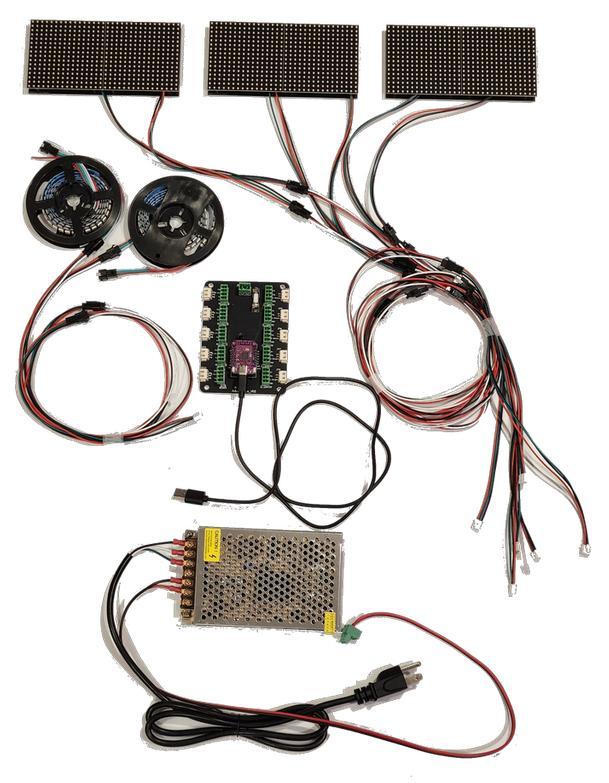
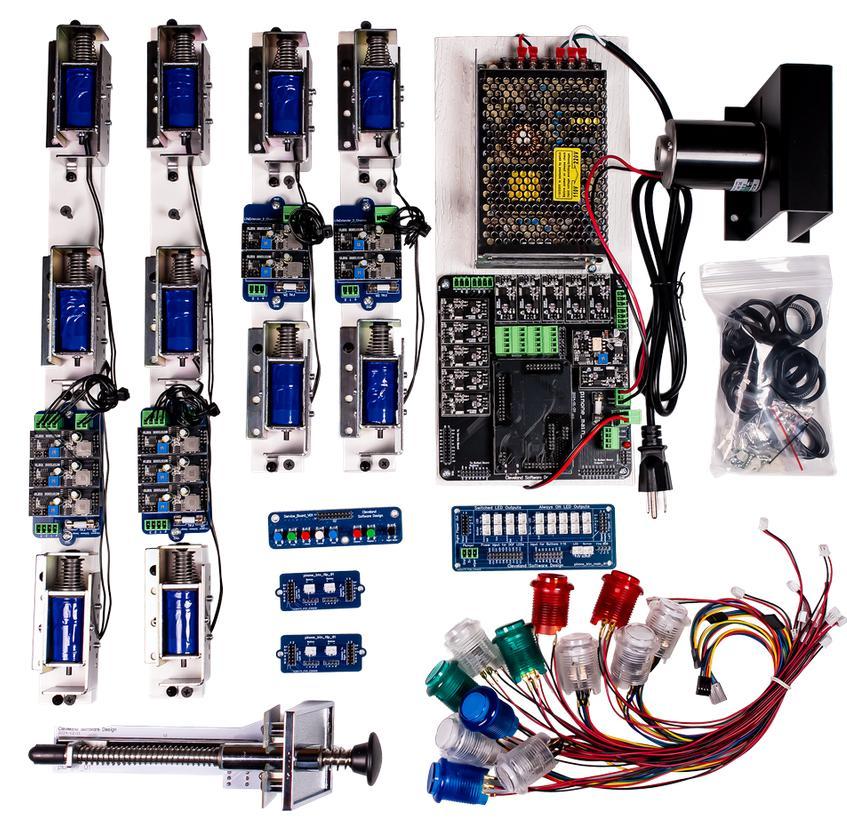
Ordered a lot of quality stuff from Cleveland Software Design so the build can continue progressing. Coming up are the following stuff: Addressable LED Plug and Play Kit with 6 matrix panels Virtual Pinball Builders Kit (Medium to Large Cabinet) SSF and solenoids Control board: PinOne Plunger color: black
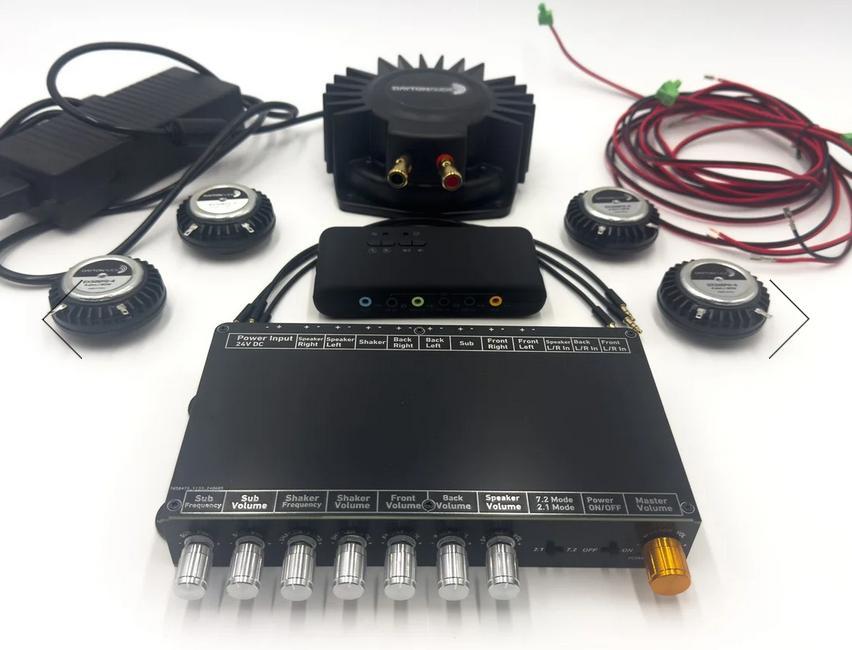
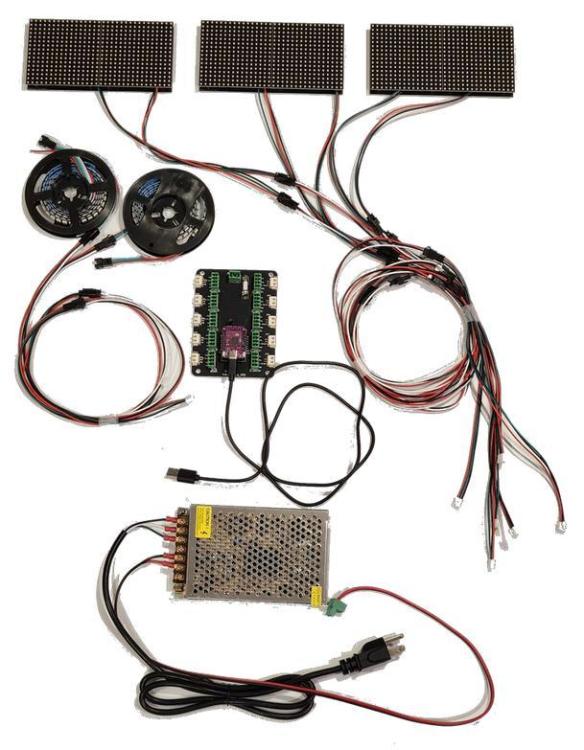
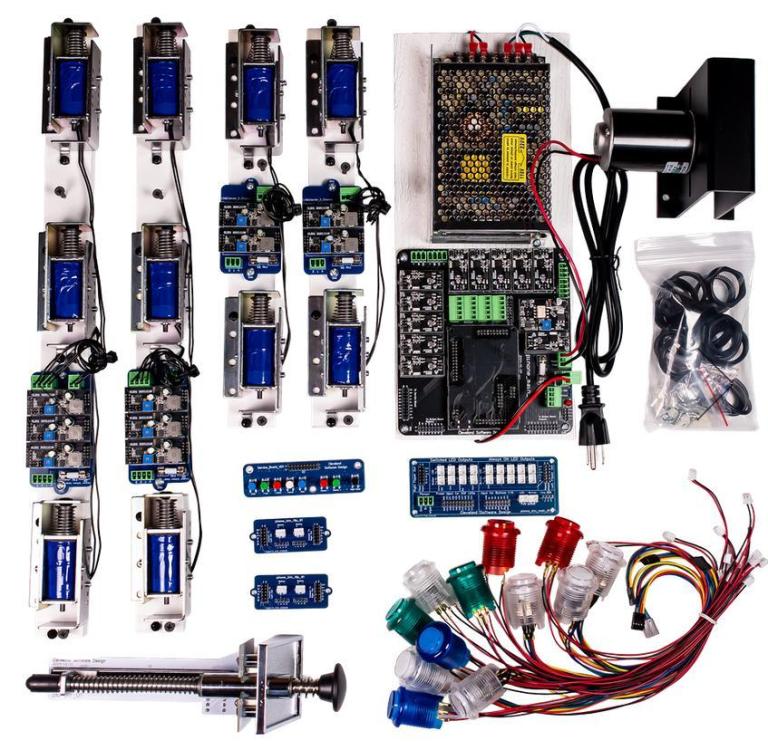
-
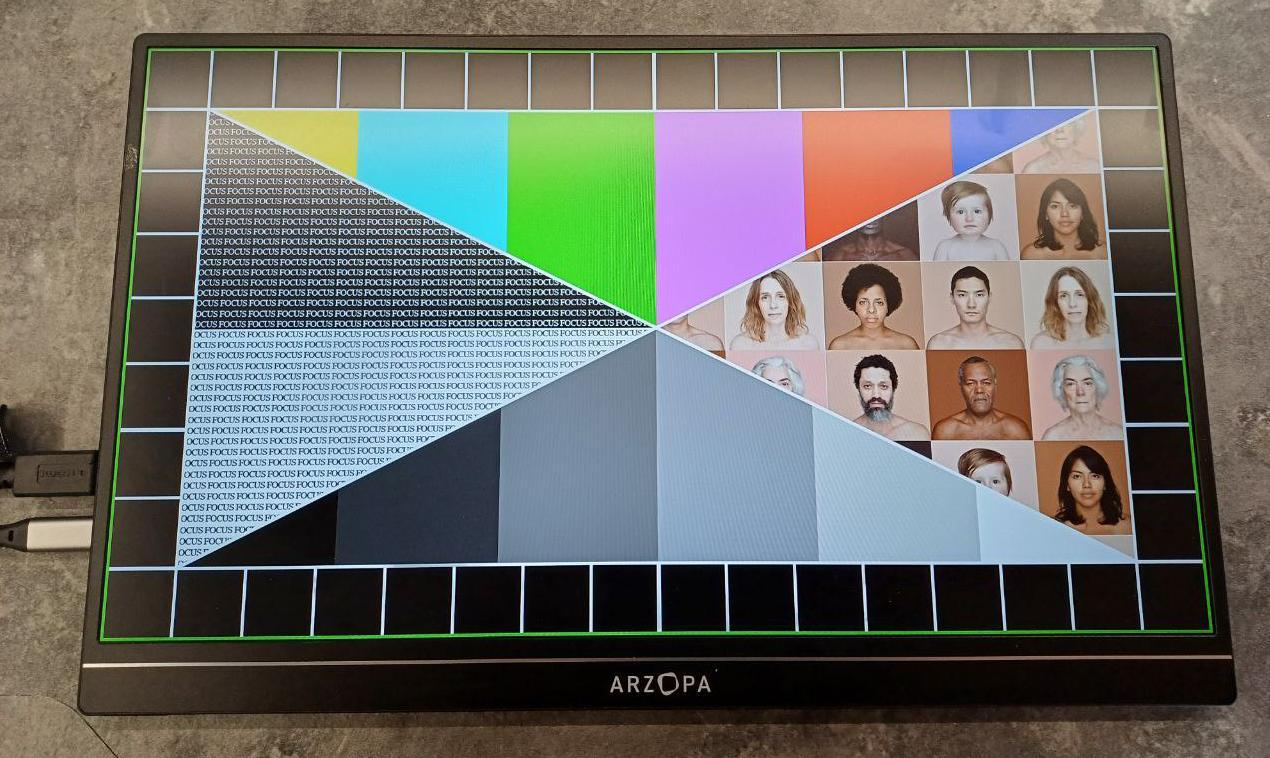
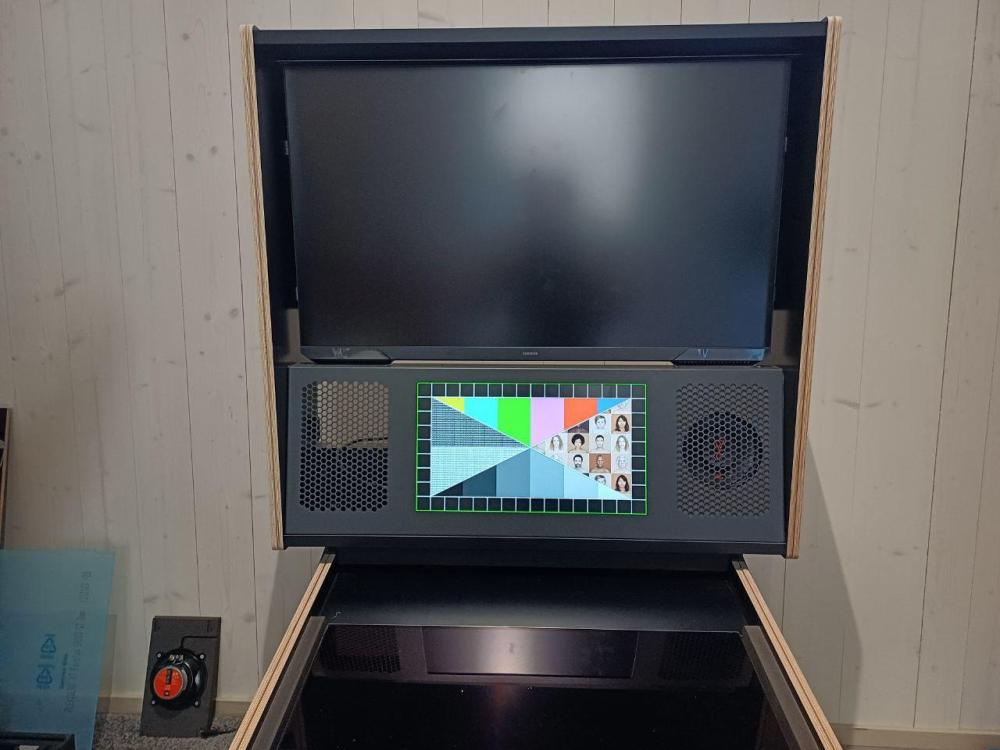
15.6" DMD installed.
-
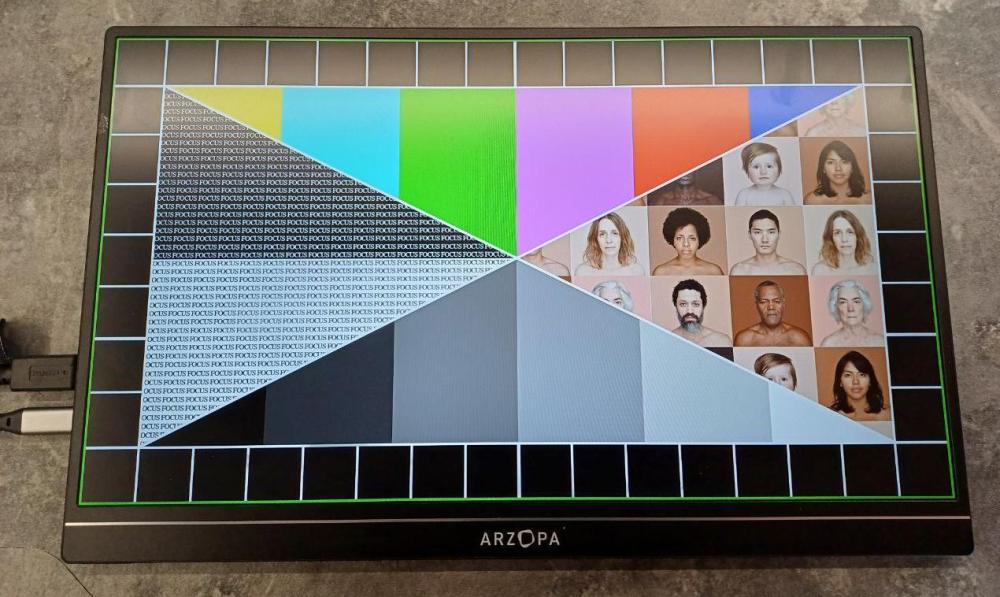
Centering the DMD screen 100% in its place felt like a bit of trouble. Then I figured out a good way and downloaded a 1920*1080 test picture with green borders. This picture will help me center the the DMD screen properly.
-
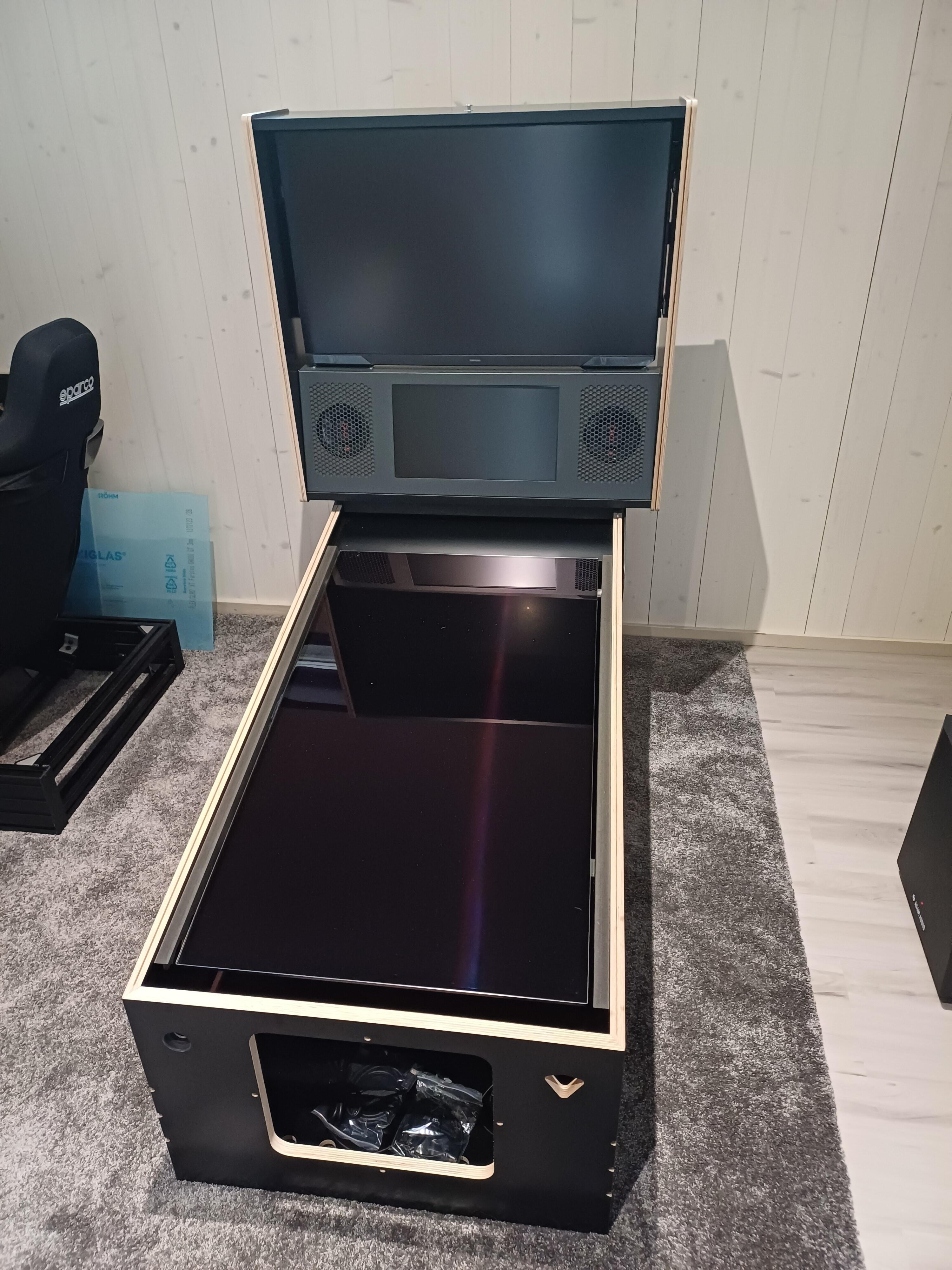
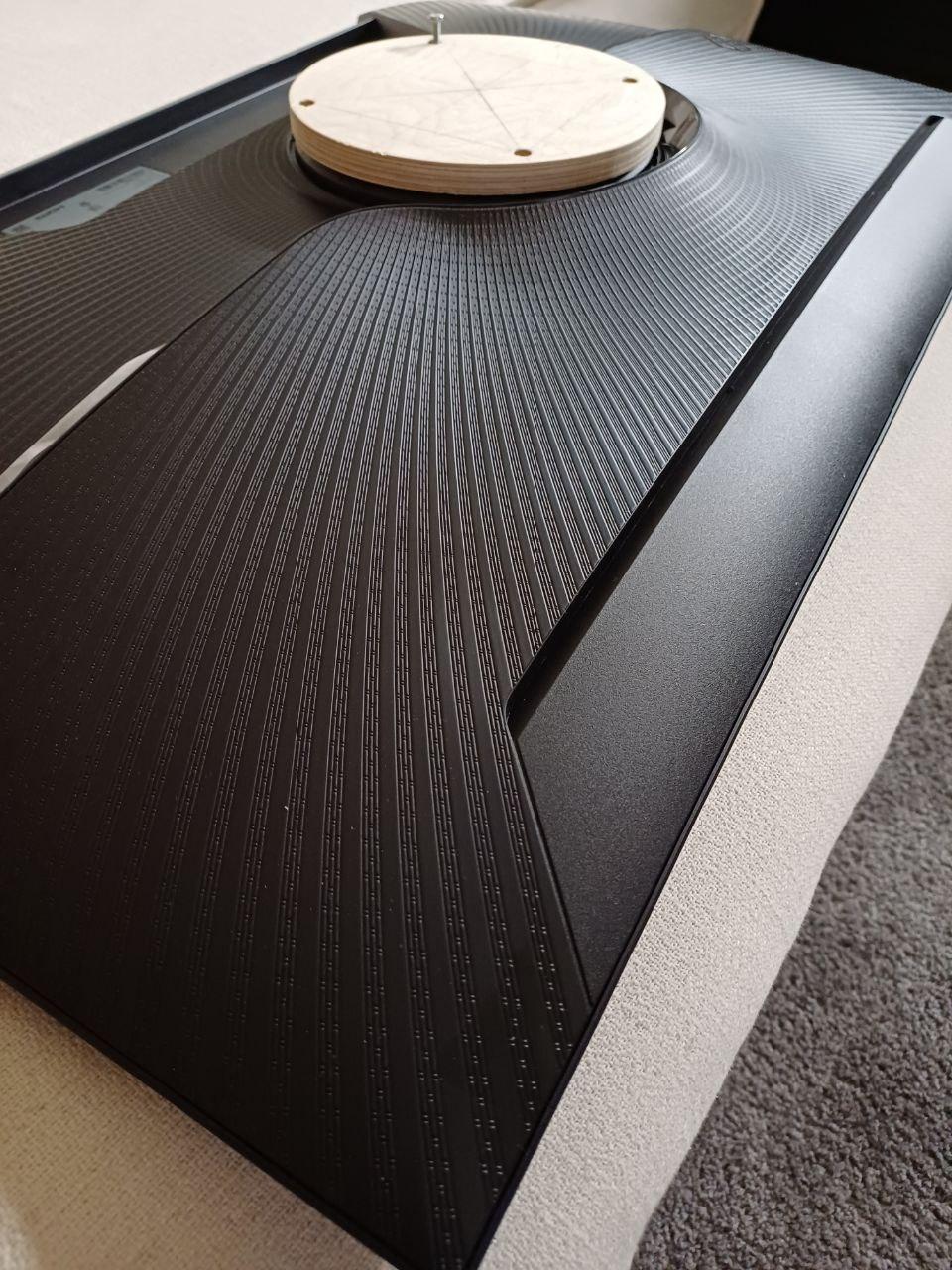
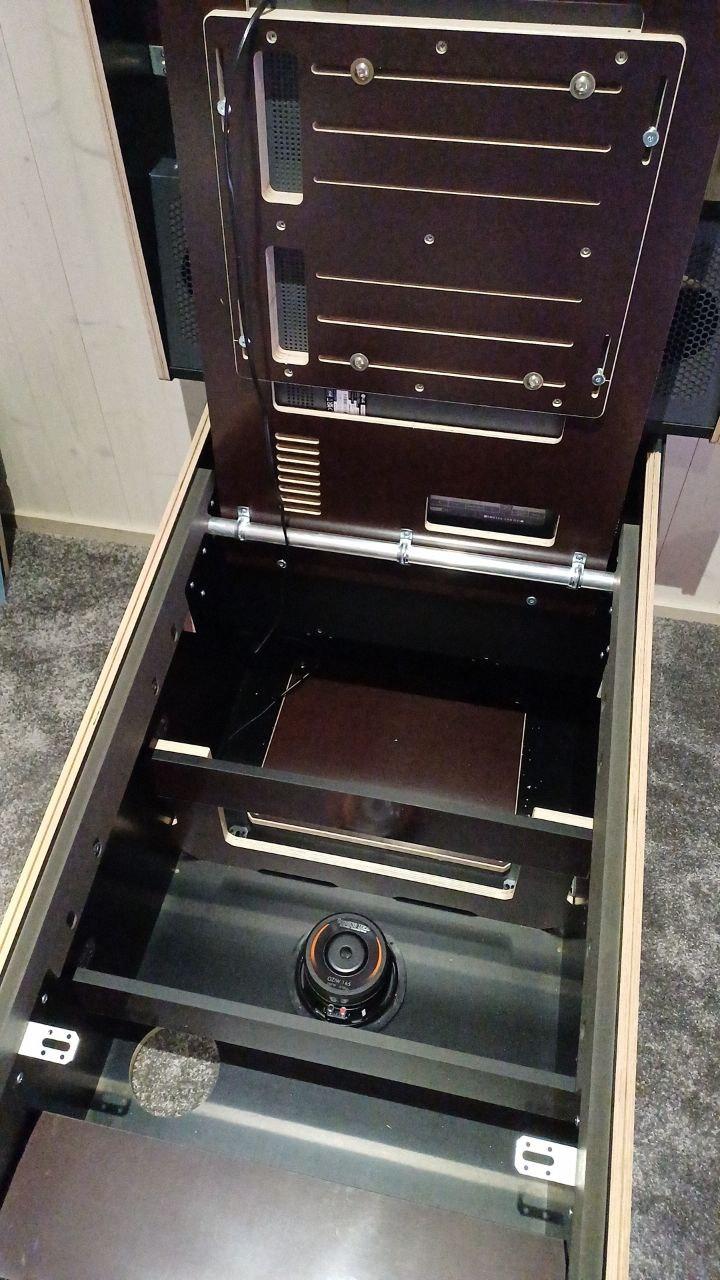
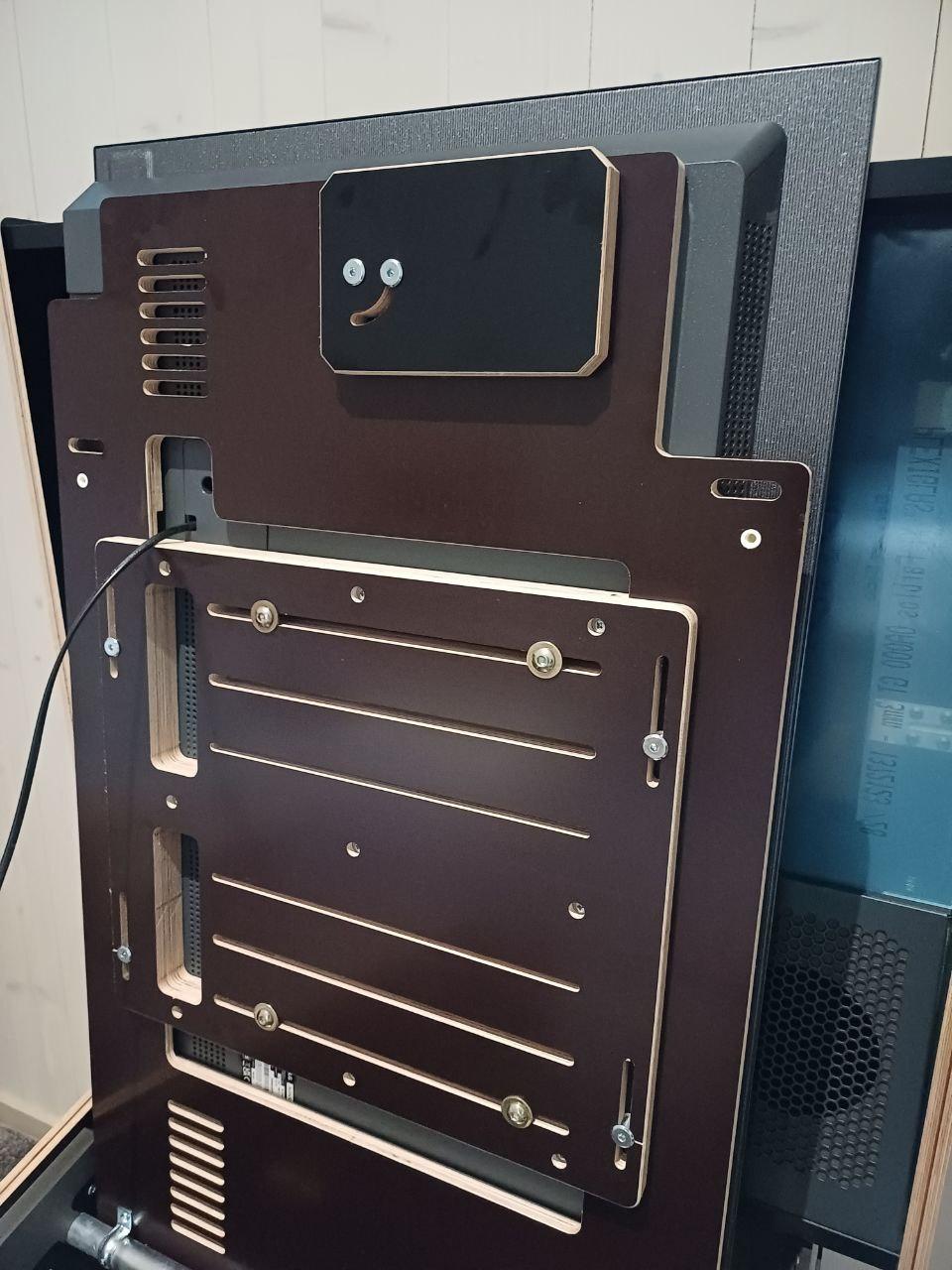
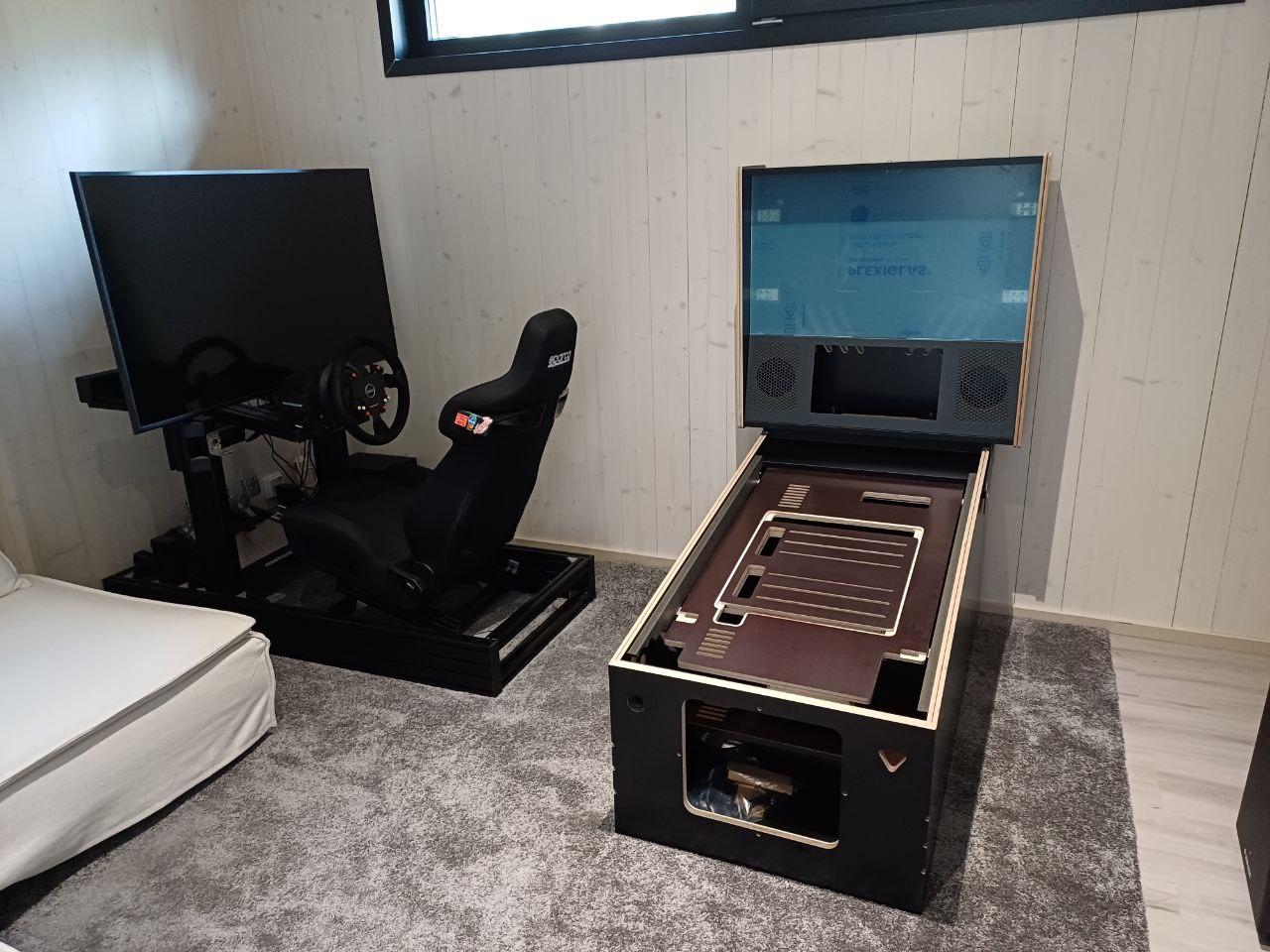
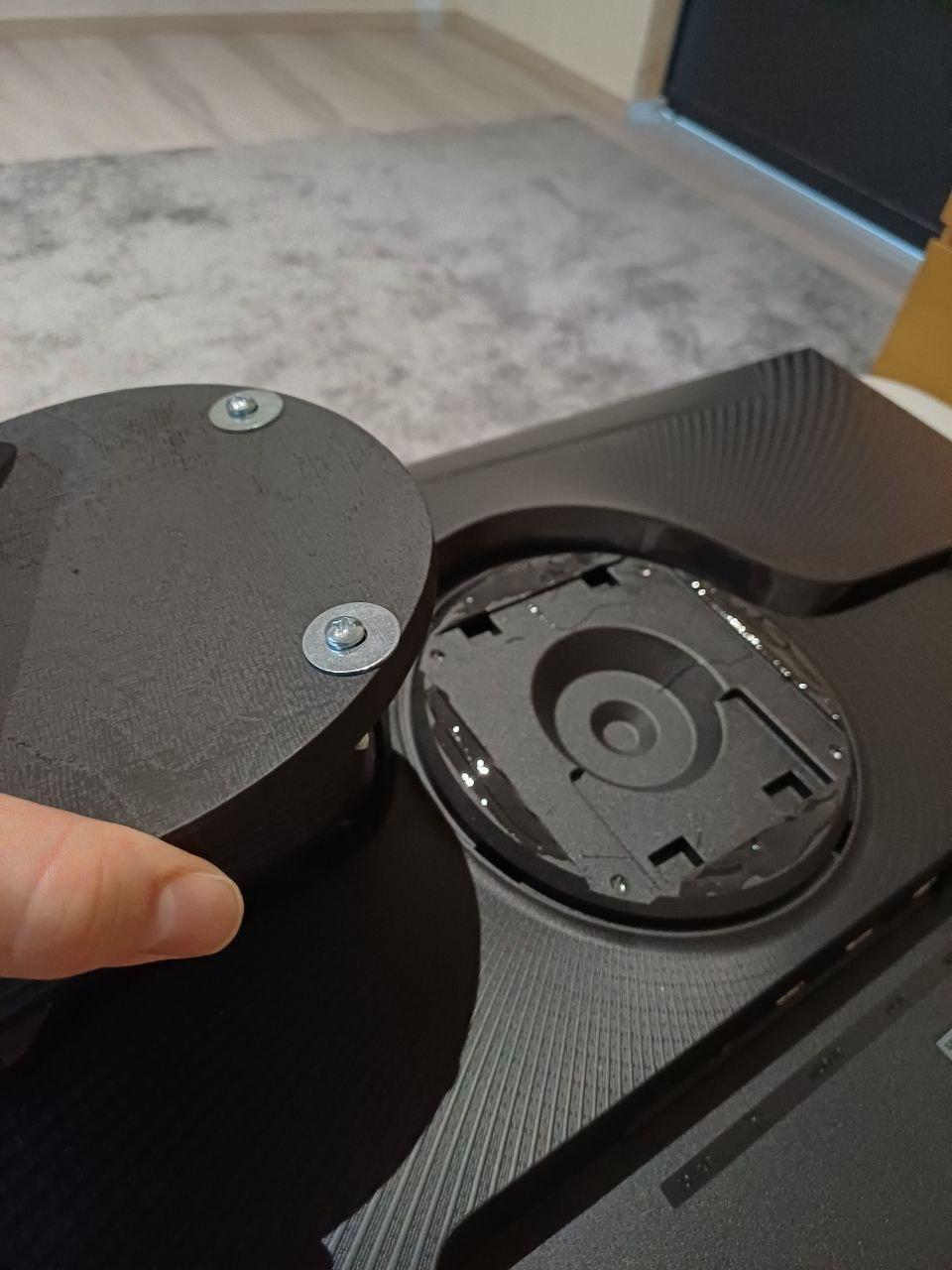
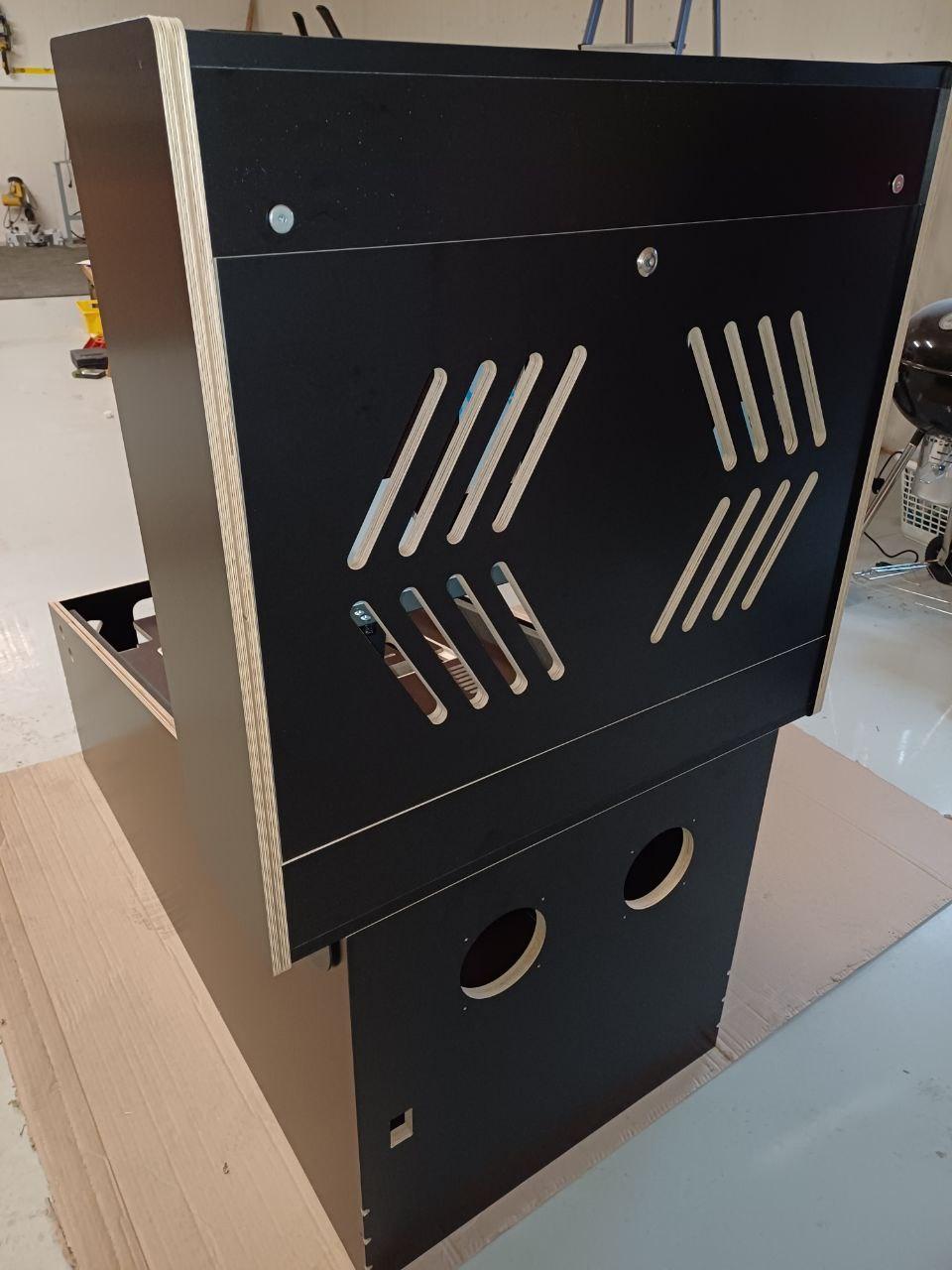
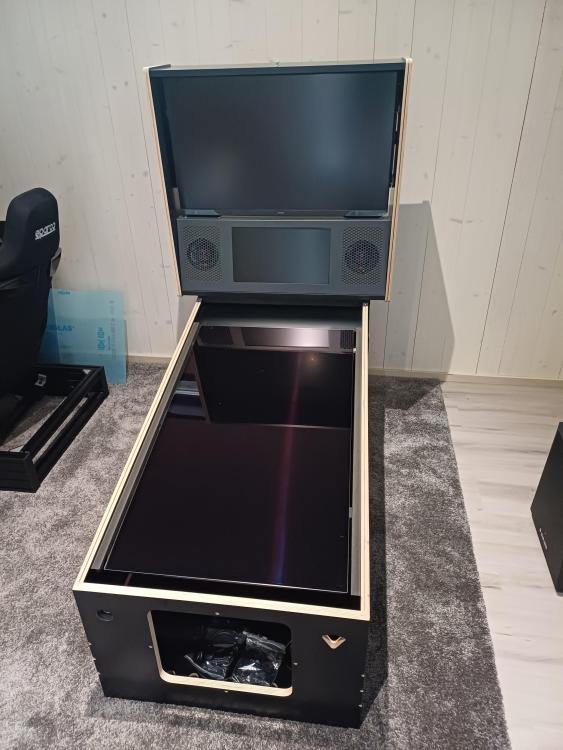
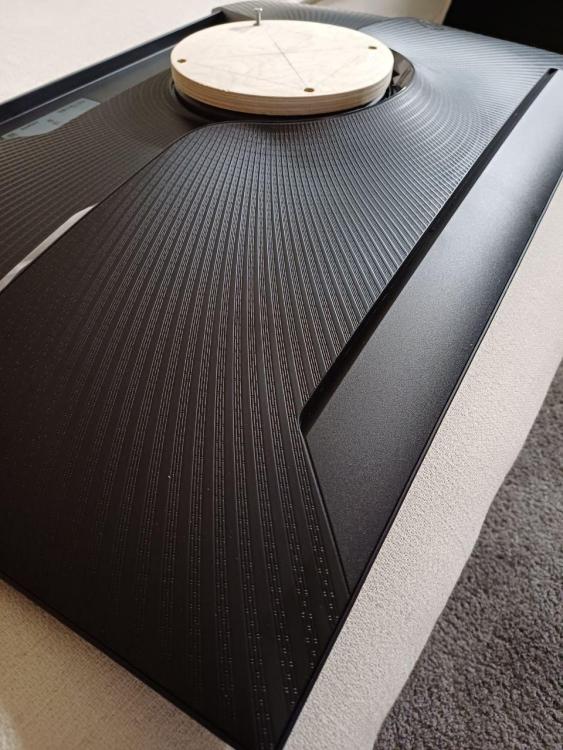
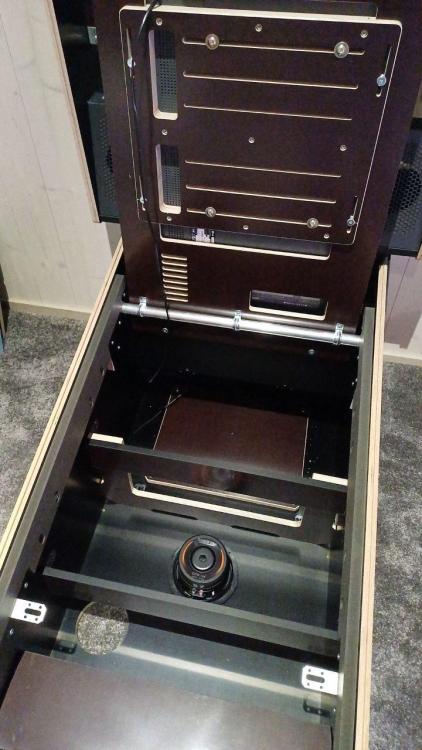
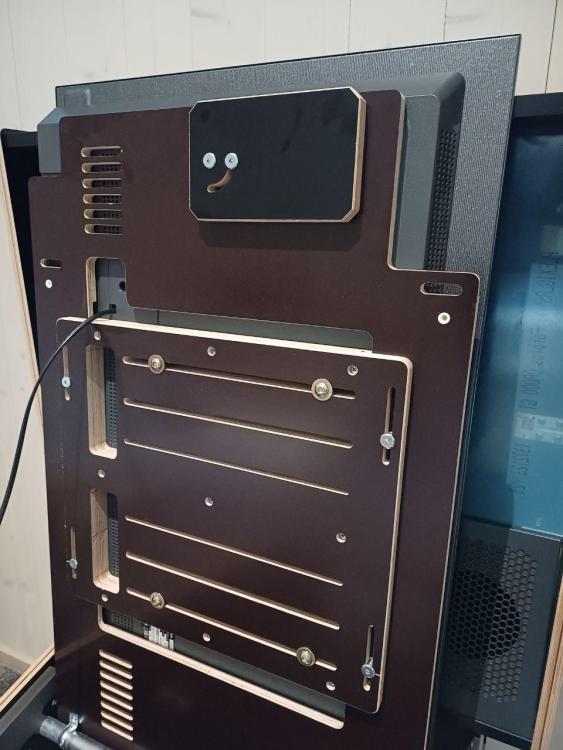
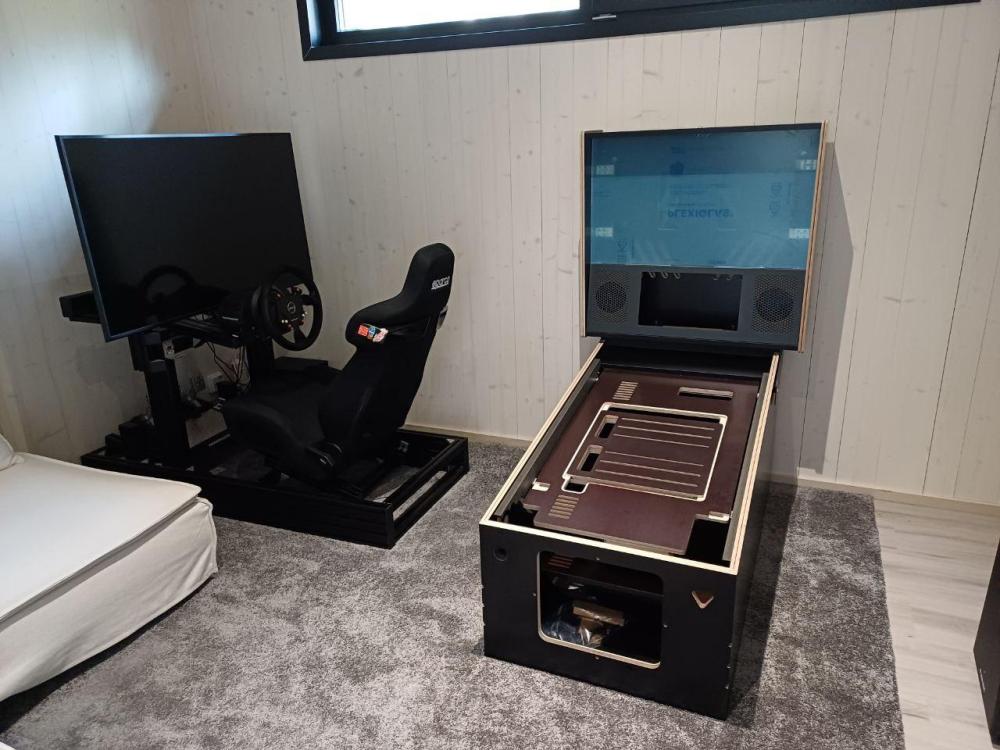
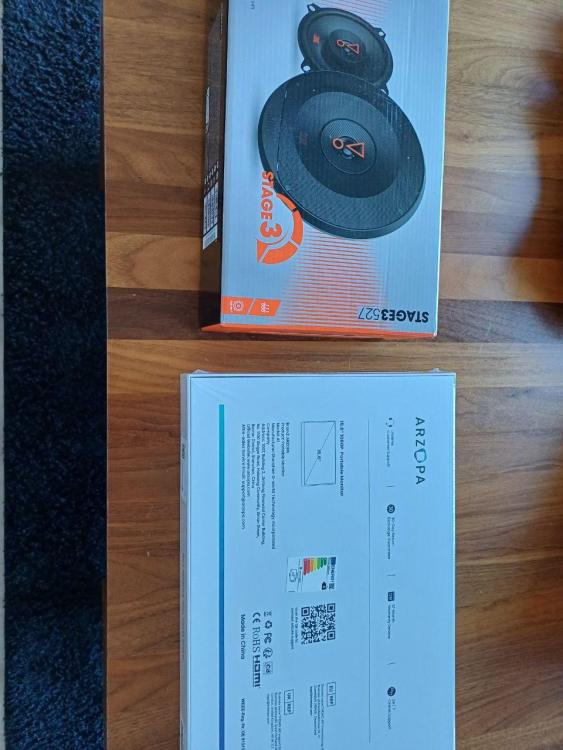
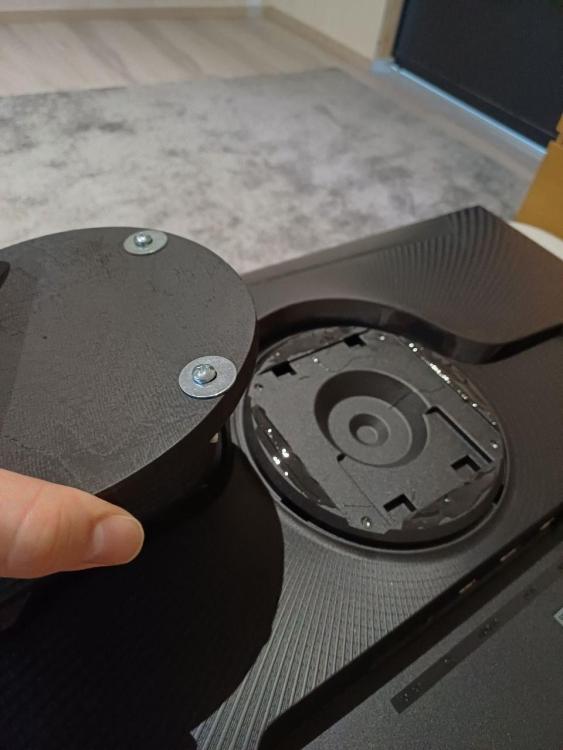
Three screens being testfitted, speakers installed. Speakers and DMD: Had to make a 12mm spacer for the 32" because the monitor has a weird lip shape at the back. Glueing spacer. Sub testfit. C2 42" playfield installed. Games stuff.
-
Unboxing video:
-
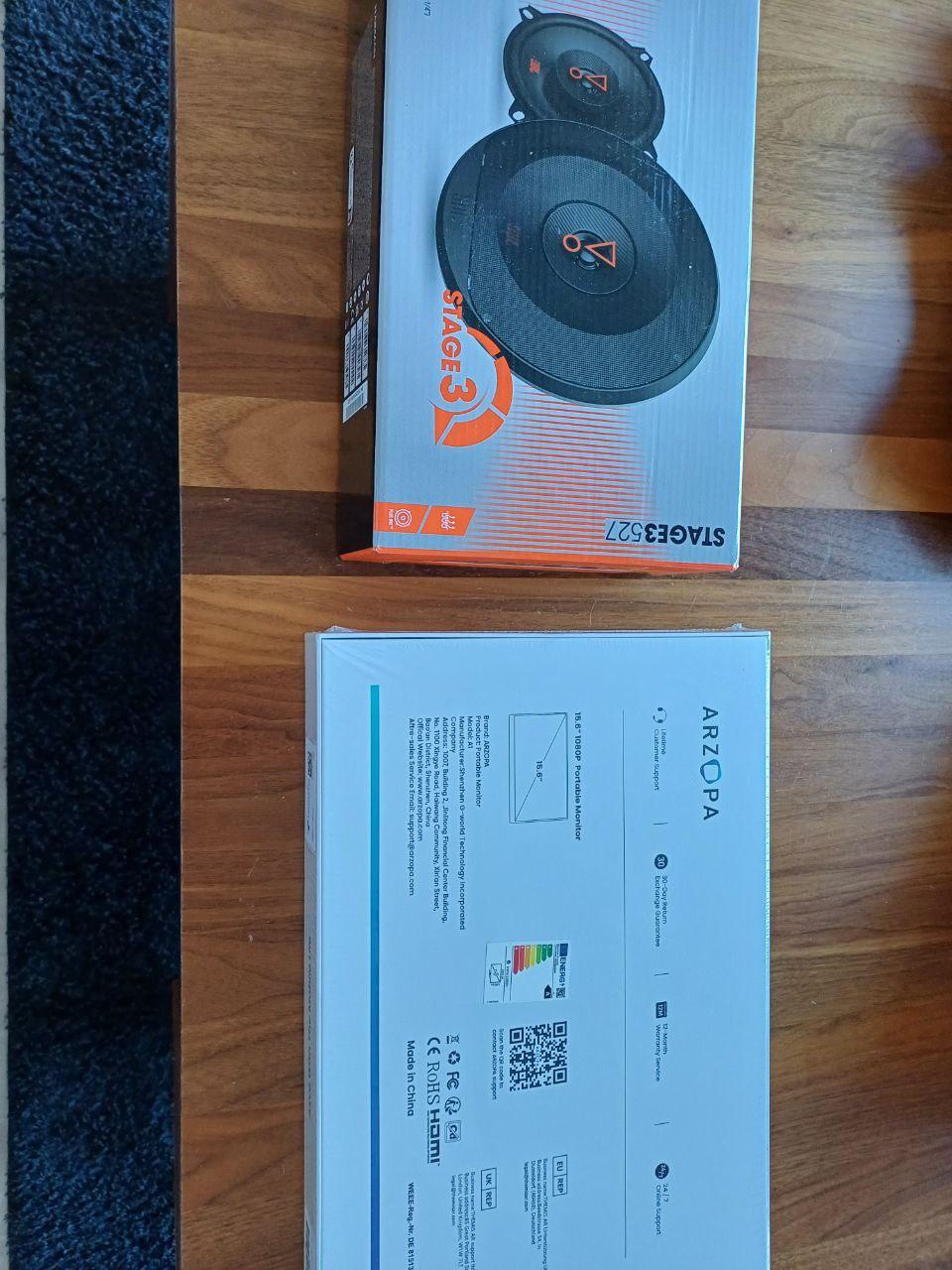
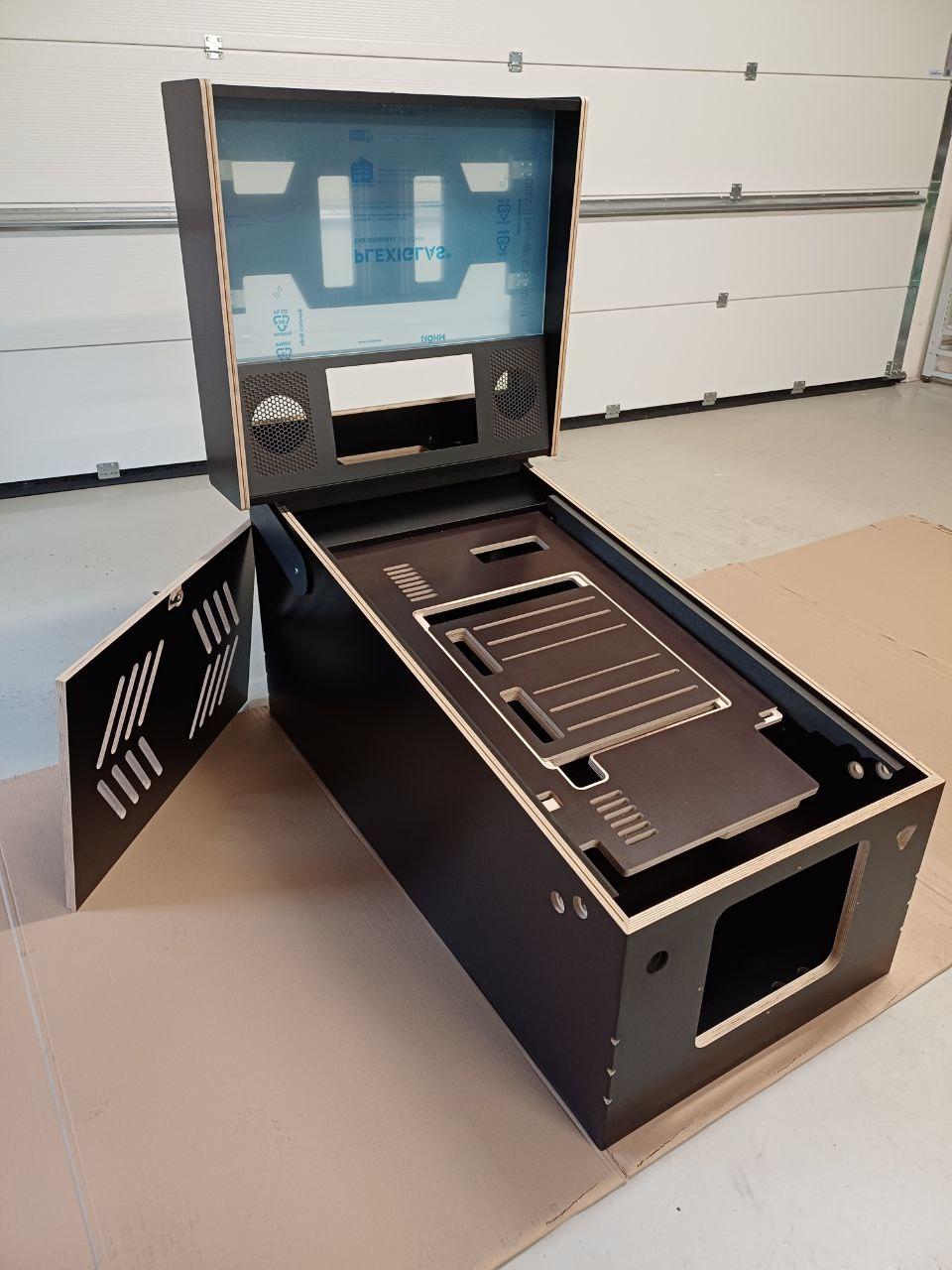
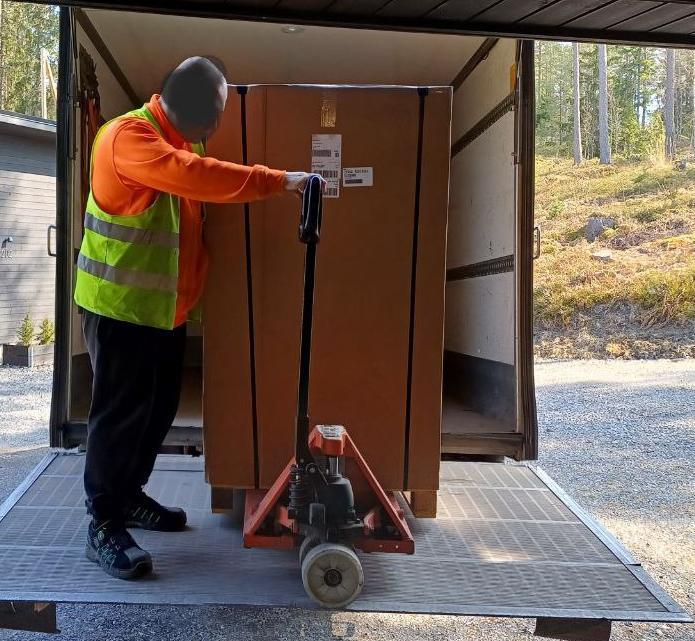
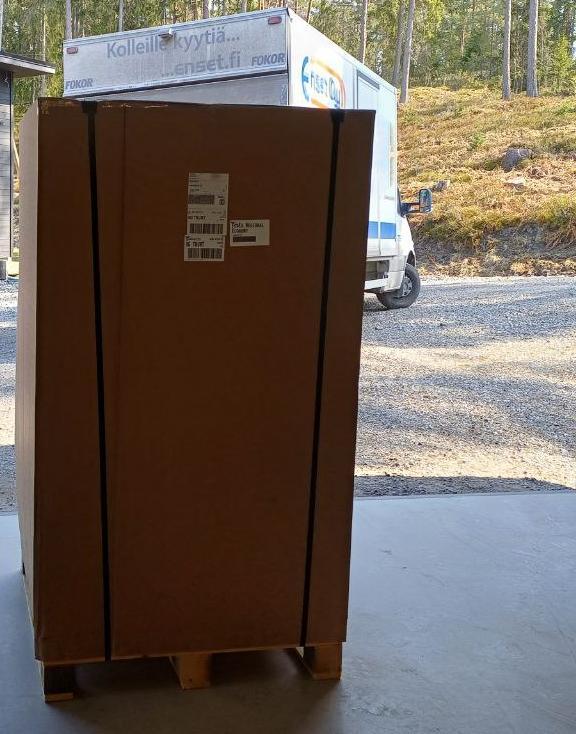
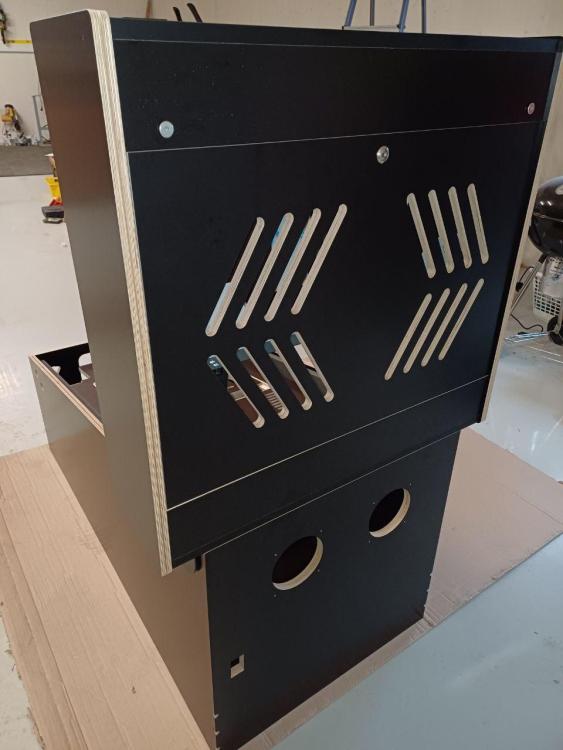
Hey guys and greetings from Finland. I recently ordered and received a Williams widebody inspired virtual pinball cabinet from Tukkari, a company based in Czech Republic. Found their website about two weeks before ordering, browsed the site properly and I was amazed by the quality, the workmanship and everything I was seeing. Looked like something that was done properly all the way, with every detail made to perfection. Decided to take the plunge and ordered a kit. This is my first pinball build. The parcel arrived really fast, left the factory Friday afternoon and arrived midday Monday to Finland. Kudos to FedEx, that was some fast weekend action. My choice was the premium, fully assembled kit. The package arrived in pristine condition, nothing was damaged in the transit which is always nice. Unboxing was easy, the parcel was properly based on a wooden crate, just a few screws to remove to reveal it all. Took just a few minutes, no instructions needed. So far I have not found anything I could have personally improved, although I have some experience in designing and building stuff like this. They have websites for EU at https://www.tukkari.eu/arcade-virtual-pinball-cabinets and for US etc at https://www.tukkari.com Shipping is available pretty much to every location known to man which is warmly welcomed and not very often seen by most companies. I have started buying parts for the build now; had pretty much zero parts at home for this so have to plan and buy wisely now. 3 screens bought so far, an LG C2 42" OLED for the playfield and a 32" full hd monitor for the backbox and a 15.6" DMD screen. Parts list so far: Backbox monitor 32" Samsung Odyssey G3 S32DG302EU 42" LG C2 OLED playfield Ground Zero IW 165, 6,5" subwoofer JBL Stage3 527 5.25" speakers ARZOPA 15.6" DMD

-
Hi Tom & co. Time for a new years wish: just hoping us, the constantly growing Linux gang, do not get forgotten and someday soon a full version of PinballX for Linux would be available. Happy new year 2025 for all 👊
-
Got a sim racing rig and the PC is running W11 with https://revi.cc Cool stuff. Nothing beats Linux though :)
-
Having said goodbye this week to Windows forever, I have been getting to know Linux and my distro of choice has been the wonderful Solus at https://solus-project.com/ The latest MAME is always available in Solus software center / Solus repository, just click install and thats it, Solus will install MAME automatically. All I needed to do was to add roms, they are not available in the repository. So far I have only added roms and the latest cheatfile, configured a controller and its very smooth sailing now, all the games I have tried so far are working just perfect. Loving it. The only thing I will be missing from Windows is the mighty GameEx but at the same time I am hoping to see it arrive someday for Linux . BIG thanks to Tom & all for the good years with GameEx
-
There are helpful MAME people around that release nonag versions insertmorecoins.es/category/emuladores/sistemas-arcade/mame/
-
GameEx arcade edition does not autoupdate, right?
-
How to use BestGames.ini lists in GameEx Arcade Edition? BestGames.ini lists can be found here.
-
Grab the latest, they are all 100% ok.
-
Awesome Tom, off to enjoy the update now
-
You can install both but they are standalone programs, you cant really mix em up like you describe. Use the one you like more.
-
Feature & Enhancement Requests
Raitsa replied to Tom Speirs's topic in FAQs, Guides, & Other Useful Information
Leaving this feature request to the right place now: Tom, could you add an option to the GameEx Arcade Edition to turn off PC in the Exit GameEx menu just like GameEx, please. -
No they do not.
-
Thanks for the reply Tom, ok. I have slight problem cos the GameEX screensaver function seems to show adult games despite those being filtered in the settings out and thats a drag cos there is a 7 year old kid in the family.
-
Guys, anybody tried to use http://arcade.mameworld.info/ with GameEx Arcade Edition? I havent been able to make it work, Arcade64 runs great on its own though.
-
You can install Arcade Edition only if you wish, GameEx not needed.