|



tabascoman77
-
Posts
224 -
Joined
-
Last visited
-
Days Won
15
Content Type
Profiles
Forums
Events
Downloads
Store
Articles
Everything posted by tabascoman77
-
 Codecs installed. Same issue.
 -
I wasn't using anything before and the video files ran fine. I'm not sure I understand the sudden need for a codec if I'm just switching out monitors. Shouldn't it work from display to display?
-
Sorry...misspoke. The other window is not Form1, it's PinballX Backglass.
-
Stop me if you've heard this one...but I had PBX configured with backglass videos running on my 2nd Display (22" inch monitor used as Backglass). Satisfied, I disconnected my 1st Display (24" monitor used as playfield) and connect it to the 42" (also used as playfield). Suddenly, PBX cannot see video files on the 2nd Display. I reconnect the old 1st Display -- and the backglass videos are fine. Reconnect the new 1st Display -- and backglass videos nowhere to be found The video files are in mp4 format. They've always worked. Unticking "Hide Backglass" doesn't work. No other apps are open. The Backglass file names match the Table names. Form1 can be seen if I Alt+Tab -- but nothing is shown anywhere. Log and Config attached. PinballX.ini log.txt
-
Backglass Videos/B2S on the same screen in PBX Menu
tabascoman77 replied to tabascoman77's topic in General
Yeah, I remember you saying you don't use the B2S. I may transfer to video...the only thing is that I don't have a ton of drive space. -
I seem to have encountered a small error in the PBX menu. Right now, I use a combo of B2S and MP4 videos for my backglass monitor in the PBX menu. The MP4's are there in case I can't find a suitable B2S file for a table. Anyhow, when navigating the PBX menu and scrolling through games, I eventually happen upon a backglass with an 16:9 ratio MP4 video source. If I move to the next game, the B2S for the next game appears (in 4:3) -- but the 16:9 video backglass for the prior game remains under it. I have to move to another B2S (4:3) to clear it out every single time. Is this a bug or feature or...?
-
Display Settings won't change to correct display...
tabascoman77 replied to tabascoman77's topic in General
Thanks, Tom. I am going to just switch back to my previous setting and buy speakers. Trying to get VPX and PBX to marry just isn't working and the first config was perfect. Thanks for all your help. -
Display Settings won't change to correct display...
tabascoman77 replied to tabascoman77's topic in General
It's strange...this is the second time tonight SW has died. A restart doesn't fix it. I basically have to dump the old config in order for it to work. Also, my B2S changes when I start up PBX from time to time. I've also had to change it twice, then hit Read Only. I can upload the dead config file for you to peruse but not sure what it might tell you. PinballX.ini -
Display Settings won't change to correct display...
tabascoman77 replied to tabascoman77's topic in General
@Tom SpeirsThe only issue coming up now is that I think my config broke Setup Wizard. I think it's because SW tries to write to the B2S Setup -- but I've locked it down. So I think SW is broken and I almost don't care because I could just use the config file and do things that way. -
Display Settings won't change to correct display...
tabascoman77 replied to tabascoman77's topic in General
And I thank you for all your help, Tom. -
Display Settings won't change to correct display...
tabascoman77 replied to tabascoman77's topic in General
@Tom SpeirsYeah, the FreezyDMD had nothing to do with PBX. That whole thing is fixed. The Freezy issue was because I hadn't set Displays 1 and 2 on Windows 10 from left to right. Once I made that move, FreezyDMD reappeared on the playfield. Now it's just a matter of bumping every single FreezyDMD over to the backglass side. Anyhow, everything is up and running. PinballX is now on my second screen and the backglass screen is on my first one. I will include the config if you want to take a look at it and make any suggestions for me. PinballX.ini PinballX.ini -
Display Settings won't change to correct display...
tabascoman77 replied to tabascoman77's topic in General
@Tom SpeirsRoger that. I figured it might be something I'm not setting in VPX when I switch displays (Master/Slave), but I have no idea. -
Display Settings won't change to correct display...
tabascoman77 replied to tabascoman77's topic in General
@Tom SpeirsOh, I know the Freezy portion isn't on the PBX side. It's on the VPX side. Ok, here's what I have now: Nvidia HDMI goes out to Insignia 22" HDTV (Display 1) Motherboard HDMI goes out to Insignia 24" HDTV (Display 2) Display 1 (Insignia 22") is my "Main Display" in Windows 10 while Display 2 is the secondary. When I set PBX's main screen to Display 2, we're golden. The main screen appears on Display 2, obviously without backglass on Display 1 because of what we just discussed. But when I go to VPX, I get what you see in the screenshot: backglass is up on the correct screen, but no DMD where it used to be. If I switch BACK to Display 2 as my main with Display 1 as the secondary, the VPX problem corrects itself and we're good -- but PBX won't show up on the correct display. I'm this close, man.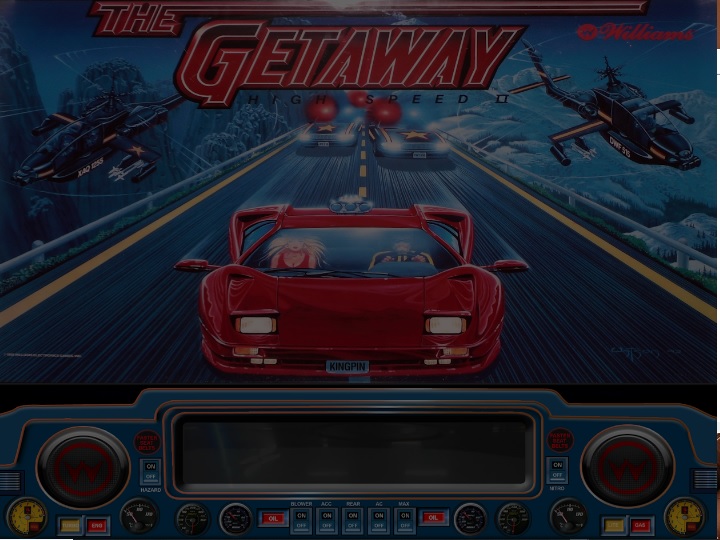
-
Display Settings won't change to correct display...
tabascoman77 replied to tabascoman77's topic in General
@Tom Speirs I just refreshed what you said. I will use videos for the Backglass. I use FreezyDMD because of the color schemes. The built-in DMD in VPX sucks compared to Freezy's stuff. It's not really resolved. I can move the PBX display to Display 2 but when I do this, the FreezyDMD in VPX vanishes and I can't find it on either display. And I don't doubt this is user error. I've been using your PBX software for years and I love it because I find it to be very user-friendly and I KNOW I can get this to work with a little help. -
Display Settings won't change to correct display...
tabascoman77 replied to tabascoman77's topic in General
@Tom Speirs Yeah, I figured that out about 10 minutes after I left my last message. Turning off the DMD within the B2S Server gets rid of that little "DMD" rectangle. So, that's figured out. Also, everything within VPX looks right when I launch a table. What I can't figure out is why I cannot move PBX's main screen with the 2nd Config I mentioned. EDIT: Setting the main screen in WIndows moves the PBX Main Screen to Display 2 -- but the FreezyDMD within VPX vanishes...this is plain maddening... -
Display Settings won't change to correct display...
tabascoman77 replied to tabascoman77's topic in General
@Draco1962 @Tom SpeirsHere's the situation: My PC has two HDMI's out. My normal connection: Nvidia HDMI goes out to Insignia 24" HDTV (Display 1). Motherboard HDMI goes out to Insignia 22" HDTV (Display 2). When I have this display configuration in place (in Windows) and set PBX to Main Screen - Display 1 / Backglass - Display 2 , I see what you see in the "Setting1" jpg. Everything looks great (except for that annoying "Elvira" tab sitting on the far right corner of the backglass that won't go away no matter what I do. Switching the Main Screen output in PBX Settings to Display 2 (in this config) moves the Main Screen to Monitor 2 with no issues. Here's my issue: If I rearrange the HDMI wires and go with the following Windows display config: Nvidia HDMI goes out to Insignia 22" HDTV (Display 1) Motherboard HDMI goes out to Insignia 24" HDTV (Display 2) and then enter PBX with the same settings as before (PBX to Main Screen - Display 1 / Backglass - Display 2), I get what you see in "Setting2.jpg". And no matter which Display I choose in settings for PBX, the playfield screen will NOT leave Display 1. I could tell the Settings to put the Main Screen on DIsplays 2 through 5 and the main PBX screen will stubbornly stay on DIsplay 1. Also, that "Elvira" tab still sits there in the same spot. Furthermore, as you might have noticed, Display 2 shows nothing but my desktop. There's no backglass on it. I am assuming this is due to the B2S settings and I'd basically just have to add Backglass videos instead of using the server to post my backglass stuff since I would prefer the backglass to appear on Display 1. The only reason I don't use the first config is mainly because of the Windows bug that keeps murdering the Intel Display Audio driver after each and every restart of my PC. The NVIDIA HDMI going into the 24" (as Display 1) would be just fine -- but those speakers are so shot (this is a hand-me-down) so ANY bass or loud noise makes the speakers give off a bad static crackle. The sound on the 22" is crisp and actually "surrounds" the viewer, which is great and the main reason I would like to use it. Hope this helps you guys.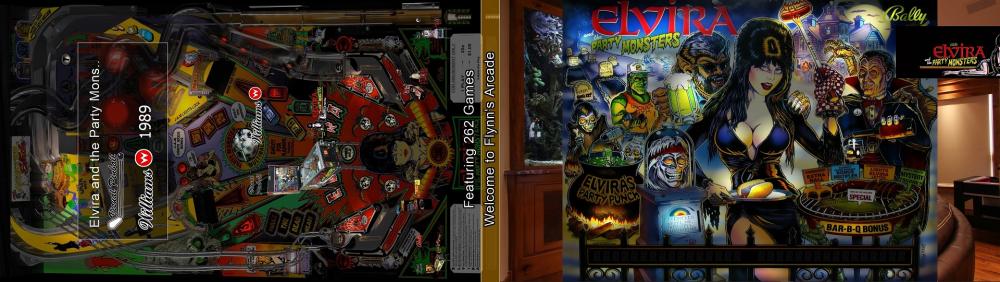
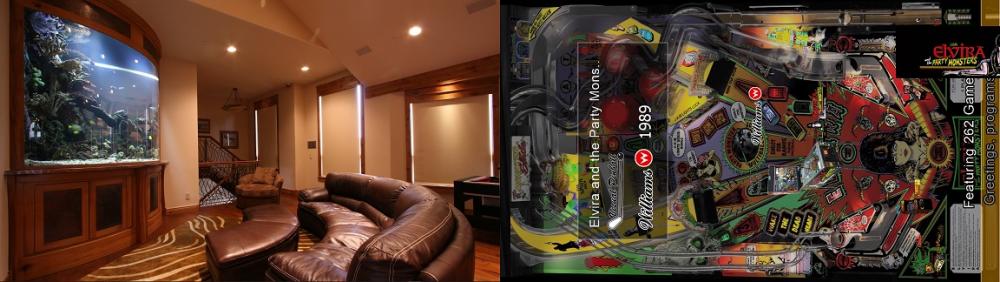
-
I have a seemingly simple issue: when I set the main display to Display 2 and the Backglass to Display 1, PinballX's main screen (playfield) remains on Display 1 no matter what I do. Also, the backglass doesn't even show up on Display 2 when it happens (I am thinking it's behind PBX). I am also getting a weird "DMD" that is cut off by the edge of the screen on a couple tables. I have no idea what is causing this. I have shut everything DMD-related off -- or so I think I did. Config and Logs uploaded. PinballX.ini log.txt
-
Did you ever figure out the issue you were having with playing music while selecting games with table audio?
-
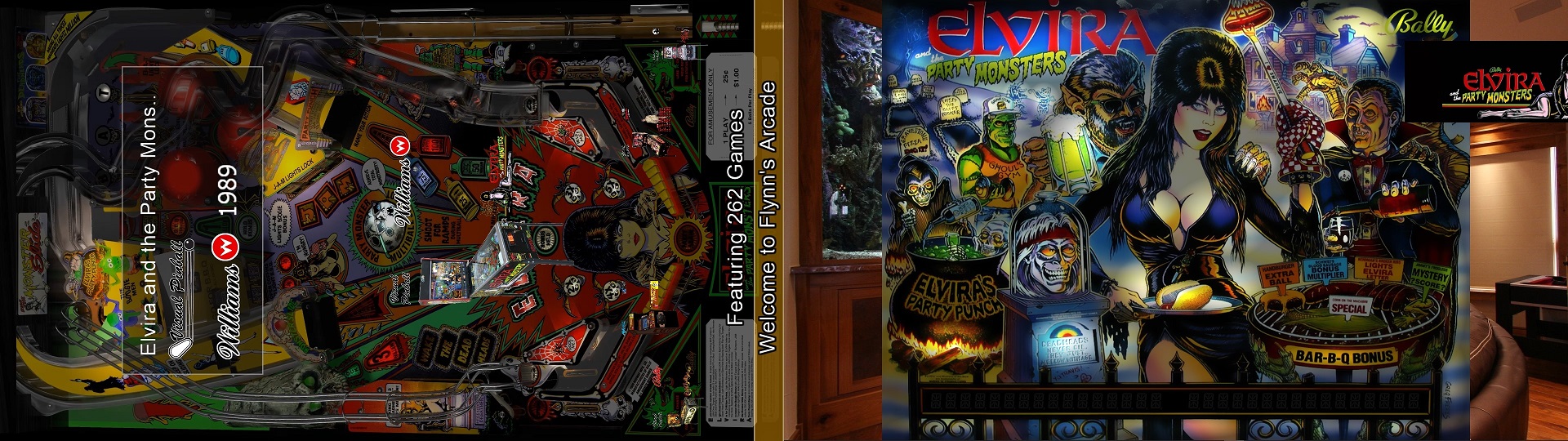
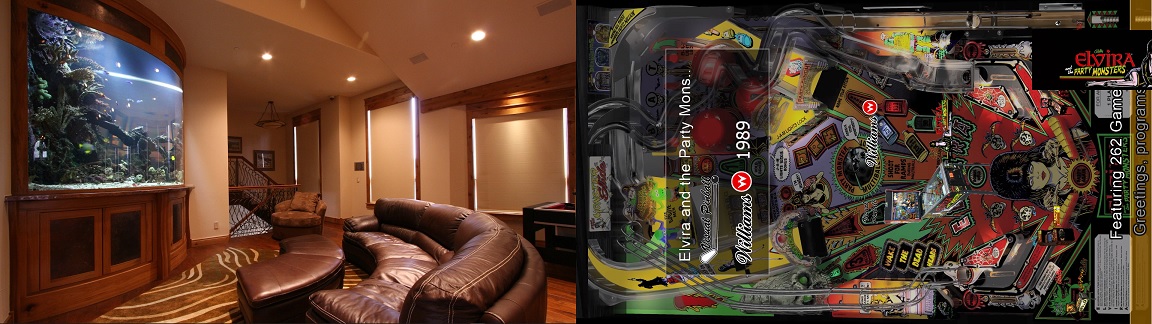
You're one lucky guy. Mrs. Tabascoman77 would love a full-on arcade, so I've modded PinballX to mimic Flynn's Arcade from TRON for the atmosphere complete with jukebox audio and video game sounds.
-
Nice! I'm working this whole thing off a desktop unit but from across the room using an ArcadeX panel. One of these days, I'm getting a hybrid Virtual Pin Cab with the ability to run arcade and console games.
-
Also, if you ever need help with Dolphin running Mario Kart Arcade GP or Daphne running Dragon's Lair, just take a look at my history and you will see my write-ups for that.
-
You rule, Mike. Have a great day!
-
Looks like we are good to go. Thanks, dude. I appreciate all of your help and for sticking with me. It's nice to get good support.
-
Success. Ok. So it works from the command line. How does one go about making it work in PBX then?
-
This was what you gave me: This does not work. It comes up with "File Not Found". However, when running the emulator by itself, everything is fine. It won't work in PinballX and nothing emulating the NES seems to. They all error out as if they can't find the rom file. Putting "Contra" in the parameters is not what I'm attempting to accomplish if that's what you're telling me to do.