|



DakotaPinball
-
Posts
66 -
Joined
-
Last visited
-
Days Won
3
Content Type
Profiles
Forums
Events
Downloads
Store
Articles
Everything posted by DakotaPinball
-
Could a list or system of horror tables be made?
DakotaPinball replied to DakotaPinball's topic in General
I've been on vacation and haven't been able to look at much. I think I tried several tables, but it didn't work, but that was my mistake. I'll look at it in detail in the next few days and let you know whether it works or not. Thanks for your help, and I'm sorry for not answering, but I'm on vacation and my laptop is dead, so I haven't been able to look at anything. -
Maybe it's a funny question because they know how to do it or it's impossible. The truth is, I've been looking around the forum, but either there's nothing or I don't know how to search properly. My question is, can I make a list of VPX and FP tables with only the horror tables? I would like to create, if possible, a section just for VPX and FP horror tables, so that it would appear as if it were another system. I know I have the favorites option, but there are tables of all styles in this one, and what I would like is to create this new section (system) with only the horror tables, since there are many very good ones and I love them.
-
My version of pinballX is 6.85
-
I've downloaded several animated wheels, but my latest version of PinballX doesn't show them moving until last Sunday. Could you tell me what I need to activate or install? I've read several threads, but I can't find any to make the wheels and configure them in Windows or PinballX. Godfather (Original 2024) (Marty32) Animated Wheel - Vito and Michael GLASS v1.apng
-
Sorry to be the ANNOYING one again, I did the tests with Windows 10 and PinballX 6.87 but Pinball FX3 stopped working the button to exit any table (I already modified it and put another option but without results) 35% of the Future Pinball tables do not open black screen and returns to PinballX, here I configured Pinball Wicked with the rear mirror (scoreboard) that cost me but with your help I did it, once Pinball Wicked was finished I did the same with Pinball HD Collection where I configured it with W10 and latest updates and PinballX configured Pinball HD and its scoreboard appears for each table without problem. The monitor resolutions are the same: Tables 1440 x 900 and Backglass 1024 x 768. My despair came when, with the same files copied and pasted to the other HDD, pinballX opens, you select the table, but the scoreboard mirror does not appear on monitor 2. The files are the same and the same PC, only the hard drive is changed. I am attaching the log.ini of both files and pinballX.ini. I think that with that you could tell me what I am doing wrong. Thank you very much for your patience with me. log.txt XDMDlog.txt PinballX.ini 1 - log.txt 1 - SetupWizard.log 1- PinballX.ini 1 -XDMDlog.txt
-
[POLL]Which Windows operating system do you use on your cabinet?
DakotaPinball replied to Mike_da_Spike's topic in General
I always do it from notepad, does it have to be another one? -
I apologize for not attaching the files. PinballX.ini log.txt
-
Sorry for the delay in responding, which made it impossible for me to do. I managed to do it. I'll send you my .bat files, but I imagine you'll have to modify some parameters if we don't have the same resolution. My pinball machine is a Mini Pinball, and the resolutions aren't great on my monitors. Board resolution: 1440 x 900 Scoreboard (backglass): 1024 x 768 (4:3) The only thing I don't know how to do is make the backglass of each table appear. I know how to make a fixed one appear that says Pinball HD Collection. I would have liked the one for each table better, but I haven't tried enough yet, and I'm already embarrassed to ask for so much help, but I think this might help you with the DMD. Pinball HD lanzar antes.bat
-
It is an internal DMD together on the same marker screen
-
Sorry, I'm away for a few days and I can't attach any files. It works well with my father's hdd with windows 10 LTD gamer. I clone the hdd and update pinballX and everything windows told me starts well I don't see errors but I do see the problems I mention. Friday night as soon as I get home I will attach the files you request. There are some windows in particular to make it work better. I have a sixth generation i7 with 16GB of RAM graphics GTX 970 4GB of Ram
-
From Pinball M it's a mistake of theirs because if I start it from Steam without Pinball X the same thing happens player 1 comes out well but when he changes player 2 it already comes out and I know how bad From Pinball FX 3 the error keeps happening to leave any table only happens to me with pinball FX3 the others all work correctly. I have tried with an old version of pinballX that my father had and it works wonderfully it comes out without problem of pinball fX3 but of course it is a slightly old version 3.53
-
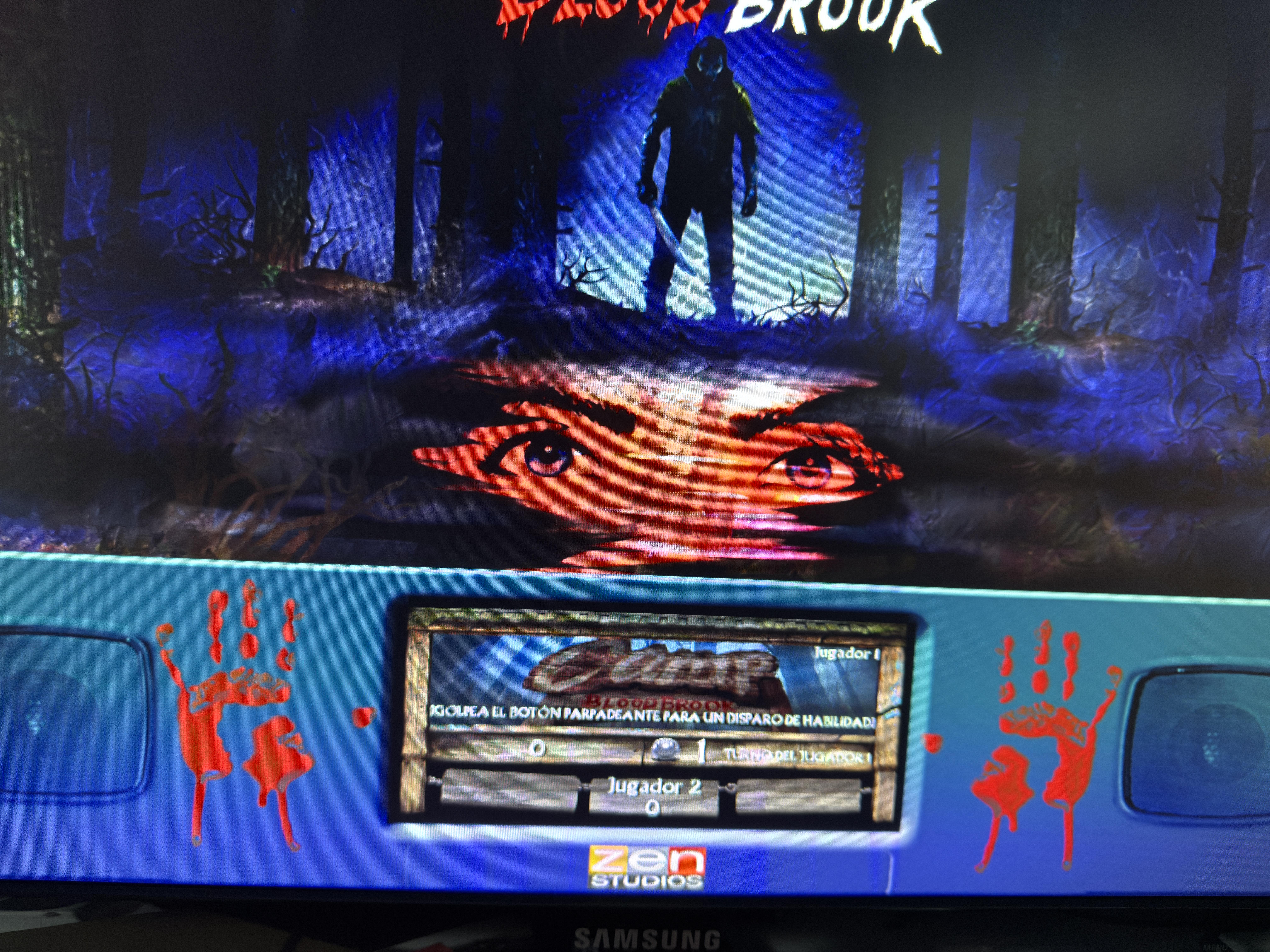
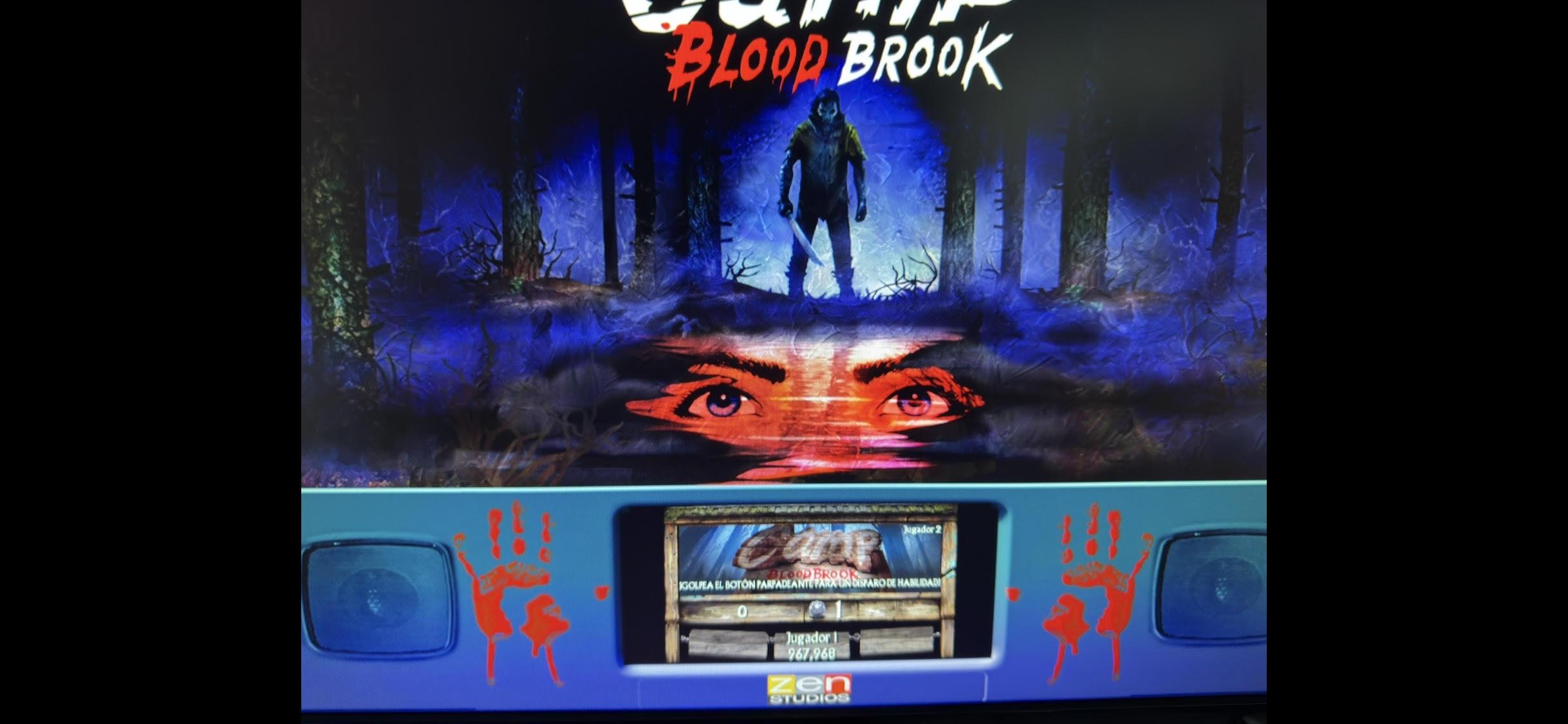
The latest update, 6.85, I think has some bug in FX3 pinball. The Q button to exit the emulator doesn't work in Pinball M, Future Pinball, Visual Pinball... it works in all of them, but in FX3, since the update, it no longer works. And in Pinball M, the scoreboard (I've attached images) shows player 1 correctly, but when it switches to player 2, the scoreboard decreases in size, which didn't happen before. Is this happening to anyone else? log.txt
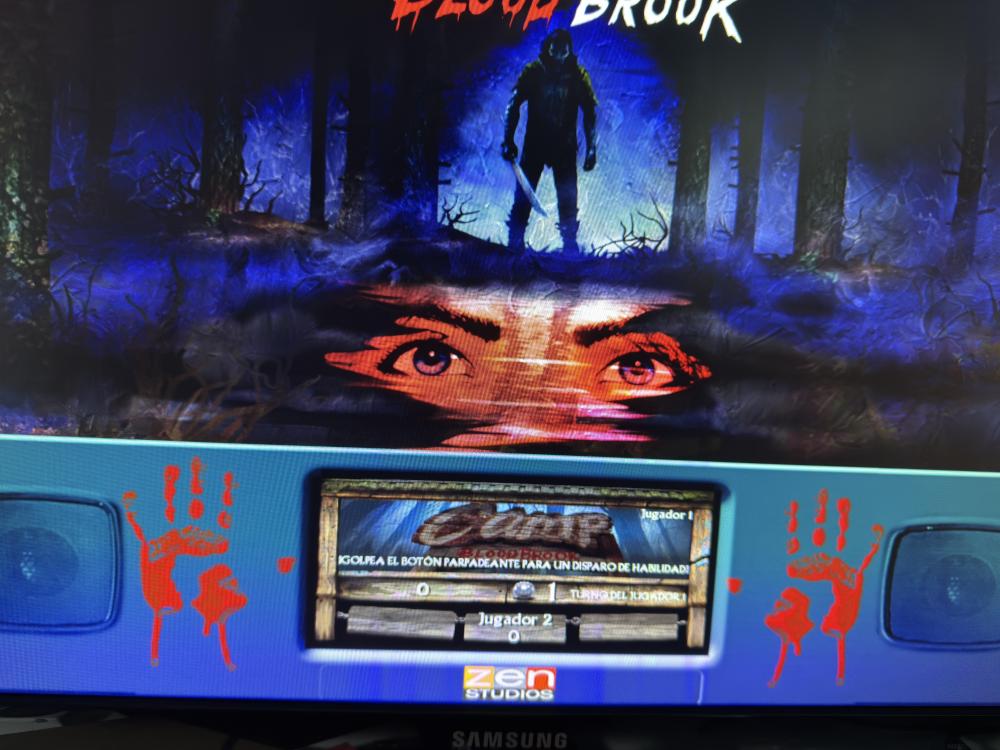
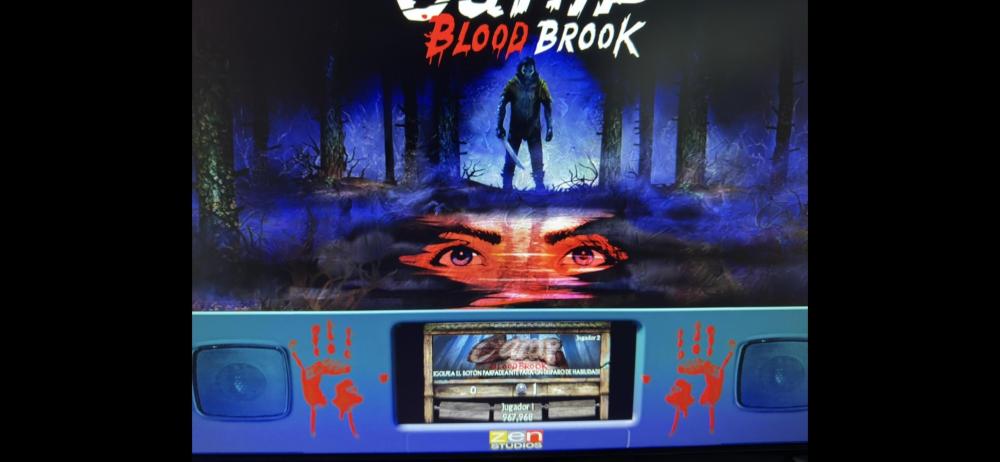
-
Perdona que te moleste he visto que ponías Palamós España y digo igual me puedes ayudar, he visto que hablas de Pineal HD Collection
Lo tengo en Pinball X se lanza la mesa seleccionada sin problemas pero no muestra el marcador en el monitor 2 con resolución 1024 x 768, he visto que hay imágenes que se muestran con la tabla seleccionada con el marcador en el monitor 2 pero no se como hacerlo por mas que intento cosas.
Pinball Wicked si lo he conseguido con mucho esfuerzo y ayuda del foro
Me podrías ayudar por favor con Pinball HD Collection para mostrar el marcador en el monitor 2
He visto tutos por aquí pero que hacen de ir con pinup pero solo tengo 2 monitores y Pinball Wicked lo hacen sin pinup en pinballX
Perdona si no me explico bien, lo intento pero no sabia que esto de montar un pinball era tan tan complicado
- Show previous comments 2 more
-

Supongo que igual que en FX y otros juegos, una vez lanzado deberás ir al menú del juego e inciar partida para el número de jugadores que quieras, no es como en los emuladores.
Por eso cuando tenía el blog, comentaba que la tecla para cerrar los juegos y salir de PinballX, no debe ser Scape, yo tengo como EXIT en PinballX la E o directamente el botón de Exit y en los juegos de Steam el Botón Start está como Escape, de esta manera puedes ir al menú del juego para participar en torneos, cambiar el número de jugadores, seleccionar distintos modos de juego, hacer los desafíos...
El plunger lo tengo como Enter en esos juegos que es la que inicia la partida, los flippers los tengo en las flechas de dirección izquierda y derecha y los botones auxiliares en las flechas arriba y abajo, de esta manera, puedes acceder al menú y desplazarte por las opciones sin usar teclado y/o ratón. -
-
Yo tengo estos parámetros:
Parameters=-applaunch 444930 -rotate right -skipmenu "[TABLEFILE]" -skipmenu_player 1 -skipmenu_gamemode
Supongo que cambiando el 1 por un 2 lo pones a 2 jugadores, pero ya te lo lanzaría siempre para 2 jugadores, creo que lo correcto es que lo arranque a 1 jugador y que lo cambies ya en el juego si lo necesitas
-
Can you launch any table you want? I CAN'T. It's true that my version of Pinball HD isn't Steam and AHK is giving me a line error, but with what I changed it should work, but it doesn't. LaunchPinballHD2.ahk LaunchPinballHD.ahk
-
Here is the Zaccaria Pinball database for May 2025
DakotaPinball replied to DakotaPinball's topic in General
I have already given up on Zaccaria Pinball, the only thing I can do is launch the selected table but with 1 player. I have given up now, I cannot get this system to work, I don't know if it is because I have Steam and Zaccaria Pinball with the latest updates and it just doesn't work. If I find the solution I will post it here in case it doesn't work for other people like us. But anyway, this website is the only one that has helped me configure systems in PinballX and if it works for them and not for me, I must have something wrong with my configuration or I am simply at my limit -
Here is the Zaccaria Pinball database for May 2025
DakotaPinball replied to DakotaPinball's topic in General
Thank you, I will look forward to it. -
Here is the Zaccaria Pinball database for May 2025
DakotaPinball replied to DakotaPinball's topic in General
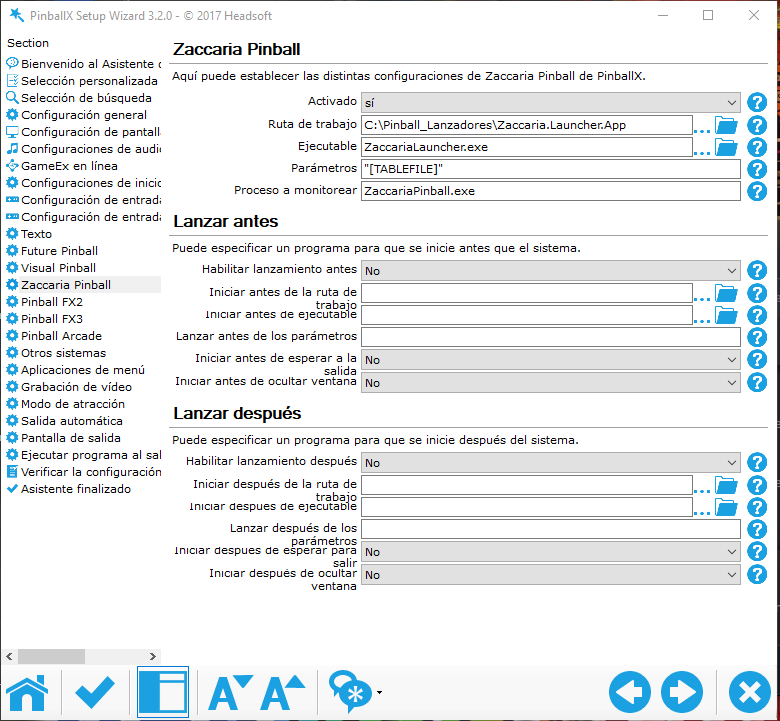
I'll send you the launchers I have with the backgrounds, no problem (I don't know how to upload them, I'll send them to you and you can put them wherever you want, it's a pleasure for me that you like them). With Zaccaria, there's no way. I followed your steps, but if I modify the ini as you tell me, Zaccaria doesn't start. I don't know why. If I use mine, yes, but I have no way to change the number of players or game mode. I don't know what else to do. I don't know if it's because I have it downloaded to the secondary drive since the primary one is almost full. My routes are: C:\Pinball_Lanzadores\Zaccaria.Launcher.App P:\SteamLibrary\steamapps\common\Zaccaria Pinball\ZaccariaPinball.exe The difference I see is that you have the Zaccaria in another system, I have it in the same pinballX that already turns the tables by itself. The difference I see is that you have Zaccaria on another system. I have it on the same pinballX, which already rotates the tables on its own. Where do I send you the backgrounds for the launchers I have right now? Until I configure them and they work correctly, I won't finish them. But I have 3. Tell me where and I'll send them to you. ZaccariaLauncher.exe ZaccariaLauncher.ini
-
Here is the Zaccaria Pinball database for May 2025
DakotaPinball replied to DakotaPinball's topic in General
I managed to get Zaccaria to load, but it doesn't know how to choose the table I choose (this happens to me with Mike_da_Spike's zacaria.xml). With the one I have, the tables are very incomplete. It loads the table and starts, but without taking into account the number of players or any other method that I can't solve. I'm attaching the LaunchZaccaria.ahk in case I have any incorrect parameters. And I'm sorry to be a pain with each system, but this isn't easy to get working. If it weren't for the fact that I'm passionate about pinball, I would have thrown in the towel. Zaccaria.xml Zaccaria_Dakota.xml ZaccariaLauncher.ini LaunchZaccaria.ahk


-
Here is the Zaccaria Pinball database for May 2025
DakotaPinball replied to DakotaPinball's topic in General
I followed the steps according to the tutorial, but the DLCs don't appear. I also downloaded your XML, but when I put it in, I don't know what's happening, but the tables don't appear, and the screen stays black.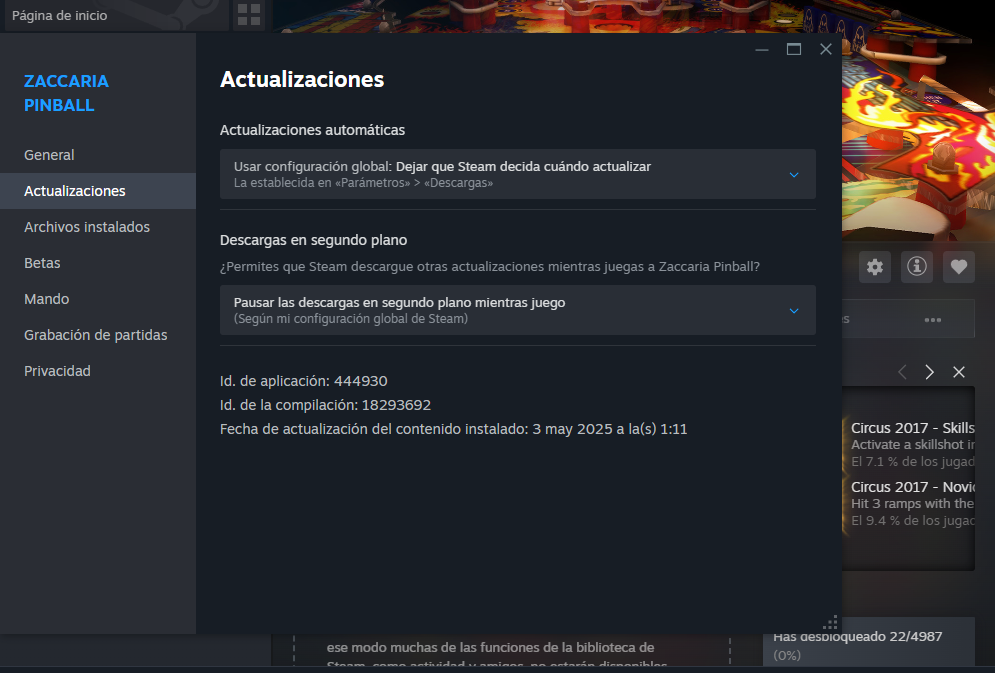
-
Could someone tell me where to find the Zaccaria Pinball database? The one I downloaded from here only has 118 tables out of the 155 I believe are currently available, including one that I think was recently added to Steam yesterday. Yes, the Zaccaria database exists here with the latest or nearly latest releases from 2025.
-
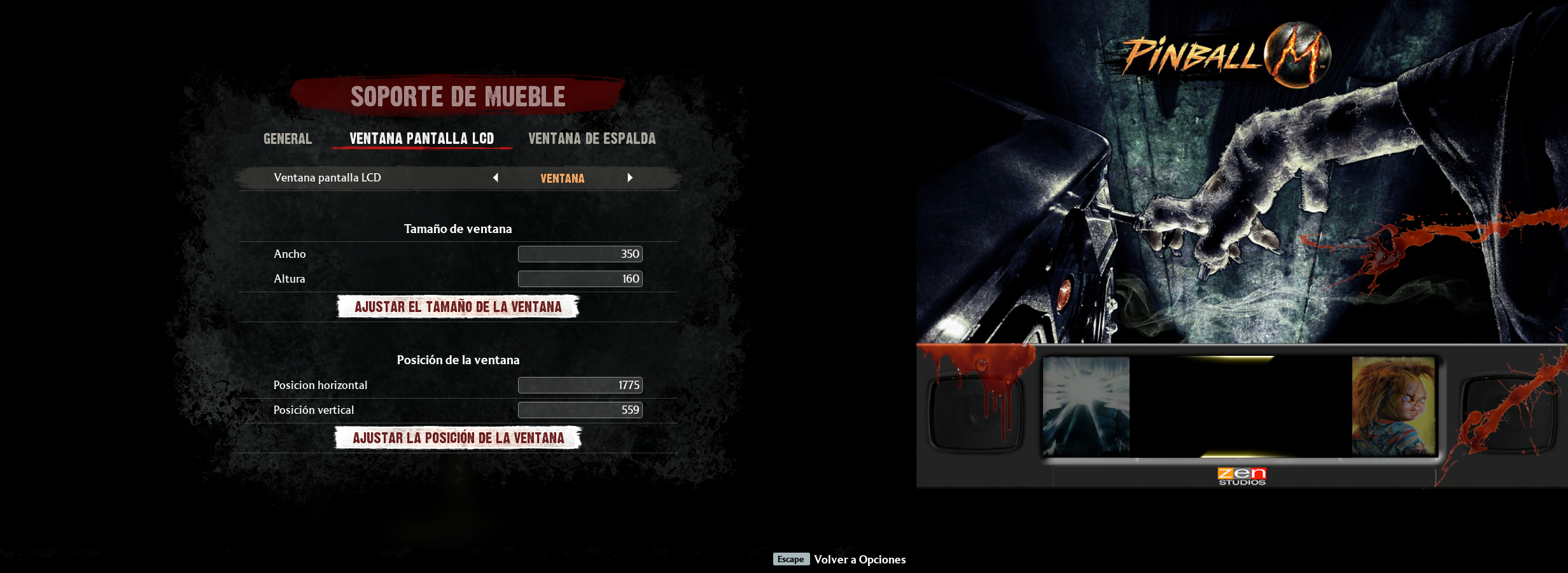
I desperately need help. I don't know what happened to me, but my PinballX has lost its last customized settings. Pinball Wicked Pinball M Pinball FX (it's configuring it) Pinball Collection HD Is there an .ini file that saves the Setting.exe configuration where I set all the parameters with PinballX? The same thing happened to me, but I made a copy of the Config directory, but all I have here is pinballX.ini.
-
PinballFX3Launcher.ini
-
Don't download the zip here, I don't know the ways if they are good or not the truth. Could you pass me your ahk from your launcher?
-
I found the error in my .ini file. Wrong TEXT=2 Players (Hotseat) ENABLED=1 PARAM=-gamemode hotseat_2 Correct TEXT=2 Players (Hotseat) ENABLED=1 PARAM=-hotseat_2 Thanks for your help again @Mike_da_Spike
-
I would say yes, I have it activated because the menu appears and when I play without pinball X I can even choose the number of players and everything. And what are your correct parameters? They are like the ones in my PinballFX3Launcher.ini file. PinballFX3Launcher.ini