|


peterson65
-
Posts
190 -
Joined
-
Last visited
-
Days Won
2
Content Type
Profiles
Forums
Events
Downloads
Store
Articles
Everything posted by peterson65
-
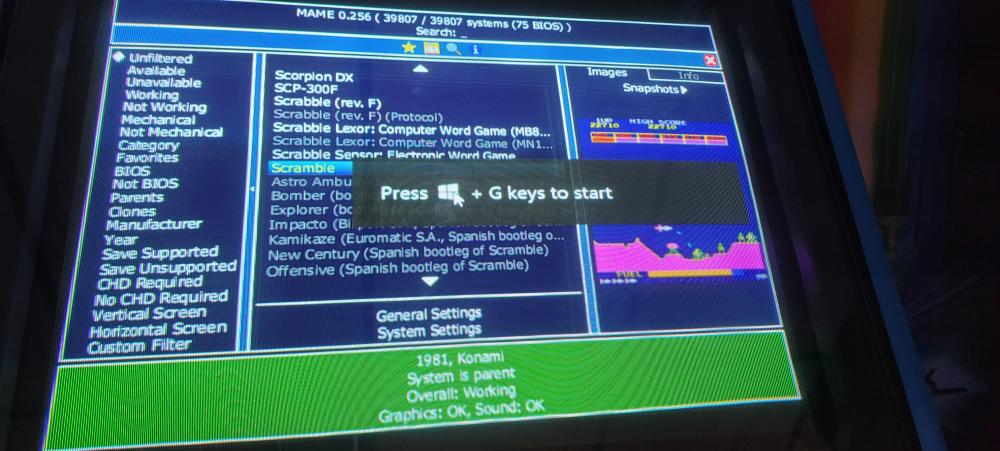
never mind , figured it out. it was some xbox toolbar built into windows 10.
-
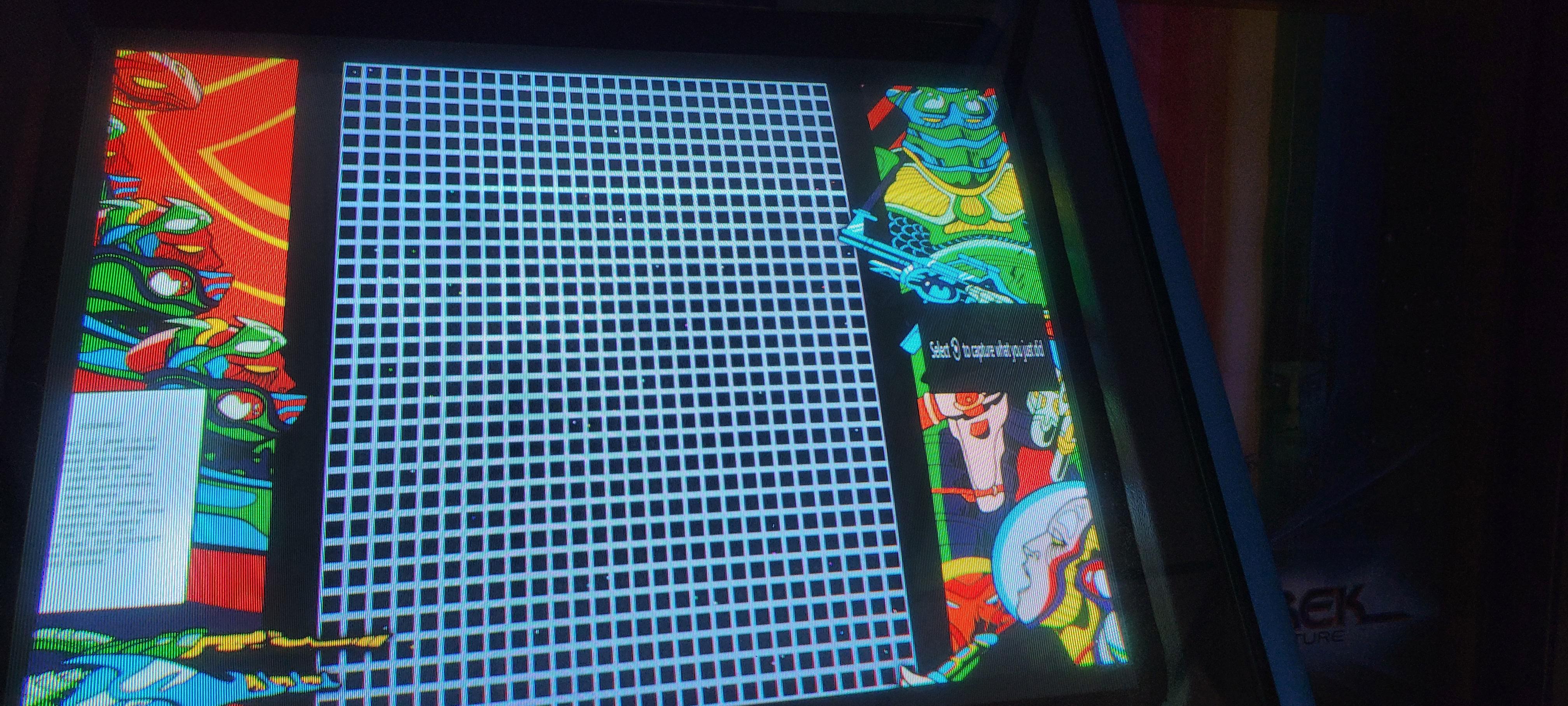
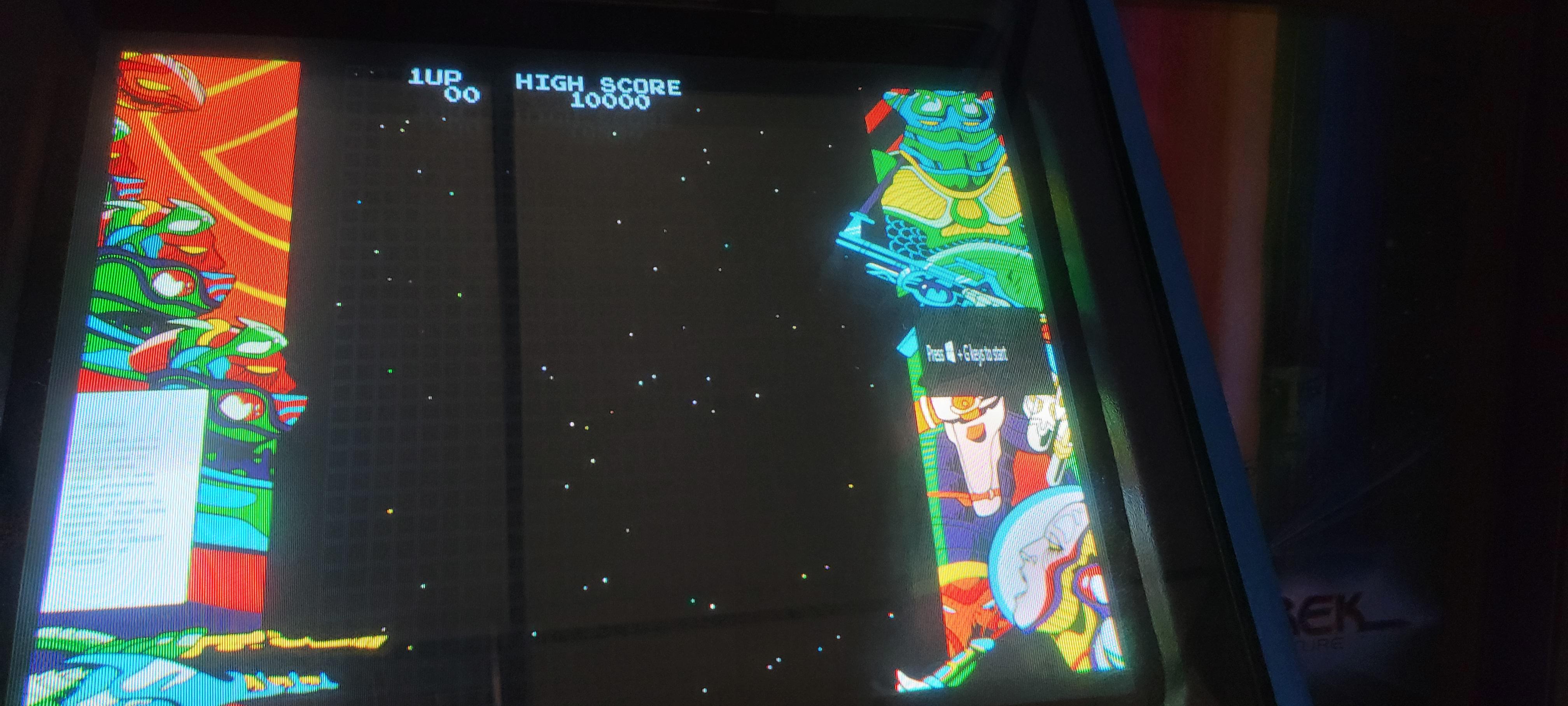
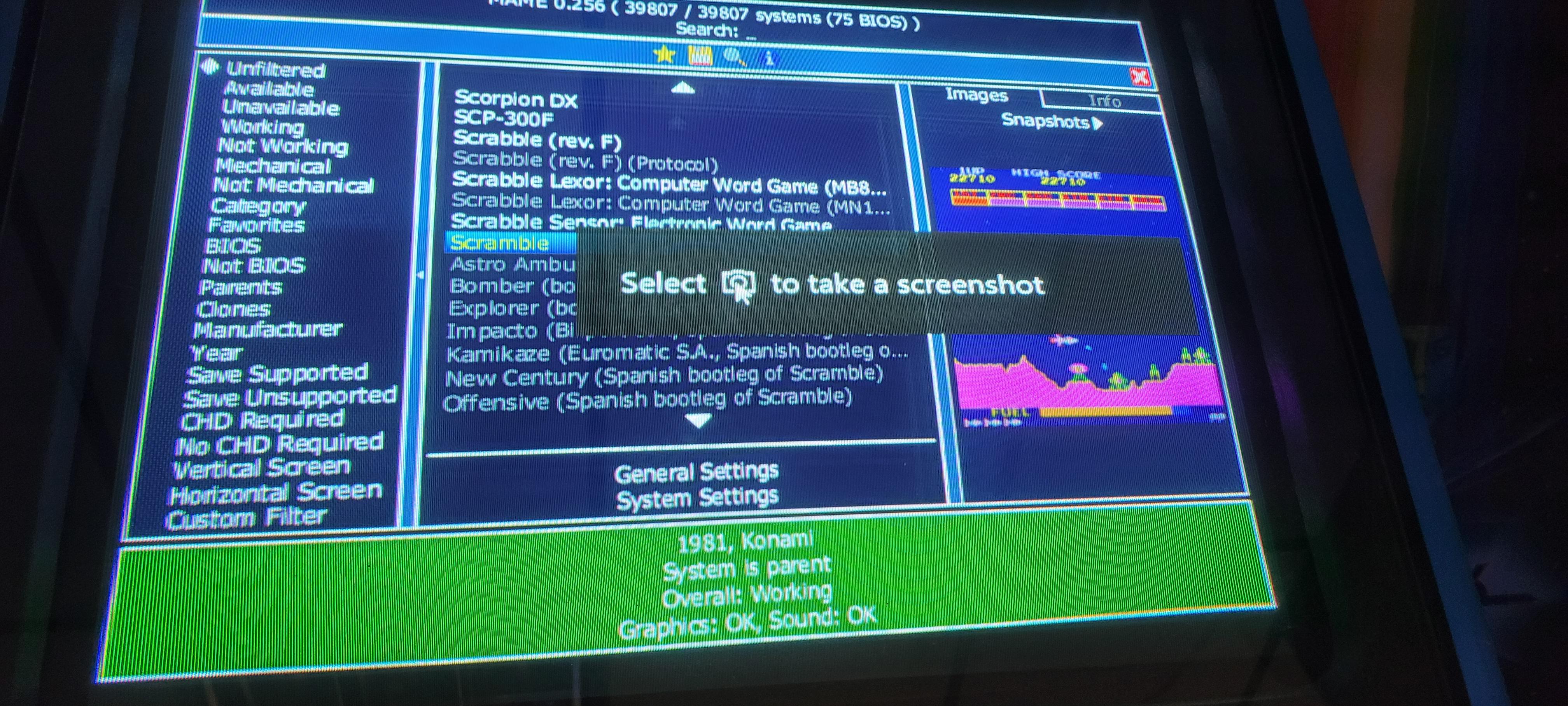
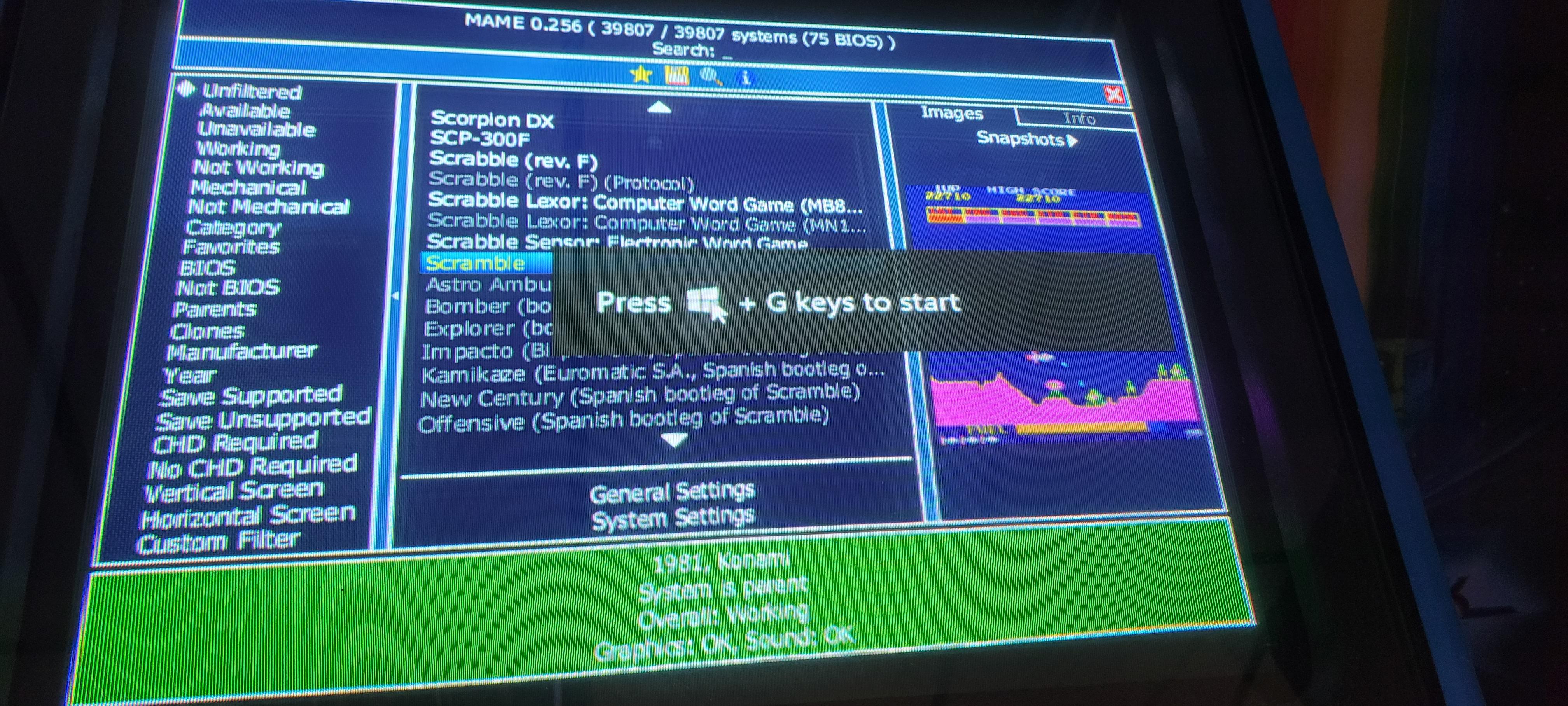
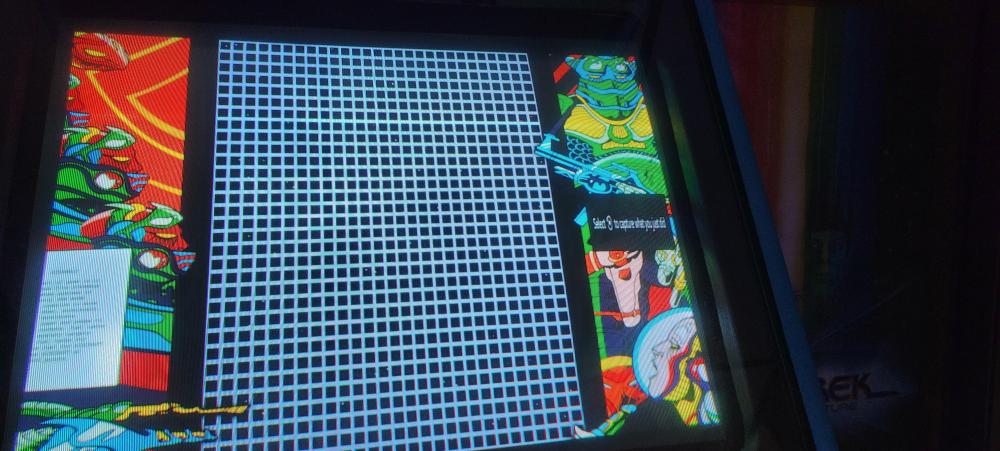
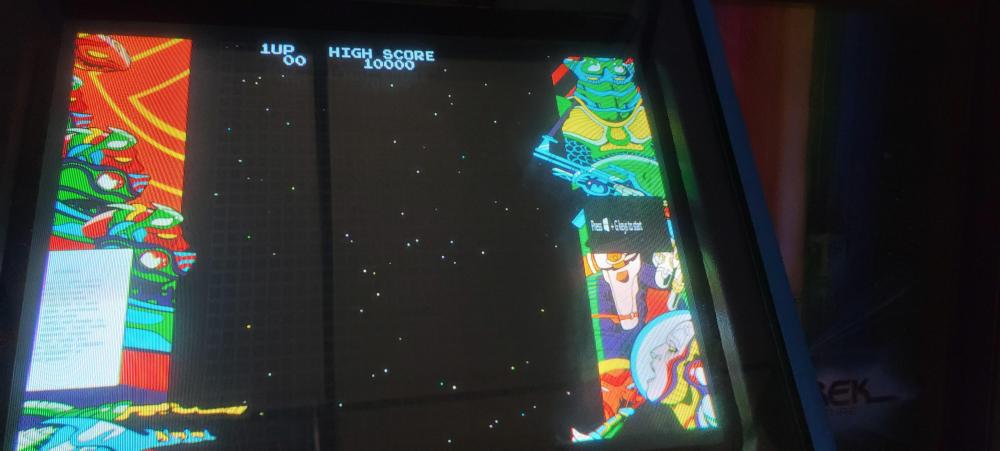
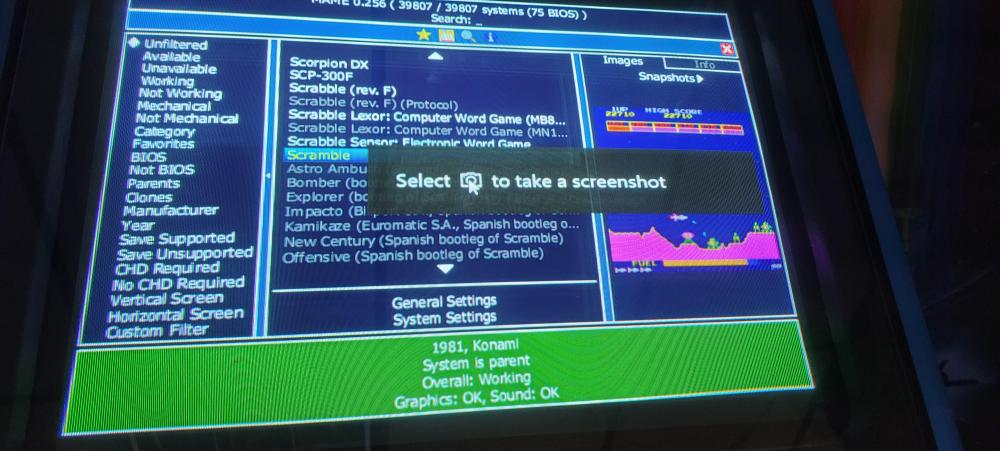
JUST UPDATED MY MAME CABINET FROM WINDOWS 7 TO 10 AND NOW I GET A VERY ANOYING POPUP STARTING GAMES, THOUGHT IT WAS GAMEEX BUT JUST RUNNING MAME IT POPS UP. NEVER SEEN IT BEFORE WINDOWS 10.
-
i must be blind or just dumb. i looked under mame setting in game ex and i dont see anywhere to set those games to open with a different version of mame.
-
i will check after work thanks
-
isnt there a way i can set up so when i launch a certain game have it use a older version of mame? i like to keep up on mame updates but since version 0.247 area 51 r3000 and maximum force are very choppy now 0.246 they are perfect. mame testers have confirmed it but who know when they will if ever fix it. so is it possible so just those 2 open with 0.246 and everything else use whatever latest version. thanks
-
ok was now able to download the windows 7 version and all seems good now thanks
-

-
so after i download and install the windows 7 version it will auto update from now on only the windows 7 version? and is that version only 32bit now? and how do i download even at my work pc its blocked am i the only one getting this
-
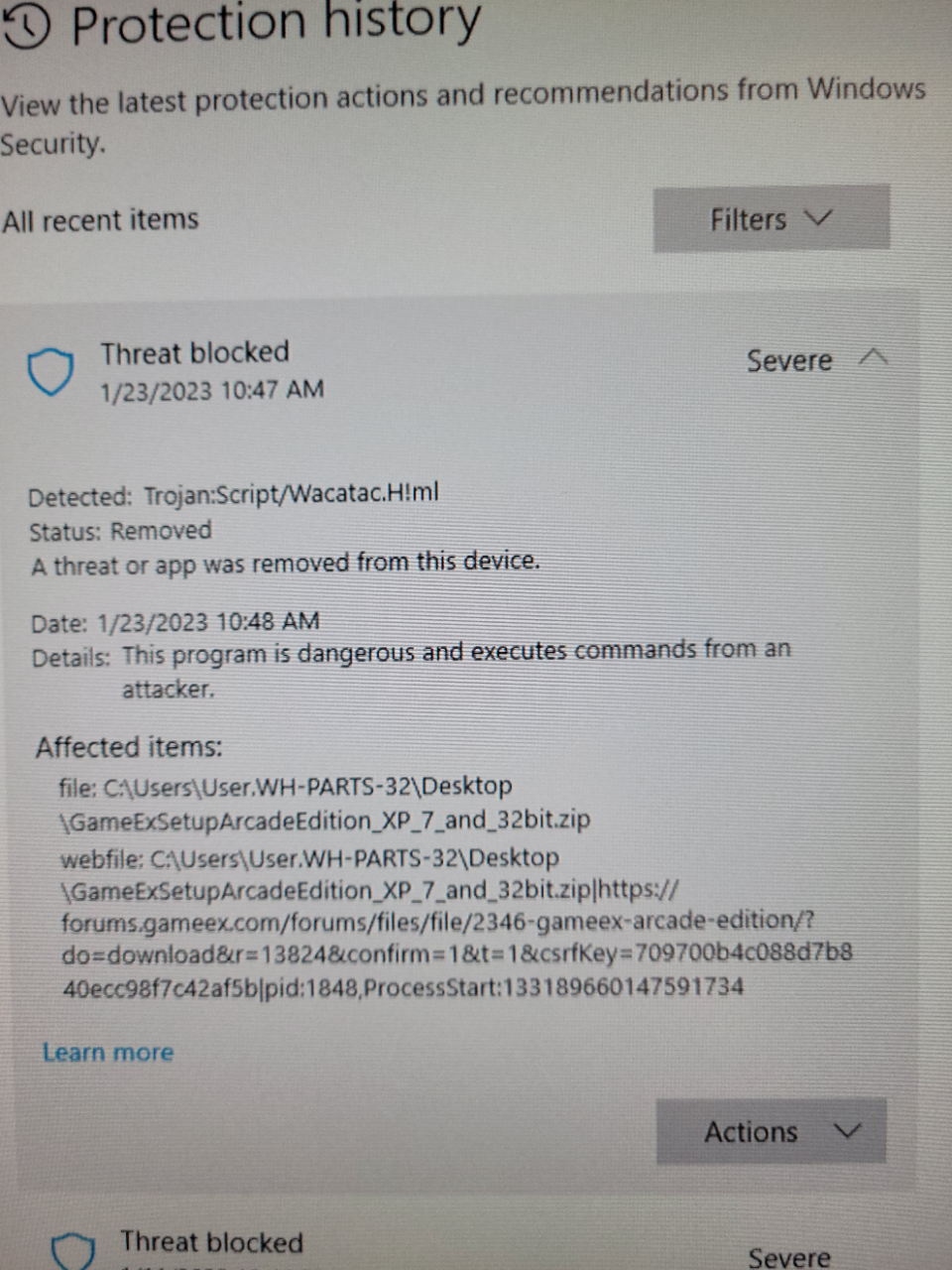



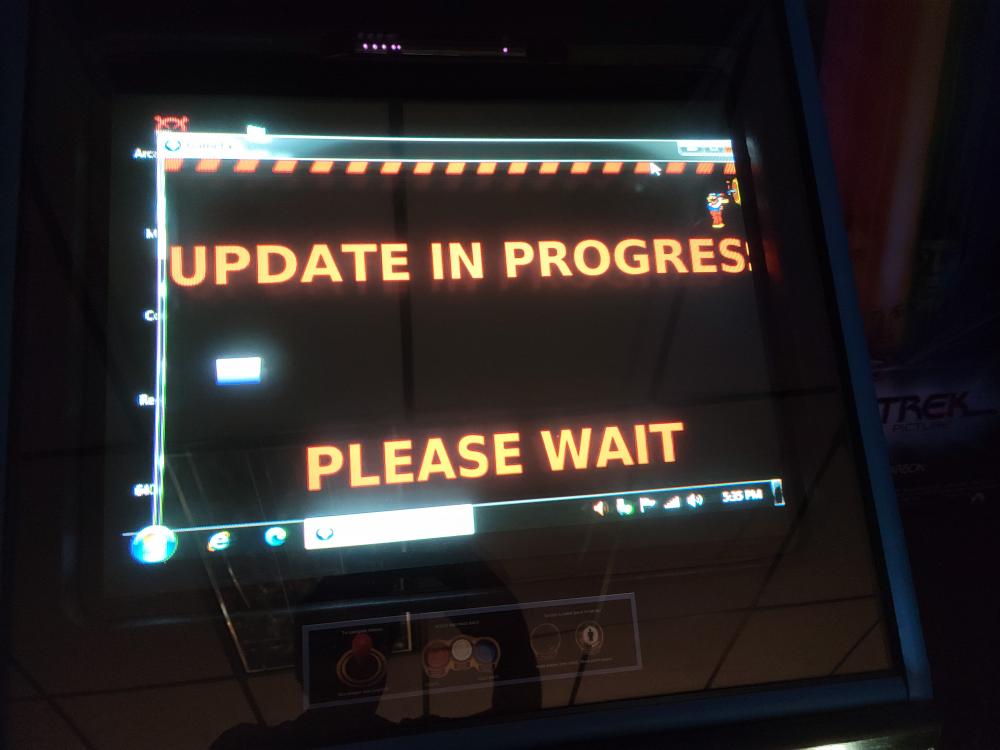
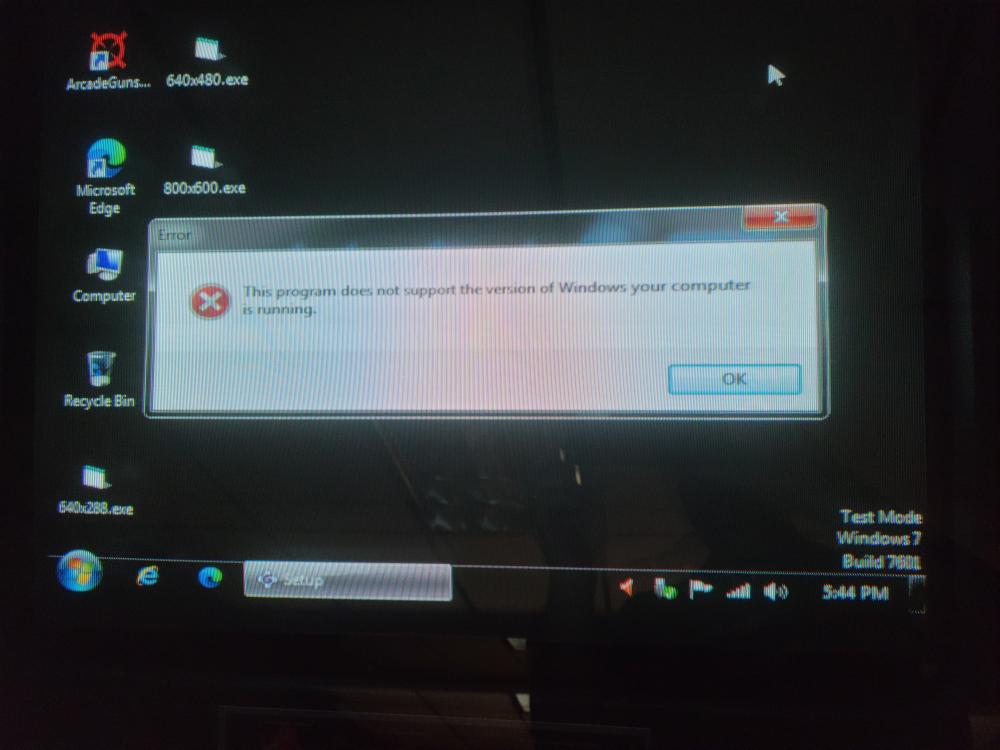
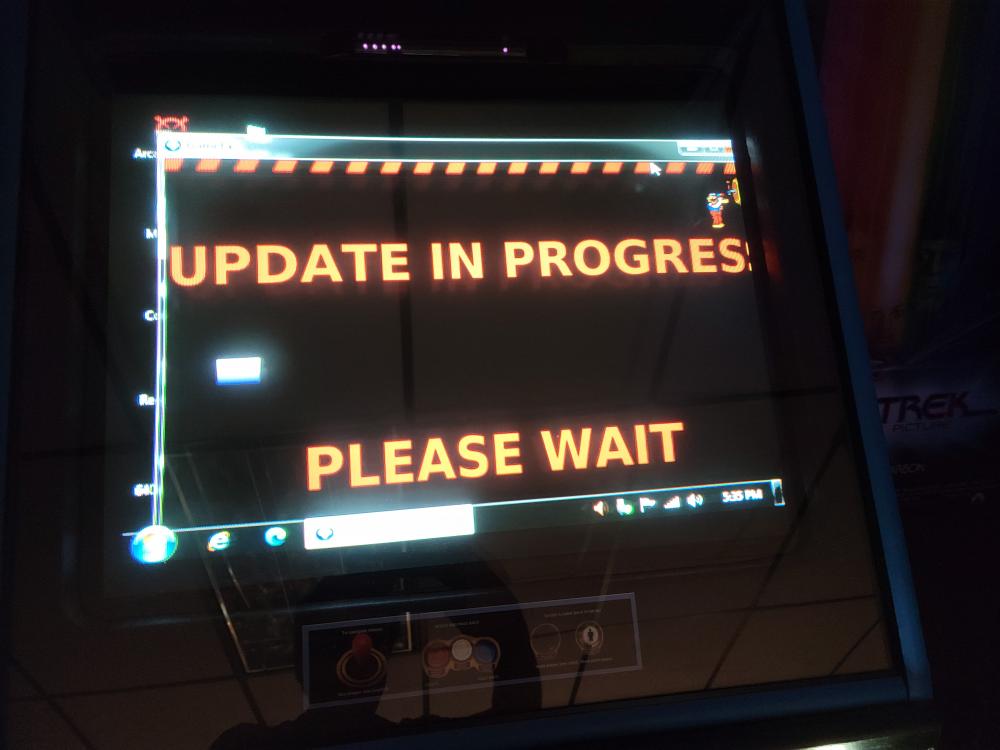
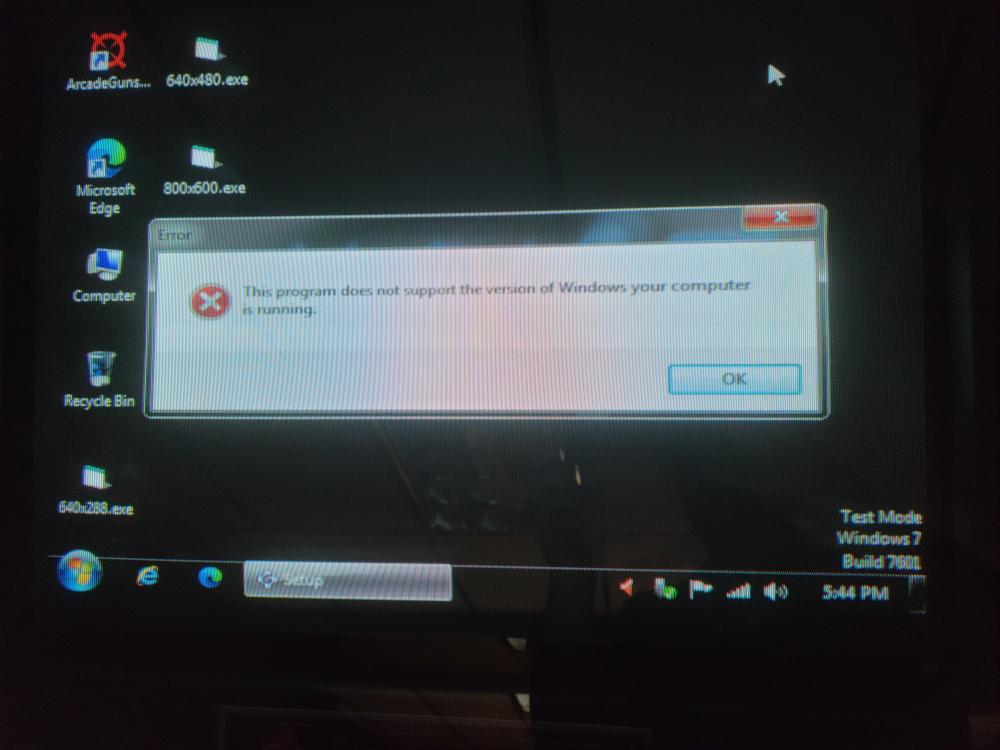
turned on my mame cabinet today and gameex went to a auto update in a windowed mode then installed and i got the following error (see attached) i also tried to download the windows 7 version of gameex arcade but it was blocked on my desktop pc because it said it had a virus?
-
so i have been running it for a few nights while i was watching tv and tried to keep an eye on it running attract mode and i havent seen majong or other casino games so has something changed in a update? or has it been luck .thanks
-
ok cool . thanks
-
but i can go back and install 18.05 and it doesnt do it, then reinstall 18.14 and its back? is there somewhere to disable it?
-
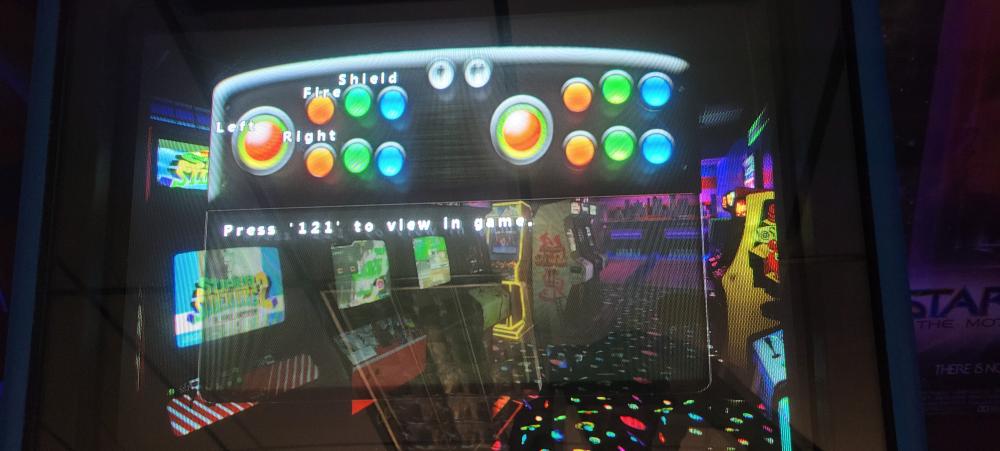
is this something new in a recent gameex arcade update? noticed it after i updated to 18.14 it pops up just after you select play game and lasts a few seconds. only older version i had was 18.05 and it doesnt happen, if i go back to 18.14 its there . thanks
-
thanks for verifying that it wasnt just me and my settings. was about to start over.
-
it also sometimes i see the same games demo a lot shouldnt it be more random? i mean there are like 10 thousand games with the complete romset yet i see a lot of the same games show up how does attract mode pick what to demo? thanks
-
GameEx.inimame.ini log.txt
-
i am using gameex arcade on my game cabinet and in attract mode i could select only favorites in the settings but its nice to see some game demo that i have never seen running . i have no majong selected in the mame options in the setting for mame in gameex but i get demos of them and poker games some come up with screens that say call attendant door open and it just sits there till it switches, is it possible to do something where only arcade games demo? thanks
-
seems that fixed it. has not happened since. thanks
-
so i installed 18.05 and let it demo for over 2 hours and did not have the hideos not responding so so far so good but i will let it run saturday night for o few hours again to verify its good, thanks
-
i will give 18.05 a try when i get off of work tonight, something change in 18.05? thanks
-
ill take a look there
-
GameEx.inilog.txt
-
i will post tonight after work. i just shut it down right after that happened so i will upload those. thanks
-
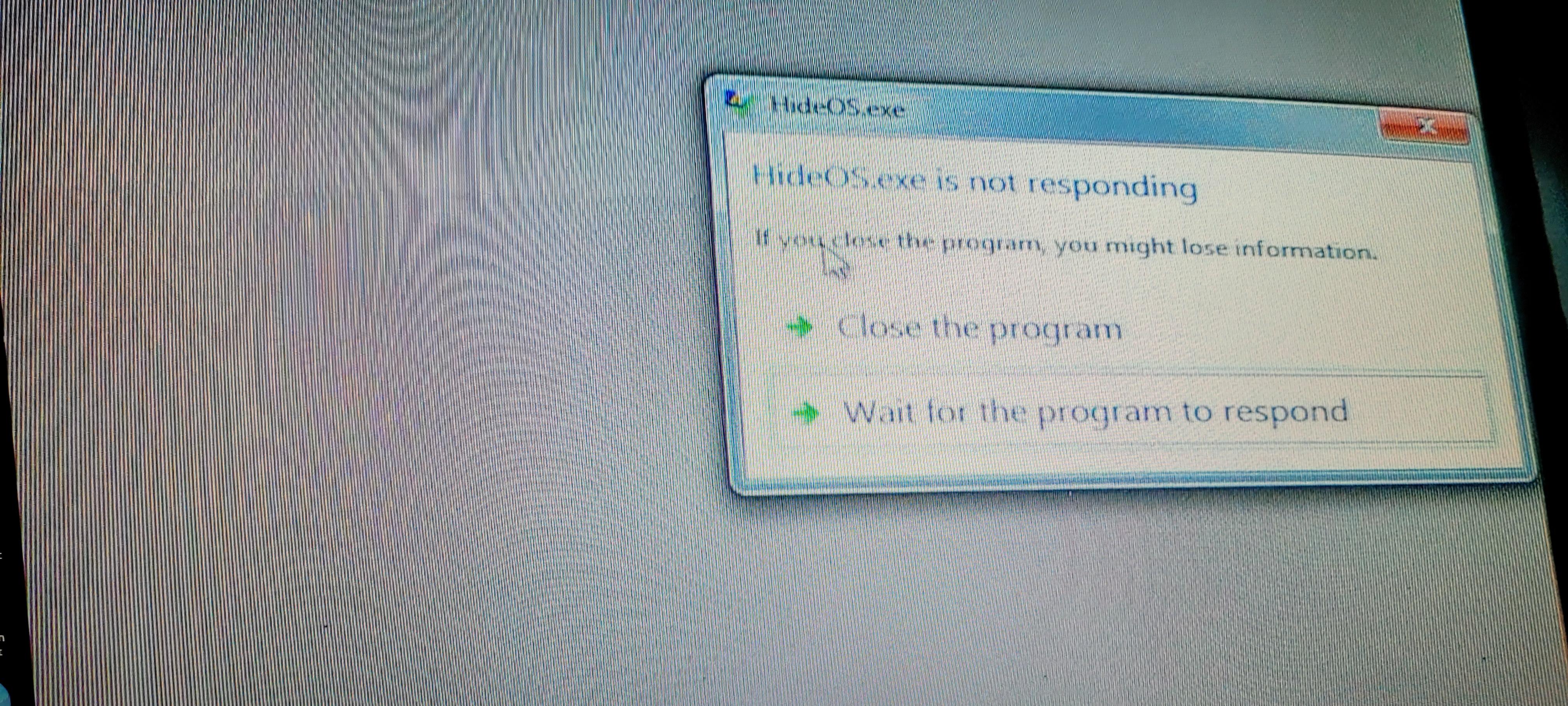
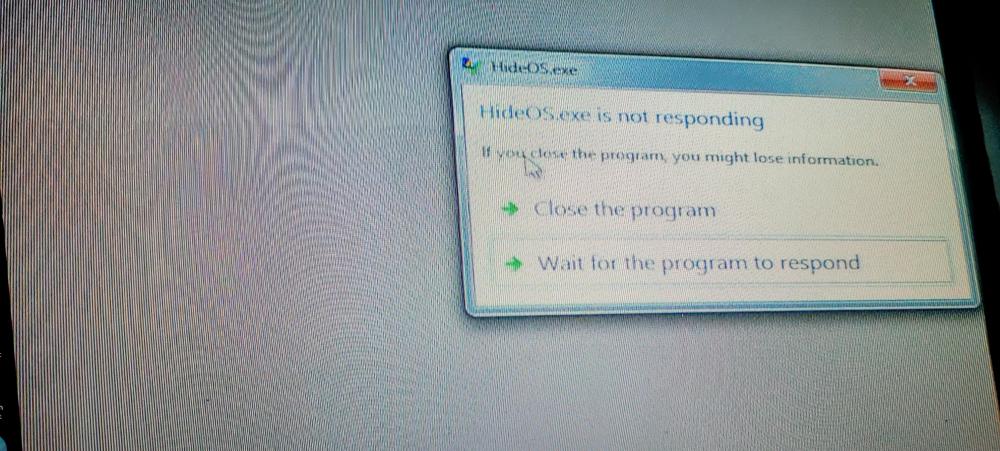
i just noticed that in attract mode when gameex arcade is switching games after its been running a while see on the desktop a box saying hideos not responding. it doesnt do it right away sometimes it needs to run for a hour or so to do it? as soon as i exit gameex it closes by itself
-
that did it! thanks