|



kingb33
-
Posts
192 -
Joined
-
Last visited
Content Type
Profiles
Forums
Events
Downloads
Store
Articles
Everything posted by kingb33
-
What are you trying to do exactly when you say "Running GameX on secondary monitor? U mean using the GameEx Extender option? That has an option to run on secondary monitor... depends on what u r trying to do
-
I just finally auto-updated to the latest version last night.....and Boom! The preview videos no longer work at all. I've been fine for over a year w/ no problem w/ videos then after updating no longer working. Did I miss something? Thanks
-
Awesome! you the man! cant wait to download it
-
anyone?
-
Hi Depending on whether Tom adds dual monitor custom image support to GameEx i was wondering if someone could help me figure out a workaround in the meantime? Basically when i run a table in VP id like the backglass image for that table to appear on my 2nd monitor. ( i have dual monitor setup) (and i have backglass images for pretty much all tables) Anyone know an easy way to do this? (additionally since i'm already asking, if anyone knows an easy way also to display the marquee for a particular game onto a second monitor would be nice to know as well) Thanks!
-
Ok, You guys are always the best at giving advice based on the all boards im active on I have this one single problem that is REALLY driving me insane i've been troubleshooting it for the last 4 days every night when i get home from work with no solutions....ive posted on the VP forum many times w/ no luck as well.....I tried pretty much everything anyone suggested Background: I have a dual monitor setup....for some reason i CANNOT get the DMD/ VPM to stick where i want it to and remember the placement and size on the 2nd monitor no matter what i try.....VPM is supposed to automatically remember where and how u last set it, i believe its written to the windows registry. VPM is a .dll not an exe. i tried reinstalling VPM like 10 times, tried almost every possible screen resolution setup and dual monitor configuration via NVIEW (thats a NVIDIA tool) like moving my 2nd monitor icon to the left, right, or above and even below the primary monitor with no luck. Weird thing is if i keep the DMD / VPM on the primary monitor it has no problem where i last set it.....so when i restart a table its exactly the size, color and place i last set it. As soon as i move it up to the 2nd monitor above my primary monitor ( i always resize it and set it right in the middle of the 2nd monitors screen) i then quit the table......when i go back into the table its on the 2nd screen BUT the size is NOT retained and the its always off centered to the left of the screen. (or some other spot based on what i was trying in monitor placement setup) I always have to grab, move it to the middle and resize it all over again. Its a big pain in the butt to do it everytime.....the one thing it "does" seem remember is the last color palette i set it to. Does anyone have any idea how i can fix this? One of the VP Admins suggested editing the script file to specify a location but not all VP tables include a specific setting for the VPM, actually most do not. And the script file for a VP table is very confusing to me and i have no clue hat i would even set it to anyways. If VPM was a .exe i could actually use a dual monitor tool to hotkey it but its not it's a .dll Can anyone help me pls? Thanks guys
-
Was just curious if anyone had any feedback/ comments on a Feature Request I posted this morning: http://www.gameex.info/forums/index.php?sh...amp;#entry39016 I'm asking because I'm pretty sure most of the guys here in the forum love emulation gaming like I do and if you really want to experience an awesome emulation experience dual-monitors is really the way to go. Especially if you play a lot of VP.... i have some very nice examples i found of this in action bookmarked at home...ill post some links later..!!! Thx, Happy Gaming!
-
Hi Tom... I know you are mega busy but was just wondering if this bug might be fixed in the next version ? Hopefully its not a complicated bug... Thx!
-
no i want to use it.....i just dont want it to take screenshots all the time, id rather use it for mainly a dual monitor setup displaying artwork
-
no i want to use it.....i just dont want it to take screenshots all the time, id rather use it for mainly a dual monitor setup displaying artwork
-
Hi guys! Does anyone know if there is way to get the GameExtender Viewer to stop taking screenshots of the screen? Why does it do that anyway? Thanks!
-
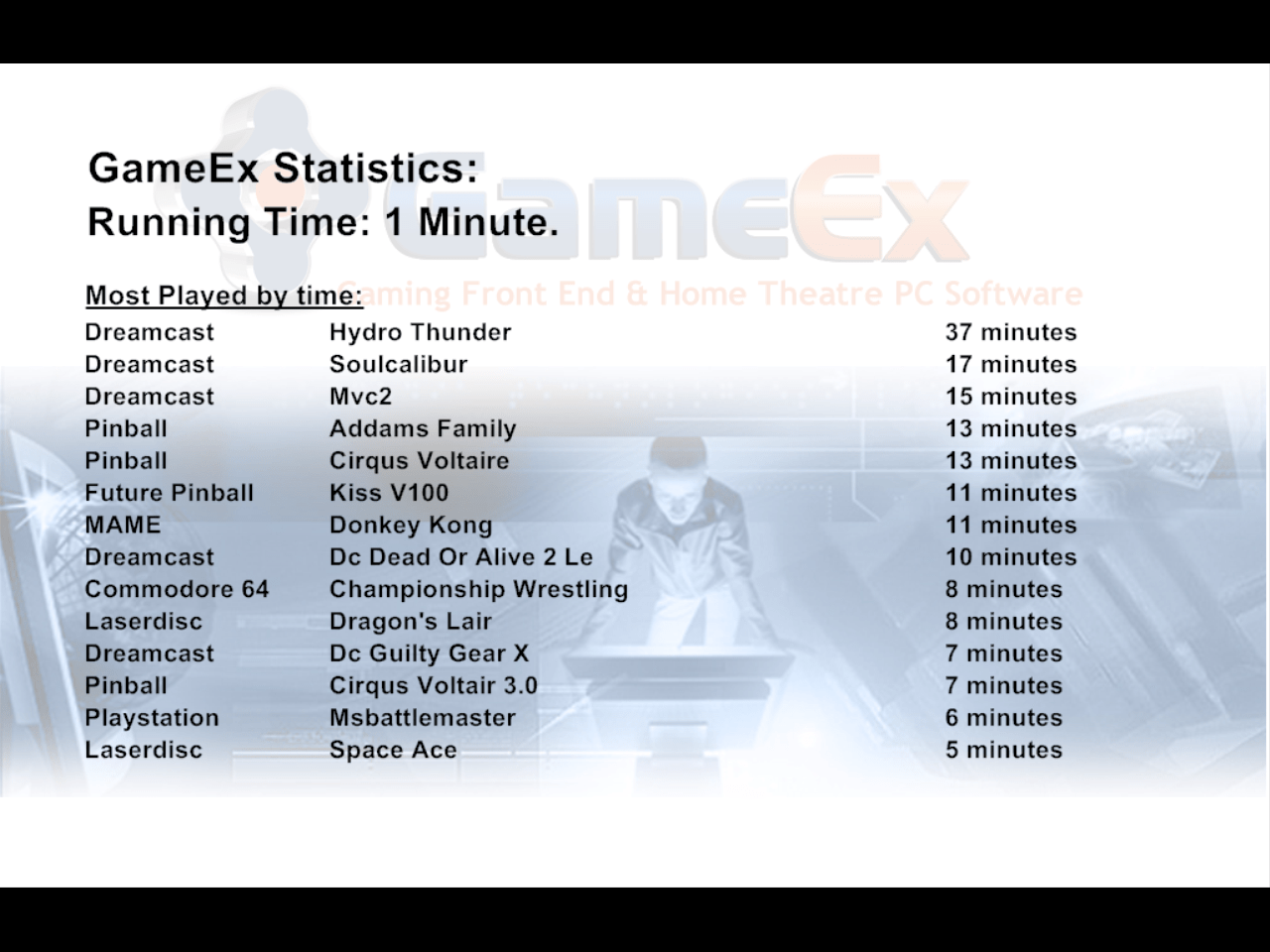
I have a request Tom Mine has to do with the GameEx Extender Viewer / Dual Monitor Setup...(which is getting more and more popular for us emulation folks!!! any of you guys who havent tried it....its awesome!!! ) 1) User can decide which items will appear in the gameex extender (marquee, flyer, etc etc) and if possible to be able to decide where it will be placed. For me i would just use Marquee) and give the user the ability to "turn off" the switching between whatever images types you have. Right now no matter what u do u cant turn off the gamex statistics or that control panel view. So if i just have marquees and flyers chosen.....it will only rotate between those 2 items.....and if i were to just choose just marquee, it would only show the marquee.....with no other transitions 2) Make it more compatible with VPINMAME (one thing i've noticed that's driving me nuts is that if you have a dual monitor setup is that either gameex or gameex extender viewer wont remember exactly where the VPINMAME DMD was placed last......so everytime i play the table again I have to move it around to the correct spot on my 2nd monitor (***update, ignore this part, its actuallly a problem with vpiname not gameex extender but this >>> is still a problem >>>and to make matters worse is how gameex extender will take the "screenshot" of what you are doing (i think its the GX and gxrem) and if you are in the middle of trying to move around the VPINMAME DMD on the other monitor it will cause everything the freeze and you have to "esc" and start all over..... Thx Tom!!!!! ***BTW i tired to post this in the requested items topic but for some reason it ended up here.....sry!
-
Another thing tested....i went into my Dreamcast Emulator and added a new path to it pointing to an image folder.....i did it for just 1 game.....hydro thunder......now when i go back into gamex and launch dreamcast...guess what? the only game that causes gameextender to crash is "Hydrothunder.......ther other games are fine ****So what it seems is that if you "ADD" any other image paths to an emulator "BESIDES" the default "Snaps/Video" folder (for some reason Mame doesnt seem to be affected by this) it will cause GameExtender to disconnect..... thx Tom!!! yeah being able to give the user the control what GameExtender shows for different emulators (like for MAME just show the marquee and for VP just show a backglass) would be awesome for people who have dual monitor setups (which is pretty popular now)....my 2nd monitor is actually "above" my main monitor....so the effect is very cool.....but u lose some of the coolness with all the random images floating in thx for looking into that problem Tom
-
i just noticed another odd thing......the ONLY table i have an image for is Circus Voltaire, no of my other tables have anything associated with them except for the preview videos ive made.....(i did this on purpose for testing purposes) when i scroll thru my pinball tables list and choose any game "except" Circus Voltaire Gamextender is just fine...... as soon as i choose Circus Voltaire (the only game i have an image for in the "C:\Program Files\Pinball\title" folder gameextender automatically gives me the error...... ***on a side note.....Tom how can i control what gameextender shows? id like it to not show that GamEX Statisitcs page and the game control panel
-
Hi Tom, I tried the new .exe and i get the same disconnection problem after launching a table.... "receive error".....retrying message here is my config in case u need it.....and i also included the files u asked for an the actual .png im testing everything with......that one image is in my "C:\Program Files\Pinball\title" folder ---as i said as soon as i add C:\Program Files\Pinball\title in my advanced config it causes the gameextender to give me that receive error.....if i go back in and take it out everything is ok again gamextender runs perfectly fine with mame and my other emulators....of course i dont have extra image paths setup for my other emulators yet either.....only mame. [Emulator_3] Enabled=True STARTPAGENAME=Pinball Games TITLETEXT=Pinball StartPageLogo=pinball ROMFilter=*.vpt RomPath=C:\Program Files\Pinball\Tables SnapPath=C:\Program Files\Pinball\videos TitlePath=C:\Program Files\Pinball\title BoxPath= CartPath= ManualPath= ControlPanelPath= InstructionsPath= WorkingPath=C:\Program Files\Pinball MapKeys=True WaitBeforeKeys= SendKeys= ReplaceDash=True ReplaceUnder=True Capitals=True RemoveBrackets=True ShowDesktop=True Debug=False MAPFile=C:\Users\kingb\Desktop\vp map file.txt AlsoLaunch=vpauto.exe Command=VPinball.exe -play -"[ROMPATH]\[ROMFILE]" OLDatZip= LaunchBefore= LaunchAfter= configFile= ExcludedFiles= CustomBackground= PlayMusic= DontShowInfo= PlaySelectionMusic= SelectionMusicFolder= PCGame= DATABASE= GamesIn7Zips= PlayInScreenSaver= ShowMostPlayed=False RandomMostPlayed= CDCheck= CDCheckFile= [GENERAL] DumbyValue=

-
Ive been testing this for the last 2 hours and havent found a solution For some odd reason if i go into my advanced config setup for pinball and try to set up some image paths, like for flyers and titles art Gamextender doesnt seem to like it.....it causes it to always disconnect (i get a "receive error".....retrying message. i know this is true because when i went back into advanced config and deleted those 2 paths i had setup gameextender was fine again with VP...... anyone know why that is happening? (and yes my images .png and i named everything exact just to be sure) kinda driving me nuts thx....
-
Hi guys, Is there a way to control what the game extender shows? Like if i play a MAME game it "only" shows the MARQUEE? I dont want it to rotate thru different screens.....like the gameex statistics from popping up...id like to disable that from showing up...i have it set to "no" in my advanced config already And if i play Visual pinball it "only" shows the Backglass artwork? (i have VP set up in advanced config pointing to a folder that has all VP table backglasses.....ive had them from since forever from 3D arcade) thx!!!
-
k got it to work.....very cool. thx! im not sure what the default images layout should be.....mine shows a image of my gameex FE main screen in the top left corner and a couple of the game screens associated w/ the game around it
-
i tried to put my IP in and i get the same error message another thing....in the "game extender" options their a box for IP...but its a drop down box with only 2 IP's. Which do i pick? and in the "game extender viewer" options i was able to type in my IP address.....is that what im supposed to do? im not sure how to set up this game extender thing
-
hi Brian sry in the advanced config their are 2 game extender options Game Extender and Game Extender Viewer they both want IP addresses and ports.... do i put my IP address in both of them? what about port? how do i find out what my port is? thx...!!!
-
When i enable the game extender viewer i always get this error: Unable to connect to 90.0.0.13:8383 Retrying........ I set up a dual monitor today and wanted to test it out....im wondering how it looks and how it works
-
haha!! yes THAT actually worked!!! what was so different than allthe other things we did? thx so much!!!!
-
hmm based on whats in the advanced config i think ive exhausted that option....?
-
anyone?
-
lol....duh. sorry it was really late last nigth when i posted that here ya go $SYSTEMMODE=0 $SCREENMODE=1 $SCREENROTATE=0 $SCREENFILTER=0 $REFRESHRATE=0 $REFRESHCUSTOM=50 $UPDATEMODE=0 $SKIPFRAMES=0 $SYNCRATE=0 $SOUNDENABLE=YES $SIDFILTERENABLE=YES $SOUNDMODE=1 $SAMPLEFREQ=44100 $SAMPLEBITS=16 $OVERSAMPLE=1 $LOADPATH=E:\C64\ $ROMPATH= $CONTROLPORT1=1 $CONTROLPORT2=1 $CONTROLPORT1MODE=1 $CONTROLPORT2MODE=0 $RGBCOLOR0=191d19 $RGBCOLOR1=fcf9fc $RGBCOLOR2=933a4c $RGBCOLOR3=b6fafa $RGBCOLOR4=d27ded $RGBCOLOR5=6acf6f $RGBCOLOR6=4f44d8 $RGBCOLOR7=fbfb8b $RGBCOLOR8=d89c5b $RGBCOLOR9=7f5307 $RGBCOLOR10=ef839f $RGBCOLOR11=575753 $RGBCOLOR12=a3a7a7 $RGBCOLOR13=b7fbbf $RGBCOLOR14=a397ff $RGBCOLOR15=efe9e7 $COLORSATURATION=100 $JOYKEY0_0=309 $JOYKEY0_1=76 $JOYKEY0_2=71 $JOYKEY0_3=73 $JOYKEY0_4=-1 $JOYKEY0_5=-1 $JOYKEY0_6=-1 $JOYKEY0_7=-1 $JOYKEY0_8=312 $JOYKEY0_9=-1 $JOYKEY0_10=-1 $JOYKEY1_0=72 $JOYKEY1_1=80 $JOYKEY1_2=75 $JOYKEY1_3=77 $JOYKEY1_4=-1 $JOYKEY1_5=-1 $JOYKEY1_6=-1 $JOYKEY1_7=-1 $JOYKEY1_8=285 $JOYKEY1_9=-1 $JOYKEY1_10=-1 $JOYKEY2_0=328 $JOYKEY2_1=336 $JOYKEY2_2=331 $JOYKEY2_3=333 $JOYKEY2_4=-1 $JOYKEY2_5=-1 $JOYKEY2_6=-1 $JOYKEY2_7=-1 $JOYKEY2_8=285 $JOYKEY2_9=-1 $JOYKEY2_10=-1 $JOYSPECIAL0_0=-1 $JOYSPECIAL0_1=-1 $JOYSPECIAL0_2=-1 $JOYSPECIAL0_3=-1 $JOYSPECIAL0_4=-1 $JOYSPECIAL0_5=-1 $JOYSPECIAL0_6=-1 $JOYSPECIAL0_7=0 $JOYSPECIAL1_0=-1 $JOYSPECIAL1_1=-1 $JOYSPECIAL1_2=-1 $JOYSPECIAL1_3=-1 $JOYSPECIAL1_4=-1 $JOYSPECIAL1_5=-1 $JOYSPECIAL1_6=-1 $JOYSPECIAL1_7=0 $CARTENABLE=NO $CARTPATH= $CARTLOAD= $REUENABLE=NO $REUSIZE=2 $DISKSAVEMODE=1 $NR1541DRIVES=1 $MAX1541SPEED=1 $KEYLED1541ENABLE=1 $RESETMEMORYPATTERN=0 $MENUCOLOR0=6 $MENUCOLOR1=14 $MENUCOLOR2=12 $MENUCOLOR3=1 $MENUCOLOR4=10 $MENUCOLOR5=11 $STATEPATH= $REUFILEENABLE=NO $SIDVERSION=0 $SIDPARFGAIN=100 $SIDPARFBASE=100 $SIDPARDGAIN=100 $SIDPARDBASE=100 $HARDSIDDEVICE=-1 $HARDSIDMODE=0 $PALETTEMODE=0 $PALSATURATION=1000 $PALBRIGHTNESS=0 $PALCONTRAST=1000 $PALGAMMA=1136 $SCREENSHOTSTARTX=0 $SCREENSHOTSTOPX=0 $SCREENSHOTSTARTY=0 $SCREENSHOTSTOPY=0 $C2NNOISEENABLE=1 $KEYMAP0001=77 $KEYMAP0002=70 $KEYMAP0003=73 $KEYMAP0004=10 $KEYMAP0005=13 $KEYMAP0006=20 $KEYMAP0007=23 $KEYMAP0008=30 $KEYMAP0009=33 $KEYMAP000a=40 $KEYMAP000b=43 $KEYMAP000c=50 $KEYMAP000d=53 $KEYMAP000e=00 $KEYMAP000f=72 $KEYMAP0010=76 $KEYMAP0011=11 $KEYMAP0012=16 $KEYMAP0013=21 $KEYMAP0014=26 $KEYMAP0015=31 $KEYMAP0016=36 $KEYMAP0017=41 $KEYMAP0018=46 $KEYMAP0019=51 $KEYMAP001a=56 $KEYMAP001b=61 $KEYMAP001c=01 $KEYMAP001d=75 $KEYMAP001e=12 $KEYMAP001f=15 $KEYMAP0020=22 $KEYMAP0021=25 $KEYMAP0022=32 $KEYMAP0023=35 $KEYMAP0024=42 $KEYMAP0025=45 $KEYMAP0026=52 $KEYMAP0027=55 $KEYMAP0028=62 $KEYMAP0029=71 $KEYMAP002a=17 $KEYMAP002b=65 $KEYMAP002c=14 $KEYMAP002d=27 $KEYMAP002e=24 $KEYMAP002f=37 $KEYMAP0030=34 $KEYMAP0031=47 $KEYMAP0032=44 $KEYMAP0033=57 $KEYMAP0034=54 $KEYMAP0035=67 $KEYMAP0036=64 $KEYMAP0039=74 $KEYMAP003b=04 $KEYMAP003c=0c $KEYMAP003d=05 $KEYMAP003e=0d $KEYMAP003f=06 $KEYMAP0040=0e $KEYMAP0041=03 $KEYMAP0042=0b $KEYMAP0147=63 $KEYMAP0148=0f $KEYMAP014b=0a $KEYMAP014d=02 $KEYMAP014f=61 $KEYMAP0150=07 $KEYMAP0152=60 $KEYMAP0153=66 $WINDOWSIZEX=384 $WINDOWSIZEY=282