|



GimmeClassics
-
Posts
2371 -
Joined
-
Last visited
-
Days Won
47
Content Type
Profiles
Forums
Events
Downloads
Store
Articles
Everything posted by GimmeClassics
-

[Final] Internet Gaming Bash of the Year [MAME]
GimmeClassics replied to wolfman24's topic in The Arena
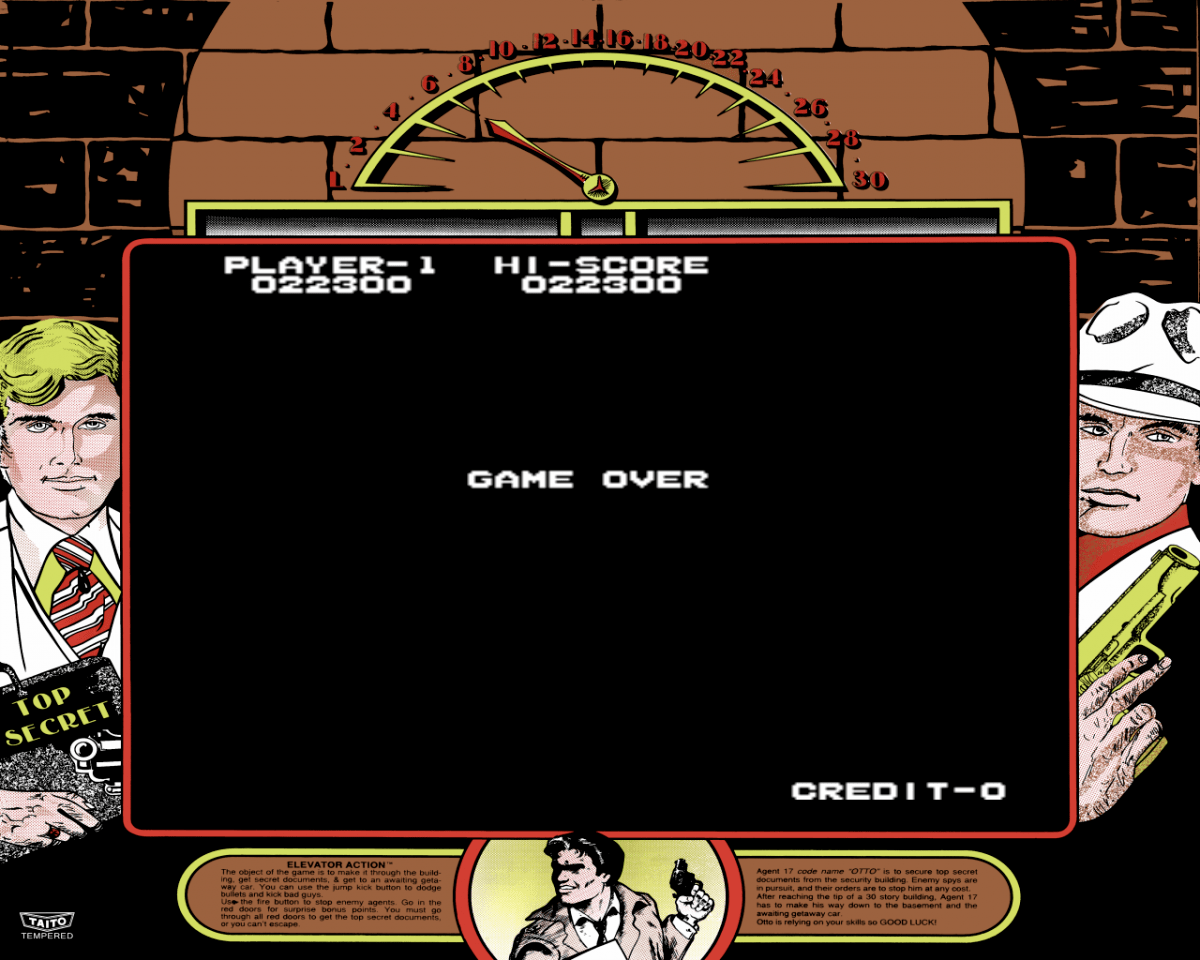
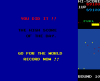
Raiden - 142,190 New Rally X - 89,100 Elevator Action - 22,300 (I really like this game ) ~ GC

- 239 replies
-
- 1
-

-
- Mame
- competition
- (and 1 more)
-
[Final] Internet Gaming Bash of the Year [MAME]
GimmeClassics replied to wolfman24's topic in The Arena
Great scores ExedExes !! @ Team GameEx > we still need hi-score submissions for: Burning Rubber Magic Sword New Rally X Pepper 2 Raiden Additional info has been added to the Scoreboard: Team Points by Game and Top Players by Points (nice 8th place ExedExes ) ~ GC -
UPDATE ON GAME SETTINGS Thank you Fallout for clarifying this... The game settings of post #1 are correct but don't match the preset game settings !! (post #1 has been updated) You've have to change the "Difficulty of Play" setting to value 5 (recommended) 1. Start Robotron: 2084 2. Wait for the in-game hi-score table to appear and hit F2 several times until you've reached the screen below (I had to hit F2 about 16 times ) 3. Keyboard controls to browse this menu: E = move up D = move down i = increase value k = decrease value 4. Hit F2 once more to exit the diagnostics pages We kindly ask you to submit a (new) hi-score at the correct difficulty setting or reply to this thread and confirm you've been using the correct settings. Your hi-score will (again) be added to the game's hi-score board when we have received either your confirmation or a new hi-score submission at the correct difficulty setting. Sorry for the inconvenience. ~ Hi-Score Team
-
You're absolutely right Fallout_002. Thank you for clarifying this !! ...and a great contribution for your first submission The settings of post #1 are correct but don't match the preset game settings. In my next reply I've explained how to exactly change these settings. I've also sent a PM to everyone who may have been using the incorrect game settings and I've updated post #1 Thanks again Fallout !! Thank you for your new hi-score submission ExEx ! Updated OP, DB, RSS, LB
-
Thank you guys for the game playing hints ....this could really help boosting my personal best score !!
- 155 replies
-
- 1
-
-
- bank panic
- mame
- (and 1 more)
-
Thanks again Junky ! Looks like I've got some reading to do
-
...damn it, I'm now in the +10's zone for Mr. Do. Thank you for that Mr Jedi .....LOL...pretty nice score Updated LB
-
@ Junky: Wow !! Thank you for your thorough explanation !! ...and you're right. I should have been more clear on the gaming experience I'm trying to pursue Building a cab would give my the best experience. I immediately believe that. That's however not an option for me right now. I lack the knowledge to build my own cab and I think it's also quite expensive...Who knows, maybe in the future I would be able play on a custom build pincab. I would definitely need a lot of help to build my own cab, that's for sure For now I would like to figure out which program(s) would be the best option for me when trying to play on a dekstop or HTPC build. Reading your reply I conclude the following... Future Pinball with use of BAM and head tracking... This would give me great looking original tables. Q1 - You mention physics are not as good as VP right out of the box. Does it mean with some tweaking you can get a similar experience as with VP ? Q2 - I think I understand what BAM does but what is head tracking exactly ? Visual Pinball Better physics as Future Pinball but harder to configure. Fantastic ROM support. Q1 - does the ROM support imply VP has better physics than FP or is it graphic wise more true to the original table because of the ROM support ? Q2 - is it still worth the amount of time to setup VP when playing on a desktop / HTPC instead of a cab ? Or is FP the better option for me ? Pinball FX2 I've already installed FX2 and I'll keep on using this I'd love to receive some feedback. Thanks again ! ...@ Darren > nice to hear you're also trying to join the Pinball World Maybe we can help each other out along the way
-
[Final] Internet Gaming Bash of the Year [MAME]
GimmeClassics replied to wolfman24's topic in The Arena
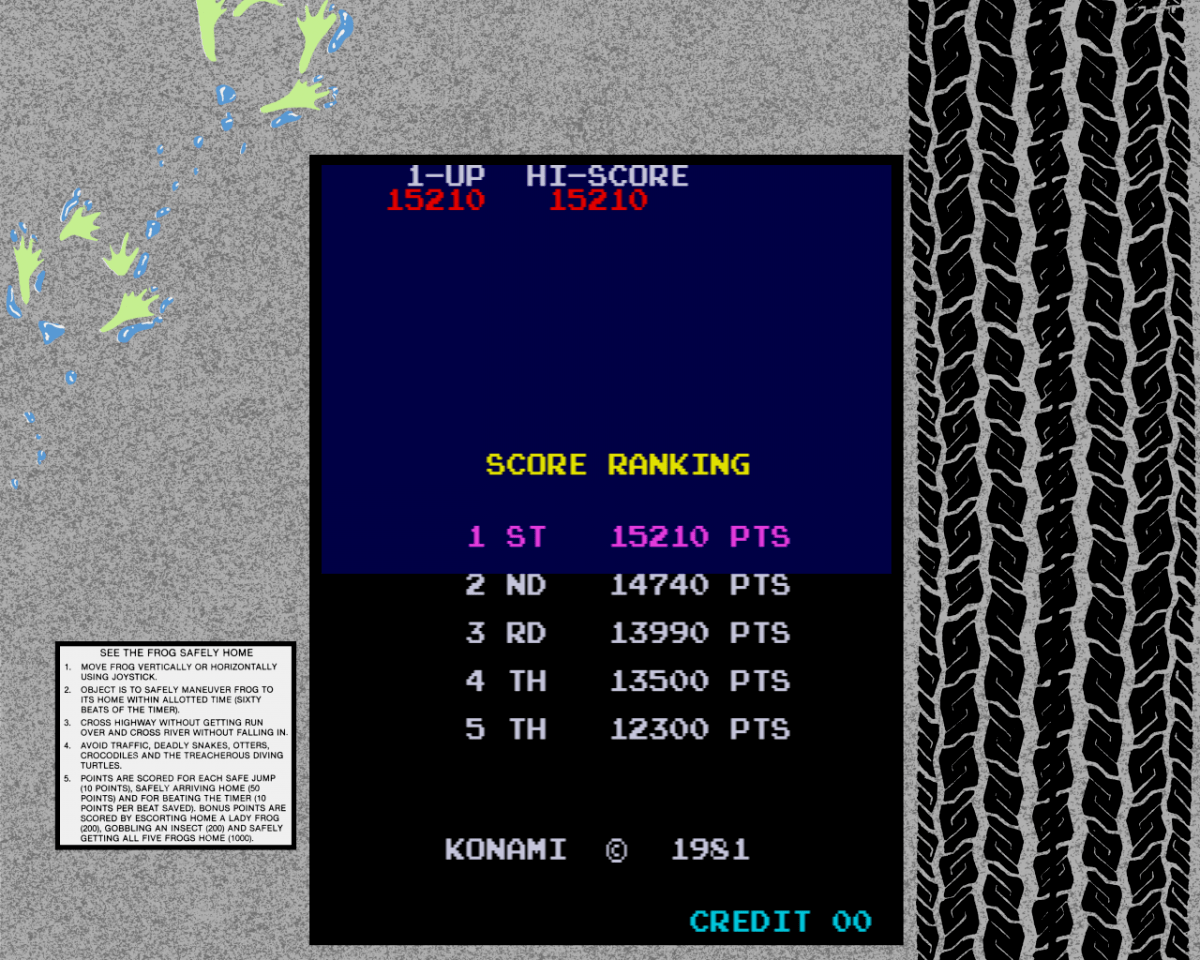
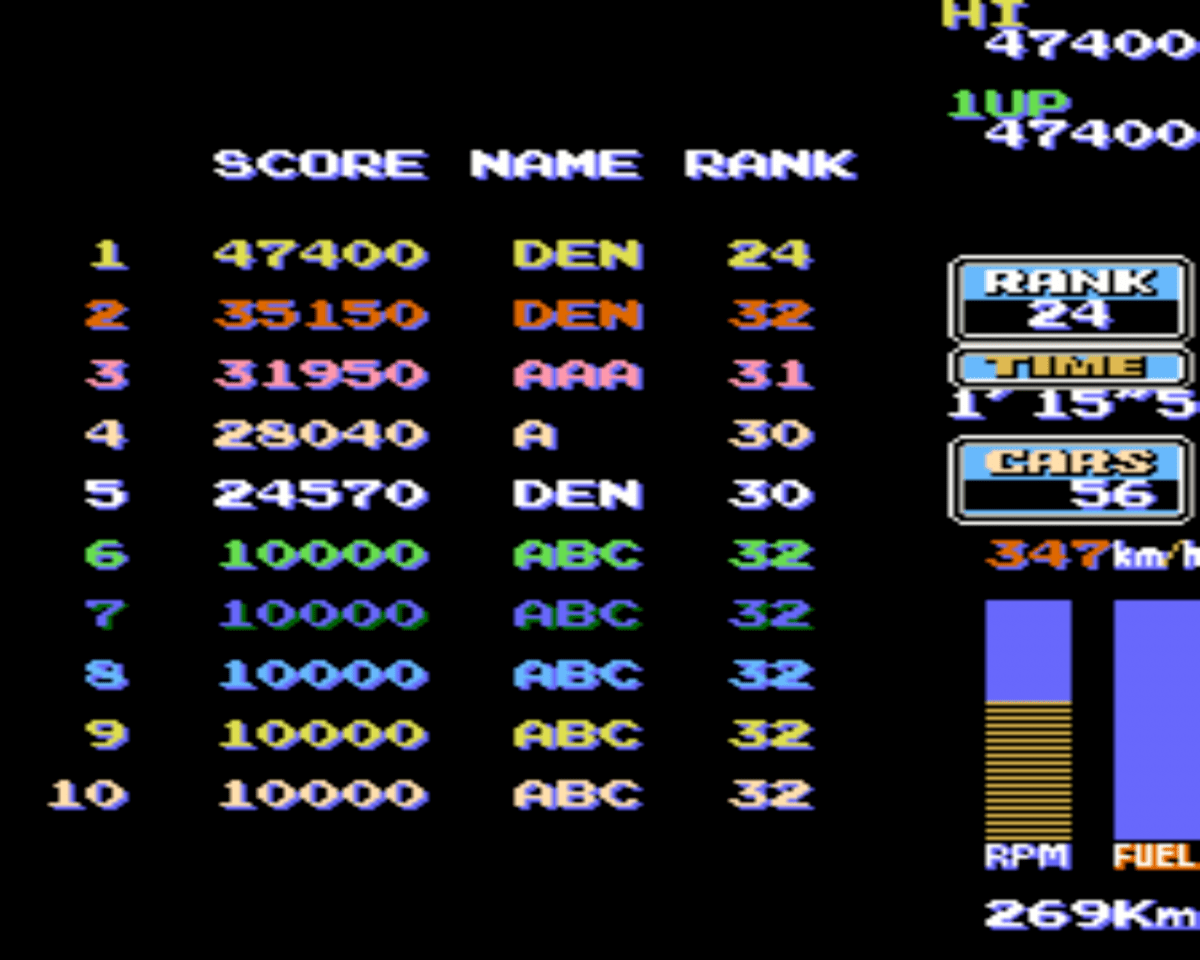
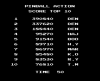
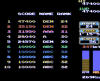
Frogger - 15,210 (a little improvement) Pinball Action - 390,840 Road Fighter - 47,400 ~ GC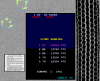
- 239 replies
-
- 2
-
-
- Mame
- competition
- (and 1 more)
-
Hello guys ! I'm (kind of) new to the pinball scene but I'd really like to start learning how to to play those amazing tables ! One thing I have already decided is the frontend I will use - which of course is PinballX I will also make use of the excellent guide that has been written to install and configure PinballX !! I recently had a short holiday and I've been playing the Pirates of the Caribbean, CSI and Sopranos tables. I had so much fun and this has really renewed my interest in being able to play these tables whenever I want to The first thing I have to decide is which pinball software I want to use. I've been reading about the different programs available. Here are my findings. I'd really appreciate it if you could tell me if this is somehow correct and share your opinion about the different options available Of course I understand there is no "best" option but I'd like to be able to make a good decision and compare each available program... Future Pinball A lot of original tables available. Compared to Visual Pinball better graphics but the physics / gameplay maybe not as good as Visual Pinball ? Visual Pinball Nice physics, a lot of things customizable and realistic gameplay. Hard to setup, graphics are not as good as Future Pinball and maybe less original tables are available... Pinball FX2 Nice graphics and fun gameplay. No original tables but a lot of fancy things going on. For those who like eye candy and do not necessarily want to play original tables. I've Pinball FX2 installed through Steam and I really like it. However, I would also like to be able to play original tables and maybe enjoy more realistic gameplay. Pinball Arcade Very interesting option. It's now available on PC and some say the physics and gameplay are even better ? I'd love to hear what you guys think about PA... (Visual) PinMAME A pinball emulator for ROM images from real pinball machines. Is this for use with VIsual Pinball ? I don't quite understand. Last news item on their website is from 2010...? No longer in active development ? Zen Pinball 2 Not available on PC ? The Zen tables of Pinball FX2 are the same as Zen Pinball ? I don't know much about this one... Thanks in advance for your info ~ GC
-
[Final] Internet Gaming Bash of the Year [MAME]
GimmeClassics replied to wolfman24's topic in The Arena
Frogger - 13,990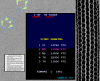
- 239 replies
-
- 1
-
-
- Mame
- competition
- (and 1 more)
-
[Final] Internet Gaming Bash of the Year [MAME]
GimmeClassics replied to wolfman24's topic in The Arena
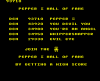
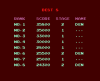
I'll revisit these games...I know I can do better Magic Sword - 108,837 Pepper 2 - 93,710 Splatterhouse - 35,800 ~ GC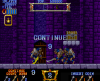
- 239 replies
-
- 2
-
-
- Mame
- competition
- (and 1 more)
-
[THEME] >>> GameroomEX v2 Discontinued!!! <<<
GimmeClassics replied to Krakerman's topic in GameEx Media Projects
@ Krak: I think you were busy writing your last reply at the same moment I submitted mine....so just in case you missed it > link -
[THEME] >>> GameroomEX v2 Discontinued!!! <<<
GimmeClassics replied to Krakerman's topic in GameEx Media Projects
@ Krak... Gameroom Hi-Score Competition theme thank you for your reply ! I was able to setup your Gameroom Comeptition theme and also got the competition map file working. It's so cool !! Question: does the name of my custom menu entry and seperate emulator has to be exactly the same as your config / theme file name which is "GameEx Hi-Score Competition" ? Gameroom Steam theme I've tried to setup Steam as as seperate emulator. Your Steam theme layout is shown but I have a weird issue with the gamelist. I'm also not able to start and play a Steam game...Any idea how to fix this ? [please see picture below and attached log and ini file] Gameroom MSX / Amiga theme You've created a MSX and Amiga theme in April. Did you perhaps forget to add them to an extension pack ? Thanks again Krak GameEx.ini CustomMenu.ini log.txt -
[Final] Internet Gaming Bash of the Year [MAME]
GimmeClassics replied to wolfman24's topic in The Arena
I agree on both points ! -
ExedExes' hi-score is indeed quite amazing. Nice second place score though Updated LB
-
[Final] Internet Gaming Bash of the Year [MAME]
GimmeClassics replied to wolfman24's topic in The Arena
Sorry, my bad ....I've changed that. -
[Final] Internet Gaming Bash of the Year [MAME]
GimmeClassics replied to wolfman24's topic in The Arena
Ok. In this case it makes perfectly sense to not use the default Do Run Run settings It should be clear for everybody which settings should be used per game...that's all Already any decision making on nitro ball yet ? -
[Final] Internet Gaming Bash of the Year [MAME]
GimmeClassics replied to wolfman24's topic in The Arena
Do Run Run > Dip switches were messed up ? How did that work ? I think if you have posted this new setting for Do Run Run at all forums participating it's ok. It's all about communicating this clearly ....I do think however you should be careful with changing rules / game settings while a contest is running...just my two cents Nitro Ball This technique is not banned by either MARP or Twin Galaxies as both world records are maxed out. I think there is a great chance however TG will some day ban this technique. I just don't like others using tricks to max out a score. It feels kind of like cheating... But how would you guys be able to check the use of this technique other than having the players INP-fille or a recorded session (which is a no-go here at GameEx) ? The second best score at MARP is 10,4 million points. So if somebody would reach a score of 15 million points or more you could perhaps conclude they have been using this technique. Or does the use of this trick automatically cause your score to max out...? It's up to you guys what you'll decide....It's kind of hard to decide what you guys should do... Maybe someone else could share their opinion on this matter...? -
You two are in a league of your own !! Amazing scores Updated LB
- 69 replies
-
- 1
-
-
- mame
- choplifter
- (and 1 more)
-
[THEME] >>> GameroomEX v2 Discontinued!!! <<<
GimmeClassics replied to Krakerman's topic in GameEx Media Projects
No need to rush anything Krak ...I've only updated my question because I thought it would better explain what it is I am running into... Thanks in advance -
[Final] Internet Gaming Bash of the Year [MAME]
GimmeClassics replied to wolfman24's topic in The Arena
Just in case some of you didn't notice ........... For the contest game settings (default dip switches) and ROMsets please refer to this thread -
[Final] Internet Gaming Bash of the Year [MAME]
GimmeClassics replied to wolfman24's topic in The Arena
@ GameEx Hi-score Competition members: If you play Mr. Do! in this contest make sure to change difficulty settings from medium (our settings) to easy (IGBOTY / default settings). All of the other games which are also part of our GameEx Hi-score Competition are not affected. Note: needless to say perhaps, but a Mr Do! hi-score achieved at easy settings can't be submitted to our GameEx Hi-Score competition. -
[Final] Internet Gaming Bash of the Year [MAME]
GimmeClassics replied to wolfman24's topic in The Arena
With already 29 Do Run Run hi-score submissions I'm surprised you guys decide to change the settings for this game ? The default settings - as stated here - are 3 lives. IMHO I don't think it's wise to change these settings... -
[THEME] >>> GameroomEX v2 Discontinued!!! <<<
GimmeClassics replied to Krakerman's topic in GameEx Media Projects
@ Krak: I've updated the question I have in my previous reply. Any help is appreciated. Thanks