|



BritInVA
-
Posts
83 -
Joined
-
Last visited
Content Type
Profiles
Forums
Events
Downloads
Store
Articles
Everything posted by BritInVA
-
What do folks do about gaming instructions on multi-system cabinets? I mean you cannot label every button because the functions change depending on the gaming system. I know MAME has control panel layouts - can you do similar with other systems? Or do folks put instructions on bezels? So what do you do?
-
well think I got it working - used the Advanced Config Editor and enabled Joy mapping and then mapped the joy Name to Keys. Seems to work Just got to work out the best map for keys. This is my joy/button layout - any conventions for mapping to game controllers?
-
SM - my issue is I'm only using IPAC for some control functions. Its not used for the Joy buttons. My issue I think is I'm using UltraStik 360's for the Joys and Joy buttons [EDIT] Also I was told was not possible to map the Joy buttons to keys without a mapper. Windering if I can do that with the Advanced Config Map file but not sure where to start.
-
Well thats the area I'm having trouble with. My control panel uses a Ultimarc IPAC for my bezel buttons (P1, C1, Pause, Exit, etc) and then I'm using Utimarc UltraStik 360's for my joys..... these have there own button controllers (not key encoder) and using those for joy buttons 1 to 6. Looking at the Snes9x not sure what to select - current set up for SNES Joypads but does not work. One of reasons I opted for GameEx was I read about how the UltraStiks can be configured per game for 2-way, 4-way, etc. with MAME games. Just wondering if possible to do that with the MAP file for SNES but not sure where to start.
-
Hmmm - don't think I added that - was part of the setup config. I just adjusted paths OK - starts now but now issue is don't seem to be able play the games. I'm using UltraSticks for my joy & buttons. Annything special I need to do?
-
OK - so thought try my luck at installing Nintendo SNES. I used the set up Wizard and opted for Snes9x emulator as read on forum its good for slow systems. I located some SNES ROMs and placed them into the Rom folder. I added to my menu and when I start GameEx I see the SNES Roms but when I select a Rom screen goes blank for a while and then it returns to GameEx. Is there a step I'm missing? Are SNES Roms like MAME and need to be same version? Logs & config attached. Thanks, Mark GameEx.txt log.txt
-
Cabinets and HTPC Setups Running GameEx
BritInVA replied to David R Hilgendorf's topic in Gamer Rigs
Nice cabinet Adultery - puts mine to shame What you using as a monitor - I think my choice of using an old TV & PC were wrong..... think a better monitor on PC need to be on shopping list - just hop my kids play it so can justify it..... so far wife thinks its a big eyesore -
Full Configuration Mame Package
BritInVA replied to ranzo's topic in FAQs, Guides, & Other Useful Information
Thought report back that my issues were my PC/Video card were not poweful enough. I've changed video card and got things running better but will need to get better PC at some point. One thing did notice is that script does not put [Mapping Off] Exit (ESC+Q).ini in correct place - should go in \GameEx\CONFIG\EMULATORS\ Also any reason your not using vpauto.exe? Again - thanks so much for this was a life saver. -
Well so far things are much better with VP and the new graphic card.....using the VpinLoader now too. Got about 6 tables that work quite well. So can mark this as [Resolved] Thanks everyone!
-
Well so far no repeat of problem - realy hope its resolved. How do you make it resolved?
-
Adultery - Thanks. At moment that seems to have worked. Going to keep fingers crossed that does not reoccur. Seems odd that the CustomMenu App added a blank line - looks exactly same within CustomMenu App are manually editing the INI. Hopefully I can move on with finishing the cab now. Cheers, Mark
-
I'm still no further getting this resolved - tried using different Theme (Carbon & Steel 2.0) as well as disabling the Custome Menu and I still keep getting a Logo on Startup instead of the Background. Don't want to start looking at other Front Ends but if I cannot make this simple then kids are not going to play it. How do I get help to resolve this? Getting Desperate
-
OK, getting very frustratiing I cannot stop GameEx from changing the view from the custom bacground to a logo. If I use a default Theme everything is fine but if I'm using a custom theme the correct background displays for a few seconds then changes to a logo..... have to then use change view to get correct background..... not user freindly! I've attached Log1 which has events where it changes automatically to the logo and then I manually change view to background. and the Log2 which is where I restart GameEx and reverts to the Logo again. Also attached GameEx.ini, Theme.ini and CustomMenu.ini Hope someone can help log1.txt log2.txt GameEx.txt Theme.txt CustomMenu.txt
-
I've been having exact same issue. What I don't understand is any other application I put in startup folder will start maximised but GameEx does not. If it was some other application or service taking focus surely it would do same for all startup applications. Many applications have as part of their options: - Run on Windows Startup - Minimise on Startup
-
Feature & Enhancement Requests
BritInVA replied to Tom Speirs's topic in FAQs, Guides, & Other Useful Information
Any chance of adding an INI setting so GameEx always displays correct view? See issue I keep having where logo instead of backgroung gets displayed. http://www.gameex.info/forums/index.php?showtopic=9449&view=findpost&p=70657 Thanks, Mark -
Thanks - hopefully get some time at weekend to do some more work on cabinet and PC. At moment got to finish a tiered celing in the master bath
-
The damn Change View issue has reappeared again Everytime I start GameEx or go back to the Home page I'm seeing a Logo and not the correct theme background. I have to go to Change View everytime. Is there a INI setting that can force its to correct view? Is this a bug that others have come accross?
-
Some good news to report - I purchased a EVGA nVidia GeForce 6200 512MB PCI card and now am able to run some pinballs via GameEx front end. Still go lots of twaeks to do but its taking a bit of a back seat while I do some other work in house. Will definitly be upgrading to vp9.12 if that helps further.
-
Found this http://www.4allmemory.com/video-card/compaq-hp-pavilion-502n/ Ordered so fingers crossed - not expecting this PC to play everything but if it a least can play some basic tables and kids are playing it a lot then I can justify spending on a better PC and Monitor. What else other that MAME will play nicely with a low end PC and integrate with GameEx?
-
Well my working out is: Mobo (ASRock M3A770DE)= $60 CPU (AMD Athlon II X3 455 )= $90 RAM (G.SKILL NS 4GB) = $40 Video Card (EVGA 512-P1-N402-LR GeForce 6200 512MB)= $50 OS (XP Home) = $75 (Don't think I can use existing OS of this HP) So circa $315 and thats assuming I use my existing HD, PSU, CD/DVD etc and don't use a case. Might be a possibility after summer but not right now.
-
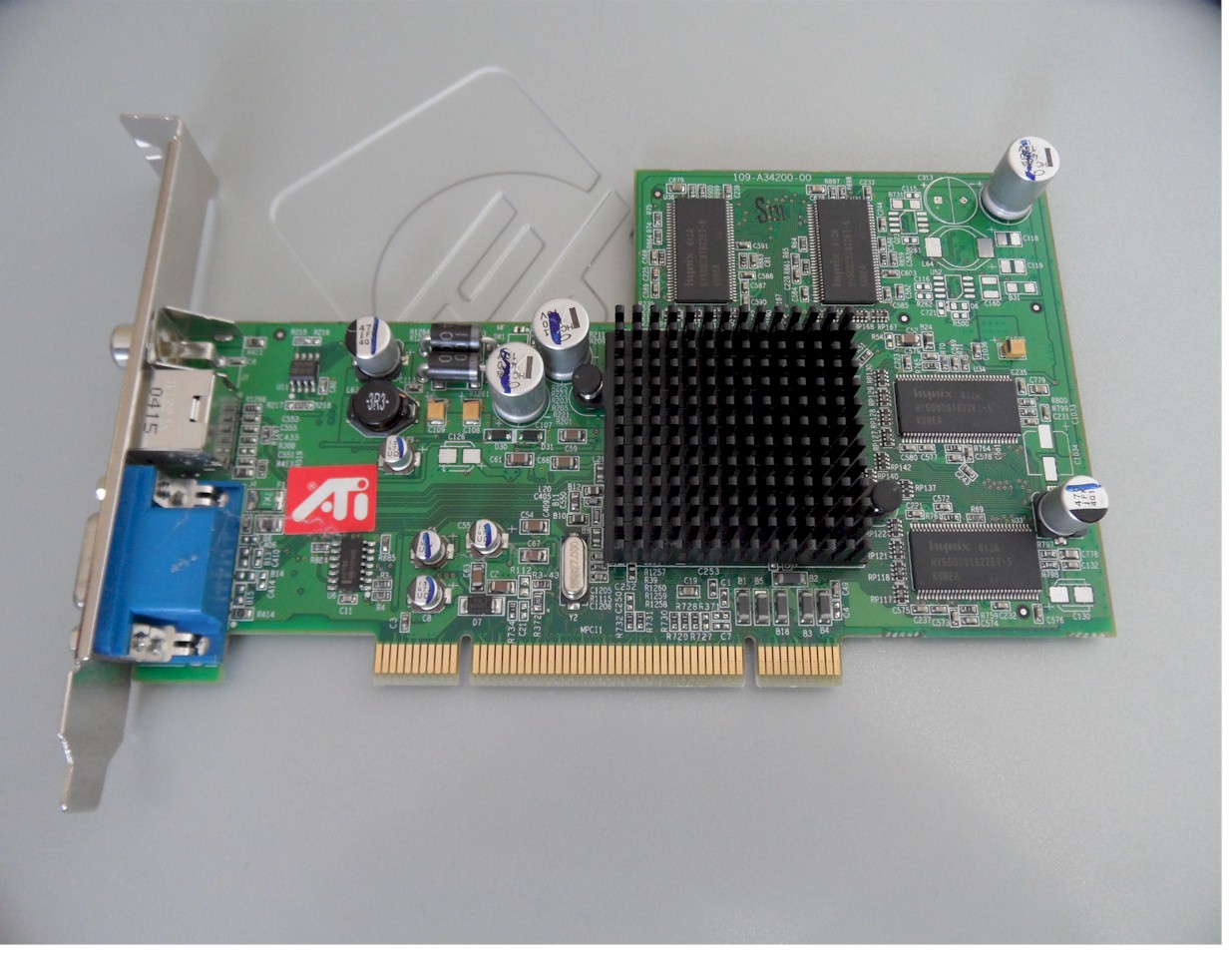
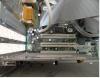
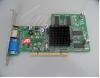
Yep - def VP9 tables I too thought would be OK to use a 2.x card. Seems thou what I've read 2.0 might be OK but 2.1 could be problematic. Spoke to someone in EVGA Tech support and he didn't think would work but in their forum someone thought it would be OK..... so confused If anyone is more techy my mobo is trigem 011027 And attached pics of PCI slots and current ATI RADEON 9200 card These are a couple of resonably priced cards that have s-video & DVI EVGA 512-P1-N402-LR GeForce 6200 512MB 64-bit DDR2 PCI 2.1 Video Card EVGA 512-P1-N724-RX GeForce 8400 GS 512MB 64-bit DDR2 PCI Low Profile Video Card Starting to think thou that this PC is not worth the bother and should look at getting something better but didn't really want to be spending upwards of $300 on a PC
-
I think that relates to VP v6.1 and I'm running VP v9.09. Not been able to see on VPForum and minimum specof the PC CPU/RAM just that minimum 512MB video required. Can anyone confirm if a PCI 2.1 card is OK with a mobo with PC1 1.0? I believe its backward compatible with PCI 1.0, just the 2.x card will just be limited to the bandwidth the v1.0 slot is capable of providing.
-
Well after browsing a number of threads I noticed some were using So I changed the command in the Visual Pinbal config and now the game loads. But now seeing further errors 1) Then when click OK 2) I think this is because of the Graphic Card memory - that sound right? Worth me trying another card? Like this one Latest log attached
-
I checked the location C:\Program Files\GameEx\MAP FILES\Pinmame specified in the vpinball.ini and nothing there. Assume maybe this is related to Ranzo's build. So deleted line from the config and still getting same error Error Loading -"Game Name" The correct MAP FILES directory looks like should be D:\FrontEnds\GameEx\MAP FILES\ but I don't see a file called Pinmame in it. Pinball tables are not zipped I've attached log. Thanks, Mark log.txt
-
Hi Adultery, The games I've got work fine in Visual Pinbal I've changed from Ranzo's config to just calling vpinball.exe to try to see what errors are This is where I'm seeing error Error Loading -"Game Name"