|



ManchesterLad
-
Posts
5 -
Joined
-
Last visited
Content Type
Profiles
Forums
Events
Downloads
Store
Articles
Everything posted by ManchesterLad
-
Apologies it was Pinball FX not FX3 I'll post there
-
Can I piggy back on this....same problem and logs attached I am waiting for a fix to the colour DMDs on FC so tried adding the paramater for FX3 on this site, but didn't work Either way my tables in Pinball X winet close down on exit , they stay open in the background, juke like you pressed escape to go to the menu but not closed the application down. Tried adding the -quit parameters too, no joy PinballX - Copy.ini log - Copy.txt
-
[RESOLVED] Zen Pinball FX Colourized DMD help
ManchesterLad replied to ManchesterLad's topic in General
Defo same issue....one bit annoyed wasted so much time trying to fix it lol But at least on the other hand I know it's not me! Done some more digging, saw on a Facebook post that there is a Zen update at the end of August which should hopefully fix this -
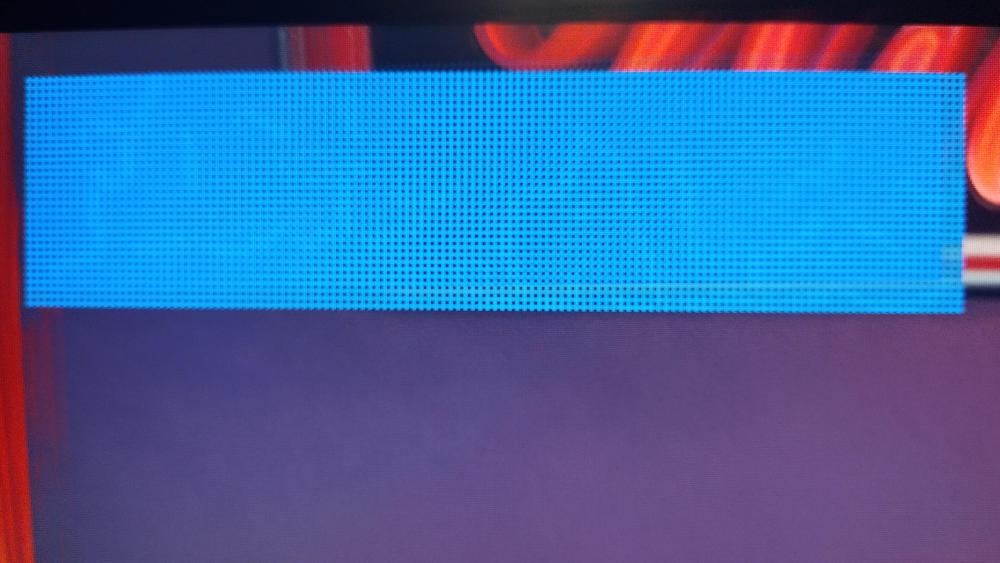
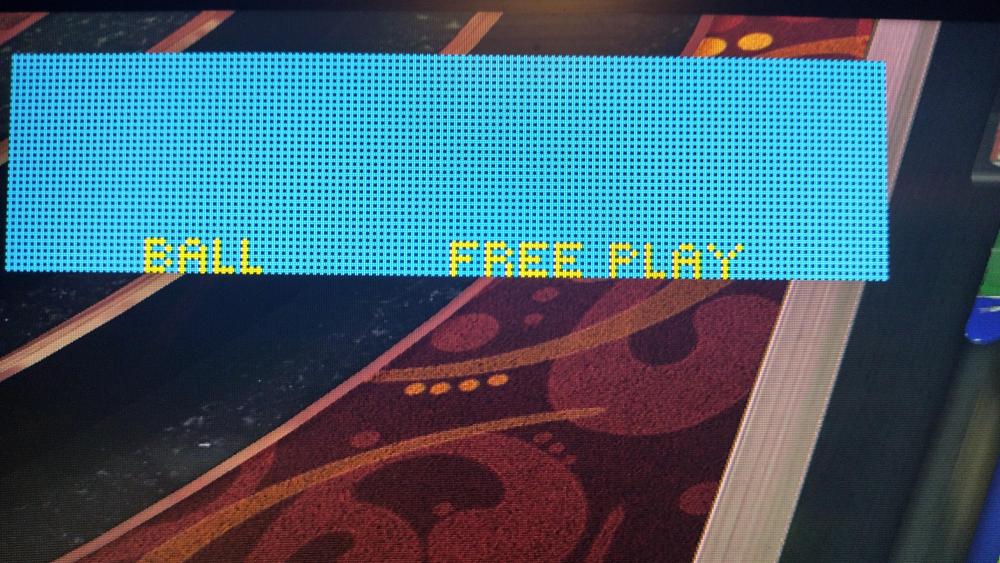
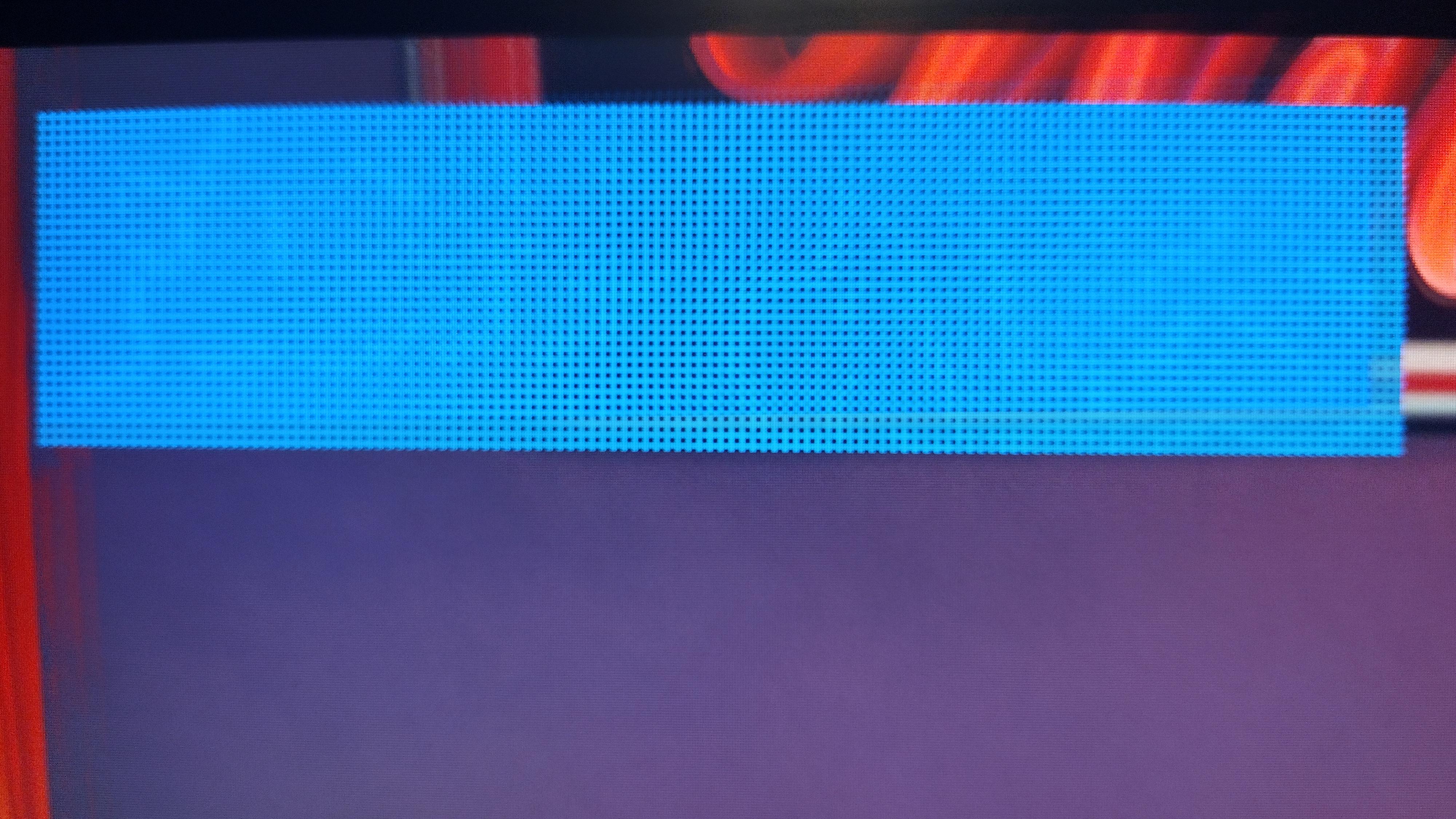
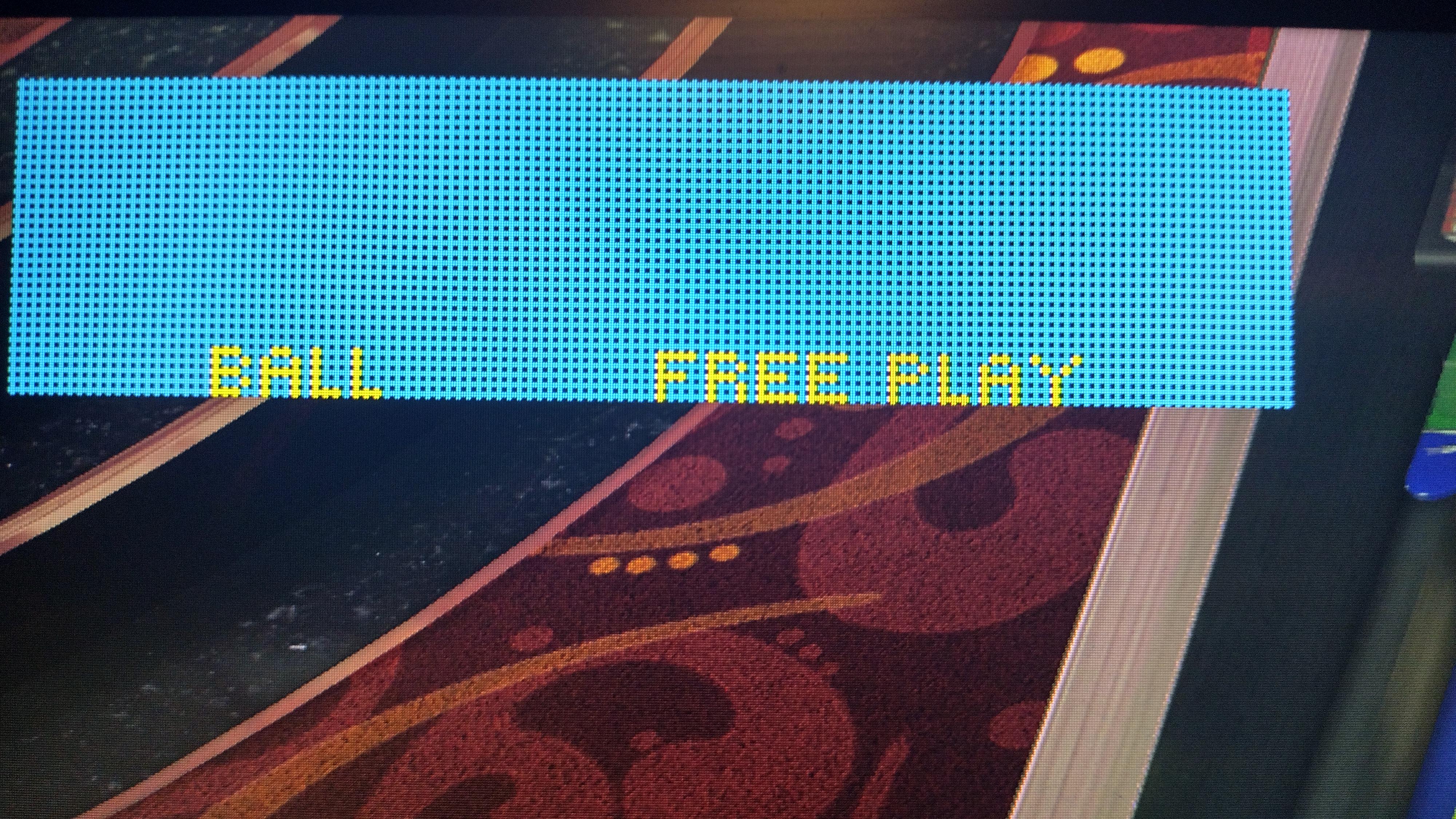
Hi - I did not want to start a new thread. Hope you can help I am nearly there with colourisation of the roms in FX - so close, yet so far. For example Fish Tales loads up a blue DMD and Indiana Jones and Creature from the Black Lagoon also similar - DMD all messed up colours but works in some sections - strange. The roms works in fine in VPX - just here there is a problem Testing using Desktop Activated cabinet mode Selected Dotmatrix Window / External DMD Device* Renamed tables in altcolor folder: 108 (Fish Tales) for example. Renamed as pin2dmd.pac Tried using Enviromental Values as in certain FAQ's Attached pics of Fish Tales - can see title very faint - when ball is locked it shows the scene 100% ok. Indiana Jones is all messed up - but shows the planes ok when you go up the ramps. Creature from the Black Lagoon starts fine but as soon as game starts, all messed up. *With the DMD log - unsure if this is correct - I could only get external DMD to show as an option in cabinet mode if I dropped my DMDDevice, DMDDevice.log.config and DMDDevice64.fll in the folder C:\Program Files (x86)\Steam\steamapps\common\Pinball FX\PinballFX\Binaries\Win64 That does not seem to be in any guide - is that correct? I am guessing there needs to be something in Pinball FX to link it to where your external DMD is saved? Hope someone can help DmdDevice.log