|



Almodo
-
Posts
26 -
Joined
-
Last visited
-
Days Won
1
Content Type
Profiles
Forums
Events
Downloads
Store
Articles
Everything posted by Almodo
-
PinballX Enhancements/Features Requests
Almodo replied to Draco1962's topic in FAQs, Guides, & Other Useful Information
OK, thank you for your reply! -
PinballX Enhancements/Features Requests
Almodo replied to Draco1962's topic in FAQs, Guides, & Other Useful Information
Thanks a lot for the answer, but this means even with the new and praised "Database Manager" this is not possible? -
PinballX Enhancements/Features Requests
Almodo replied to Draco1962's topic in FAQs, Guides, & Other Useful Information
Hello everybody, This has probably already been asked before but I couldn't find a satisfying answer to my question so please can you help me?: I have an "All Tables" list, which is of course sorted alphabetically, that's fine. But I would also like to have manufacturer lists like "Williams Tables" or "Bally Tables", but these I would like to have sorted by ascending manufacturing date, so for example a Williams SS tables list would start with "Hot Tip" (1977-11) and go all the way to "Monster Bash" (1998-07). Somehow I guess this is not possible, or is it? At least not with the old Game Manager (?) because the sorting parameters would have to be taken from the "Description" field, and if I added a date before the name, like "(1977-11) Hot Tip", I assume this would mean that also the alphabetical "All Tables" list would now be sorted like that and not from A to Z anymore. Am I assuming correct here? So, is there a solution to sort one "master" list alphabetically and the different manufacturer lists by manufacturing date? Thanks a lot in advance as always! -
You're from Jacksonville, FL?! We will be there again next Christmas, come to think of it! We try to visit the States as often as we can and Florida is our absolute favorite state. (especially in the winter) 🙂 Greetings to the Sunshine State from Germany!
-
PS: Thanks a lot to you, Draco1962, as well, of course, for your time and effort!
-
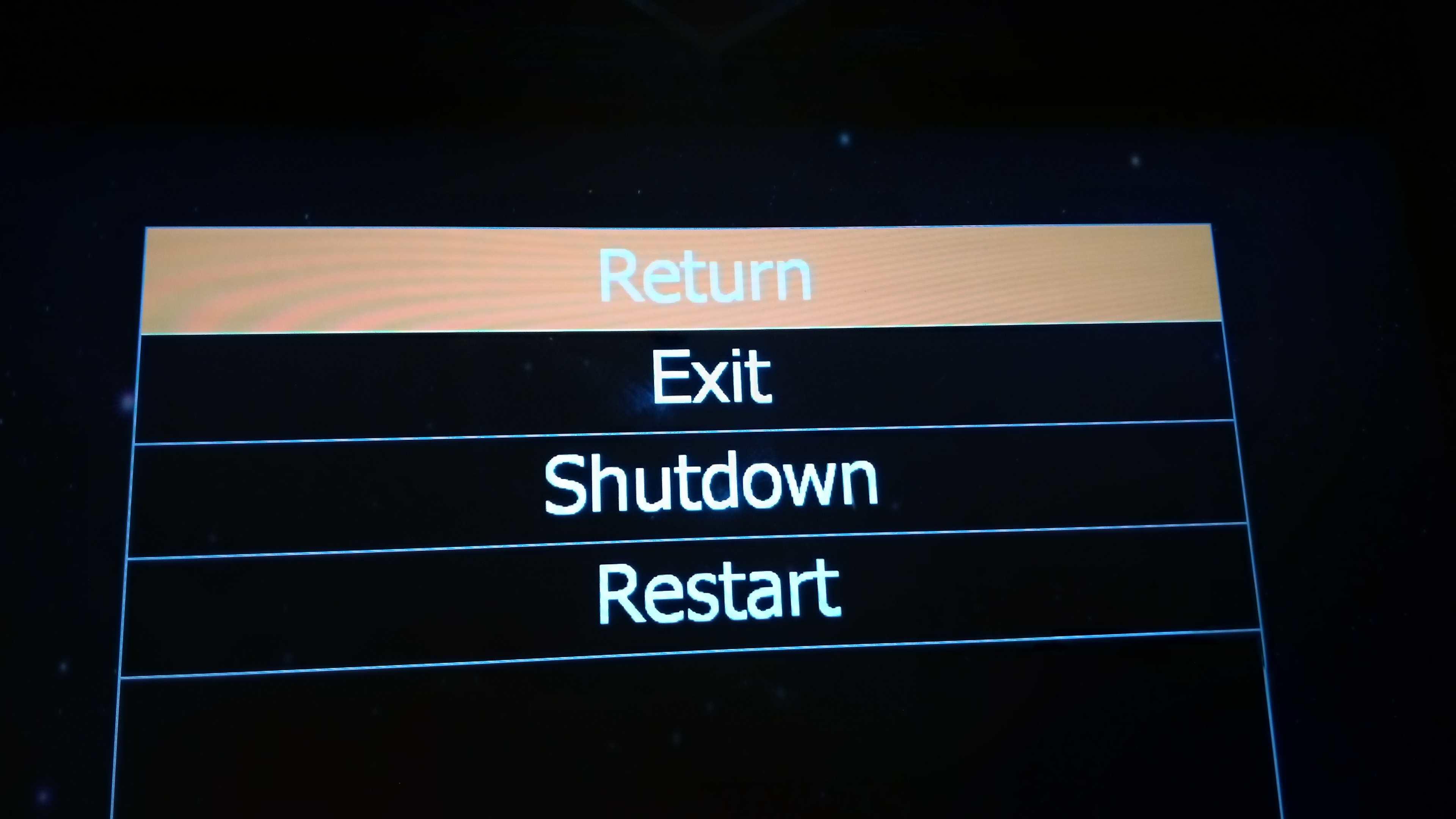
O.M.G.!!! Mystery solved! Scutters, you know, in all those past years it somehow never occurred to me that "Launch" and "Start" are actually two different commands! Even more important here is the fact that I was always under the impression that all these "1980s Tables" etc. filters would appear below the ""Return, Exit, Shutdown, Restart" menu... Pressing "Enter" on the keyboard / newly assigned cab button of course brings up those menu selections where I also can introduce new filters via the Game Manager's "New List" procedure. The solution was right in front of my nose the whole time... So thank you one last time for clearing up that "mystery", and now it's back to hitting the silver ball. Have a great day and keep up the good work!
-
You're right, I sent you a slightly older file, sorry for that. But after newly installing it on a different partition of my hard drive, and still with the same results, I have sort of given up. Then so be it. But thinking about it, it's not really that big of a deal after all, I guess, because at the moment I have about 60 tables, and even with the occasional new one the total number will never get higher than 100, which is still a manageable number of tables to browse through, and of course I have my handful of favorites so I can live with that. If I had like 1,000 tables, as some guys apparently do, it would get a little difficult to browse through all of them alphabetically to find the one you want to play right now. So thanks again for your help. I still would be interested in knowing why it doesn't work on my setup, I have to admit that!, so here are my newest ini and log files. If you have any idea or solution please let me know. Thank you very much in advance and greetings log.txt PinballX.ini
-
Thank you very much for your quick reply, but please what do you mean by "First you habe basic mode enabled."? --> As you can see I have it "not enabled" (as it should be, right?). Also, the "system list" is enabled. See, that's the problem: I have everything enabled and still nothing, that's what baffles me... (and of course I read the documentation!) 🙂 Any more suggestions, maybe?
-
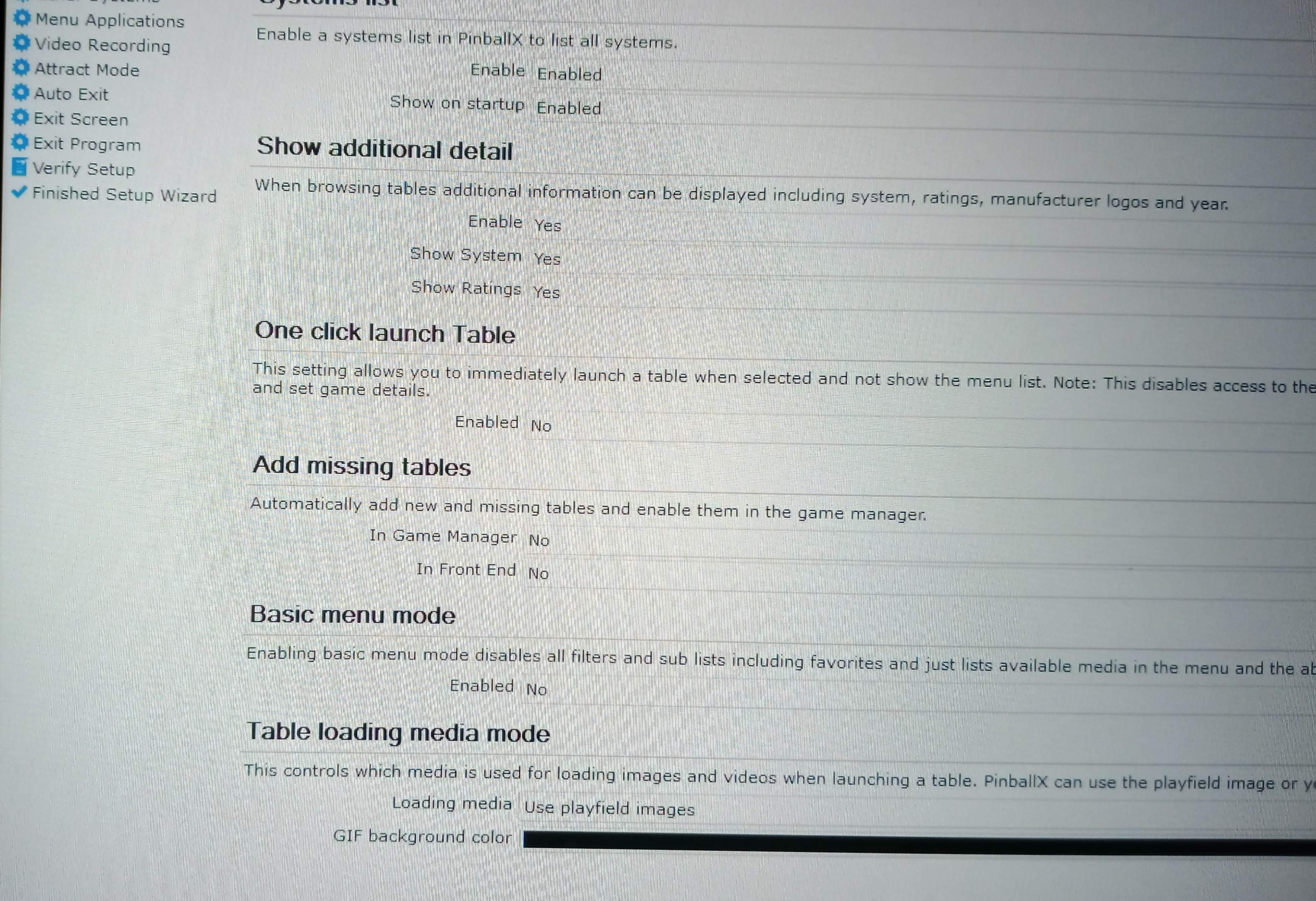
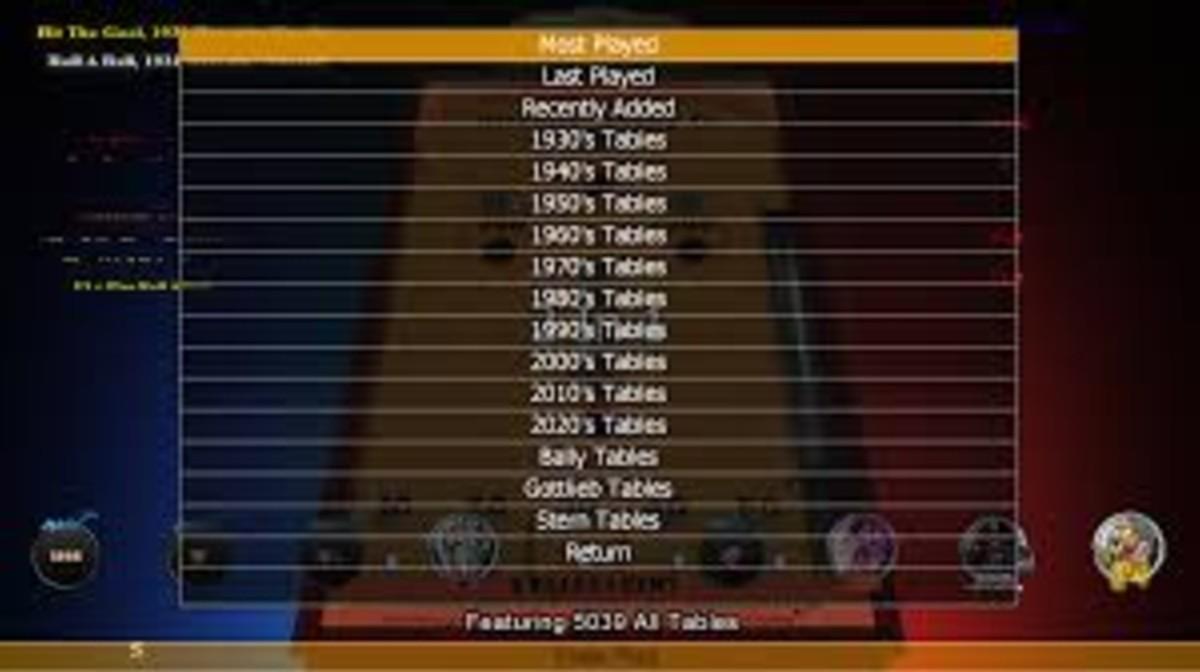
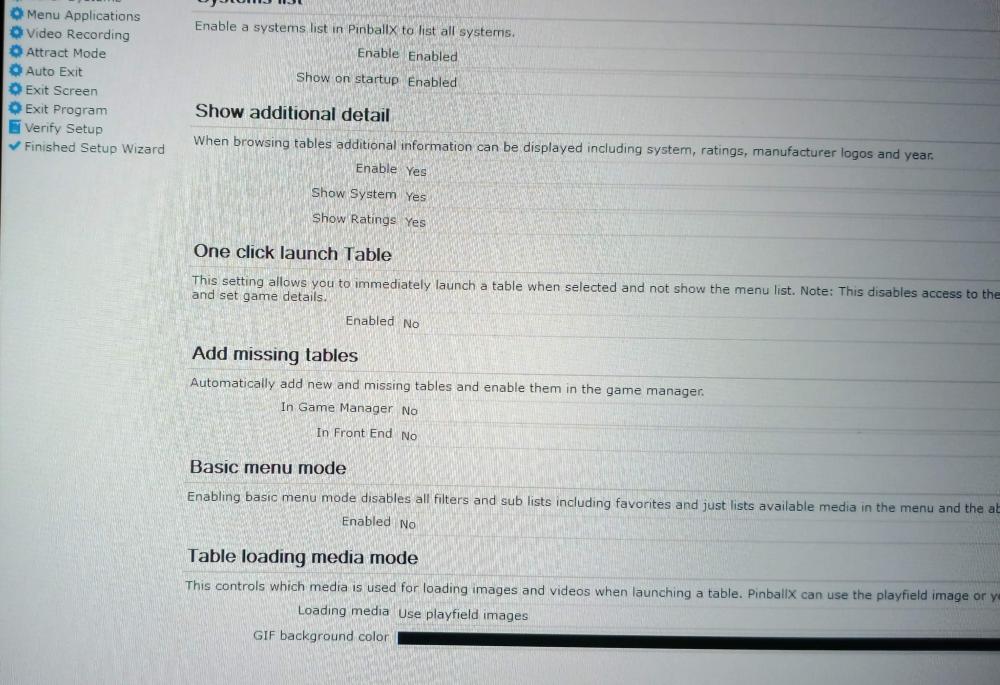
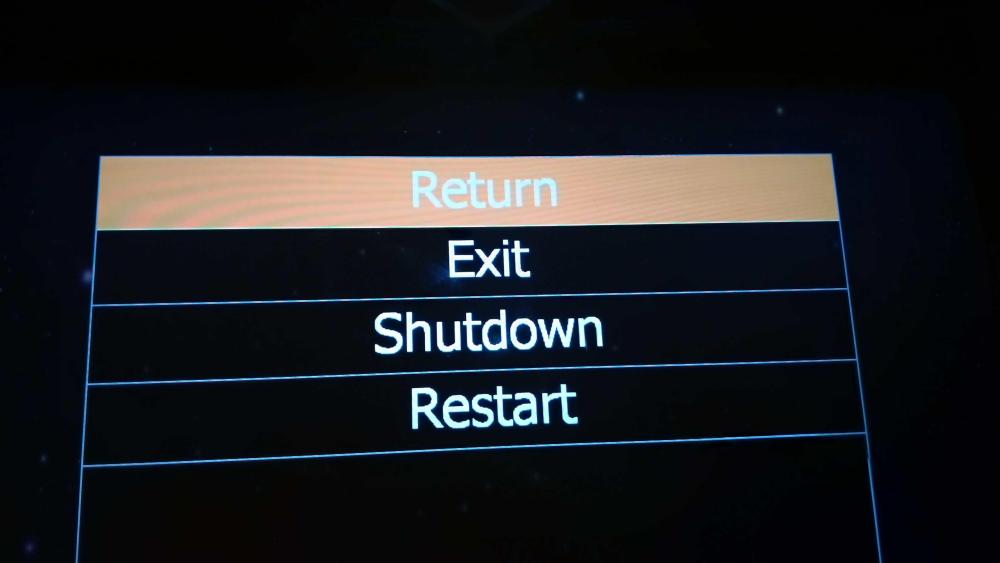
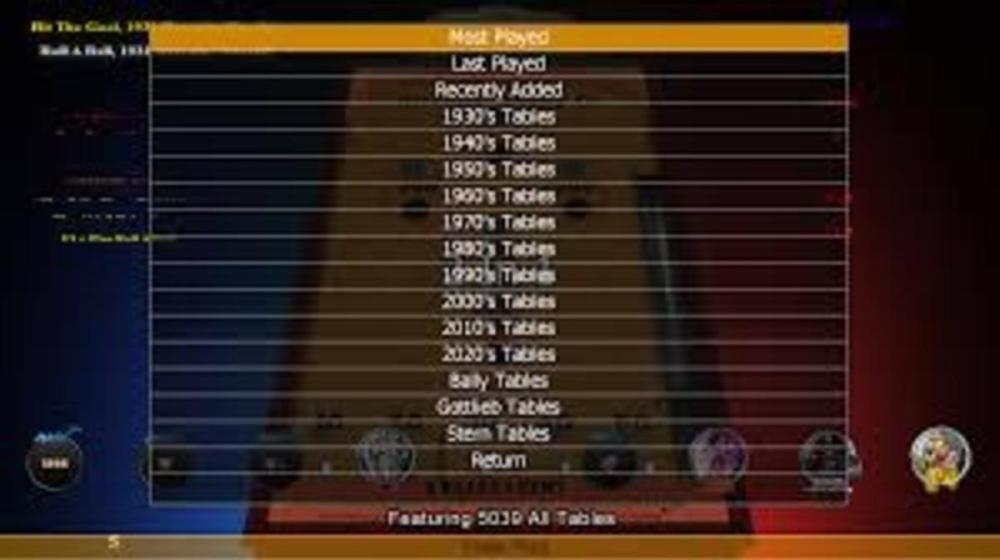
Hi everybody, Maybe I'm the only one with this problem, but after spending literally hours trying everything i'm close to giving up. Please, how do I get to activate or see these filters in the tables select menu, like "1980s Tables" or "Lists", or "Instructions" etc.? (see third photo I found online) No matter what I click in the settings (see the first two attached photos) everything I get is "Return, Exit, Shutdown, Restart". That is it. As you can see I deactivated "Basic menu mode" and also "One click launch table", and every combination of "yes / no / enabled / disabled", to no avail. As I once mentioned in a similar post long ago, that's what it was always like for me when using PinballX - I never ever got to see these! Of course I'm running the latest version 7.0. Please for the life of me, how do I make them visible? Any help is deeply appreciated. Thanks in advance as always! PinballX.ini
-
Sorry, folks, first for not sticking to protocol, really. But: It now works again! I have two game types running in my cabinet setup (lightgun games on one monitor, pinball on all three) with DisplayFusion managing the two configurations. Up to yesterday I had DisplayFusion also autostart PinballX on Windows bootup. I tried something and changed that to the regular Windows autostart function "shell:startup", and now it works again. Don't ask me why because the DisplayFusion autostart way used to work as well. Thank you so much for your kind replies. If any problem pops up again I'll get back to you. Stay safe, take care and thanks again for this great community!
-
I'm experiencing quite a strange problem: When opening PinballX my cabinet buttons don't work! As soon as I push the Windows key on my keyboard and the Windows rectangle pops up with the usual options the buttons work. When I push Escape to remove it the buttons don't work again. I have no idea what to do. Any suggestions are welcome. Thanks in advance!
-
You know what? I think I found the culprit after all - since my backglasses and DMD started to disappear AGAIN! yesterday: it was FP!! Future Pinball must have corrupted and distorted my VP / PinballX setup because after uninstalling FP everything was back to normal. But: Since FP pales compared to VP anyway in every regard it's not a big loss (I'd have loved to have the BLADE RUNNER table but maybe that one gets converted to VP in the future).
-
It seems that while cleaning up my hard drive I must have accidentally deleted or corrupted Pin-up Player, which is of course needed for TNA! But since I honestly don't play the table much anyway I guess i'll skip that one for now. Other tables hold my interest much more at the moment, like the classic "Centaur" - I'm really beginning to rediscover those one-level tables from the early 80s: not too much going on on the playfield, but you more like concentrate on hitting targets in sequence, mastering lanes, orbits etc. But reg. recording an FP table, what do you exactly mean by "PinballX can grab it through the hardware capture."? What would I have to do? If you could tell me that I'd be most happy!
-
Yeah, and you know what? Just started up PinballX - and the backglasses were gone again! Black screen. Bummer. But then I thought about taking a look at the PinballX.ini - and what do you know? Backglass monitor number was "0"! I mean, WTF? I changed it to "2", as it should be, and voila, backglasses are back! No idea how the value can get set to "0" randomly. Must be a gremlin inside my machine. I set the.ini file to read-only. Is that a good idea? Plus: I'll send you the log for TNA tomorrow. Thanks again. It's really appreciated.
-
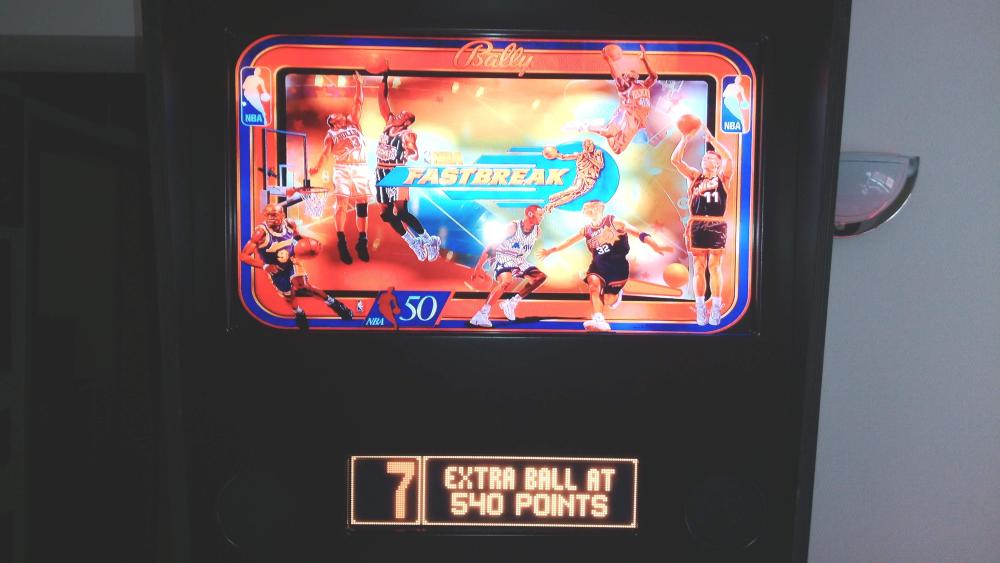
Like Rudy in "Funhouse" would say: Oh boy, oh boy, oh boy...... I just decided to take off my wooden backbox cover (I finally had a hunch) - only to find that the DMDs were there all the time, hidden and squeezed in the upper left screen corner, covered by the wood cover! OMG.... But how did it get to the upper left corner of the monitor?! Anyway, with the coordinates from Screenresidentifier I was able to reposition it in PBX Settings. D'OH!!! Thanks a lot for your time amd patience here.
-
Thanks for the update reg. PBX Recorder 2.1. It now works!...... Well, more or less... I could record Diner, GB and TOTAN just fine now, also some other tables with formerly blooming static playfields. So far, so good! But TNA still gives me the "Script error". Any idea on that one? Also I'm wondering how I can record a Future Pinball table, since yesterday, for the first time, I dug a little into FP (out of all the tables I tried only "Blade Runner" was remotely worthwhile, but that may be discussed in another thread). Obviously I can't use PBX, since this is only for VP tables. Do you know another way to record FP tables, maybe? Thanks!
-
I'll ty that and keep you posted, trhanks!
-
It does indeed; like TOTAN, just a static overexposed table image! But GB has to be run with the 10.7 32bit version; all the other tables run either with the 10.8 64bit OpenGL or the regular 64 bit version of VPX. I have it all laid down in the VP xml file ("alternate exe") for each table. Does that help in any way....? Thanks again for your help so far!
-
Unfortunately no, since my DMD monitor is an old VGA one and of course newer cards don't have VGA anymore. Do you think that could make a difference? I should try an adapter VGA--> Display Port/HDMI?
-
I use 10.8 RC4 PBXrecorder.log PBXrecorder.ini
-
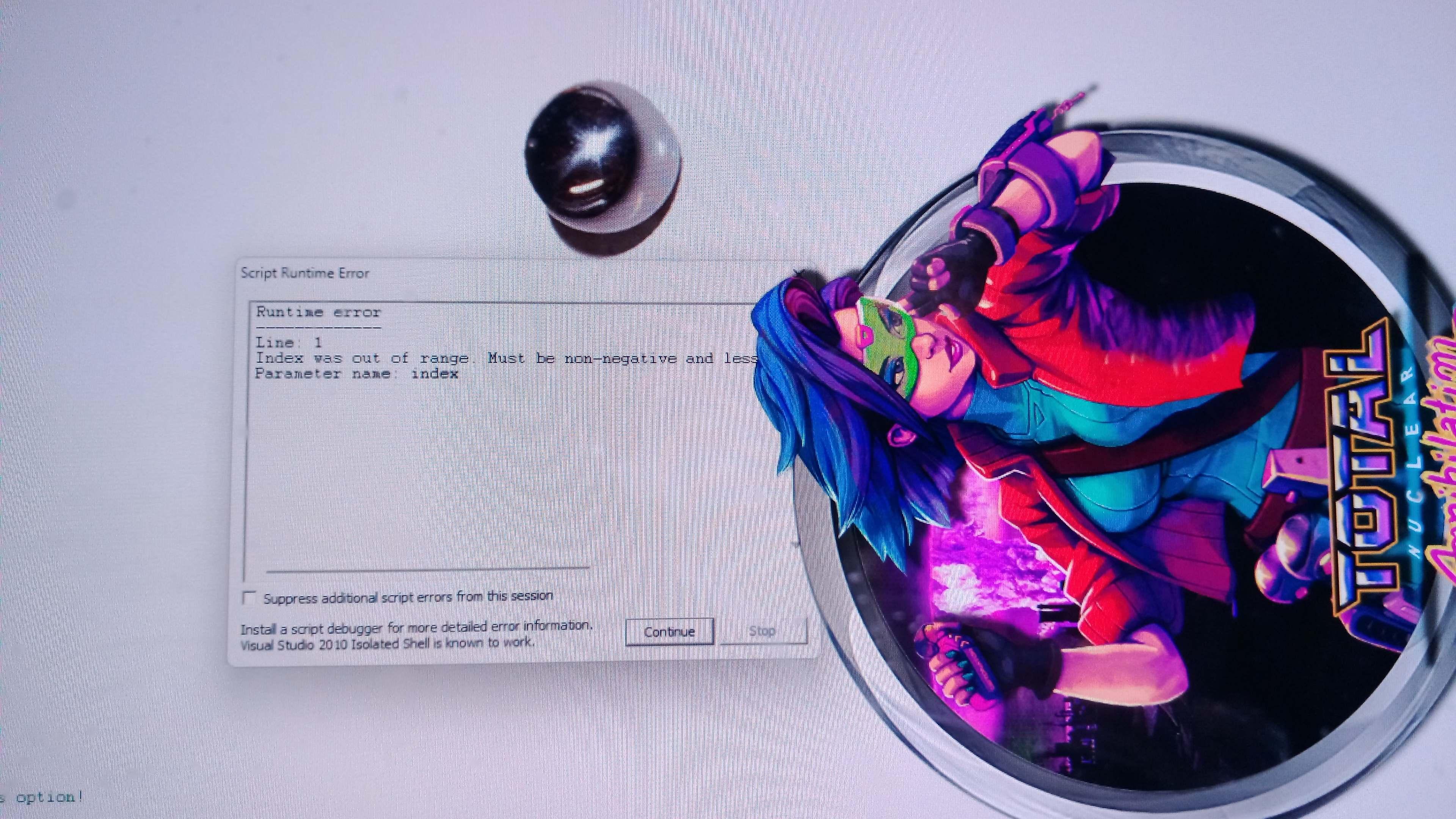
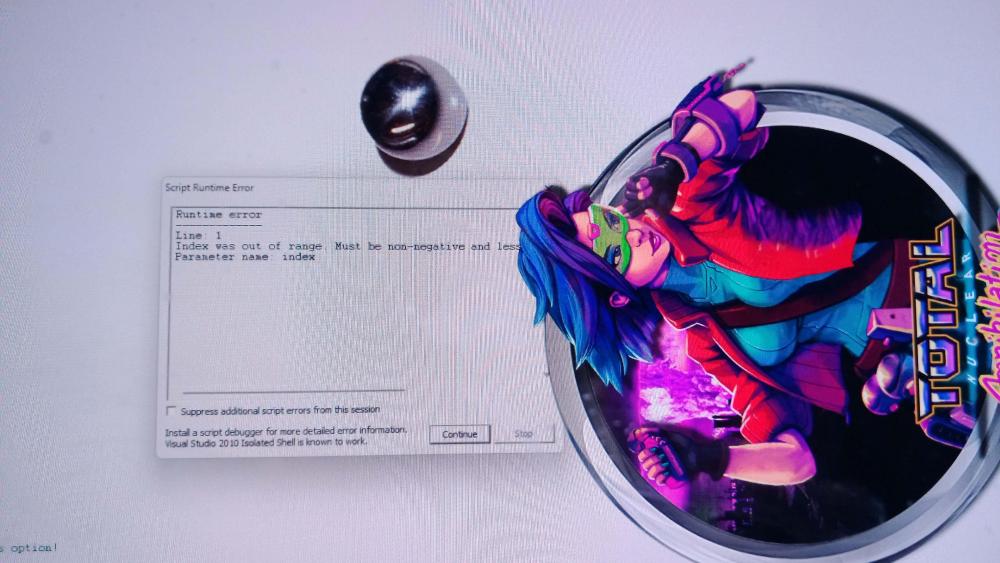
A most mysterious problem with PinballX is that some tables won't start when they are to be recorded by the PBX recorder. In the loading process the script window appears, saying something about a "Runtime error" or sth. to that regard - but of course the tables start up fine when started directly from VPX 10.8.! How can it be that some tables give me a script error when started through PBX recorder? The VPW versions of "Diner" and "Monster Bash" and also "Total Nuclear Annihilation" are among the tables in question. Also, the 4K version of TOTAN starts up in PBX recorder mode but all there is is a highly over-illuminated static table image! Any help is appreciated. Thanks in advance! log.txt PinballX.ini

-
Hi, I have a problem with PinballX 6.11: Neither the backglass nor the DMD show up in the attract/select mode. Now people tell me that in the settings I should put the "use direct2bs in frontend" option to "no", which I did, to no avail. Then I set it to "yes", also to no avail. I set it back to "no", started up PinballX once again - and suddenly the backglasses are there. But this seems to be totally random, one day I start the machine and it works, the other day it doesn't. I have no clue. Also, the DMD *NEVER* shows in attract mode! I recorded all tables, and also the DMD clip files are there in their folder so how do I make the DMD clips show up in attract mode? I installed vlc player, ffmpeg, codec package is there. Should the mp4 DMD files be associated with vlc? Any suggestions would be highly appreciated. Thank you very much in advance. NB: I hope these are the correct files attached! log.txt PinballX.ini
-
THX a lot!!! I will look into it...
-
Hi everybody! My project is to do the following: I want to play lightgun games on the backglass monitor of my Virtual Pinball cabinet. This could be either MAME (games like Point Blank or Area 51) or the DEMUL emulator (games like House of the Dead 2 or Sports Shooting USA). I want to put my new Sinden lightgun to good use! My simple question is: How do I do that? Ideally, I would start up PinballX and it gives me the choice between Visual Pinball and Launchbox, from where I would start up the lightgun games (using the pincab buttons), and the games would appear only on the backglass monitor. Honestly speaking, I have (almost) no idea how to accomplish that. Of course, in the PBX Settings Manager there is the option to launch a custom game system beside Visual Pinball, but what would I have to fill into the blank Lines, especially with the "tablefile" command? If somebody with more expertise could help me out here I would be most grateful since I know I'm not the only one who wants to play MAME or other video games on their pin cab. Thank you so much in advance, any help is appreciated. I Alex