|



Rpags7474
-
Posts
41 -
Joined
-
Last visited
Content Type
Profiles
Forums
Events
Downloads
Store
Articles
Everything posted by Rpags7474
-
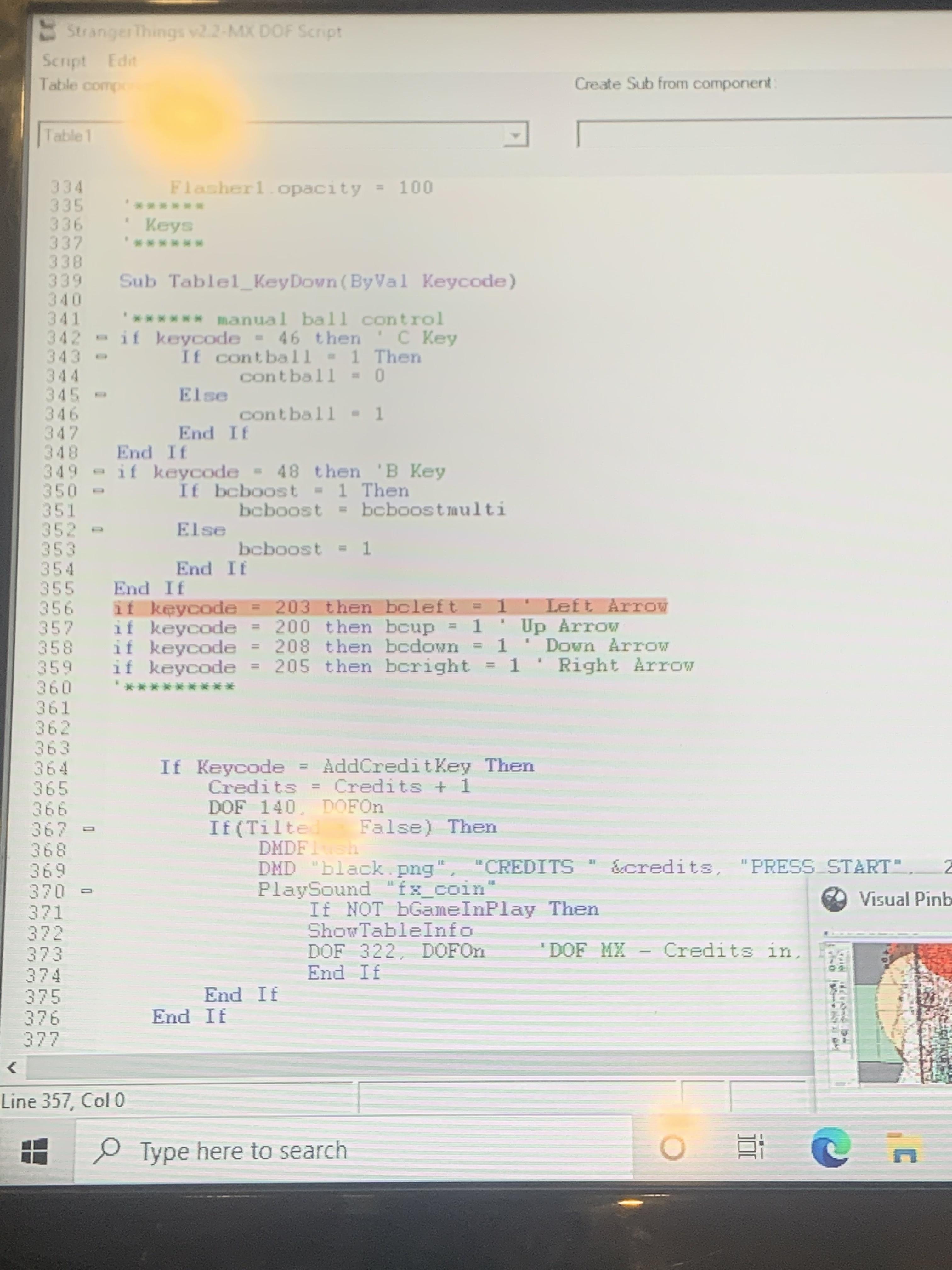
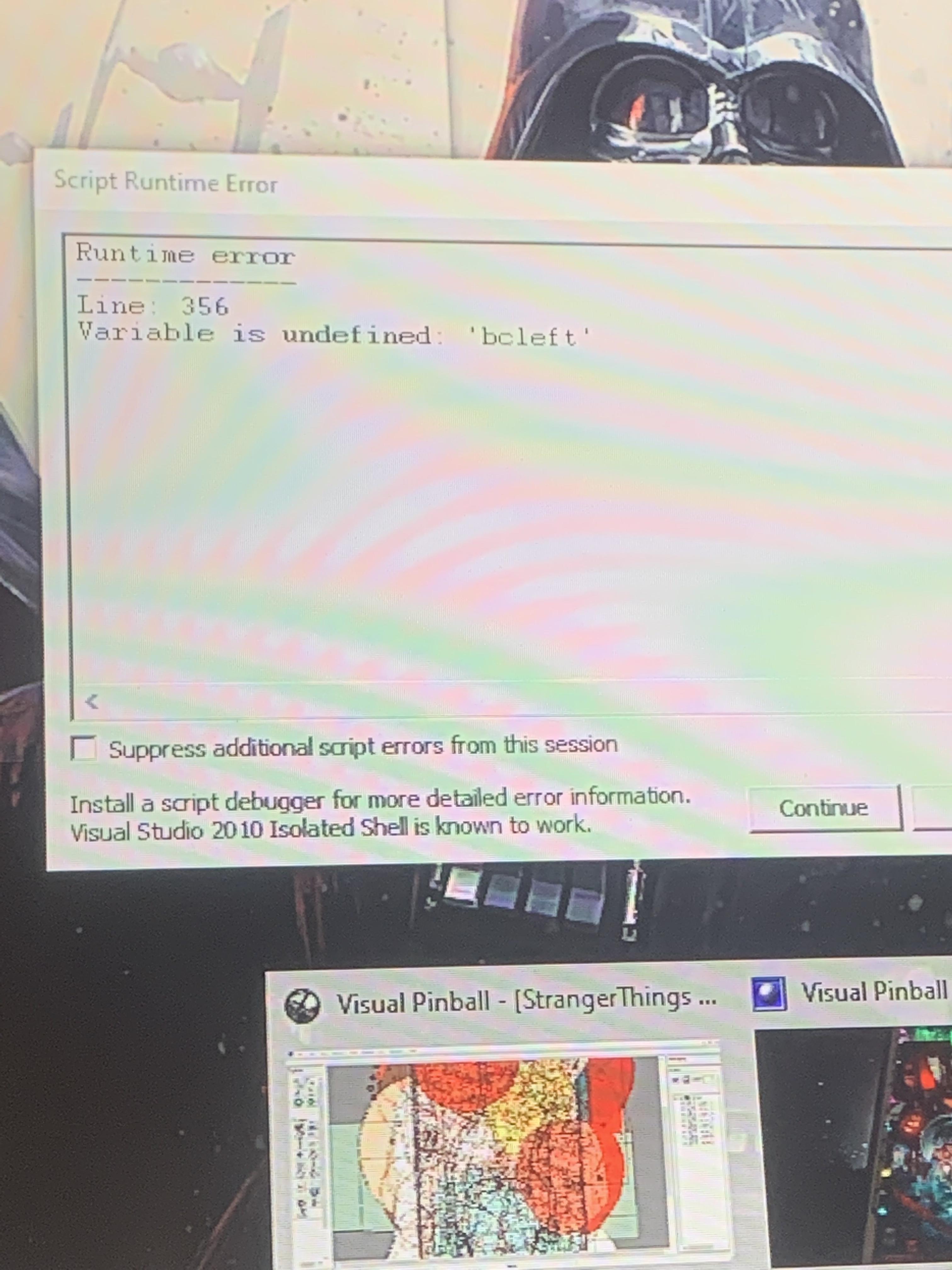
The original post was for just starting the table on my computer with visual pinball, last night I tried uploading it on pinball x and it freezes. So scutters did help me get it to work on visual pinball but I just found out it doesn’t work on pinball x. What logs should I post?
-
Hello guys, The community was able to help me with issues regarding my stranger things table I had to delete 2 blocks in the script to get the table to run. Now I’ve tried running it on pinball X and the screen goes black and crashes. I will be able to post files when I get home. Really appreciate the help and feedback from everyone. This table is throwing me for a loop.
-
The issue has been resolved thanks for all the support!
-
-
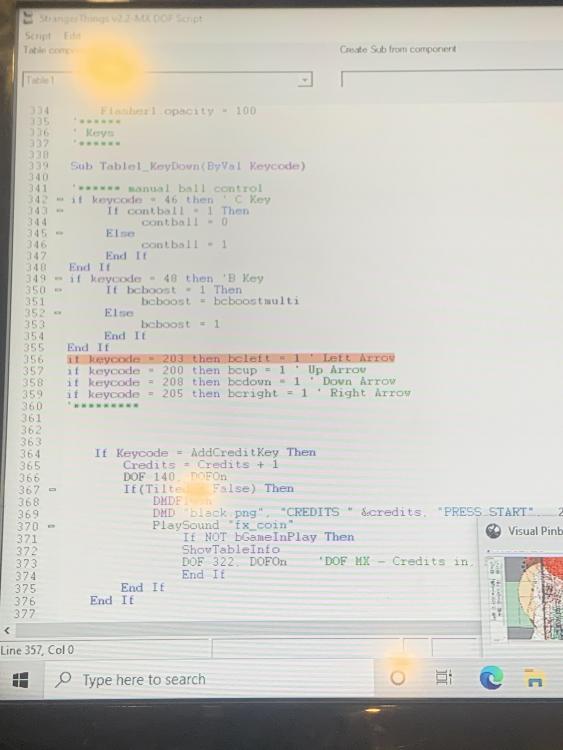
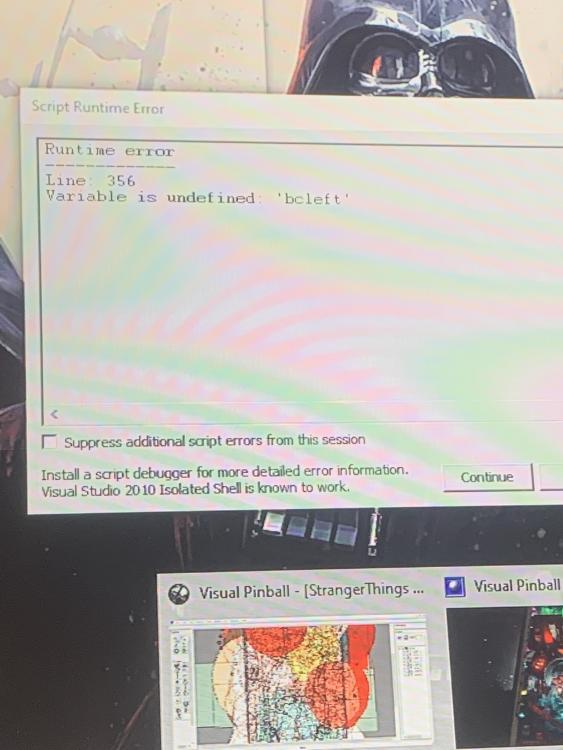
This happens right when I load the table, once I get home I will alt tab and send the error to the forum.
-
Hello, The table loads I can put coins in and use the plunger. When I try to use my flippers the game freezes. Also if I let a ball drain 2 other ones automatically plunge and just drain. Any help on this?
-
I’m not sure what that is my guy I can look into it where do I start?
-
Example, I just downloaded a table Arabian nights vpx I used the data manager because I can’t find any of the files on the setup wizard. The data manger is all green saying I have a back glass sound etc. I load the table I have no dmd showing on the screen it’s just black.
-
im using a screen as a dmd just a 8" monitor, yes those are the right sizes. the other tables i downloaded before dmd works fine.. so far no luck with the program. DBManagerLog.txt log.txt
-
DBManagerLog.txt PinballX.ini DBManagerLog.txt
-
Ok will do in a couple of hrs, I really appreciate all your help and time!!
-
I got it downloaded bro got everything green like how it is in the video you sent me but my dmd is not showing on my setup. Anything I can look at?
-
My guy I will check it out tmw so it’s compatible with pinball manager right? Do you have any other videos I can watch on it?
-
Mike what do you mean by encrypted? used to do it this way so Idunno why it would be encrypted. Is the data base manager on the setup wizard? I’m not used to it the way I used to do it was just importing online from the pinball x manager. Also thanks for the help my friend!
-
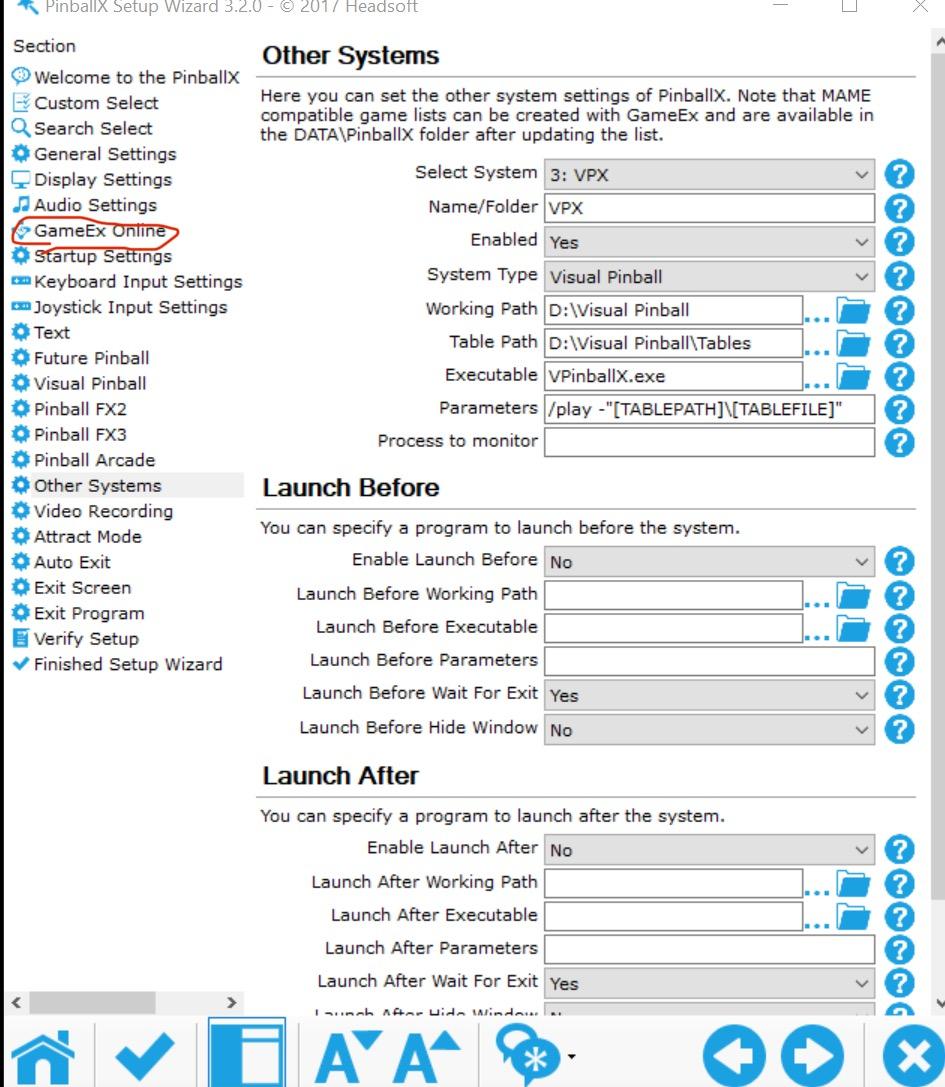
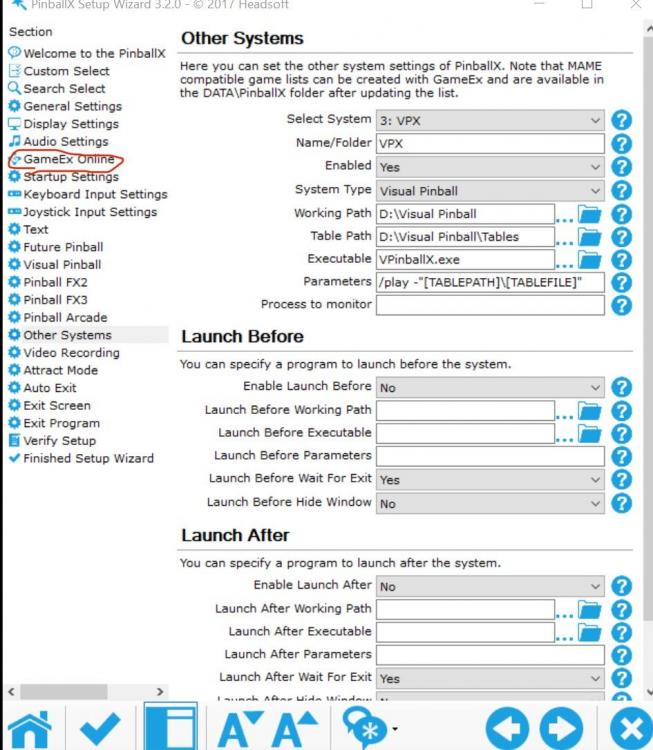
When I use the set up wizard and put my user and pass in gamex online I then go to pinball x game manager and try to import dmd, wheel, play field, audio, etc online so I don’t have to do it one at a time. Nothing happens, I then go back to setup wizard and my password now has a bunch of extra dots more then what I entered it’s weird.
-
Hello, I just renewed my subscription for gamex to download the media files for me so I don’t have to search but I’m having an issue with pinball wizard…. when I type in my password it doesn’t save I can make changes to other inputs and it saves, I’m using the older pinball wizard from 2021. I was able to do this before when I first downloaded my tables now I’m back on my machine and can’t access the import online option now. Not sure what to do. (Files are in the right place as I have set up 25 tables already)