|



Rpags7474
-
Posts
41 -
Joined
-
Last visited
Content Type
Profiles
Forums
Events
Downloads
Store
Articles
Everything posted by Rpags7474
-
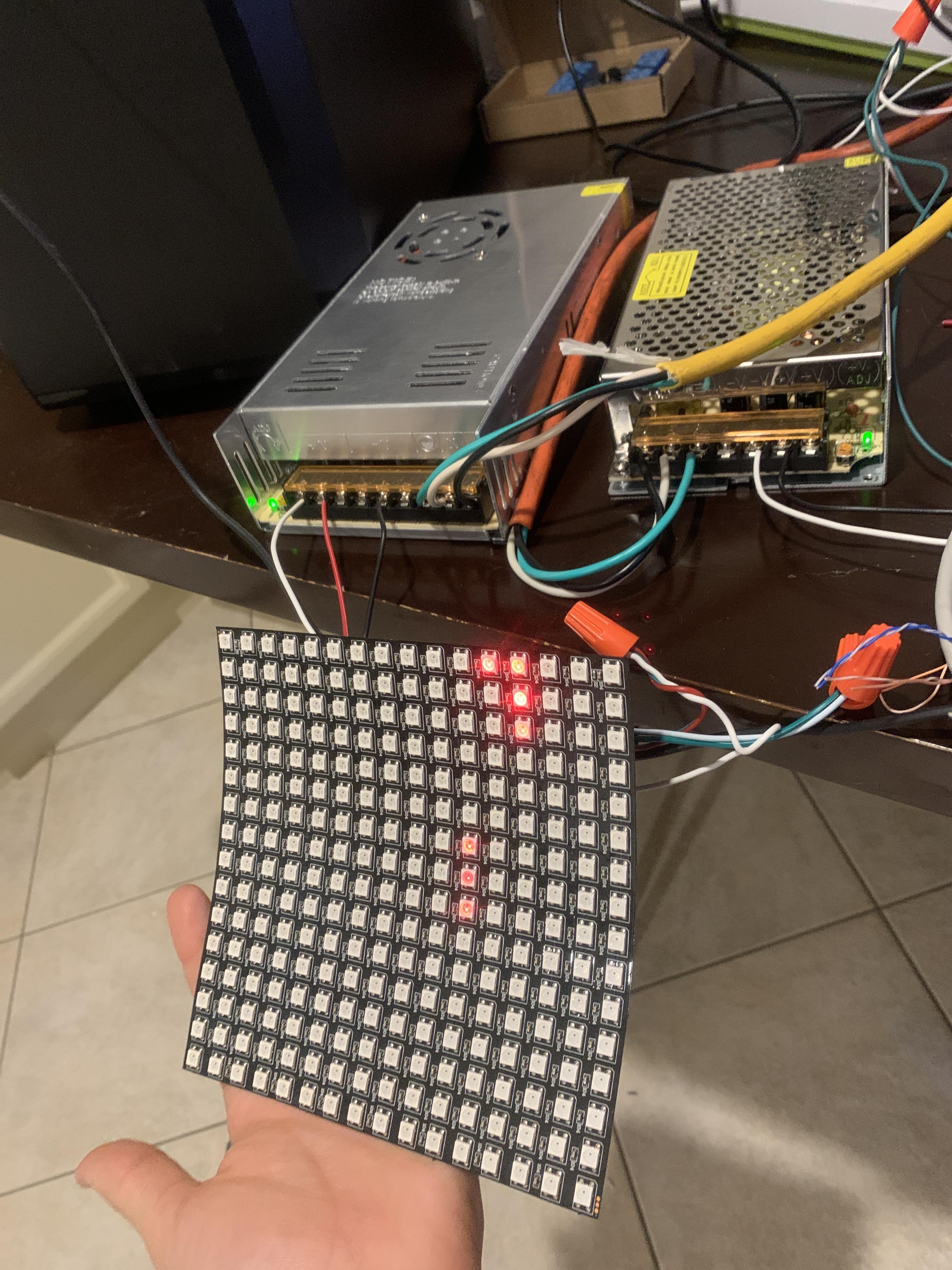
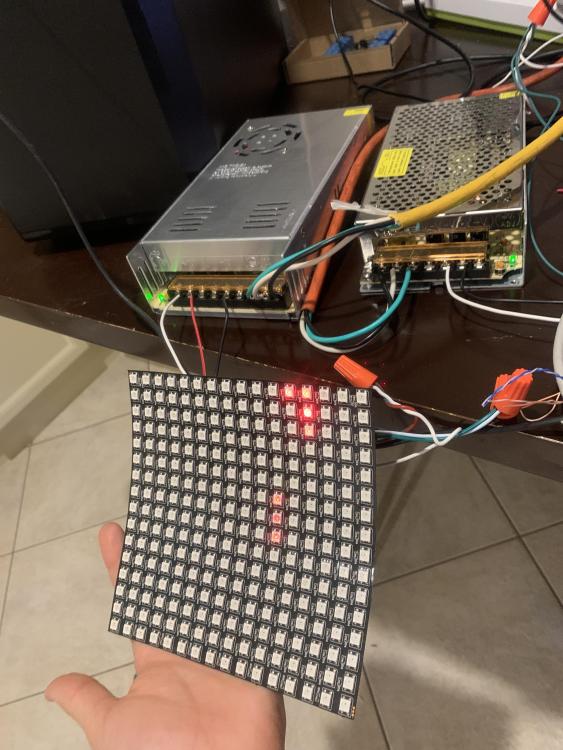
Is my port supposed to be on 9 that’s what the teensy is using port 9. I just want to test that dot matrix for now so Just 1 line. The cabinet file is from major frenchy.
-
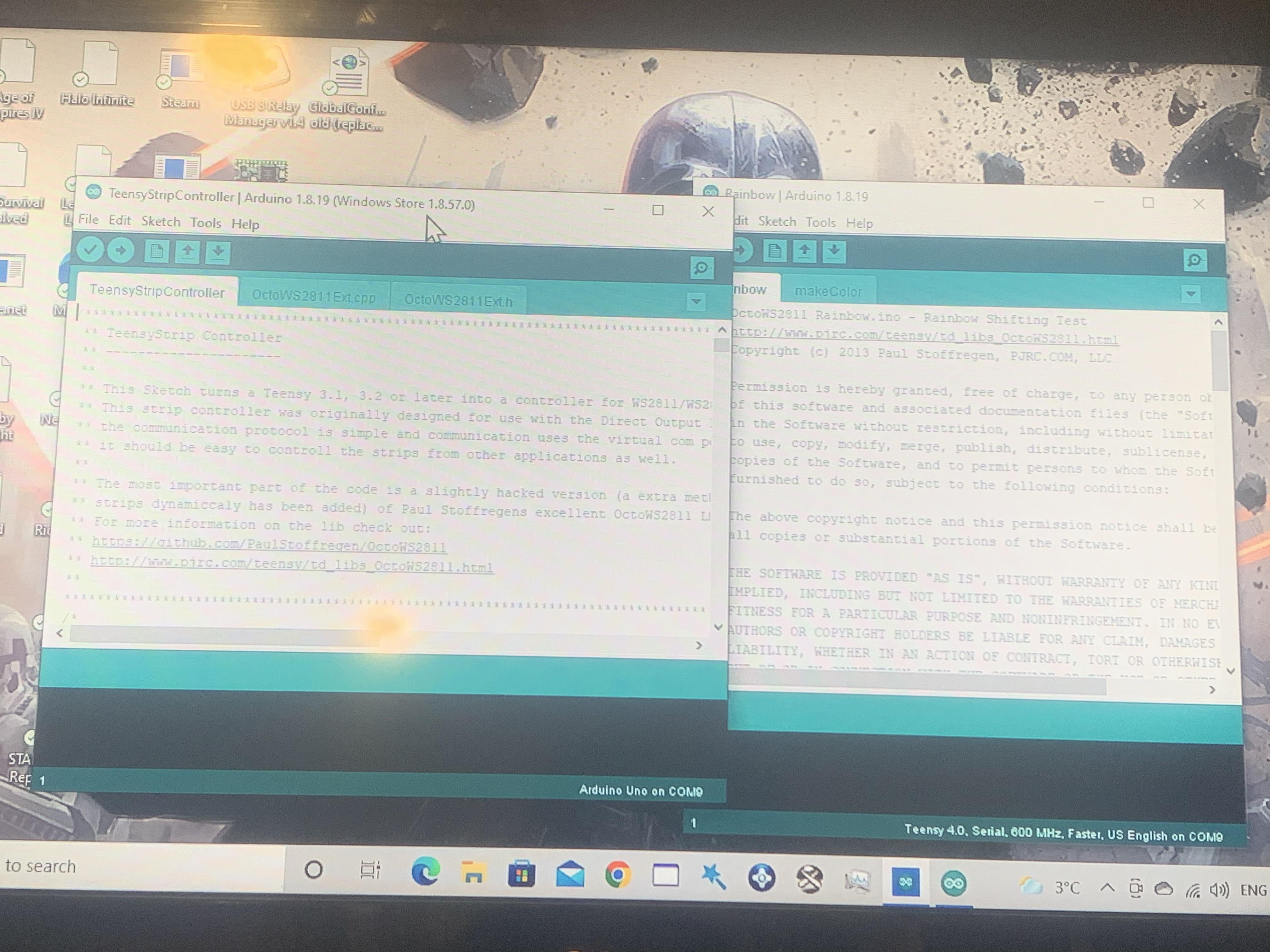
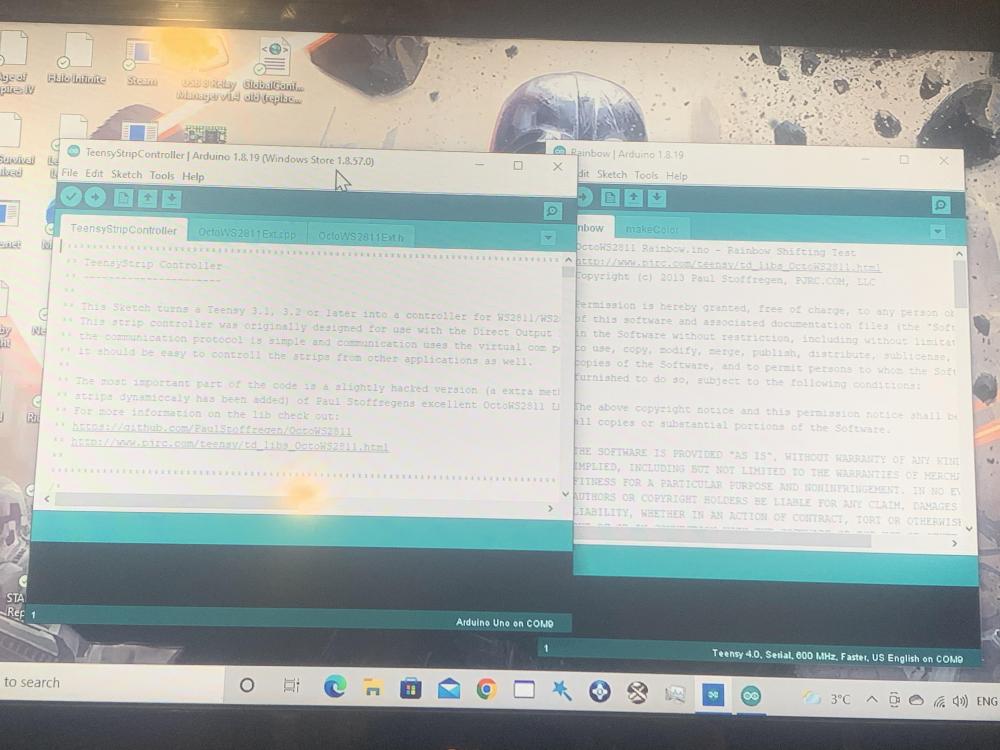
Not sure if this matters but I can’t find my device on the teensy strip controller, but it shows on the arduino 1.8.19
-
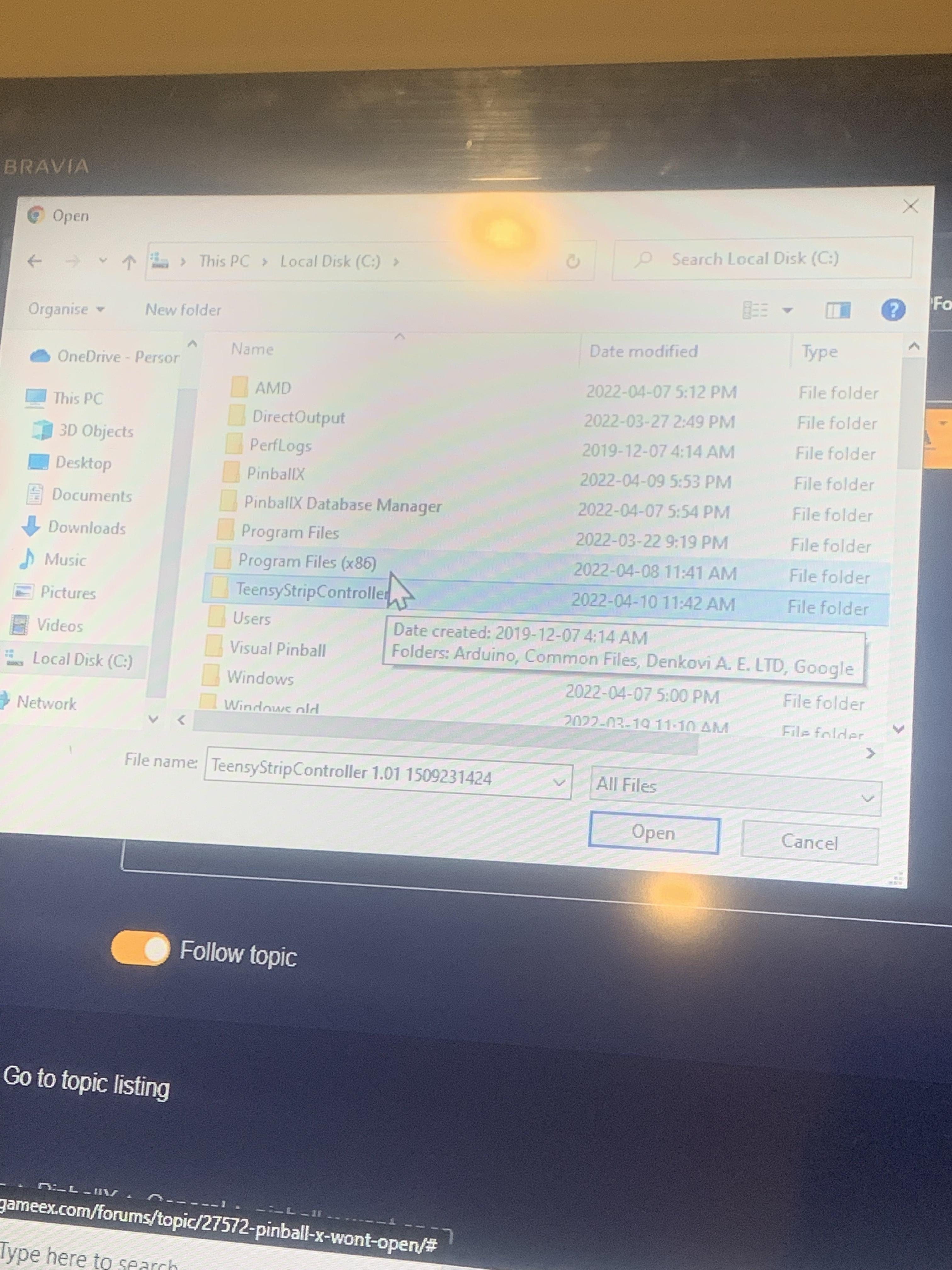
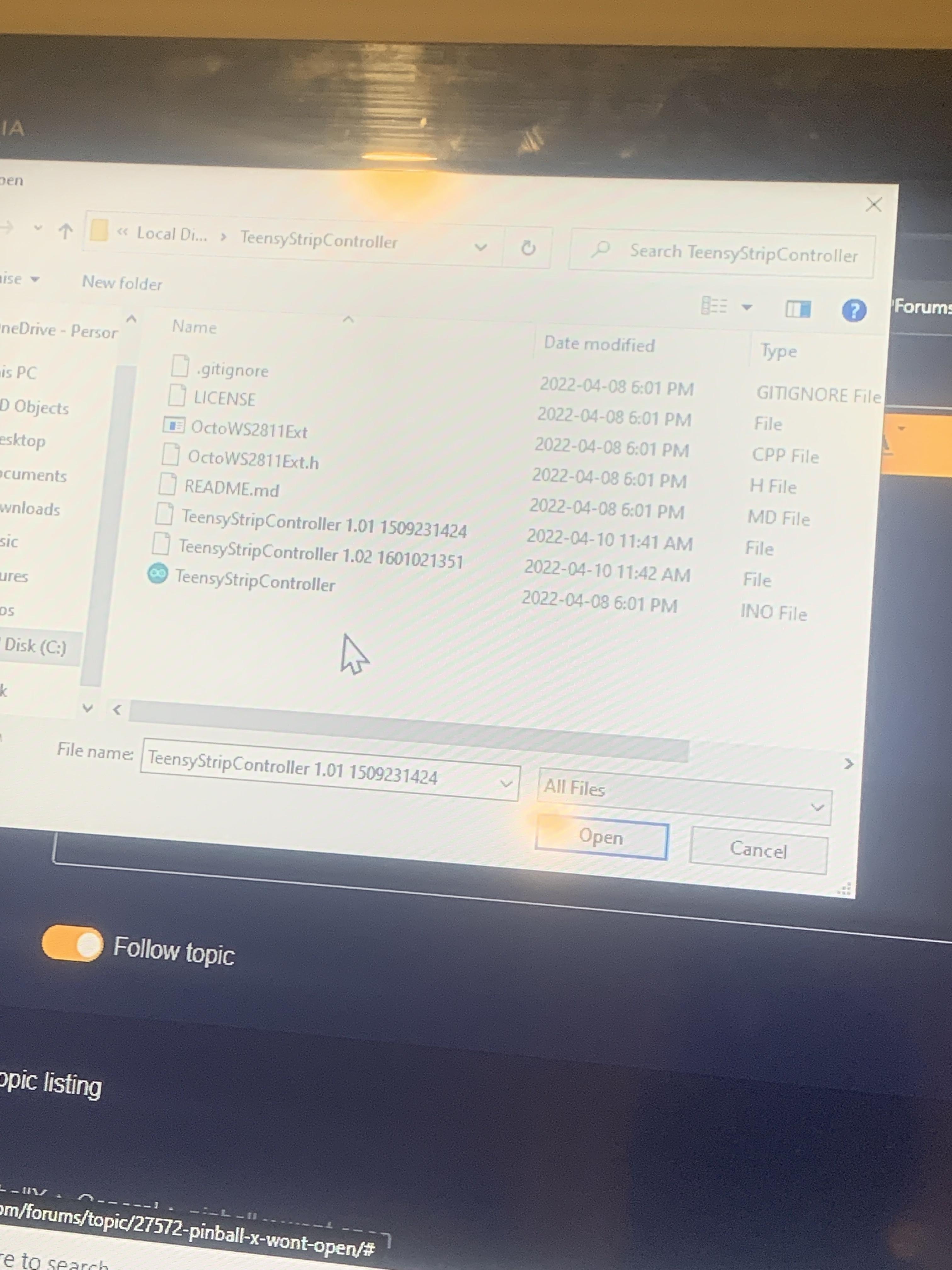
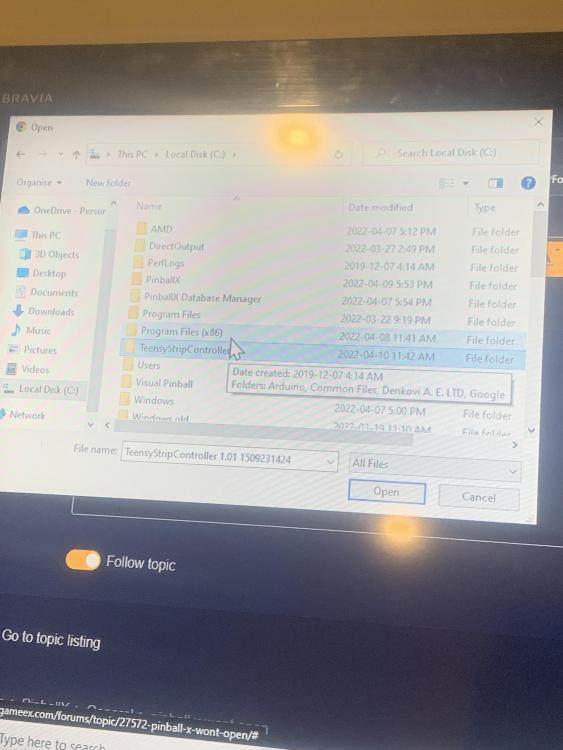
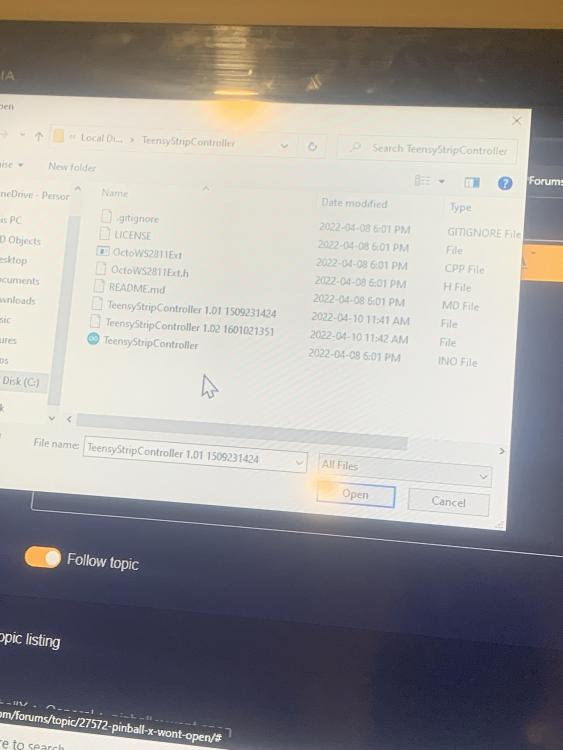
I think I’ve already done this Mike, is this correct?
-
What does that mean Mike?
-
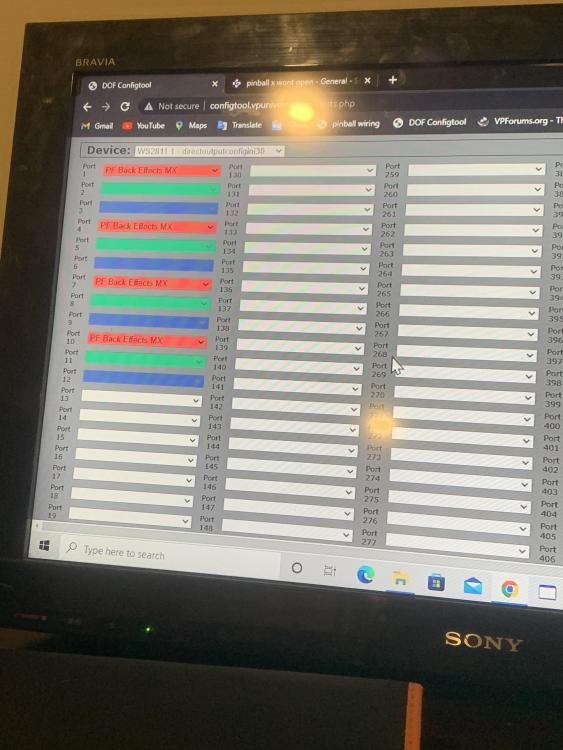
Just trying to test a back matrix for now, I’m on port 9 on my cpu, I have the files but still no dice. I have my sainsmart set up with contactors still no luck with the teensy.
-
-
here are some of my files Cabinet.xml globalconfig_PinballX.xml Globalconfig.xml GlobalConfig_B2SServer.xml
-
DirectOutput.log Cabinet.xml PinballX DirectOutput Plugin.log
-
going to try setting up teensy that download didn't really do anything on my end, thats my log file, do you have any advice on setting the teensy up? log.txt
-
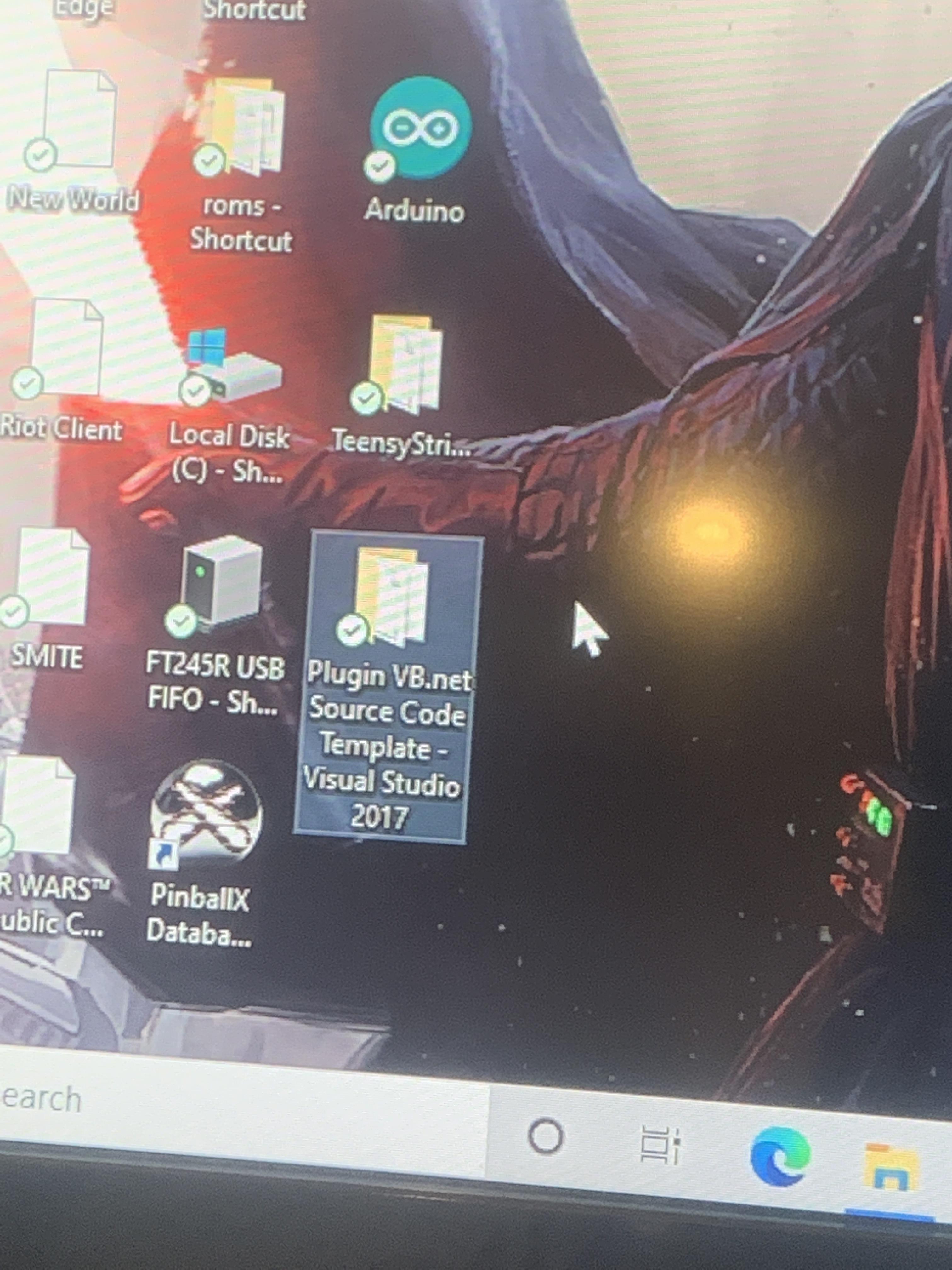
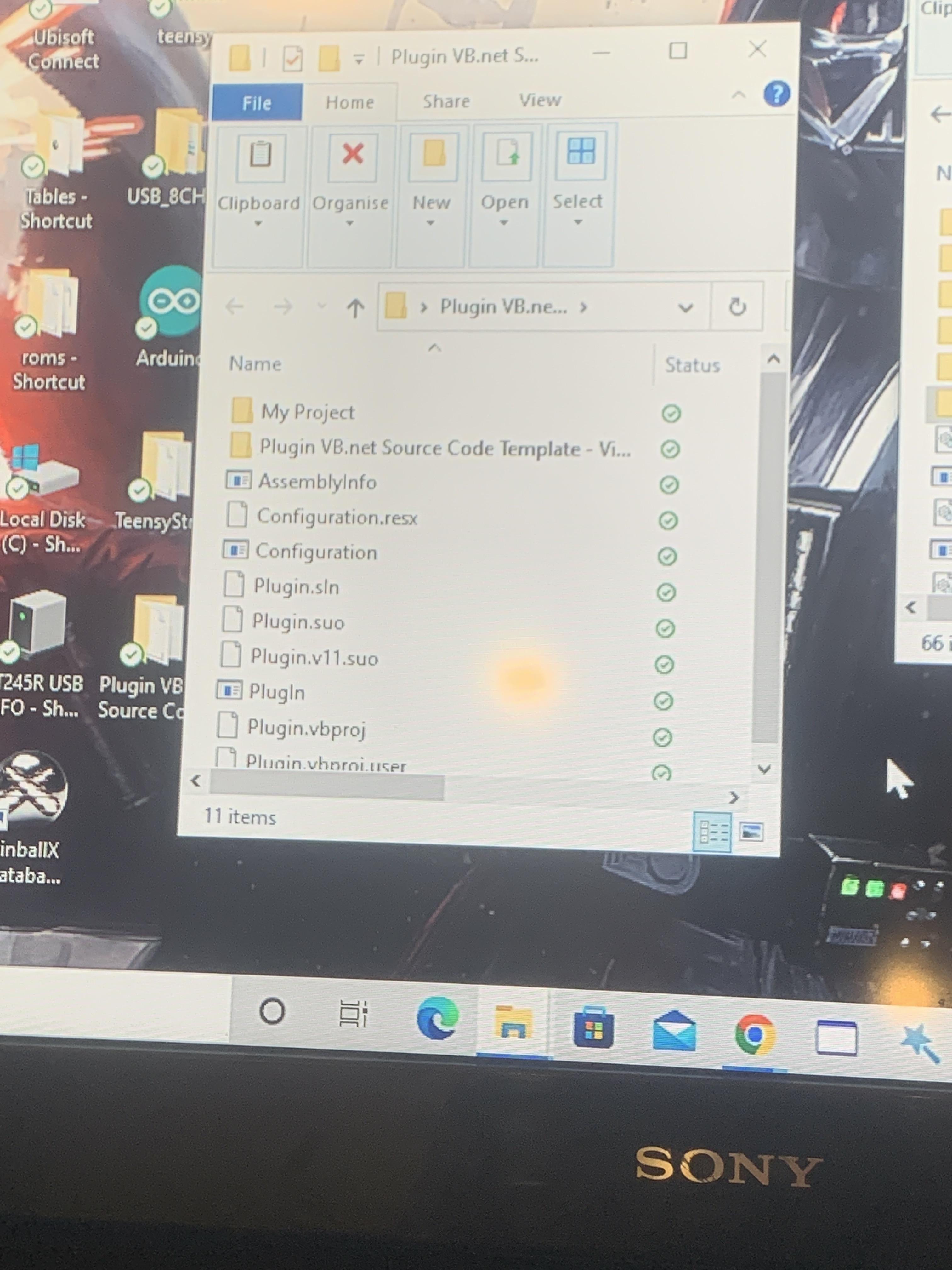
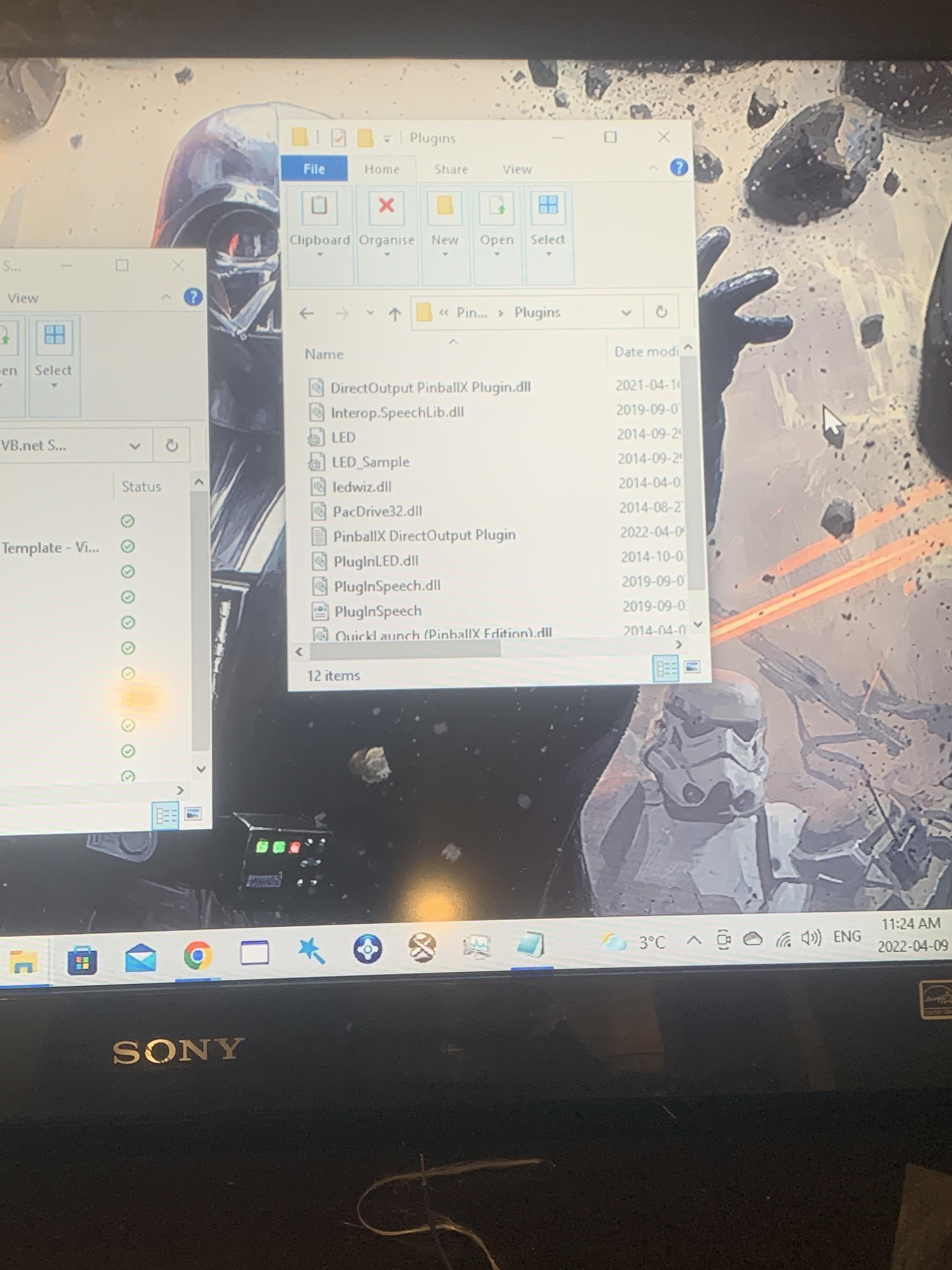
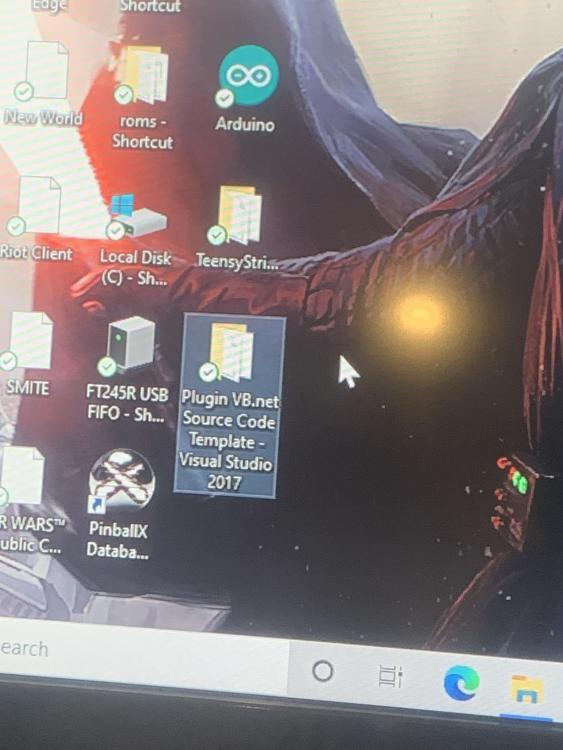
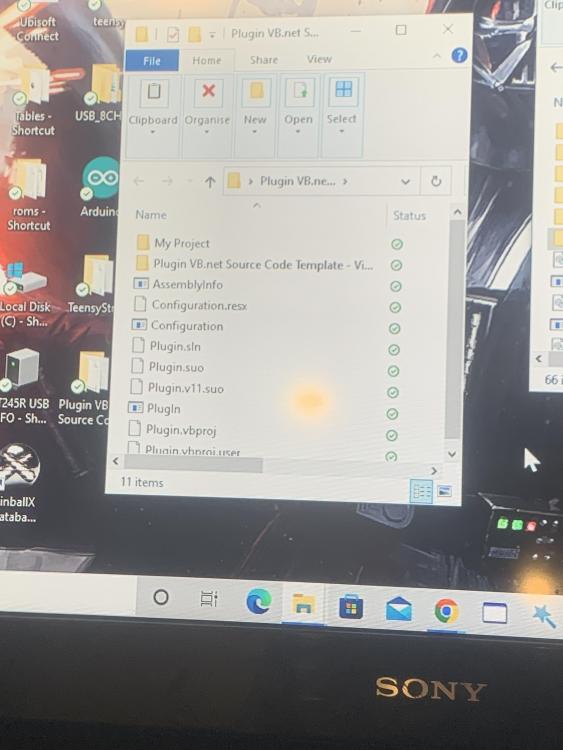
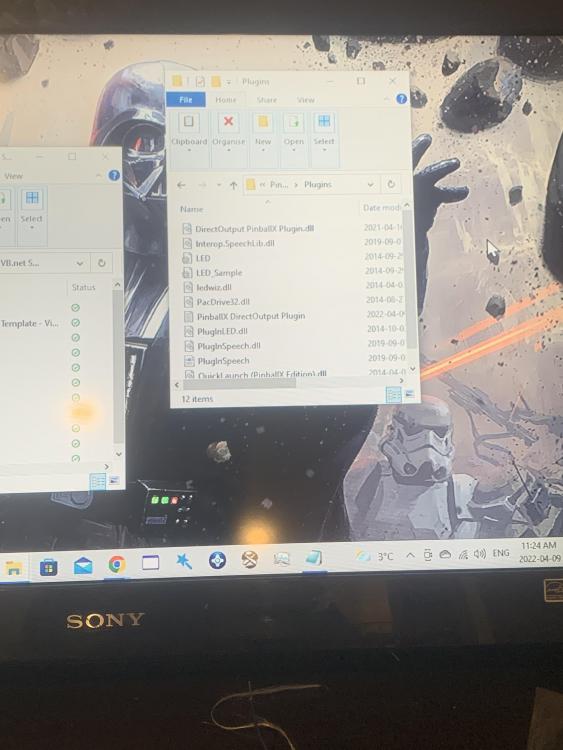
UPDATE so I removed these files from pinball X plugins and now I can get pinball x to open with the teensy plugged in. I don’t remember what these files are do you guys know?
-
I havent got teensy to work yet still a work in progress here. Teensy is added to the dof config, not sure how to disable the plugin, dont know how to enable the log for swisslizard, and no teensy is not working for vpx, i have a dmd in my cab but im just testing everything on a bench with one screen now.
-
teensy unplugged log.txt
-
heres with the teensy plugged in. log.txt
-
So I just figured when the teensy is connected to my pc usb it won’t open PBX when I disconnect the app will open?
-
Hello, everyone I just downloaded teensy software to get some lights to work on my cab, after watching the video with major frenchy pinball x wont open now.... so frustrating, it tried to open but nothing happens here are some of my files . PinballX.ini DBManagerLog.txt
-
No deals with the auto position also I watched the video and did the same nothing has changed.
-
I haven’t changed any settings and will post the files when I get home again. I don’t know what that screeners.txt is. But I do know roller coaster tycoon and all my other tables work.
-
Pinball x just tries to load the screen goes black and nothing happens, I hit Ctrl Alt Delete, then a prompt will say pinball x not responding do you want to close. I’ll look into the vid tomorrow mike hopefully I find something… I tried redownloading the table but same deals won’t work on PX
-
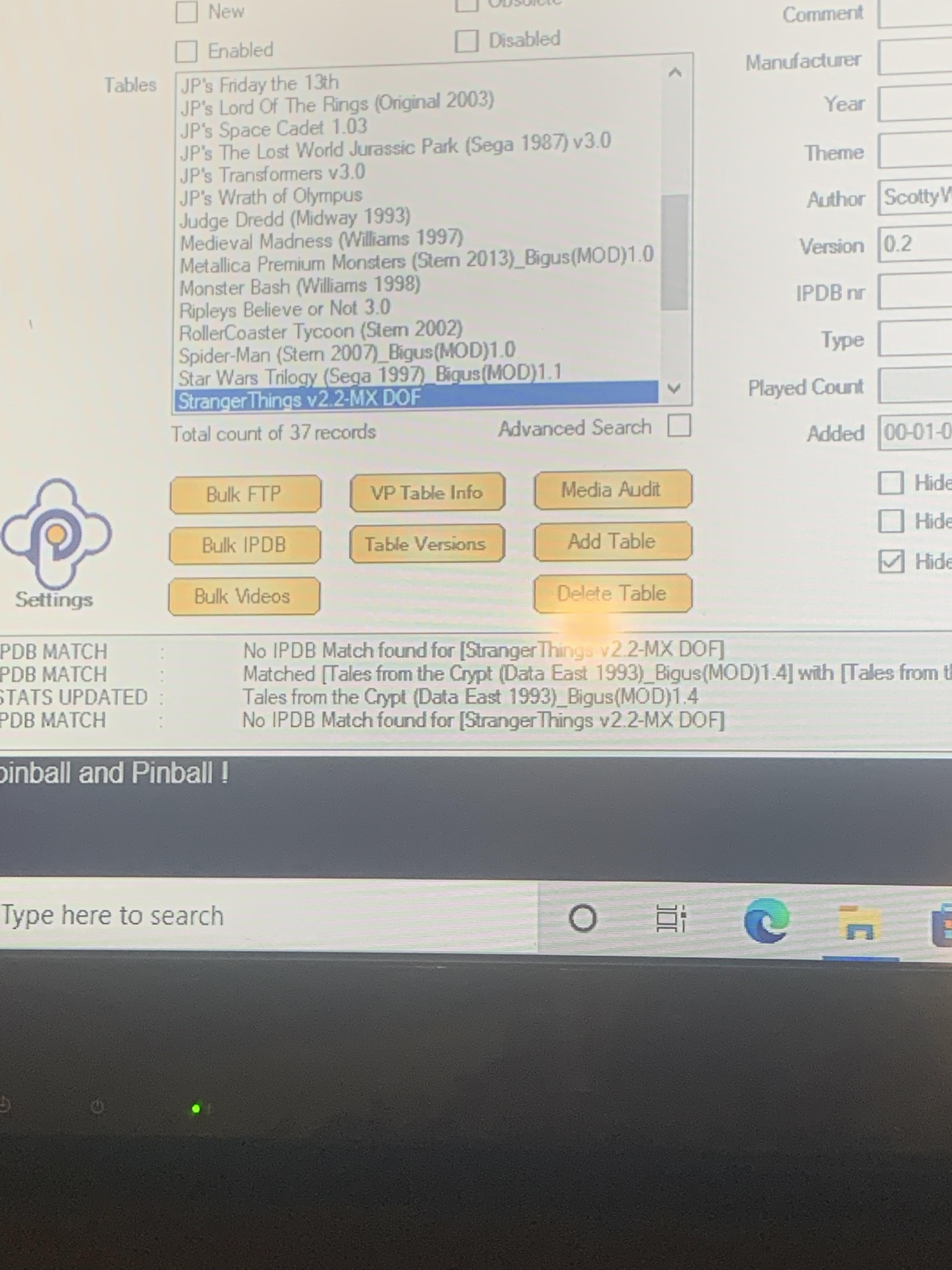
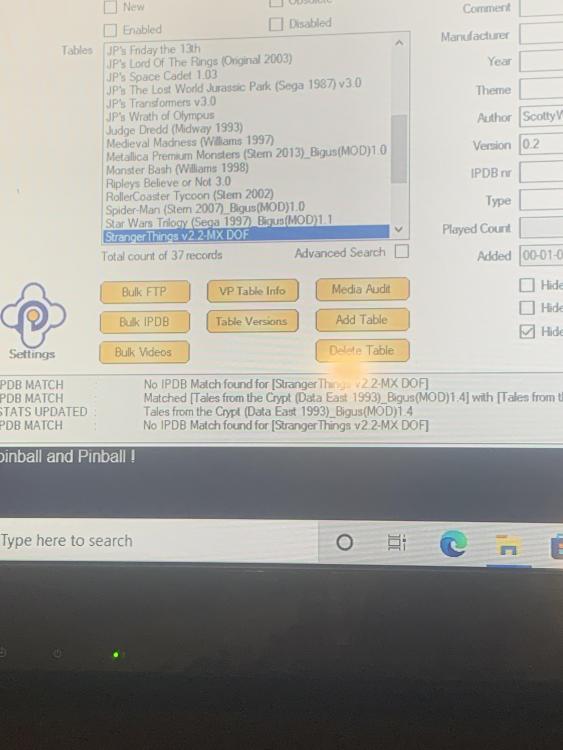
Ok this is what it is showing “No IPDB match for stranger things”
-
Yes that’s the file name I copied and pasted it here, what do you mean check or add the file?
-
Anyone?
-
is this the file? also this is the name of stranger things in my table file StrangerThings v2.2-MX DOF Visual Pinball X.xml
-
It’s the file that is 1.85kb. It doesn’t show that it’s loAding stranger things. But on my pc it’s trying to load.
-
I don't have any errors, the error I noticed was when I would launch on vpx and you told me to delete the two blocks of script which helped me launch the game on vpx... here is the log from stranger things log.txtlog.txt here is of a table that is working roller coaster tycoon. log.txt
-
Here’s some files, let me know if more are required I’ll do it when I get home. DBManagerLog 2.txt PinballX.ini.txt log.txt