|



SixOfTwelve
-
Posts
42 -
Joined
-
Last visited
-
Days Won
1
SixOfTwelve's Achievements

Super Member! (3/5)
17
Reputation
-
 Just dropped in to say that the error continues to persist in v6.91 But I definitely found a pattern. Please bear with me, as it's a bit complicated. Every time I add a new "Other System", something gets pushed out, i.e. one system's logo suddenly is not displayed any more. So far, Pinball FX3 has lost its logo, then when I moved that to "Other Systems" and disabled the default Pinball FX3 System entry, Zaccaria dropped out. I created a Zaccaria "Other System" and disabled the default Zaccaria System, then Future Pinball lost its logo. Same procedure with Future Pinball, which caused Pinball FX2 to lose the logo, and once I replaced that, the Visual Pinball logo turned invisible. I may be hazy on the order since I tried a lot of things. Right, I thought, maybe the error has to do with the default Systems. So I added yet another Other System named "Visual Pinballs", copied over the database, the logo and the media file, and renamed them accordingly, and disabled the default Visual Pinball system. Now the "Visual Pinballs" logo displays properly, but a strange thing happened: The error wandered along the "Other Systems" chain. For every "Other System" created, the first one in the queue will lose its displayed logo. So in my case: I add "Visual Pinballs" instead of "Visual Pinball" as Other System #30, because Visual Pinball has lost its logo. Now my Other System #1, "MAME", has lost its logo. "Visual Pinballs" displays it. I disable Other System #1 and create Other System #31, "MAMEReal", and disable System #1. Now Other System #2, "Game Boy Advance", has lost its logo. "MAMEReal" displays it. However, I managed to find a workaround that seems to hold for now: I tried not disabling Other System #1. Instead, I just cleared the database so only one game remained, and unchecked "Enabled" for it. That way, the system still reads Other System #1 as valid but doesn't show any games. If it did, the logo would be missing. I can't say what will happen if I add more "Other System"s. But there is definitely something amiss, and it's reproducable. Logs and databases are attached. Sorry to be so obstinate about it. A question that has been bothering me, just for comparison's sake: Are my 700+ tables spread over 30 systems an abnormal amount that PinballX is having trouble with? What are other people's numbers here? Logs.zip
 -
Just gave it a try - no joy, unfortunately. The -shiftx and -shifty commands go from -100 to +100 pixels only, so they're useless for shifting the playscreen, for example, 1920 pixels to the right. Also, going out of fullscreen with ALT+ENTER works, I can also pull the window over onto my backglass, but once I press ALT+ENTER again, the playscreen is displayed half on the playfield and half on the backglass - no matter how far I pull it over. The only luck I had so far was with starting the game without fullscreen, setting the resolution to that of my backglass in the BAT file (-x 1600 -y 1200, for my case), then dragging the screen over to the backglass. But then of course you have borders around the window and the Windows menu bar on top. I guess the dragging could be automated with AutoHotKey, and I know there are commands to remove Windows menu borders from program windows that can be found in the AutoHotKey help file. I could look into that, but I'll wait to make sure this is is even still an issue for you before I go digging. Drop a line if you're still interested!
-
I still haven't tried it, but according to the documentation of Hypseus Singe, you can set the x and y position of your video. I think it was originally intended to make the use of bezel graphics easier, but I guess you could use it to push the video onto another monitor as well. Here is the list of command line arguments: https://github.com/DirtBagXon/hypseus-singe/blob/master/doc/CmdLine.md The bezel command line arguments are listed separately: https://github.com/DirtBagXon/hypseus-singe/blob/master/doc/Bezels.md
-
I haven't tried it with Daphne or Hypseus, but I've had luck before with other games doing the following with AutoHotKey: - Turn all screens black (with the GUI command) - Start the game in non-fullscreen mode - Move the window to your desired monitor position - Send ALT+ENTER, or whatever puts the game into fullscreen mode - Remove the black GUI so the screen becomes visible. I'll have to check, but I think I did it for Rollers of the Realm. OP, if you're interested, I can dig out the script.
-
Update: Nope, I didn't remove the mistake, I just moved it along. Now that I created an "Other System" for Pinball FX3, suddenly the tables that were added with the standard "Future Pinball" menu are missing their "Future Pinball" logo. I tried the same thing, creating a "Other System" for Future Pinball, and now "Visual Pinball" is missing the logo. Interestingly, this only seems to happen for tables that are tied to the standard menu systems, not the "Other System" tables. Or maybe it's chronological? I add a new system, and the oldest ones get kicked out of memory? Or do I have too many "other system"s? Or too many tables? (Currently 714, which seems a lot) This is getting confusing. Logs are attached, along with databases, just to be sure. logs.zip
-
The original error (Pinball FX3 logo isn't showing) is still persisting in v6.89, but I found a workaround! @Tom Speirs - this may be of interest for you when troubleshooting. It seems it's not a general render error, or anything to do with the logo PNG file, but it seems to have something to do with the default Pinball FX3 menu settings. On a whim, I decided to add Pinball FX3 as an additional "Other System". I copied over all the values from the default Pinball FX3 menu. Just for funsies I named it "Finball PX3", copied over the FX3 media folder and the FX3 database (renamed of course), and created a "Finball PX3.png" copy of the FX3 logo. Tadaa! The logo shows up. So now I just disabled Pinball FX3 in the Settings menu and use my "Finball PX3" playlist. Problem solved, in a roundabout way. 🙂
-
[PLUGIN] PinballX Loading Video & Image Changer (de-randomiser) V2
SixOfTwelve replied to scutters's topic in User Projects
There is a German phrase, "von hinten durch die Brust ins Auge". It translates as "from behind through the chest into the eye", meaning something that's done in a very cumbersome and roundabout way. It also describes the workaround I cobbled together to get things running more or less like I want them. 1. Your suggestion about rotating the playfield BEFORE starting Black Flaggers proved to be the key. I removed the "-rotate 90" command and ran a little tool called "Display" as my pre-game EXE. (http://noeld.com/programs.asp?cat=misc#display) This of course also meant that I needed to create a whole separate "Other System" category for Black Flaggers in PinballX. Never mind. Maybe it'll come in useful for other games in the future. 2. Now the loading file would still show up rotated, but for some reason it would show up ONLY on the playfield, not covering half the backglass as it did before. 3. I created a version of the standard loading video, rotated it by 90 degrees, and named it the same as my Black Flaggers loading EXE. Now it showed up the right way around, but stretched horizontally to about 200% width. 4. So I loaded the original standard loading video into my video editing software, shrunk the height (remember, it's not rotated yet) to 50%, repositioned it, exported it, and rotated it by 90 degrees. Now the video image sits to the left of the video frame and is only 50% as wide as it was before. 5. Now when I run Black Flaggers from PinballX, the screen is rotated 90 degrees, the loading video plays, but since it's stretched to about twice the width, the squeezed image now actually looks like the normal width. After 10 seconds, the video disappears, leaving me with the proper playfield. Now if that's now from the back through the chest into the eye, I don't know what is. 😁 In the end, one thing that came to my mind that might be very helpful: What process is used to play the loading video? If I knew the name of that process, I could just kill it and thus end the video playback in my AHK script five seconds sooner. (I tried having the task manager open while starting the table to find out the process name, but the task manager window was always getting covered up by other game windows, and by the time it was freed up again, the video had stopped playing.) -
I keep running into the following weirdness: Since I'm not a fan of Tarcisio style wheels, I have my cab set up to display the game wheel images in an arc, with the system overlay on the top left and the company logo on the top right above it. However, the size of the logos varies wildly. See the following images: I'm guessing the display size of the system logo (here the "Visual Pinball" one) has to do with a combination of the size of the company logo and the wheel image. If I kew how it's calculated, I could resize my image accordingly. For reference, I've included the system, company and wheel images in the screenshots above. Logs are also included. Thank you! logs.zip
v2.0.0.png.ca0f38a2204ffceb94369be29e2bc9f7.png)
.vpx_VPUMod.png.96f400b3df23bd226a062134f1948feb.png)
wVRRoomv2.0.1.png.f0d805bac13f448c5767e2755b711bcf.png)
v600.png.6055cc6f6dd1b0ceaed292be6064a7a1.png)




-
[PLUGIN] PinballX Loading Video & Image Changer (de-randomiser) V2
SixOfTwelve replied to scutters's topic in User Projects
I have two questions: 1. What determines how long a video is being displayed? 2. Can I exclude a table from displaying a video or image? The reason for my questions: I recently installed the 2025 release version of Pinball Wicked: Black Flaggers on my cab. I created an .EXE from an AHK script that launches the game and sends "Enter" to start after a few seconds. Since I'm on a cab, I launch the game with the "-rotate 90" parameter. So far, so good, and when I run it from outside PinballX, I have no complaints. Unfortunately, the screen rotation screws up the loading video display. (I don't have a "Black Flaggers" loading screen, so I used a "Pirates of the Caribbean" one as placeholder for testing purposes. This is what it looks like when I launch the game: "No problem", I thought, "I'll just rotate the loading video 90 degrees as well, that should do the trick." Nope: I tried several more things: - a video that's 1x1 pixels, with a duration of 1 second - a transparent png file as a loading image - an empty text file that I renamed to [tablename].png in the hope that PinballX would just skip it if it couldn't read the file The results have always looked like this: https://www.youtube.com/shorts/-7HiHNvNaFo So - how do I solve this? I can't deactivate the loading videos for "Black Flaggers" - even if I don't have a loading video or image, my default loading video will play. I can't force the video to quit after a second - for some reason, it seems to stay on for ten seconds or so, regardless of the length of the actual video itself. Obligatory log files are attached. Grateful for any hints. logs.zip -
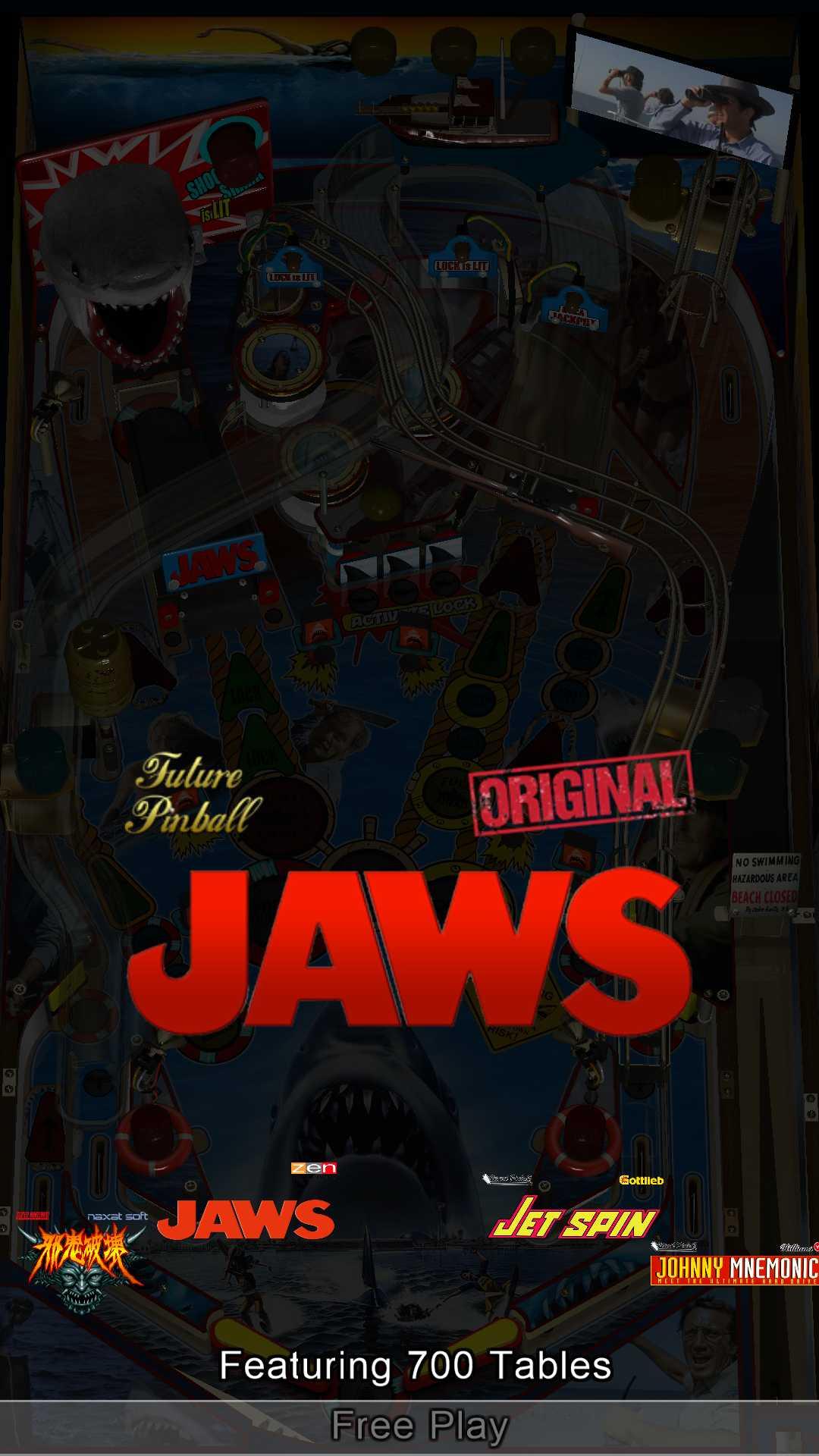
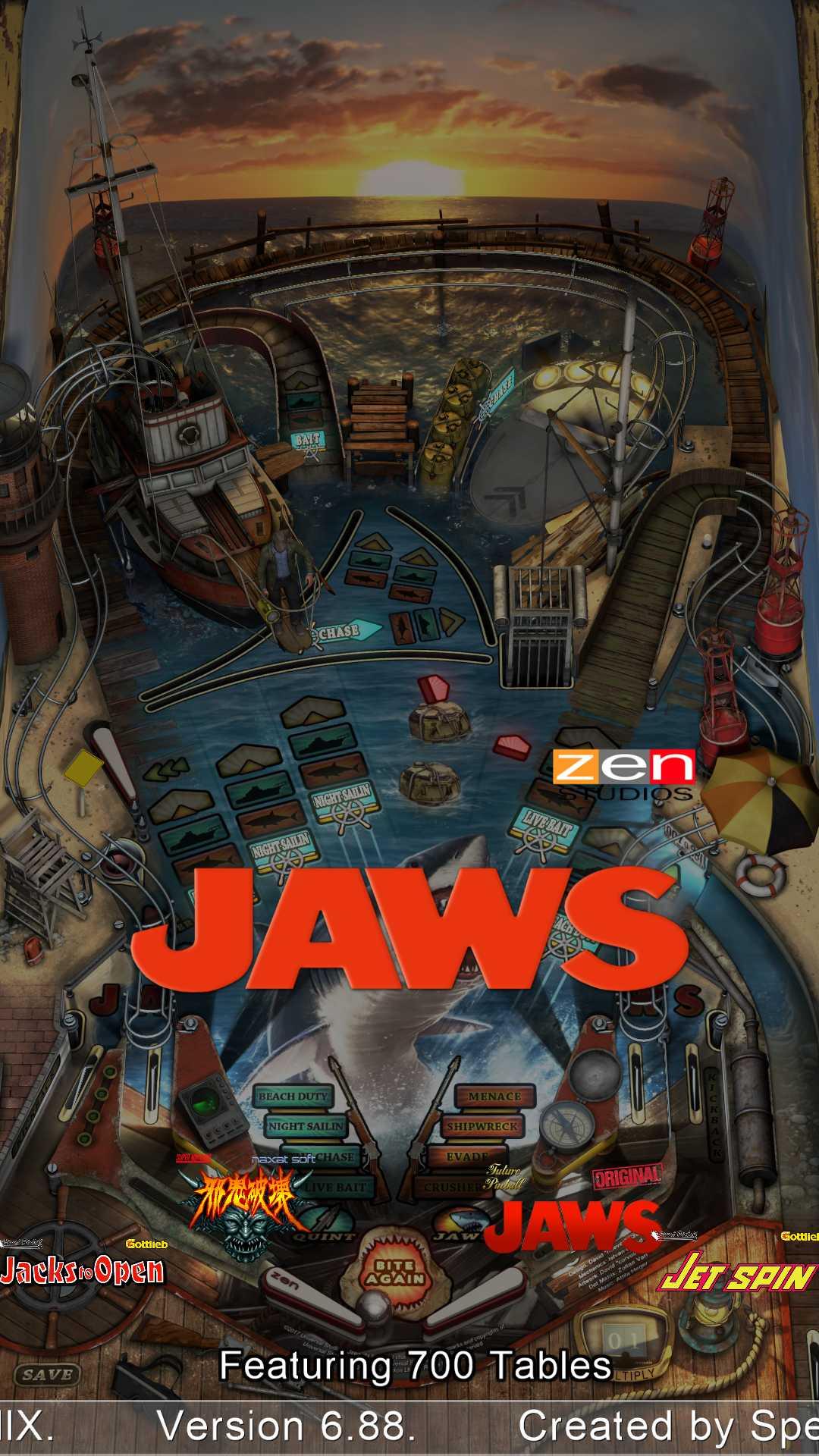
D'oh. I should know better at this point, shouldn't I? The site still gives the "-200" error when I try to upload the .ini file, no matter whether it's unblocked or not, uploaded from a network share or a local drive, and even if I rename it to pinballx.txt. There's something in that file the server doesn't seem to like. At any rate, I zipped the files again. I also included two screenshots for illustration, of "Jaws" for Future Pinball and the Pinball FX3 version. You can also see the other system logos (Visual Pinball and Super Nintendo) on the titles above and below the active table. As before, the "Pinball FX3" logo simply does not display. PinballX.zip
-
Just wanted to chime in and say that the error persists in V6.88 😉
-
After table launch long pause before I can close table
SixOfTwelve replied to bushav's topic in General
No idea if this helps you or not, or if it's even related - but I recently got back into the hobby after over a year, and after updating everything from VPX to VPINMAME to FLEXDMD I noticed that some tables took ages to close. It turned out that I needed to include skipanalytics = false in the [global] settings of my DmDDevice.ini file, and after that, the problem went away for me. (I had also severed my cab's connection to the internet - I don't want to be constantly reminded to upgrade to Windows 11 - so maybe the slowdown was due to FLEXDMD trying to send usage statistics and failing repeatedly) -
files.zip I've been away for a while and haven't updated since version 6.02. Now I've downloaded version 6.74 and overwritten the old files (after having made a backup, of course). The update went smoothly, except for two things I've noticed: Some Table Audio sounds wouldn't play anymore, which was easily solved by opening the MP3 files in Audacity and exporting them again. Some needed to be saved as WAV in order to work, but no big deal. I guess the original MP3s were not up to standard. Now for the puzzling part: My PNG logo for Pinball FX3 in the System Overlay Logos folder is not being displayed any more. Things I've tried: - Resizing the PNG. It's not displaying. - Using another PNG. It's not displaying. - Replacing the PNG with another file that will display for other playlists, for example the Visual Pinball logo. It's not displaying. - Suspecting a faulty PNG, I tried it the other way round: replaced my Visual Pinball logo in my Visual Pinball playlist with the Pinball FX3 logo PNG file. Now the Visual Pinball tables are showing the Pinball FX3 logo instead of their usual logo. So at least I know the PNG isn't faulty and will display normally. All my other playlists display their system logos just fine - it's just Pinball FX3 that's the problem. I guess I could build an "Other System" playlist for Pinball FX3 and see if that solves it, but I thought I'd bring it to your attention in case it's an error that slipped in sometime during 6.02 and 6.74. Thank you! The INI file wouldn't upload (Server Error -200), so I put the log, the INI and the two PNG files (Pinball FX3 and Visual Pinball) into a ZIP file.
-
[RESOLVED] Promo and Tutorial videos are rotated 90 degrees to the left
SixOfTwelve replied to SixOfTwelve's topic in General
Well, it took a while, but I uploaded my current complete collection of Promo and Tutorial videos to the FTP server. The files are in -PinballX-\Other Uploads\SixOfTwelve. Have a look and see if there's anything you like. Share and enjoy! -
[RESOLVED] Promo and Tutorial videos are rotated 90 degrees to the left
SixOfTwelve replied to SixOfTwelve's topic in General
@Tom Speirs: It's working beautifully now. Thank you so much! I tried donating a yearly membership, but it looks like I can only pay by credit card (which I don't have). Any chance of PayPal? @Mike_da_Spike: The FTP is a good idea, maybe it'll be useful to someone. It may take a bit of time though, as my VPin only has a crappy WiFi connection, and the videos are 120 GB all in all...