|



Storm312
-
Posts
19 -
Joined
-
Last visited
Storm312's Achievements

Advanced Member (2/5)
10
Reputation
-
Just tried it briefly and it looks good. Thanks!
-
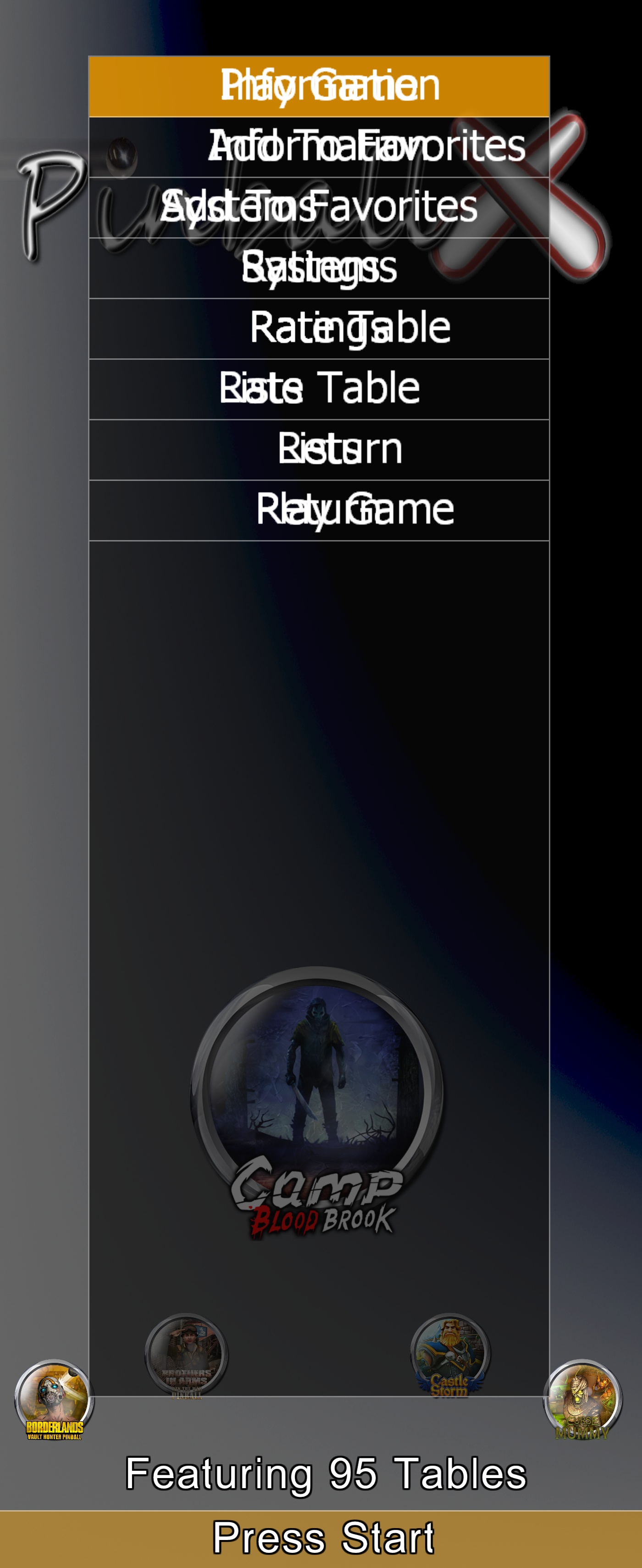
I have display 0 rotated 270 degrees via pinball X settings (landscape in Windows). The monitor resolution is 3440x1440, so pinball X with rotation is 1440x3440. The table menus are not usable. See screenshot. There's some double rendering going on but it's offset by like 1 menu entry. PinballX-PC.ini log.txt
-
I think I may have chosen the wrong installer for VP10.8. I ended up picking the minimal one and then got lost in the install this install that. I think I'll try and start over with that one. And yeah there were a couple of them failing on Pinup dependencies, can't remember exactly what. I was hitting failures with freezyDMD, B2S, and another DMD dependency but hopefully the full installer will fix those.
-
I've been looking into getting VPX set up but I just gave up for the second time. I haven't tried the Baller installer yet but that seems to be the newbie friendly way to go. I noticed though that it installs Pinup Popper which I'm not familiar with either but looks like it plays the same role Pinball X does. Do I need to worry about interference with pinball X, or do I need to disable pin up/manually change stuff around? I tried getting a number of tables working and I got a couple, but I discovered the scripts have different dependencies, some requiring dependencies like PinUp. Thanks.
-
It looks like Joy2Key solves my issue. I load a profile for PinballX.exe and Settings.exe that maps the triggers to Left and Right arrow keys. Fortunately, the profile switching works with focus change, so in game I don't need to remap anything while PinballX is in the background. If the problem is axes related, why do the bindings for the controller sticks left & right seem to work? I could bind the left/right to left control stick left and right and it works when scrolling tables. Judging by the reddit post it seems like a complicated issue.
-
On this site: Gamepad Tester - Check Controllers and Joysticks Online it says Xbox 360 Controller XInput STANDARD GAMEPAD Left trigger is "B6" (0.0-1.0) and right trigger is "B7" (0.0 - 1.0)
-
Attached ini and logs There's nothing in the ini for those binds under the joystick section. ShowJoypad.exe only shows a change in Joypad Z-Axis (Value = 2). Left is "1", Right is "-1" Also my PinballX.ini is named PinballX-PC.ini because I git control my Pinball X media + configs for my main PC and my virtual cab, and I symlink PinballX.ini to one of these configs. Symlinking looks like it works fine. PinballX-PC.ini log.txt SetupWizard.log
-
I'm trying to use my XBox One controller via USB with Pinball X. In the setup program under Joystick Input settings, when I try to bind Left & Right to the controller's Left & Right Trigger buttons, nothing happens. I click the 3 dots, it says Press a button..., I press left or right trigger, and then the dialog disappears but nothing gets bound, or at least the text box is empty. All other buttons on the controller appear to bind correctly. Using latest Pinball X as of this post date (6.87). Trying to do this via the Settings.exe app.
-
I made some for William Vol 9. Also uploaded to FTP. Used some AI gen for the PIN BOT body to replace the scoring stuff. I think it turned out pretty good.



-
Thanks. This is great.
-
log.txt PinballX.ini It's happening specifically when I switch from a Pinball FX table that has a backglass video to a Visual Pinball table that has a direct2bs backglass, and only sometimes. It's more likely to occur if I'm scrolling through tables very fast. Also sometimes when I close Pinball X, there's a backglass window still up titled "Form1".
-
I've noticed that PinballX has trouble switching between direct2bs and video backglasses. I have some Virtual Pinball tables setup on my cabinet that use direct2bs backglasses, while my Pinball FX tables just use videos. Many times when I go from a video backglass to a direct2bs backglass via the wheel interface, the last direct2bs backglass encountered will stay in foreground. Sometimes it'll fix itself, sometimes it'll persist. Maybe it has to do with window z-index competition or the direct2bs process not being killed correctly?
-
Thanks, these are great!
-
All of those tables you listed didn't make it into FX 3 due to licensing issues.
-
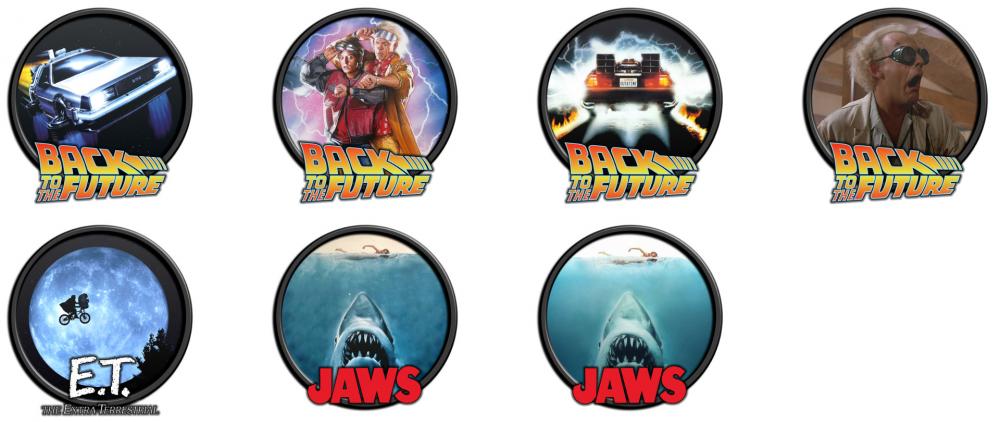
I worked on docket images + some variants for Back to the Future/Jaws/ET tables tonight and added them to the FTP server under /Media/Pinball FX3/Wheel Images/Mega Docklets. Attached preview pic.