|


Evilforces
-
Posts
591 -
Joined
-
Last visited
Content Type
Profiles
Forums
Events
Downloads
Store
Articles
Everything posted by Evilforces
-
 Hi Draco and thanks for the fast reply!!! As I see on the setup wizard my plugin version is 1.3.2
 -
Hi all!! Today testing Visual Pinball and Future Pinball emulators I've noticed that xppader does not open automatically when launch that emulators. The plugin is properly configured and enabled in the setup wizard. Xpadder runs and works fine if I open it manually. Any suggestions?GameEx.ini log.txt
-
Interesting option!!! Thanks for the update Tom!!!
-
Same problem here, I noticed yesterday but i can't try it to see if continues happening....
-
See the blue letters on the verification page is exciting for me. I admit sometimes enjoy more setting GameEx and emulators than playing the games . I like fiddling with things and see what works. Until today I thought the verification page was sacred to check that everything worked properly. But after this bug , I have to stop believing in it.
-
You don't verify your GameEx configuration on the verification page???? BAD BOYSSSS!!!!
-
Ok, It's definitely a bug in the verification page on GameEx Setup Wizard. Deleted map file, enter GameEx and it download another map file on the folder.
-
Ok some things: I tryied this option before you say that... The external quotes only appears in the verification page, but not in Gameex.ini. If I put the correct quotes on command line, the command line is correct on Gameex.ini, but not in the verification page. I'll try to delete the map file, and see if Gameex update it....
-
The command line is not enclosed on Gameex.ini But... How can I know if it works correctly? Maybe it's a problem only in GameEx verification page???

-
Same result...

-
With CMD works like a charm, the problem is on GameEx.
-
Same result, "folder does not exist"
-
Yes!!!
-
Same problem with _ (without spaces) As I say before, if i put only the first part of the command D:\Utilidades\HiScore_Updater\HiScoreUpdater.exe I haven't errors.

-
Here is how I put exactly the command line....

-
Adultery, the external quotes you see in second image (verification zone) is not put by me, it's GamEx who puts that external quotes....
-
A image (or two) worth more than 100 words...


-
Tryied: - "D:\Utilidades\HiScore Updater\HiScoreUpdater.exe" -type 0 -mappath "D:\Utilidades\HiScore Updater\HiScore.map" Not Correct - "D:\Utilidades\HiScore Updater\HiScoreUpdater.exe -type 0 -mappath D:\Utilidades\HiScore Updater\HiScore.map" Not Correct - D:\Utilidades\HiScore Updater\HiScoreUpdater.exe" -type 0 -mappath "D:\Utilidades\HiScore Updater\HiScore.map Not Correct Any suggestion?
-
Hi guys!!! I'm trying to get my competition games list updated with this command line on launch on startup: "D:\Utilidades\HiScore Updater\HiScoreUpdater.exe -type 0 -mappath D:\Utilidades\HiScore Updater\HiScore.map" and getting the "path not found" on the verification page. There is any problem with this command line? I only want to have this map file updated to see the competition games inside GameEx, but I'm unable to getting work with this command line. Any suggestions? EDIT: If i put only the D:\Utilidades\HiScore Updater\HiScoreUpdater.exe there is no error. The error comes with the atributes -type 0 -mappath D:\Utilidades\HiScore Updater\HiScore.map
-
Hi all!!! There is the latest update of spanish language compatible with latest Gameex versión (14.30) and the new rating system. Other minor issues corrected too. -- Spanish -- Aquí tenéis la última actualización del idioma español compatible con la última actualización de GameEx y el nuevo sistema de votos. Corregidos también algunos fallos menores. Un saludo. Spanish.ini
-
Great update Tom!!! Thanks for that awesome feature!!!! I can't wait to try it!!!! THANKS!!! EDIT: Updated spanish language file to be compatible with this release and the rating system. http://www.gameex.info/forums/topic/5-user-submitted-translations-plugins-radio-and-news-urls/?p=144929
-
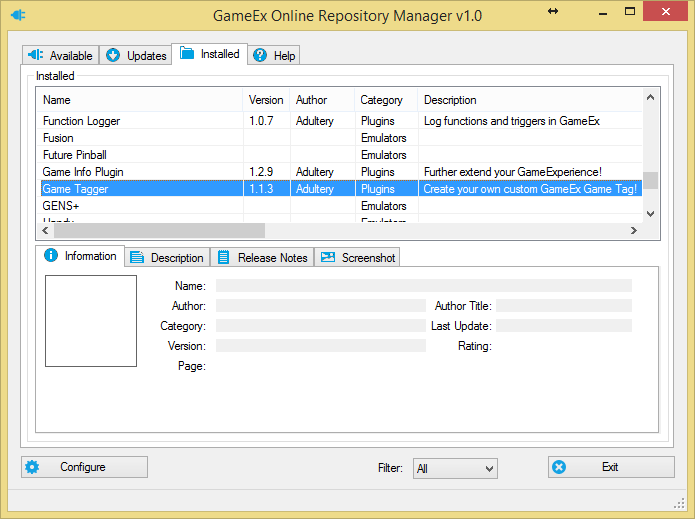
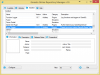
Did it!! Thanks for explanation, it's a new feature I need to acostume.... sorry. Now I have the latest version on all my plugins as you can see on the screenshot.
-
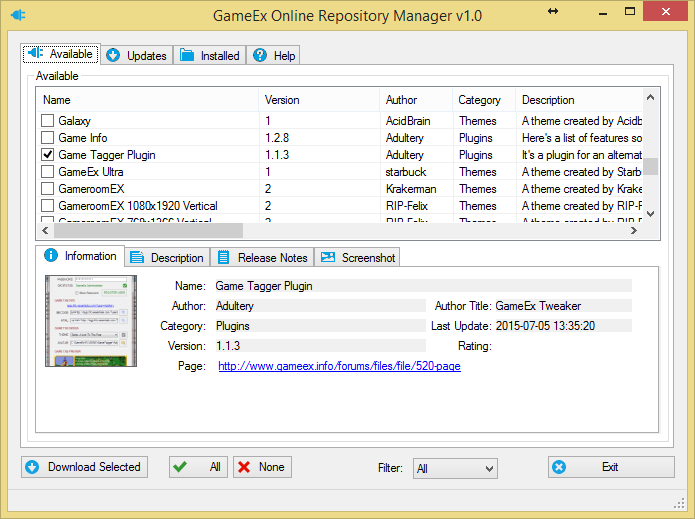
Hi Tom, I thought this plugin was already installed on my system and did not have to download it again. So I have to re-download all the plugins again to work on my system?
-
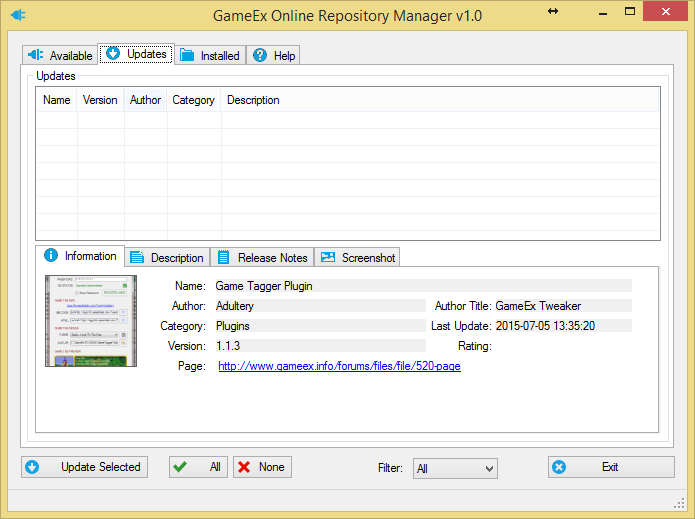
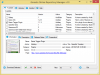
Hi Adultery!!! I found the repository manager, but there is no updates avaliable for any plugin See the screenshots, please.
-
Where I can find this option Adultery???