|



flocke28
-
Posts
135 -
Joined
-
Last visited
Content Type
Profiles
Forums
Events
Downloads
Store
Articles
Everything posted by flocke28
-
right.. Maws is currently down after a server crash from mameworld. as far as i know
-
hi Mark.. make sure that betabrite is installed on you new pc.. now go to the gameex folder in the startmenu and look at the Plugin Manager in Folder Configuration and start it. Now enable LCD/LED Plugin. mark this entry and click on the button Configure.. here you can activate the betabrite.. after configurate the options click on save and exit.. René
-
Hi Tom, i'm wondering if is it possible to use the Backgrounds from DesktopMame in GameEx.. the Backgrounds are pretty cool.. and these as Snaps for Mame is better than the normal In-Game Snaps.. please could you write a routine to make Snaps like DesktopMame for all Mame Games and save in a Folder? i hope you can help thanks René the Attachment show an example

-
i have see that you have two entries for ambiencemusic in the ini.. AmbienceFile=L:\-DATA-\-MP3-\4 Non Blondes\4 Non Blondes - What's Up.mp3 AmbianceFile=C:\Documents and Settings\All Users\Application Data\arcade.mp3
-
hey headkaze, i like your plugin.. nice work.. but it doesn't work with my lcd display.. that have only a lcdsmartie and lcdhype driver. could you please add a function to import these drivers to work with your lcdplugin? i hope you can help me regards Rene
-
hey Tom.. i found some informations about the crashs of gameex in the eventLog i hope this help
-
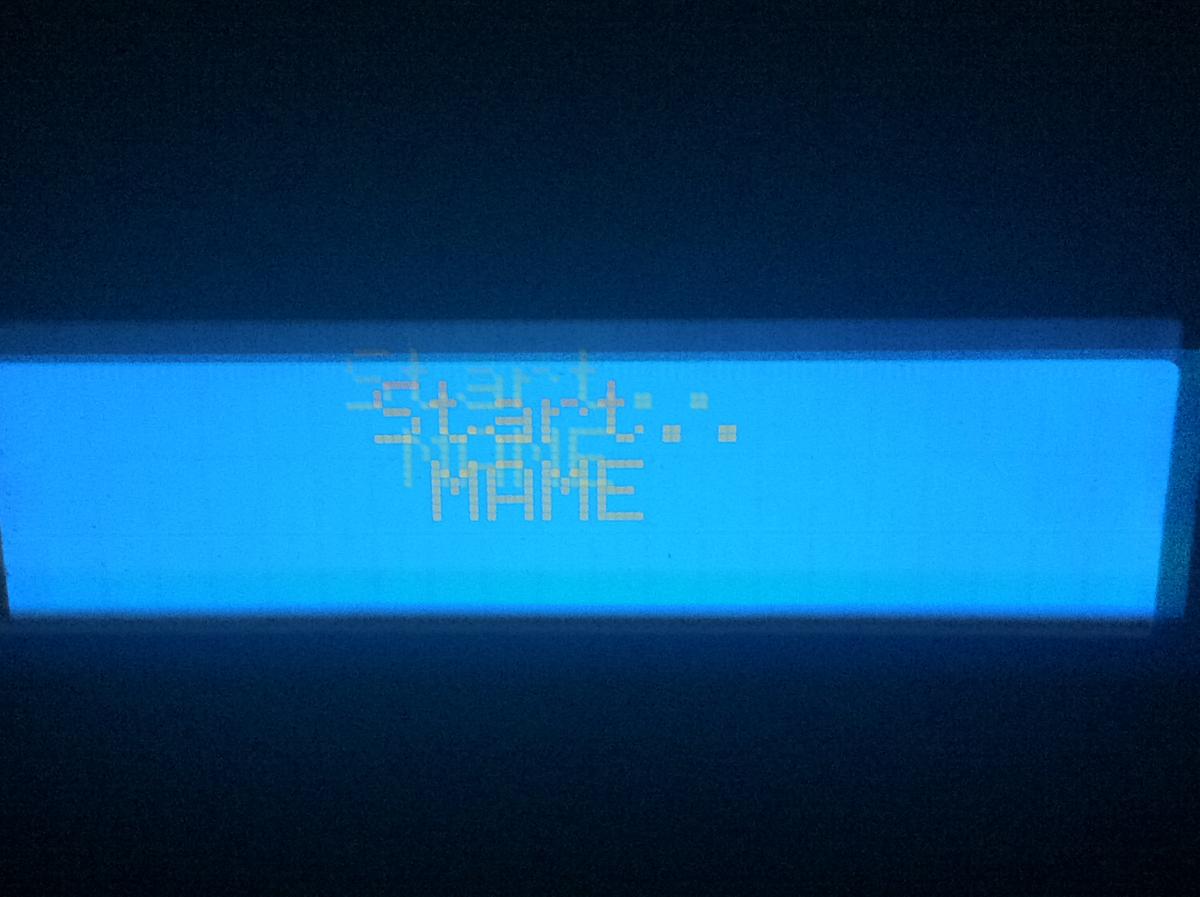
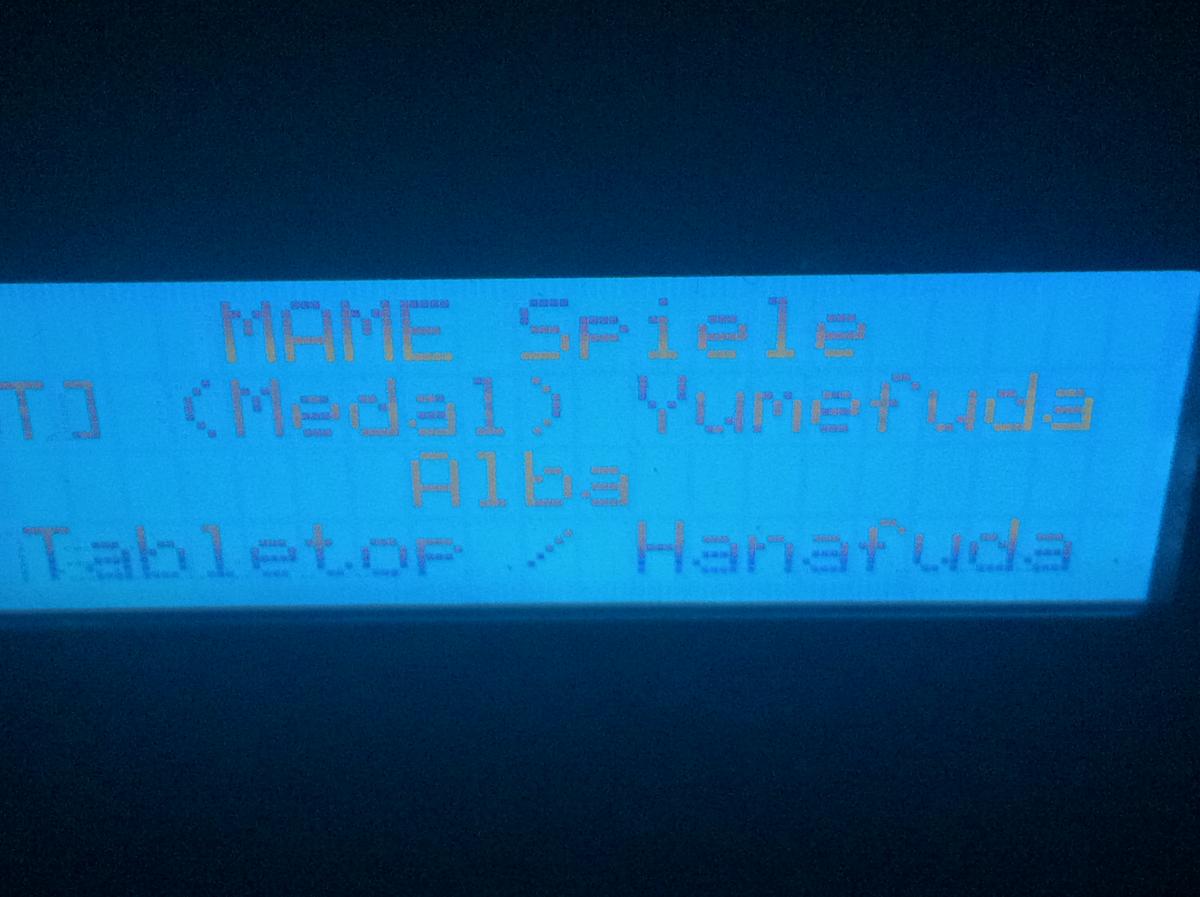
Mmh.. In previous releases has the extender shows all Information including an actually screenshot from mainscreen.. And the System runs from begin on win7 x64.. Ah.. I found the reason.. On the gameex icon i Open the options and enable the option "disable Desktop composition". Now. The screenshots Works well again.. but gameex crashs again after few minutes.. and some lcd registry entrys doesn't clear after change the menu.. look at the pictures.. mainmenu, all mame games, at open this list is the 1st game selected and then back to the mainmenu.. now you see that alon the upper 2 lines are changed.. the under 2 lines shows an old entry


-
This release crashs also.. Please have a look on the gameextender. I think this is the reason for crashs.. And that the Screenshot from the gameex menu are not showing must be also a issue from the extender
-
i think it is the GameExtender.. without Gameextender Gameex works well
-
i try a reinstall of ffdshow.. tom i have see that lcd smartie doesn't show gameex information.. have you disabled the lcd-registry entries? so.. i have dsiabled gameextender an the viewer.. now gameex dont crash.. if i turn on the gameextender then gameex crashes again..
-
this doesn't help.. :-/ all plugins was disabled and jukebox also.. and gameex crashes at scrolling the mame game list.. I think that the crashes began since 12.38
-
sorry Tom.. i have not a JIT-Debugger for more information

-
Hi Tom.. i have replace the gameex.exe with your attachment and take a video from start gameex up to the crash.. here is the youtube-link: http://youtu.be/cm5GpbCJQk4 the crash is at 05:40 minutes.. the video shows switching between the menus, start a game and back to the menu.. also shows the 2nd monitor.. here you can see the missing picture on the left side.. (please make for future releases a bigger fontsize in the gameextender in the downright field). and please see that the loading time are long for the 3d models of Emulator Gamecube and GBA
-
Hi Tom, here are the logfiles after crashing gameex.. an 2nd issue refer to the gameextender.. it shows a black field in place of an actually screenshot (left upper corner) log.txt Extenderlog.txt
-
wow... Sounds good :-)
-
Hey Tom.. GameEx is still crashing after few minutes.. :-/ GameExtender: can you add a Gameinfo Page like cpwizards gameinfo? And can i switch the gameextender from monitor2 to monitor1 at start from a mame game? I have a arcade monitor and a small Monitor with touchscreen. Normally the small monitor is for the gameextender. But for the games with touch i will change the monitors to use.
-
Hi Tom... I can't find the other exe.. Can you help me?
-
It was a T9 mistake :-) I try the other exe tommorrow
-
Hi Tom with 12.48 works gameex again. But gameex crashes since 12.4x after some minutes without an error log.
-
here are the logfile.. is it possible that the windows firewall gameex blocks? Ps: i have disabled the Firewall but this not fix the Black screen
-
hello, gameex 12.47 shows only a black screen.. without an menu.. after 5 minutes i have break gameex over the taskmanager.. the logfile shows Starting Search for UPNP Media Servers.. how can i disable this feature? i can't find a entry in setup wizard.. thanks
-
here are the files.. but i can't find any entrys about loading a 3d model in the log file files.zip
-
Hi there, i have copied the system 3D models in the theme folder. Gameex works with this models fine but the loading time is very long. When i select an emulator for example gamecube is the amount of time to show the model around 10 seconds. Nobody waits this time bevor click the selected item. A preload of the models in the menu list can surly help. Is is possible to add a preload? Thanks René
-
Feature & Enhancement Requests
flocke28 replied to Tom Speirs's topic in FAQs, Guides, & Other Useful Information
This is for Ben Baker's Plugin Manager and the LCD/LED Plugin Hey Ben, could you please change the LCD Plugin to use Hyper LCD dll's to works with more LCD Displays? I have a LCD that works with a compatible HD44780 chip (ch341a) over USB Port LCD Smartie can't replace your plugin Thank you René -
my Media Player playlist is not showing in Jukebox? Previous Release show and play it at Start of gameex. Are additional custom folders for mame with folders like bosses, select or other pics possible? Or an dynamic change of snaps like rom_001.png, rom_002.png, etc possible?