|


imagamejunky
-
Posts
175 -
Joined
-
Last visited
-
Days Won
2
Content Type
Profiles
Forums
Events
Downloads
Store
Articles
Everything posted by imagamejunky
-
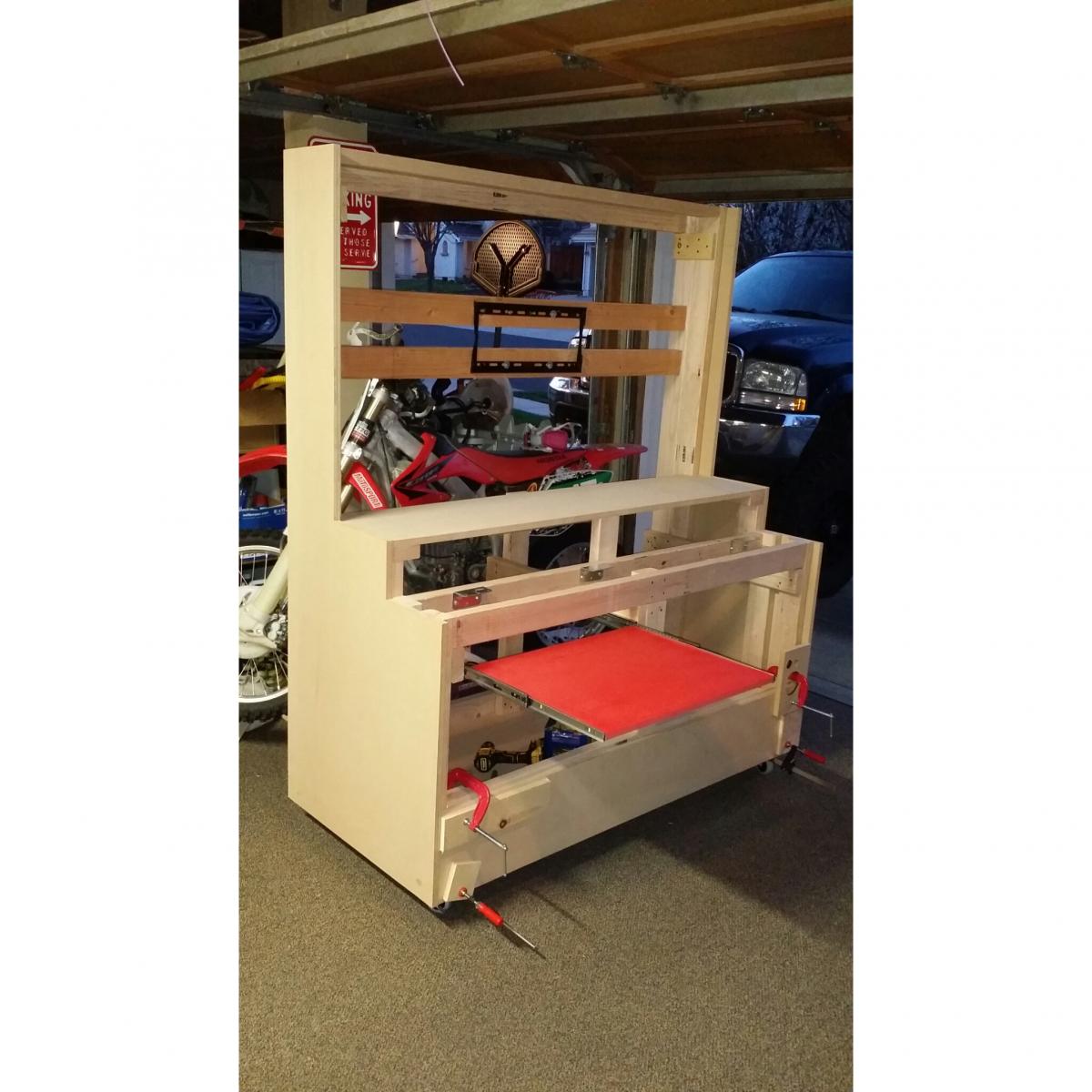
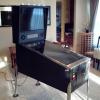
Thanks man! I finished all the painting last night. More pics to follow. Today I moved this beast inside the house! Awesome. Today I'm trying to figure out the best way to mount the acrylic in front of the displays. I'm thinking cabinet door magnets. Have any of you tried these? Junky
-
Here's a couple primer pics. What a difference with a little paint on-board. Junky
-
Thanks Draco!
-
Final test fitting before primer! Super excited
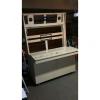
-
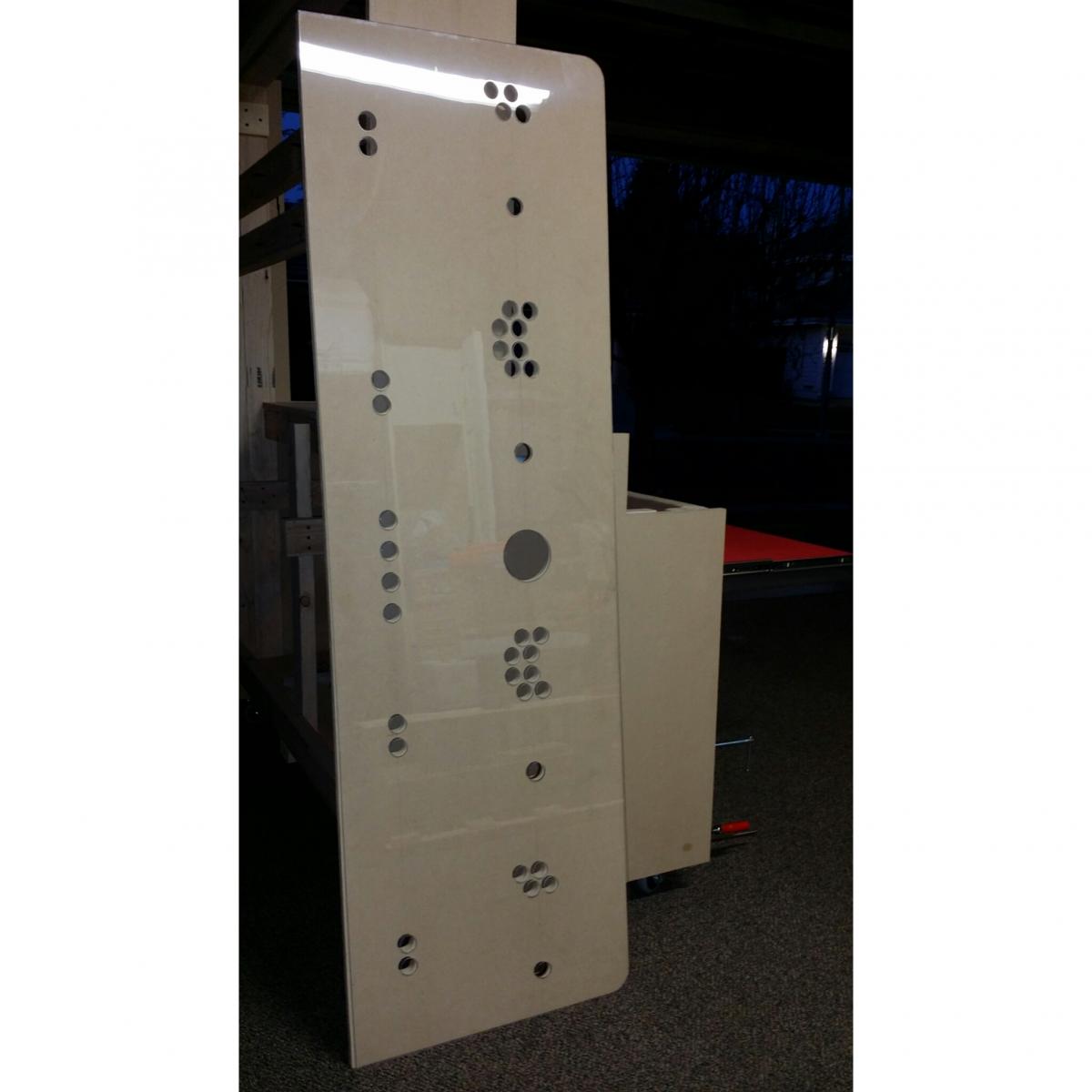
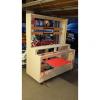
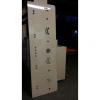
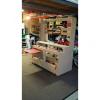
Lexan cp overlay shaped and holes drilled. Keyboard drawer framed, installed, painted. Upper monitor bracing built and mount installed. It's coming together! :-) Junky
-
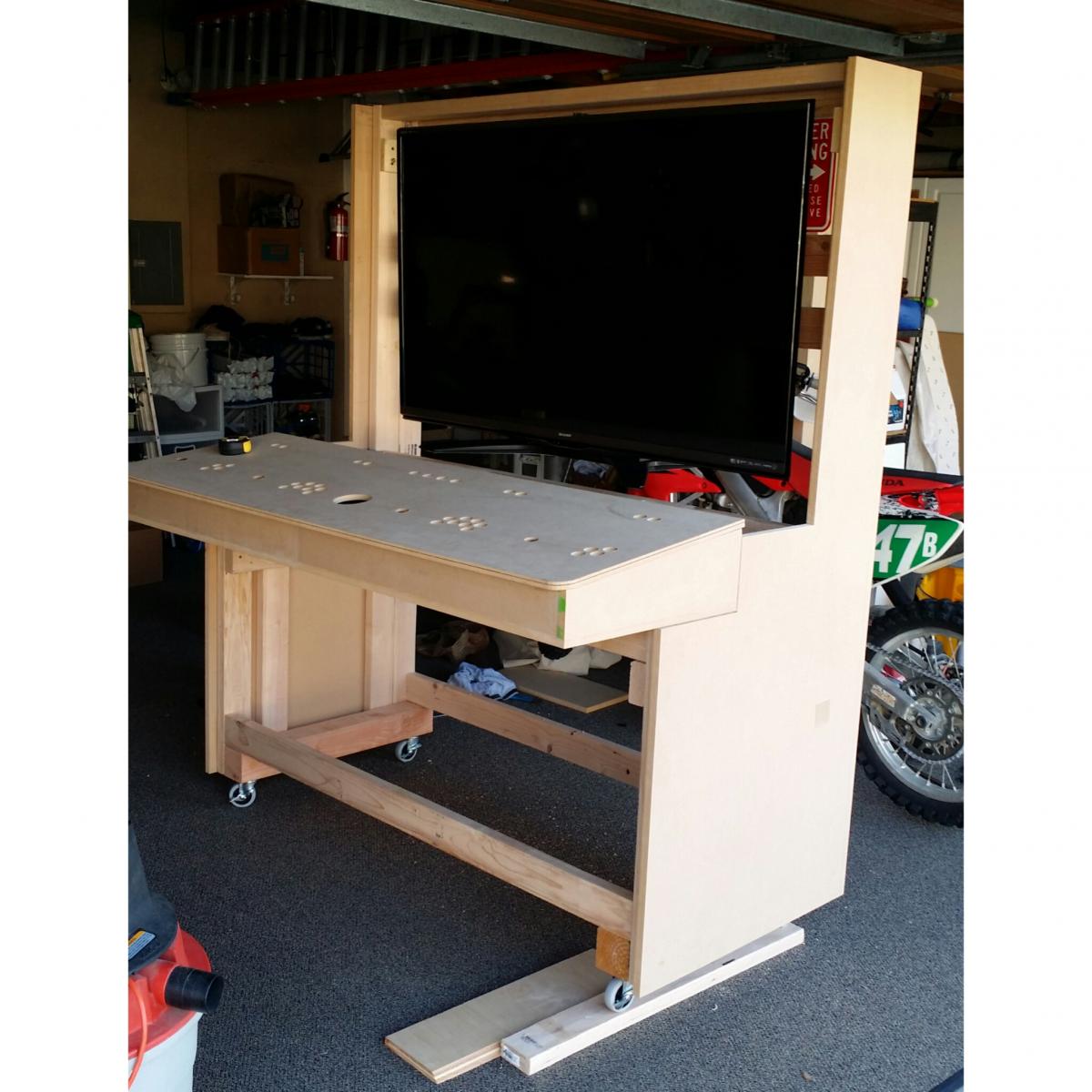
Monitor and CP test fit Progress!
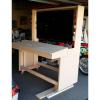
-
Draco. I have a 60" going in the main cabinet body in the posts above. I know a lot of people frown on the huge cabinet/screen types. I just love it. It looks fantastic IMO with the dynamic bezels. I haven't built the upper cabinet body yet. It will house the LG 29" ultrawide dynamic marquee. And yes that means this thing is going to be bigger. I have to build 3 removable parts (main, CP, and upper) in order to fit through the doors in my house
-
Thanks man
-
Looks like a piano!
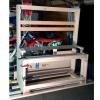
-
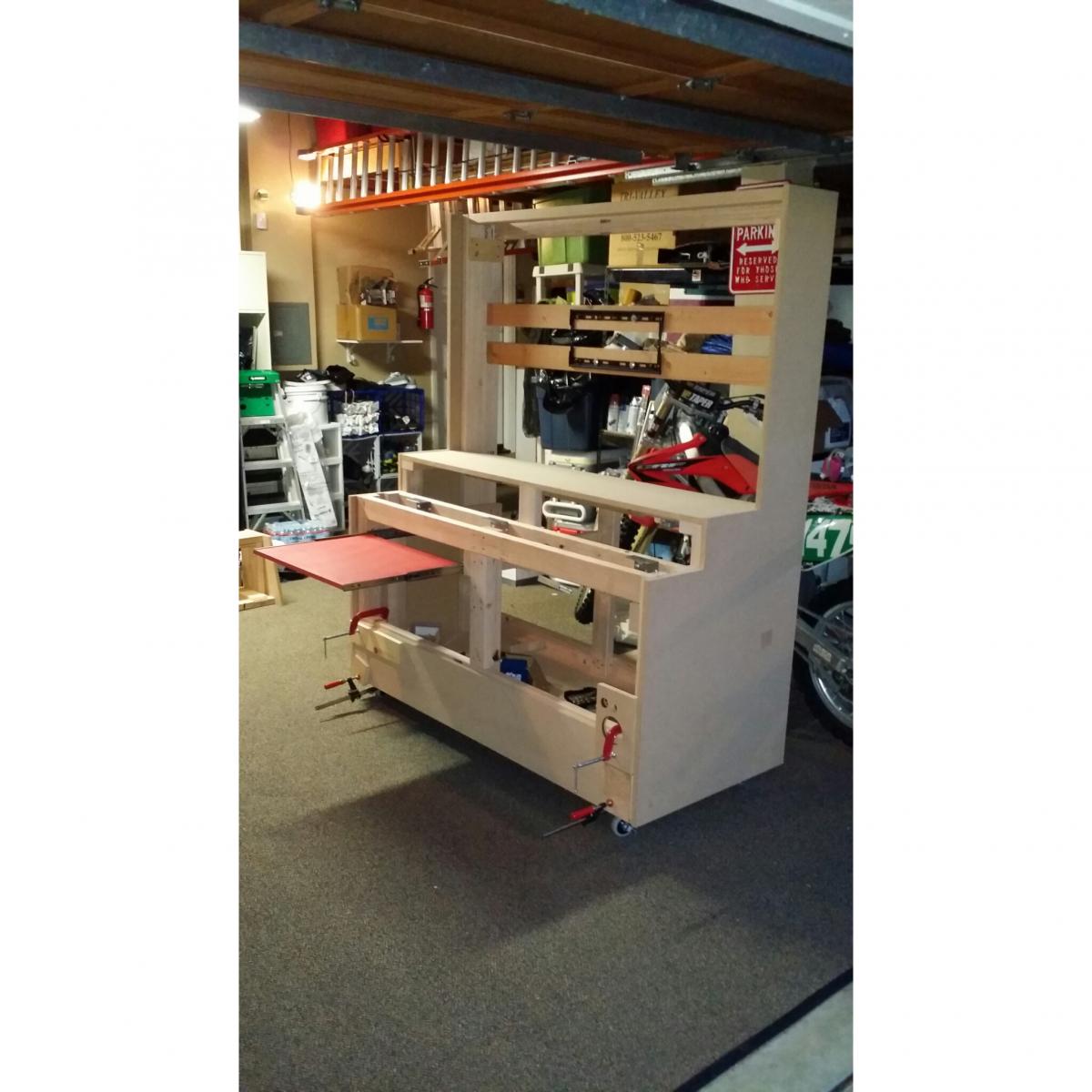
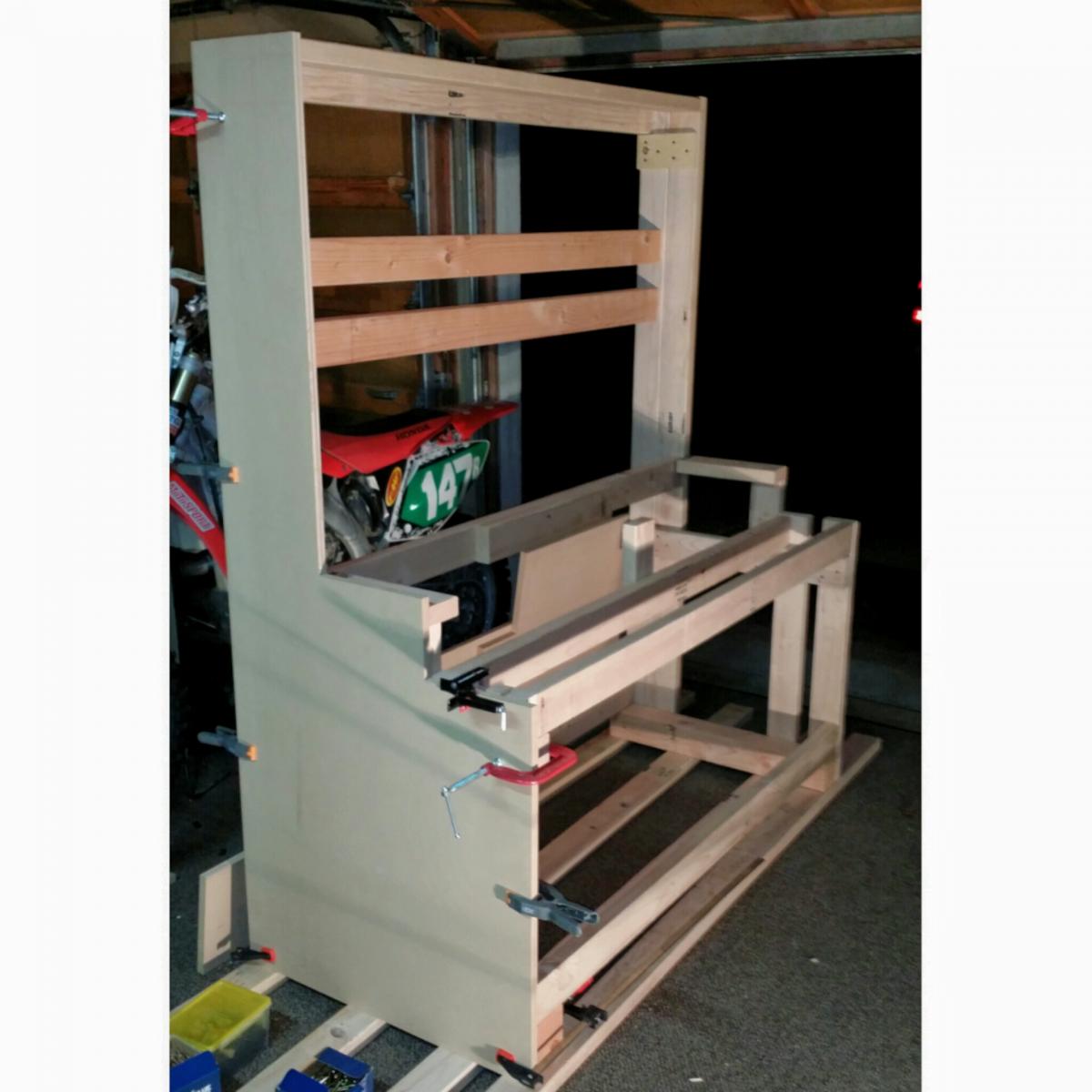
Gamejunky cab framing day 1
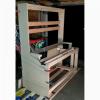
-
4 player CP build
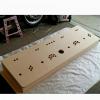
-
Here's the test panel powered up. I'm super happy with how bright the buttons and trackball are. I messed around with LedBlinky tonight. Totally awesome. I'm loving this little panel! So far I like the concave buttons but I'm leaning towards the microswitches. I like the click.
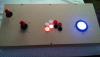
-
Even though it's just for testing I really enjoyed building this today. I'm trying out a ServoStik on the upper left corner. Next to that in the correct P1 location is an UltraStik360. I installed the top mount restrictor kit with longer shaft and stiffer spring. The 2 white buttons I'm trying are GGG Electric Ice 2's. One is concave, with leaf switch. The other is convex with the adjustable microswitch. Both buttons have the Helio RGB leds. The other buttons are just extras I had. The trackball is a UTrak with RGB led.
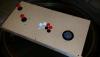
-
Here's the underside with wiring.
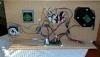
-
I decided to build a testing control panel today out of some scrap wood. This way I can try out some different joysticks and buttons and figure out what I like. Here's the test panel before buttons.
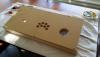
-
I really appreciate all of your great input guys. Thank you very much for taking the time. I forgot to mention that I picked up an ipac ultimate i/o. Although now I know that it's not going to be enough to connect all of the switches and leds. I still haven't made a decision on joysticks. This is a tough one for me.
-
pbx 1.93 led plugin ports 17 to 32 ledwiz dont work
imagamejunky replied to boiydiego's topic in General
Tom posted a plugin on post #13 on this page that fixed ports 17-32 for me. Before that those ports didn't work with the plugin. http://www.gameex.info/forums/topic/15177-189-led-plugin/ It's worth a try. Junky -
Sorry I've been MIA here guys. Very busy life lately. I purchased a few new parts for the project: - Sharp 60" 240hz 3d led tv. It does sharp's version of up-conversion pseudo 4k. Not a true native 4k but still looks fantastic IMO. This looks great with vertical portrait games as well as the landscape games. - ultimarc Utrac flush mount trackball with RGB LEDs. - 2 ultimarc Aimtraks I'm really having a hard time choosing joysticks. My son and I play a lot of console emulators using xbox360 controllers. I know that using these controllers may be my only option while playing some of these games on my cabinet and that bothers me. In a perfect world I would find a RGB LED servo stick type joystick that will do 2/4/8 way AND analog too. So far I can't find a good solution. I emailed Andy at ultimarc to ask if his RGB handles will fit his ultrastick360's and he said no. I really don't want a "frankenpanel" with dedicated 4 ways, dedicated 8 ways, and analogs too but I'm torn. What to do, what to do.... Please post your opinions guys. I do really appreciate your input. And Max, I don't have any info on those paradise sticks. I will post when I do. I also plan to post build info and pics from my pincab I built later. This forum rocks! Junky
-
Thanks a lot Max! Junky
-
I'm playing around with it right now on a decent quality 40" Samsung 3D 1080P LCD. I was just saying yesterday that it is a great sized tv for games in landscape/horizontal view at the approximate viewing distance (of how I am imagining the build). However I think going bigger will allow for a better size with the portrait/vertical games. I'm gonna play around with some other tv sizes before making a final decision. I will be trying it out on another 52" samsung this next week. Because I plan on playing some current games as well as classics I definitely want a large high res screen. I'm considering 4K also. I don't plan on rotating the screen although I think that is a really cool idea. I'm planning on a 4 player stand up with the control panel cantilevered out so that I can use bar stools too. I know that I want light guns, track ball, spinner, etc etc... Here are my thoughts on the control panel. Please let me know what you think guys. 2 Light guns.. I'm leaning towards the ultimarc aimtraks: http://www.ultimarc.com/aimtrak.html 6 RGB LED buttons each for players 1 & 2 and 4 buttons each for players 3 & 4. Ultimarc or GGG? http://groovygamegear.com/webstore/index.php?main_page=product_info&cPath=73&products_id=238 4 RGB led joysticks: maybe http://www.paradisearcadeshop.com/paradise-arcade-exclusive-products/741-paradise-rgb-led-joystick.html GGG Electric Ice track ball: http://groovygamegear.com/webstore/index.php?main_page=product_info&cPath=74&products_id=270 Thanks ahead of time for your input. Junky
-
I appreciate the help guys. Thanks Junky
-
Guys please help me out. I am seriously pulling my hair out in frustration trying to find CLEAR instructions on the proper way to update all of the needed files for mame. I have a working version of mame .152 with working roms for .152. I have followed plenty of old instructions on using clrmamepro to update. I successfully used clrmamepro to update the roms I already had from .149 up to .152. I had to do it in multiple steps using rom update packs I found. I now have over 2900 mame roms that are now available/selectable in gameex. This mame business is a CRAZY mess of confusing tutorials and contradicting information with lots of dead links and horrible spammed websites in many NON English languages. I thought setting up my virtual pinball cab with VP and FP was frustrating at times, but this is just flipping ridiculous!! Please point me in the right direction. Can I update from .152 to .155 in ONE step? I can't find rom update packs for .152 to .153 or .153 to .154 etc etc. Do I need to find separate bios updates along with the rom updates or are the bios updates included in the rom update packs? And what about the CHD updates? This is so confusing.. What are you gurus doing to update your games when new mame versions are released? Feel free to PM me with any info that you don't want posted. Any helpful information would be much appreciated. Thanks in advance. Junky
-
thanks guys. I changed the memory today to 2400 mhz and bought another 4TB hd. And I agree with you. I like the look of that big CPU cooler as well
-
8.1 pro It was a toss up between that and 7
-
I started a new thread with my first day build photos. Thanks for the input guys. Junky