|



Re-Creator600
-
Posts
5 -
Joined
-
Last visited
Content Type
Profiles
Forums
Events
Downloads
Store
Articles
Everything posted by Re-Creator600
-
[RESOLVED] Few VPX tables not working after update PBX 6.57
Re-Creator600 replied to Re-Creator600's topic in General
i will Unregister Ultradmd. but i know now for sure that the problem was in Video settings in VPX. i have selected "Windowed" (because i was adjusting something) when i started the tables in PinballX, everything works fine! sorry for the trouble , big thanks for your help. problem SOLVED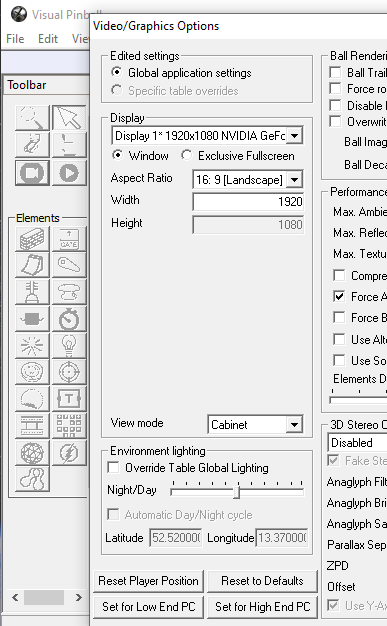
-
[RESOLVED] Few VPX tables not working after update PBX 6.57
Re-Creator600 replied to Re-Creator600's topic in General
@scutters screenshot, but indeed i must update flex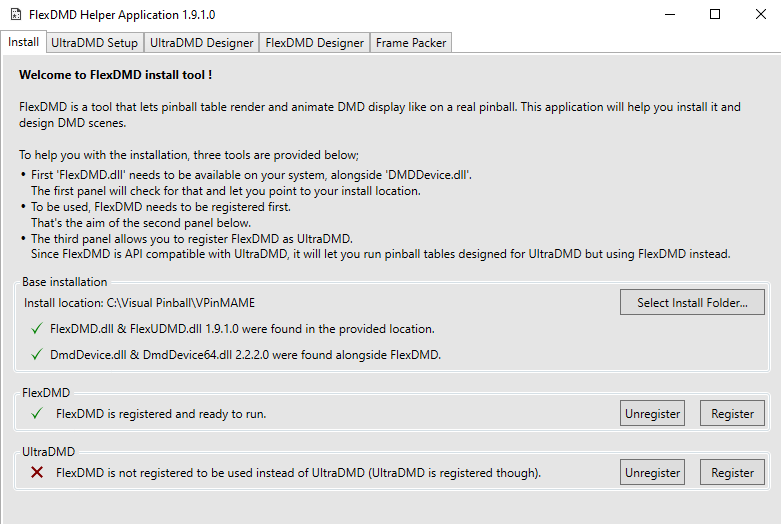
-
[RESOLVED] Few VPX tables not working after update PBX 6.57
Re-Creator600 replied to Re-Creator600's topic in General
😅 realy?! (flexdmd) Changelog: Fix crash when handling recent VPX files (10.8+) -
[RESOLVED] Few VPX tables not working after update PBX 6.57
Re-Creator600 replied to Re-Creator600's topic in General
thnx for reply, last days i had some issues with dmd's , some times 3 different one's showing up, no clue where to find the file with the install from these (external-) dmd's but i will try to follow your advice in the up comming days. strange a bit because i know for sure that the "running"tables also use the external dmd's, but like what you said about flexdmd i have to sort it out first. thnx! -
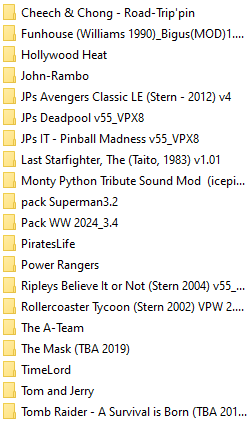
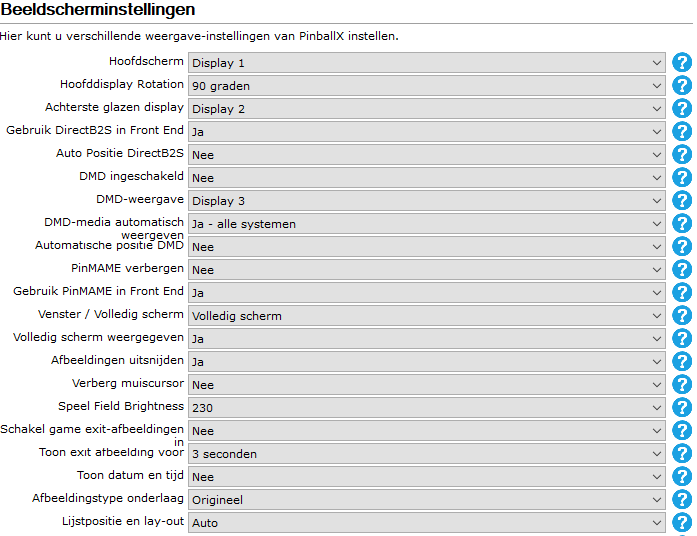
Hello, after i have updated PinballX to the latest version 6.57, few of my tables "crash" ( The A-TEam, Power Rangers, Pirates Life, Superman-JusticeLeague, Deadpool) Loading with backglass, editor is showing for a brief moment, music starts..and.. back it goes to PinballX menu i have tried a few option that i found on the web.-no result- most of the tabels (in VPX) are working with out any problems i must note that The A-Team worked but in game (via PinballX) i changed the size of the DMD after that it didn't start any more ... what could cause this behaviour? Thanks in advance, Boudewijn *To eliminate confusion: i am aware - PBX - PinballX FrontEnd (latest version) - VPX - Virtual Pinball 10 (latest version) log.txt PinballX.ini