|



SirClive
-
Posts
6 -
Joined
-
Last visited
Content Type
Profiles
Forums
Events
Downloads
Store
Articles
Everything posted by SirClive
-
I am using version 5.6 I think on Win XP, so I know it is hugely out of date, but I am hoping the issue is a simple one. I have marked a load of games as favourites, but I can't find a way of viewing said favourites. If I list the games By Catergory there doesn't seem to be a favourites category??
-
That sounds very sensible. Thanks for your help. I will do what you suggest.
-
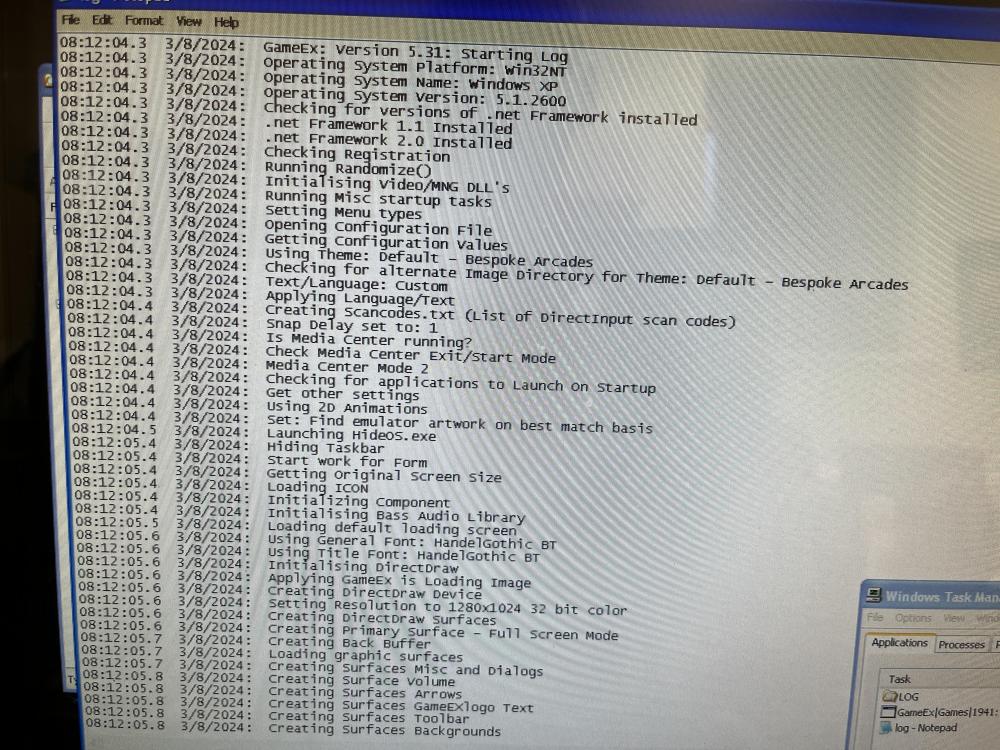
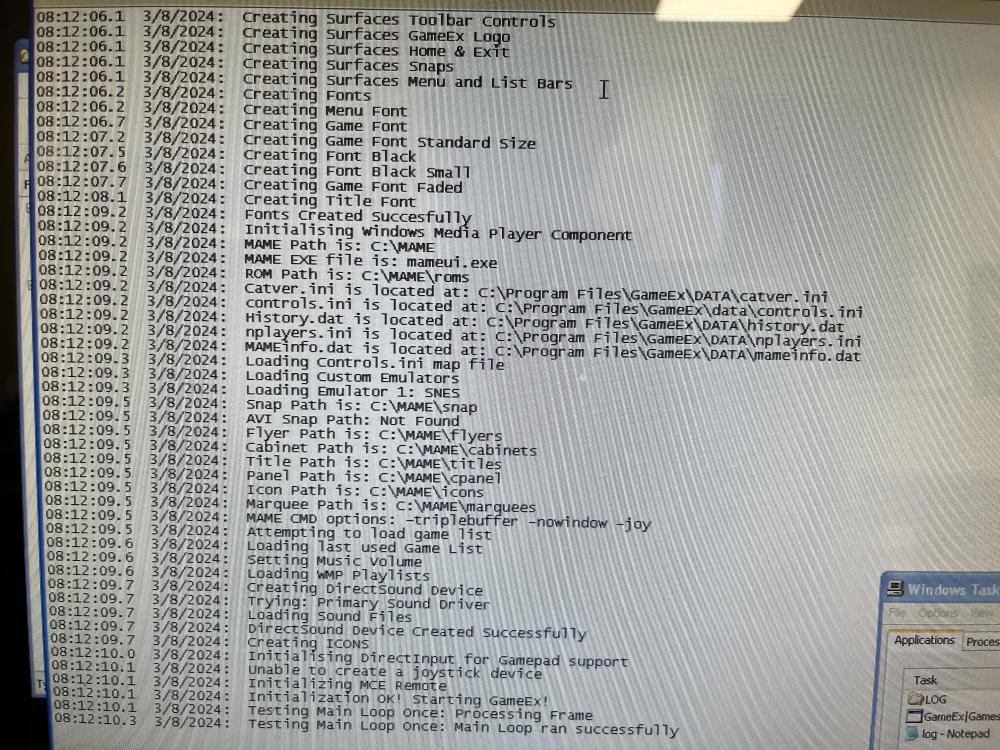
It does seem to be InstantSheller that is being used. But I have managed to get into windows explorer and launch the gameexconfig.exe. So that has let me change to full screen and I have updated some of the theme graphics. I can now copy roms over a lot easier too. So I don't need to get rid of it any more. Here is the log file. Do you know what the benefits/risks of updating GameEx are? As it is working OK I don't want to risk messing it up unless there are useful features/changes that I am missing out on.
-
Tried pressing U on boot but no joy. I have been able to get into windows explorer through task manager though.
-
Yeah, it was one I got about 10 years ago when I ran gaming events. It has been in storage for years and I have finally rescued it and put it in my work office. But the game list was rubbish and there seem to be a few settings not set correctly (such as full screen mode). I'll give the 'U' thing a go tomorrow when I am back at work. Thanks a lot for your help.
-
I have an arcade machine that is already set up with GameEx. It has windows hidden, so even if I quit out of gameex I can't find a way to get back into the options so I can make some changes (such as show favourites as this is switched off and change the theme). I have managed to add new games by loading windows in safe mode with command prompt and copying files across in dos, but I am sure there is an easier way than that.