|



jerjo11
-
Posts
9 -
Joined
-
Last visited
jerjo11's Achievements

Member (1/5)
0
Reputation
-
ya it had to do with the bezels i had i got rid of them and the problem went away
-
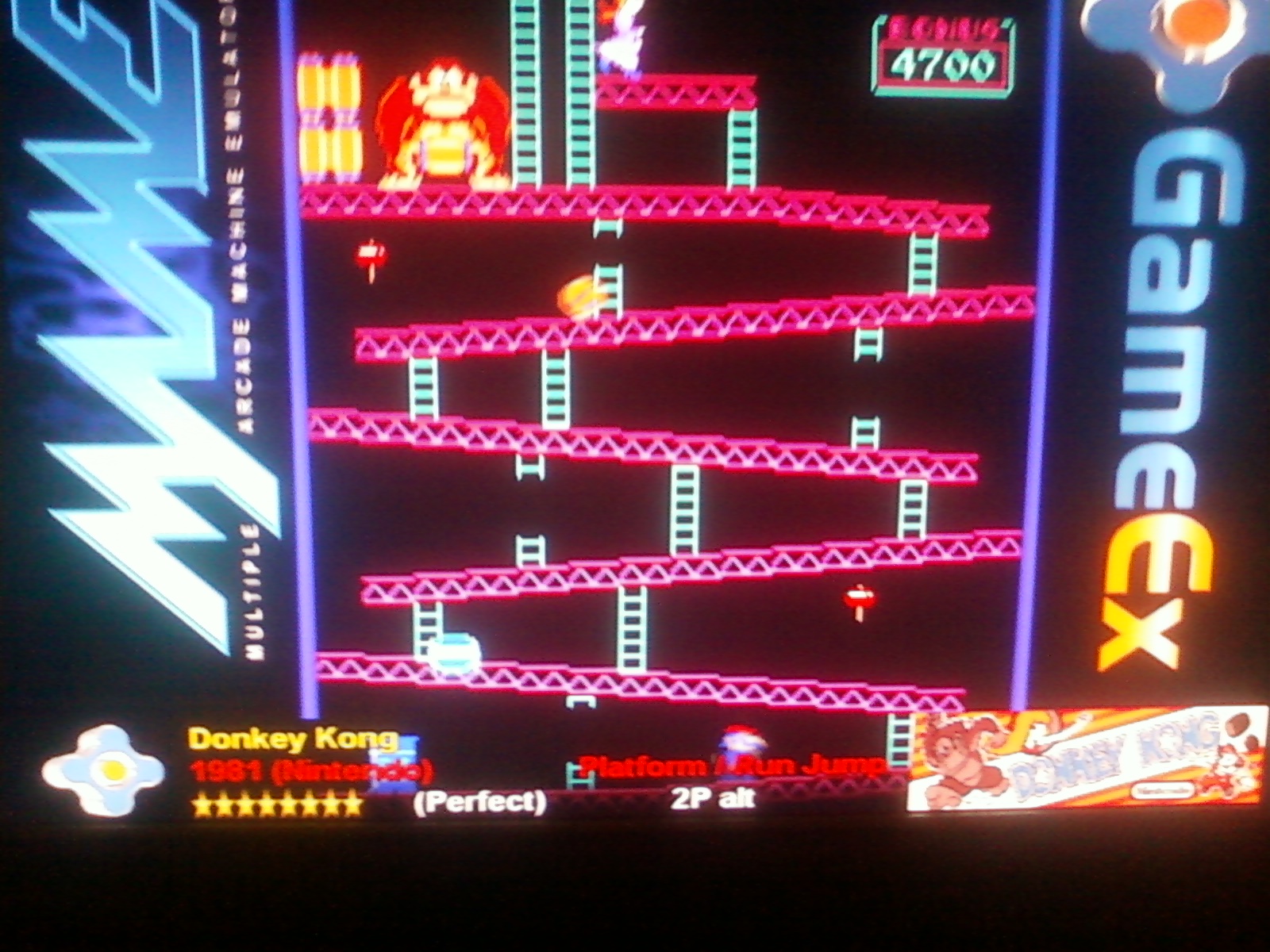
it is the game info that is shown in the screen saver like you said but for some reason it always shows up even when i select a game to play like the picture i added
-
When i play a mame game there is an information bar at the bottom of the screen that says what game it is and the rating of the game and so on, i would like to know how to disable it because for most games its just annoying and in the way of part of the screen any help would be very much appreciated! thanks
-
so i'm really kinda pissed off ever since the new update of gameex i installed last night rather it did on its own i cant play some of my games and all the hours i spent trying to get bezels to work and finally got it are down the drain they dont work anymore? how can i go back to how it was before this update or what?
-
basically most of my problem lied with not switching the "use bezel" to off.
-
i downloaded the bezels and kept them zipped, and placed them in the artwork folder for the emulator in my case i had a folder called artworkgameex so i placed the zipped bezel files in there and then you have to go to set up gameex and then set up mame and where it says use bezel i had to turn it off so that it wouldn't use the default bezel that gameex comes with
-
nevermind i got it to work! thanks for the help!
-
I tried keeping it in zip format. it works i am using MAMEUI32 it works when i run it while having MAMEUI32 open and picking games through there but when i choose it in gameex the default gameex bezel is still there is there anyway of changing that?
-
i have tried alot of different things to get bezels to show up in gammex, i have it turned on in my mame options i put the .lay file in the bezel section in gameex/media/bezels and it doesn't work, is there something i'm missing? ex. i was trying to get donkey kong jr. bezel to work i downloaded dkongjr. bezel came with a preview of it and the dkongjr.lay file and i put it in the bezel folder and nothing, i also tried putting it in artwork folder can anyone help?