|


.jpg.603296a93e0e73104b1afd773e75238a.jpg)
HanksLounge
-
Posts
30 -
Joined
-
Last visited
-
Days Won
7
Content Type
Profiles
Forums
Events
Downloads
Store
Articles
Everything posted by HanksLounge
-
I've always had a hard time finding a hi-res version of this logo, so I rebuilt it. Here are a few variations. Enjoy. aPNG: GIF: Rebuilt Logo PNG:




-
- 2
-

-
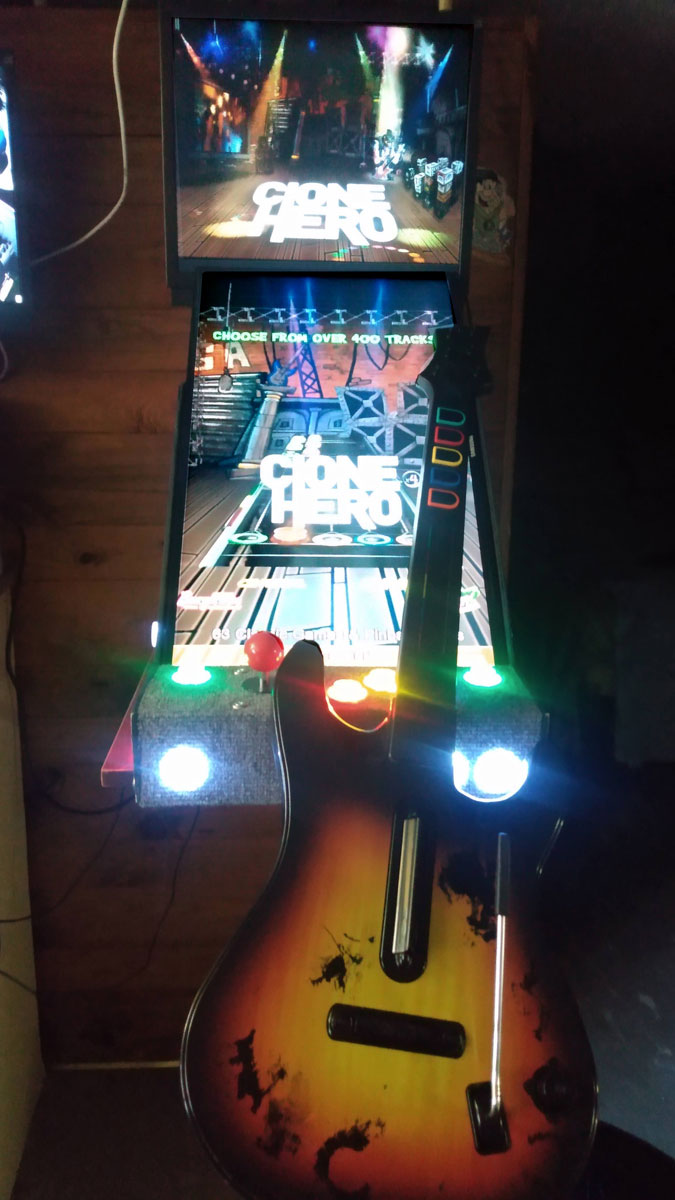
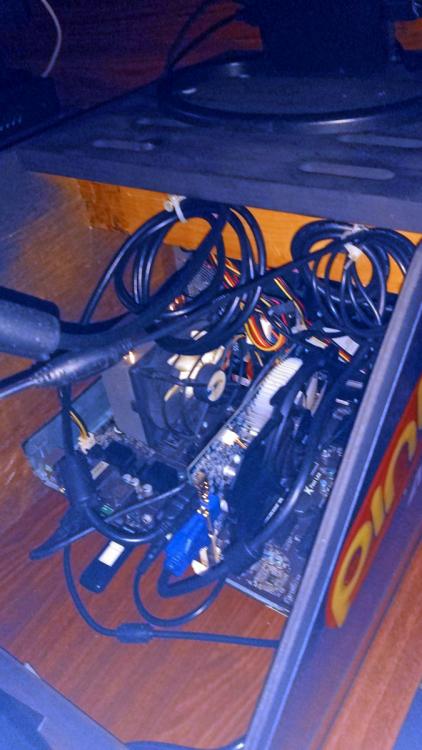
Thanks for the post! I had an ASRock 970 with 8 gigs of RAM that fit in there nicely. I guess the trick was to design around what I had to work with. A small swatch of outdoor carpeting worked out well for the control area. I'll be sure to check out all the great builds out here for sure. Such a great hobby for me. * I've made a lot of my own media, bezels, etc., as well as modifying some submitted by others. If you need any help in that area, let me know. Cheers from Boston!
- 9 replies
-
- 2
-
-
- vertical arcade
- custom
- (and 1 more)
-
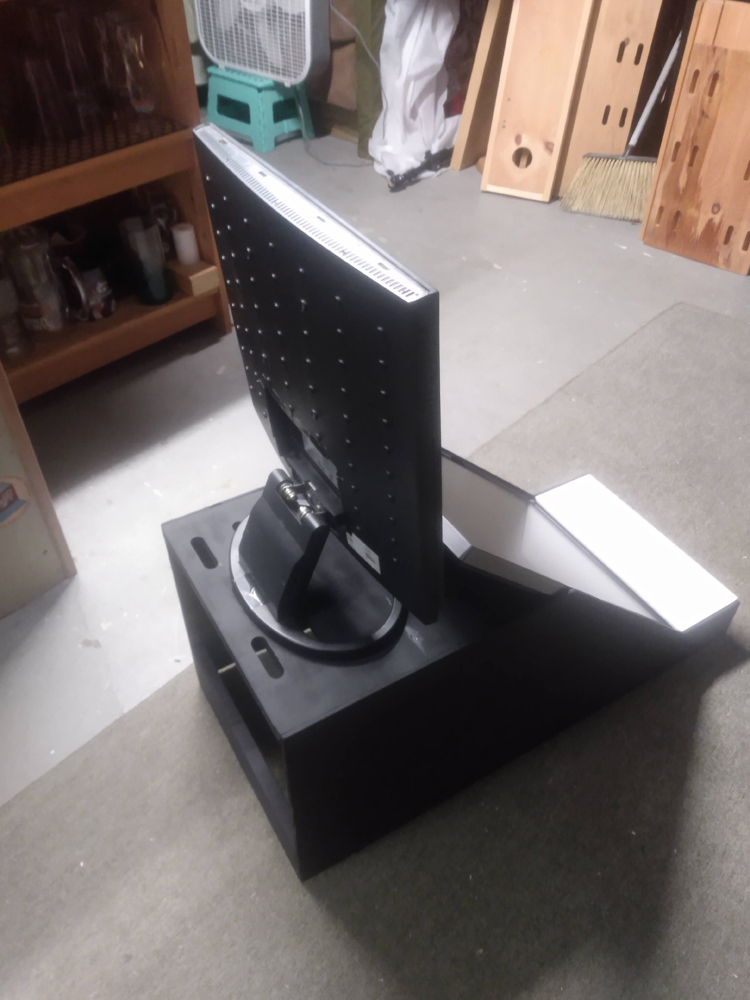
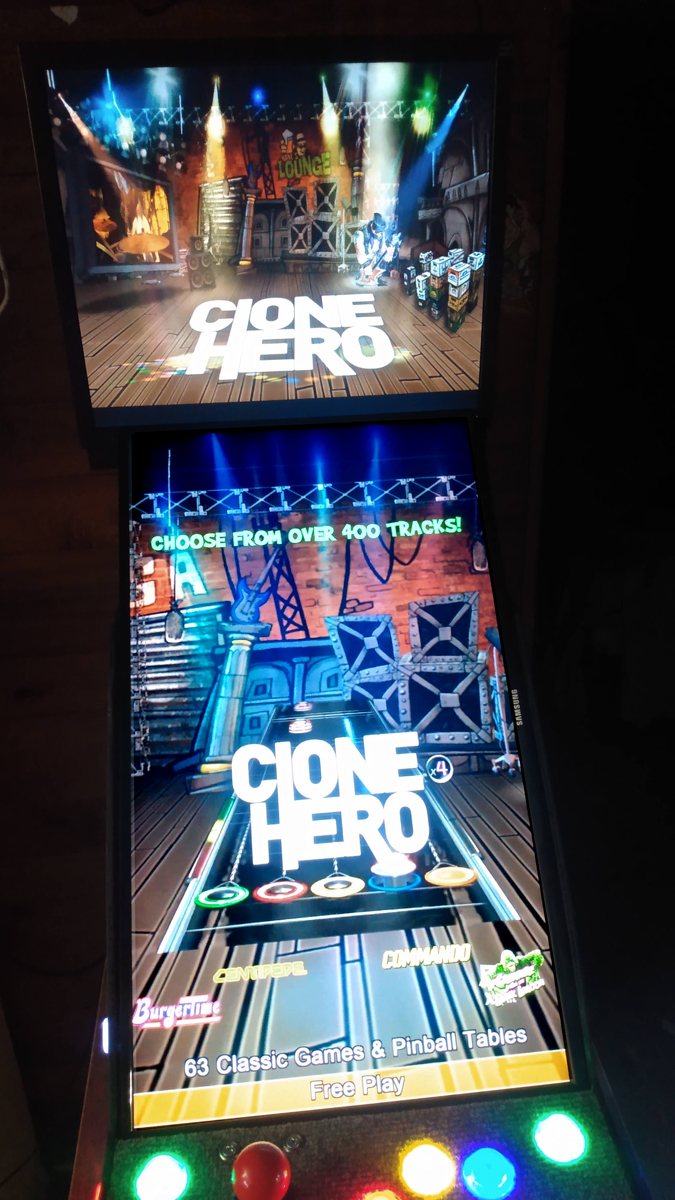
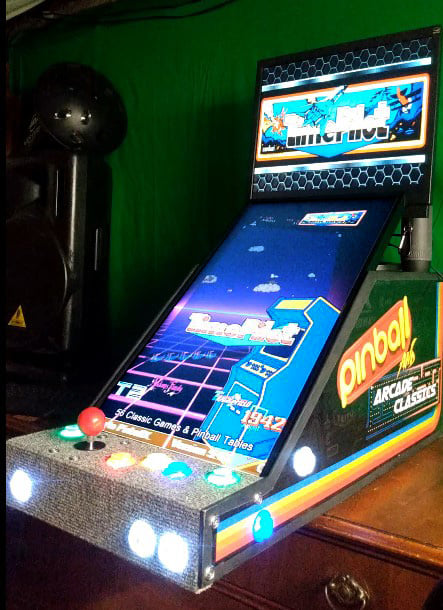
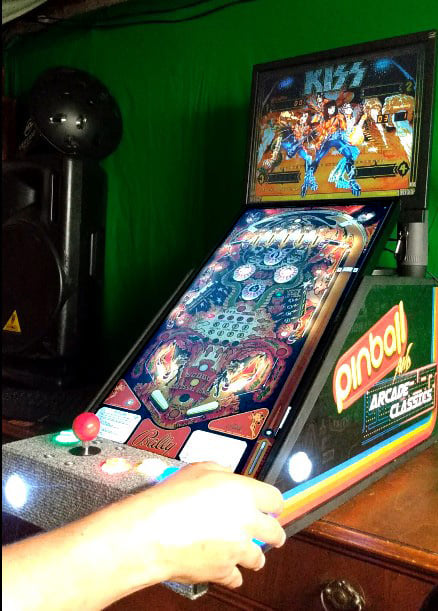
So, I've always been a big fan of what you all are doing out there. Since I had some parts and wood laying around, I decided to make a build. Basically, it's a fancy box for an old mother board and monitors. My buddy runs a sign shop and was nice enough to print my decals for free. So, the whole project ended up costing $30 for buttons. I wanted to play both arcade and pinball, so I split the difference with the playfield angle. The main display just rests freely on slats inside and the backglass monitor simply sits on top. Ideally, I would have just picked up a Mini PC for under $200 and slapped it inside, but you gotta work with what you got sometimes. I hope that any of you thinking about a build, go for it. If I can do it, so can you. Thanks for all the software, inspiration and solutions this community provides.


- 9 replies
-
- 4
-

-
-
- vertical arcade
- custom
- (and 1 more)
-
Well, you got pinball and vertical arcade games. Why not do a little shredding while you're at it? CHEERS!
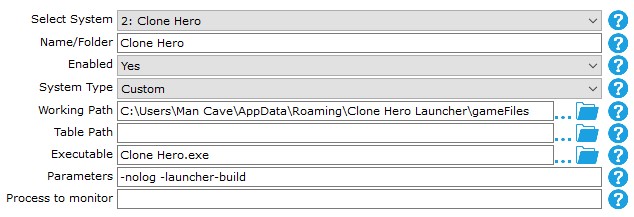
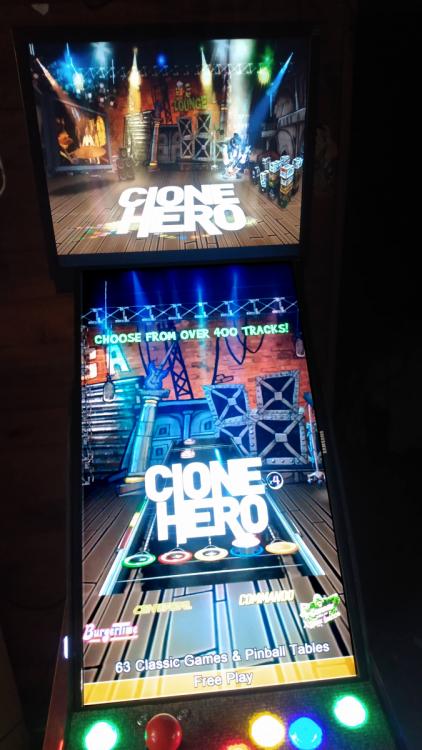
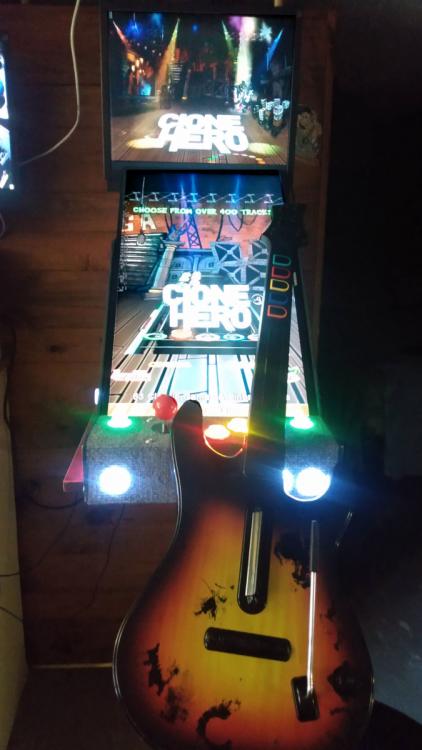
- 1 reply
-
- 3
-
-
-
Hi, Just got through reading this thread on the issue of the front end skipping tables in the menu. What was happening, was another controller (steering wheel) was emitting a constant button press that caused the "assigned" front end controller to skip. You can replicate this action for yourself using any two connected controllers. Press and hold any key on an "unassigned" controller while trying to navigate the menu. It will skip randomly as if IT was being pressed and held. This is an odd thing and simply resolved by unplugging or not touching any secondary controller. That's fine (for most). However, what if disconnecting controllers isn't what you want to do? For instance, I have a guitar controller plugged into my system. Much like the steering wheel, it too has a constant axis press causing the front end issue. I'm not sure why one controller would affect another. It could be an OS thing. But since it seems to only be happening within the Pinballx menu, it might be worth taking a look at for any future updates. Thanks for reading. Cheers.
.thumb.jpg.354675bcae9ceddb2bf1c50c9d5a0442.jpg)