|



nsixfour
-
Posts
2 -
Joined
-
Last visited
nsixfour's Achievements

Member (1/5)
0
Reputation
-
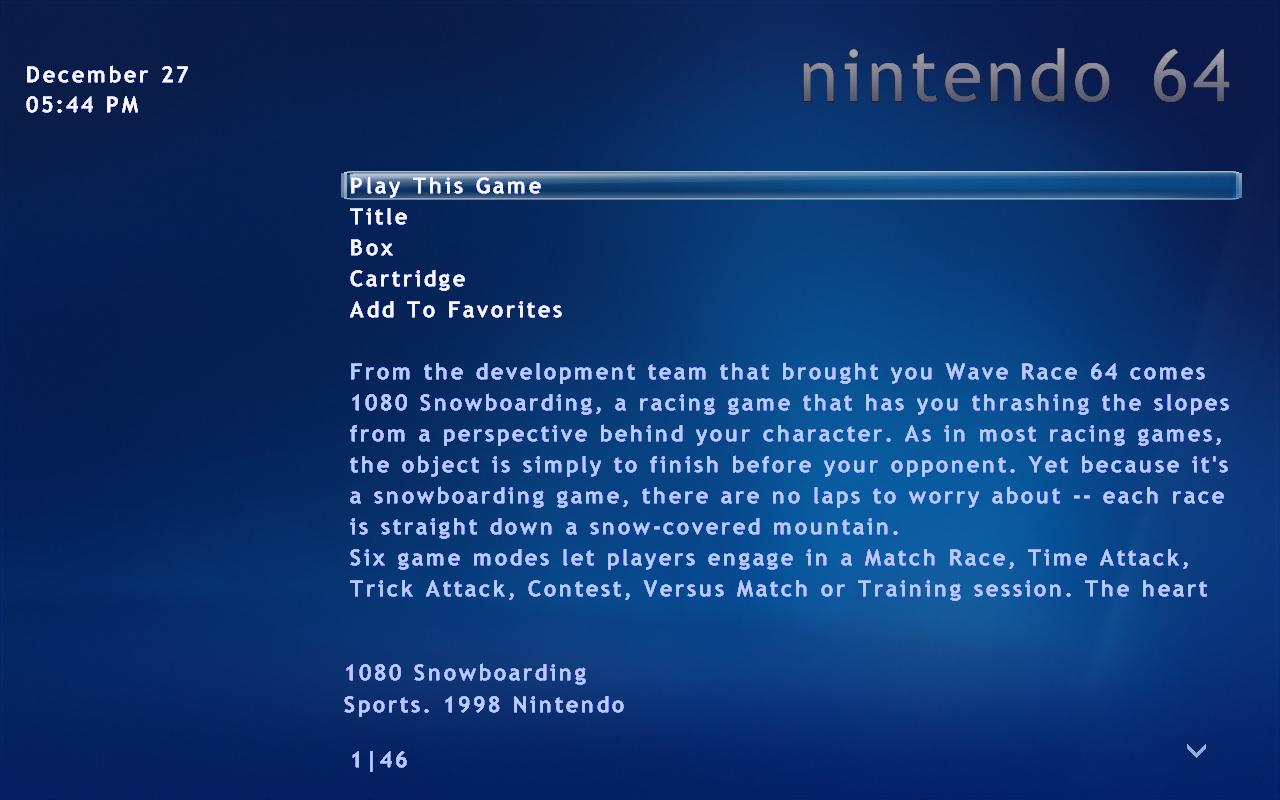
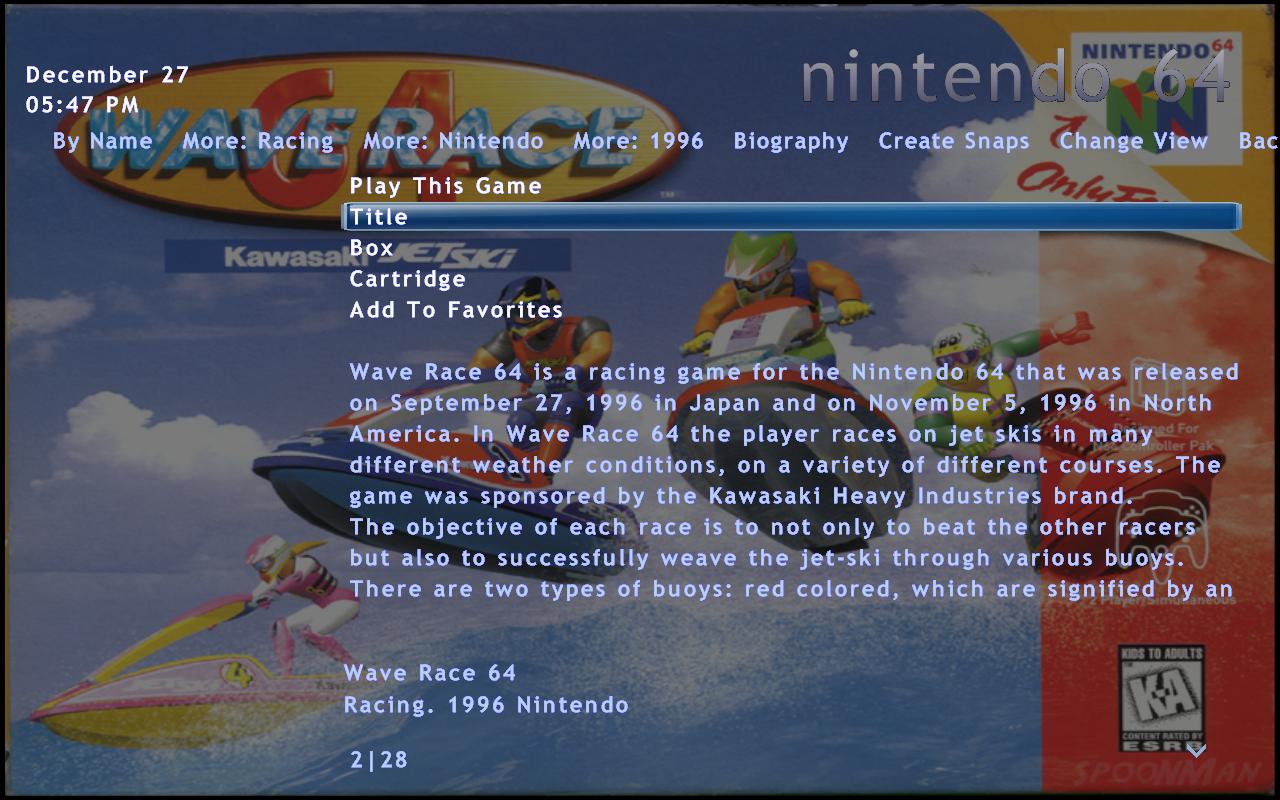
I actually kind of like the little bit of info it displays from the database with the image as a back drop. The only thing I don't like is that the image doesn't fill the background unless I scroll down and highlite title/box/cart. When the average people will just leave it on 'play this game' at the top and look at the info from there with a blank background.
-
Well I switched over to this from quickplay frontend. I really like how my set up looks with the default media center theme except a few things i wish I could change but can't (maybe need to registar) One is with the views after you pick a game, I like having the box art as the whole background. I have it set up right but it only show up if title/box/cartridge is highlited (not on "play this game") so you dont really see it unless you scroll down first Is there a way to have it show the images when "play this game" is highlighted or move it to the bottom so you see the images first. I attached some pics if you cant picture what I talking about Edit:Even better get rid of the other options leaving "play this game" and show the image