|



OmniV5
-
Posts
33 -
Joined
-
Last visited
OmniV5's Achievements

Super Member! (3/5)
0
Reputation
-
 Most compatible with any PC and emulator using windows with some minor bugs here and there, but if you plan on building a real arcade machine this is the simplest and best option
 -
Any Steam title in my library, this will happen no matter what game I launch. I uninstalled Steam completely and reinstalled it strangely I could not login to my account and I was in offline mode and could not go back online. I have to reinstall all my arcade and fighting games again. It looks like there was another Windows 11 update as well.
-
It seems this issue has been a problem before, but now its returned. If I launch a steam title from GameEX is will exit back to the title. There is a 2 second delay before it exits back. I thought this may have been a MFA issue with steam, but I re-authenticated and it is still a problem. I also just installed an updated version on GameEX 19.26. It just happened today it was working fine last week so this could be a windows 11 issue as there has been more updates push out to both applications. GameEx.ini GameEx.ini custominput.ini
-
I had to disable automatic updating in the program
-
Oh Sorry here are the rest of files log.txt
-
GameEx.ini CustomMenu.ini Config.ini SetupWizard.log GameEx.UpgradeBackup.ini
-
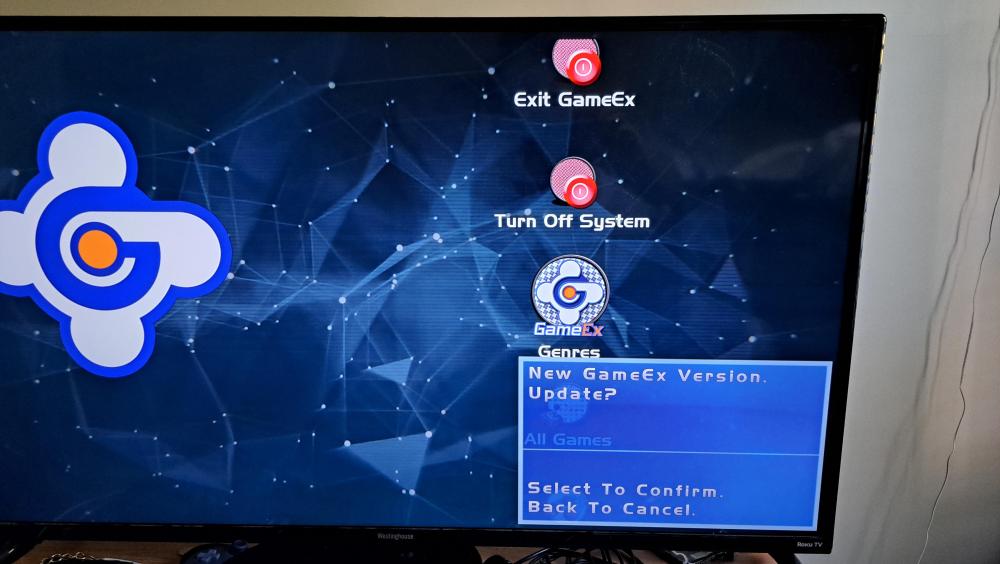
So there is another annoying issue that just started happening. GameEX Arcade prompts to update after launching, but will pause and exit if I try to run the update. The update seems to fail and just re-launches back to the splash screen. I am using Windows 11 it used to actually update but now it fails , same thing that has been happening on my cabinet
-
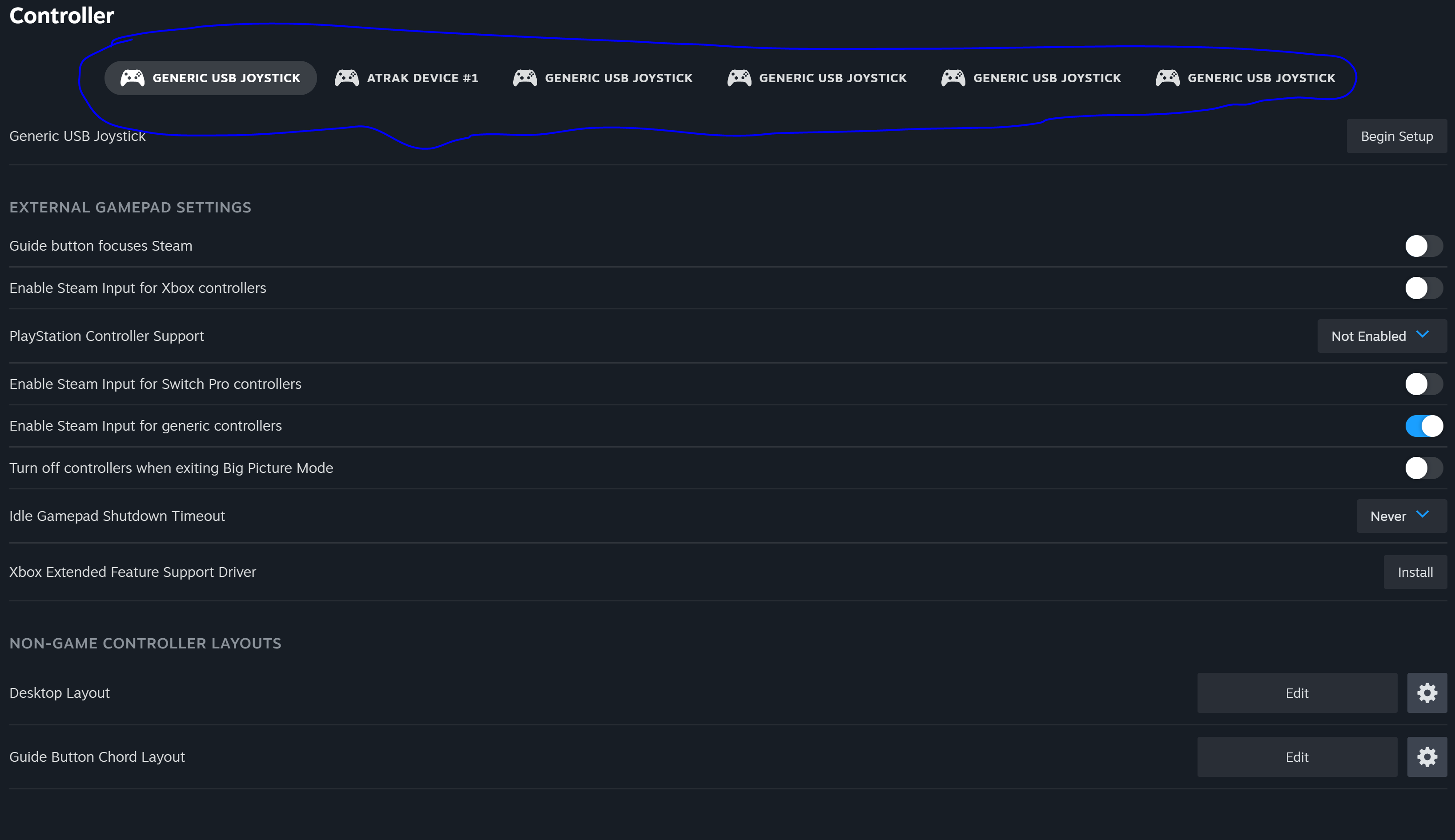
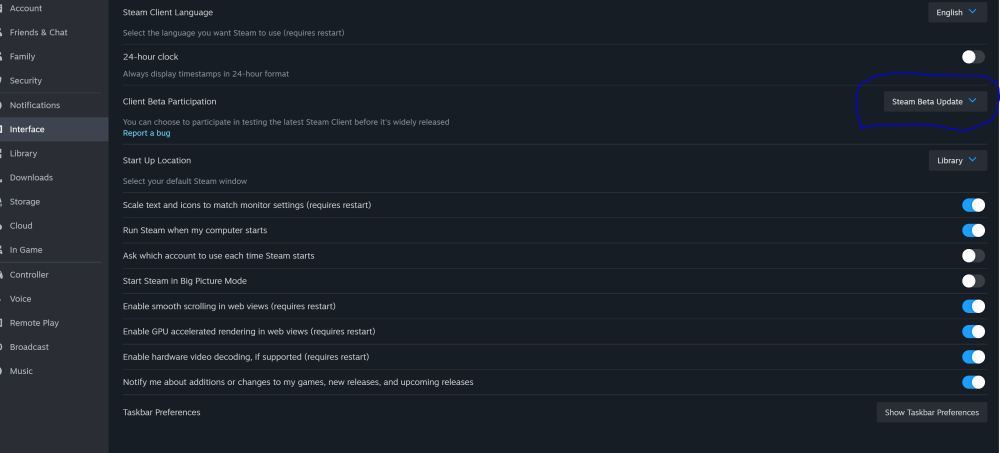
The issue is not with Game EX Arcade Edition my other emulators and games work just fine on my cabinet no problems with Mame at all. Steam still will not work without changing the interface modes: from no beta chosen back too steam beta update. Evidently Steam has been rolling out new features to the client which has caused more issues. The only workaround I found to get my control panel mappings to work with the client is too close it out chose no beta chosen then relaunch , then choose steam beta update then re-map all the sticks and buttons and it seems to work separately without using GameEX Arcade Edition. I updated GameEX Arcade Edition and nothing has changed with Steam.
-
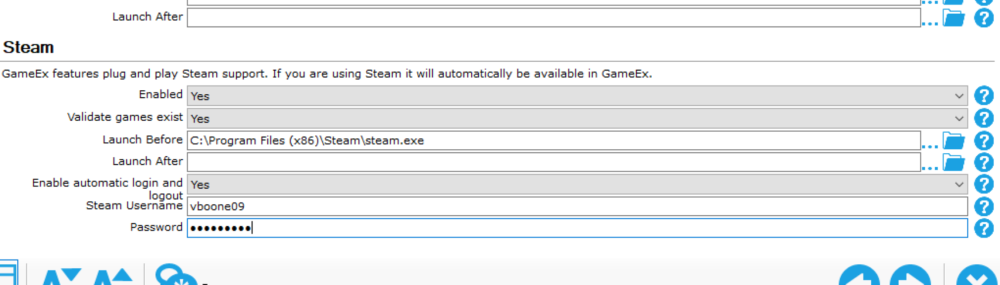
My GameEX is setup the same way since I started using it. I first login into Steam with my profile then I am at the store page, my library of installed games show. I leave Steam open running in the background then I launch GameEX , all my games installed under Steam show up. I launch a game then the Steam overlay launches says" "login connecting to network loading user data " then the game I selected launches. After I am done playing Steam says login out and shutting down, but it still running in the background from my desktop. Then it brings me back to GameEX Arcade Edition.
-
Yes, xinput controllers and gamepads will work, but if you are using an arcade control panel with generic sticks & buttons you have to change the interface to Steam Beta or Steam Families Beta. Then I have to re-order and re-map all the sticks & buttons before they will work correctly in a Steam game. I Never had to do any of this before thier new releases came out ,Before I could just power on my cabinet login into Steam then launch GameEx and start playing.
-

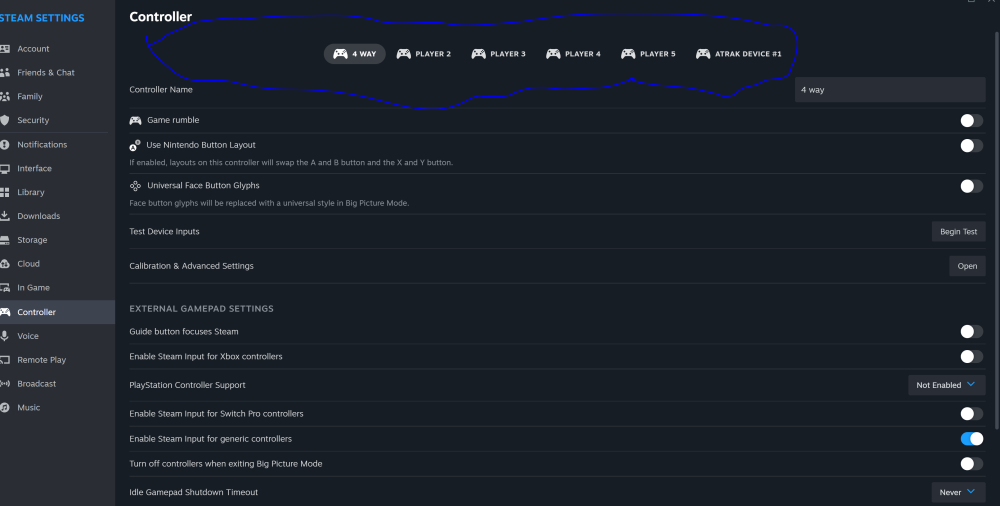

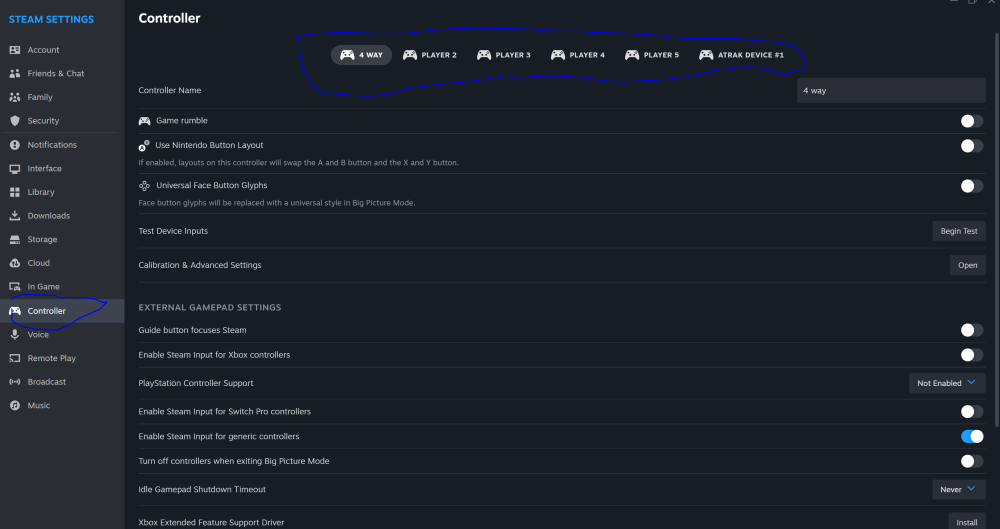
-
Just found this out after the latest June update that Valve Steam pushed out. There are now 2 versions: Steam Beta Update and Steam Families Beta. When you launch Steam it is in default mode which is No Beta Chosen. The biggest problem is that if you are using generic controllers and sticks..aka arcade controllers they will not show up as being mapped with specific device id's you intailly had assigned them. If you switch the interface to one of the versions I mentioned above Steam Will close and restart to do a new install of that version...'then get this', once it restarts then your generic controllers and devices will show up and will work. The main point is GameEX will no longer work with Steam since it has to sign you in each time you launch a new game, so when GameEX signs you in it will still work normally by launching the game, but your generic controllers will not be listed for you to use them. Here some pics if that helps. There is no way to lock the version you want to use permanently, and you have to manually remap everything...it's crazy

-
Well I have both the lightgun and the sensor, I could unplug both, but my button mappings and device I'd 's would all be messed up. Maybe in the near future an update will provide better support for Aimtrak lightguns and sensors. Are there any button mapping or device ID tools for windows 10 I can use to save my mapping configurations ?
-
I recently added a lightgun that has been the only changes I really made