



|



Wonkyone
-
Posts
9 -
Joined
-
Last visited
Content Type
Profiles
Forums
Events
Downloads
Store
Articles
Everything posted by Wonkyone
-
Thanks for the input, I’ll wait and see if there’s a fix as I can’t see any reason why FX2 would work but FX3 does not and they are set up exactly the same.
-
Scutters, This originally came from an old version of PinballX that didn’t list FX3 as an option, I have now changed it to the built in system rather than the custom option but it still makes no difference, thanks for help though.
-
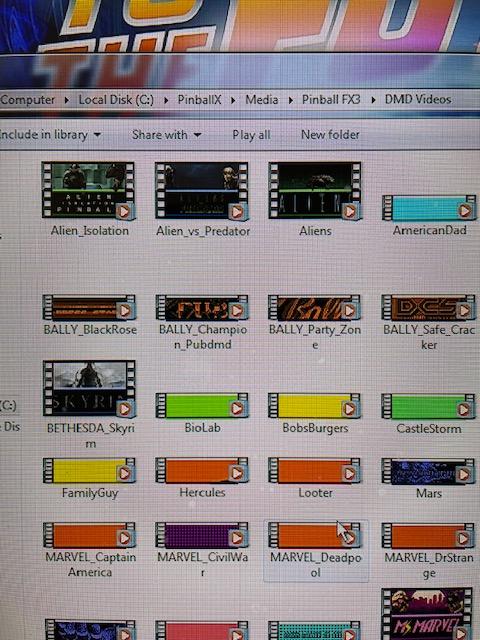
Mike, Forget the other DMD videos in the FX3 DMD folder, they are not used, I could delete them. I only use FX3 for the Alien Tables, Skyrim, BTTF, Jaws. basically the ones you see with the full 4:3 videos. I don’t use pup player, these are just DMD videos that replaced the 4:1 videos. I then uncheck the Hide DMD box in game manager to keep this running when the table is launched. the FX3 DMD (the actual DMD within the game, 4:1) is then shown over the top. Basically the 4:3 videos run to hide my screensaver, these all work flawlessly on VPX, FX2 but not FX3.
-
Most of my Zen Studio games are running on FX2, FX3 is only used for the Alien Tables, Skyrim, BTTF, that is why those are the only ones shown with the DMD underlay videos. I don't know if they are ones you created or not. I managed to download them from VP Nation Facebook Group. I tried running FX3 without PinballX running and it shows the DMD correctly and behind it is my screensaver which I would expect, this discounts any issues with FX3, when I run FX3 through PinballX and launch a table the screen goes black and just shows the DMD, its like PinballX is blanking the video from running. As I say, FX2 works fine, this is only an issue with FX3.
-
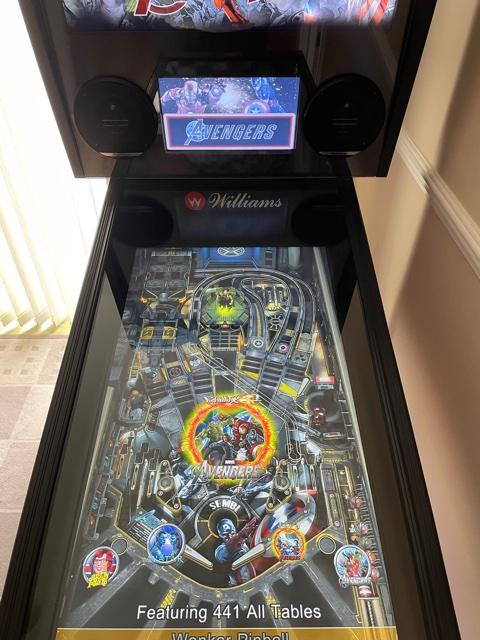
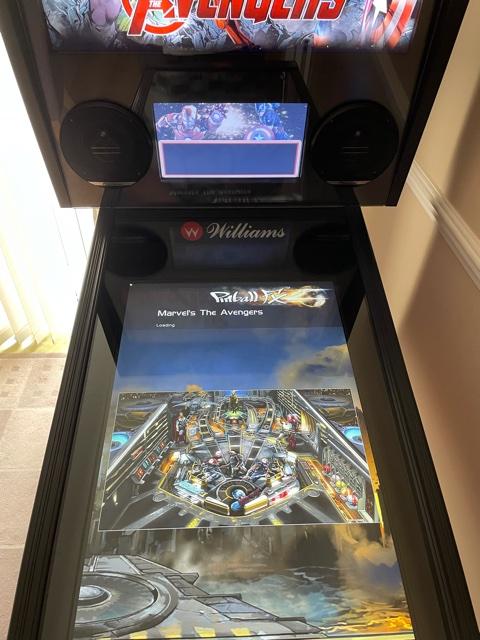
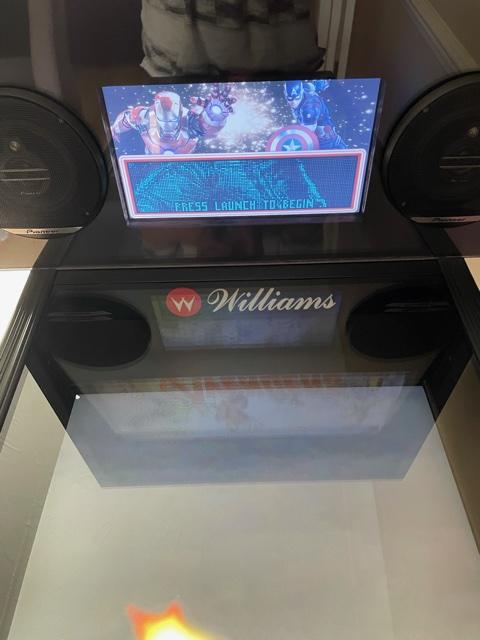
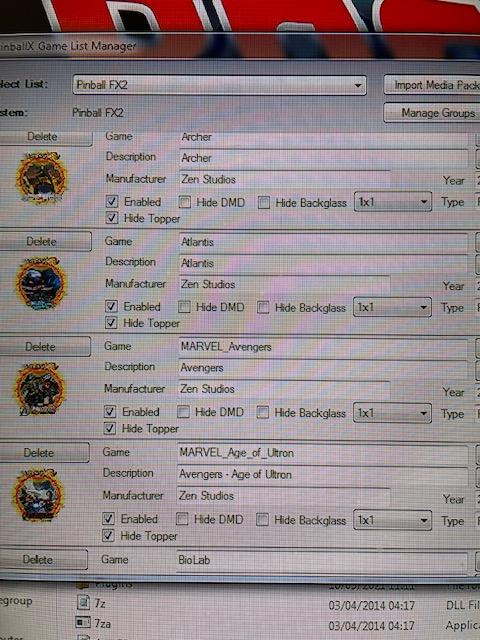
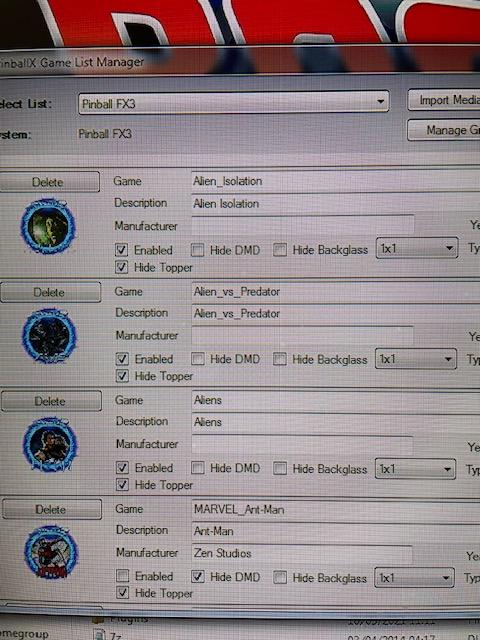
I have attached photo's showing what I mean, I replace the normal dmd videos for underlay videos inboxed the relevant media folders in FX2,FX3 etc. Within Game Manager I make sure that hide DMD is not ticked, therefore the video still plays in the background when the table is launched. As you can see from the FX2 photos below of The Avengers, when the table loads it then shows the DMD over the video underlay within my DMD screen, With FX3 I have exactly the same set up, DMD videos in the correct place, hide DMD is not ticked, but when the table loads it just shows the DMD on a black background and not the DMD Underlay Video. With the Game Manager settings on FX3 showing Hide DMD unticked, it should continue to show the Video as it does in FX2.

-
OK, I re-installed 4.65 and it does not show the DMD Underlay Videos in FX3 but does in FX2 on launch, in Attract Mode you can see both system DMD Underlays. I'm certain they worked before the update but maybe should have checked first, as I say, I don't normally use FX3. The only other change was media was located under documents before and not directly in the C: Drive but wouldn't have thought this would make any difference. Is there a reason why FX3 cannot show the DMD Videos on launch if FX2 does ? Is this because of the way FX3 works ?
-
I was using 4.65 and pretty confident it was working correctly and showing as the actual DMD's have been positioned in the correct places to overlay on top of the underlays if that makes sense. I haven't played FX3 in a while but was checking all systems after the update and found this issue, I also still had the missing mouse cursor issue which I had to restore by going into control panel.
-
Hopefully this is all you will need, many thanks PinballX.ini log.txt
-
After updating from 4.65 to 5.13 today I can no longer see the MP4 Underlay DMD Videos when playing an FX3 Game. FX2 Games seem to be working fine and are not affected, FX3 Games were showing the DMD Videos whilst playing before the update but are now only shown on the front end before launch. I have checked within Game Manager and Hide DMD are still unchecked, I am running Windows 7, any ideas ? Regards