|



guitarpunk
-
Posts
8 -
Joined
-
Last visited
-
Days Won
1
Content Type
Profiles
Forums
Events
Downloads
Store
Articles
Everything posted by guitarpunk
-
[RESOLVED] I am new to GameEx but a long time user of MAME
guitarpunk replied to guitarpunk's topic in General
Give me a couple of weeks and I will do a how to video on YouTube from OS->Parallels->Windows->GameEx/MAME. Since OpenEmu is horrible. -
[RESOLVED] I am new to GameEx but a long time user of MAME
guitarpunk replied to guitarpunk's topic in General
ok. I know Tom and others said to disable Touch Screen. I for the life of me thought I disabled it but I guess when I did the fresh install it got checked again. Now that I have disabled Touch Screen on both Dell Windows 10/MacBook Pro with Parallels 15 with Windows 10 ver 2004. That was the fix. Once I disabled it and everything worked on both stations. I must say the only problem is still with Parallels 15 it assigns an external drive to a new location almost every-time. So I just added X, V, Y to the roms list location and now so no matter what drive letter it assigns it will be mapped in Setup Wizard. I am so glad I purchased this platform vs others. It has so many options/features and blow the others out of the water. So to wrap it up all is solved and fixed: Moved GameEx to C drive, Disabled Touch Screen, Added extra drive locations so if it assigns my external drive to any letter it will find them. -
[RESOLVED] I am new to GameEx but a long time user of MAME
guitarpunk replied to guitarpunk's topic in General
ok. So I am on a MacBook Pro and using Parallels to run windows 10. So I logged onto my wifes Computer (Dell w/ windows 10) and did the same setup as I did on the MacBook Pro and it worked perfectly on the Dell Windows 10 PC just fine. So I assume it the issue has to be Parallels 15 software that caused all the problems. I want to say thanks for all the help and now that it is up and running I love the product. -
[RESOLVED] I am new to GameEx but a long time user of MAME
guitarpunk replied to guitarpunk's topic in General
ok. I re-did everything. Windows rolled from scratch loaded GameEx and Mame to C Drive and just have media/pictures/Roms on X Drive. I have tested it in Mame64.exe and all the roms work perfect. but when I do update list in mame menu it only shows 145 games. uploading my 2 files again. btw thanks for the help on moving everything over. I also went step by step from this forum page to get it all setup. I am using the New 16.55 and Mame 0.222 and Mame Roms 0.222 Non Mergered and also placed MAME 0.222 ROMs (bios-devices) in the Roms directory. I believe that was correct. GameEx.ini log.txt -
[RESOLVED] I am new to GameEx but a long time user of MAME
guitarpunk replied to guitarpunk's topic in General
BTW. Thanks for the assistance -
[RESOLVED] I am new to GameEx but a long time user of MAME
guitarpunk replied to guitarpunk's topic in General
GameEx.ini log.txt -
[RESOLVED] I am new to GameEx but a long time user of MAME
guitarpunk replied to guitarpunk's topic in General
Any support? -
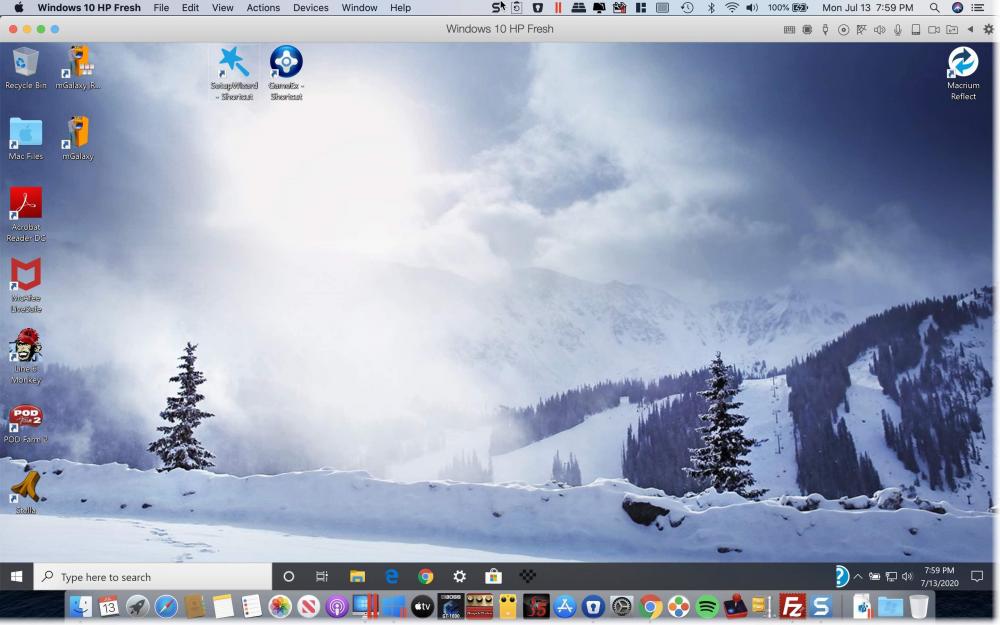
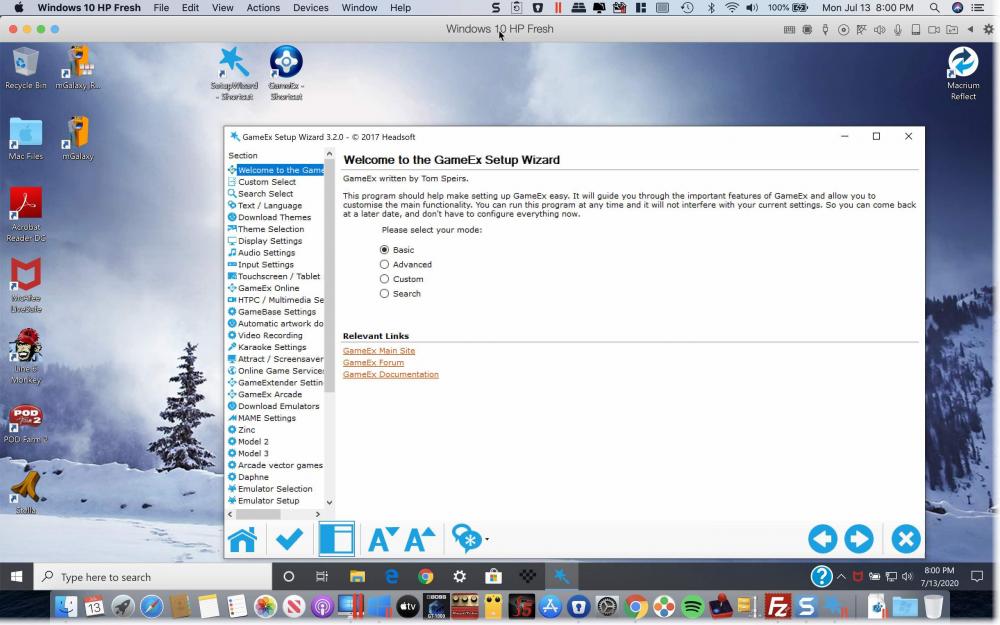
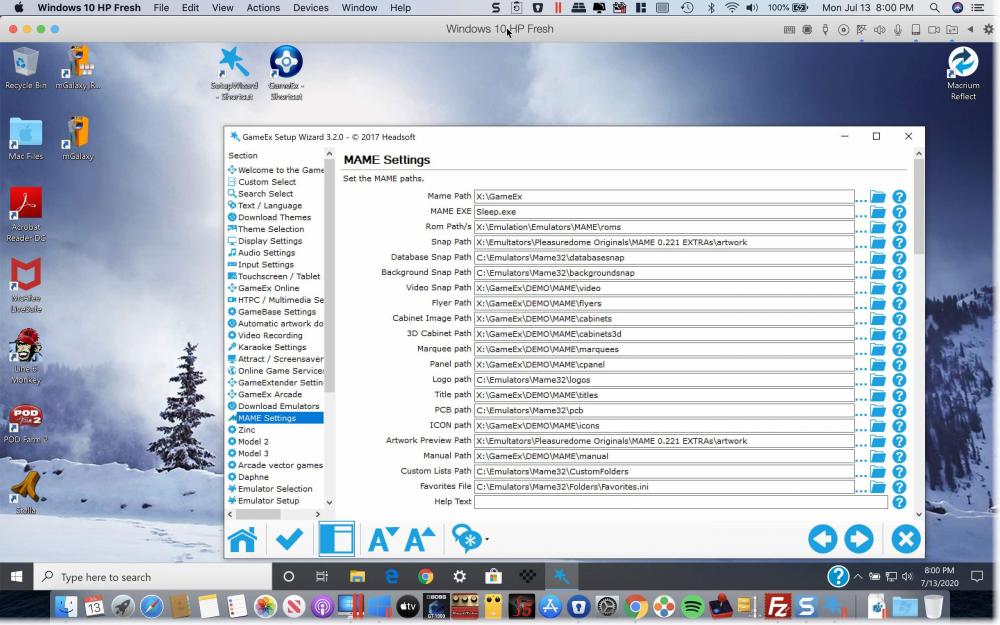
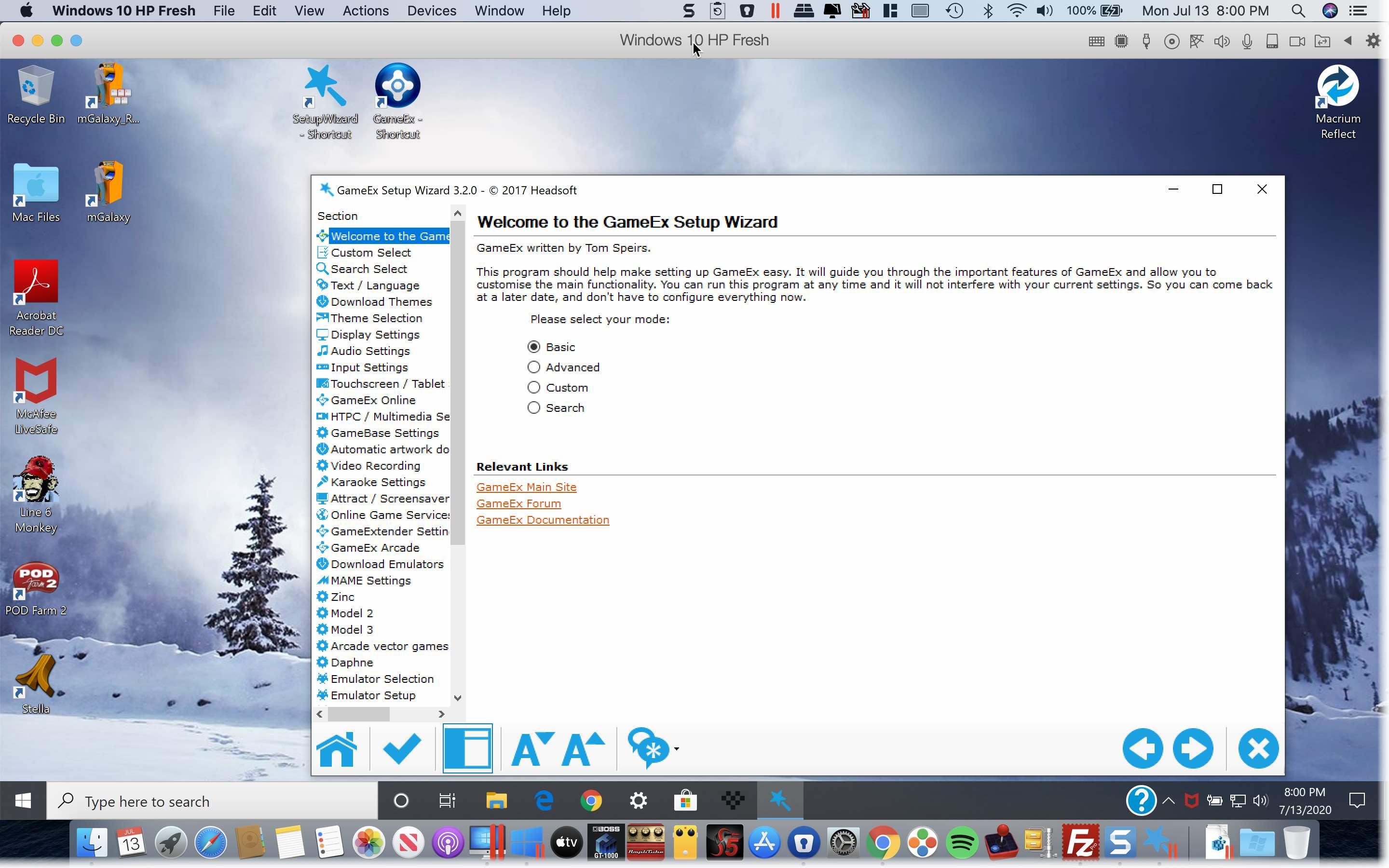
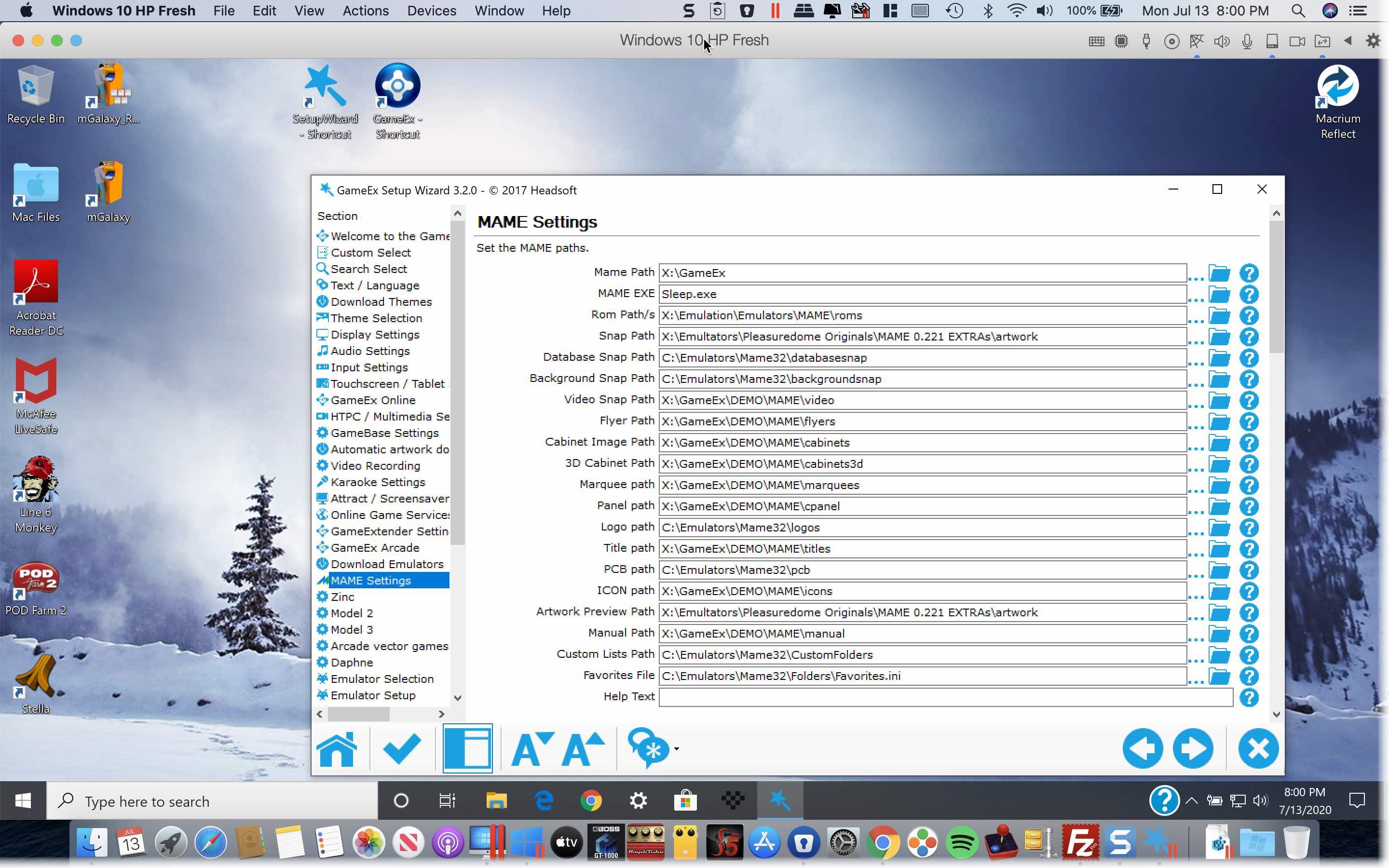
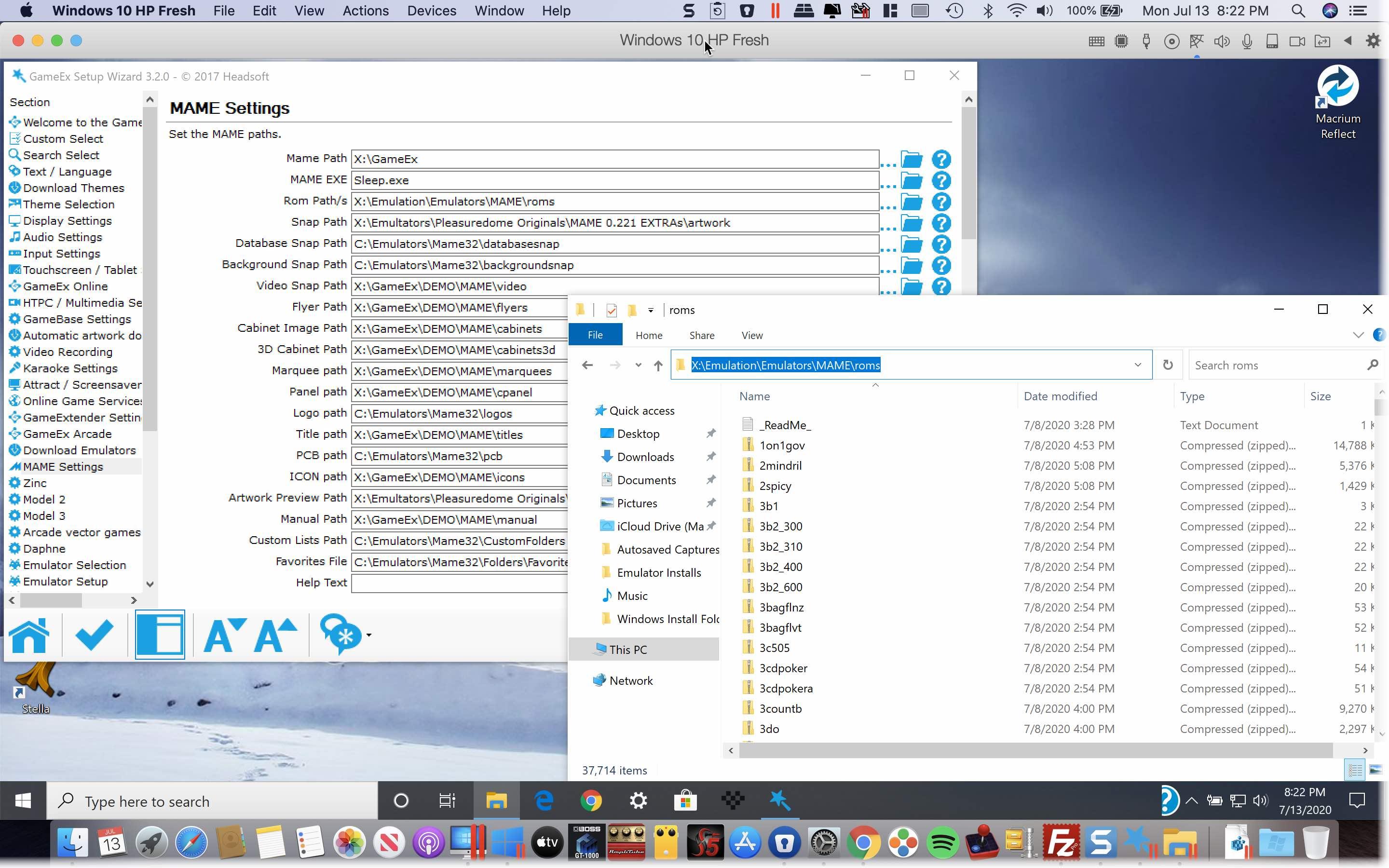
I believe I have set up the game directories for roms, emulators but it does not seem to work. I watched a YouTube video from several years ago that went in detail in the basic setup. Would it have an issue if I run everything from a external SSD Hard drive. Oh yes I am running windows in Parallels so I have a MAC OS and it runs Windows 10 like an app. and you should be able to see the path is right