



|



rrobp
-
Posts
5 -
Joined
-
Last visited
Content Type
Profiles
Forums
Events
Downloads
Store
Articles
Everything posted by rrobp
-
scutters suggestion to enable button overide worked! Every forum and person said to uncheck because it breaks front ends... I guess time will tell lol
-
Scutters - Not using PinballX right now just trying to launch tables from Visual Pinball before I mess with front end.
-
I moved the pineballx.ini file to my desktop by accident where do I put that back? C:\PinballX\Config?
-
Morning Mike, Cabinet and PC confirming is a lot harder then I thought and def not plug and play lol. I just want it to work in Visual Pinball with no front end and be done haha overide default layout is unchecked and checked the .ini file for autoconfigure to be false fixes issues, but both settings are correct. I PinballX.ini
-
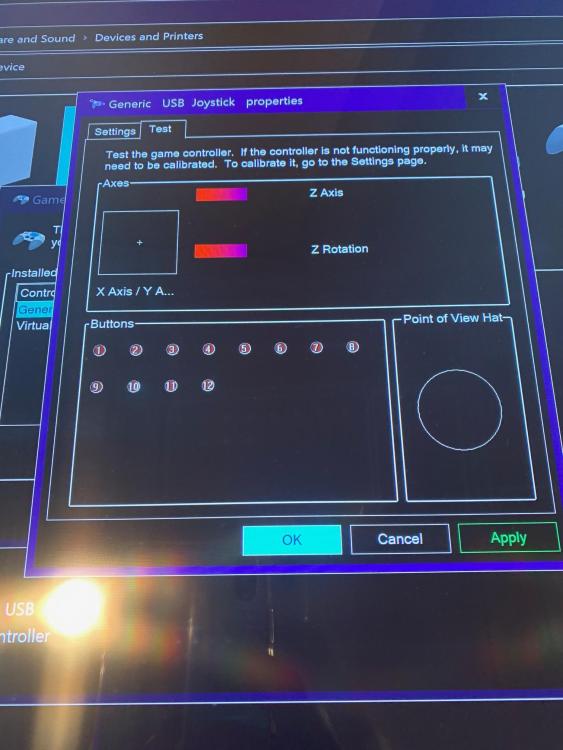
Just finished my cabinet and the last part is mapping the buttons. I wrote down all buttons mapped in windows game pad settings and inside VP configured it, but when I play a table the buttons are not mapped correctly. Now sure what else to do and can't find answers. I uninstalled driver / reinstalled controller board with no luck. Reinstalled everything, but no go! HELP!

