|



windowpains
-
Posts
19 -
Joined
-
Last visited
windowpains's Achievements

Advanced Member (2/5)
0
Reputation
-
This sounds like something I should take a look at then. Thank you for the suggestion.
-
Yes, that's true! The driver issue is where I ran into trouble. There could be other VM ware that does the job better than VBox but I haven't looked beyond that one myself. I don't think the graphical limitations of a low V-Ram would come into play if the GameEx UI was only meant to support classic games and run an occasional media file. Just wish the drivers were available to support it! The XP mode of windows was something I was already interested in taking a look at in the near future for compatibility of Windows 98 type games. But I believe the efforts of M$ was to work toward a seamless environment where apps for either operating system could be run simultaneously on the same desktop. Because I need it to be kept separate, I am still in need of a solution or a second computer. I could give a "look see" and find out if it accommodates separate environments as well. Might actually be a great suggestion for all I know.
-
Alright, if it is too hard to accomplish this task, then does someone know how to install GameEx within a Virtual Machine and have it actually work? That would solve the problem in the best possible way for me and for anyone else who reads this thread.
-
Ok, I do have GameEx as an entry within WMC but when I click on it, it closes WMC and opens GameEx as if I opened it myself from the start menu. That means it doesn't change the way that GameEx displays.
-
I've actually already configured VirtualBox to open as an external app within the GameEx interface but because GameEx doesn't stay full screen I am unable to use it like that. The menu would not be visible while I am working and would have to be launched from the taskbar whenever I wish to choose a Virtual Machine to emulate. That would be no different than just opening VirtualBox whenever I wish to do the same. My intent is to have all emulations both game and otherwise in one menu system which I can run constantly on the second screen. The advantage of doing this with GameEx would be the obvious addition of Jukebox, Media Library, and Web Apps, (not to mention the awesome GUI by Tom). Will have to experiment with WMC Export soon and update you afterwards.
-
There's something that I haven't even tried actually, does it give you full access to GameEx including external and html apps? The reason I ask, is I believe that GameEx's real potential is in Front-ending for much much more than just games. Virtualbox is the kind of thing I have in mind. Since I can't run GameEx in VirtualBox I thought I might try it the other way, and run VB in GameEx and combine my two loves. In answer to your question: Windows 7 Ultimate 64_bit Asus M-4A785 MBO AMD Athlon II X4 630 CPU ATI HD 4200 Radeon GPU 4GB Memory
-
I have been trying for a couple of years now to get what I want out of GameEx and I can't seem to accomplish it. Can someone maybe help me to solve this issue. I am interested in all angles and semi-solutions. My problem is this: I want and even need GameEx to run on a secondary monitor just like Windows Media Center does, (In full screen and able to stay that way while other things are done on the primary monitor. It lets go of the mouse once a task is selected and after that I can multitask.) This is how I have gotten used to having my entertainment on one screen and doing my work or staying in touch with others on the other screen. I have also been accustomed to doing this with virtual machines as well, where the mouse focus is controlled by a hotkey or mouseover events. Unfortunately, I have not been able to do this with GameEx and the last time I asked about it I was told it had some problem to do with the way directX works and that it would be looked into. Well its been a year and I still need this badly. Is there any news and\or are there any work-arounds. GameEx is the perfect environment for all of the things I do because it allows for key mapping and therefore allows for two separate UI interfaces running simultaneously. Please tell me there is an answer to this!
-
For now in case anyone is interested in a temporary solution which pales in comparison but should work. I am told that I can run it on my second monitor through a Virtual Machine application. I don't know yet if they will give all the DX support needed for the emulators to work, however. I know that they don't work with Windows Desktop Manager and are behind on DX compatibility for games. Seems it would probably work for Mame though. Just guessing.
-
Glad to get your respnse, Tom. I look forward to being able to figure this out. With your help, of course!
-
Have been trying to get GameEx to work with two monitors for about eight months now and I just don't understand what I am doing wrong. On XP Pro with dx9 and .net 2.0. Have had GameEx working fine with one screen but when I try to run it on the secondary monitor like I do my media player and other apps, it stays in full screen only until I use the mouse and then it minimizes to the taskbar. I cannot disable the mouse because it is needed with the applications I will be using GameEx to Front-End to. Can someone tell me what causes this? Is it a common error? Don't know if this info will help, but I am using an Nvidia Geforce card with included software to manage the dual screen. And I noticed that when GameEx goes to screensaver mode, my mouse disappears altogether.
-
will try them out then when I get a chance. Thanks for the input.
-
That's interesting, I am taking a closer look at that codec set, although I have never had an issue with K-Lite and seriously doubt that it is causing this malfunction. More likely it might be a setting in GameEx which is trying to utilize codecs already incuded with GameEx at the same time as the K-lite. or some small thing like that. Just a guess. I really have never seen this kind of crash before.
-
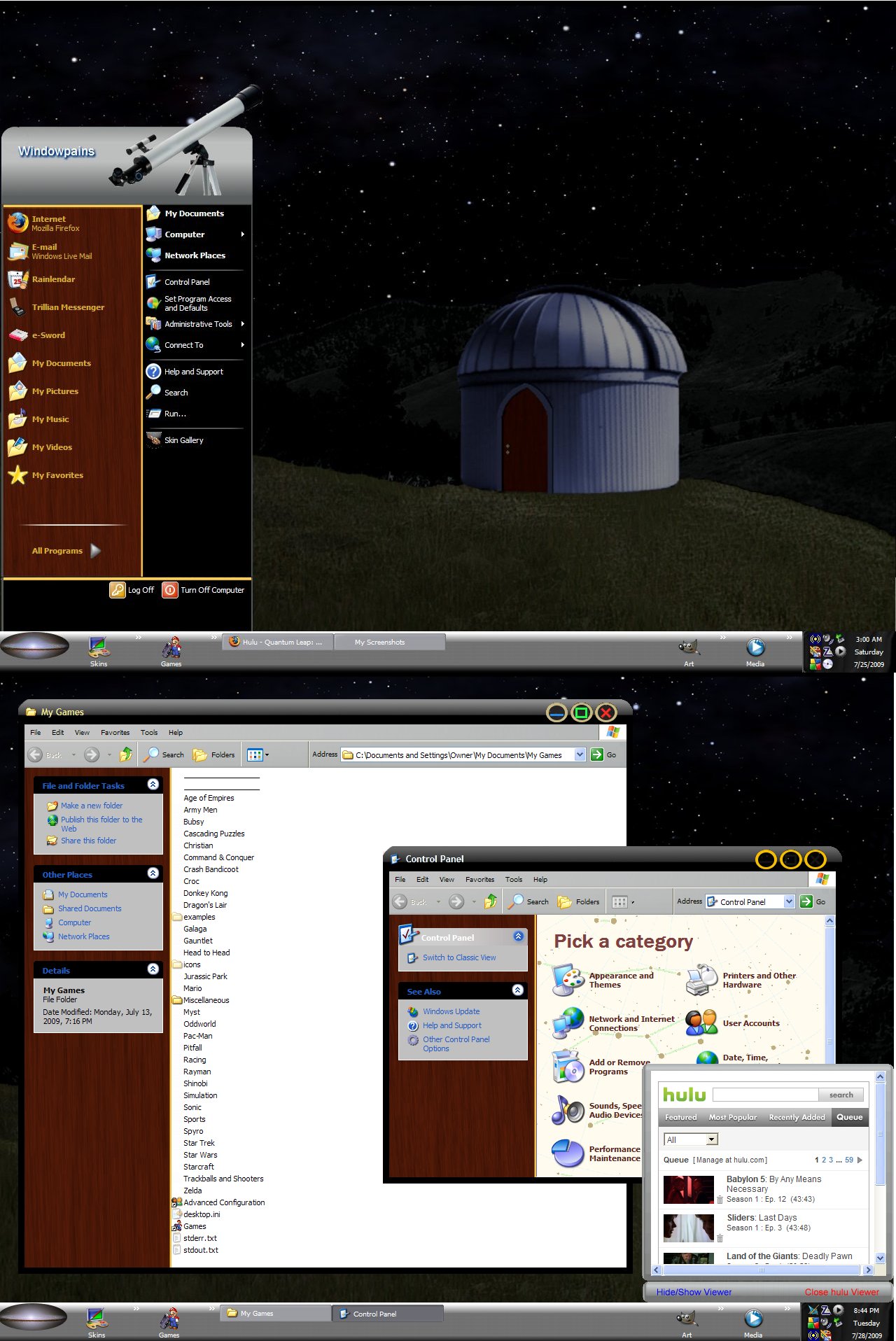
Ok, I am now up and running although it crashed a few times in the process and tried to update each time. I guess it was still building the necessary files. Anyway, I am very happy to see it working. Thank you for your help! Yes I do use skinning programs, mainly the Object Desktop package from Stardock. I have run into a couple of situations where certain settings within one of the included programs have prevented applications from running correctly. Namely, the Newest WindowBlinds has an option to skin explorer windows too but when I have it activated, it prevents my thumbnail previews from displaying. This is not typical of Stardock's programming and I suspect that it is something I did wrong or a bug they will correct in time. I do see a new problem with GameEx and need to know if it will be solvable here or if I need to start a new thread. When I browse for a video on my hard drive and play it within GameEx, it crashes the computer with a blue screen of death whenever I try to exit the movie. I have K-Lite codecs installed and wonder if there is a conflict that is causing this. If you guys are familiar with that issue your help would be much appreciated. This one's my Design Putting together many elements from other Stardock users here. Quote, "There are 10 kinds of people in this world; those who understand binary and those that don't."