|



Jondard
-
Posts
29 -
Joined
-
Last visited
Content Type
Profiles
Forums
Events
Downloads
Store
Articles
Everything posted by Jondard
-
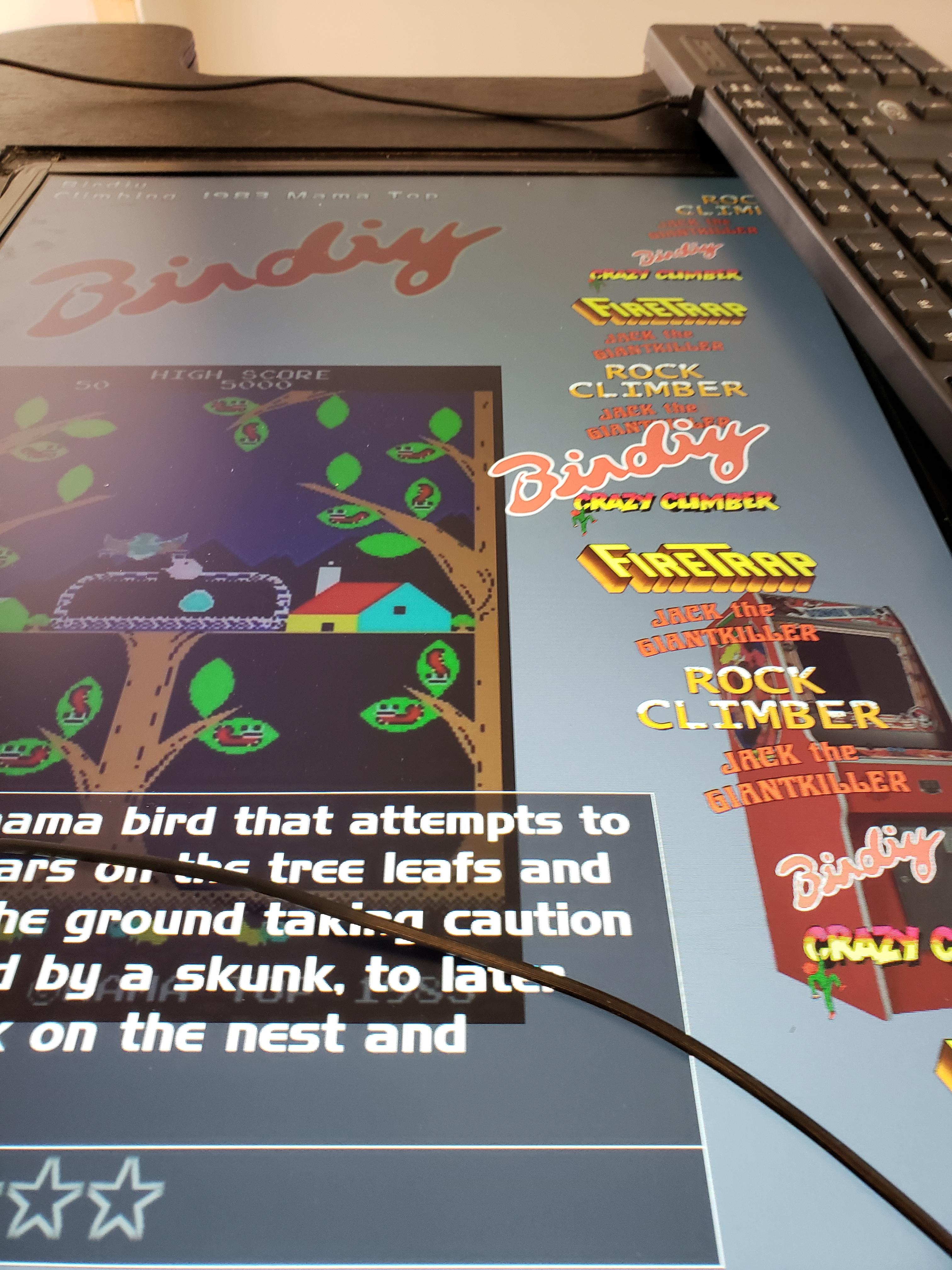
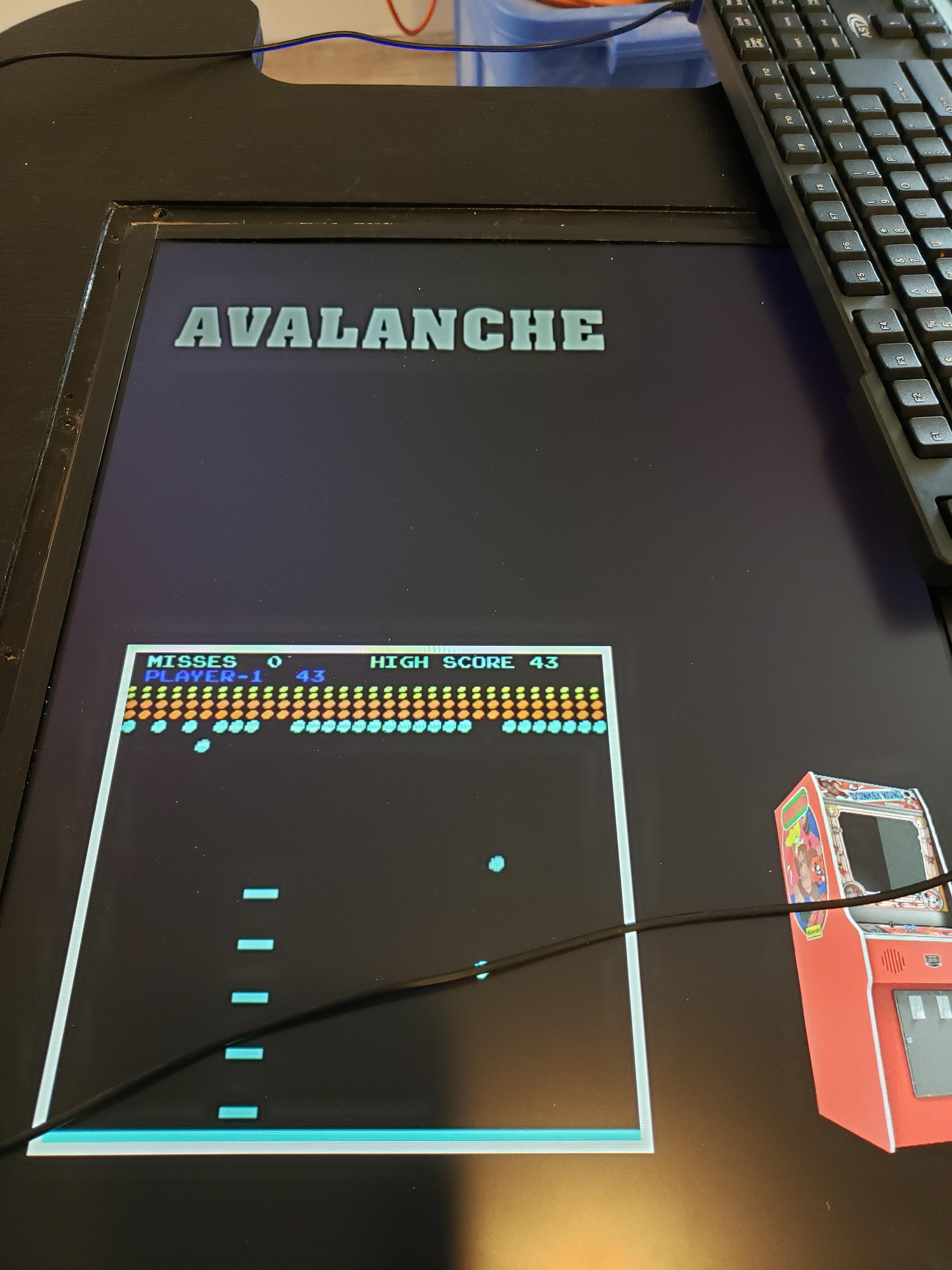
I tried redoing, and the only emulator I had it download was mame. I made sure that the links were good, and it seemed to work well. For a while. I apparently had not set up the Gameex keys properly (2 joysticks, 6 buttons for joystick, 1 & 2 player start, 1 & 2 player coin, and 4 other buttons besides). I thought I had set up the joystick input (it actually let me select an installed mame game). When I exited out, it went in to weird emulators and games that I have no idea what they are, and I can't get out of them. A reboot of the program or a reboot of computer & gameex program brings up the same types of games--and I can no longer find the mame games. I will attach a picture of a few of the things that now pop up instead of my mame selections. my goal is to have the machine only ever allow selection of the installed mame games (there are around 30). I suppose I need to know what input keys need to be designated to allow navigation to, start a game, to exit out of the game back to main Mame selection screen. I am not sure how I messed it up yet again. I was finally able to go back in to a mame selection screen (think it was the back key or back key with another key combo) which listed likely all possible games--(not just those I have installed) and it then proceeded I think to download that game. Is there a way to keep that from happening? Moreso, how do I show only those games I have installed and avoid this from happening? Is there also an easy way to have Gameex shut down the system? I was unable to get a key/combo to get that working. I have attached several files that hopefully include those that would be helpful. Thank you! GameEx.ini custominput.ini log.txt
-
I made a cocktail arcade, and have installed only cocktail MAME games. I worked on the settings/roms, it worked flawlessly. It showed only the MAME roms I had installed, and they ran normally. I was using the gamelauncher mode, mame only shortcut. Installed in cabinet, and had a granddaughter do massive button pushing when I was trying to hook up controls. Ever since, it will no longer load MAME games. It beeps, then loads some low-end emulator games (which I never installed), and I can't find the mame games. When I run the regular arcade option, it shows all possible MAME games--very few of which are installed. The whole point of this was to make it easy to auto-load only MAME games, and make it easy to run. I have re-checked the settings which direct to the correct mame installation, roms. What can I do to get this back? I reinstalled Gameex, but I did not remove the prior version (and it still had my setup file in there). How do I get this working again? Do I need to uninstall everything and start from scratch? Thank you!
-
nevermind--figured out that there was a menu item to run Gameex arcade mame only--and that I had to rotate the screen in Gameex, then to go in and both set roms to cocktail and rotate 90 degeres in the dipswitches for each individual game--works swell. Please close/delete this thread!
-
Hi; I am building a cocktail arcade, and have been working on the Gameex arcade. Trying to get it set up to ONLY show Mame games --to make the frontend otherwise invisible. Also, need it to run in cocktail mode--so do I flip the screen 90 degrees in mame, or in Gameex? I am hoping that cocktail mode will allow 2 players to play on opposite ends of the arcade (so screen auto-flips for player 2). I tried running only mame64, and it is less desirable than the Gameex choices... I'm trying to minimize everything to make it easier for family members to play without having to make a lot of extra choices. need to be able to get it to play mspacman without a lot of intervention... I'll look forward to your thoughts & thank you!