|



Smocca
-
Posts
11 -
Joined
-
Last visited
Smocca's Achievements

Advanced Member (2/5)
0
Reputation
-
I've been playing around with another theme (I use a slightly modified Blue Glass theme usually but was testing out Valhalla) and I noticed that the music and videos were working in my N64 section. I could navigate through videos and the music kept right on playing without a hitch. It seems very strange that my theme is the cause of my freezing up. The key difference between them I guess is that Blue Glass uses larger videos (same video files obviously, but stretched to fit more of the screen area). I'm going to switch back to Blue Glass and just turn the music off, but I was hoping this might give someone a clue to what exactly my problem is and how to fix it. Any ideas?
-
I use it for all of my emulators and it works well in all of them. I use it in conjunction with xpadder so that I can set a custom dead zone and/or button assignments as needed. But yea, the DPad is beyond terrible for fighting games.
-
Thanks for the reply. Here's the log. I can't see anything in it that would point to a problem. I've had sound turned off the the video snaps the whole time. I agree it sounds like a codec problem but changing them doesn't seem to effect much of anything. It's not a huge deal, I can live without specific background music, but I'm really curious why it doesn't work. Arcade Ambiance works perfectly fine. log.txt
-
This is a strange error I've been having. I downloaded some music to play while browsing through games (various N64 game soundtracks for my N64 section) but using this feature causes GameEx to lockup. It does this only when videos are enabled. And really it only does it when I browse to another video. When I initially go to the emulator page, the first video plays fine and the music starts up as it should, but once I scroll down to another game with a video snap GameEx becomes completely unresponsive (though the video and music still play). I am able to use ambient music without any problems whatsoever. I'm a registered user. I have audio turned off for my video snaps. I've tried many different music files (though all were .mp3s). I've tried the codecs provided on this site, CCCP and k-lite and they all result in the same issue. I've even tried this on two separate computers and get the same results (both use Windows Vista (one is x64 Ultimate and one is x32 Home Basic)). I'm assuming its a Vista issue, but I figured I would throw this up here just incase someone knows of a possible fix. I would love to get this feature working.
-
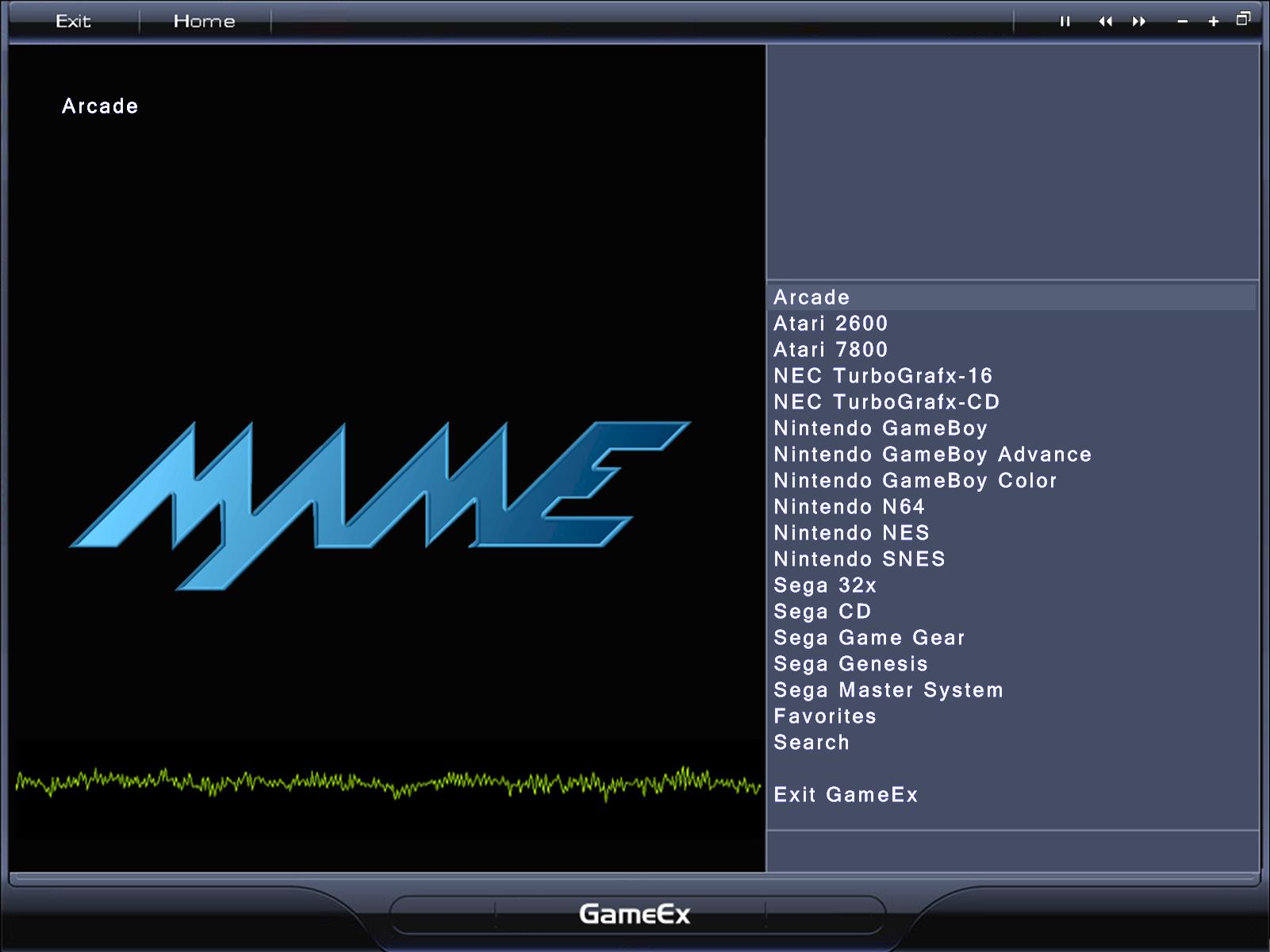
In advanced config: Advanced Mame options to turn off the mame submenus Enable/Disable features for other menus Text/Language if you want to change the text displayed (Like changing All Mame Games to just MAME or Arcade Games etc.)
-
If you turn on flat menus and then turn off each of the MAME submenu items except for All Games I think you can get the setup your looking for. There isn't an ini that lets you completely customize the start page that I know of. Here is how I have mine setup (which sounds like the kind of thing you are going for unless I misunderstood you). Is that what you are going for?

-
Oh very nice that is easy. Thanks for the quick reply.
-
I downloaded the Atari 5200 box art set from emumovies and found that GameEx wouldn't display them. After messing around a bit I figured out it was because they use the .jpeg extension instead of .jpg. Renaming the files as .jpg has fixed the issue obviously, but it seems strange that GameEx isn't setup to handle already. Assuming there's no setting or workaround for this already, is this something that can get added to gameex? Also, now I'm wondering if I have a bunch of other .jpeg files scattered throughout the rest of my folders, so does anyone know any programs that can search for and rename .jpeg to .jpg automatically? Thanks in advance.
-
Just found a similar bug. If there is a period in the game name you get the same/similar effect. "Buster Bros." for the TGCD was the game I was having trouble with. It would display the name, developer and year properly from the game list screen, but when you actually selected it and went to the game description page then no information (not even the developer+year) would show up. I had to change the name to "Buster Bros" in my database and map file in order to fix this. EDIT: also just realized that if you have a comma in the "Name" field the same thing happens.
-
Tonight when I get home I will do that.
-
I have some questions about some random things and was hoping some of you experts here could help me out. 1) I'm slowly working on an MAME cabinet (got an old Double Dragon II cab to work with) and right now am trying to get the PC setup for it. I was given an old HP comp which seems to run MAME and most emulators fine, but GameEx is very sluggish. Here are the specs: Intel Celeron 2.7ghz 1GB Ram Integrated Intel Extreme graphics So yea its pretty bad but I'm still surprised how bad GameEx runs. I've tried all of the various tweaks found in the sticky performance thread. I've read that older integrated graphics run GameEx very poorly so I'm guessing that is the main issue. The problem is that the motherboard has no AGP/PCI-E slots at all. I'd have to get a regular PCI card. This is what I was looking at: http://www.newegg.com/Product/Product.aspx...N82E16814130289 for 50 bucks. Am I right that the integrated graphics are the problem and do you think that PCI card would be a significant upgrade? (keep in mind I just want to run GameEx, MAME and emulators up to SNES or maybe N64) 2) Is there currently a way to launch N64 games with 1964 through GameEx? I saw that there used to be a loader for this but it is no longer available. Is there another loader or a workaround that someone has found? 3) How can I change game info like Name, Genre, Description, etc. If someone could point me to a tutorial or explain in simple terms (cause I'm an idiot) how to do this I would be eternally grateful. Thanks in advance for any help provided.